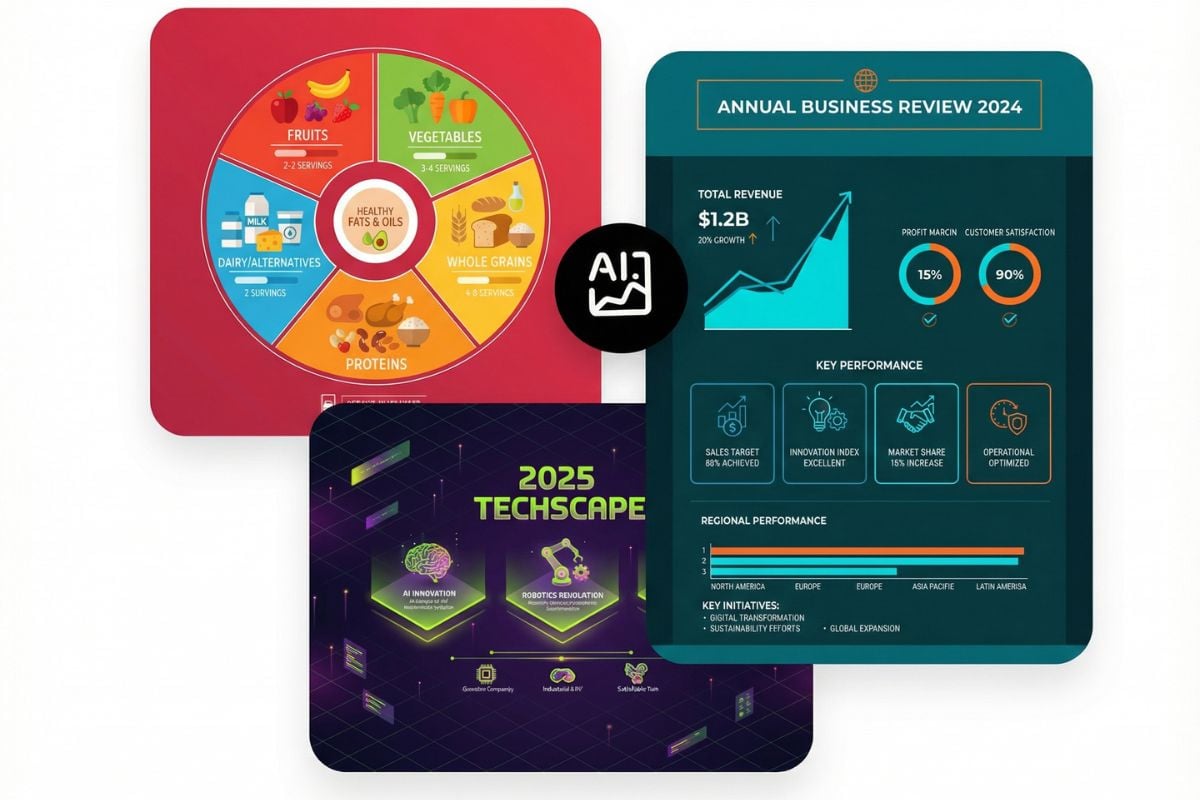
AI Image Translator: Translate the Text, Keep the Design

Upload any image with text in it, such as a restaurant menu, an event poster, a product package or a social media graphic, and the AI translates the words right inside the picture. Each line is replaced in the same spot, at a similar size and in a matching font style, while the photos, colors, prices and layout stay as they were. The result reads like the image was made in your language from the start, so you can understand it on a trip or reuse it for another market. The prompt translates into English by default; change "English" to any other language to switch. Need the text gone instead of translated? Use Remove Text from Image. The console below runs on GPT Image 2.5.
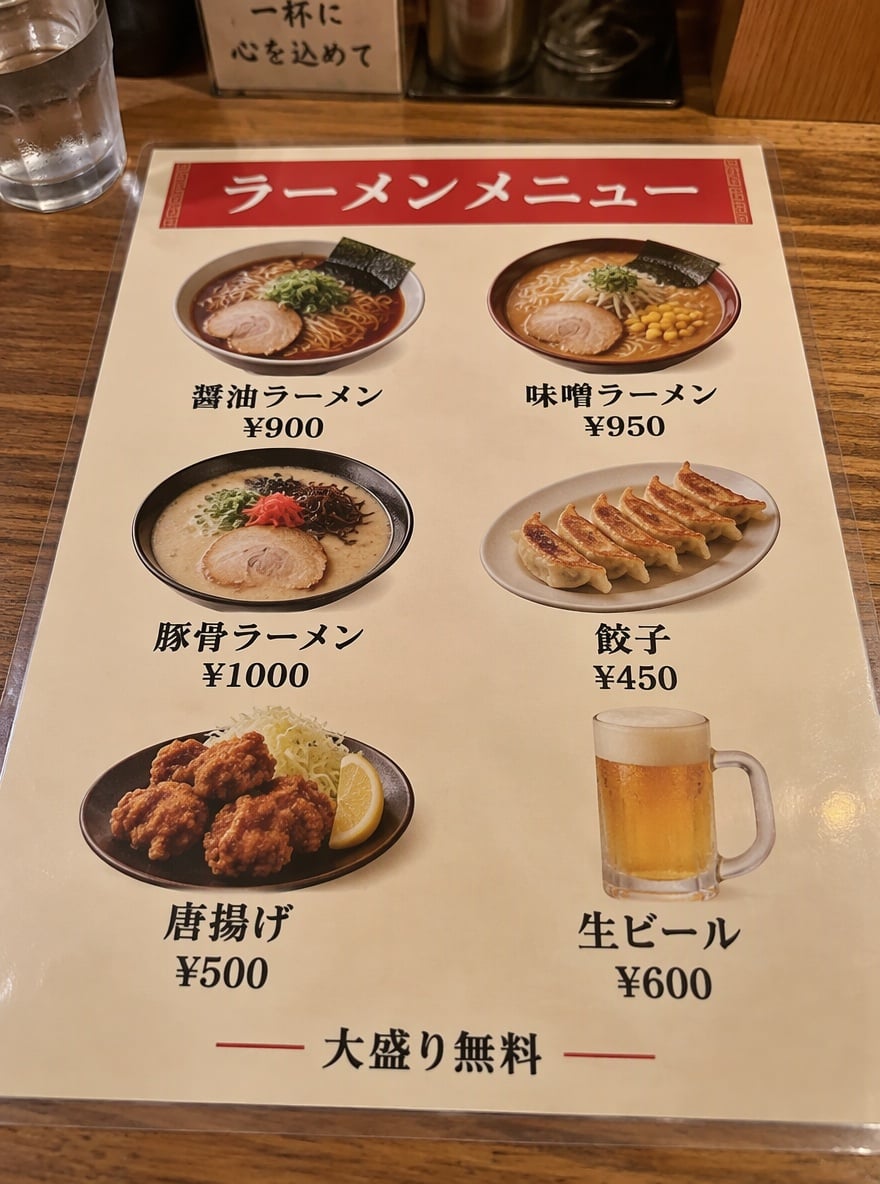
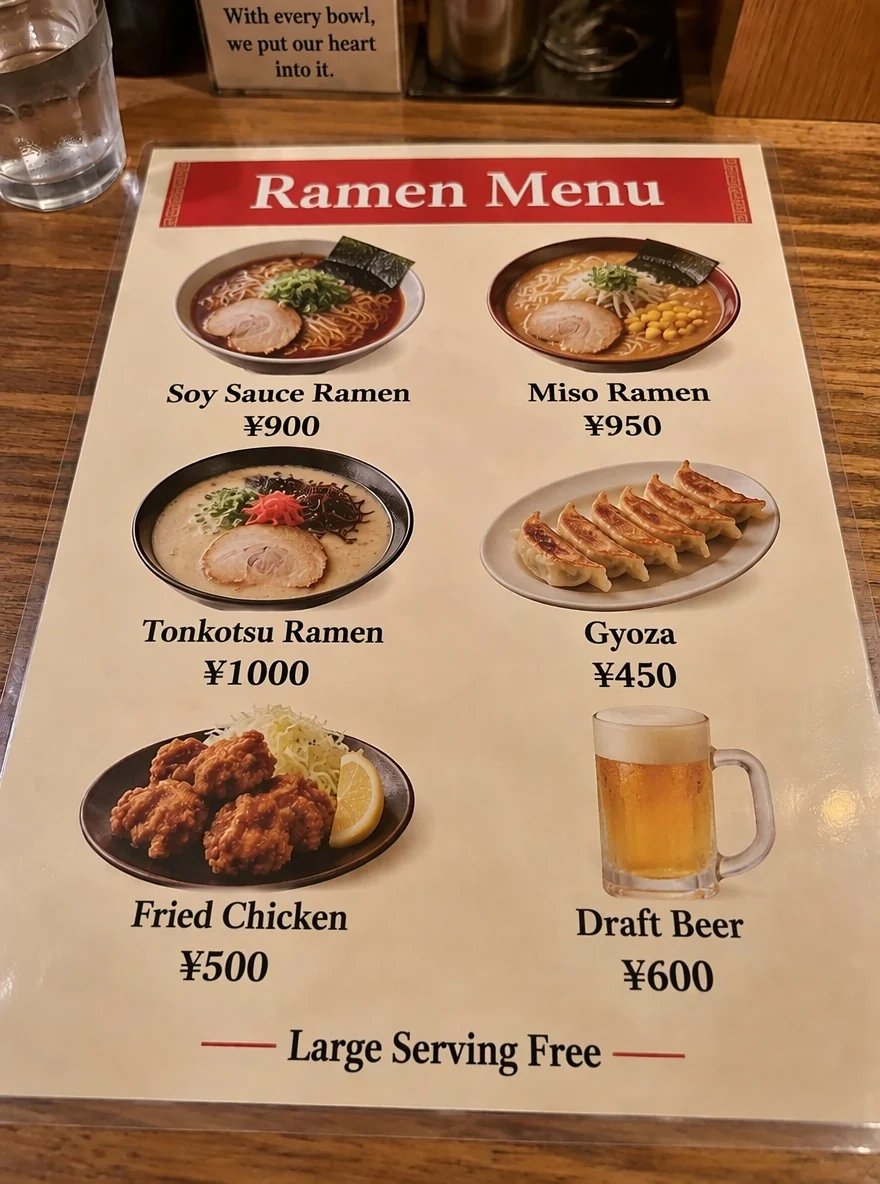
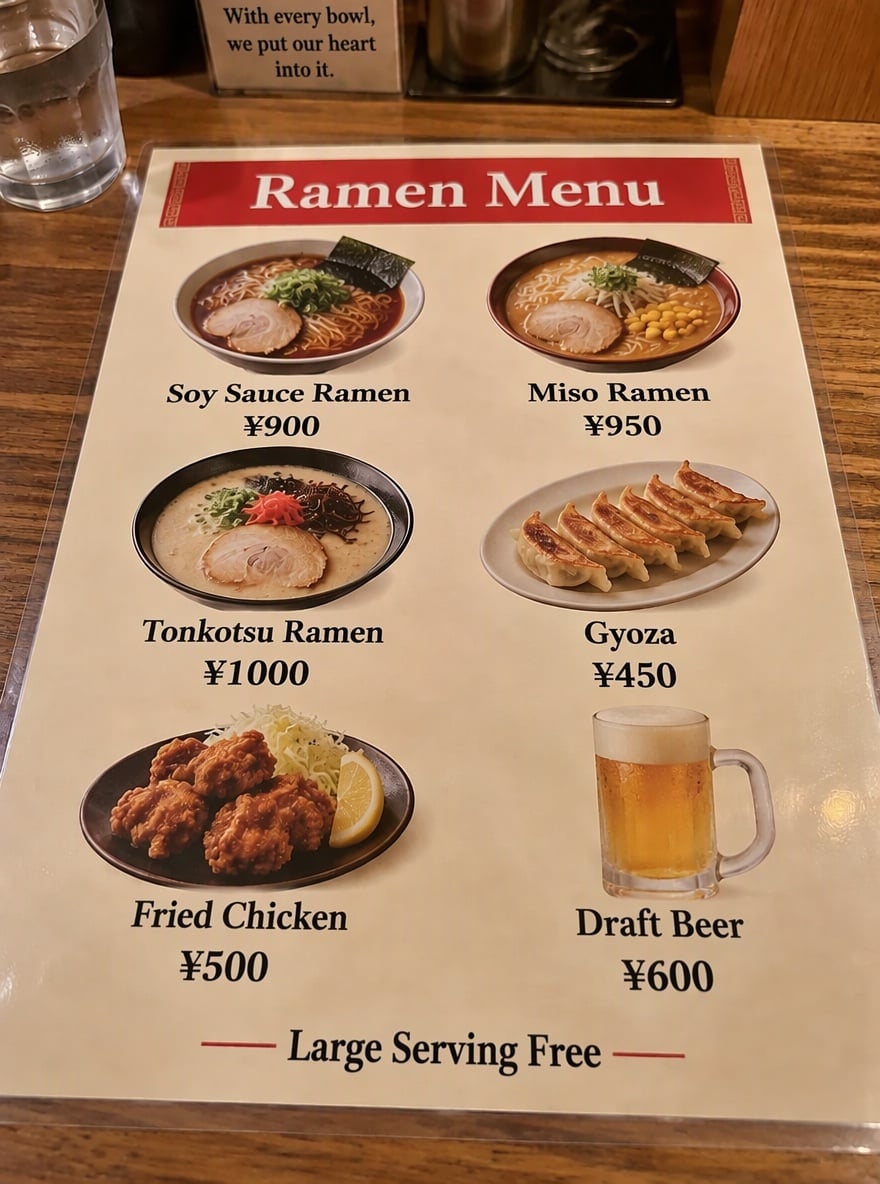
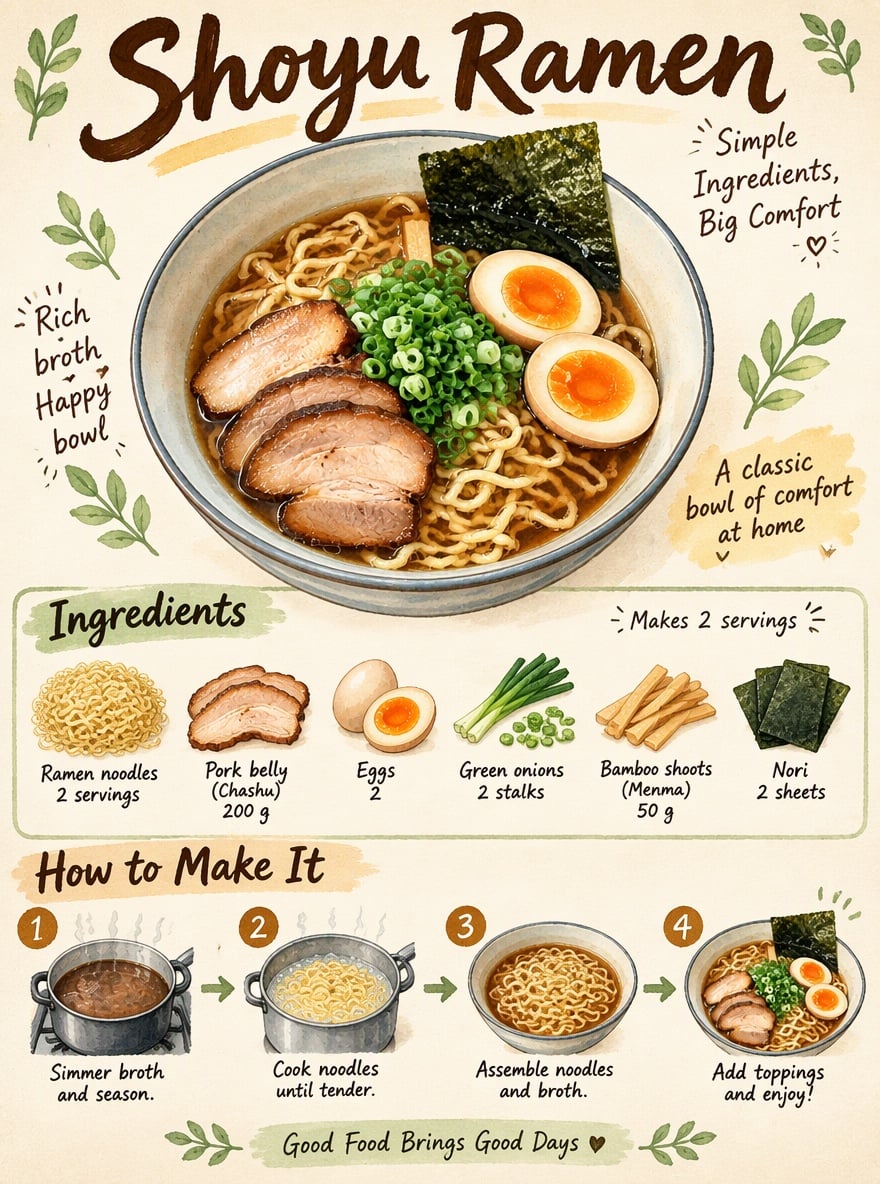
Japanese Ramen Menu Translated to English
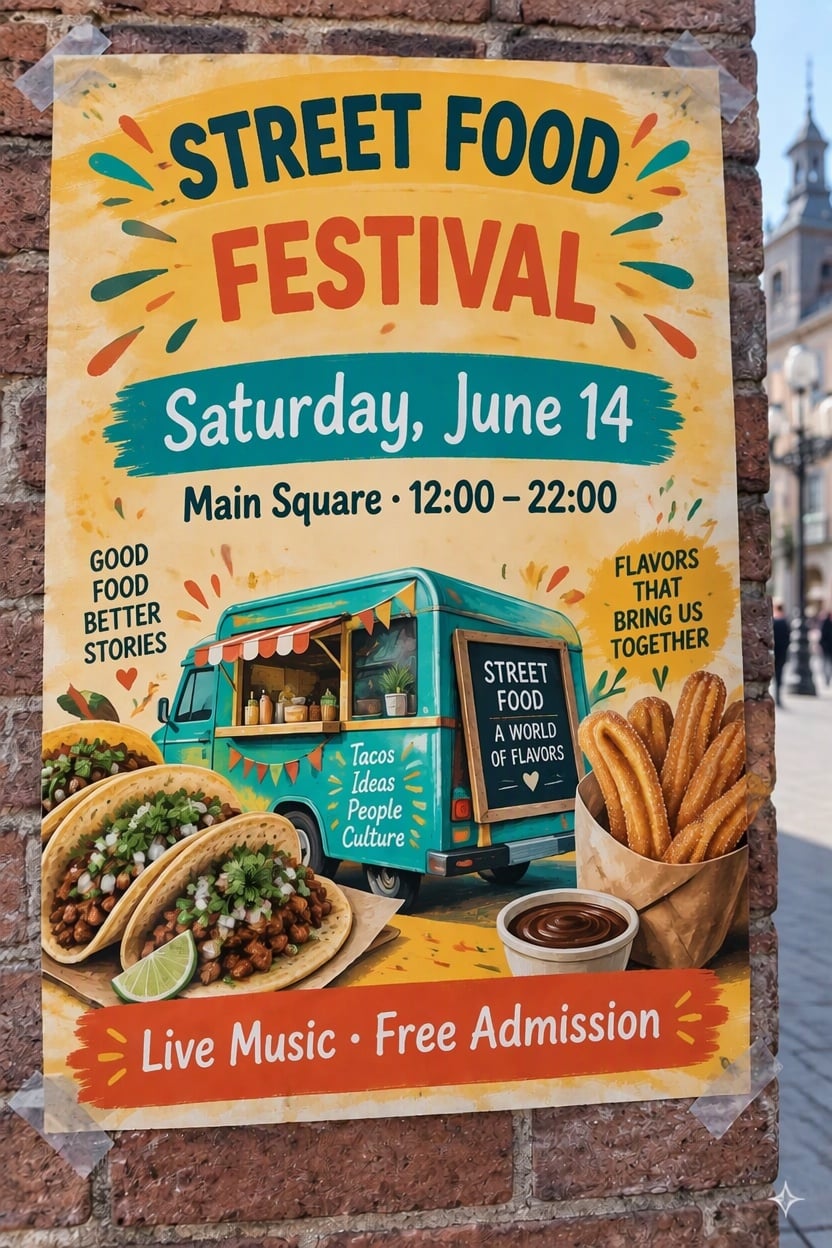
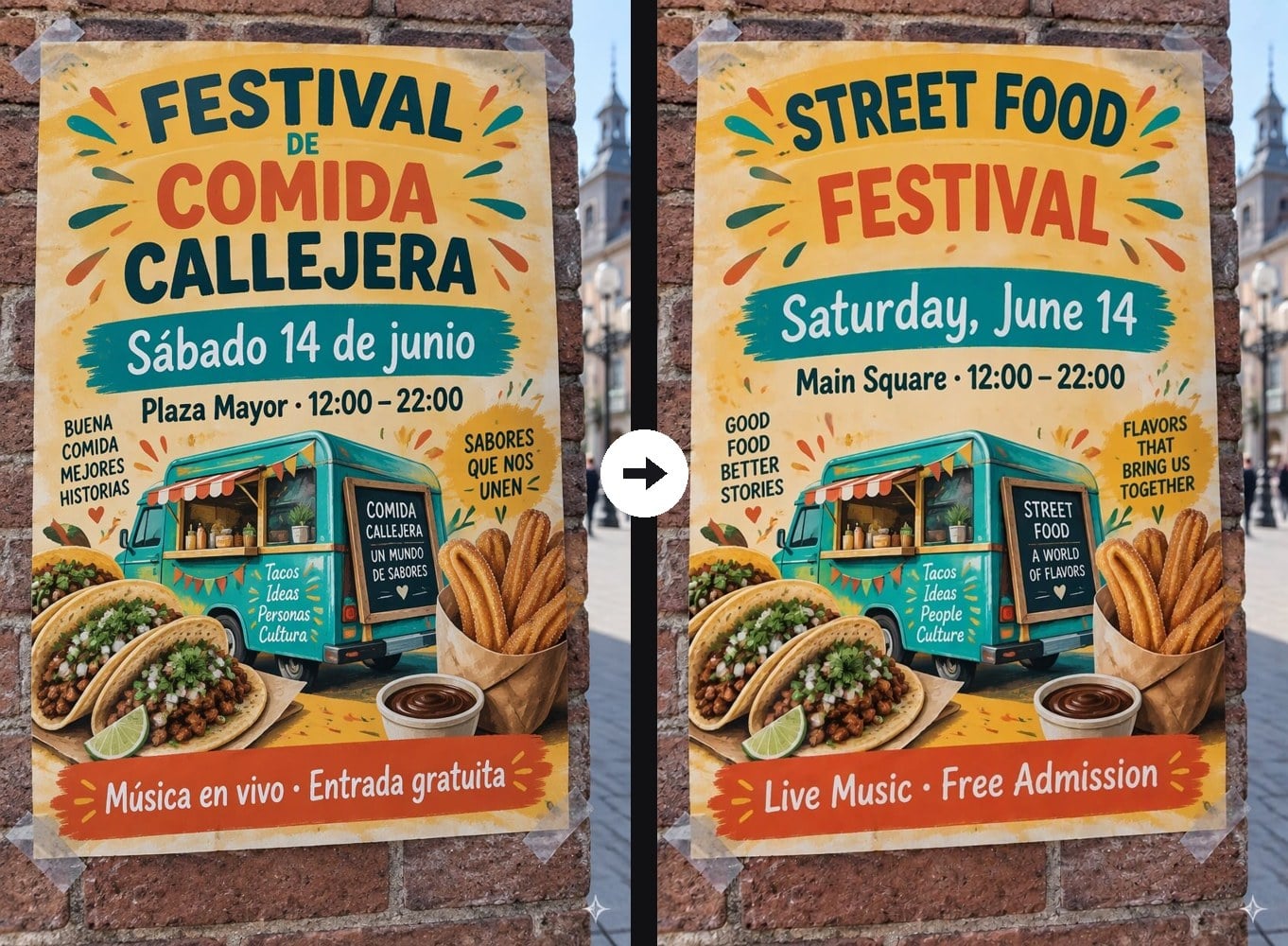
Spanish Festival Poster Translated to English
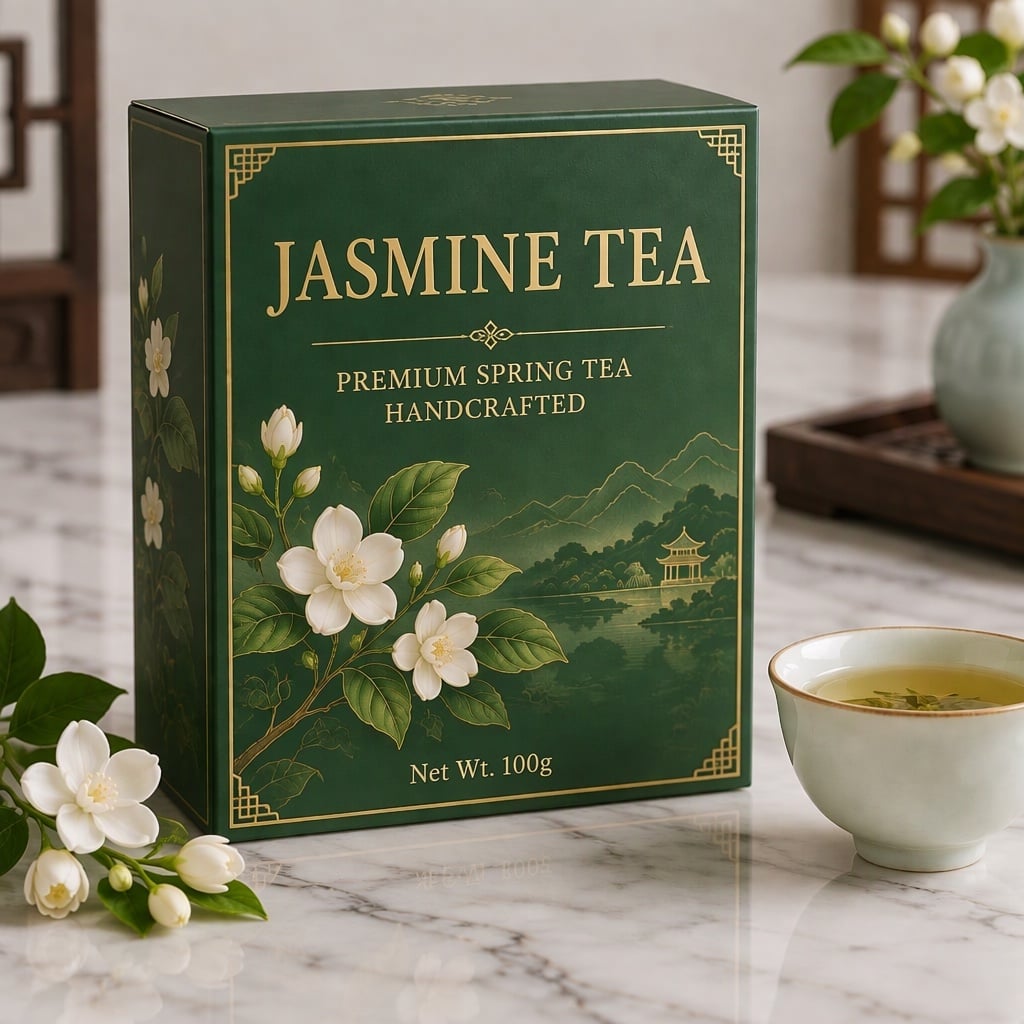
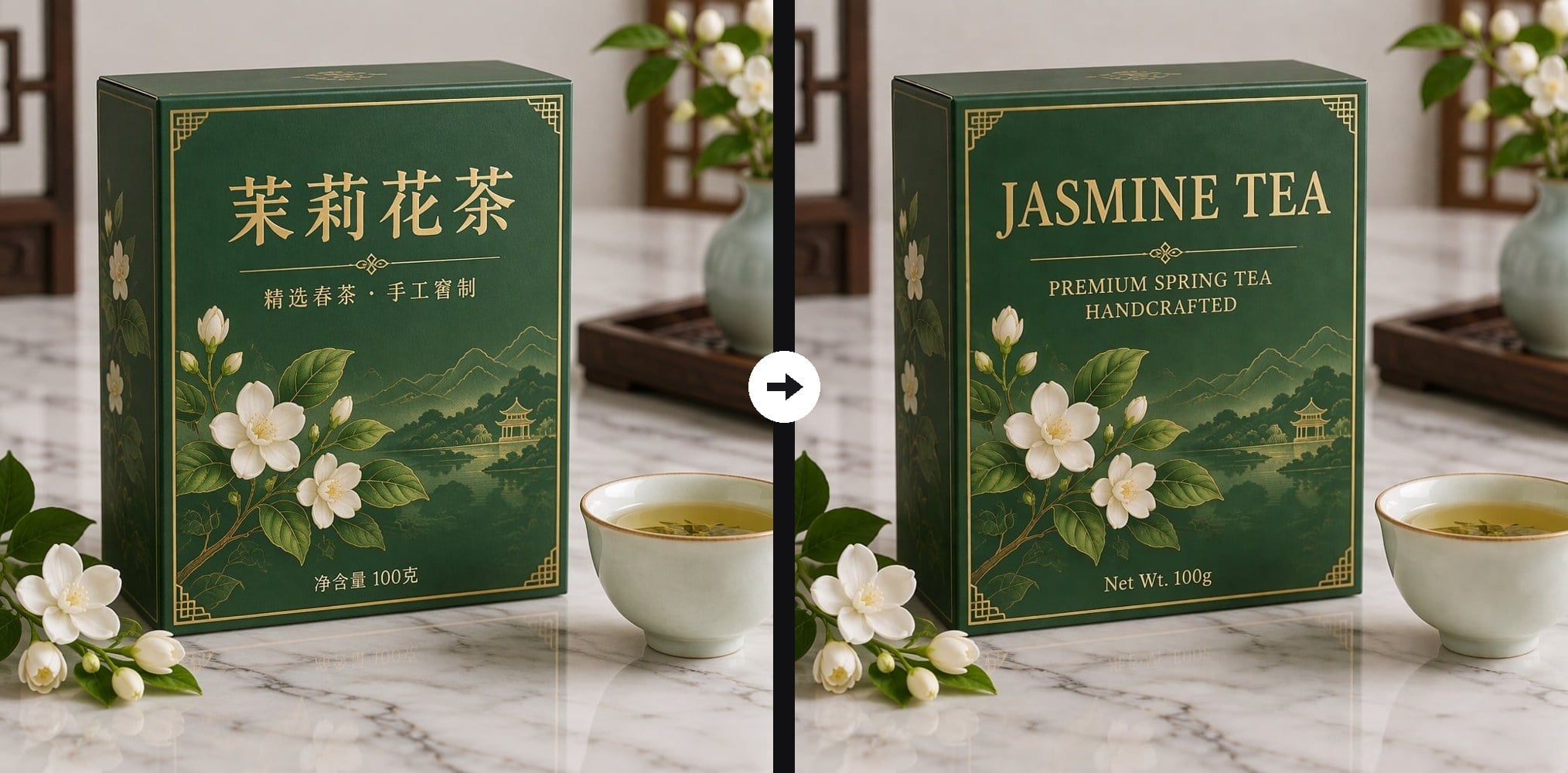
Chinese Tea Box Translated to English
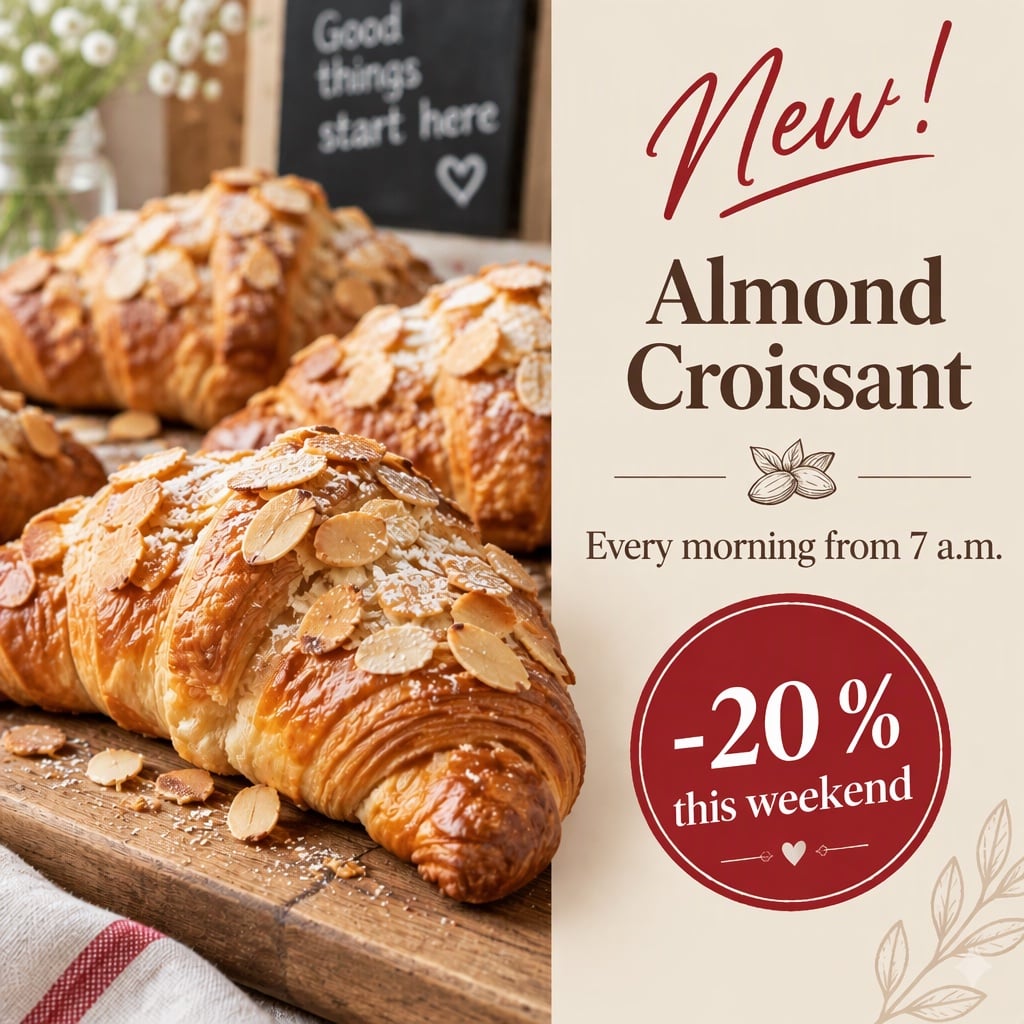
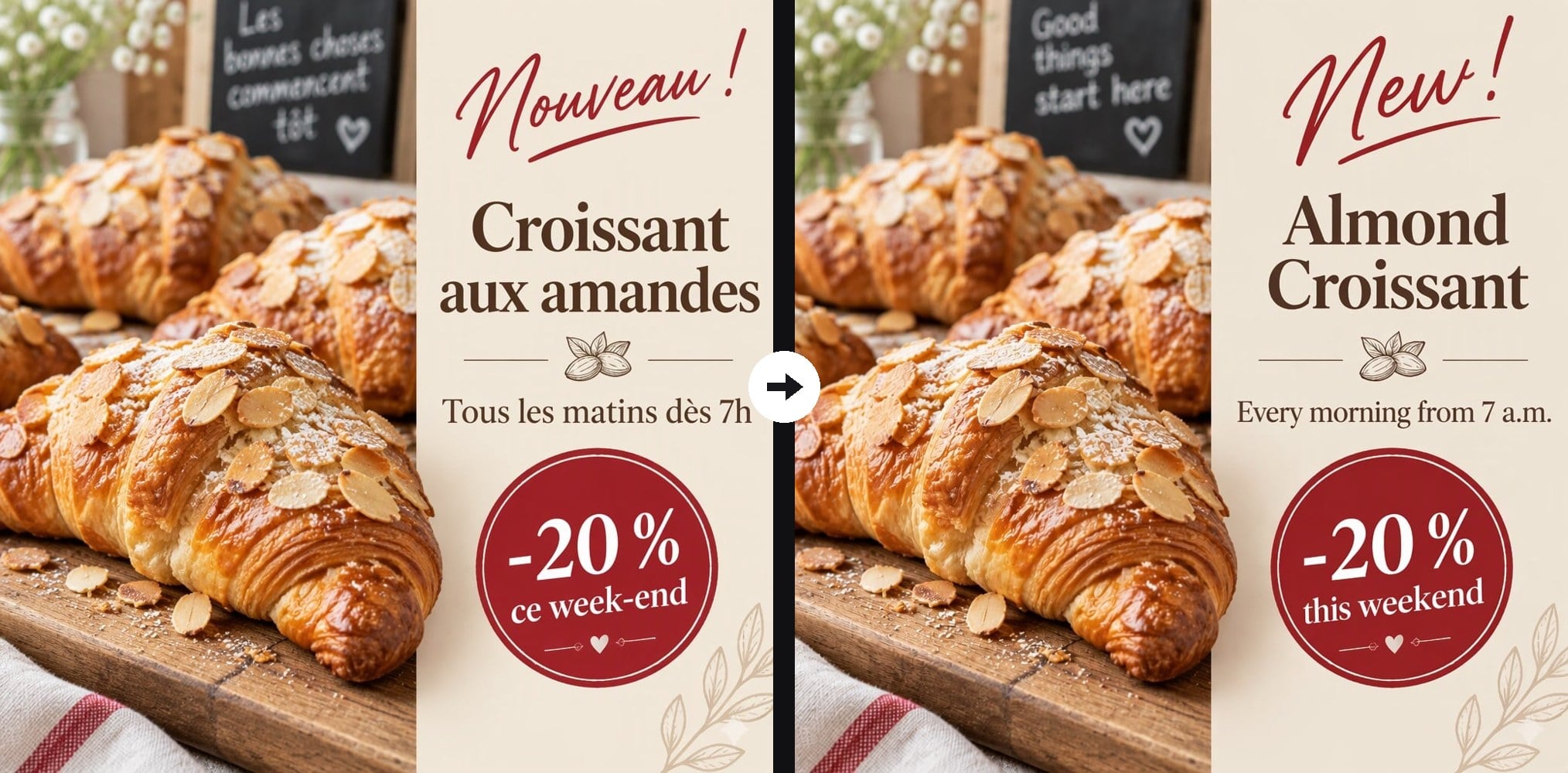
French Bakery Post Translated to English
Upload an image with text: menu, poster, product, screenshot
Effect prompt
By uploading a file, you agree to GoEnhance's Terms of Use and Privacy Policy

Images Translated with the Layout Kept

Each result is one upload with the prompt above. The photos, colors, prices and positions stay; only the words change language.
Japanese Ramen Menu Translated to English - AI Image Translator

Japanese Ramen Menu Translated to English

Spanish Festival Poster Translated to English - AI Image Translator

Spanish Festival Poster Translated to English

Chinese Tea Box Translated to English - AI Image Translator

Chinese Tea Box Translated to English

How to Translate Text in an Image

01

Upload your image

Menus, posters, flyers, product labels, packaging, screenshots and social posts all work. Clear, readable text gives the best result.

02

Pick the target language

The prompt translates into English. Replace "English" with Spanish, Japanese, German or any other language you need.

03

Download the translated image

Save the new version to read on the spot, print, post or upload to your shop listing.

Why Use This AI Image Translator
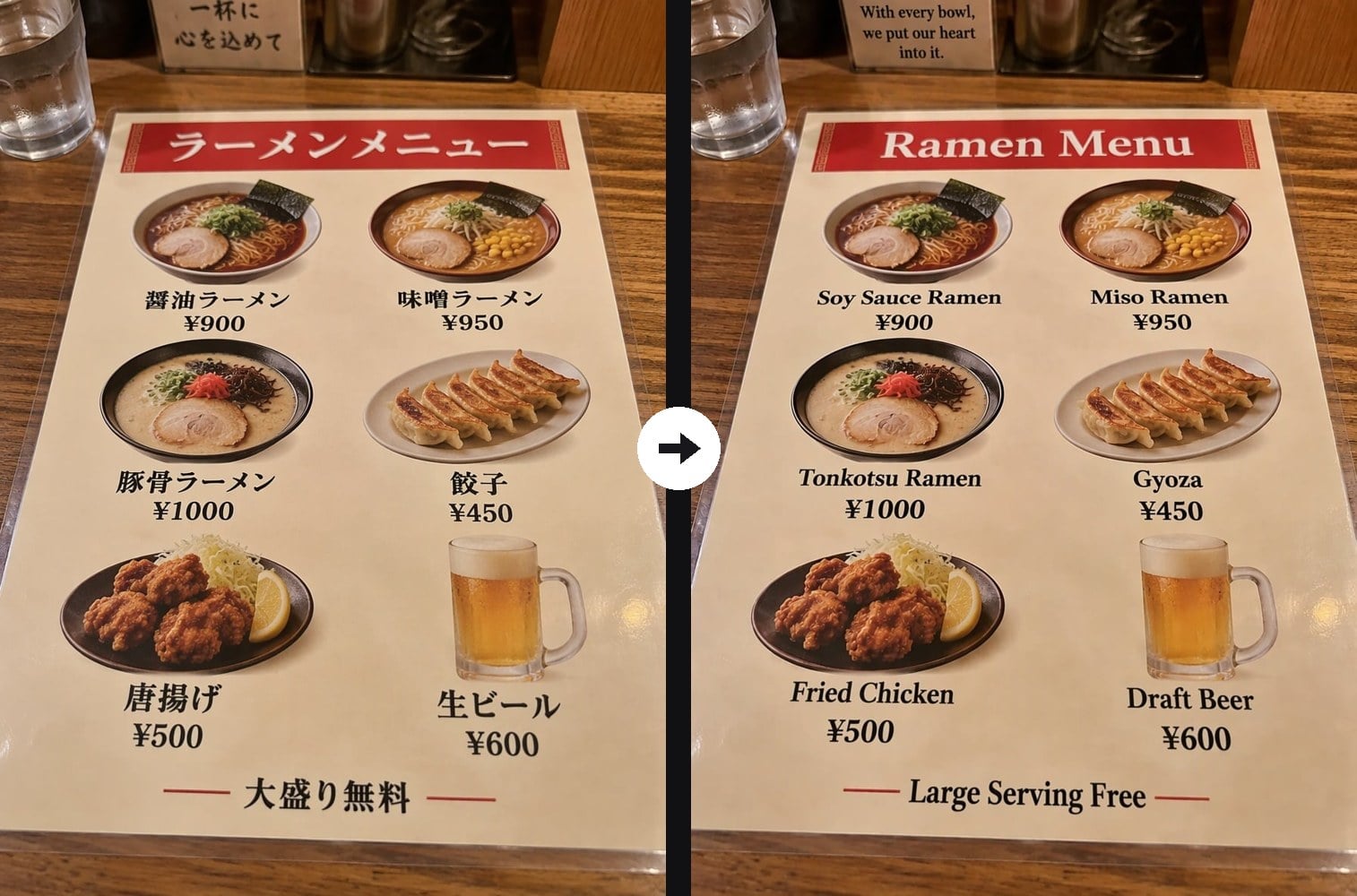
The layout stays put

Every line of text is rewritten in the same place, at a similar size and in a matching font style. Photos, colors, badges and decorations are left untouched, so the translated image looks like an original design rather than a patched copy.

The layout stays put - AI Image Translator

Built for menus, posters and products

It reads printed menus, bold poster titles, small package labels and promo badges in one pass. That makes it useful for travelers who want to order with confidence and for sellers who need the same image for a new market.

Built for menus, posters and products - AI Image Translator

Any language, one word to change

The prompt translates into English by default. Swap that one word for French, Korean, Portuguese or another language and run it again to get a new version of the same image for each audience.

Any language, one word to change - AI Image Translator

Prices and numbers kept

Prices, dates, times and percentages are kept as they are, so a ¥900 ramen stays ¥900 and a weekend discount keeps its number. You only need to check names and wording before you publish.

Prices and numbers kept - AI Image Translator

AI Image Translator FAQ

What does the AI image translator do?

It finds the text in your image, translates it and redraws it in the same place with a matching style, so you get a new image in another language with the original layout.

Which languages can it translate?

It handles common languages such as English, Spanish, French, German, Italian, Portuguese, Japanese, Korean and Chinese. Write the target language in the prompt; English is the default.

Will my photos and design change?

The prompt asks the AI to change only the text. Photos, colors, prices and positions are kept. Long translations may be set slightly smaller so they fit the same space.

Is the translation always correct?

It is accurate for short menu items, titles and labels, but it is still a machine translation. Check brand names, legal text, ingredients and allergy information before you print or publish.

What kind of images work best?

Sharp photos or files where the text is easy to read. Very small print, heavy handwriting or text at a steep angle may be missed or simplified.

Can I remove the text instead of translating it?

Yes. To clear words, captions or watermarks and keep a clean image, use Remove Text from Image, then add new text in any editor.

Read Any Image in Your Language

Upload a menu, poster or product photo and get the translated version in under a minute.

Translate My Image