Remove Text from Image

Erase captions, titles and words laid over a photo. Upload the image, and the AI finds the text, removes it and fills in what was behind it. It looks best when the text sits on sky, walls or plain backgrounds. Each image costs 4 tokens.
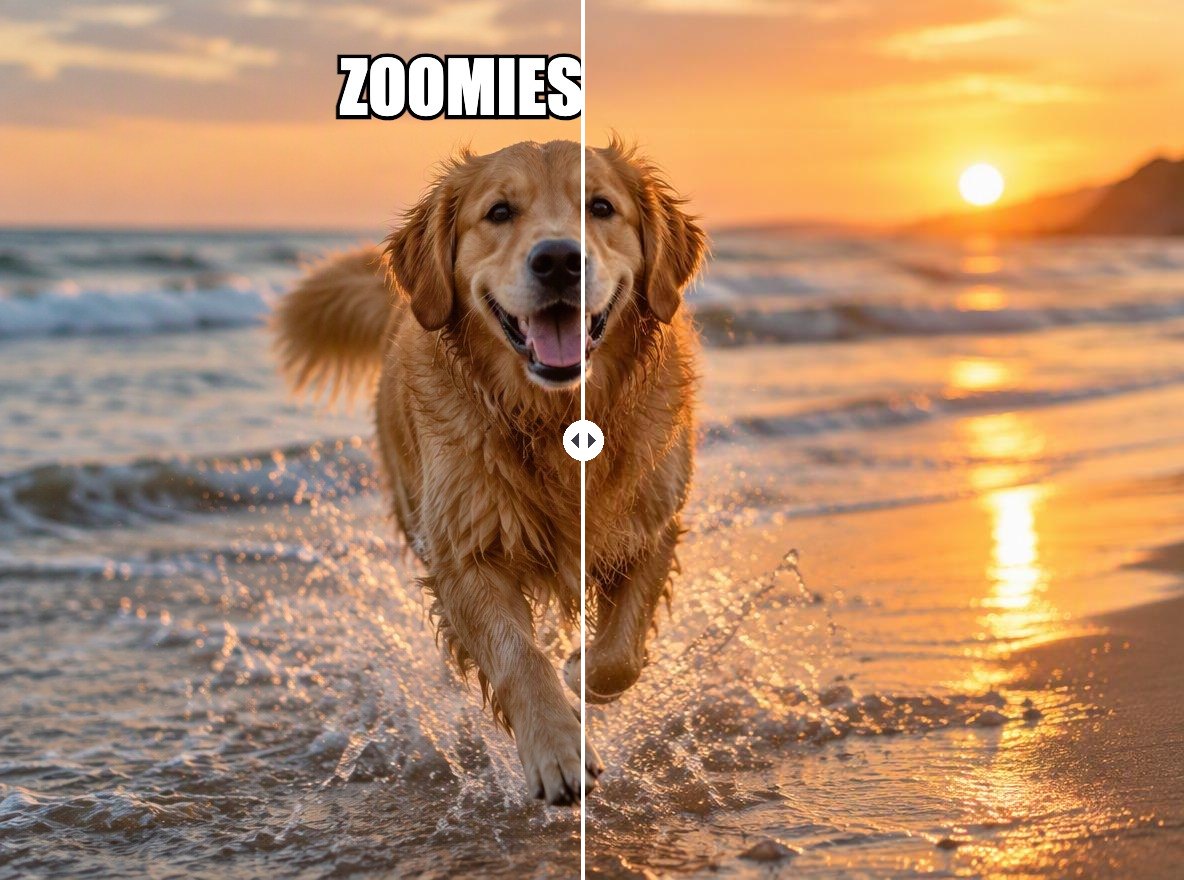
Caption on sky
Caption on sky
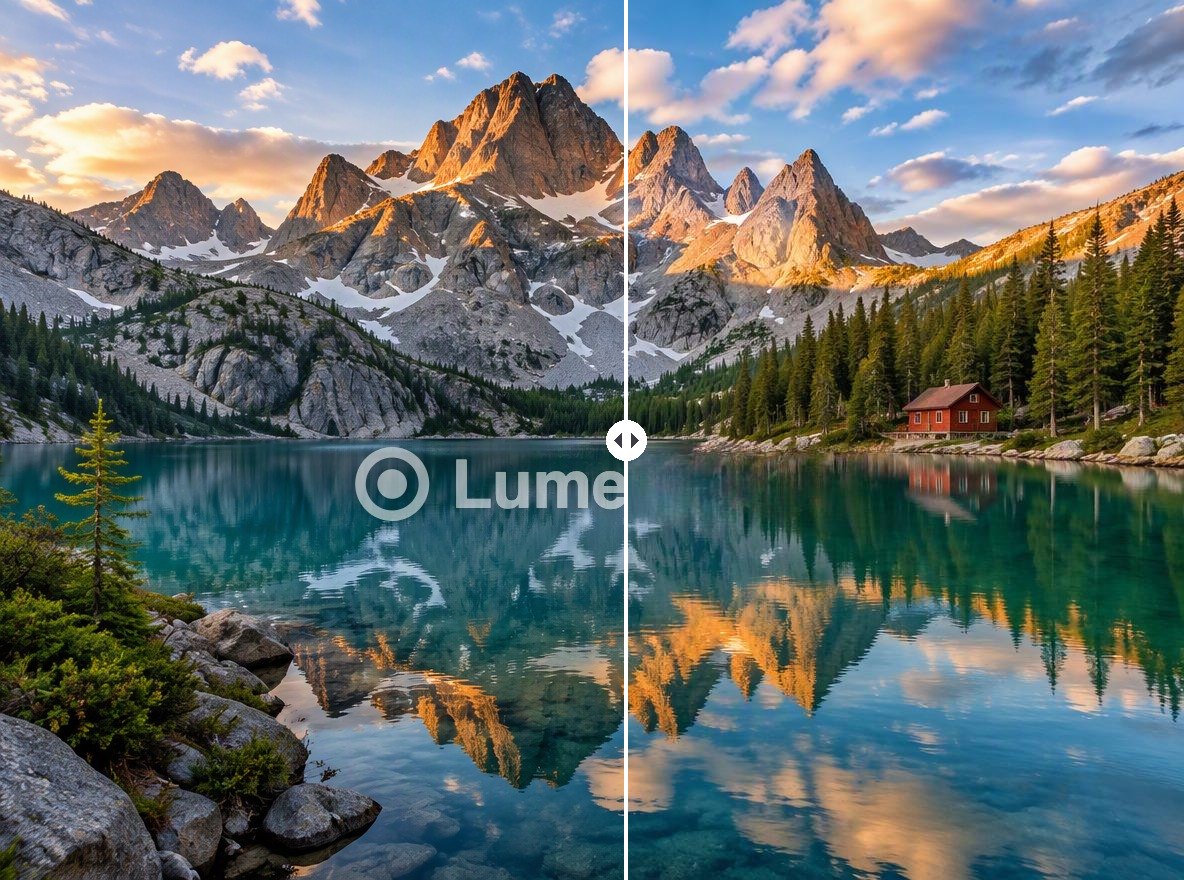
Product title
Product title
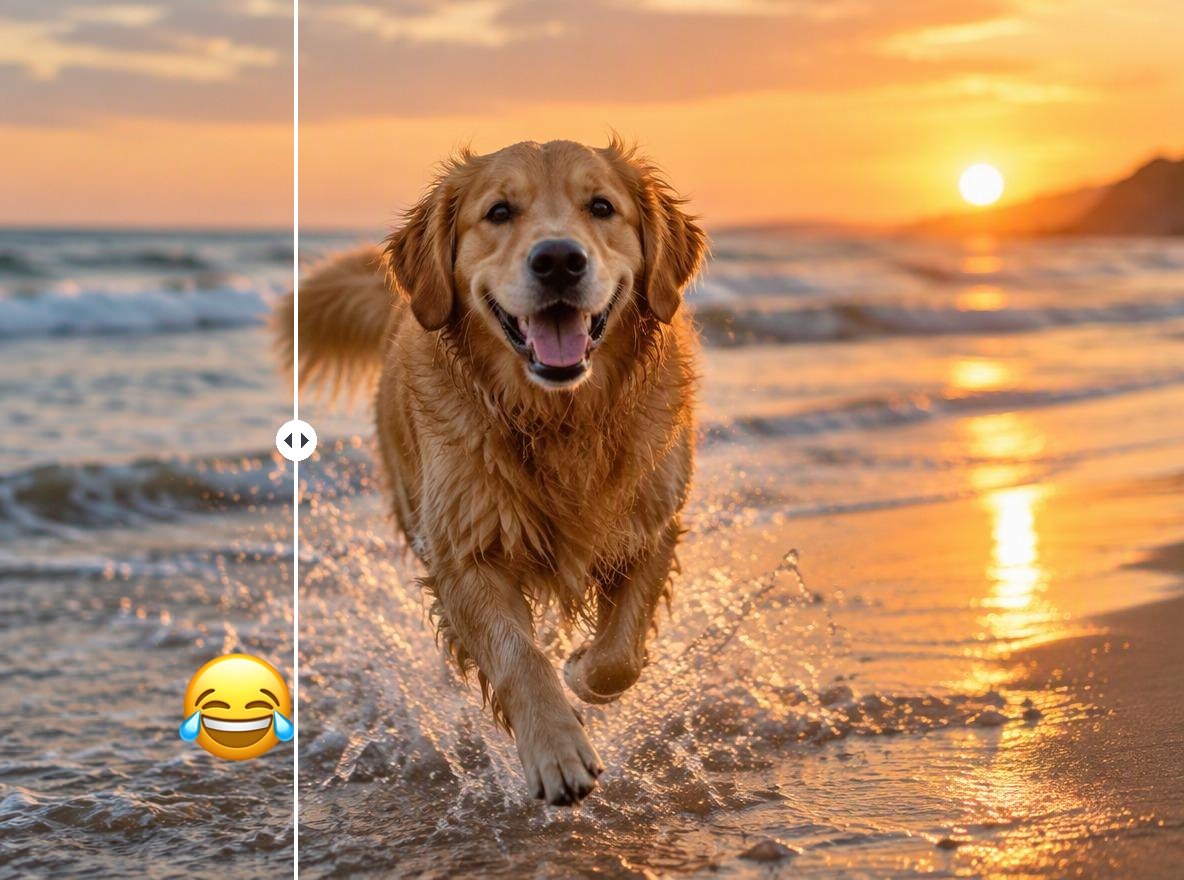
Meme text
Meme text
Upload an image with text
By uploading a file, you agree to GoEnhance's Terms of Use and Privacy Policy

How to Remove Text from an Image

No selection needed.
01

Upload your image

JPG, PNG or WebP. The result keeps the same pixel size.

02

The AI finds the text

This page tells the AI to look for text. One pass clears one block of text, for example a title or a two-line caption.

03

Download, or clear the next block

If there is text in another place, click Remove another watermark to run the result again.

When Text Removal Looks Best

Background behind the textResult in our tests
Sky, walls or a plain studio backdropClean, hard to tell anything was there
Sunset, water or soft gradientsClean
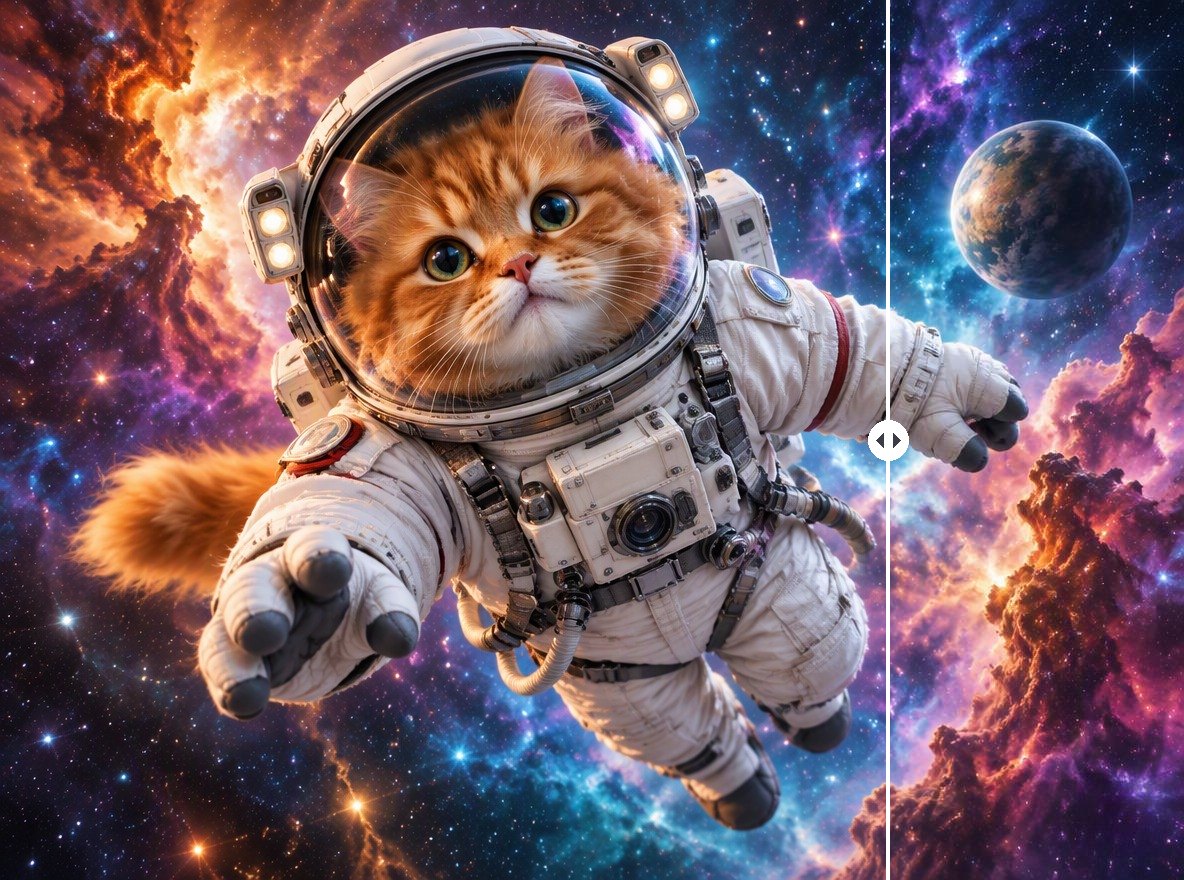
Detailed scenery such as mountains or crowdsText removed, the area can look soft
Text spread across many placesOne block per pass

GoEnhance vs Canva Magic Eraser for Text

GoEnhanceCanva Magic Eraser
How you pick the textAutomaticText selection mode, or brush over it
Where it runsIn your browserIn the Canva editor
Price per image4 tokens—
Best forClearing a caption or title in one stepEditing text-heavy images inside a Canva design

Text It Clears

Captions Over Sky

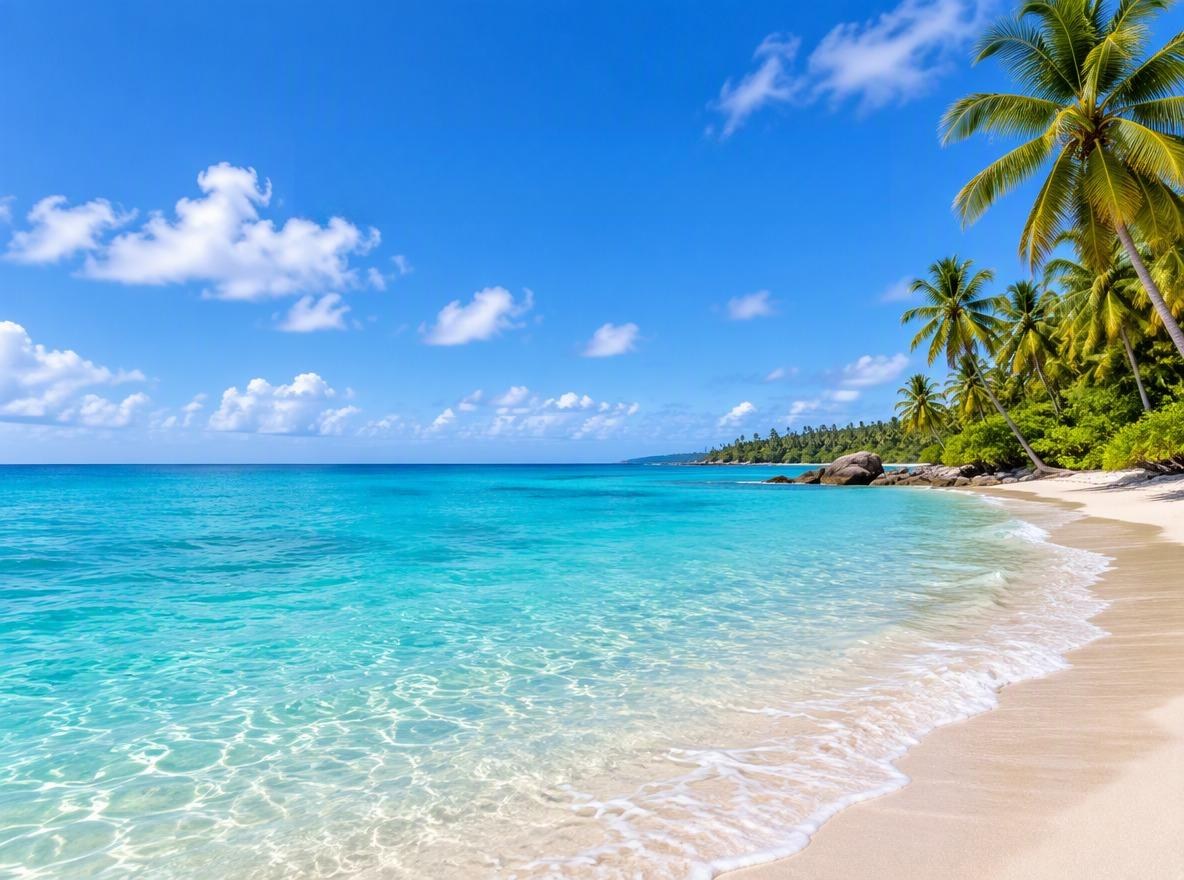
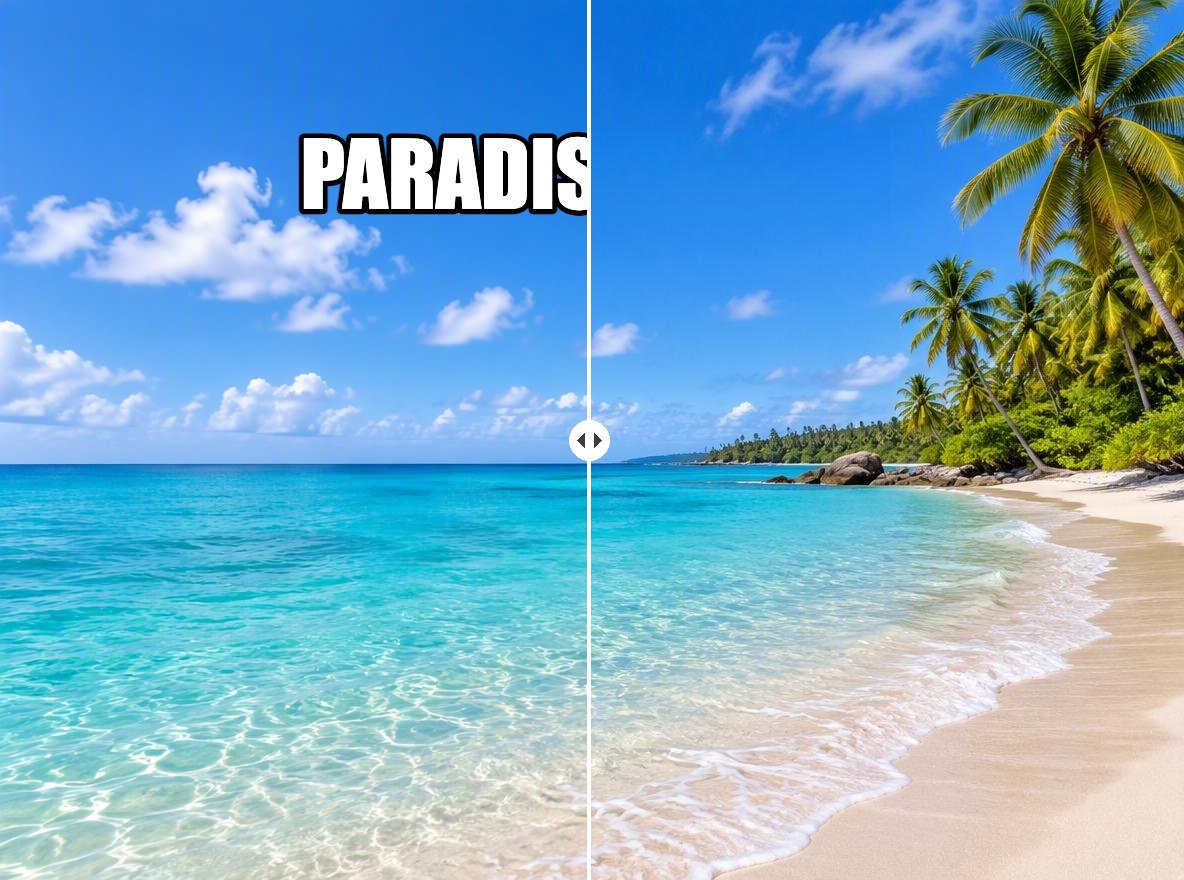
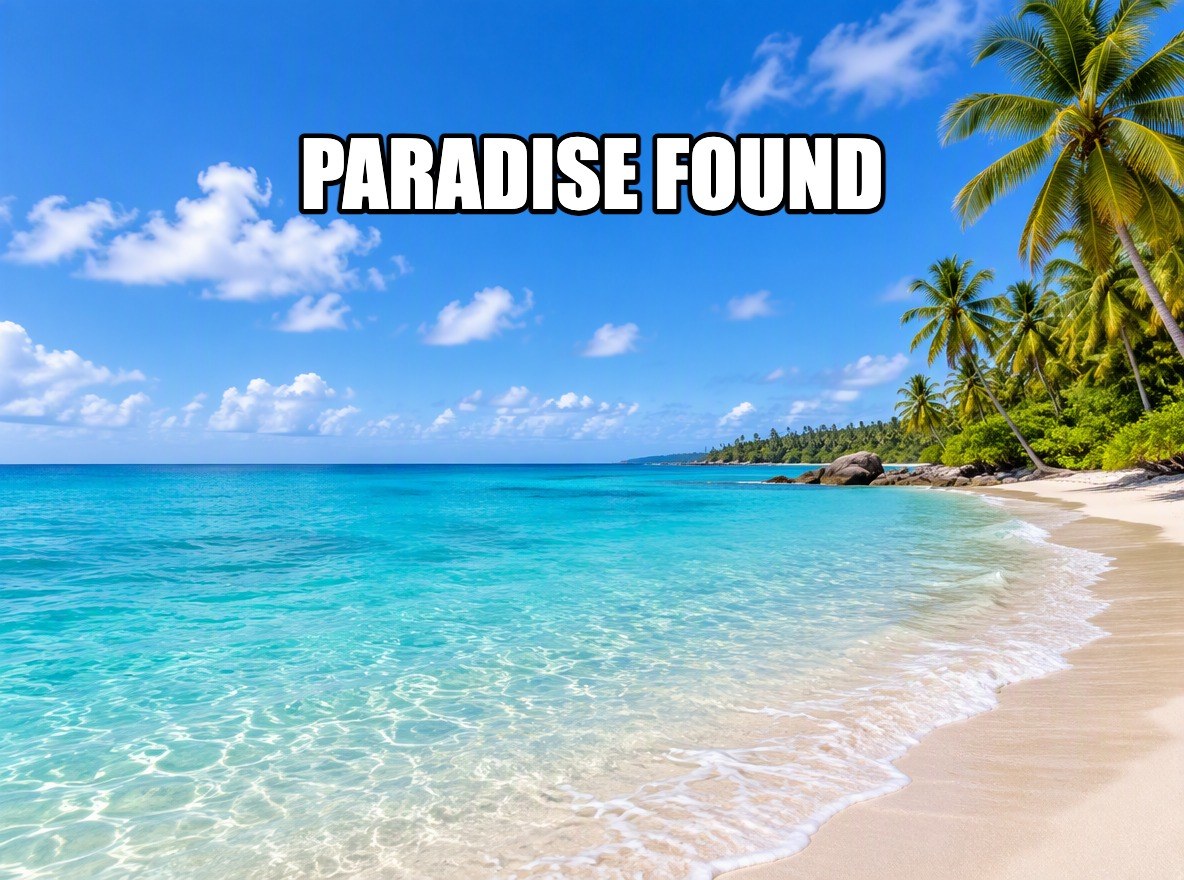
Titles on sky or water are the easiest case: the AI rebuilds the blue and the clouds behind the letters.

a beach photo with a caption removed from the sky

Product Titles

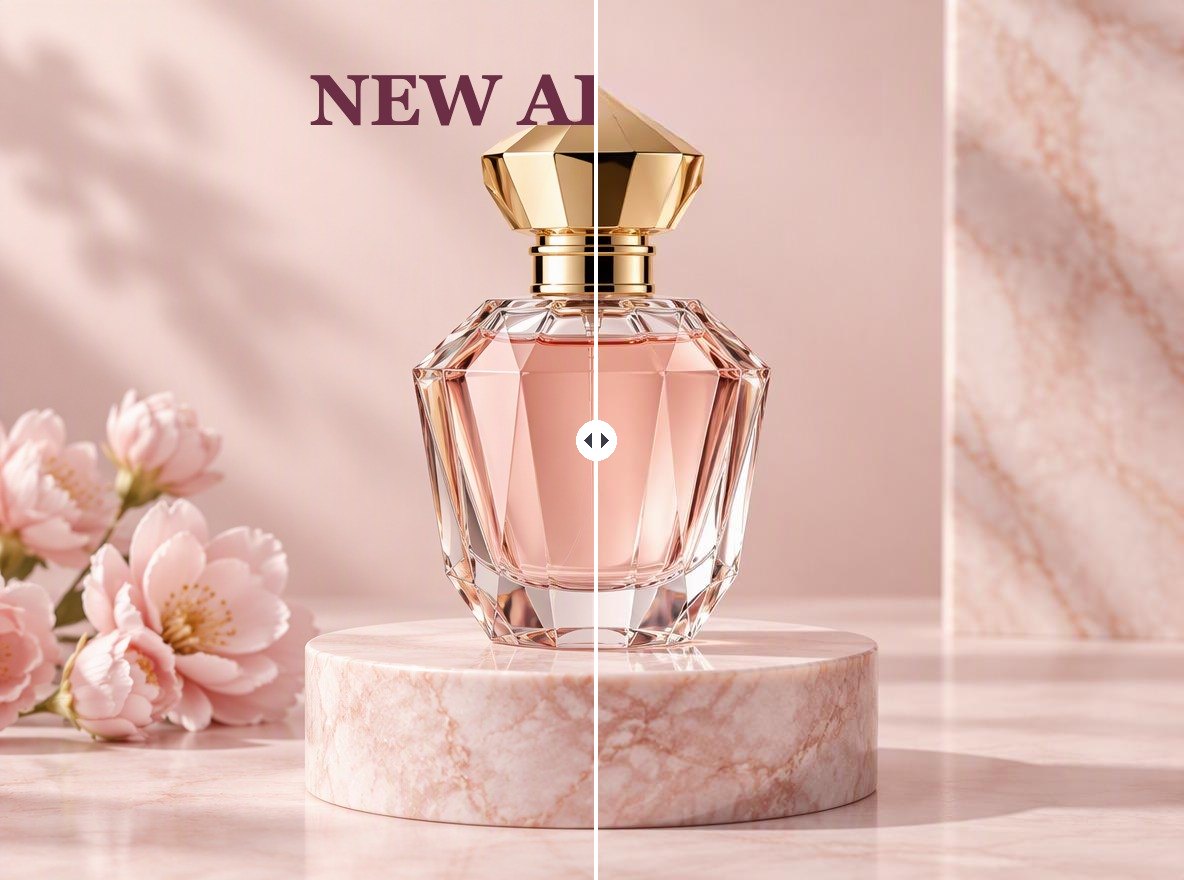
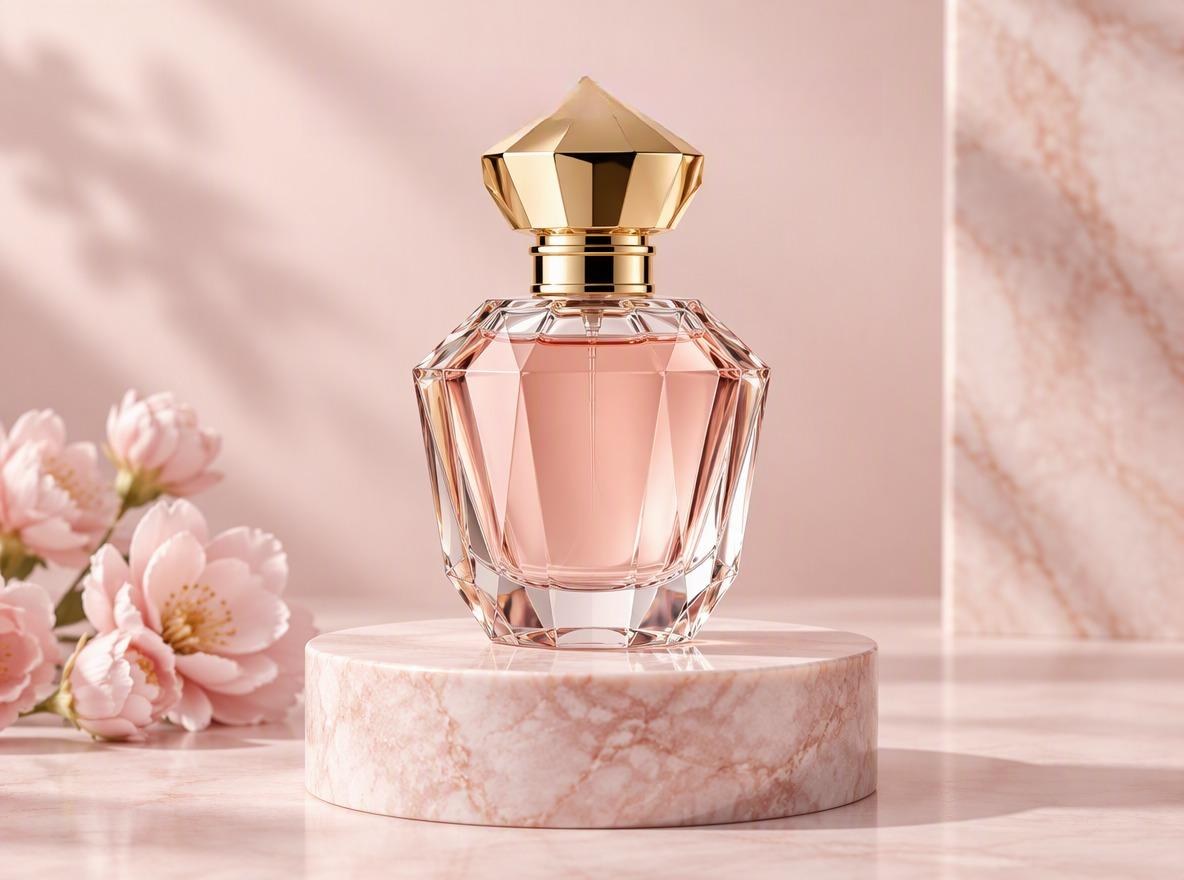
Remove an old campaign line from your own product shot and reuse the image with new copy.

a product photo with the title text removed

Meme and Story Text

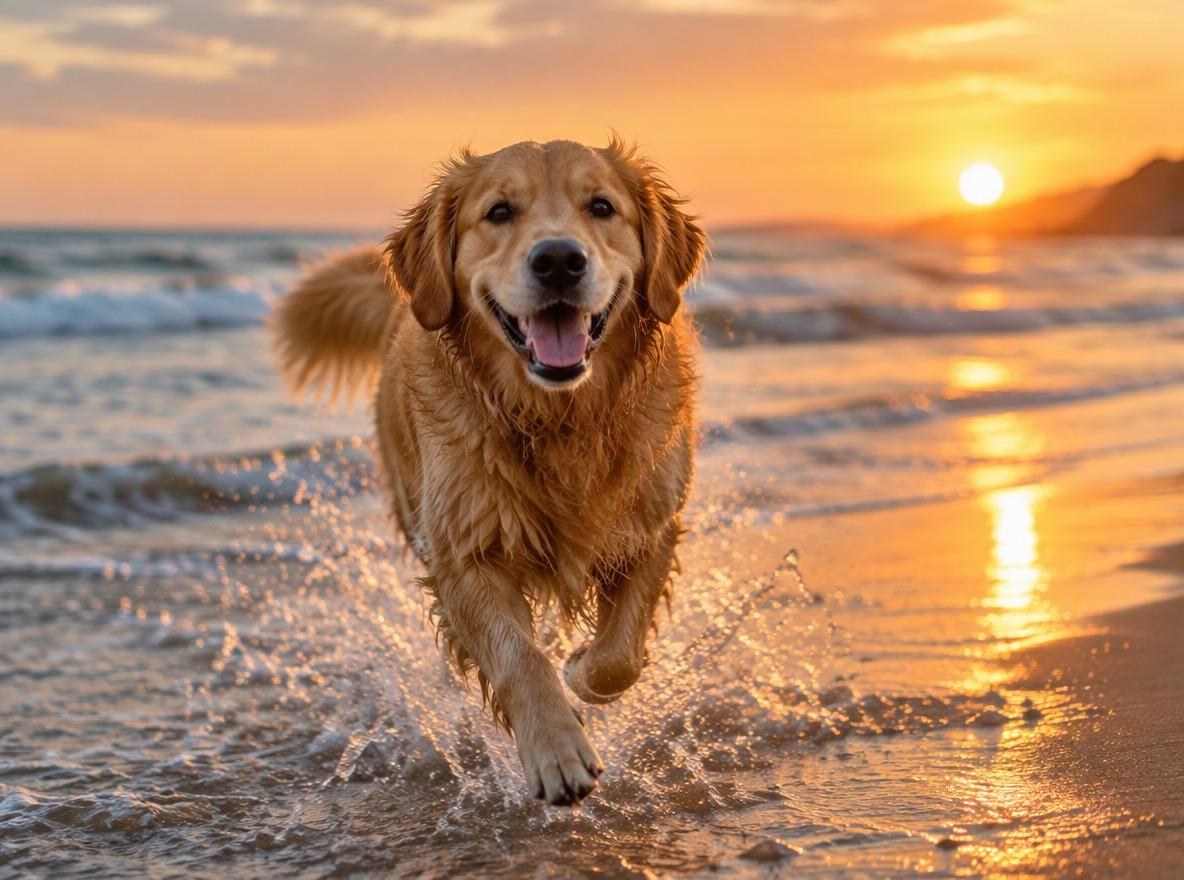
Get the original picture back from a meme or story you made, without the caption.

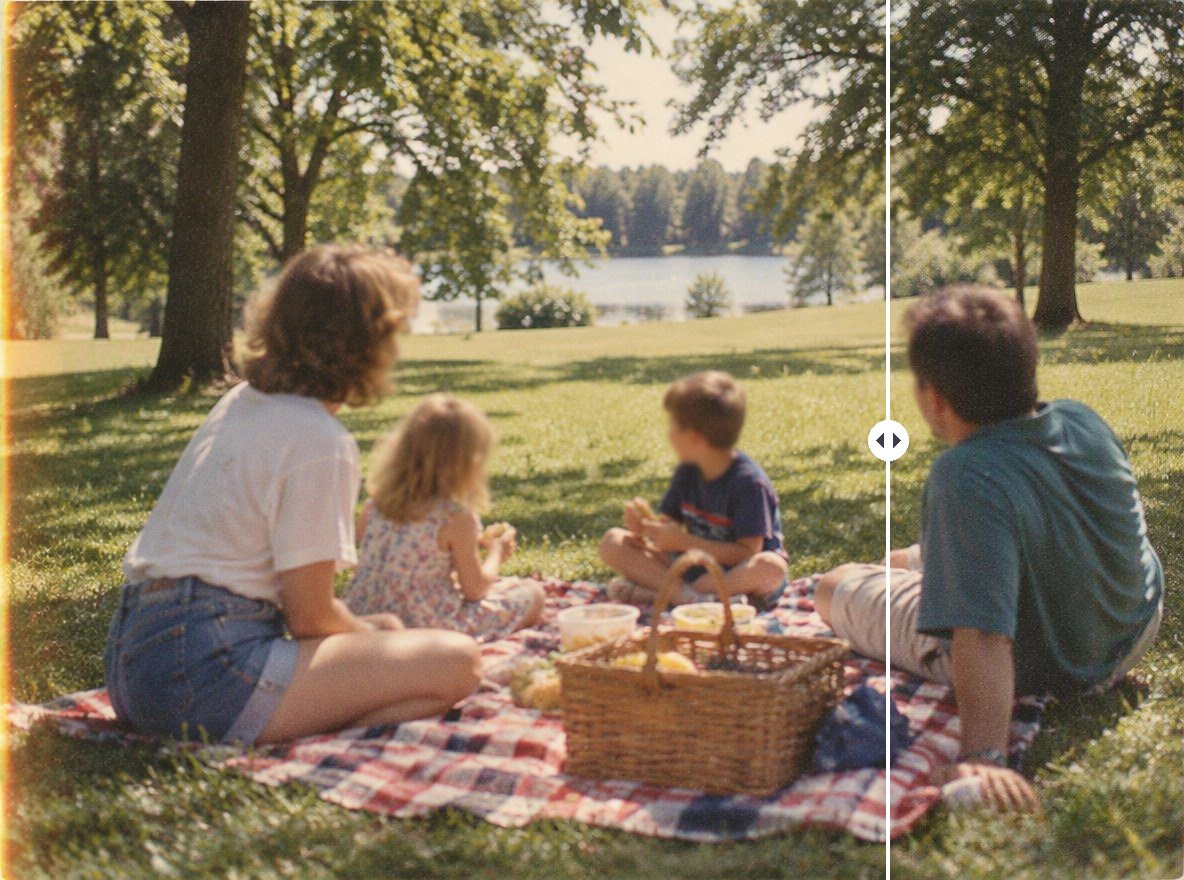
a dog photo with meme text removed

Good to Know

Automatic Detection

No brushing, the AI finds the text block.

One Block per Pass

Run it again for text in another spot.

Original Resolution

The output has the same pixel size as your upload.

Also Removes Watermarks

For logos and stamps, see the <a href='/ai-image-generator/image-watermark-remover'>AI Watermark Remover</a>.

Remove Text from Image FAQ

How do I remove text from an image without ruining the background?

Upload it to Remove Text from Image above. The AI removes the text and redraws the background from the surrounding area. Results are cleanest on sky, walls and plain backgrounds; on detailed scenery, large text can leave a soft patch.

Can it remove several lines of text?

Yes, if the lines sit together, like a two-line caption. Text in another part of the image needs another pass: click Remove another watermark under the result.

Can I remove text from a screenshot or a scanned document?

It is built for text laid over photos. A page that is mostly text, like a document or a slide, is not a good fit, because one pass clears one block.

Will the image lose quality?

The output has the same pixel size as your upload, and only the area under the text is redrawn.

Is it free?

Each image costs 4 tokens, whatever its size. New accounts get free tokens when they sign up, so you can try it before paying. GoEnhance does not add its own watermark to the result.

Is it okay to remove text from someone else's image?

Removing a watermark from your own image, or from an image you have permission to edit, is fine. Removing a creator's watermark from an image you don't have rights to can break copyright law: in the US, 17 U.S.C. § 1202 prohibits knowingly removing copyright management information to hide infringement. Use this tool on your own photos, your own AI generations, and files you are licensed to edit.

Is my image private?

We do not sell your content. Your image is processed on GoEnhance servers to remove the mark, and the result stays in your account until you delete it. See our Privacy Policy for details.

Get the Picture Back Without the Words

Upload an image and let the AI clear the caption for you.

Remove Text Now