
AI Slide Transition: Slide Into the Frame from One Photo
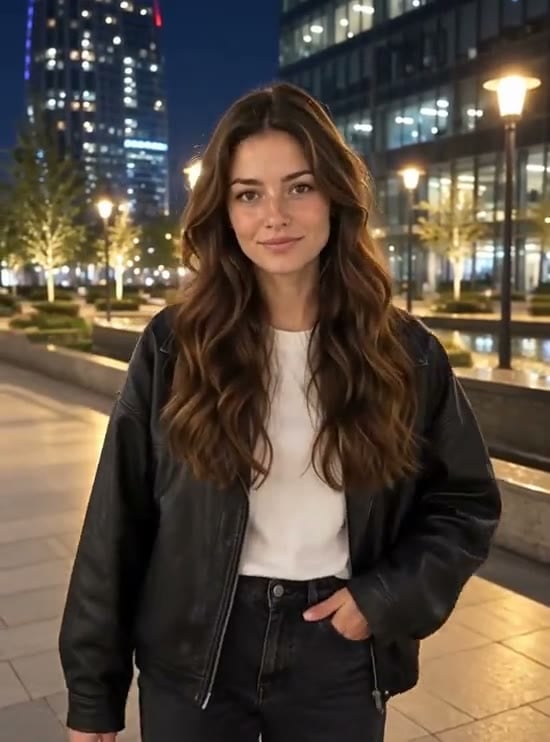
Upload one photo and the AI puts you on a lamp-lit city plaza at night, standing far down the pavement under a row of glowing street lamps. In the 8-second video you run toward the camera, drop into a long smooth knee slide with your arms spread wide, and glide to a stop right in front of the lens, where the shot ends on a sweet close-up of your face. It is the AI slide transition from TikTok and CapCut, the "who just slid into your heart" trend, made from a single photo. Free users can watch the first 4 seconds; upgrade to unlock the full clip.
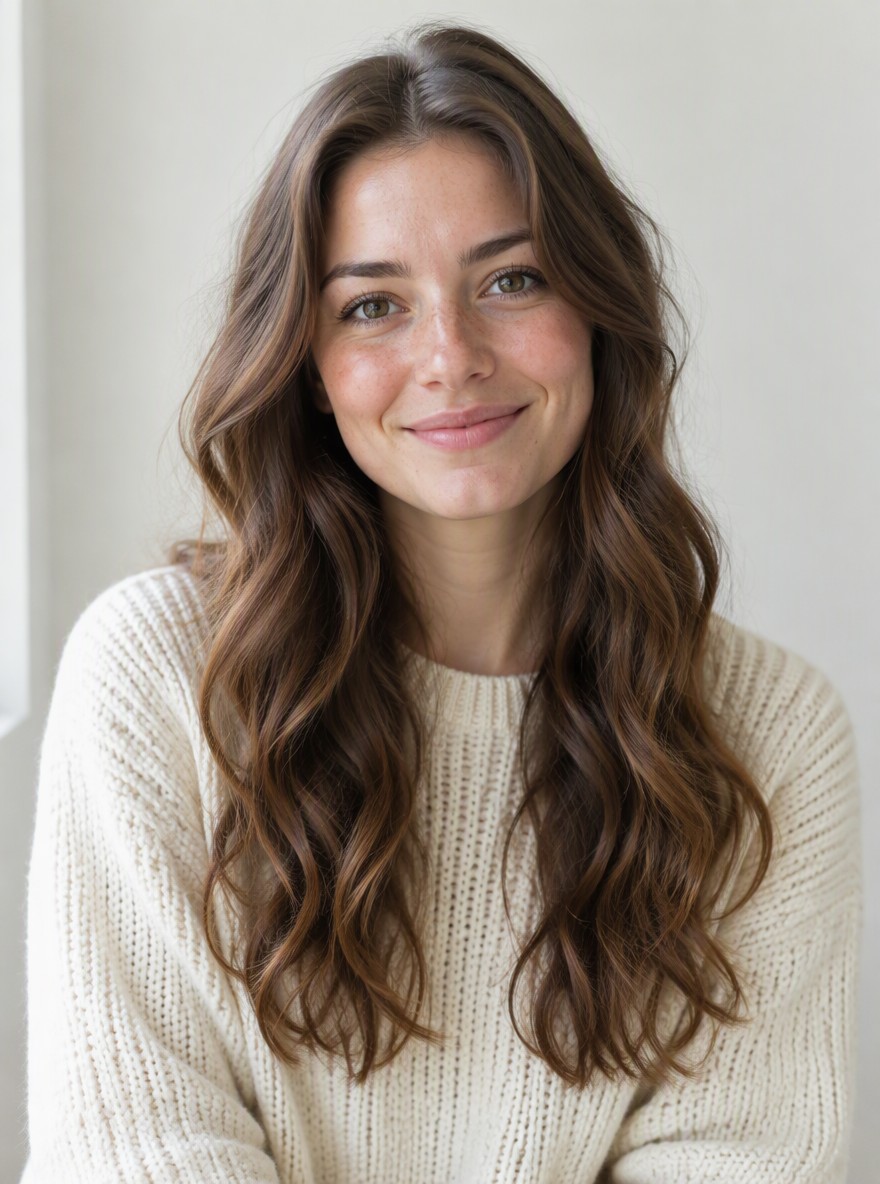
Original
Effect: AI Slide Transition
Your photo
Upload files
Upload a clear photo. The effect is applied to everyone in it.
By uploading a file, you agree to GoEnhance's Terms of Use and Privacy Policy
What the AI Slide Transition Does
How to Make an AI Slide Transition Video
01
Upload a photo
A clear, front-facing photo of one person. Good light helps the AI keep your features.
02
Pick AI Slide Transition
The effect is already selected. No prompt needed.
03
Generate
The AI places you on the night plaza, then animates the run, the knee slide and the final close-up with music. The 8-second video is ready in a few minutes.
04
Share it
Post it on TikTok, Reels or Shorts and tag your friends.
Everything about the AI slide transition effect.
AI Slide Transition FAQ
What is the AI slide transition trend?
Do I need a full-body photo?
Will it look like me?
What photo works best?
Is it free?
Want another transition effect?
More Transition Effects
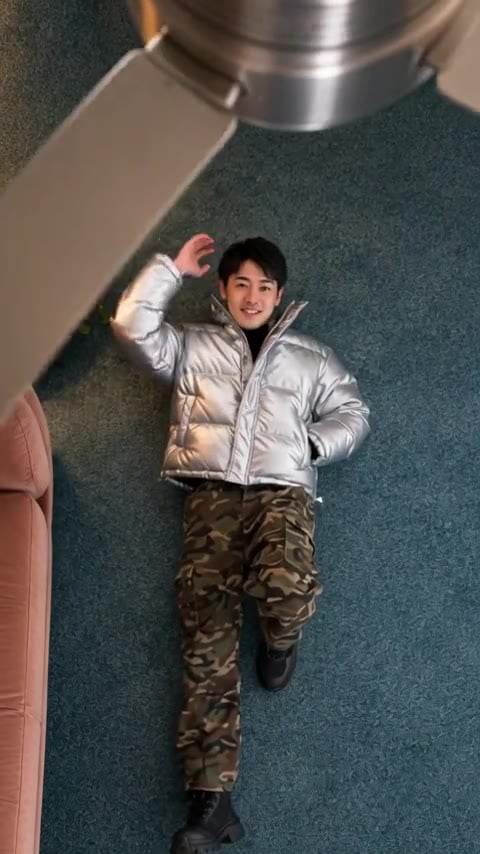
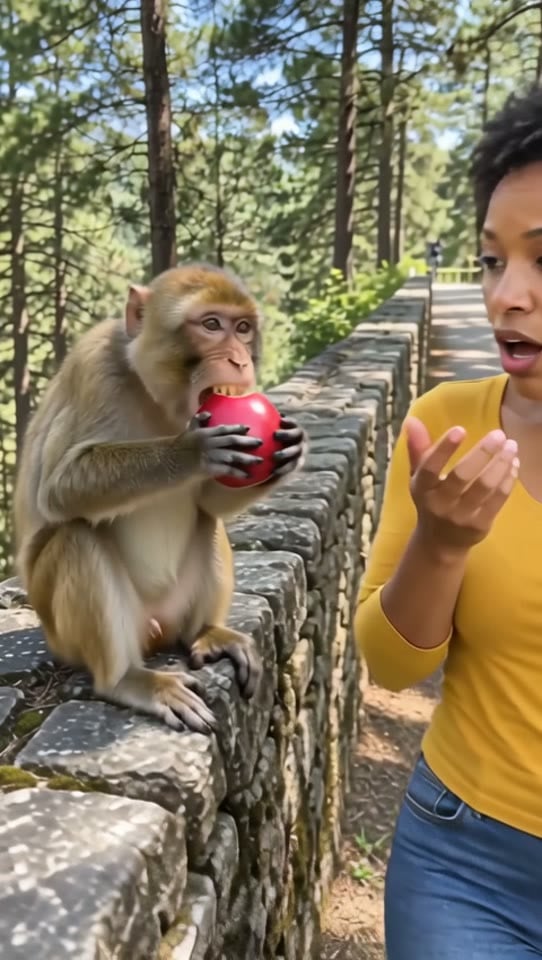
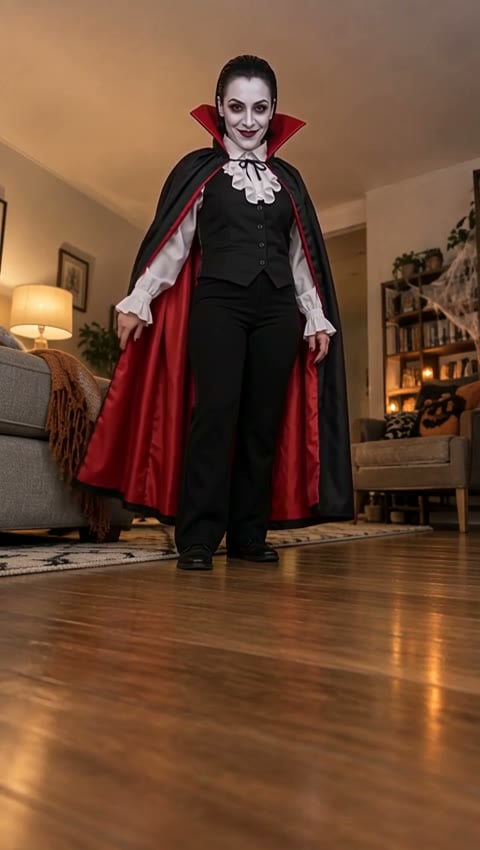
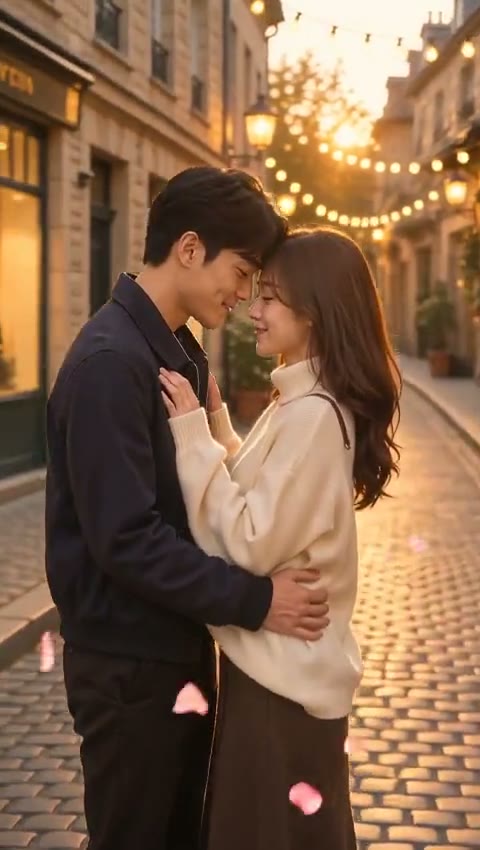
Slide Into the Frame
Upload one photo and get your slide transition video in a few minutes.
Make My Video