goenhance logo

AI Video Style Transfer

GoEnhance AI lets you instantly restyle videos with smart AI technology. Easily achieve video-to-video style transfer and turn ordinary clips into stunning artworks. Free on GoEnhance AI.
Start for Free

How to Restyle Videos on GoEnhance AI

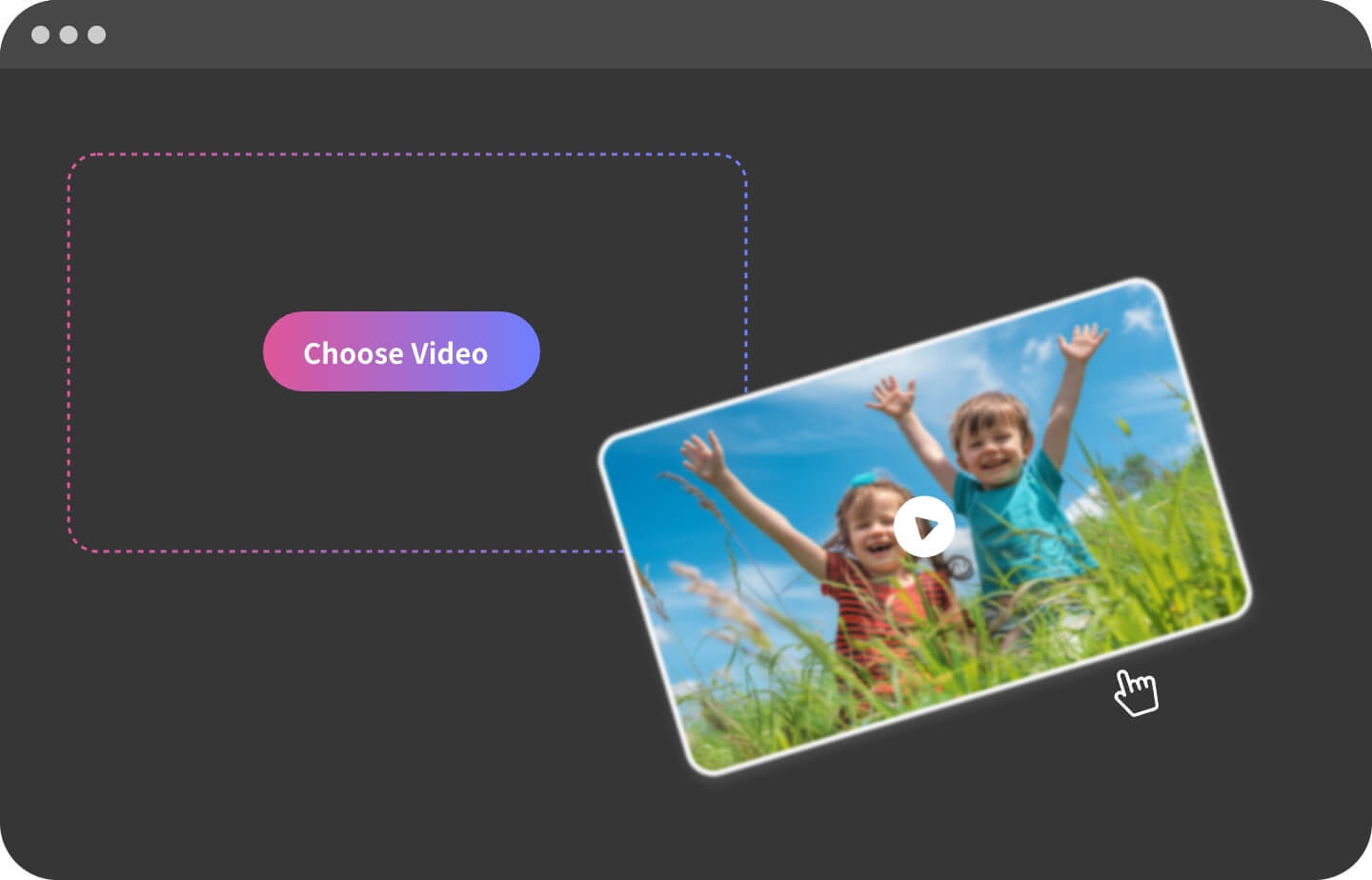
Upload Your Video

Begin by uploading the video you want to change style. To ensure the video is clear and stable, avoiding shaky or blurry footage. This will be the foundation for the transform process.

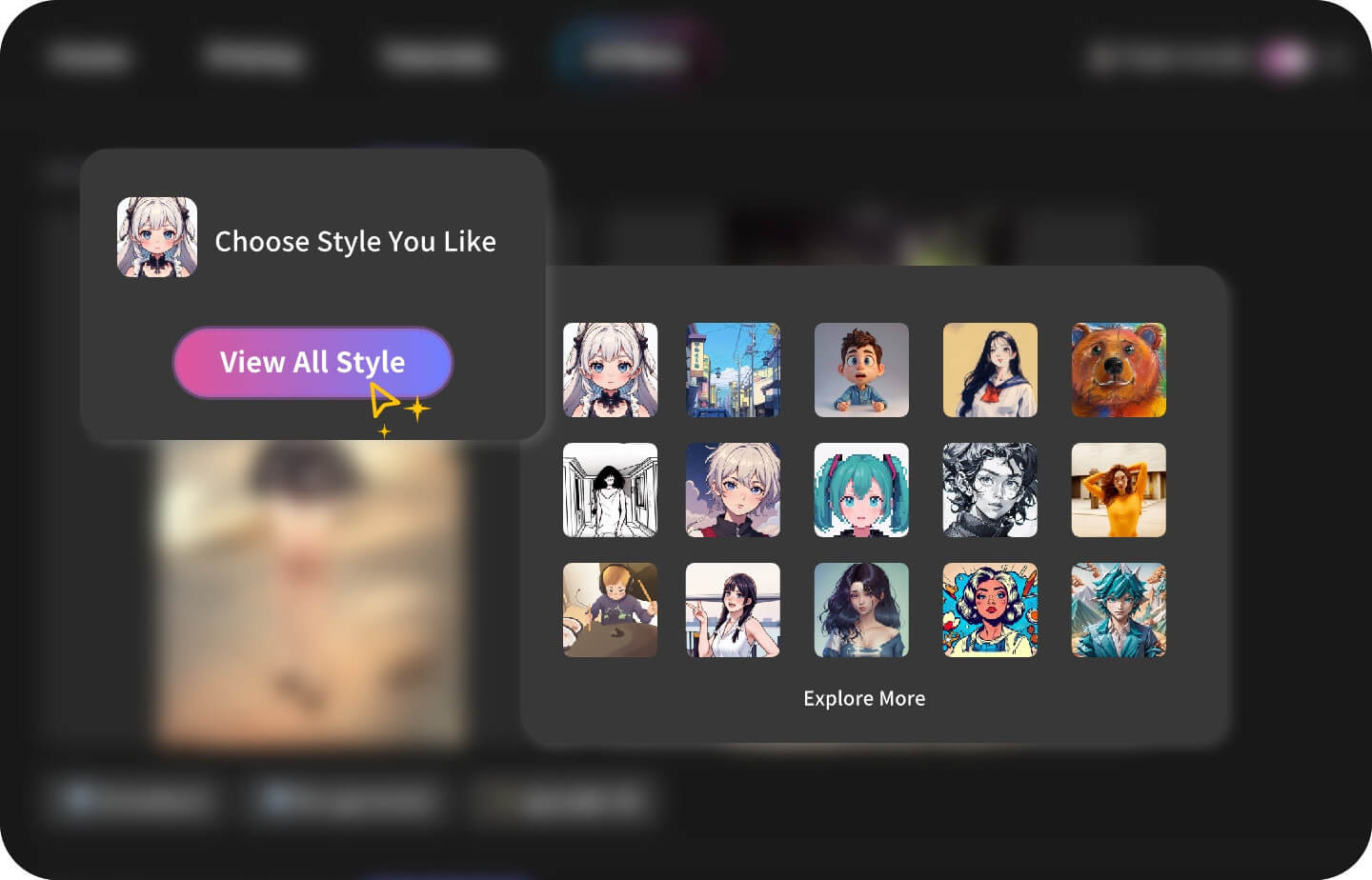
Choose Your Style

Pick from a wide variety of styles such as anime, Pixar, clay animation, pop-art, and more. Customize the look to match your creative vision.

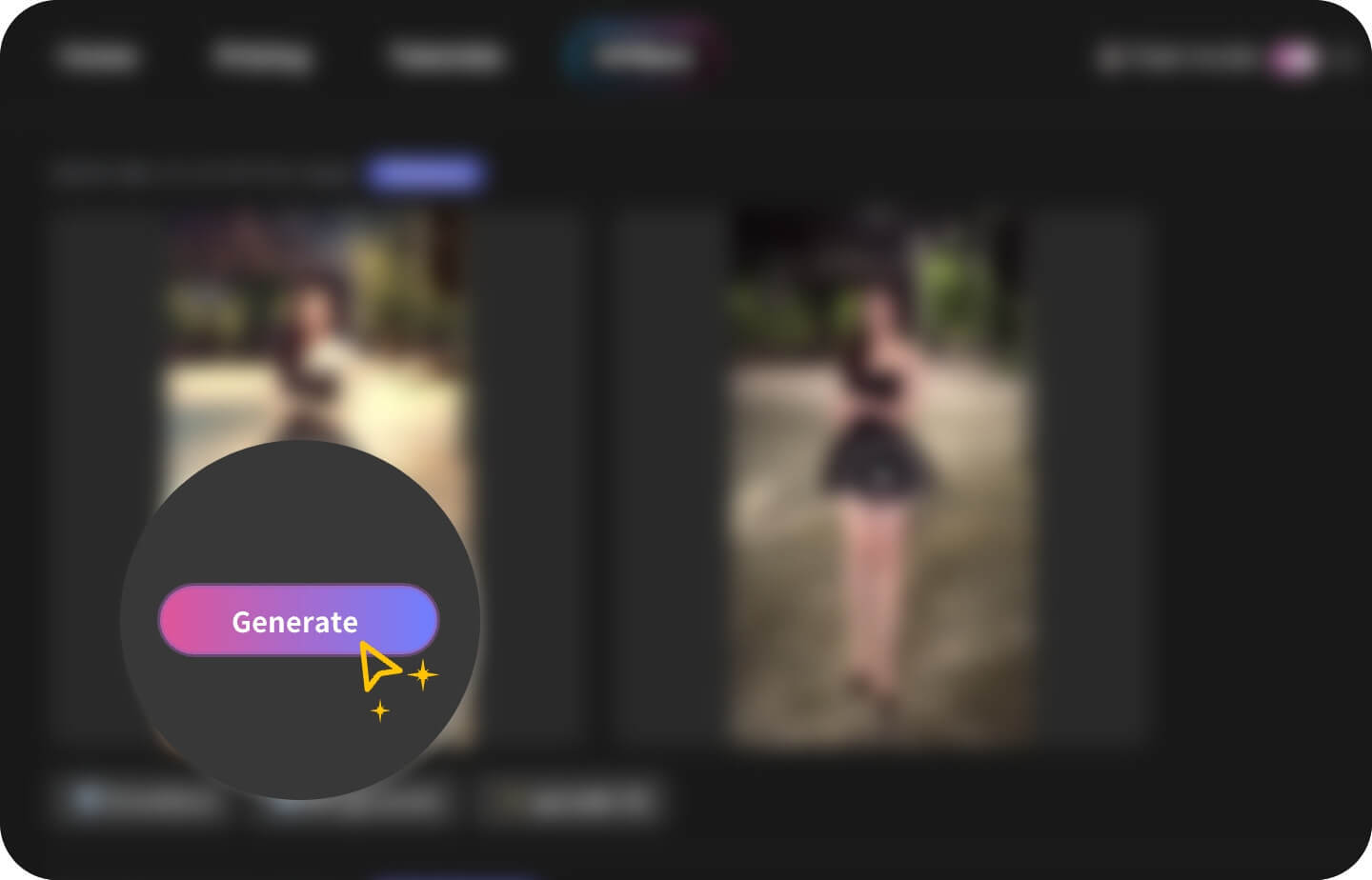
Generate & Share

Once you've selected the appropriate duration, you can click the generate button to start the process. Please be patient and wait a few minutes, and you'll soon see the masterpiece.

Top Features of AI Video Style Transfer

Transform Your Video's Look Easily

Easily change your video's style with AI, making ordinary clips instantly vibrant. Try various styles like clay animation, Pixar, or anime. Achieve diverse visual effects through video restyle. Turn your raw videos into uniquely styled clips that grab attention online.

Professional Filters & Effects. Elevate Your Video Creations

Access a variety of filters, like vintage, neon, or comic, to creatively restyle your videos. Apply filters more intelligently using ai change video style. Make your videos more artistic and eye-catching.

Motion Capture That Keeps Every Detail

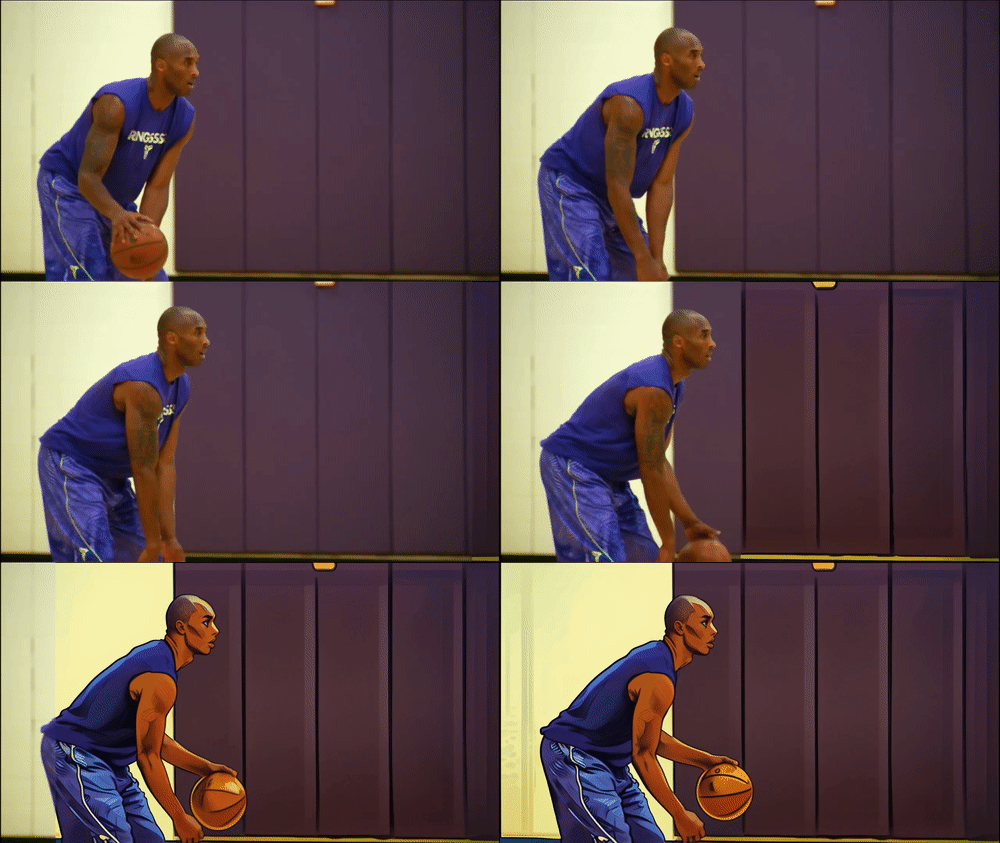
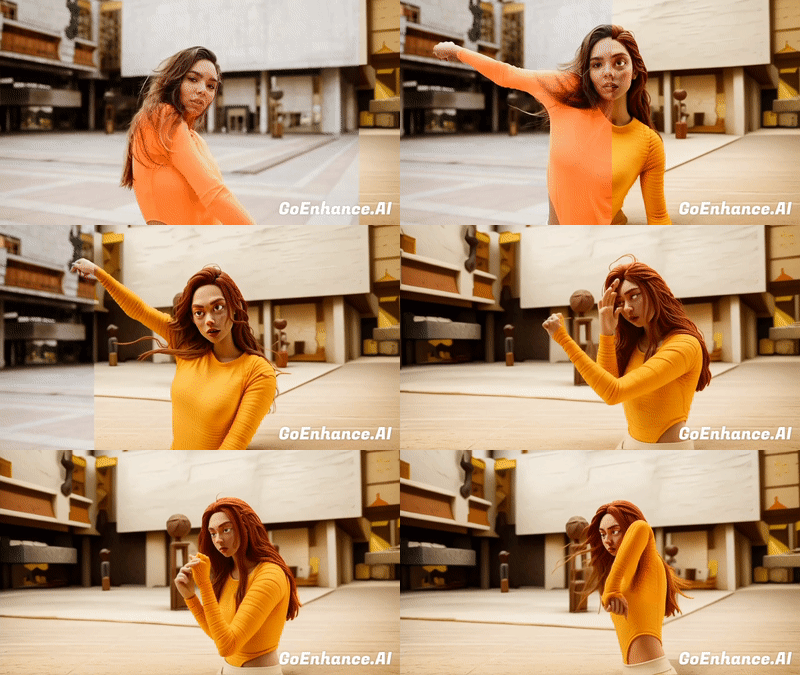
AI accurately tracks every detail, ensuring smooth action, such as dance spins, basketball crossovers, or skateboarding tricks. Preserve original motions while giving your videos a stylish, dynamic look.

Both Subject-only and Full-video Restyling Are Available

With our video style transfer tool, you take full command of the creative process. Customize the transformation using your own prompts, decide whether to redesign only the subject or the entire scene, and handpick a new background—all to make each video uniquely yours.

Example Use Cases

Basketball Video Transfer

Turn your basketball moves—from quick crossovers to slam dunks—into an anime-style highlight reel. Your motion stays real, but the look feels straight out of a show with this video restyle. Share your games in a fun anime look that grabs attention online.

Dance Video Transfer

See your dance in a whole new light. From spins to jumps, your moves become a colorful, animated clip that's full of energy through ai video restyle.

Just upload and let it transform. Make your dance videos stand out on TikTok, Instagram, or anywhere you post.

Pixar Style Video Restyle

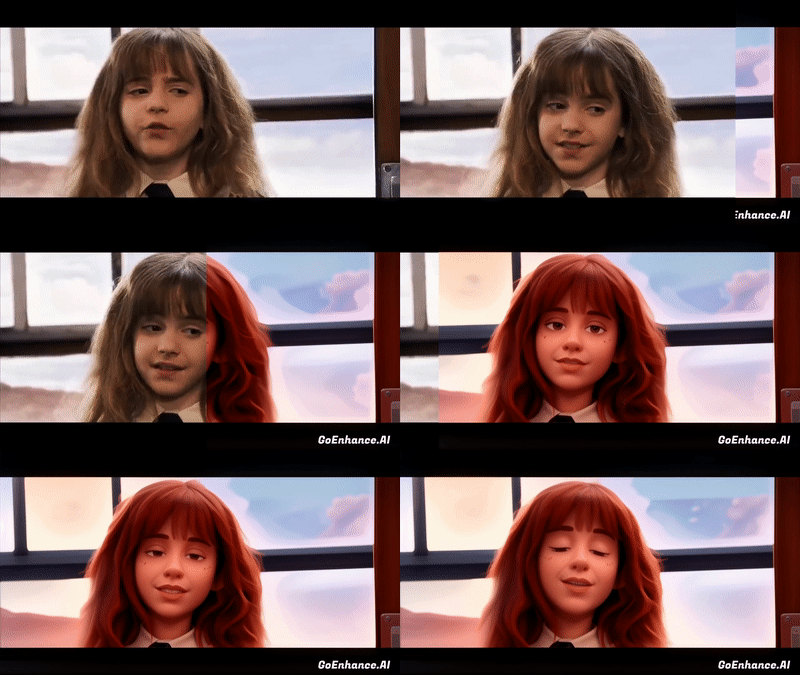
GoEnhance's Pixar-style video tool can instantly transform your ordinary videos into stunning 3D animated movie clips. It uses advanced AI technology to mimic Pixar's iconic smooth textures, vivid characters, and cinematic lighting, making it effortless for everyone to become a 3D animator.

Explore Your Interdimensional Persona

Have you ever wondered what you would look like in another dimension? Use our AI filter to transform your videos into unique story chapters, perfectly suited for role-playing or entertainment purposes.

The generated video is not only ideal for personal collection but also serves as an eye-catching asset on social media. Just showcase your personality and creativity, making every interaction feel fresh and exciting!

AI Pet Dance Video Restyle

Turn your pet’s playful moments into hilarious dance performances with GoEnhance AI! Instantly restyle your dog, cat, or any pet video into fun, animated clips that shine on TikTok, Instagram, or YouTube.

No editing skills needed — just upload, pick a style, and watch your pet become the star of the show. A creative and heartwarming way to share your pet’s personality online!

Frequently Asked Questions

What is AI video style transfer?

AI video style transfer is a technology that transforms the visual style of a video into a new artistic look. With GoEnhance AI, you can restyle your clips into anime, Pixar, clay animation, pop art, and more. The tool ensures smooth motion tracking and consistent results, making your videos look professional and creative with just a few clicks.

How do I start using this AI style transfer?

To begin using AI video style transfer, simply upload your video to the GoEnhance AI platform. Next, choose your preferred artistic style. Once you've made your selection, click the generate button. In just a few minutes, your newly transformed video—restyled with the visual aesthetic you selected—will be ready to view, download, or share.

What types of video styles can I choose from?

GoEnhance AI offers a variety of styles including anime, pop art, creative nature, pet dance and so on. Each style transforms your video into a unique and vibrant masterpiece quickly and accurately.

Can I use this AI tool for any type of video?

Yes, this video to video style transfer can be used for various types of videos such as dance performances, pet videos, nature scenes, and sports actions, enhancing them with artistic styles.

How long does it take to process a video?

The processing time for a video depends on its length and complexity. Typically, it takes a few minutes for the AI to transform your video into the selected style.

Is there a free trial for this video style transfer?

Yes, GoEnhance AI offers a free trial for users to experience this tool. You can start for free by clicking the 'Start For Free' button on the platform.

Can I use the restyled videos for commercial projects?

Yes, you can share and use your generated videos across social media, content creation, and personal projects. For extended commercial rights, please check our terms.

Discover more:

Try AI Video Style Transfer Now

Ready to give your clips a new look? Use GoEnhance AI’s video style transfer to restyle videos into anime, Pixar, clay, and more. Start free and see your video transformed in minutes!
Start Style Transfer