
AI Mona Lisa: Become a Living Renaissance Portrait
Upload one photo and watch yourself become a masterpiece. The video starts as your real photo, then visible oil-paint brush strokes sweep across the frame and repaint you as a soft sfumato portrait in the style of Leonardo da Vinci: warm amber tones, fine cracks in the varnish, dark Renaissance clothes, folded hands and a hazy river landscape behind you. In the final seconds the painted you breathes, follows the camera with your eyes and gives a slow, mysterious smile. It is still your face, hair and skin tone, not a copy of the famous painting. Free users can watch the first 3 seconds; upgrade to unlock the full video.
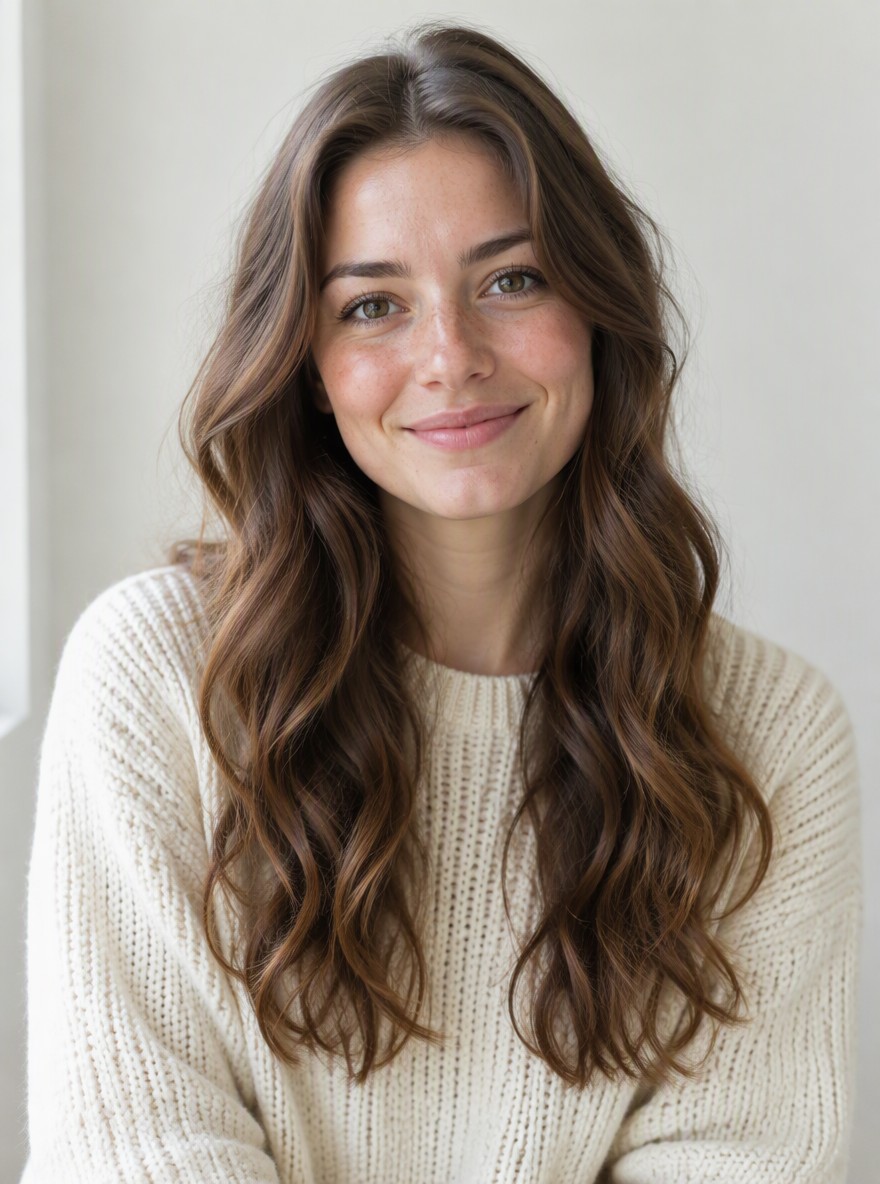
Original
Effect: AI Mona Lisa
Your photo
Upload files
Upload a clear photo. The effect is applied to everyone in it.
By uploading a file, you agree to GoEnhance's Terms of Use and Privacy Policy
What the AI Mona Lisa Effect Does
How to Make an AI Mona Lisa Video
01
Upload a photo
A clear photo of one person facing the camera. Half-body portraits look most like a painting.
02
Pick AI Mona Lisa
The effect is already selected. No prompt needed.
03
Generate
Your 5-second painting video is ready in a few minutes.
04
Share it
Post it on TikTok, Reels or Shorts and ask your friends which museum you belong in.
Everything about the living Renaissance portrait effect.
AI Mona Lisa FAQ
What does the AI Mona Lisa effect do?
Will I turn into the real Mona Lisa?
Is it okay to use the Mona Lisa style?
What photo works best?
Is it free?
Want a still painting instead?
More Art and Painting Effects
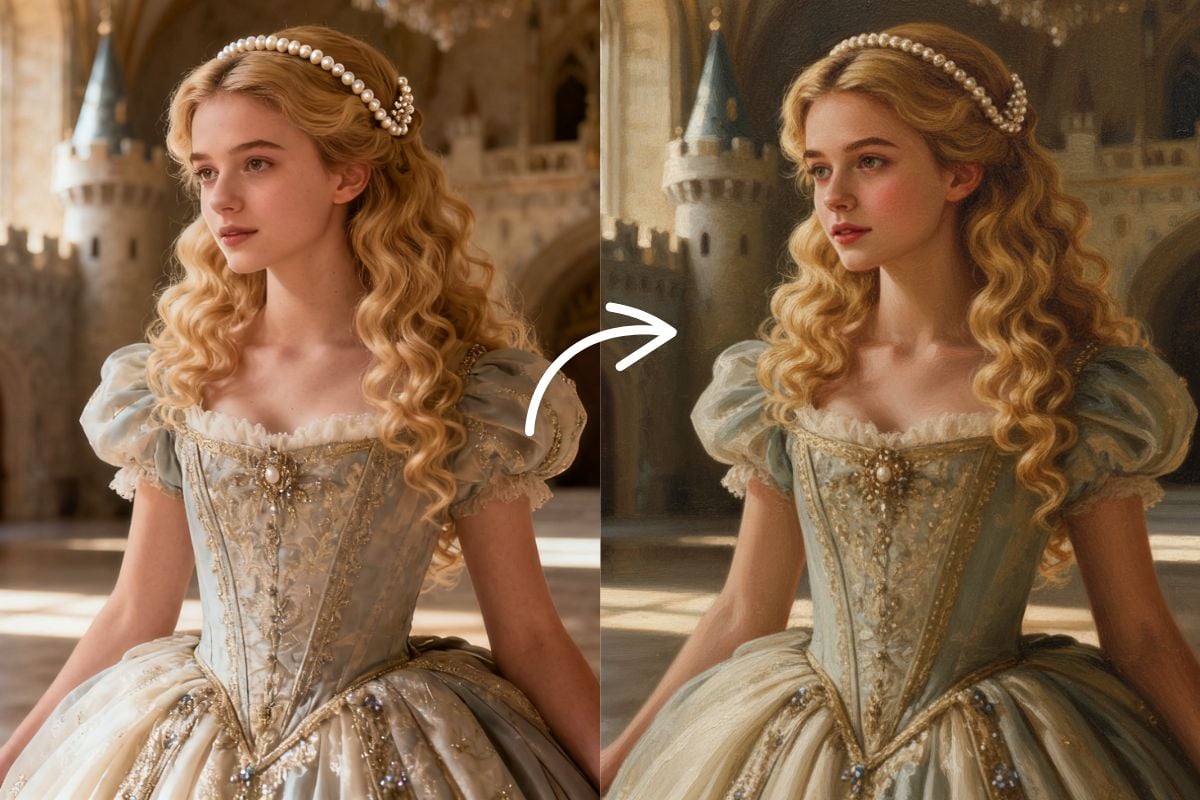
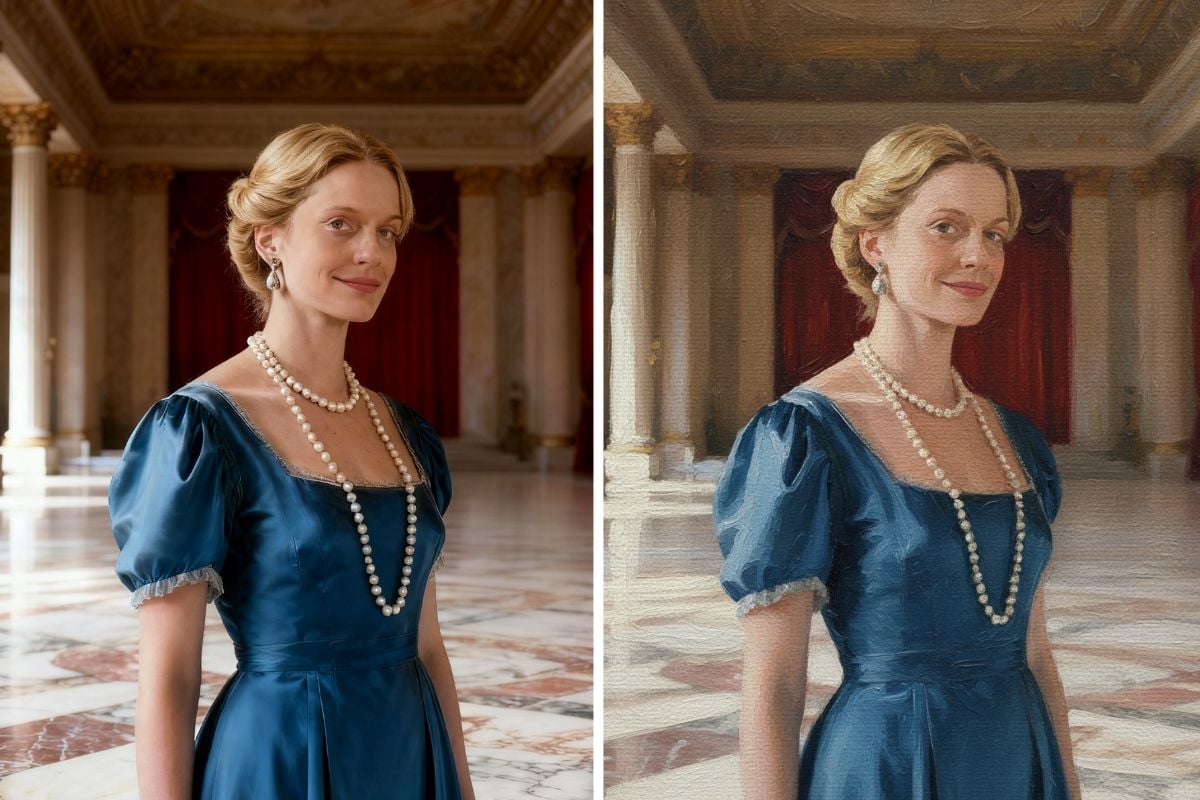
Become a Masterpiece
Upload one photo and get your living Renaissance portrait in a few minutes.
Make My Masterpiece