goenhance logo

Grok Imagine Video 1.5

Turn a reference image and a clear motion prompt into a short video clip with native audio. Grok Imagine Video 1.5 is useful for quick image-to-video tests, social hooks, product motion ideas, character animation drafts, and early creative exploration.

Create Grok Video
Demo 1
Demo 1
Demo 2
Demo 2
Demo 3
Demo 3
By uploading a file, you agree to GoEnhance's
Terms of Use and Privacy Policy

How To Create a Grok Imagine Video

01

Upload a Reference Image

Start with a portrait, product shot, poster, character image, or concept frame. Grok Imagine Video 1.5 works best when the image already has a clear subject and readable composition.

02

Describe the Motion

Write what should happen in the clip: camera movement, facial expression, background motion, lighting change, timing, and mood. Keep the prompt focused on action instead of repeating every visual detail already shown in the image.

03

Generate and Review

Create a short preview, check the face, hands, motion, and audio fit, then regenerate or refine the prompt if the clip needs stronger pacing or a cleaner ending.

Key Features of Grok Imagine Video 1.5

Prompt-Guided Image-to-Video

Grok Imagine Video 1.5 is most useful when the image already carries the subject, style, and scene. The prompt can then focus on movement, camera direction, emotion, and atmosphere instead of trying to rebuild the whole frame from scratch.
PromptReference ImageGenerated Video
A close-up product poster slowly comes alive, soft camera push-in, realistic reflections, subtle background motion, clean commercial lighting.
reference image 1

Reference Image Animation

Use Grok Imagine Video 1.5 to animate one strong image into a short clip. It is a practical fit for cover animation, product teasers, social media openers, character reveals, and quick ad-material testing.
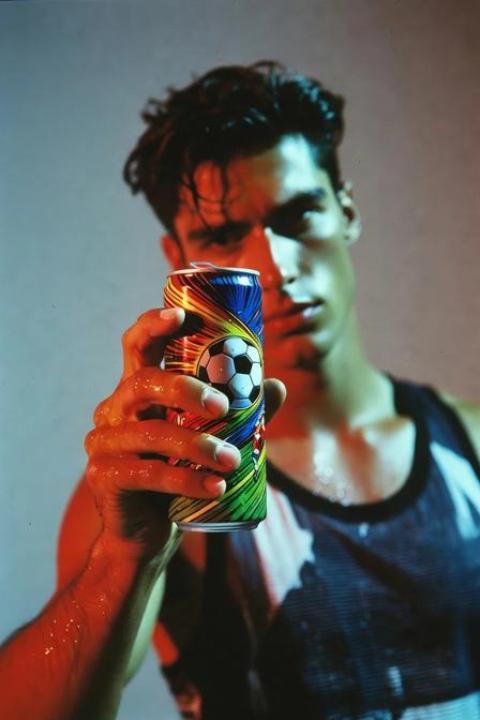
PromptReference ImageGenerated Video
The model picks up the drink, looks into the camera, and drinks it in one smooth motion.
poster image 2

Native Audio for Faster Drafts

Grok Imagine Video 1.5 can produce video with built-in audio, which helps creators judge mood, rhythm, and watchability earlier in the workflow. The audio may still need review, but it gives you a faster starting point than silent previews.
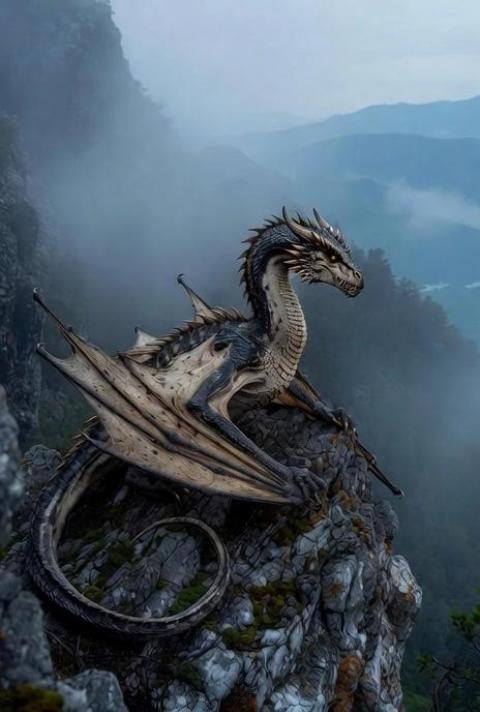
PromptReference ImageGenerated Video
The dragon slowly unfolds its enormous wings, beats them powerfully, and rises into the air, soaring high across the sky.
poster 3

Strong Single-Shot Visual Impact

Grok Imagine Video 1.5 is especially strong when the job is a clean short visual hook: one subject, one clear movement, one readable mood. For current model context, you can check the official xAI website, while real creative testing should still focus on motion quality, consistency, and scene control.
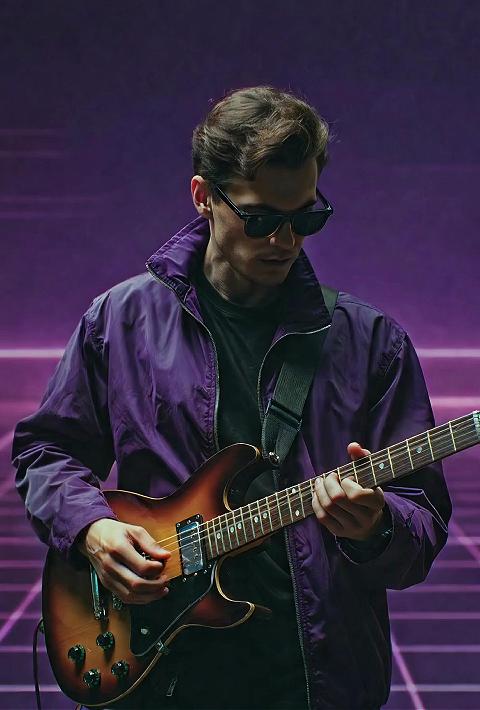
PromptReference ImageGenerated Video
An illustrated game character stands under a stormy sky, cape moving in the wind, slow dramatic camera orbit, glowing weapon light.
poster 4

Better Prompt Control for Real Use

When using a reference image, the best prompts usually avoid over-describing identity, makeup, or hairstyle. A cleaner prompt focuses on movement, camera path, scene atmosphere, lighting shift, and how the first few seconds should feel.

Create Practical Grok 1.5 Video Workflows

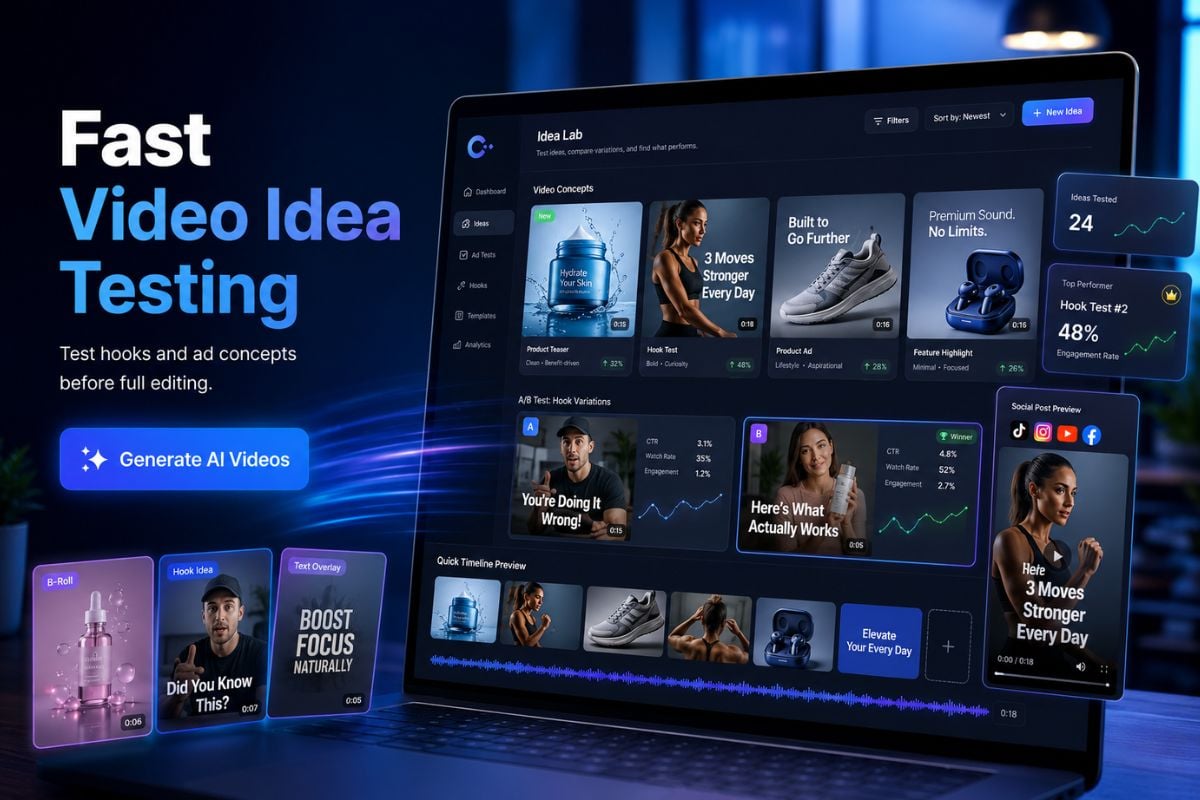
Fast Video Idea Testing

Use GoEnhance AI as an AI video generator when you want to test hooks before spending time on a full edit. It is useful for creators who need quick variations for social posts, ads, product teasers, or short-form campaign concepts.
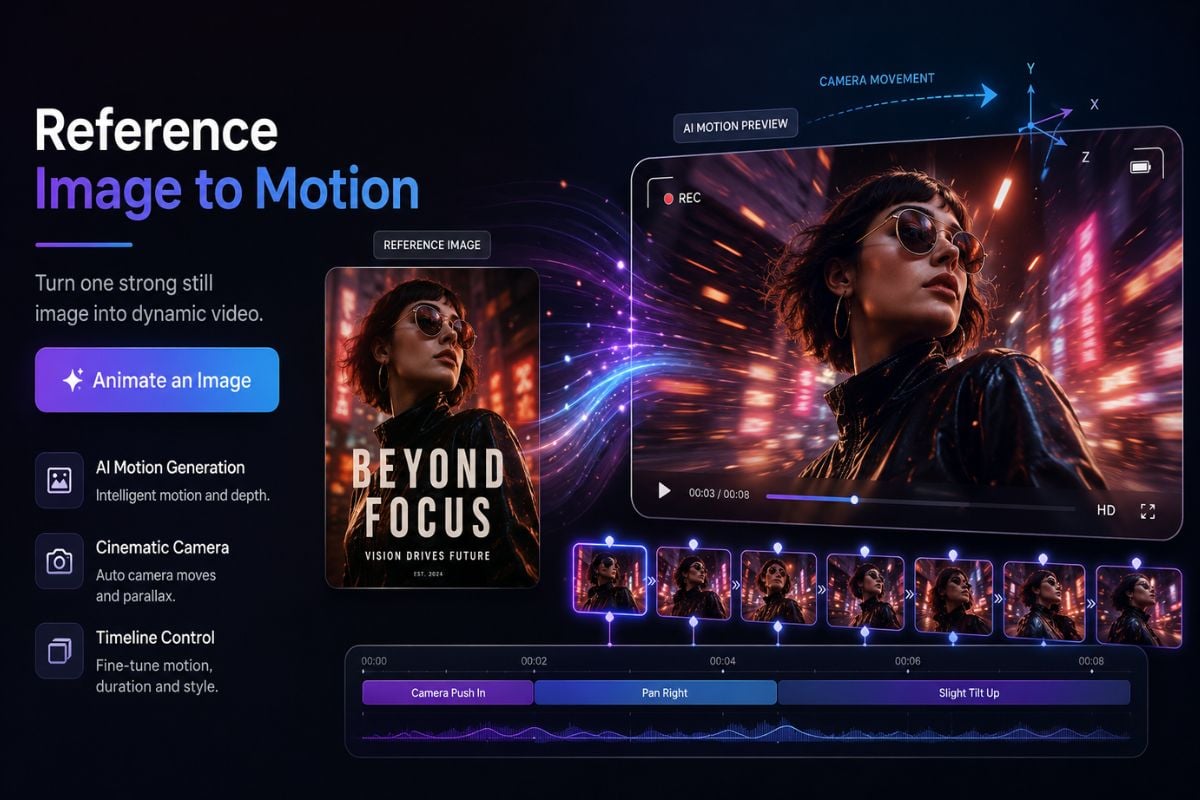
Reference Image to Motion

Start from one strong still image and use image to video to add motion, camera movement, and scene atmosphere. This works well for product images, poster art, character concepts, profile visuals, and e-commerce creative tests.
Grok Imagine 1.5 vs Seedance 2.0: Practical Comparison

DimensionGrok Imagine 1.5Seedance 2.0
Best StrengthFast image-to-video clips with strong single-shot visual impact.More mature control for complex scenes, action, and longer creative planning.
Visual StyleGood for polished social hooks, product motion, portraits, posters, and short ad tests.Better for multi-shot storytelling, cinematic action, and controlled production sequences.
Workflow FitWorks well when one reference image already defines the subject and look.More suitable when a team needs multiple references, repeatable characters, and tighter scene control.
Narrative ControlEnough for simple scenes, emotional beats, and short visual moments.Stronger when the clip needs clearer story logic, choreography, and shot-to-shot continuity.
Creative FocusBetter for quick visual hooks, short scene tests, and simple motion drafts.Better for structured storytelling, scene planning, and production-style continuity.
Best ForCreators, marketers, e-commerce teams, social media editors, and fast visual testing.Studios, brand teams, agencies, and production workflows with stricter continuity needs.

Grok Imagine 1.5 Community Reactions

Related Grok Imagine Tools
Frequently Asked Questions

You May Want to Know

What is Grok Imagine Video 1.5?

Grok Imagine Video 1.5 is an xAI video generation model for creating short videos from visual references and motion prompts. According to xAI's official model documentation, Grok Imagine Video 1.5 Preview is designed for video generation workflows where the input image or reference material guides the final clip. In practical use, it is best treated as a fast creative model for image-to-video drafts, social clips, product motion tests, and cinematic visual experiments.

Is Grok Imagine Video 1.5 mainly for image-to-video?

Yes. For most creators, Grok Imagine Video 1.5 is most useful as an image-to-video or reference-image-to-video model. You start with a clear image, such as a portrait, product photo, poster, character concept, or scene frame, then describe the movement, camera direction, mood, and atmosphere you want to see in the final clip.

What images work best with Grok Imagine Video 1.5?

The best results usually come from images with one clear subject, strong lighting, and an easy-to-read composition. Portraits, product shots, clean character art, fashion photos, cinematic stills, and poster-style visuals tend to work better than crowded scenes. If an image contains too many people, unclear hands, tiny objects, or complex background details, the generated motion may be harder to control.

How should I write a good Grok Imagine Video 1.5 prompt?

A good prompt should focus on what changes over time. Describe the subject's action, camera movement, scene mood, lighting change, and pacing. For example, you can write that the camera slowly pushes in, the person turns toward the lens, the product rotates on the table, or the background lights flicker softly. Avoid over-describing facial identity, hairstyle, or clothing if those details are already clear in the reference image.

Does Grok Imagine Video 1.5 include audio?

Grok Imagine Video 1.5 can create video clips with native audio, which helps users judge atmosphere and rhythm earlier in the creative process. However, the audio should still be reviewed before publishing. For brand videos, ads, product pages, or client work, check whether the sound matches the scene, whether it feels natural, and whether any extra editing is needed.

Is Grok Imagine Video 1.5 better than Seedance 2.0?

It depends on what you are making. Grok Imagine Video 1.5 is strong for short image-to-video clips, single-shot visual hooks, product motion tests, animated posters, and quick social media drafts. Seedance 2.0 is often a better fit for complex storytelling, multi-shot planning, action-heavy scenes, and projects that require stronger continuity across several clips. A fair comparison should look at motion quality, story control, consistency, and editing needs, not just one sample video.

What can I create with Grok Imagine Video 1.5?

You can use it for social media videos, product teaser clips, animated posters, e-commerce creative tests, profile video concepts, character reveal shots, short cinematic moments, and visual drafts for ad ideas. It is especially useful when you need a quick moving version of a still image instead of building a full video scene from scratch.

Should I review the generated video before using it commercially?

Yes. AI-generated video should always be reviewed before commercial or public use. Check face consistency, hand movement, object interaction, brand safety, audio fit, text accuracy, and whether the clip matches your intended message. For professional use, treat the output as a creative draft and make final edits before using it in ads, product pages, social campaigns, or client-facing work.

Ready to Test Grok Imagine Video 1.5?

Use GoEnhance AI to turn still images into short video drafts, compare motion ideas, and build usable clips for social media, product pages, ads, or creative pitches. Start with one clear image, write a focused motion prompt, and review the result like a real production asset.

Create AI Video Now