AI Yearbook Filter: Your Retro 80s Yearbook Photo
Upload a photo and the AI recreates a classic 1980s yearbook portrait: the mottled blue laser backdrop, soft studio flash, a voluminous 80s hairstyle based on your own hair, and an outfit with pastel sweaters, collars or shoulder pads. Your face, skin tone and expression stay the same, so it looks like you actually posed for picture day in 1986. The console below runs on GPT Image 2.5.
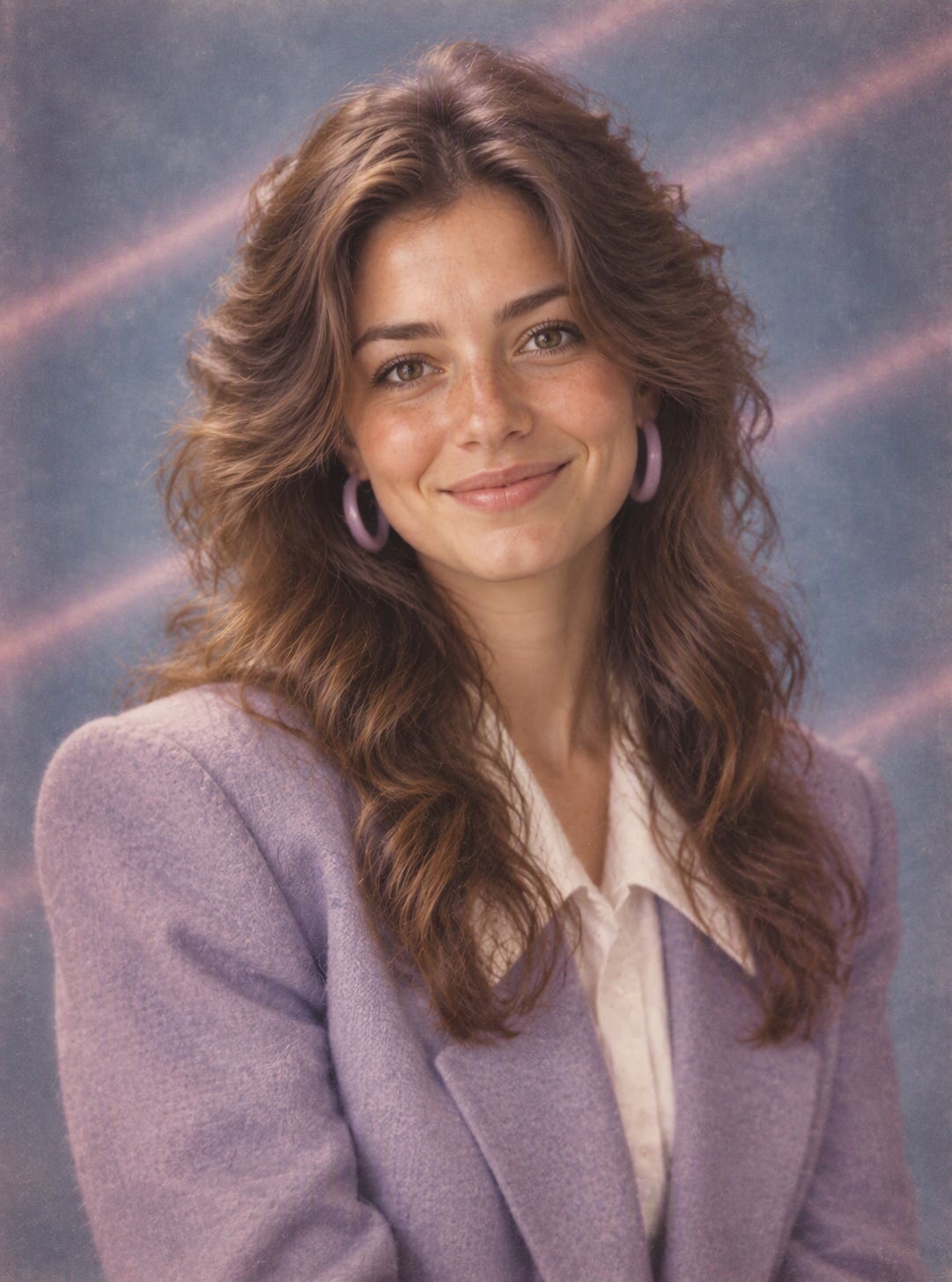
Feathered Hair & Blazer

Sweater & Collar
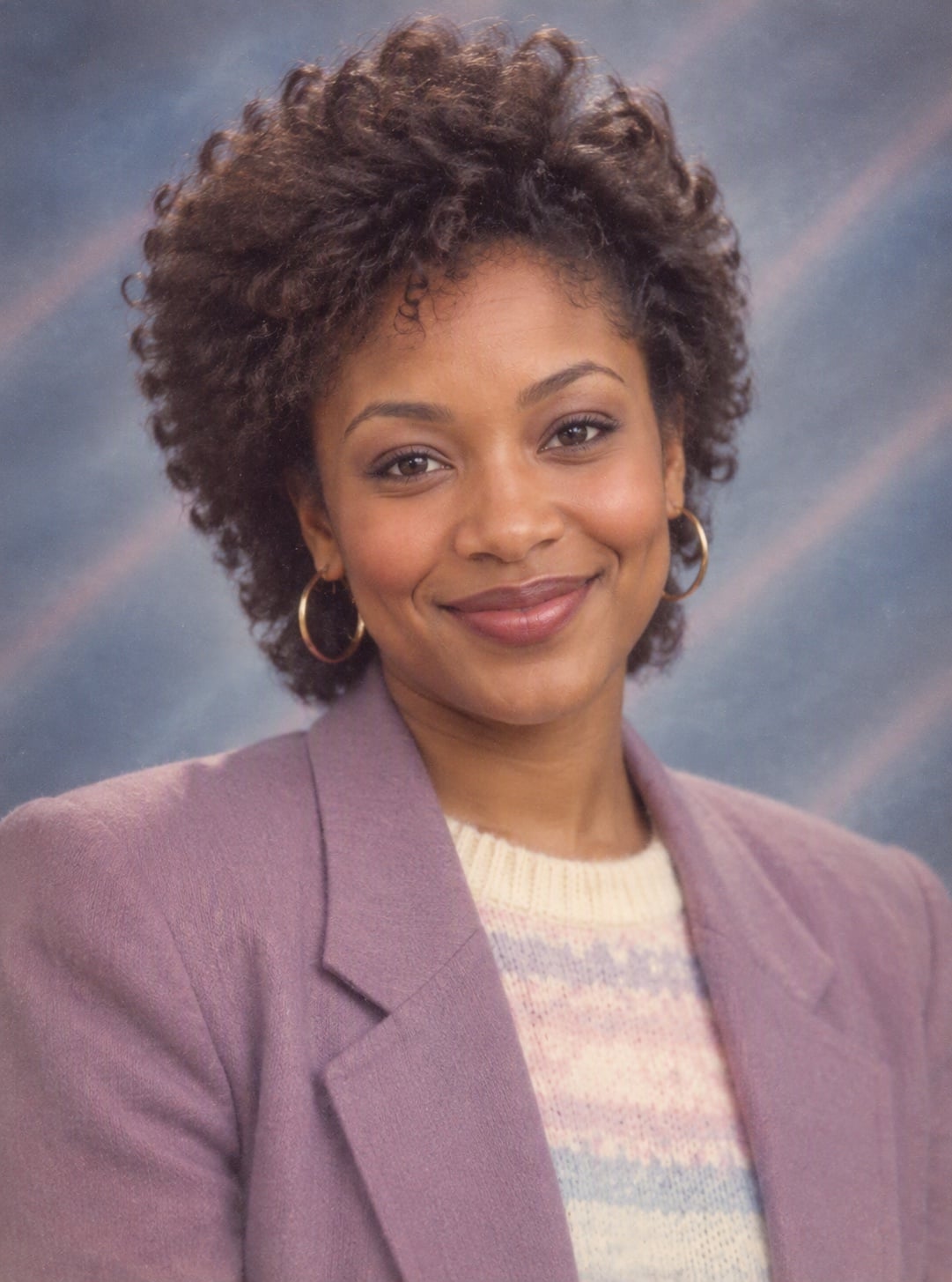
Big Curls & Shoulder Pads
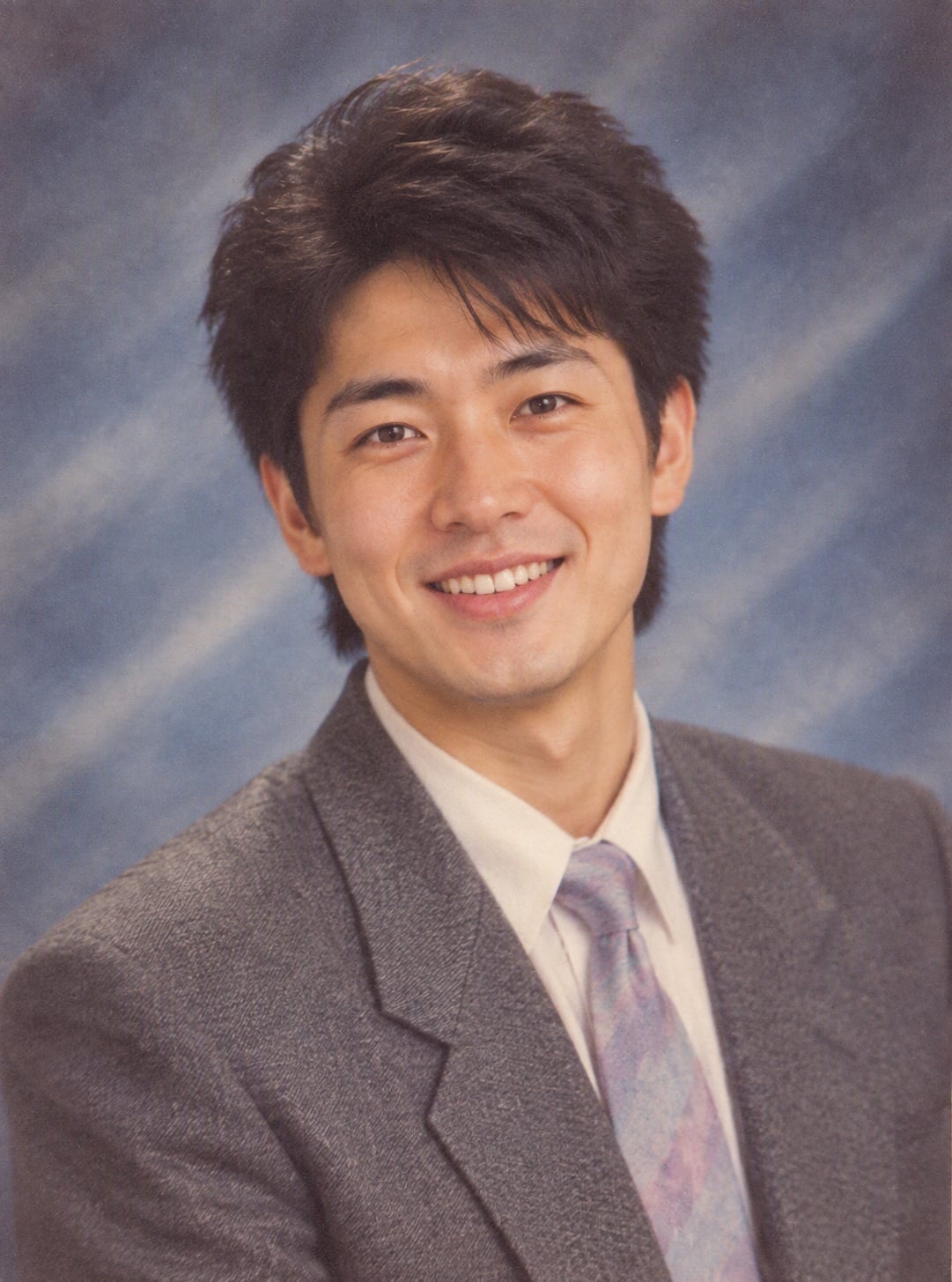
Suit & Tie Picture Day
Upload files
Upload a photo to turn into an 80s yearbook portrait
Effect prompt
By uploading a file, you agree to GoEnhance's Terms of Use and Privacy Policy
Yearbook Filter Results from the Console
Each picture is one upload with the prompt above. Same person, new 80s picture-day look.
Feathered Hair & Blazer
Sweater & Collar
Big Curls & Shoulder Pads
Suit & Tie Picture Day
How to Use the AI Yearbook Filter
01
Upload a photo
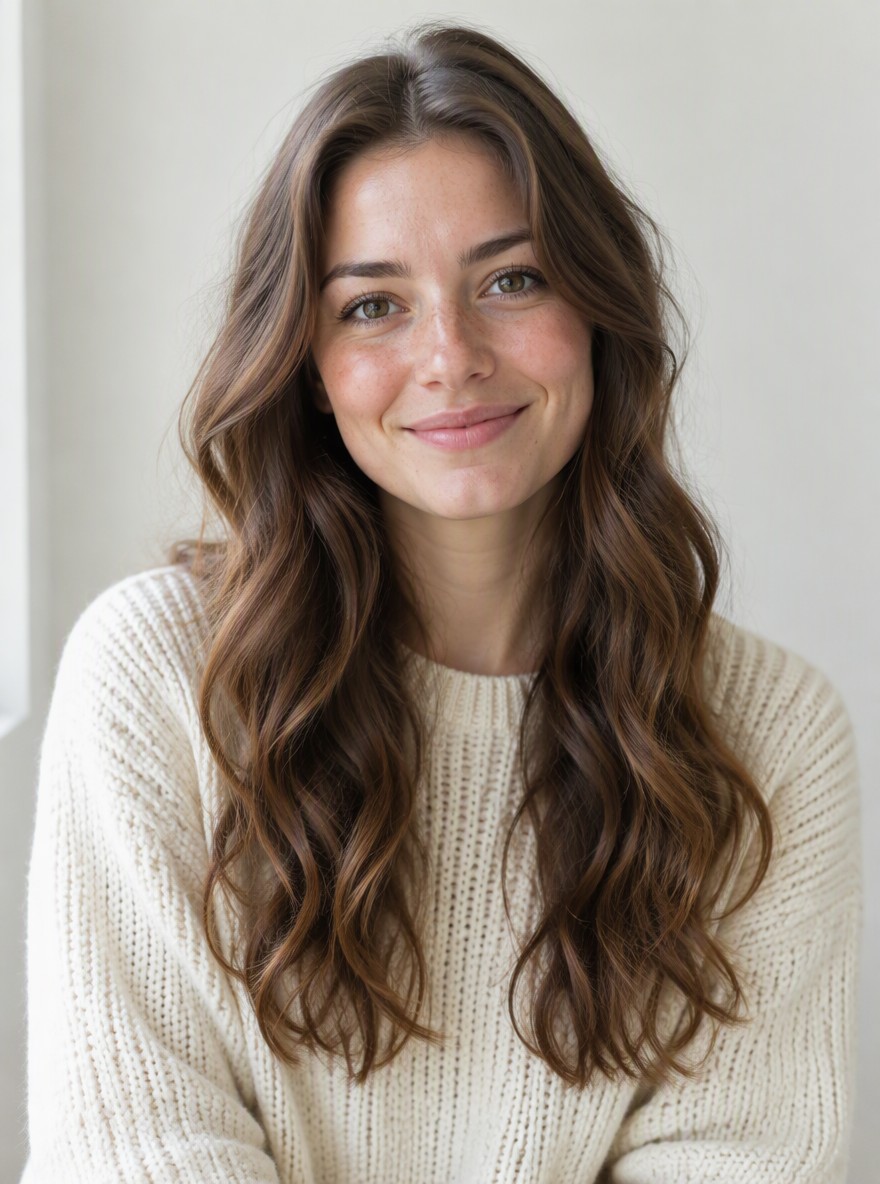
A clear selfie or head-and-shoulders photo works best. Face the camera with good light.
02
Generate
The 80s yearbook prompt is already filled in. Press the button and the AI builds the backdrop, hair and outfit.
03
Download and share
Post it for the yearbook trend on TikTok or Instagram, or use it as a retro profile photo.
Why Use This Yearbook Filter
Still looks like you
Face shape, features and skin tone come from your photo; only the era changes.
A real picture-day look
Laser backdrop, soft flash, film grain and the classic head tilt look like a scanned 1980s print.
Hair and outfit from the era
Volume hair, pastel knits, collars and shoulder pads are matched to your own hair color and length.
Free to try
New accounts get free credits, so you can make your first yearbook photo without paying.