goenhance logo

Free AI Video Generator Online

GoEnhance AI Video Generator lets you transform text, images, or clips into professional-quality videos in minutes. Type your idea, choose a style, and our AI creates a complete video with script, visuals, captions, and music—powered by advanced models like Veo 3.1, Kling 2.5, and Wan 2.2.
Try It Free Now

Text-to-Video in minutes
Save Time, 10x Faster
Image-to-Video animation
Voiceover & captions included

Use Cases

Core AI Video Generator Features

Text-to-Video: Turn Prompts into Clips

GoEnhance AI Video Generator lets you transform text, images, or clips into professional-quality videos in minutes. Type your idea, choose a style, and our AI creates a complete video with script, visuals, captions, and music—powered by advanced models like Veo 3.1, Kling 2.5, and Wan 2.2.

Describe your idea and let our text to video engine generate scenes, motion and style automatically. For branded stories, keep visuals consistent with consistent character video, or stylize outputs using video to anime.

Image-to-Video: Animate Photos & Add Effects

Bring still images to life using the GoEnhance AI video generator.

Auto-animate faces, gestures, or apply creative AI effects such as Hug, Kissing, or Dance Generator.Bring still photos to life with our image to video tool. Auto-animate faces and gestures, add depth, or apply AI video effects in one click. Explore popular effects such as AI Hug, AI Kissing, and AI Dance Generator to create eye-catching clips.

Video-to-Video: Restyle, Enhance & Recreate

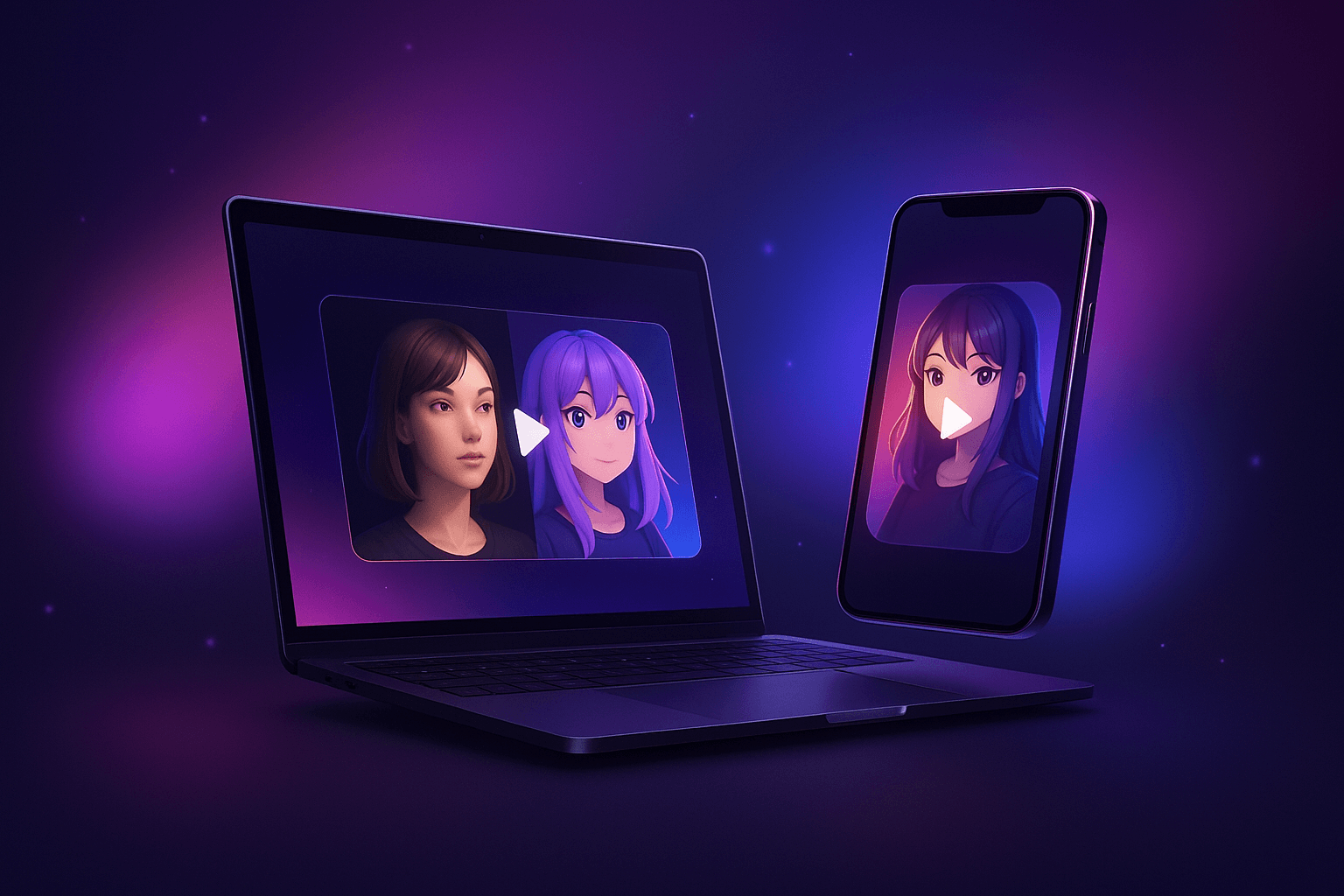
Reimagine existing footage with our video-to-video converter. Swap identities via AI face swap, make characters move with character animation, or perfect dialog using AI lip sync. Finish with cinematic video effects.

Reimagine footage with our AI video generator. Swap faces, lip-sync dialogue, or apply cinematic effects—all within one tool.

GoEnhance AI Video-to-Video converter for style transfer, face swap, lip sync

All-in-One AI Video Models Platform

How to Create an AI Video in 3 Easy Steps
Step 1

Provide Your Input

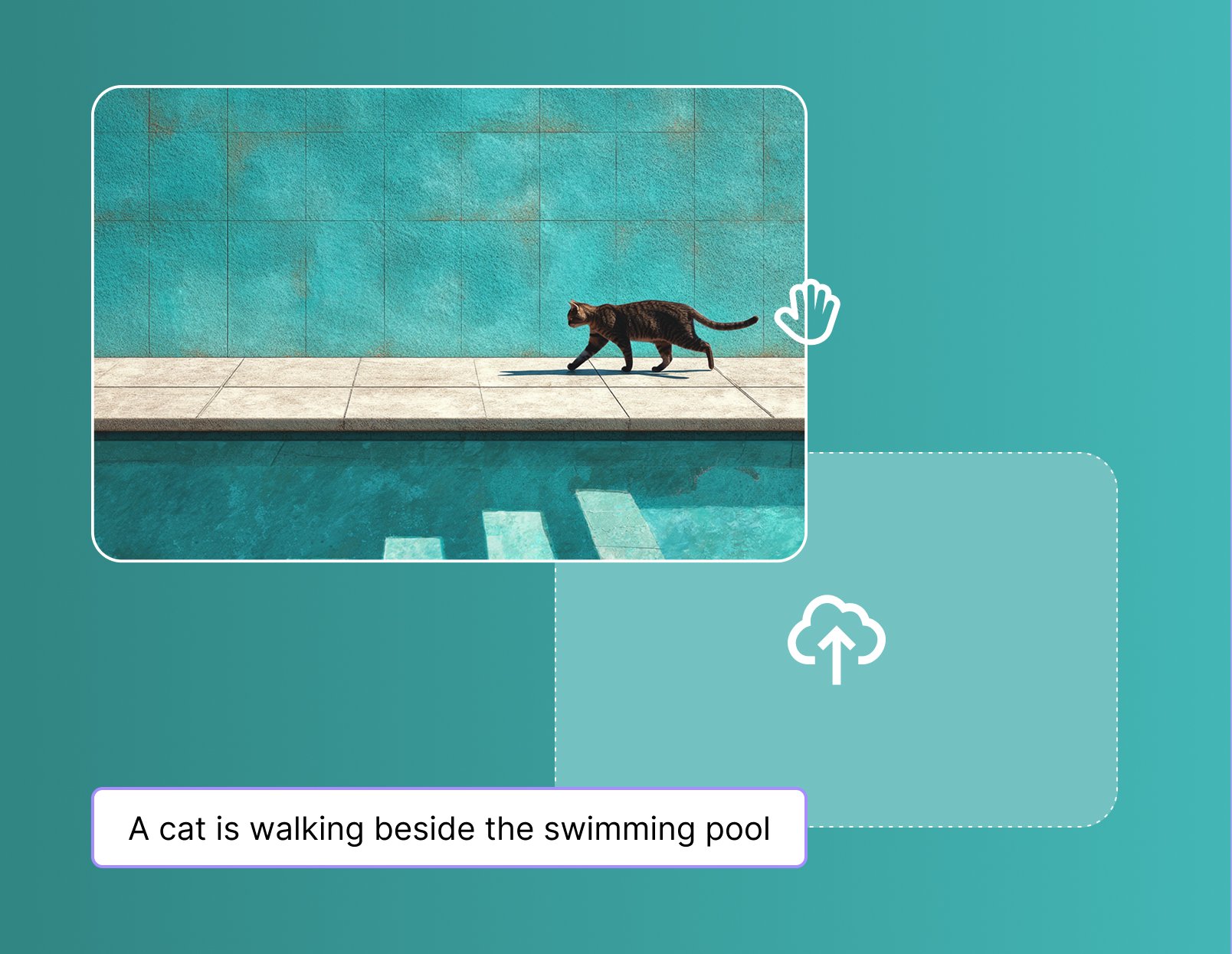
Start by entering a clear text prompt or uploading a reference image. The more detailed your input, the better your AI-generated video results.
Step 2

Customize Your Settings

Choose your preferred model, adjust creativity level, set motion intensity and aspect ratio. Fine-tune these settings for precise control over output.
Step 3

Generate & Download

Click “Generate” and watch our AI instantly create your video. Preview the result, download watermark-free, or refine further for perfect clips.
For creators, marketers, educators, and everyone in between

Who Can Benefit from GoEnhance AI Video?

Social Media Creators

Make engaging Reels, TikToks, and YouTube Shorts with AI-powered video effects.

Marketers & Brands

Produce dynamic ad campaigns, product showcase videos, and branded animations.

Businesses

Use AI video for promotional clips, corporate explainers, and customer communications.

Educators & Trainers

Visualize lessons, tutorials, and training content with AI-generated video explainers.

Individuals

Animate your photos, create personalized clips, or explore AI video for fun projects.

Video Editors

Enhance edits with AI-generated animations, lip sync, face swap, and stylistic effects.

Advanced AI Video Generator Capabilities
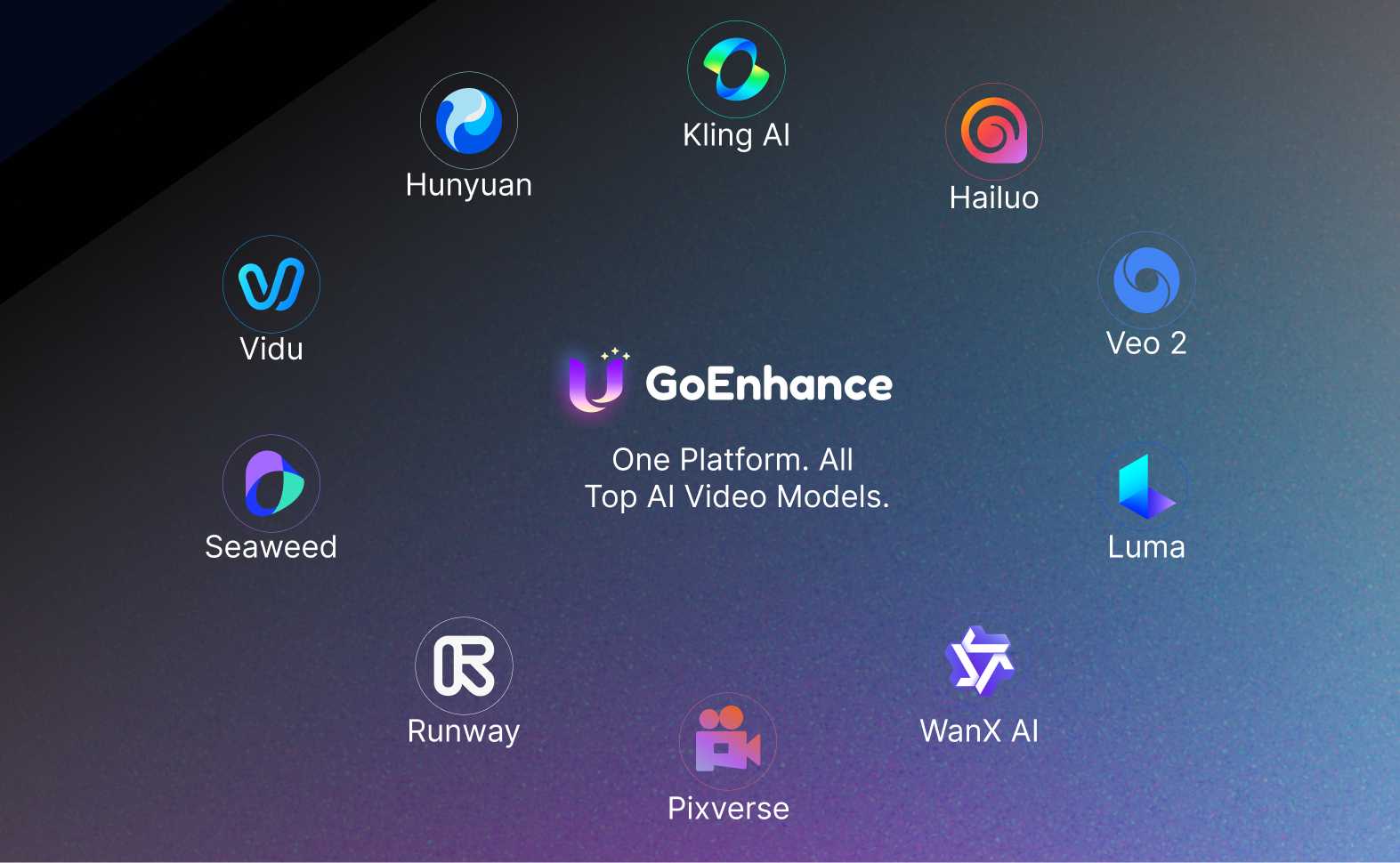
All-in-One AI Video Generator

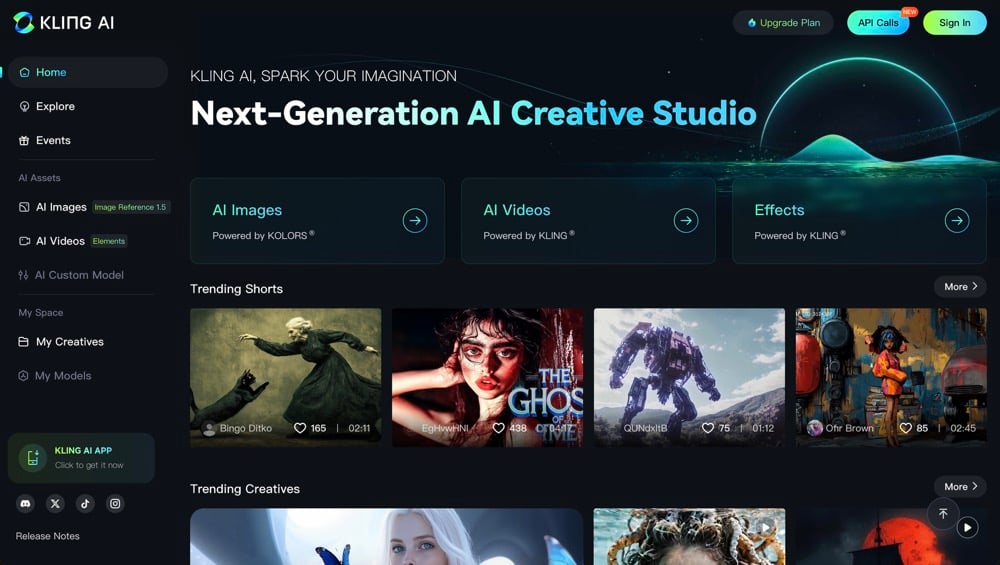
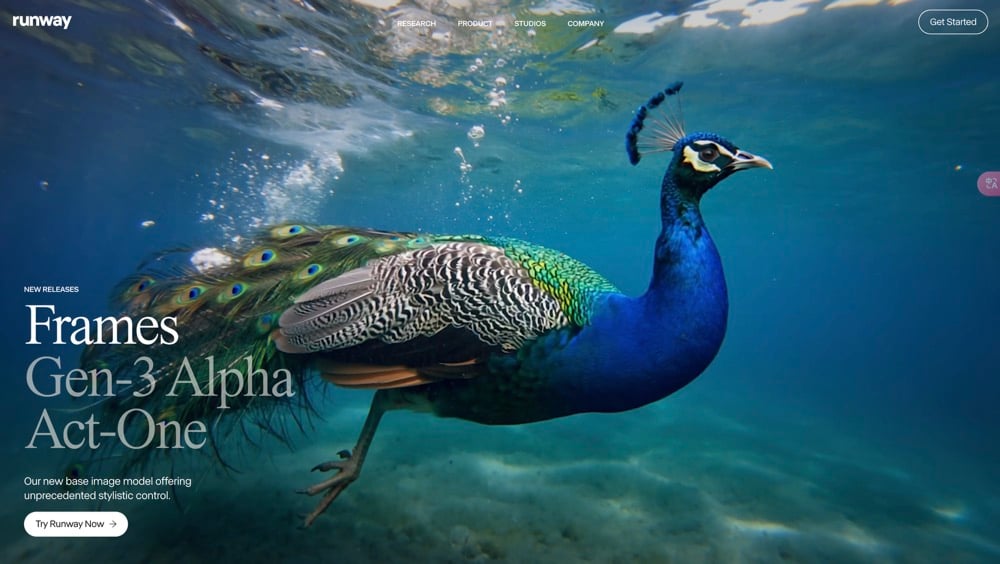
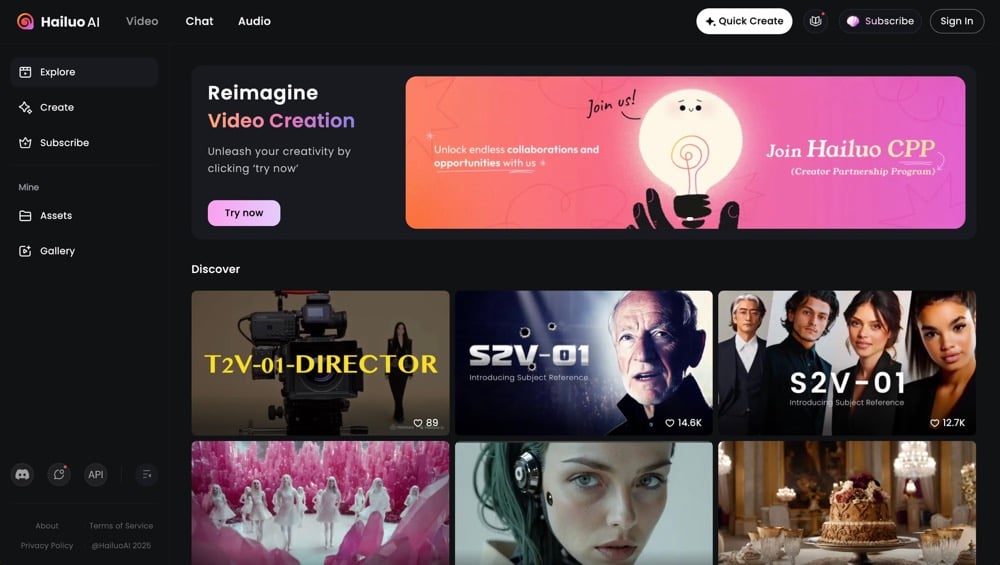
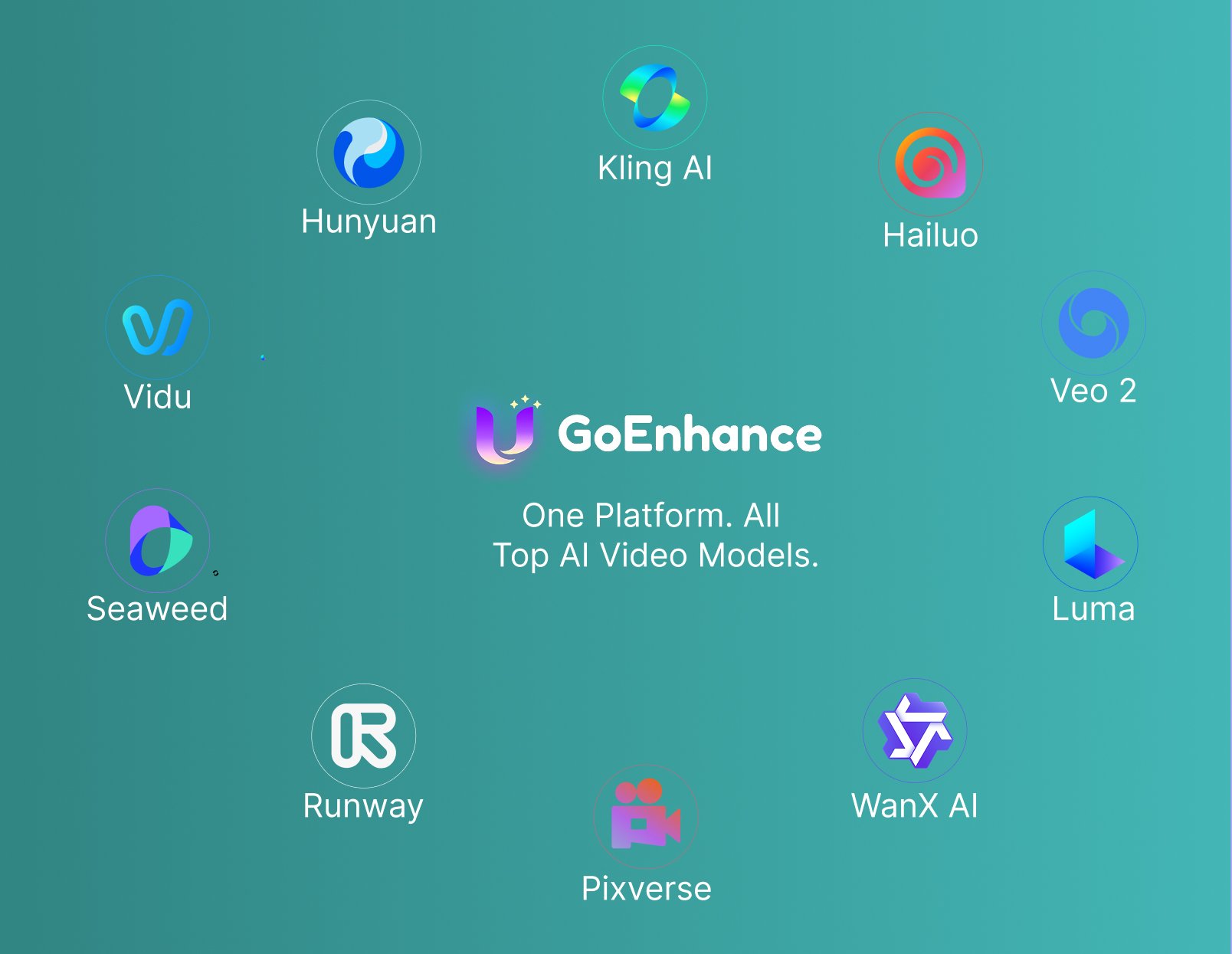
Access multiple cutting-edge models in one platform. Beyond our own GoEnhance, you can experiment with Veo 3, Kling, Seedance, Wan 2.2 and more—all in one place.

GoEnhance AI all-in-one video generator

Storytelling with Multiple Images

Upload a sequence of images and let AI generate smooth transitions, continuity, and storytelling. Perfect for slideshows, ads, or creative video effects.
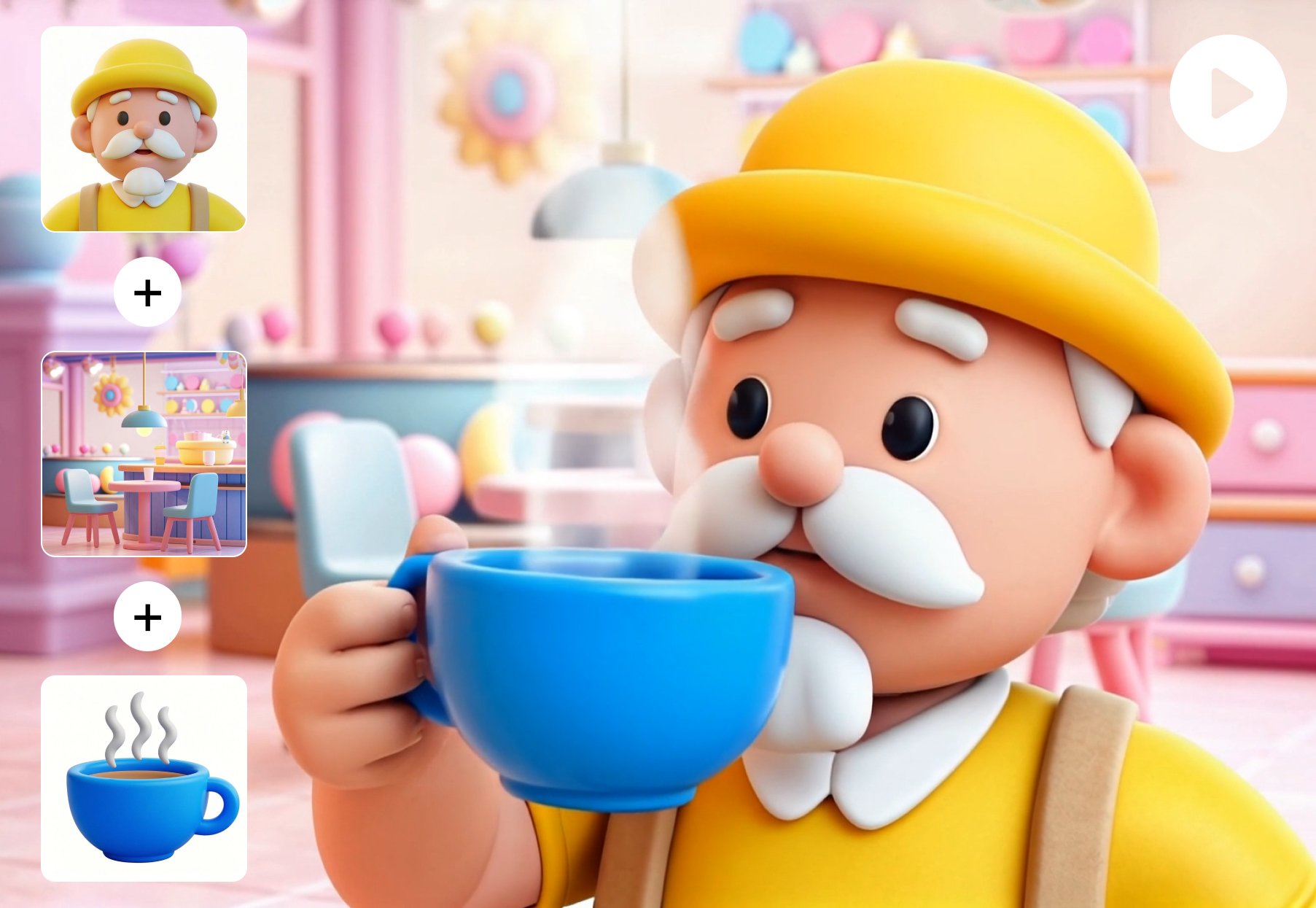
GoEnhance AI multi-image to video generator

Professional-Grade Video Quality

Generate animated videos from still photos with sharp details and vibrant clarity. GoEnhance ensures HD and 4K-ready results suitable for marketing, education, and entertainment.
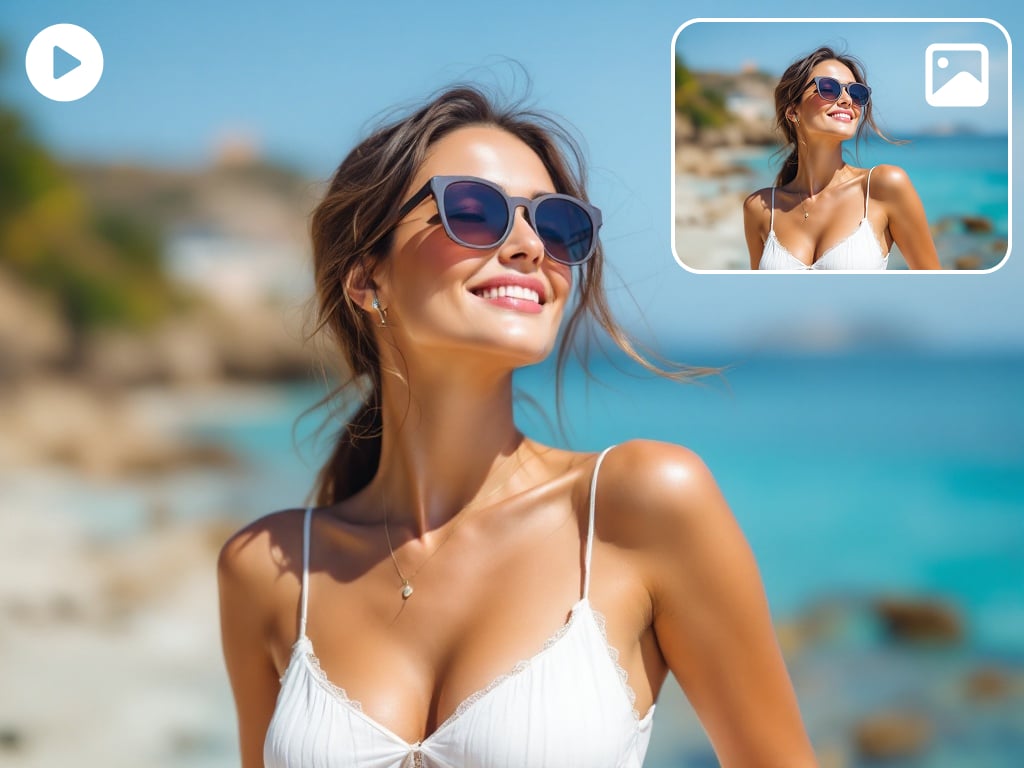
GoEnhance AI high-quality video output

AI Video Prompting and Workflow Guide

Key PointWhat It MeansHow to Use ItExample
Scene SetupDefine time, place, and atmosphere so the frame does not feel empty.Describe when the scene happens, where it is, and what mood it carries.At dusk in a quiet wetland, soft golden light, calm and healing mood.
Camera LanguageCamera movement helps define how the viewer experiences the shot.Add close-up, medium shot, push-in, pull-back, pan, follow, or fixed camera.A slow push-in close-up captures the otter as it gazes toward the water.
Action DetailSpecific actions create stronger motion and clearer visual results.Avoid broad verbs. Describe exactly what the subject is doing.The otter cracks a shell, chews slowly, and taps its paw on the hoodie pocket.
EmotionEmotion makes the video more memorable and gives the scene a narrative finish.Use a facial expression, brief pause, smile, spoken line, or quiet final still moment.It pauses, smiles faintly, then looks up as the shot gently freezes.
Prompt FormulaA stronger cinematic prompt usually brings together the scene, camera movement, action, and emotion.Use: time + scene + camera movement + action detail + emotional ending.Rainy alley at night, slow handheld follow shot, girl runs and turns back, nervous breath, freeze on her eyes.
Style KeywordsStyle words help keep visuals consistent across all shots.Pick one clear direction and repeat it across prompts.Realistic, cinematic, soft contrast, documentary texture.
One-Prompt WorkflowA structured master prompt can generate script, storyboard, image prompts, and motion prompts at once.Tell the model who you are, who it should be, what you need, and what output format to follow.Create a 10-second 9:16 food ad with 10 shots, each with copy, image prompt, and motion prompt.
Video WorkflowA practical AI video workflow usually goes from planning to image generation to motion and then editing.Use LLM for ideas, image model for first frames, video model for motion, then edit in post.Start by writing the script in Doubao, create keyframes in Jimeng, turn them into clips, and complete the final edit in CapCut.
Frequently Asked Questions

You may want to know

What is AI video generator?

AI video generator, also known as an AI video maker, is a tool powered by artificial intelligence. It uses deep machine learning algorithms to quickly convert text prompts, images, ideas, scripts, and more into videos, no editing skill needed.

How does AI video generator work?

AI video generator works by analyzing your input and using deep learning models to generate a video. The AI video generator uses a combination of text-to-video generation, image-to-video generation, and video-to-video generation to create videos.

What can you do with the GoEnhance AI Video Generator?

GoEnhance AI Video Generator lets you create videos from text prompts, photos, or existing clips in minutes. It combines text-to-video, image-to-video, and video-to-video technology so anyone can produce marketing, explainer, or social-media videos without editing skills.

How does GoEnhance AI generate videos automatically?

The generator analyzes your prompt, writes a short script, selects matching visuals, and applies motion, voiceover, captions, and music—all in one step. It runs on advanced models like Veo 3.1 and Kling 2.5 to ensure cinematic motion and photoreal results.

Is GoEnhance AI beginner-friendly?

Yes. You can type an idea such as “a short coffee ad”, choose a video length, and get a ready-to-post clip. Everything—script, animation, voice, and subtitles—is done automatically. Perfect for beginners, marketers, and educators.

Which is the best free AI video generator?

GoEnhance AI Video Generator ranks among the best free text-to-video tools online. It supports Veo 3.1 and Kling 2.5 for realistic motion and offers one-click creation for marketing, explainer, or social clips.

How long does it take to generate a video?

Generation time varies based on video length and complexity, but typically ranges from 2-5 minutes for a short clip. More complex and longer videos may require additional time.

Can I use the generated videos commercially?

Yes, you have full rights to use the videos you generate for both personal and commercial use.

What file formats are supported for video output?

Our AI generates videos in MP4 format, which is widely compatible with most devices and platforms.

Can I try the AI video generator for free?

Yes! We offer a free tier that allows you to experience our AI video generator without any cost. You can create short videos and explore basic features to get a feel for the platform. For access to advanced features and longer video durations, consider upgrading to one of our paid plans.

What's the maximum length of video I can generate?

The maximum video length varies by subscription tier. Free users can generate videos up to 5 seconds, while paid tiers may allow for longer durations.

Can I use GoEnhance AI Video Generator for marketing videos?

Absolutely. You can turn product photos or short descriptions into branded ad clips with voiceovers, subtitles, and music. Marketers use it daily to produce Reels, TikToks, and YouTube Shorts faster than manual editing.

How do I ensure the best results from the AI Video Generator?

Provide clear, detailed descriptions in your prompts. Experiment with different styles and settings, and don't hesitate to generate multiple versions to find the perfect match for your vision.

Do I need prompt-writing experience to use an AI video generator?

No. You do not need advanced prompt-writing skills to get started. In many cases, a simple prompt with a clear subject, action, and setting works better than an overly complicated one. The key is to be specific, not technical.

Why do some AI-generated videos look unnatural?

This usually happens when the prompt is too vague, the source image is weak, or the requested motion is too complex. In practice, better results often come from using a strong visual input, keeping the movement simple, and avoiding too many scene changes in one short clip.

Is image-to-video better than text-to-video?

It depends on your goal, but image-to-video often gives more consistent results when you want better control over character appearance, composition, or product details. Text-to-video is useful for fast idea generation, while image-to-video is often the stronger option for more controlled creative work.

What is the most common mistake when using an AI video generator?

A lot of people make the mistake of asking the model to do too much in one go. Prompts with multiple actions, dramatic camera movement, and several scene changes can reduce consistency. Short, focused instructions usually lead to cleaner and more usable videos.

More than AI Video Generator

GoEnhanceAI goes beyond AI Video Generator. Our platform offers advanced features for creating AI-generated images, video to Animation, tailored to both creative and professional needs.With GoEnhanceAI, you can create high-quality, AI-generated videos that stand out. Enhance your visual content seamlessly and meet the growing demands of digital media.

Try GoEnhanceAI For Free