Qwen-Image-2.1-Turbo

Qwen-Image-2.1-Turbo is the 8-step version of Qwen-Image-2.1, released by the Qwen team on 9 October 2026. It keeps the same 7B visual generation architecture and the same pipeline for text-to-image and editing, but samples in 8 denoising steps instead of the base model's default 40. GoEnhance does not offer Turbo, so the console below runs Qwen Image 3, the newest Qwen model available here.
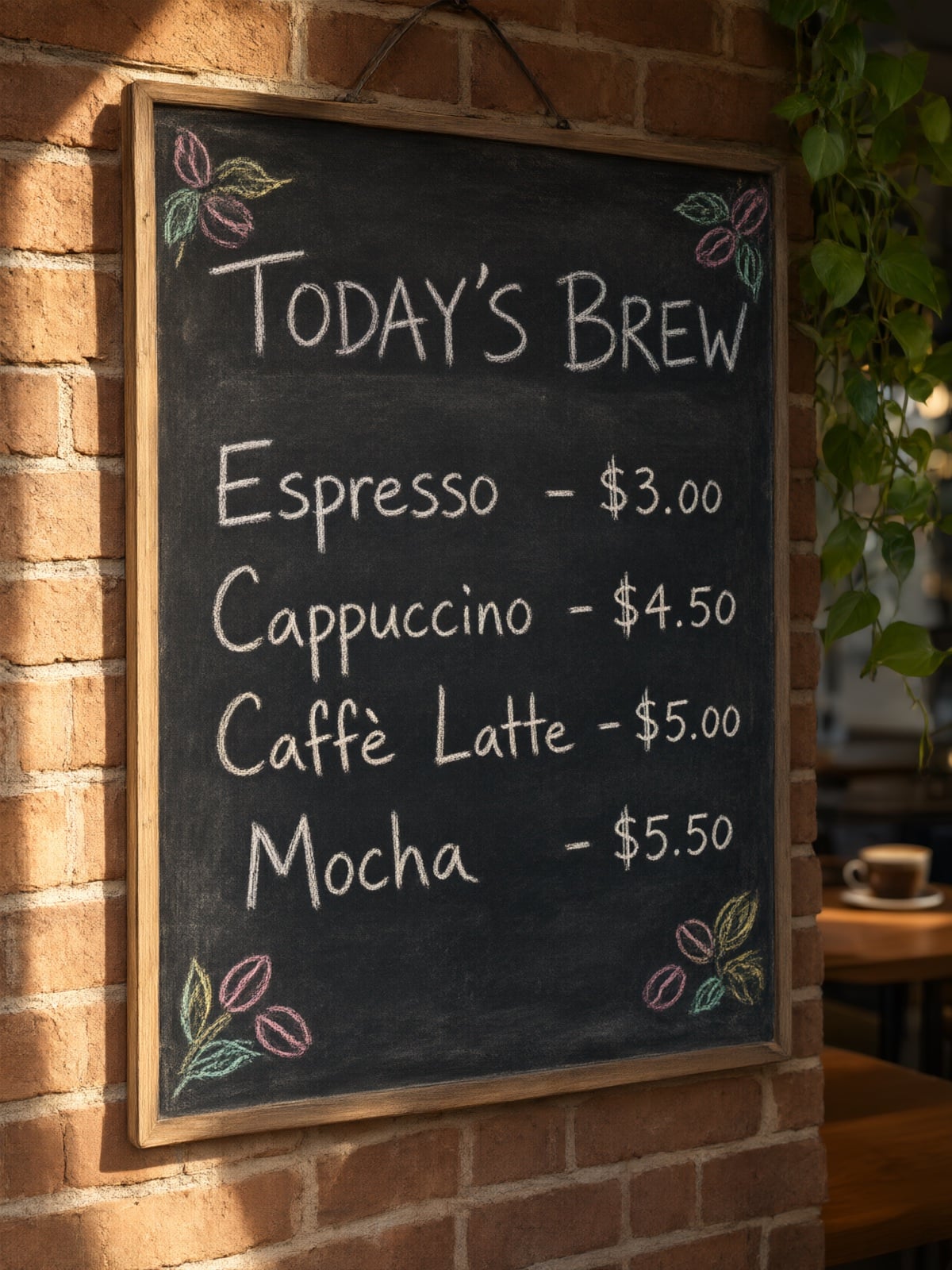
Chalkboard Café Menu
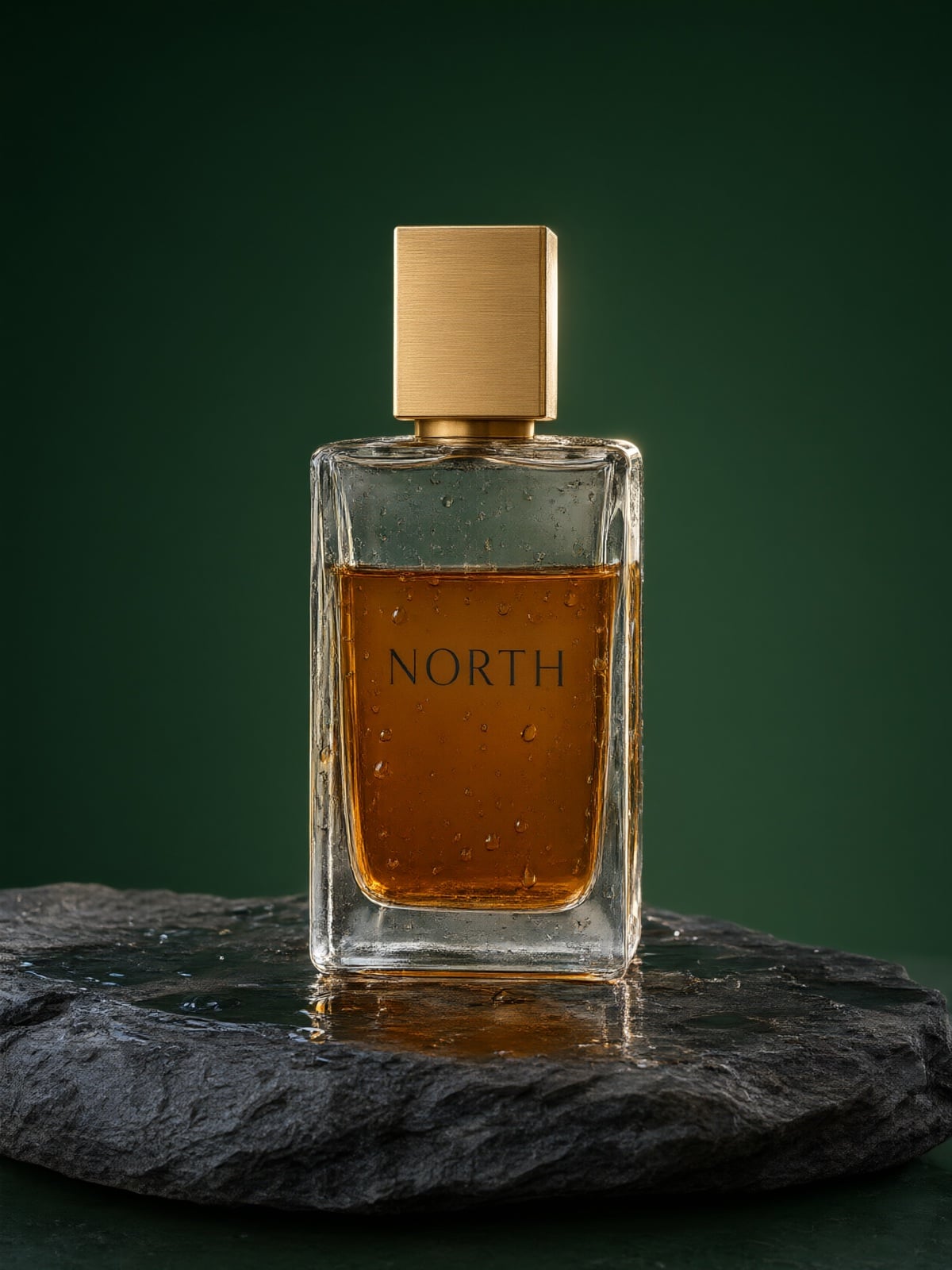
Glass Bottle Product Shot
Character Sticker Sheet
Vintage Travel Poster
Qwen Image 3
Prompt
Example prompts
Opens the GoEnhance editor with this model and prompt ready.

What Turbo Changes, and What It Keeps

8 Steps Instead of 40

The base Qwen-Image-2.1 samples in 40 steps by default. Turbo is an accelerated checkpoint that ships with a saved 8-step schedule, so each image takes one fifth of the denoising steps. Qwen says fewer steps does not mean lower quality, and that Turbo still produces strong 2K images.

Same 7B Architecture

Turbo is not a smaller model. It uses the same 7B visual generation architecture as Qwen-Image-2.1, loads through the same QwenImage21Pipeline in Diffusers, and takes the same recommended 2K sizes, from 2048×2048 square to 2752×1536 widescreen.

Generation and Editing in One Checkpoint

The same checkpoint handles text-to-image and prompt-guided editing. Qwen's model card shows single-image edits, multi-reference composition, and a room assembled from four reference images. The Qwen-Image-2.1 family accepts up to 10 reference images.

CFG 1 and a Fixed Schedule

Turbo is tuned to run at CFG 1. Its 8-step schedule loads automatically, and changing num_inference_steps alone does not override it: you have to pass explicit sigmas, and Qwen notes that other schedules have not been evaluated.

Open Weights and a Hosted API

The weights are on Hugging Face and ModelScope under the Qwen Research License Agreement. On the same day, the Qwen-Image-2.1 Pro and Turbo APIs went live on Alibaba Cloud Model Studio.

How to Run Qwen-Image-2.1-Turbo
01

Get the Weights

Download Qwen/Qwen-Image-2.1-Turbo from Hugging Face or ModelScope. If your project is commercial, read the Qwen Research License Agreement before you start.

02

Install the Runtime

Turbo needs Diffusers installed from source, because its schedule relies on the sampling-sigma support added in PR #14950. You also need transformers 5.17 or newer and a CUDA build of PyTorch.

03

Keep the Default Schedule

Load QwenImage21Pipeline and leave the saved 8-step schedule and CFG 1 as they are. When you edit with reference images, set use_kv_cache=True to cache the text and image context.

04

Or Skip the Setup

No GPU at hand? Alibaba Cloud Model Studio serves the Turbo API, or try the Qwen Image family in your browser with the console on this page.

Qwen-Image-2.1 vs Turbo vs Pro

AspectQwen-Image-2.1Qwen-Image-2.1-TurboQwen-Image-2.1 Pro
Released20 September 20269 October 20269 October 2026
How you get itOpen weightsOpen weights and a hosted APIHosted API only
Denoising steps40 by default8, from a saved scheduleNot published
Architecture7B visual generation, 32 DiT layersSame 7B architectureNot published
TasksText-to-image, editing, transparent RGBA, local editsText-to-image and editingGeneration and editing

Qwen-Image-2.1-Turbo FAQ

What is Qwen-Image-2.1-Turbo?

It is the official accelerated checkpoint of Qwen-Image-2.1 from the Qwen team, released on 9 October 2026. It generates and edits images in 8 denoising steps and uses the same 7B visual generation architecture as the base model.

How much faster is it than Qwen-Image-2.1?

Turbo uses 8 denoising steps where the base model uses 40 by default, so it runs one fifth of the steps. Qwen has not published a wall-clock figure, and real speed depends on your GPU, the output size, and how many reference images you pass.

Does fewer steps mean worse images?

Qwen says it does not, and that Turbo still produces strong 2K images. If your work leans on dense text or many reference images, compare Turbo with the base model on your own prompts before switching.

Is it the same as a Qwen Image Turbo LoRA?

No. Qwen-Image-2.1-Turbo is a full checkpoint released by Qwen. Qwen-Image-2512 Turbo LoRA is a community LoRA for the earlier Qwen-Image-2512 model, and Qwen-Image-2.1-viggle-turbo is a separate 6-step community release from Viggle.

Can I use Qwen-Image-2.1-Turbo in ComfyUI?

ComfyUI has supported the base Qwen-Image-2.1 since launch, with official workflow templates. For Turbo, use a workflow that loads the Turbo checkpoint and keeps its 8-step schedule and CFG 1. Running it with the base model's 40-step settings throws away the speed-up.

Can I use it on GoEnhance?

Not yet. GoEnhance currently runs Qwen Image 2, Qwen Image 2 Pro, Qwen Image 3, and Qwen Image 3 Pro. The console on this page opens Qwen Image 3, so you can try the Qwen family without setting up a GPU.

Is Qwen-Image-2.1-Turbo free for commercial use?

The weights are published under the Qwen Research License Agreement, which is not the same as a plain commercial licence. Read the licence text before you use the weights or outputs in a commercial project. The hosted API on Alibaba Cloud has its own terms.

What resolutions does it support?

It works natively at 2K. The recommended sizes are 2048×2048, 2400×1792, 1792×2400, 2528×1696, 1696×2528, 2752×1536 and 1536×2752. Through Runware's hosted API, each side can be 192 to 4096 pixels, at 0.26 to 4.19 megapixels and aspect ratios from 1:8 to 8:1.

How many reference images can it take?

The Qwen-Image-2.1 family accepts up to 10 reference images, and Turbo uses the same editing pipeline. Runware's hosted Turbo API takes 1 to 10 reference images per request.

Try the Qwen Image Family on GoEnhance

Qwen-Image-2.1-Turbo runs on your own GPU or through Alibaba Cloud. To try Qwen image generation in the browser with nothing to install, start with Qwen Image 3.

Start with Qwen Image 3