
FLUX 3 Image

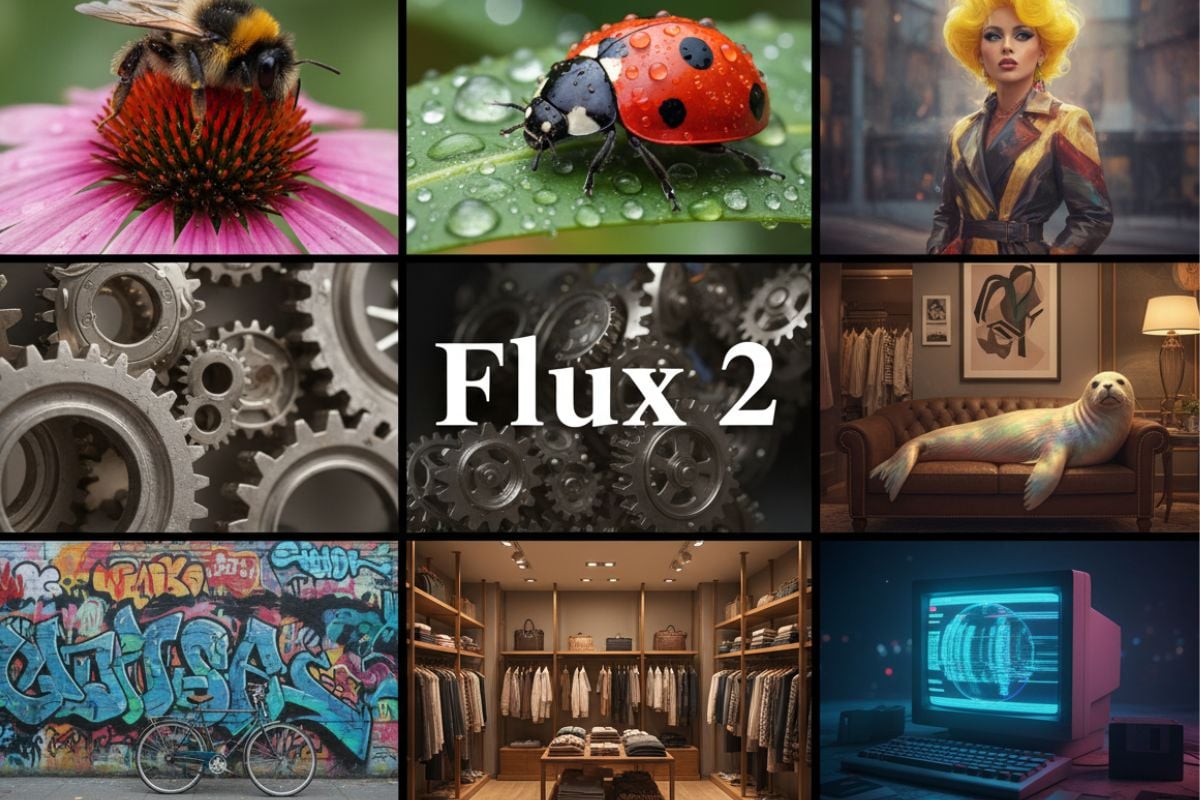
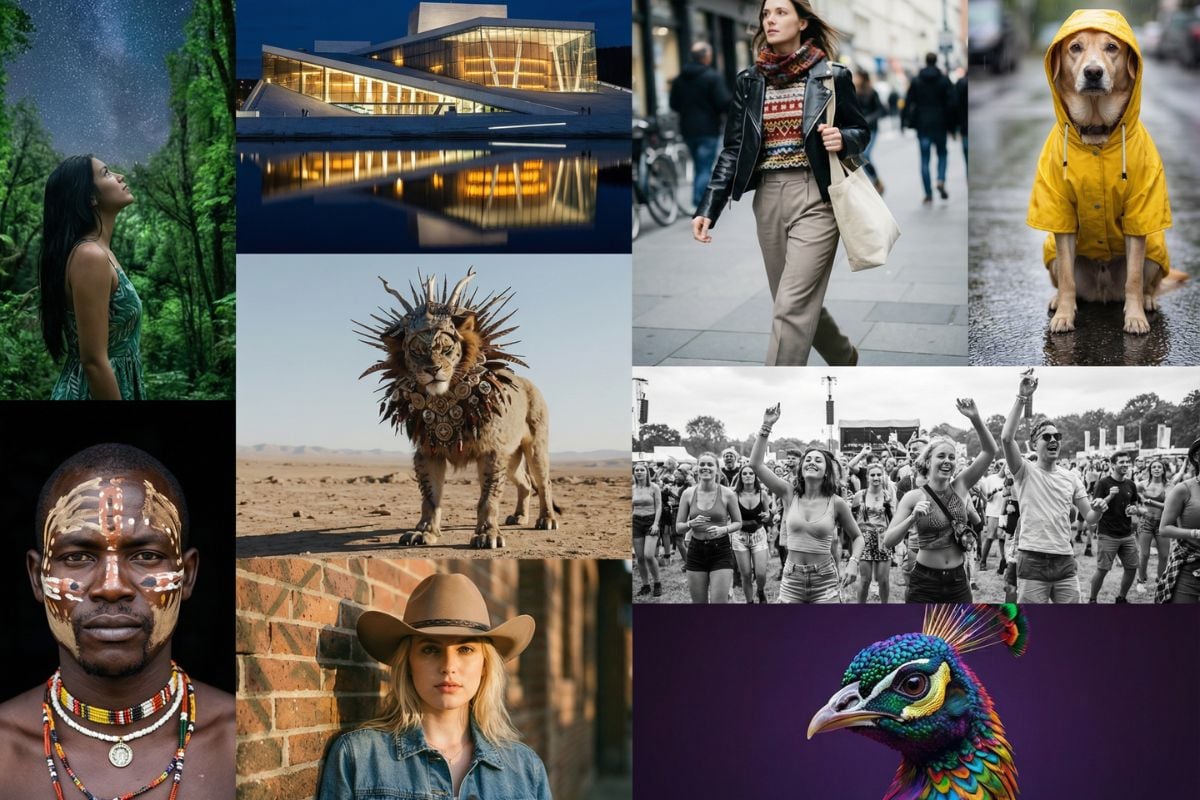
FLUX 3 Image is the new image generation and editing model from Black Forest Labs, released on October 1, 2026. It lets you place every element of a layout with bounding boxes, edit one part of an image while the rest stays unchanged, combine up to ten reference images and render up to 4K. GoEnhance does not offer FLUX 3 Image yet. The creation console below uses Flux 2 klein 4B, a fast FLUX.2 model from the same team, so you can start creating today.
Type-Led Poster
Type-Led Poster
Type-Led Poster
Panel-by-Panel Layout
Ultra-Wide Panorama
Ultra-Wide Panorama
Local Edit, Rest Unchanged
Flux 2 klein 4B
Prompt
Example prompts
Opens the GoEnhance editor with this model and prompt ready.

What's New in FLUX 3 Image

Place Every Element with Bounding Boxes

FLUX 3 Image accepts a JSON list of bounding boxes at the end of the prompt, on a 0 to 1000 grid, so you can decide where a headline, a face in a crowd or each panel of a grid should go. Black Forest Labs notes that boxes guide placement and scale rather than act as hard masks. The four-panel product grid shown here is an illustration of this kind of layout work, not a FLUX 3 output.

Bounding-Box Layouts

Edit One Part, Keep the Rest

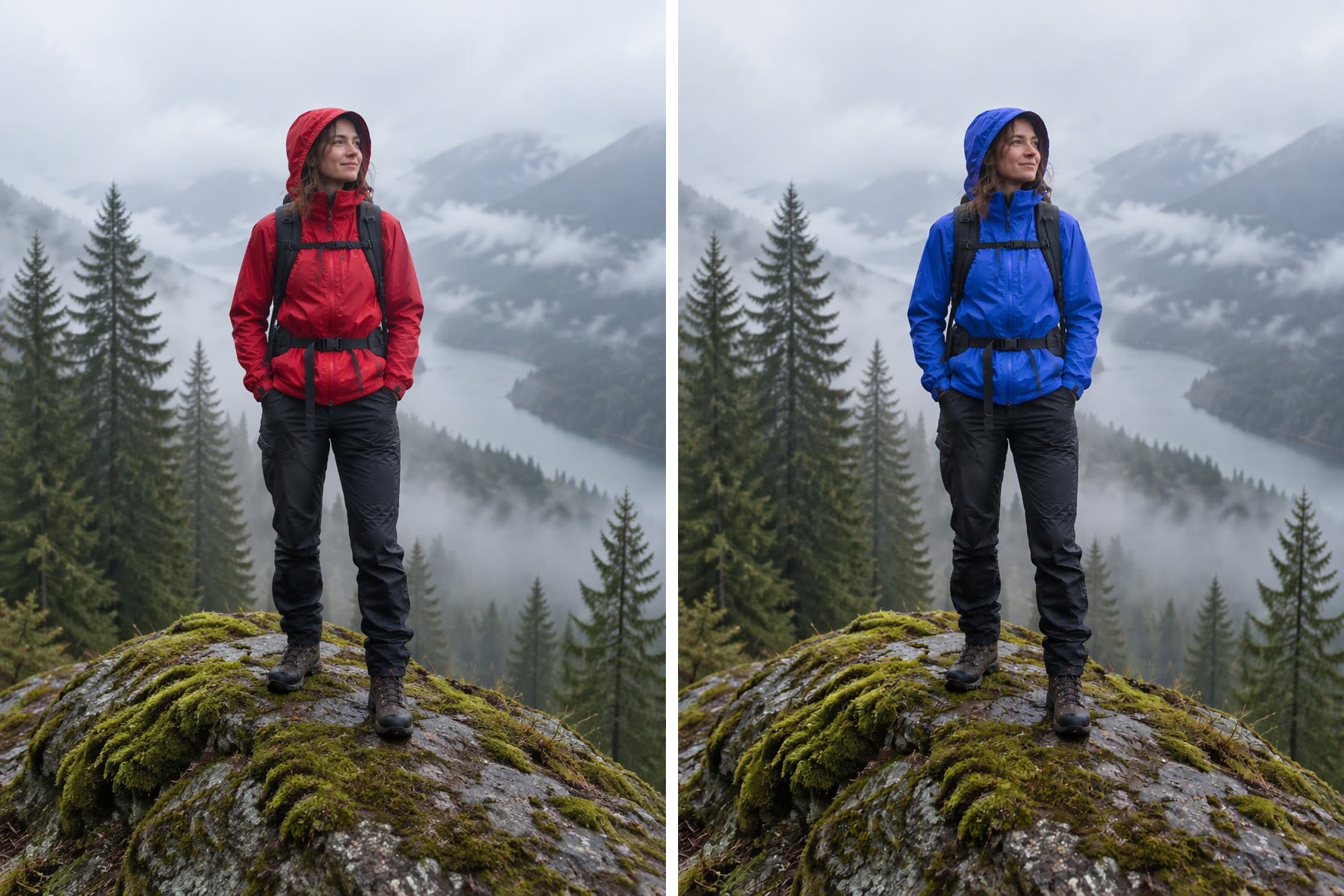
Mark the element you want to change and FLUX 3 Image keeps the rest of the picture as it was. One request can recolor, replace, move, resize or remove several elements at once, and you can chain edits over several turns. The red-to-blue jacket shown here is an illustration of a local recolor. If you want to edit images on GoEnhance today, try Flux Kontext.

Pixel-Exact Local Edits

Accurate Text in Posters and Graphics

To put text in an image, quote it exactly in the prompt and say where it goes, for example a poster that reads "OPEN LATE". Black Forest Labs shows FLUX 3 Image handling type-led posters and infographics, and editing existing text in place. The film club poster shown here is an illustration of a type-led design.

Typography and Text-Heavy Layouts

Up to 4K at 15 Aspect Ratios

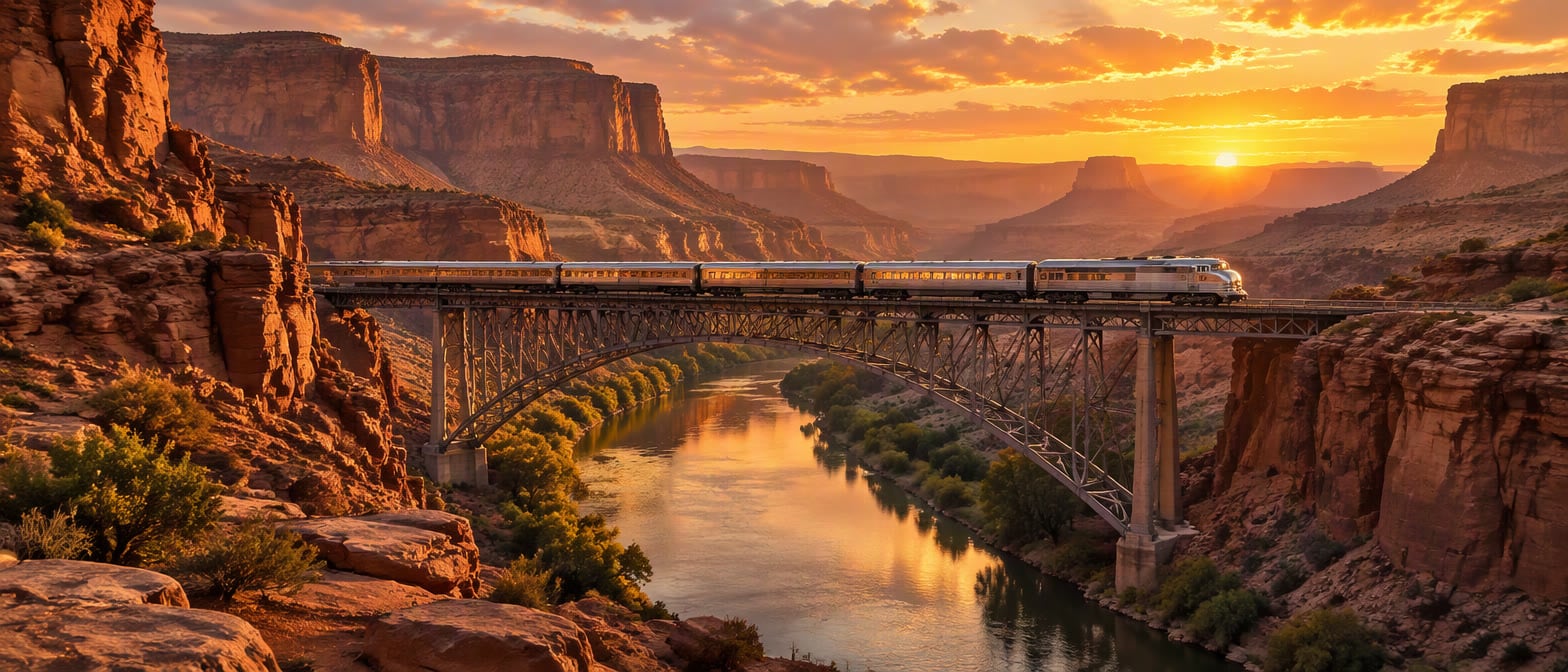
Resolution goes from 768sq for quick drafts to 1k (the default), 2k for print and hero images, and 4k at about 16 megapixels. Aspect ratios run from 21:9 to 9:21 across 15 fixed options, plus auto. Changing the resolution makes a new generation, so draft at a low setting and render the final at 2k or 4k. The canyon panorama shown here is an illustration of a 21:9 frame.

4K Output and 15 Aspect Ratios

FLUX 3 Image vs Flux 2 klein 4B on GoEnhance

FeatureFLUX 3 ImageFlux 2 klein 4B (this console)
ReleaseOctober 1, 2026Earlier FLUX.2 release
Available on GoEnhanceNot yetYes, in the text-to-image studio
Maximum output4K (about 16 megapixels)Standard resolution
Aspect ratios15 fixed ratios from 21:9 to 9:21, plus autoStandard ratios in the studio
Reference imagesUp to 10 per requestText prompt only on GoEnhance
Bounding-box layoutYes, JSON boxes in the promptNo
Local editsRecolor, replace, move, resize or remove elementsNo, use Flux Kontext for edits
PriceFrom $0.041 to $0.607 per image on the BFL API4 tokens per image, free plan included

How to Try FLUX Models on GoEnhance Today

01

Write a Prompt or Pick a Sample

Describe the subject, setting, light and framing in the console above, or start from a sample prompt. For text in the image, put the exact words in quotes and say where they go.

02

Describe What You Want, Not What You Don't

FLUX models work best with positive descriptions. Write "an empty beach" instead of "no people", and "plain studio backdrop" instead of "no clutter".

03

Generate with Flux 2 klein 4B

Click generate to open the GoEnhance text-to-image studio with Flux 2 klein 4B selected. Each image costs 4 tokens, and the free plan can use it.

04

Step Up When You Need More Detail

For final renders, switch to Flux 2 Max or Flux 2 Pro in the same studio. We will add FLUX 3 Image to this page when it becomes available on GoEnhance.

Frequently Asked Questions

You may want to know

What is FLUX 3 Image?

FLUX 3 Image is Black Forest Labs' image generation and editing model built on the FLUX 3 family. One endpoint handles both: send only a prompt to generate, or add images and describe the change to edit. Its headline features are bounding-box layouts, pixel-exact local edits, up to ten references and output up to 4K.

When was FLUX 3 Image released?

Black Forest Labs released FLUX 3 Image on October 1, 2026. The wider FLUX 3 family, which also covers video with synchronized audio and action prediction for robotics, was announced in July 2026.

Can I use FLUX 3 Image on GoEnhance?

Not yet. The console on this page uses Flux 2 klein 4B, a fast FLUX.2 model from Black Forest Labs that costs 4 tokens per image and is available on the free plan. For higher fidelity you can choose Flux 2 Max or Flux 2 Pro in the same studio. We will update this page when FLUX 3 Image is added.

How do bounding boxes work in FLUX 3 Image?

You add a JSON list of elements to the end of the prompt. Each element has an id, a box on a 0 to 1000 grid and a short description. The boxes tell the model where each element should sit and how large it should be, and they can also target an edit to one region while the rest of the image stays unchanged.

How many reference images can FLUX 3 Image use?

Up to ten. You refer to each image by its position in the prompt and say what it should contribute, for example the face from one image and the outfit from another, or a product placed into a new scene.

How much does FLUX 3 Image cost?

On the Black Forest Labs API it is priced per image by resolution: $0.041 at 768sq, $0.048 at 1k, $0.100 at 2k and $0.607 at 4k. According to reports, launch-week prices were halved until October 8, 2026.

Does FLUX 3 Image support negative prompts?

No. FLUX 3 Image has no negative prompt field. Describe the scene you want in positive terms instead. To remove something from an existing image, write it as an edit instruction, such as "Remove the cat from the sofa".

Is FLUX 3 Image open source?

Not at launch. According to reports, businesses can license the weights for self-hosting and fine-tuning, and Black Forest Labs has said a public open-weights version will follow. No date has been confirmed.

Start with FLUX on GoEnhance Today

FLUX 3 Image is not available on GoEnhance yet, but Flux 2 klein 4B is ready now in our text-to-image studio at 4 tokens per image, free plan included. We will update this page when FLUX 3 Image is added.

Try Flux 2 klein