01 · BATCH
Whole batches, one click
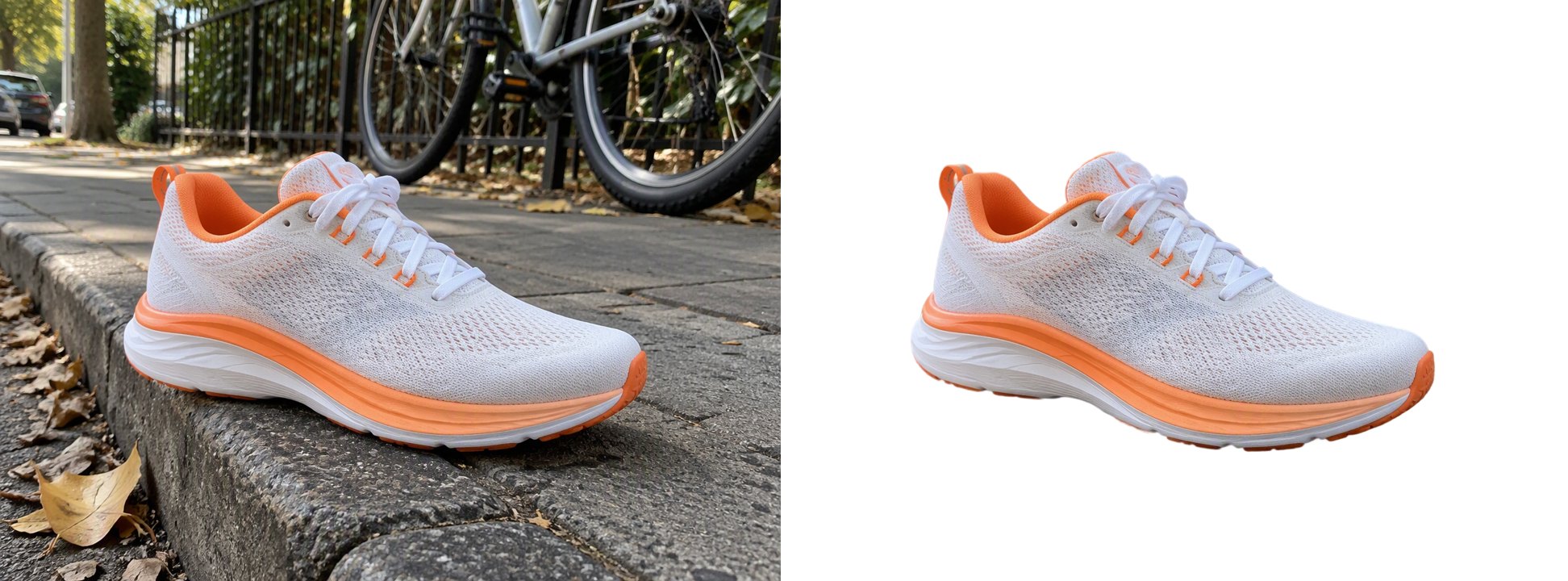
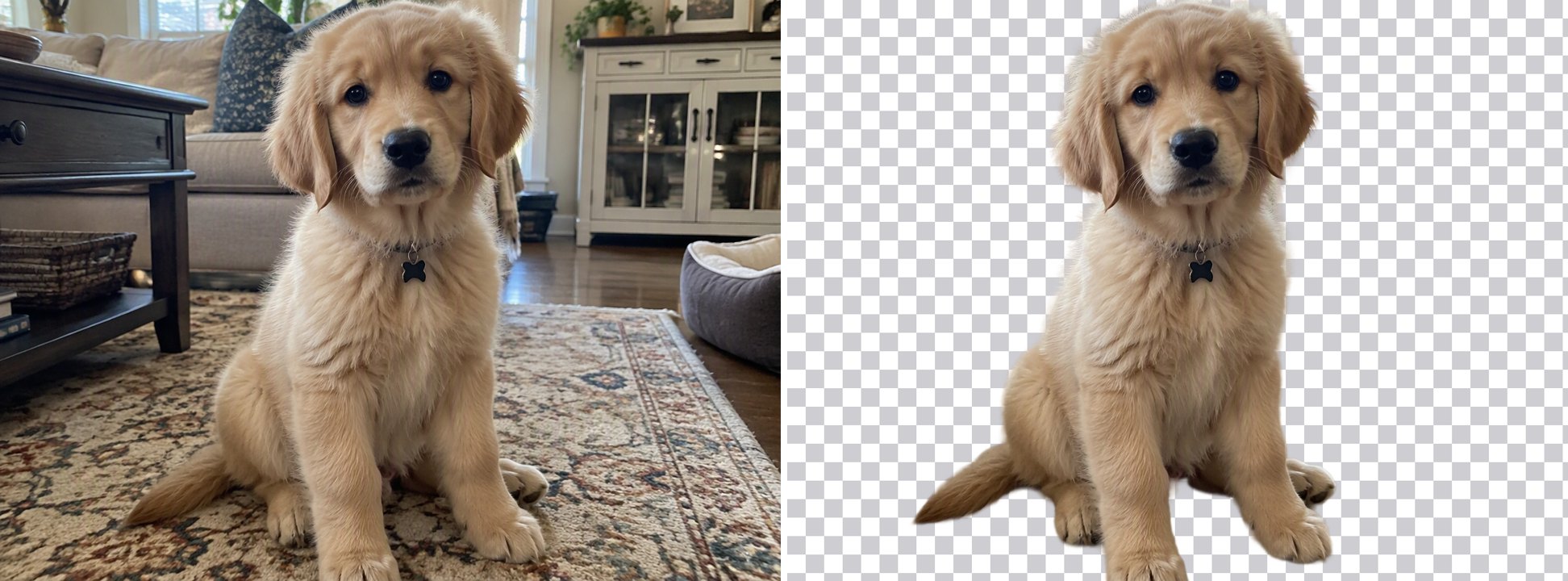
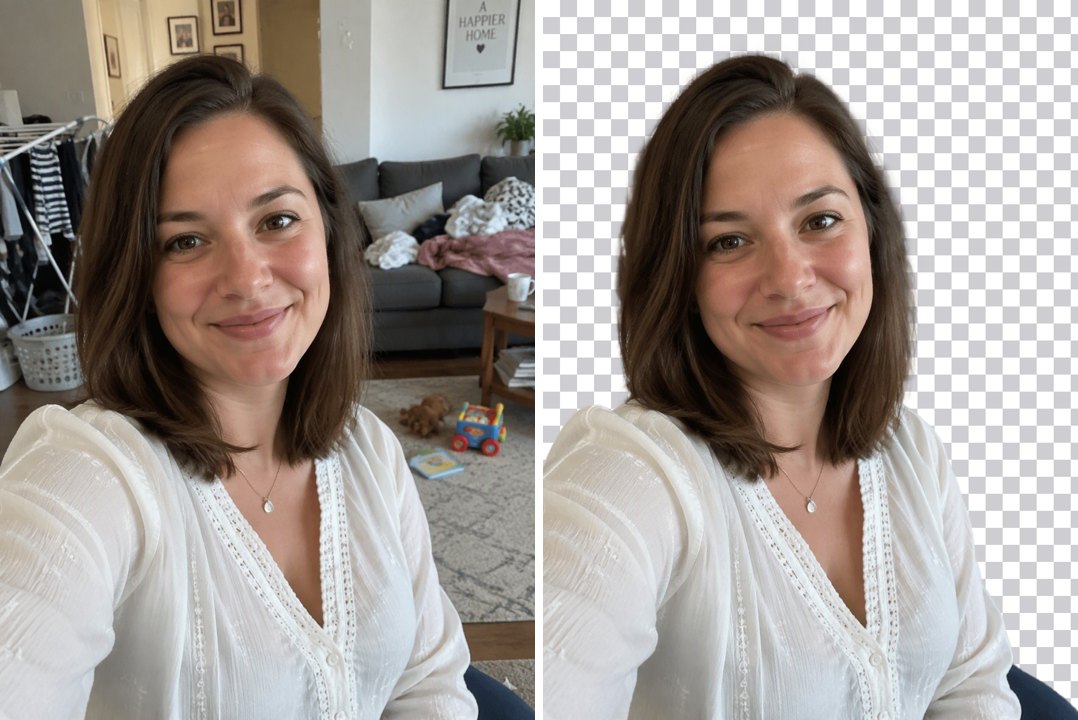
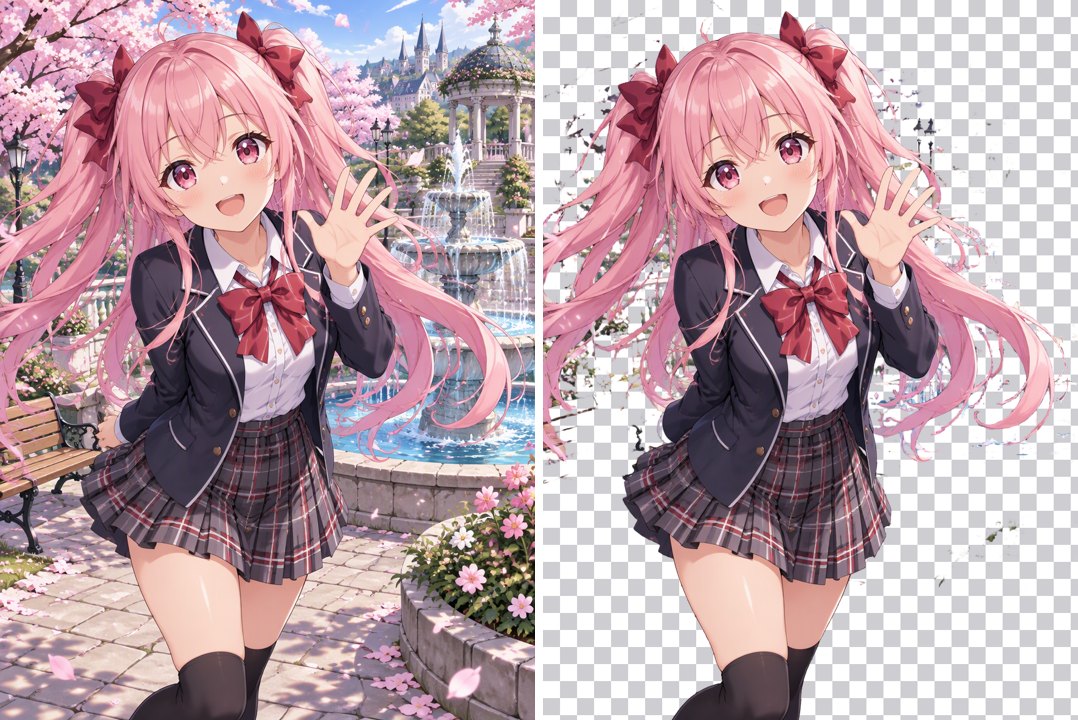
Pick a batch of images and remove backgrounds, upscale or erase watermarks. Results are saved in a folder next to your originals.


Everything on goenhance.ai, plus what a browser tab can't do: process images in batches, edit and export video on your own machine, and keep generating after you close the window.
 OriginalResult
The desktop app runs the same GoEnhance you use on the web, and adds local files, local video export and a tray that keeps working.
Pick a batch of images and remove backgrounds, upscale or erase watermarks. Results are saved in a folder next to your originals.
Re-cut AI Story and AI Music Video projects: trim, reorder, fix subtitles, add music and export MP4 locally.
Generations keep running from the menu bar or system tray, and a notification tells you the moment each one is done.