
MOSS-Image
What MOSS-Image Is Good At
Long, accurate text rendering
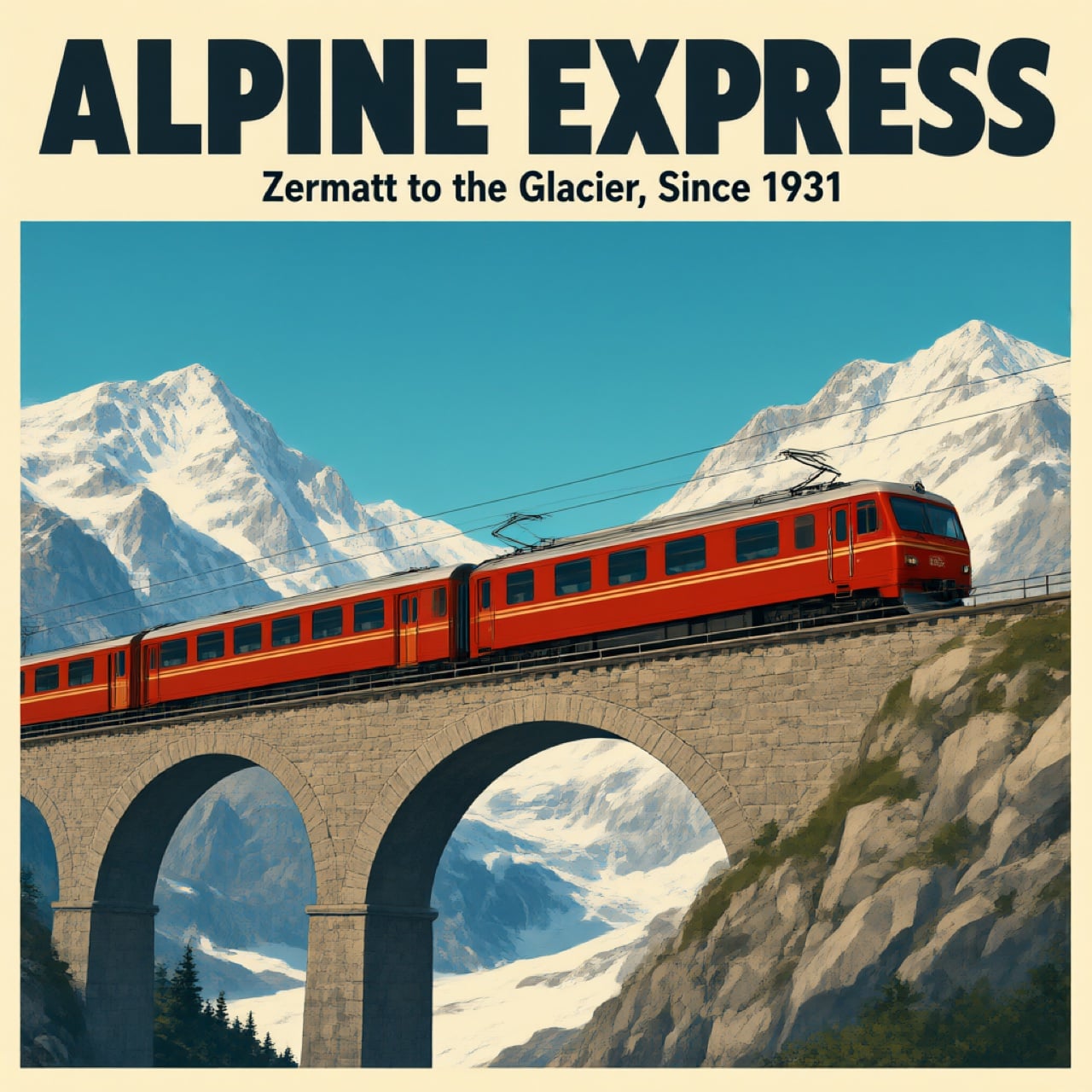
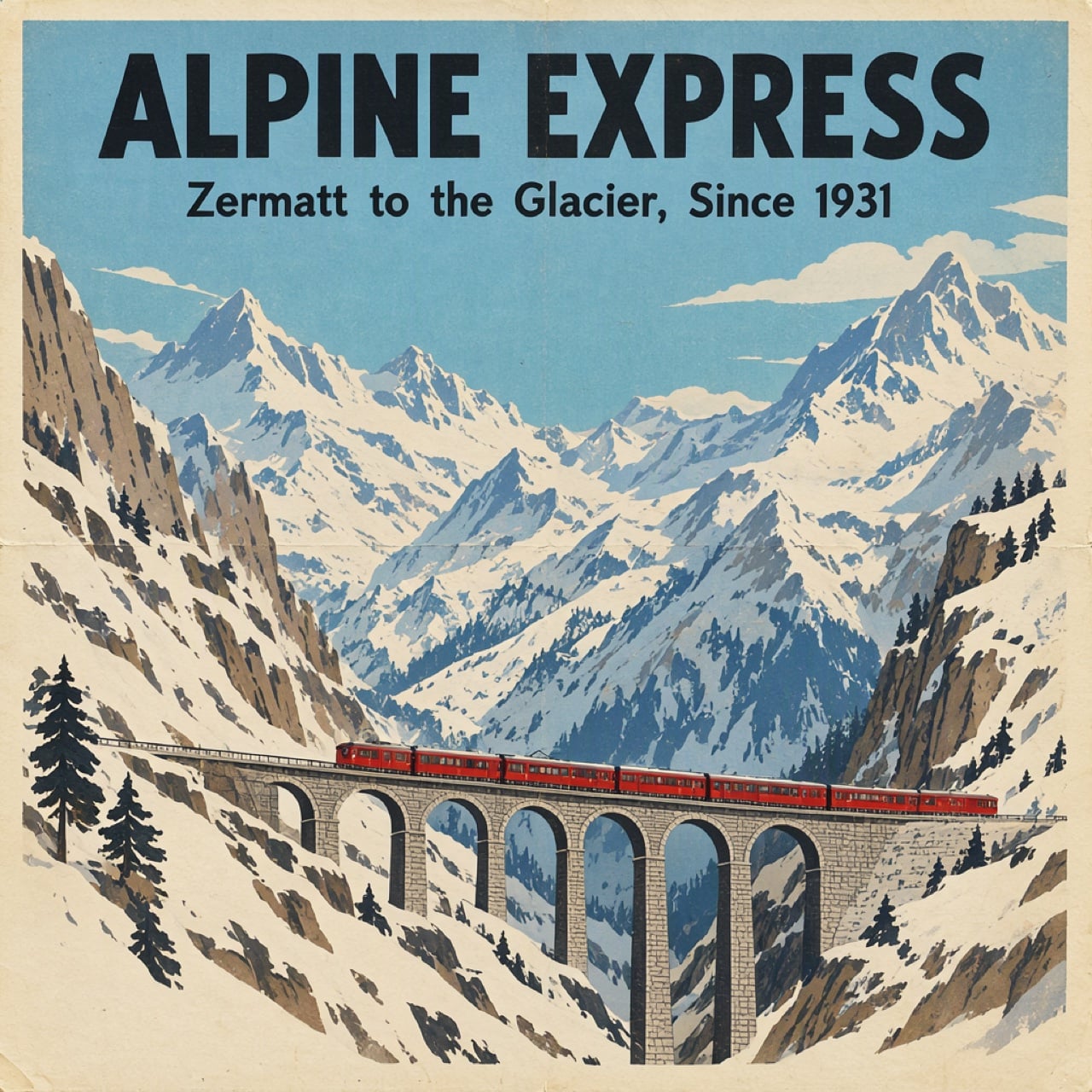
MOSS-Image is trained to spell headlines, slogans and small print correctly. In OpenMOSS's technical report it averages 96.3 on the LLTB long-text benchmark. This travel poster was made with MOSS-Image on the official demo: the headline and subline came out exactly as written.
Put every element where you want it
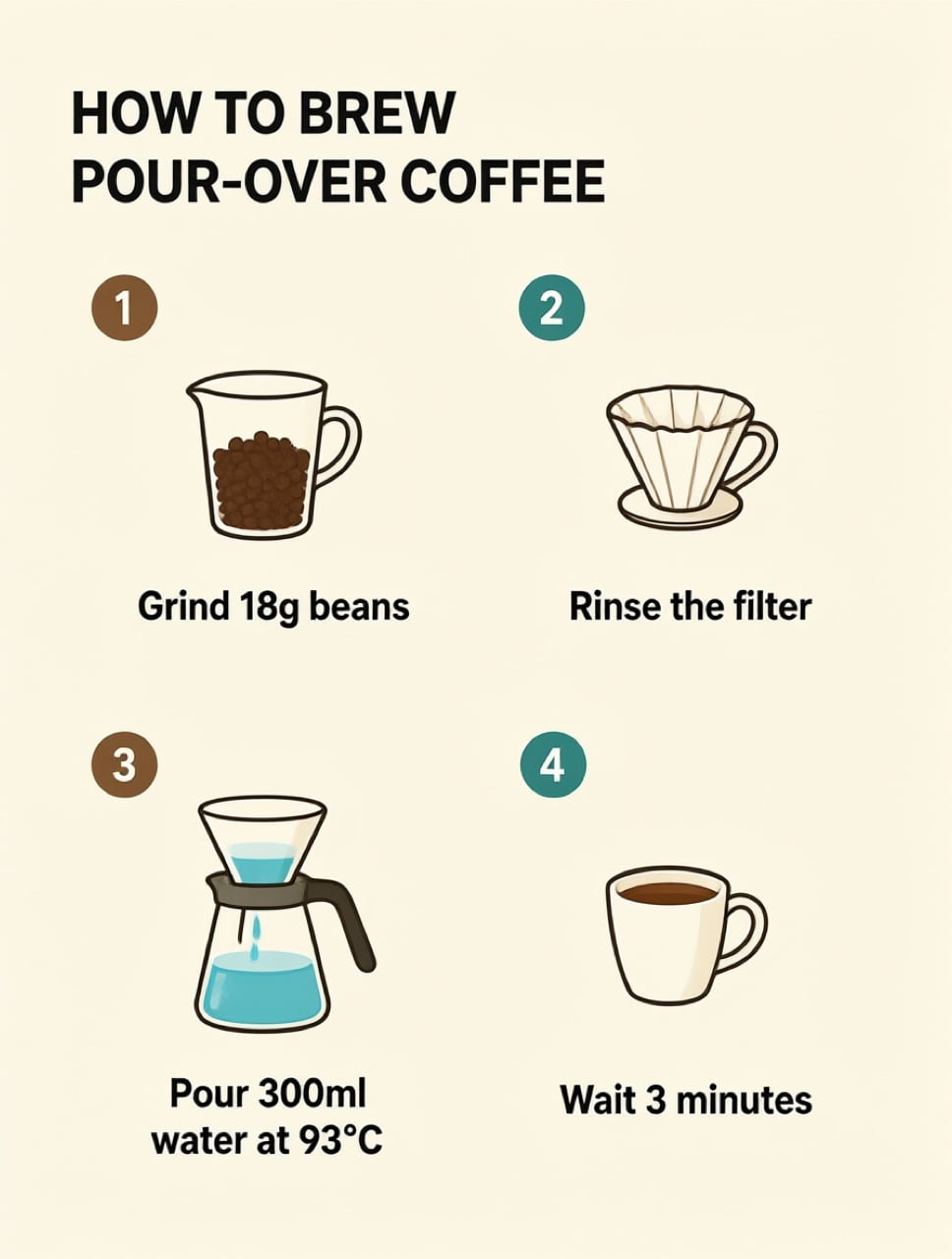
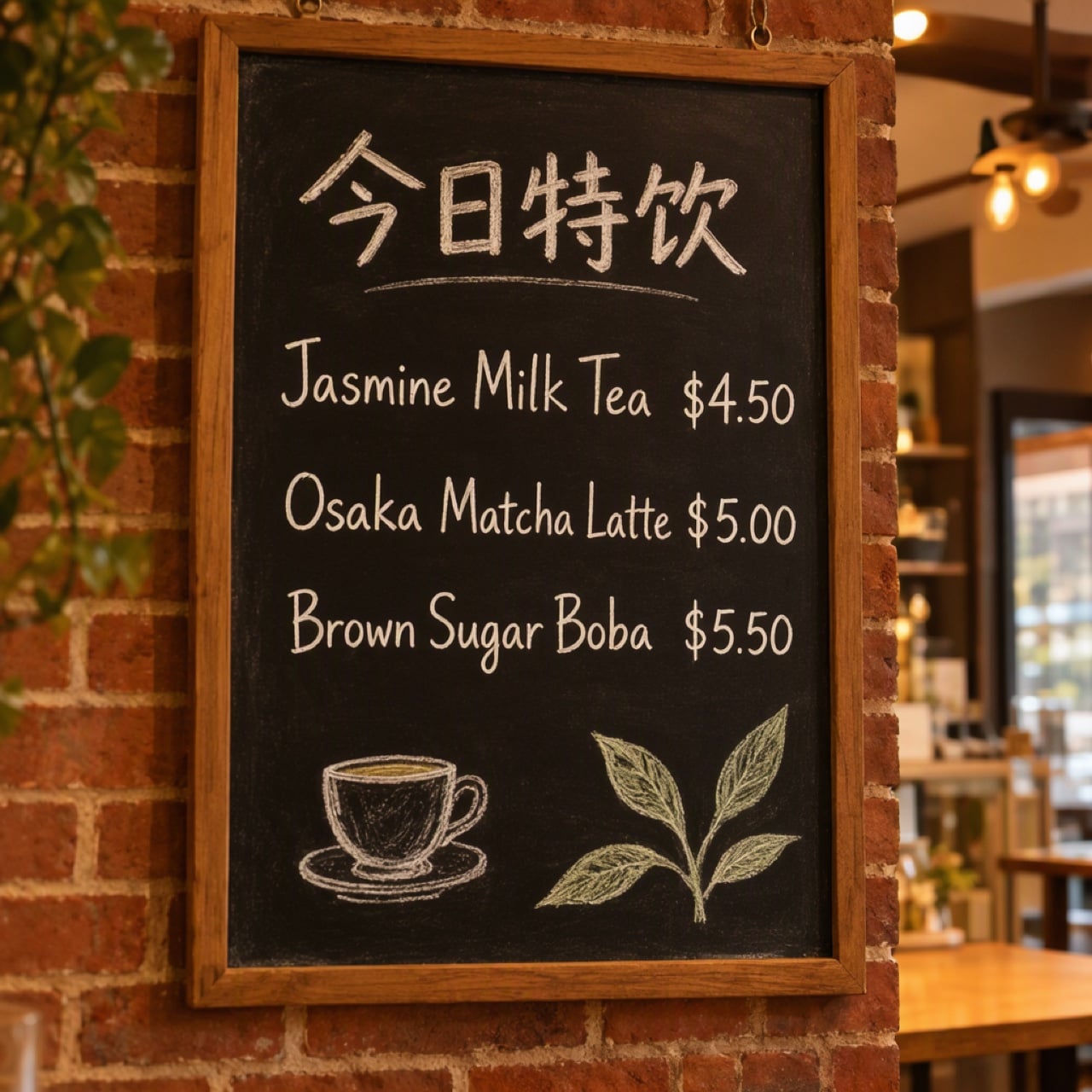
Besides normal prompts, MOSS-Image reads a JSON layout prompt: list each object or text block with a bounding box and it keeps them in place. Prompts can run up to 4K tokens, which suits dense posters and infographics. The infographic shown here is an illustration made with GoEnhance 2.0 Lite, not a MOSS-Image output.
Open weights you can run yourself
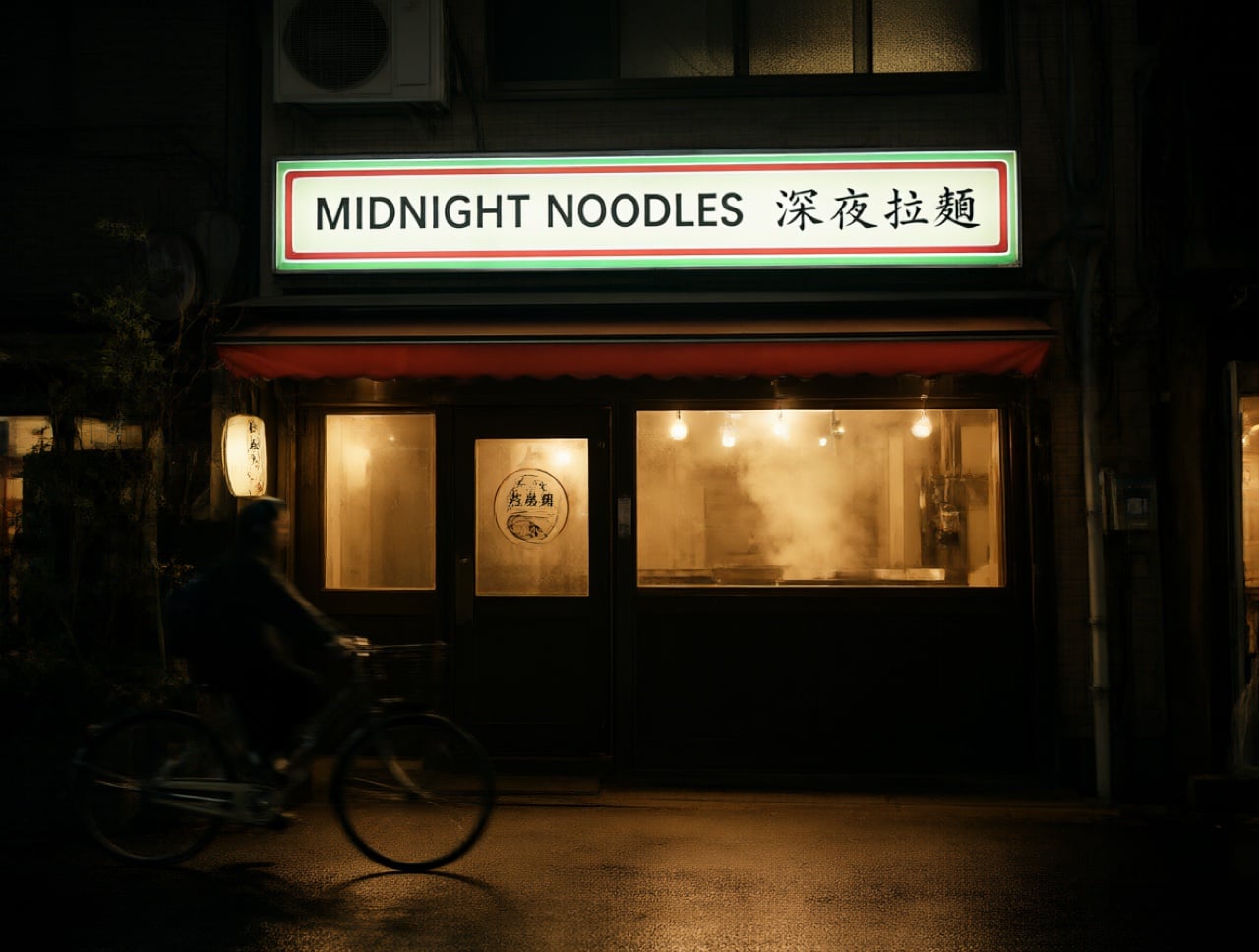
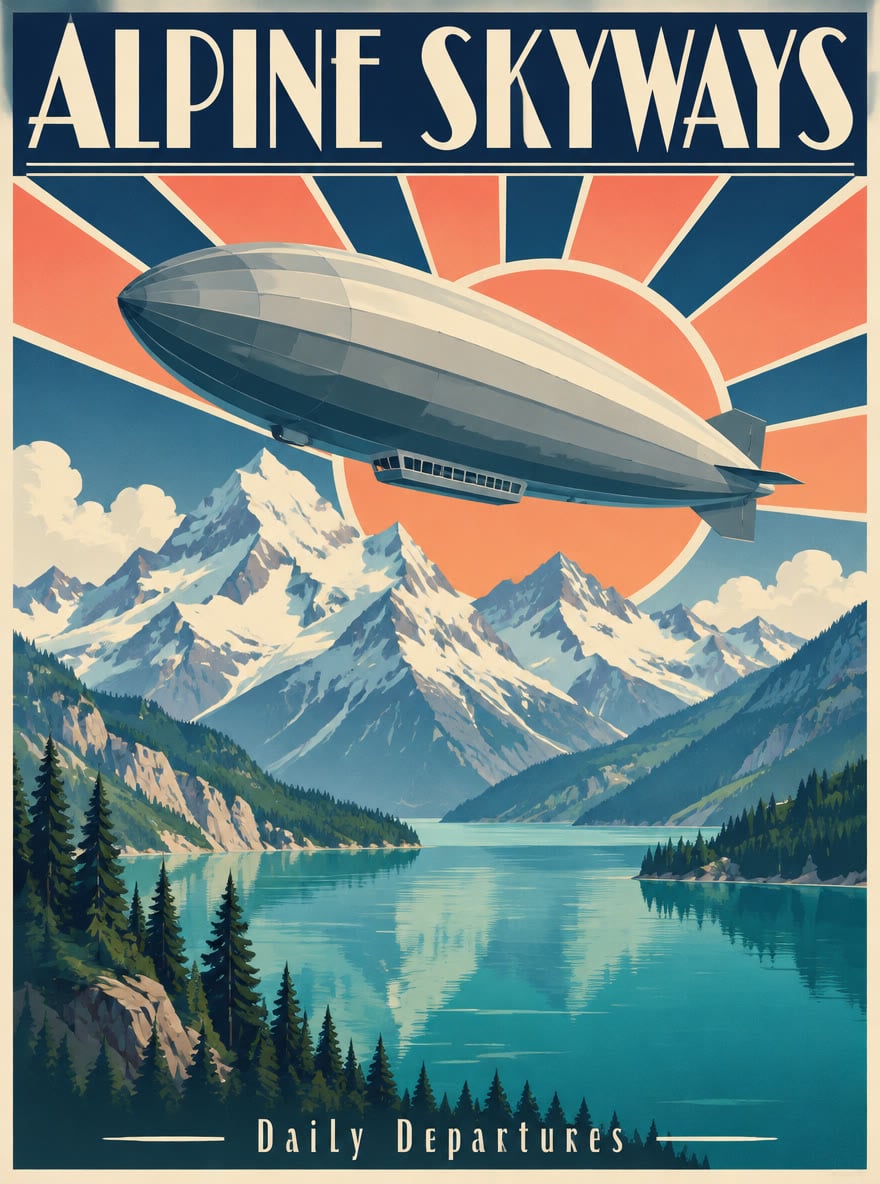
Weights for MOSS-Image-Base and MOSS-Image-SFT are on Hugging Face and ModelScope under Apache-2.0, with ComfyUI support from day one. It needs an NVIDIA GPU and recommends 50 steps, CFG 3 and 1 to 2 megapixel images. The neon sign shown here is an illustration made with GoEnhance 2.0 Lite.
MOSS-Image-Base vs MOSS-Image-SFT
How to Create Text-Heavy Images on GoEnhance Today
Write the scene and the words
Describe the subject, style and layout in the console above, and put every word you want in the image inside quotes.
Generate with GoEnhance 2.0 Lite
Click generate to open the GoEnhance text-to-image studio with GoEnhance 2.0 Lite selected. It costs 6 tokens per image at 1K and 12 at 2K, and the free plan can use it.
Fix and edit
Switch to image to image to change words, colors or objects with an instruction, using up to 5 reference images.
Come back for MOSS-Image
We will add MOSS-Image to this page when it becomes available on GoEnhance.
You may want to know
What is MOSS-Image?
When was MOSS-Image released?
Is MOSS-Image free for commercial use?
Can MOSS-Image edit images?
What is the difference between Base and SFT?
What languages can it write in images?
How do I run MOSS-Image locally?
Can I use MOSS-Image on GoEnhance?
More Image Models
Start Creating on GoEnhance Today
MOSS-Image is not available on GoEnhance yet, but GoEnhance 2.0 Lite is ready now in our text-to-image studio: 6 tokens per image, free plan included.
Try GoEnhance 2.0 Lite