GPT Image 2.6

GPT Image 2.6 is OpenAI's image model, available on GoEnhance in two versions: Sunburst for detailed generation and editing, and Flare for faster results. Write a prompt or upload up to 16 reference images, choose 1K, 2K or 4K and one of five quality levels, and get a still image, a transparent PNG or a short animated GIF. Prices start at 6 tokens per image.
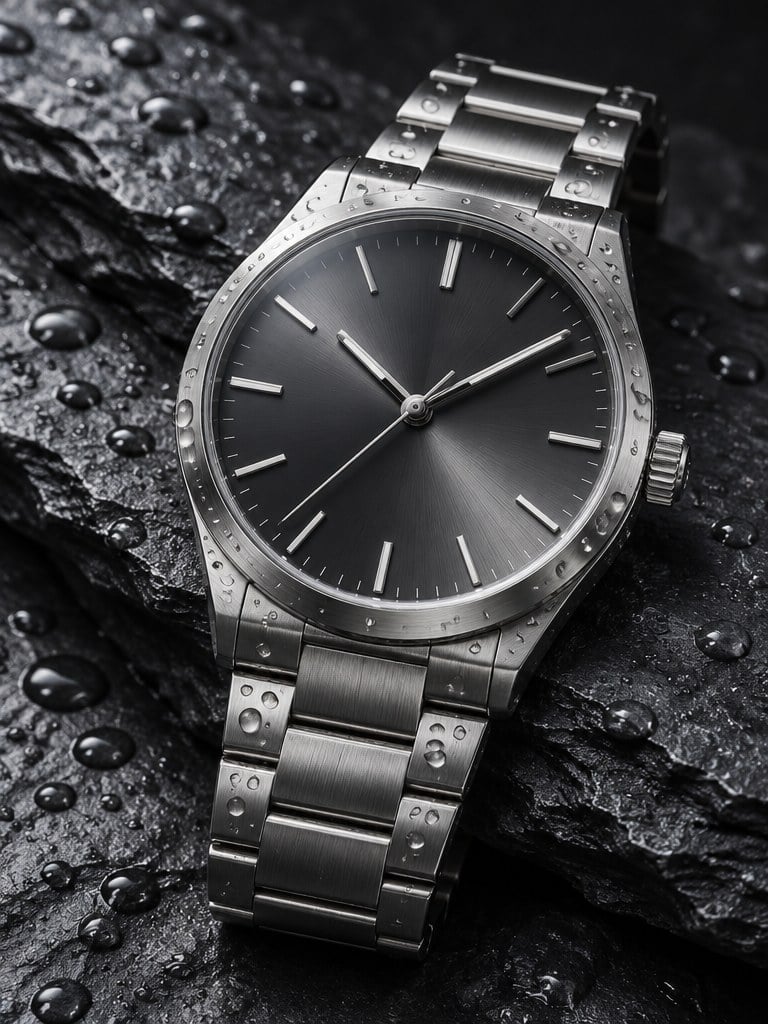
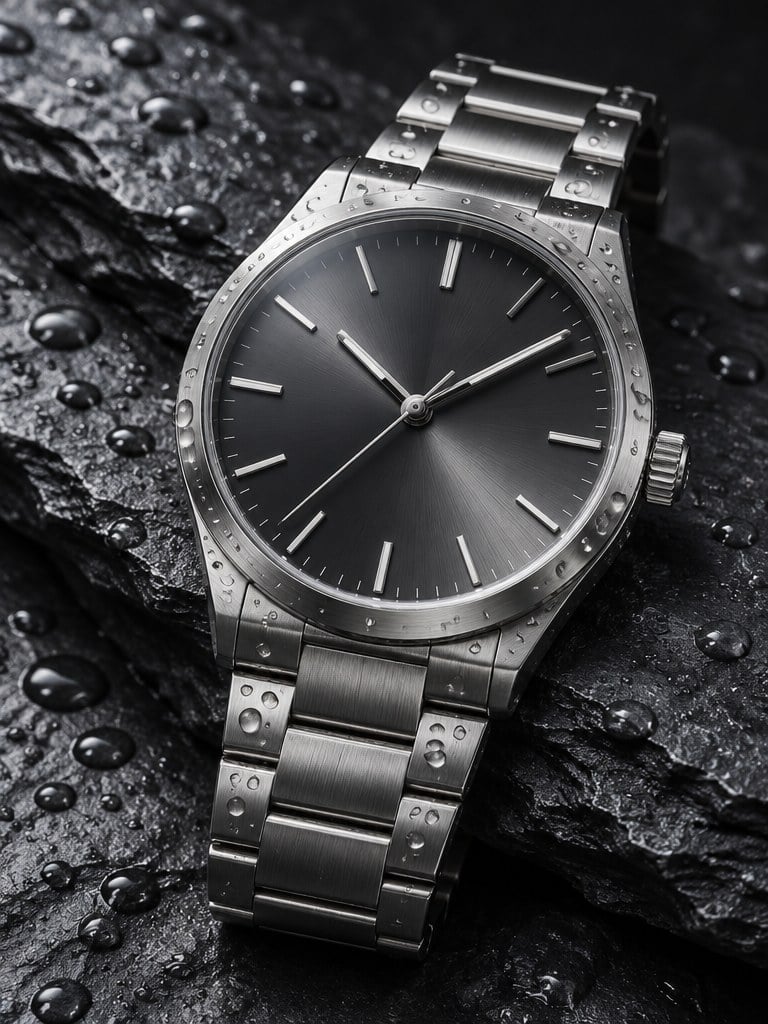
Steel Watch on Slate
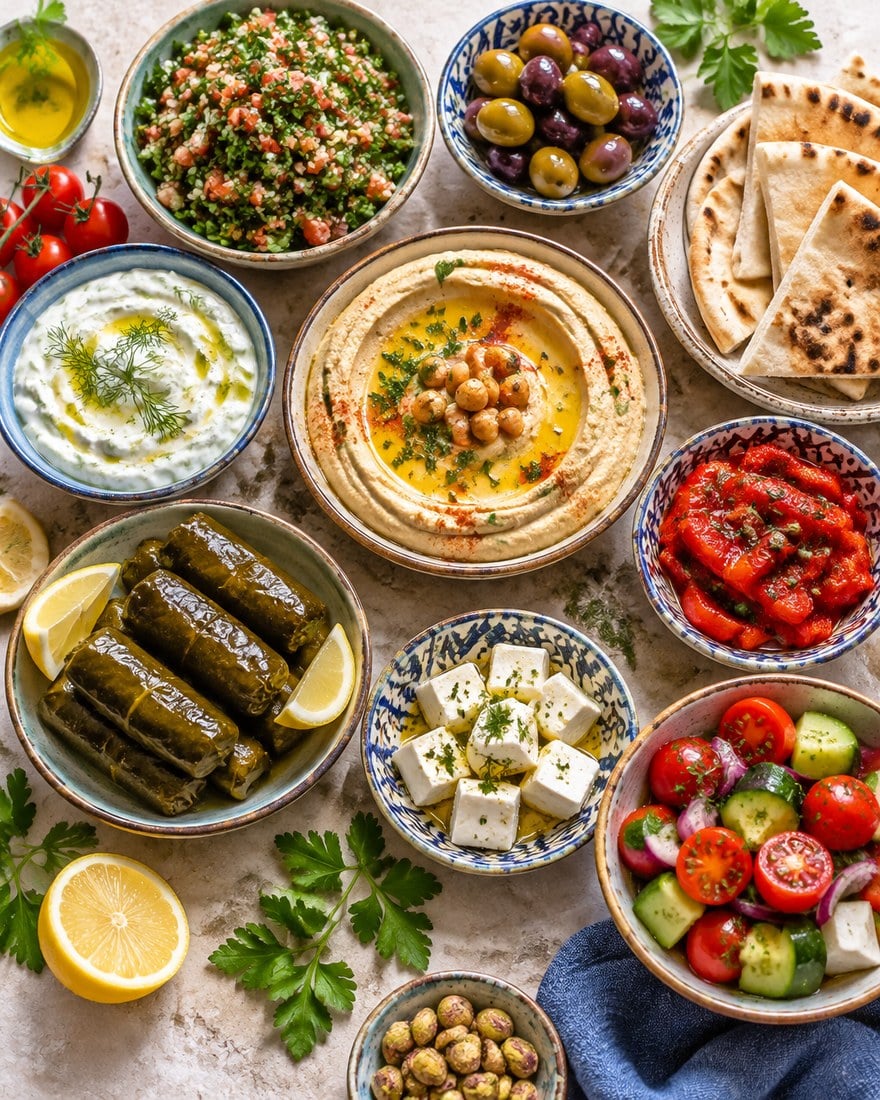
Mezze Table From Above
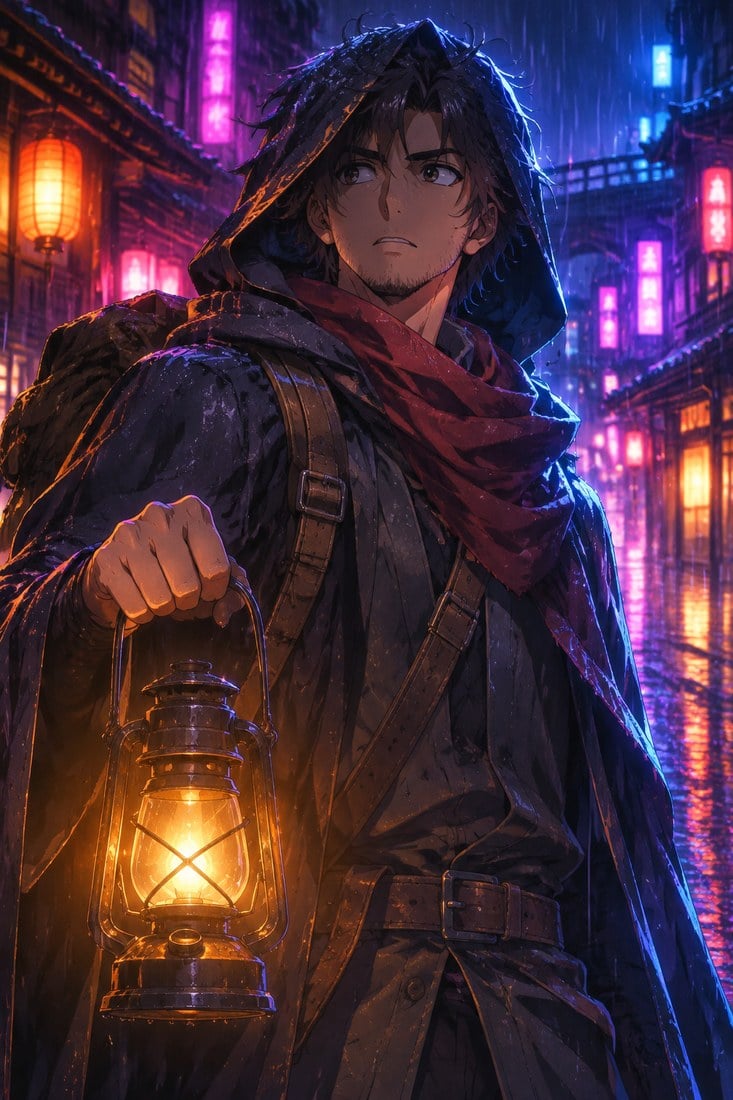
Neon Rain Traveller
Neon Rain Traveller
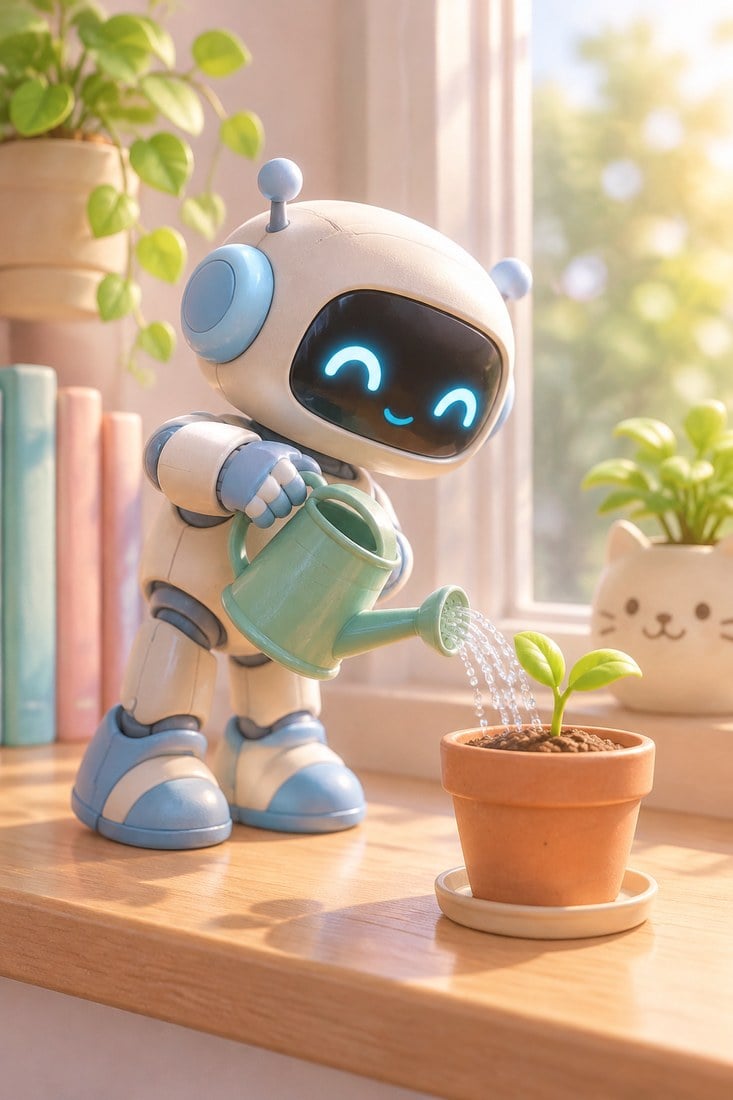
Robot Gardener
Robot Gardener
GPT Image 2.6 Flare
Prompt
Example prompts
Opens the GoEnhance editor with this model and prompt ready.

Edit Without Losing What You Like
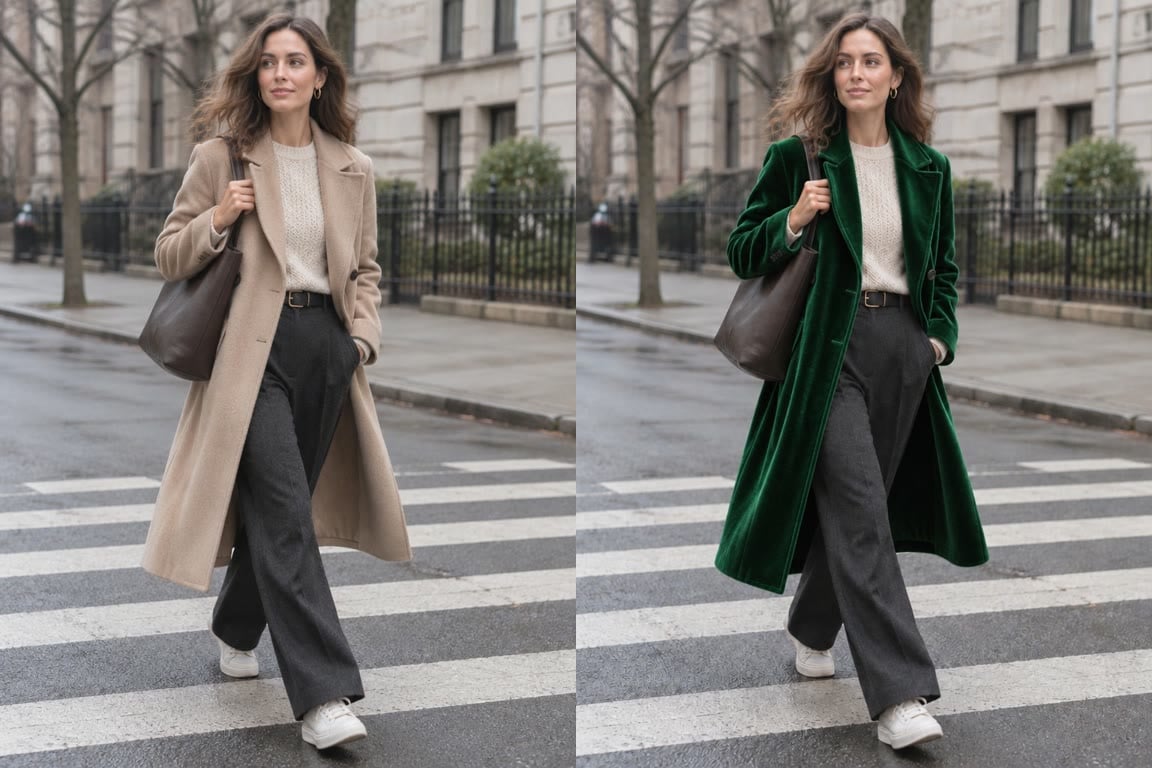
Change One Thing

Original on the left, GPT Image 2.6 Sunburst on the right: only the coat became green velvet, while the face, pose, street and light stayed the same.

Change One Thing

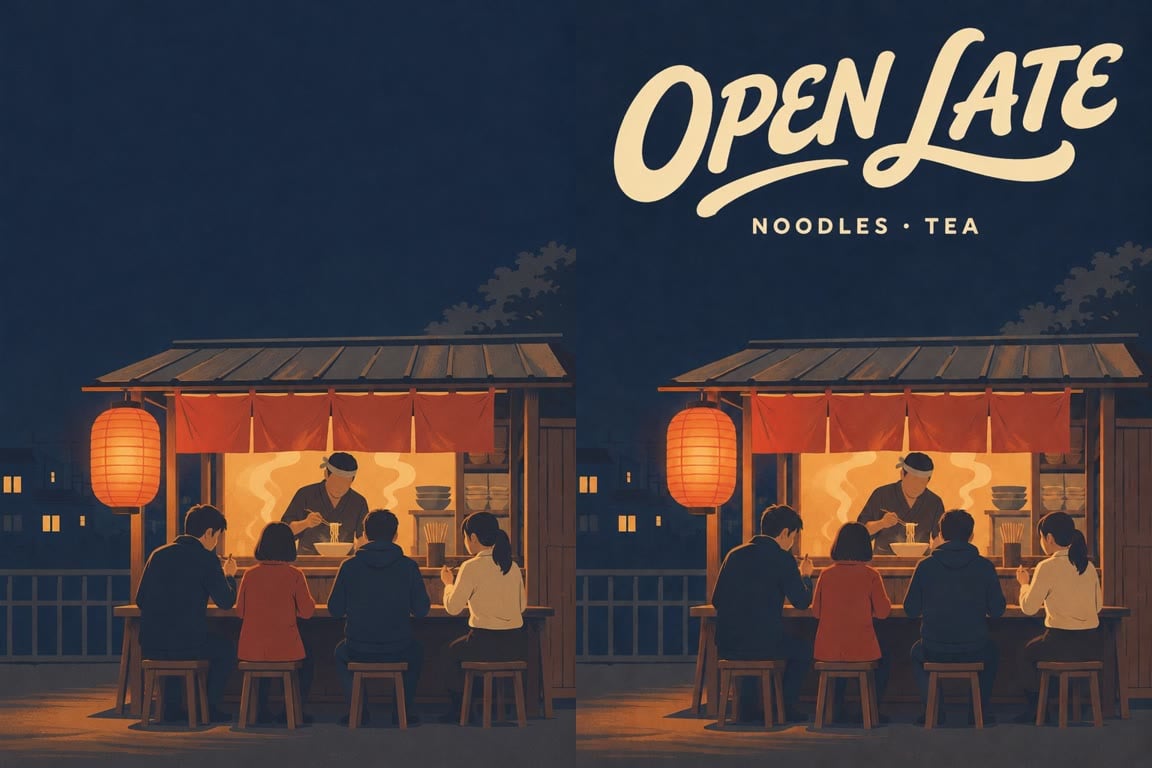
Add Real Text

Ask for exact words in quotes and the model letters them into the design. Here a plain poster gained an "OPEN LATE" headline and a smaller line underneath.

Add Real Text

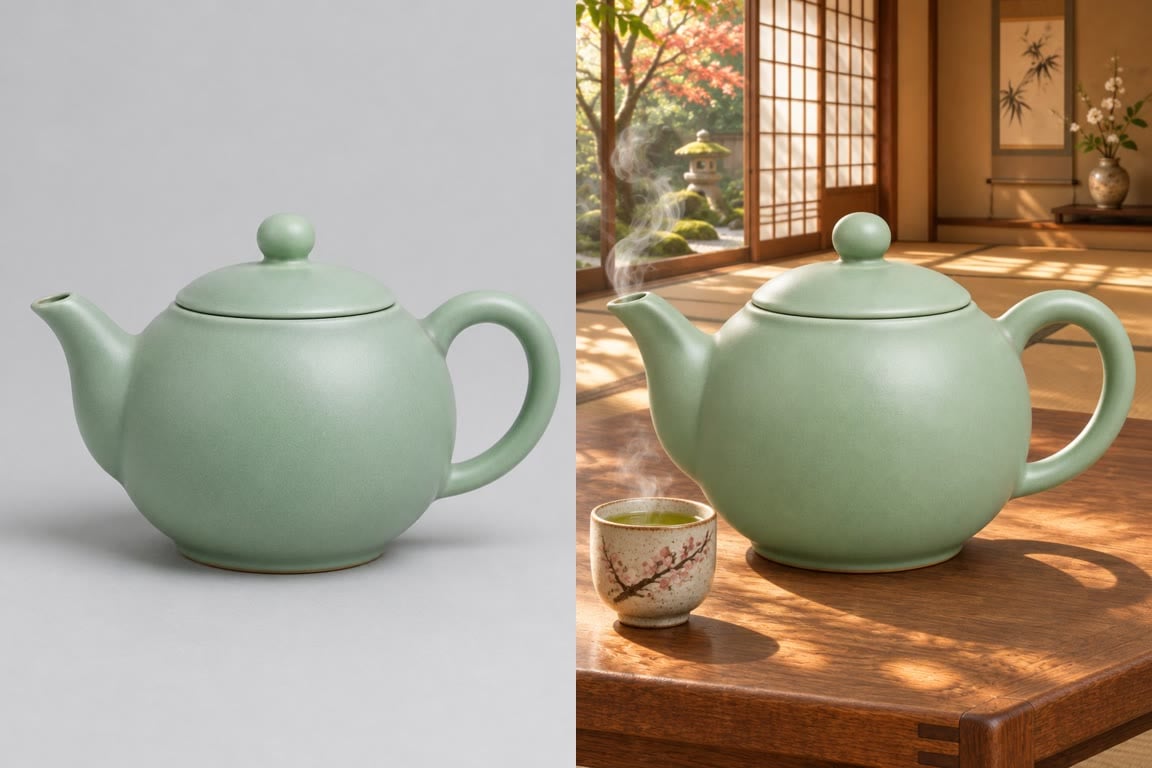
New Scene, Same Product

A studio shot of a teapot was placed in a sunlit tearoom while its shape, colour and glaze were kept.

New Scene, Same Product

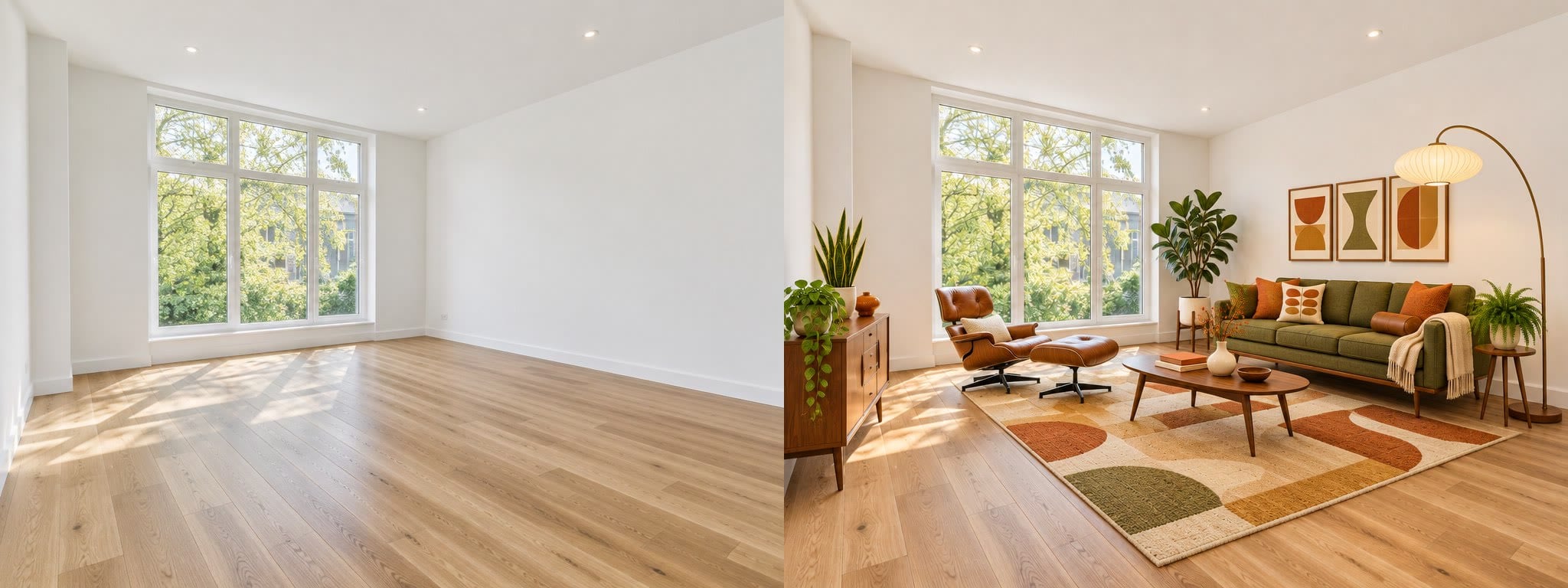
Stage an Empty Room

An empty living room was furnished in mid-century style with the walls, window, floor and camera angle unchanged.

Stage an Empty Room

GPT Image 2.6 Sunburst vs Flare on GoEnhance

GPT Image 2.6 SunburstGPT Image 2.6 Flare
Best forDetailed generation and editingFast generation and editing
InputsText, plus up to 16 reference imagesText, plus up to 16 reference images
Resolution1K, 2K, 4K1K, 2K, 4K
Quality levelsLow, Medium, High, Xhigh, MaxLow, Medium, High, Xhigh, Max
Aspect ratiosAuto plus 15 ratios, from 1:3 to 3:1 and 9:21 to 21:9Auto plus 15 ratios, from 1:3 to 3:1 and 9:21 to 21:9
ExtrasTransparent background, animated GIFTransparent background, animated GIF
Tokens per image6 (Low, 1K) to 133 (Max, 4K)6 (Low, 1K) to 133 (Max, 4K)

How to Use GPT Image 2.6 on GoEnhance

01

Pick Sunburst or Flare

Open the AI image generator and choose GPT Image 2.6 Sunburst for detail or Flare for speed.

02

Write a prompt or add images

Describe the image, put any text you need in quotes, and upload up to 16 reference images to edit or combine.

03

Choose size, quality and format

Select 1K, 2K or 4K, a quality level and an aspect ratio. Turn on a transparent background or GIF output if you need them. The token cost is shown before you generate.

04

Generate and download

Check the result, adjust the prompt if needed, and download your image.

GPT Image 2.6 FAQ

What is GPT Image 2.6?

GPT Image 2.6 is OpenAI's image generation and editing model. On GoEnhance it is offered as GPT Image 2.6 Sunburst and GPT Image 2.6 Flare.

What is the difference between Sunburst and Flare?

Sunburst is tuned for detailed generation and editing, Flare for faster results. Both have the same settings and the same prices on GoEnhance.

How many tokens does GPT Image 2.6 use?

From 6 tokens per image at Low quality and 1K, up to 133 tokens at Max quality and 4K. Long prompts and reference images can add to the price, and the exact cost is shown before you generate.

Can I use it without a membership?

Yes, at 1K. 2K and 4K output are for members.

Can it edit my own photos?

Yes. Upload up to 16 reference images and describe the change. It can swap one element, add text, move a product into a new scene or combine several images.

Can it make transparent PNGs and GIFs?

Yes. You can turn on a transparent background, and text-to-image can also output a short animated GIF with 9 or 16 frames at 512×512 or 720×720. 16 frames and 720×720 are for members.

Were the sample images made with GPT Image 2.6?

Yes. The examples in the console were made with GPT Image 2.6 Flare, and the before-and-after edits with GPT Image 2.6 Sunburst, all on GoEnhance.

Create and Edit Images with GPT Image 2.6

Start with a prompt or your own photos, pick Sunburst or Flare, and get images from 1K to 4K, transparent PNGs or animated GIFs.

Start Creating