goenhance logo

Enhance and upscale images to extreme detail for Free

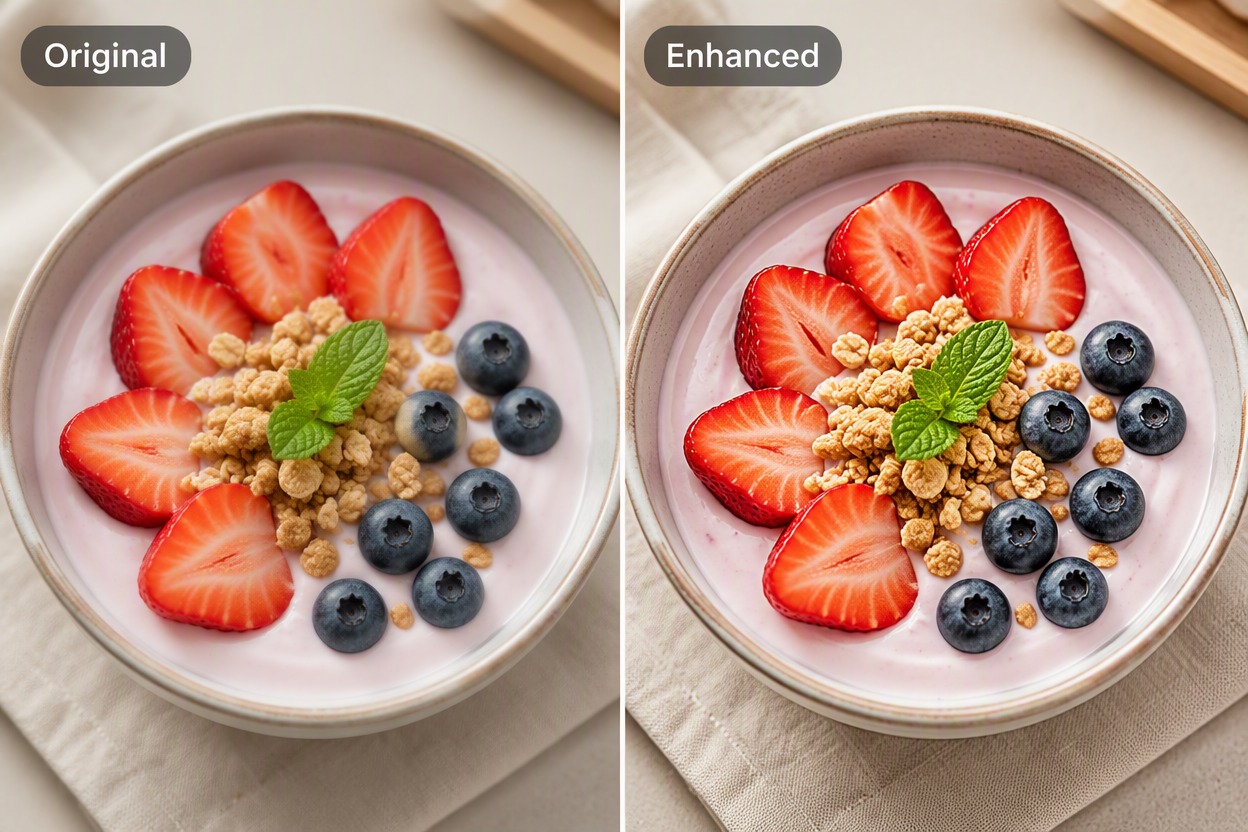
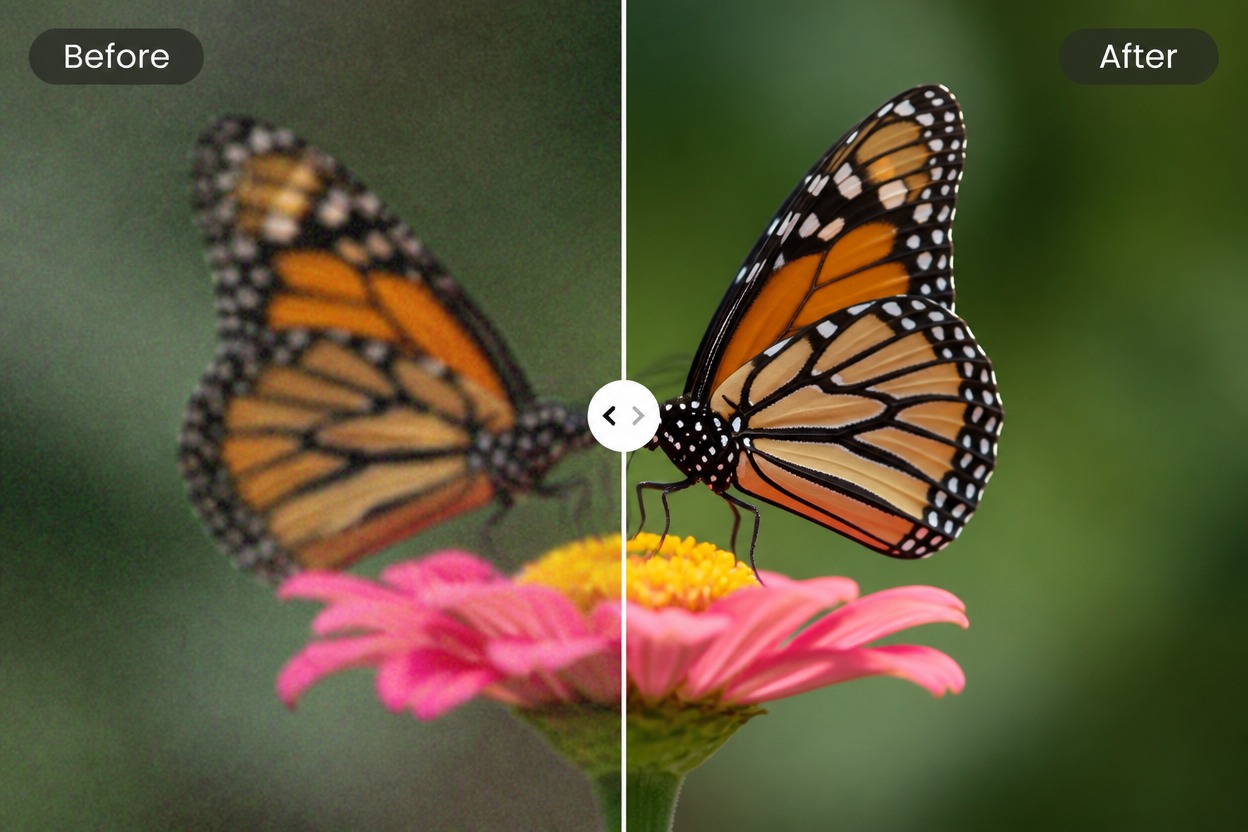
Transform any photo into stunning high-definition visuals, including the upscaling of midjourney images.

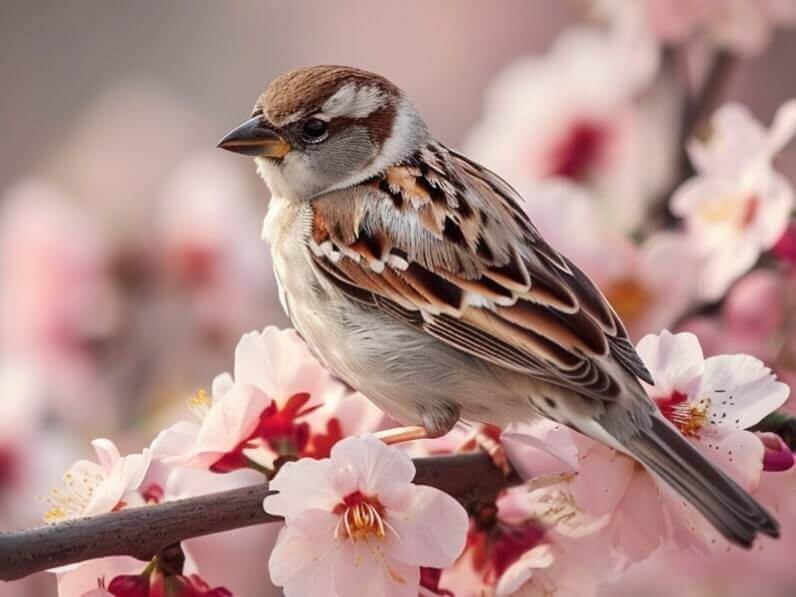
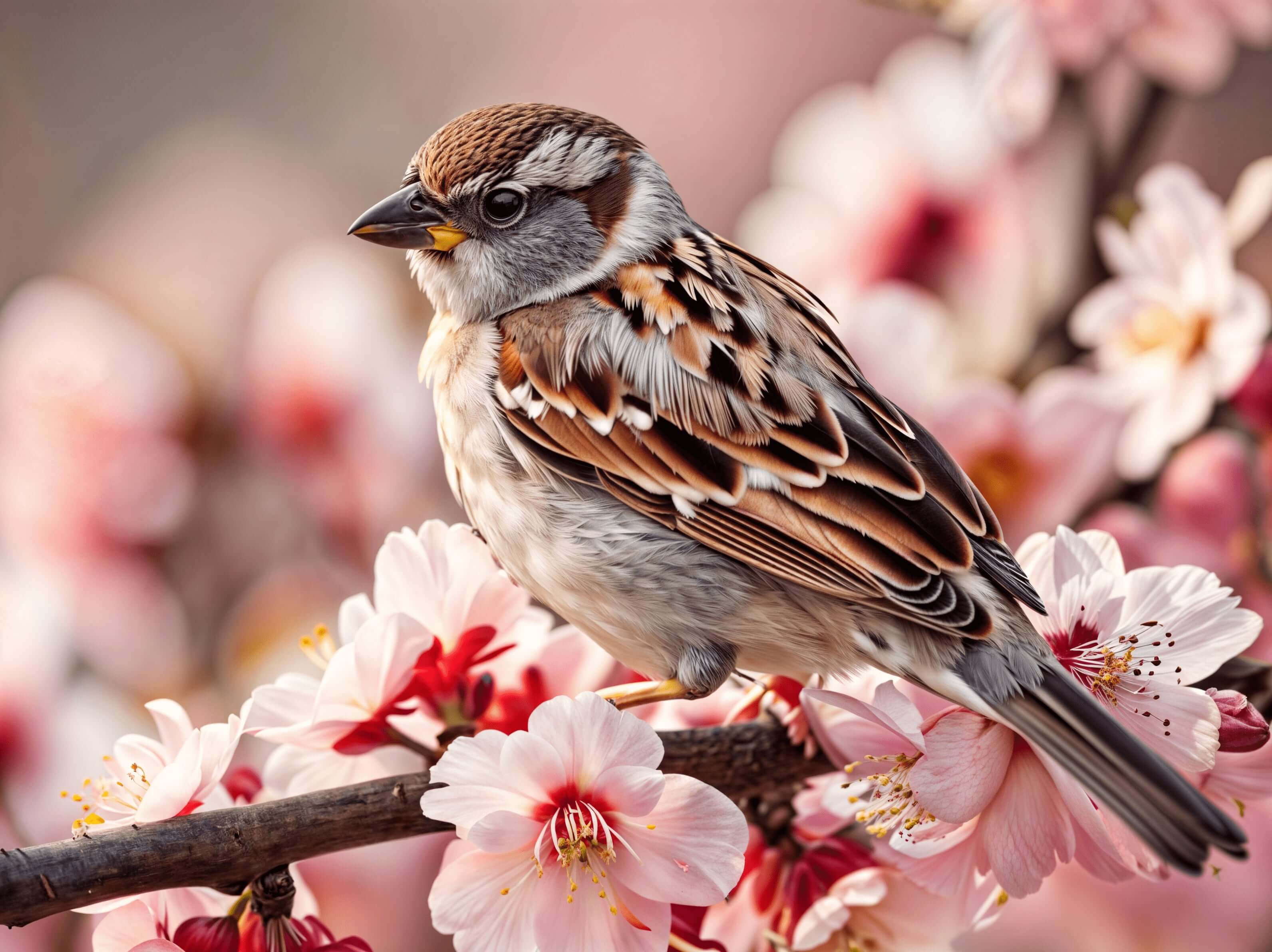
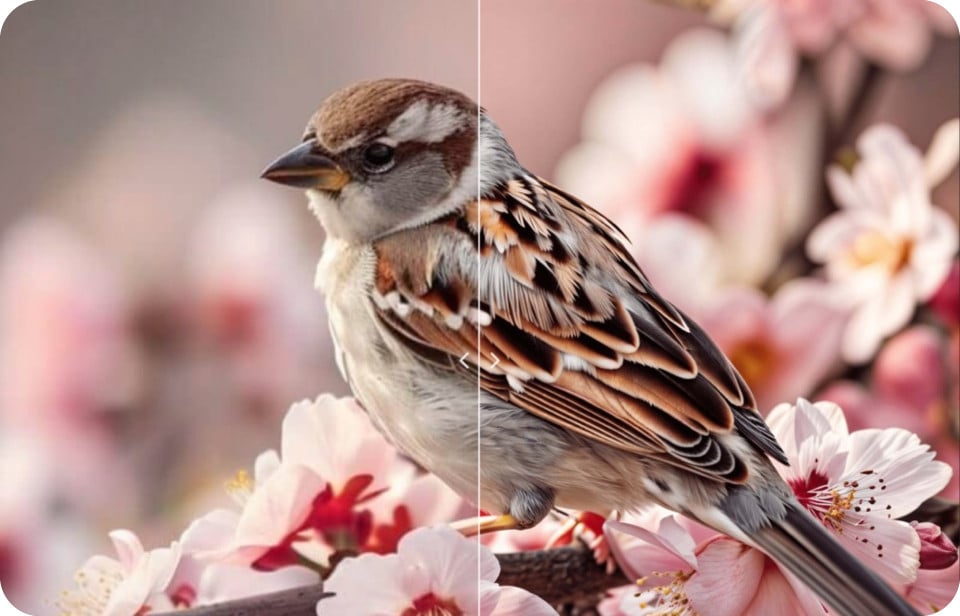
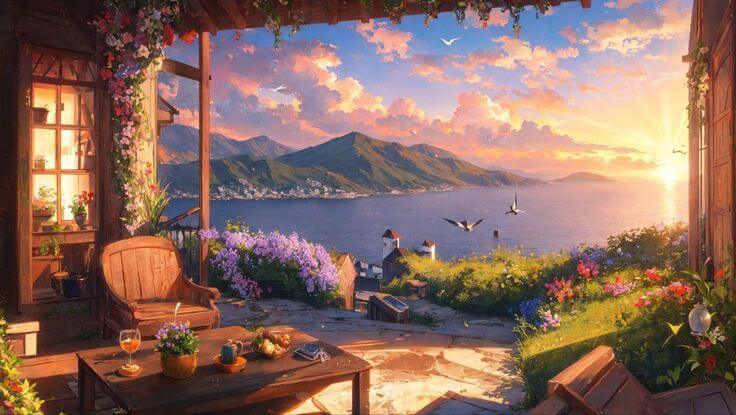
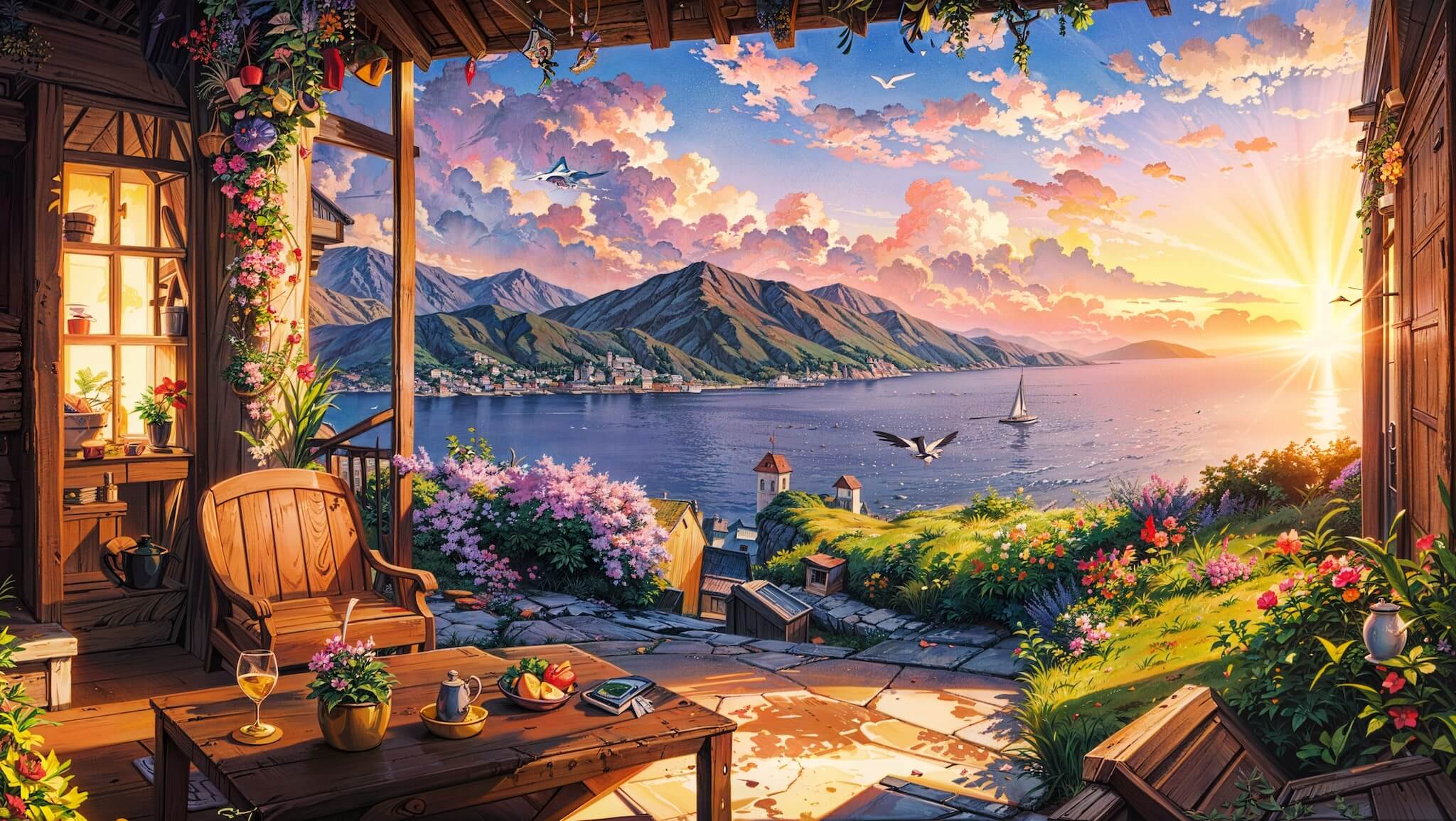
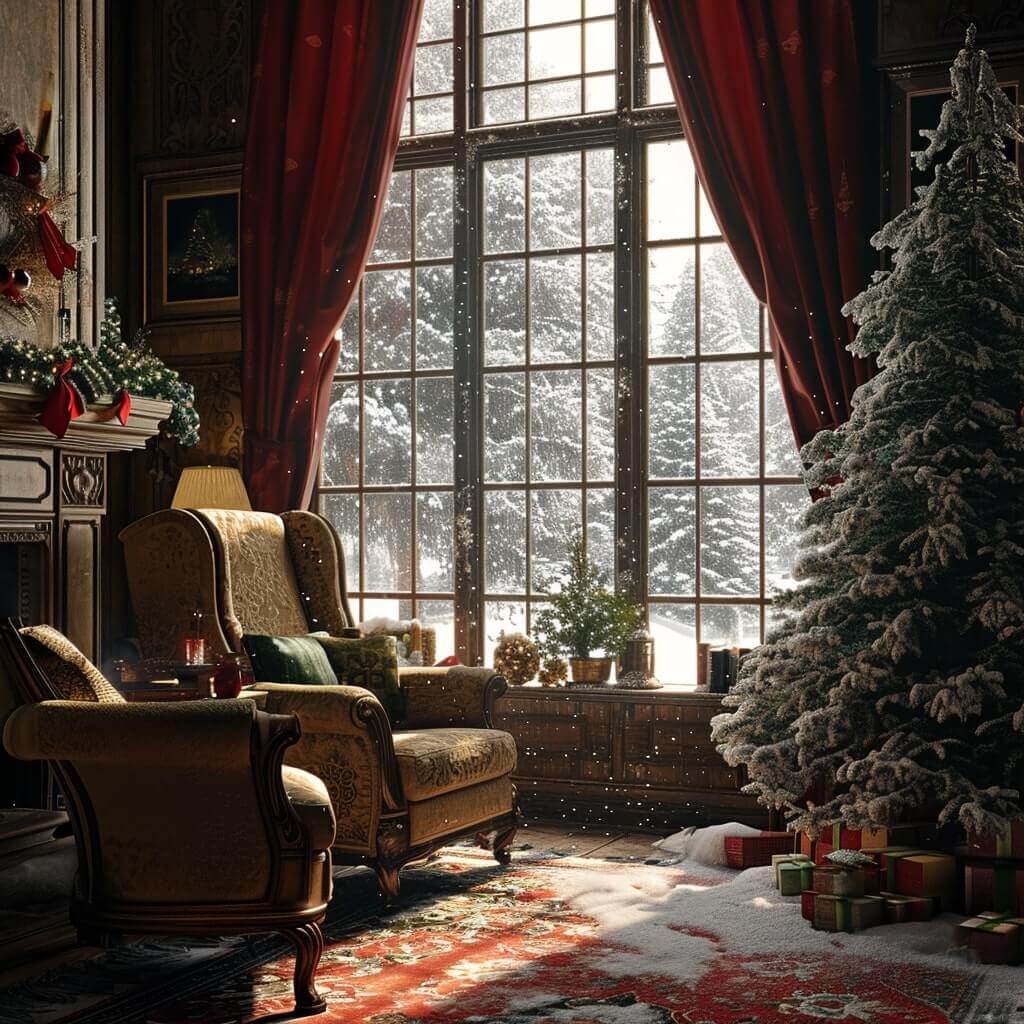
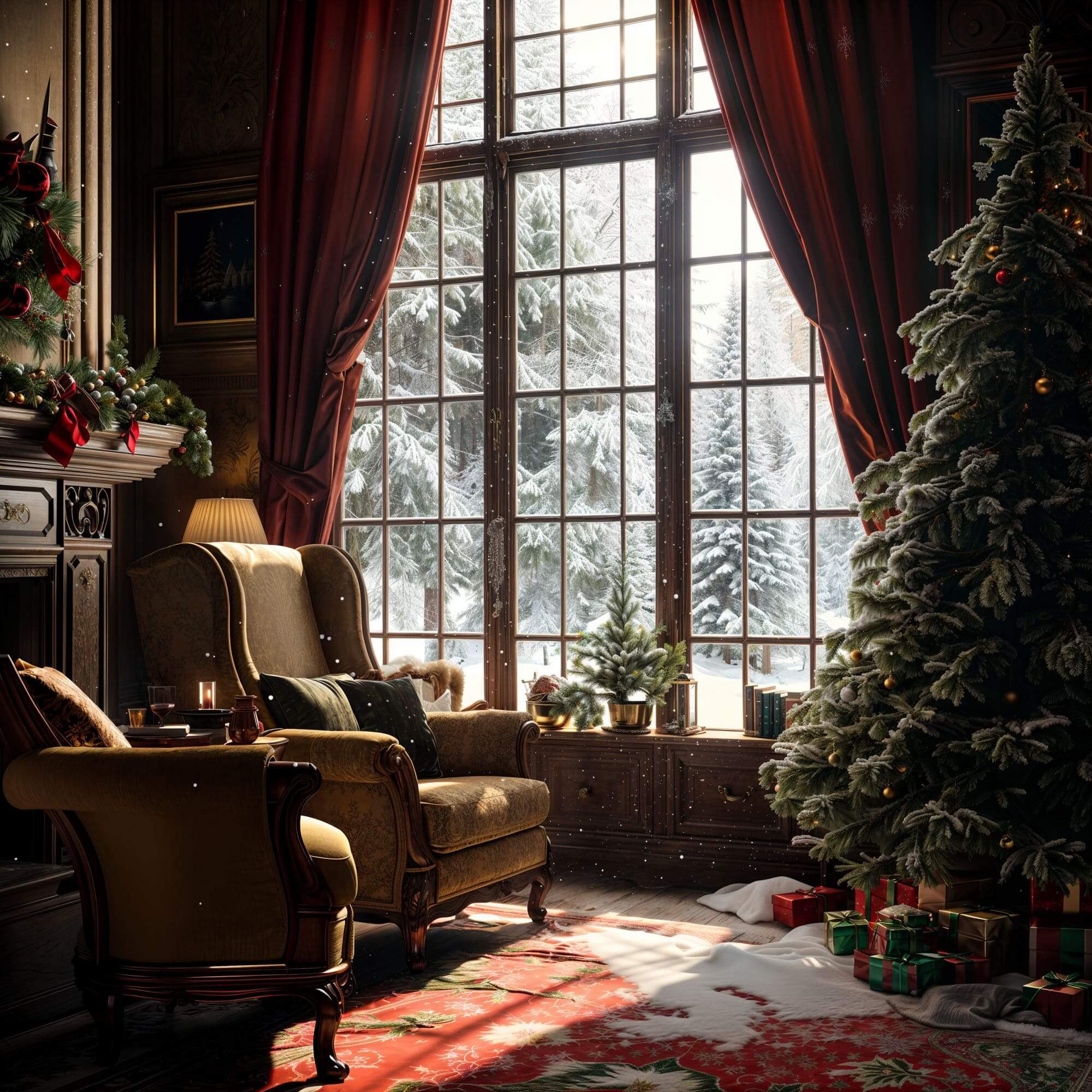
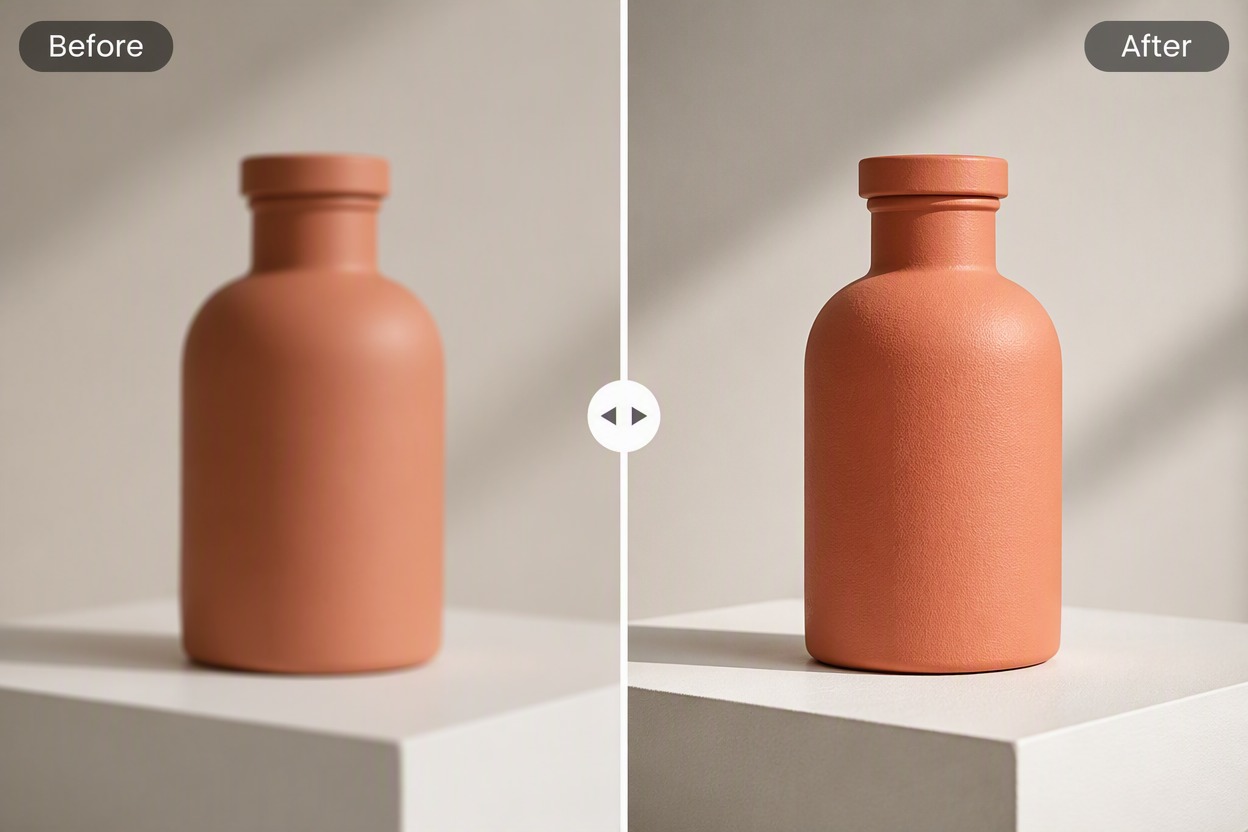
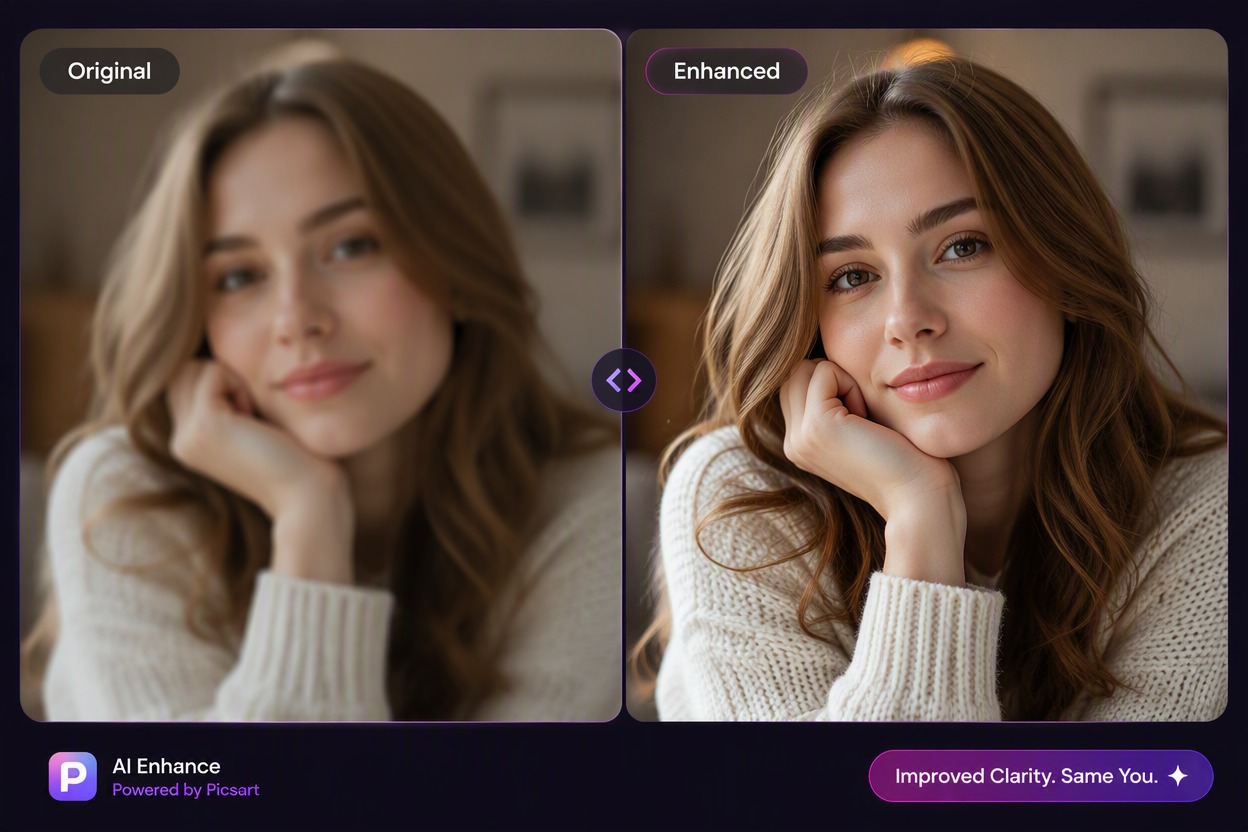
Image quality before enhancementImage quality after enhancement

How to use Image Enhancer & Upscaler

Upload The Image
Step 1

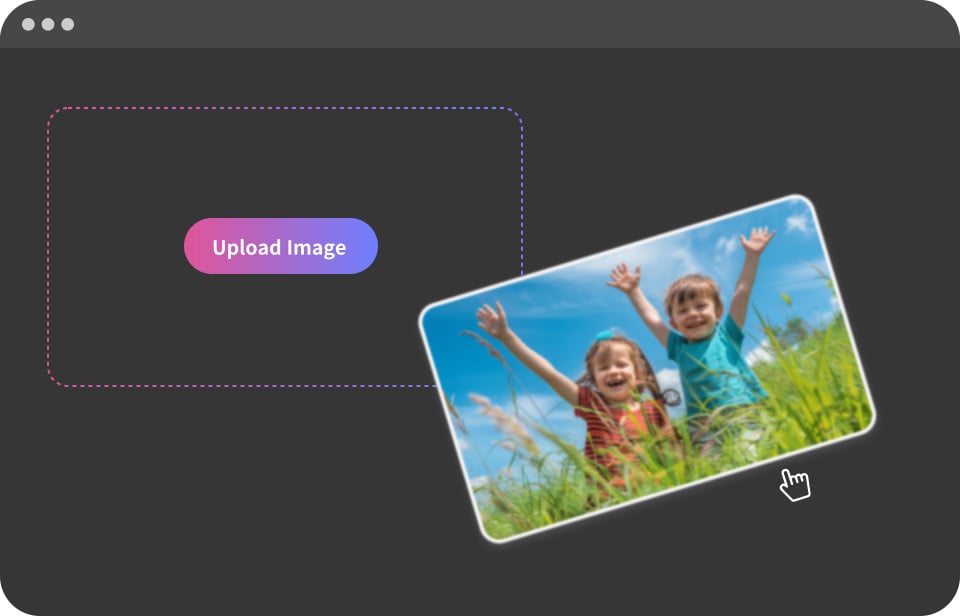
Upload The Image

Start by uploading any image you want to upscale and enhance. Whether it's a low-resolution photo, blurry image, or pixelated artwork, our AI can help improve its quality.
Adjust Parameters
Step 2

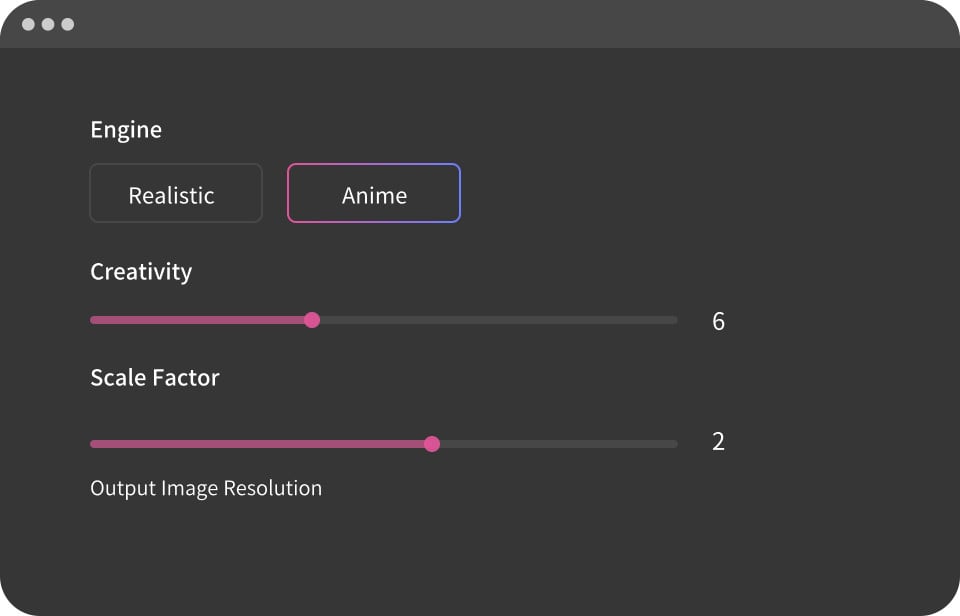
Adjust Parameters

Fine-tune the enhancement settings such as upscaling ratio, detail level, and other parameters to achieve your desired level of image quality improvement.
Start Enhancement
Step 3

Start Enhancement

Click the generate button to create your image. Wait a few moments while the AI processes your prompt and delivers a high-quality image. You can make adjustments and regenerate as needed.

All-in-One Image Enhancer Made for Everyone
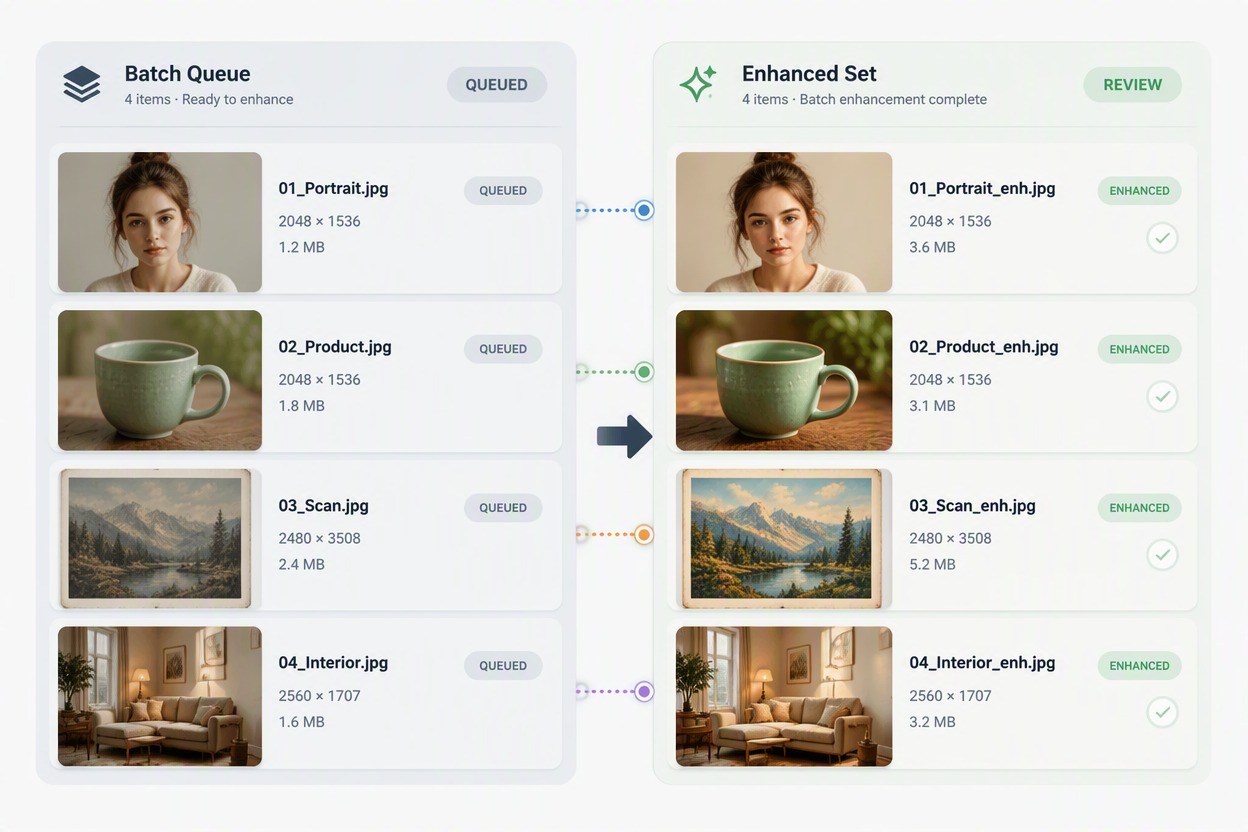
Discover how GoEnhance AI empowers creators across industries — from photographers to designers and developers — delivering sharper, clearer, and more expressive visuals for every creative need.
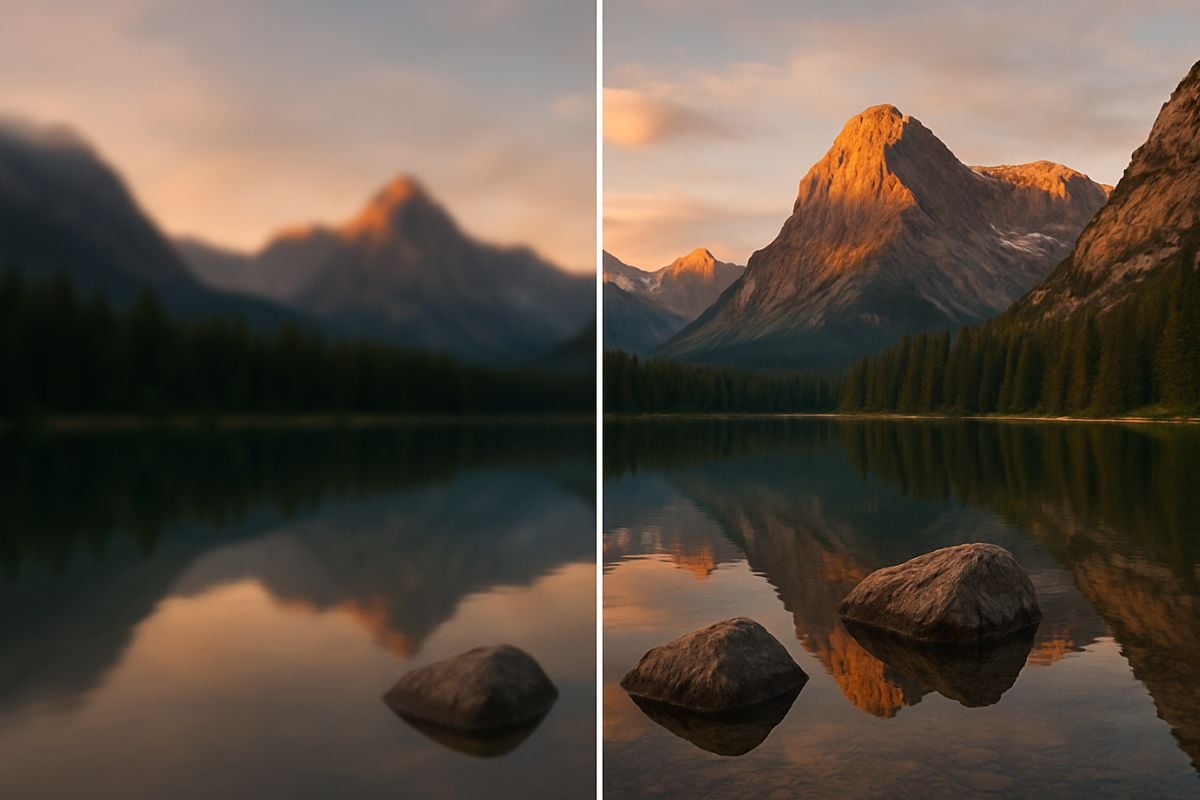
For Photographer

For Photographer: Enhance portraits and landscapes with natural detail recovery — perfect for professional portfolios and client delivery.
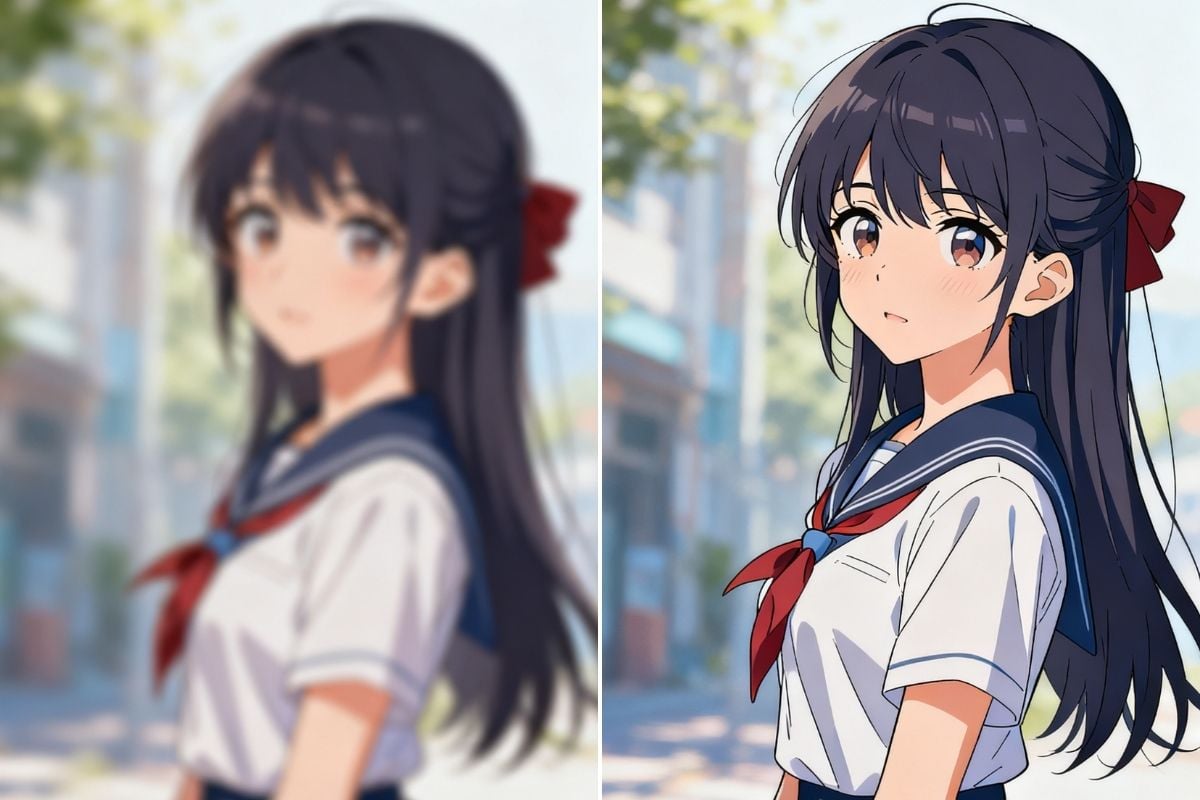
For Cartoon / Anime Creator

For Cartoon / Anime Creator: Sharpen line art, colors, and shading while keeping your original anime style crisp and expressive.
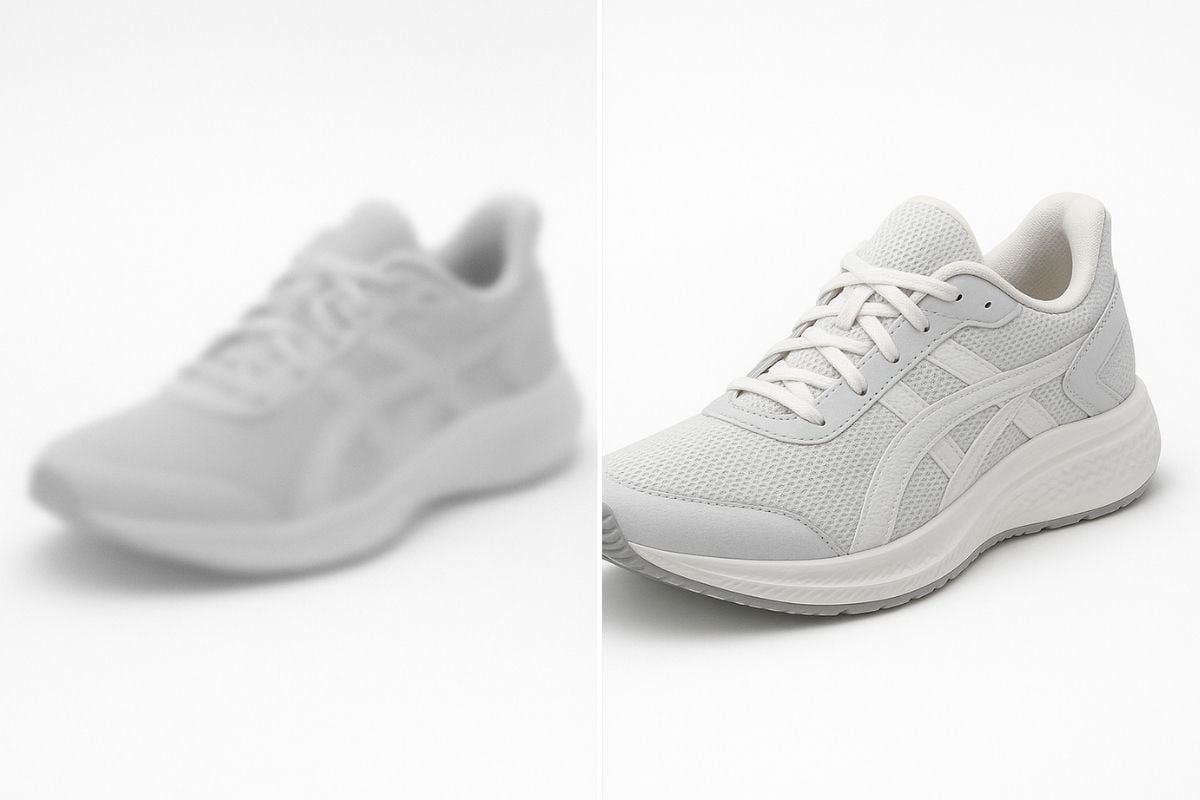
For E-commerce Shops

For E-commerce Shops: Make every product image stand out with sharper textures and richer colors that attract more buyers.
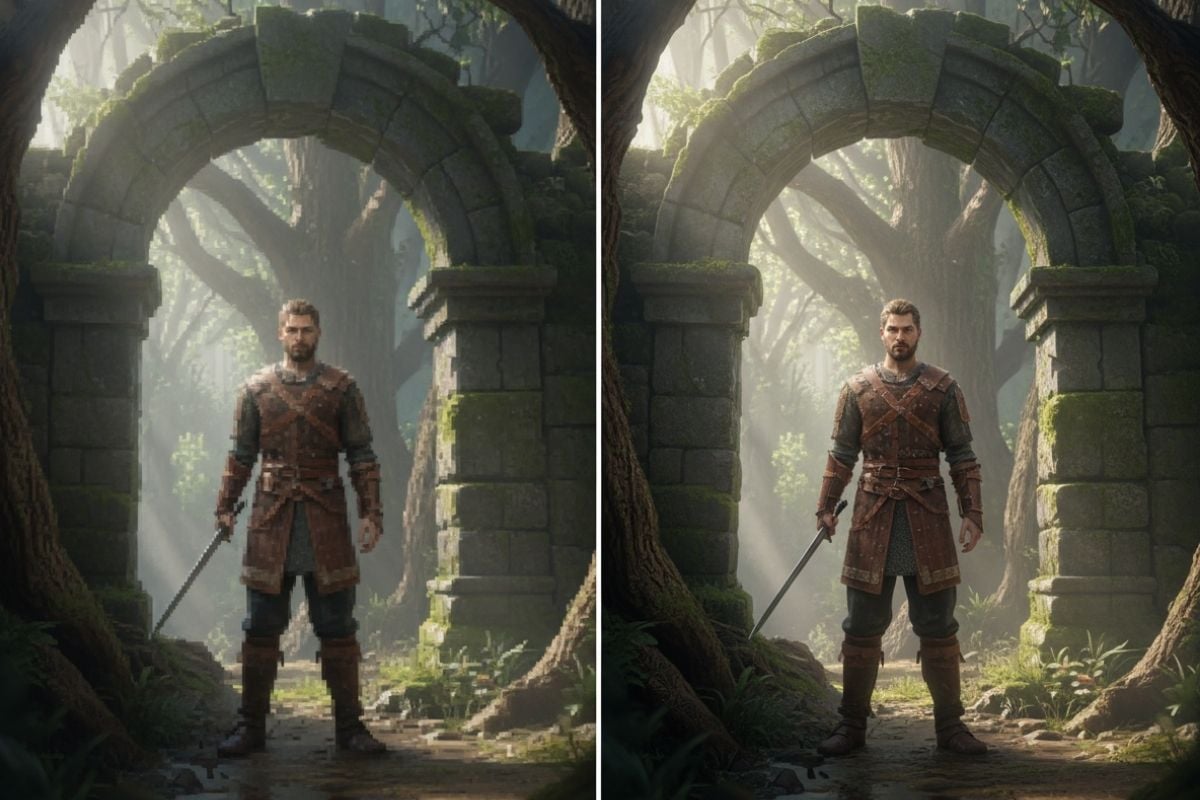
For Game Developers

For Game Developers: Upscale textures, concept art, and assets to 4K quality for seamless integration in modern engines.
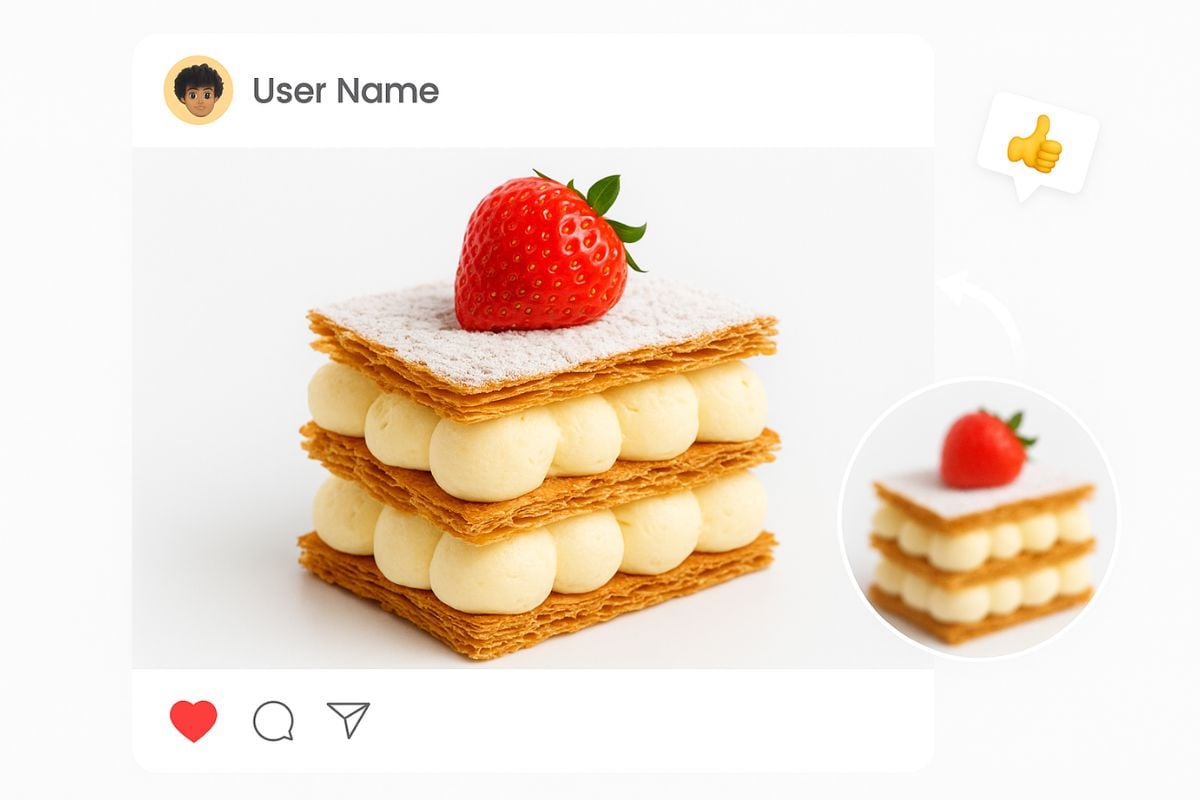
For Social Sharing

For Social Sharing: Upgrade selfies, travel shots, or creative posts for vibrant, eye-catching results that pop online.
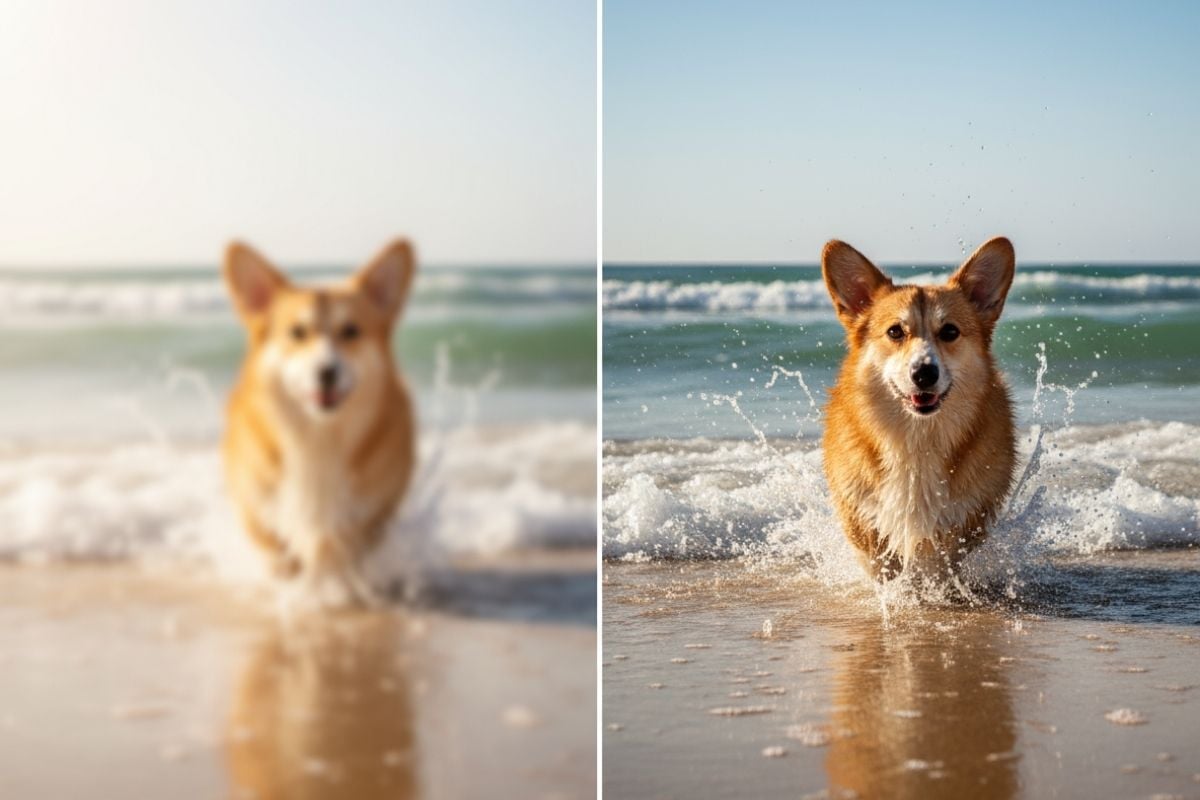
For Photo Prints

For Photo Prints: Turn your digital photos into print-ready, high-resolution masterpieces with preserved detail.

Try GoEnhance AIGet High resolution images

Say Goodbye to Unclear Images

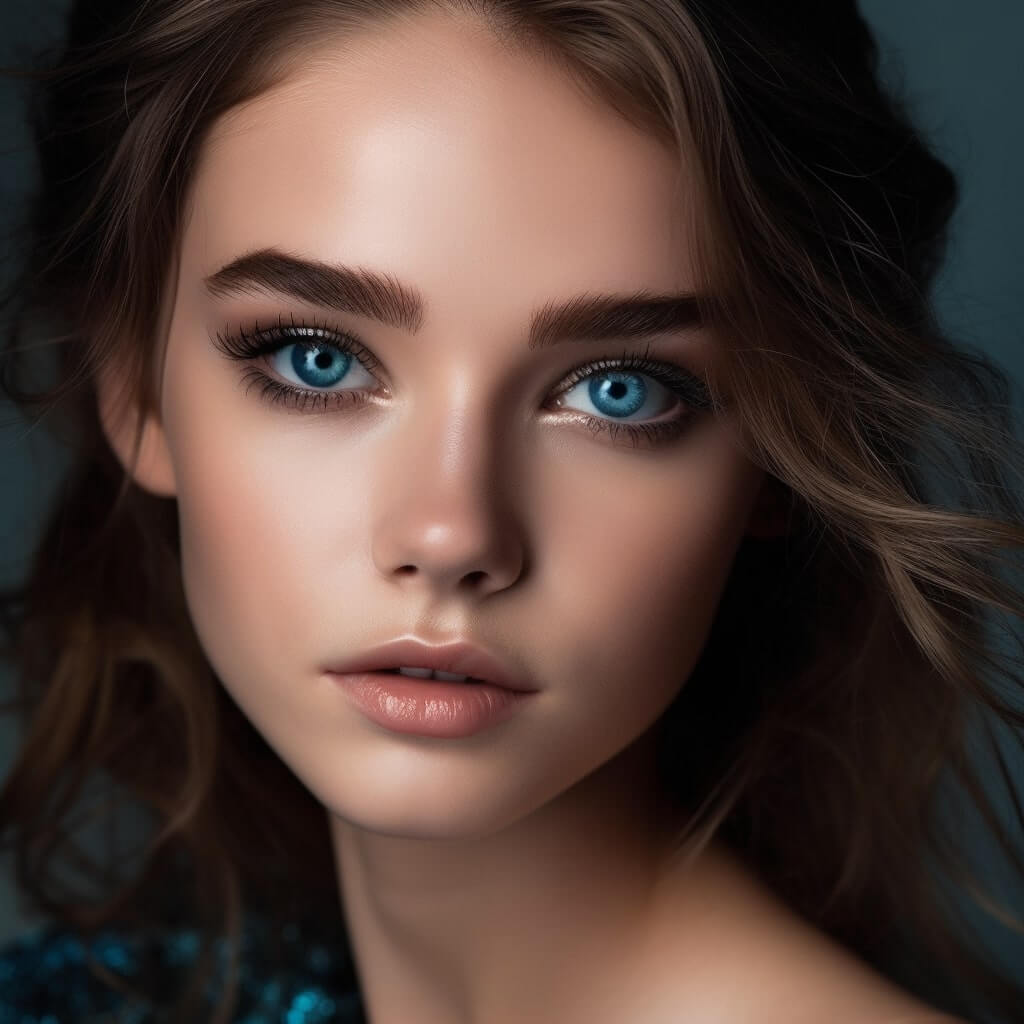
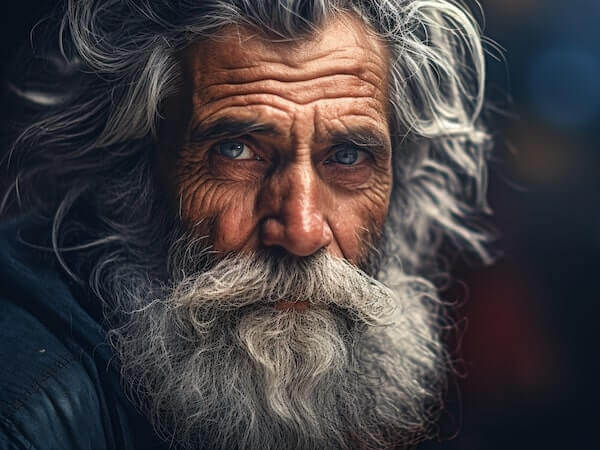
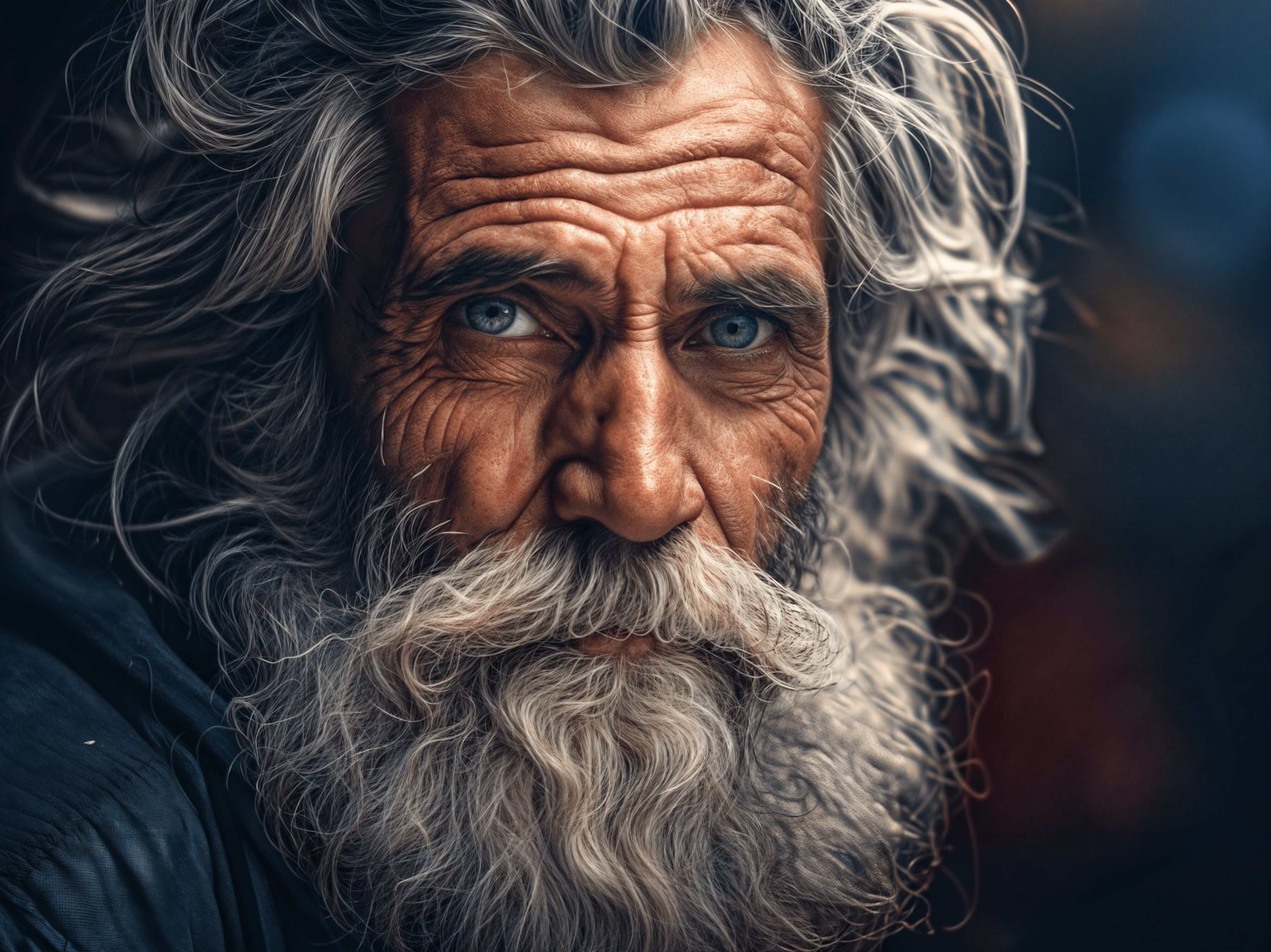
Eye Detail Enhancement

Powered by advanced AI

AI Portraits Image Enhancer

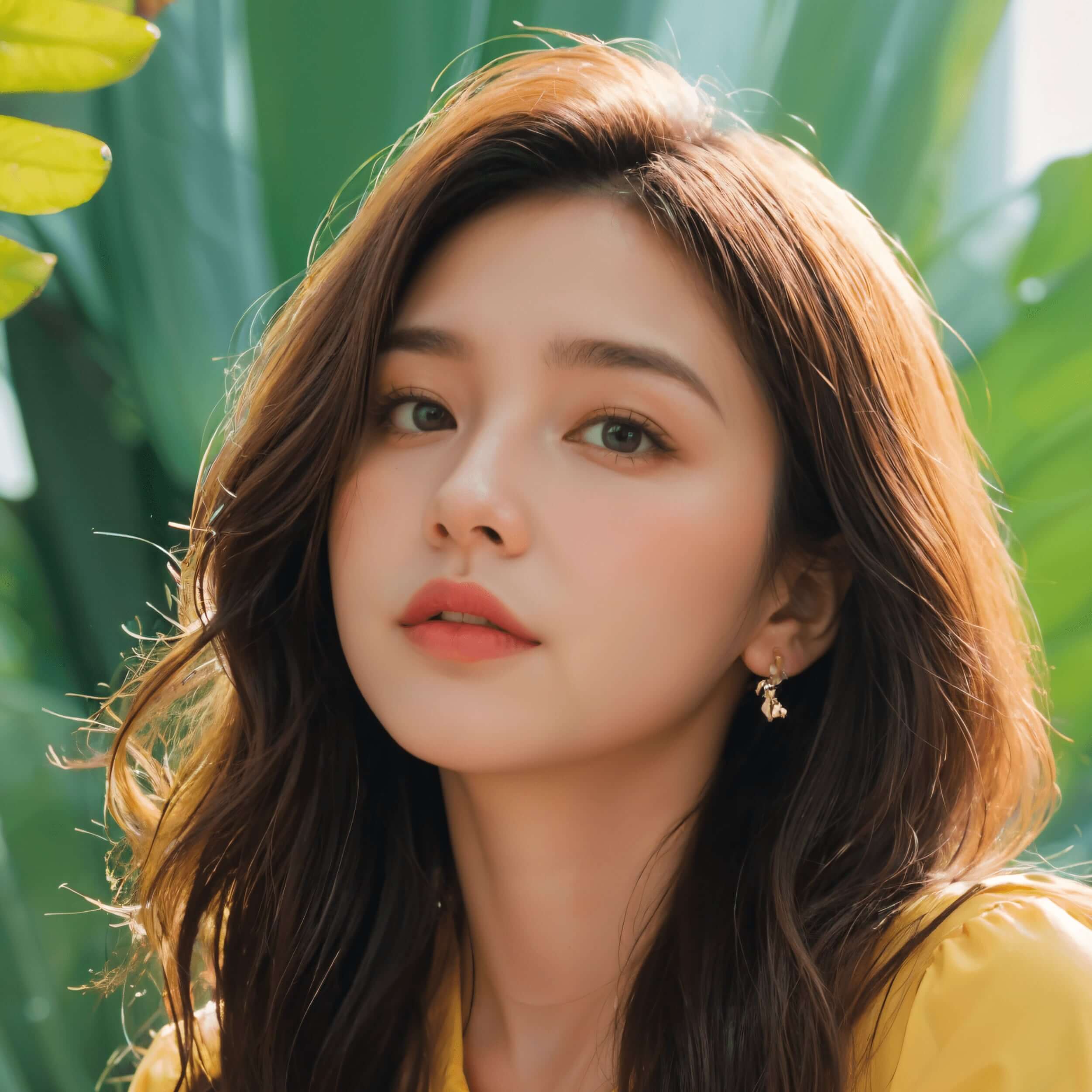
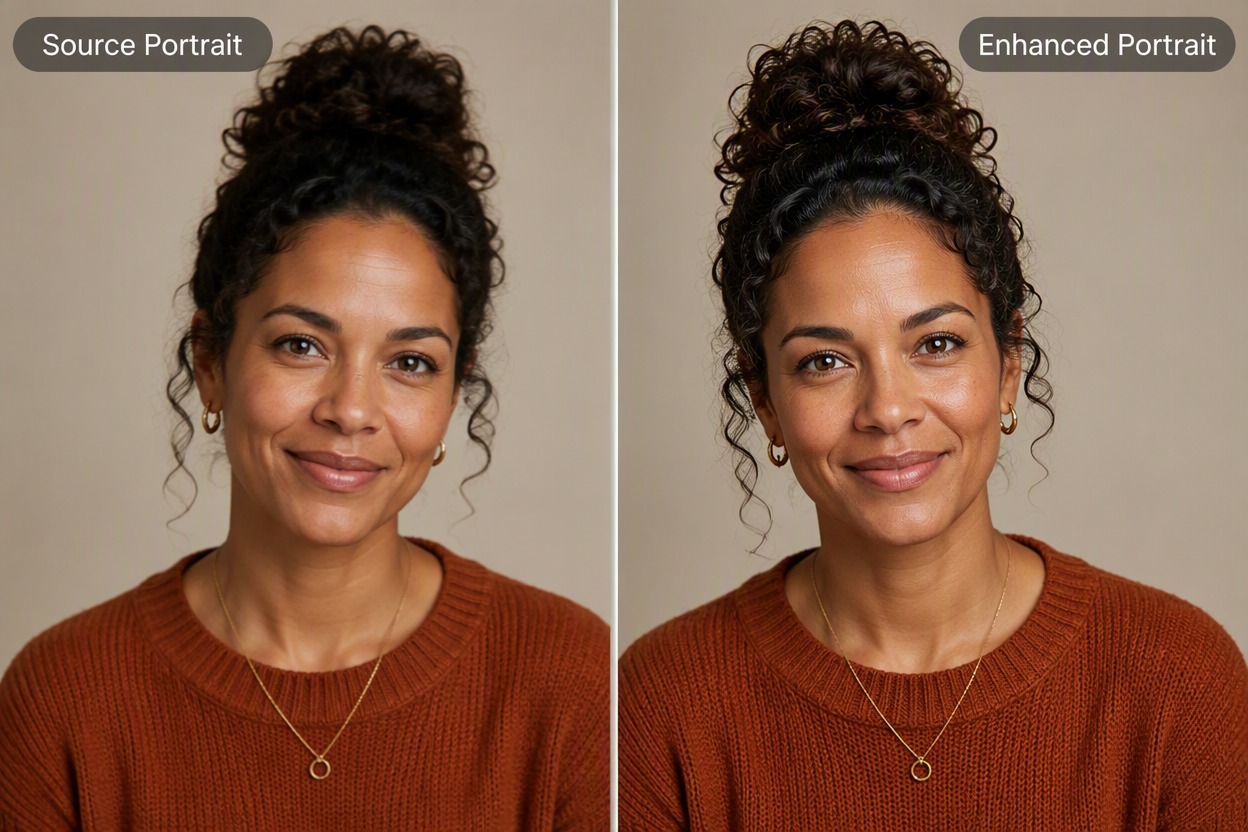
Celebrate every face with precision and care. Our AI image enhancement technology acts as a powerful image quality enhancer, restoring natural textures, tones, and details while keeping every person’s unique identity beautifully intact.
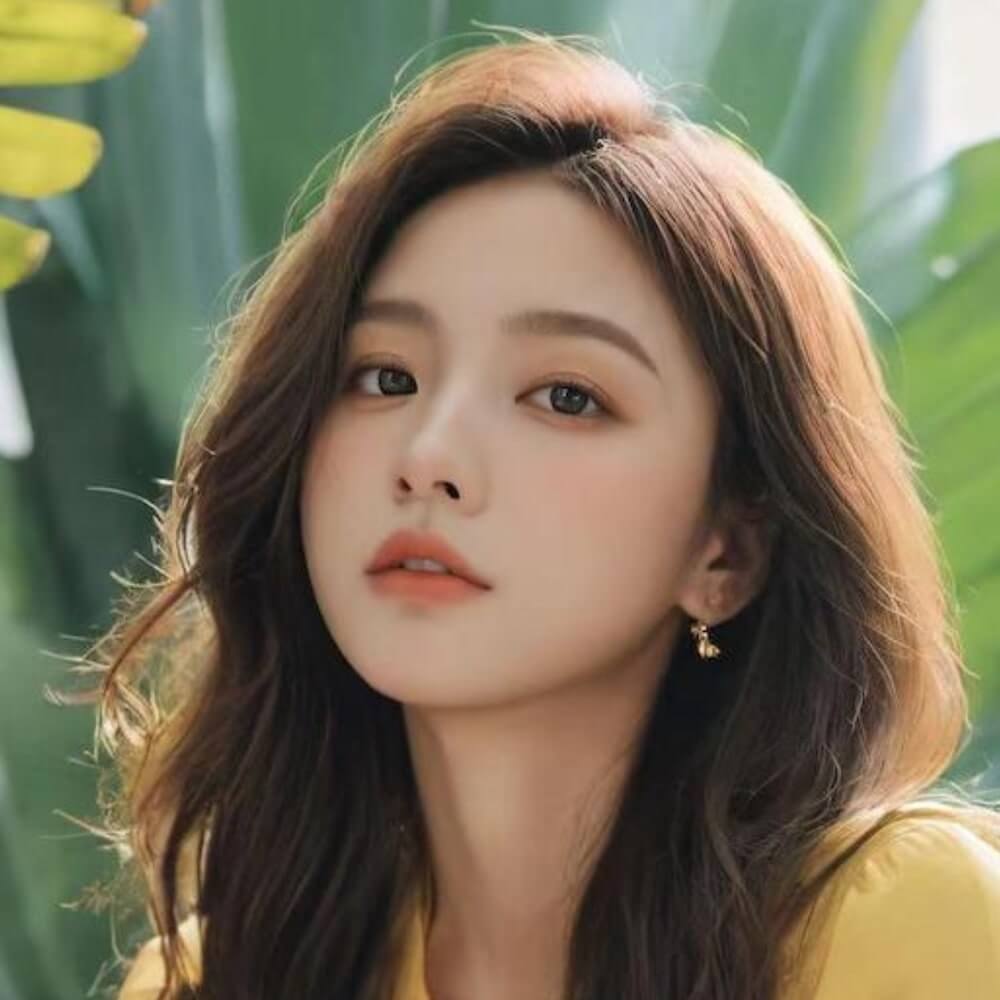
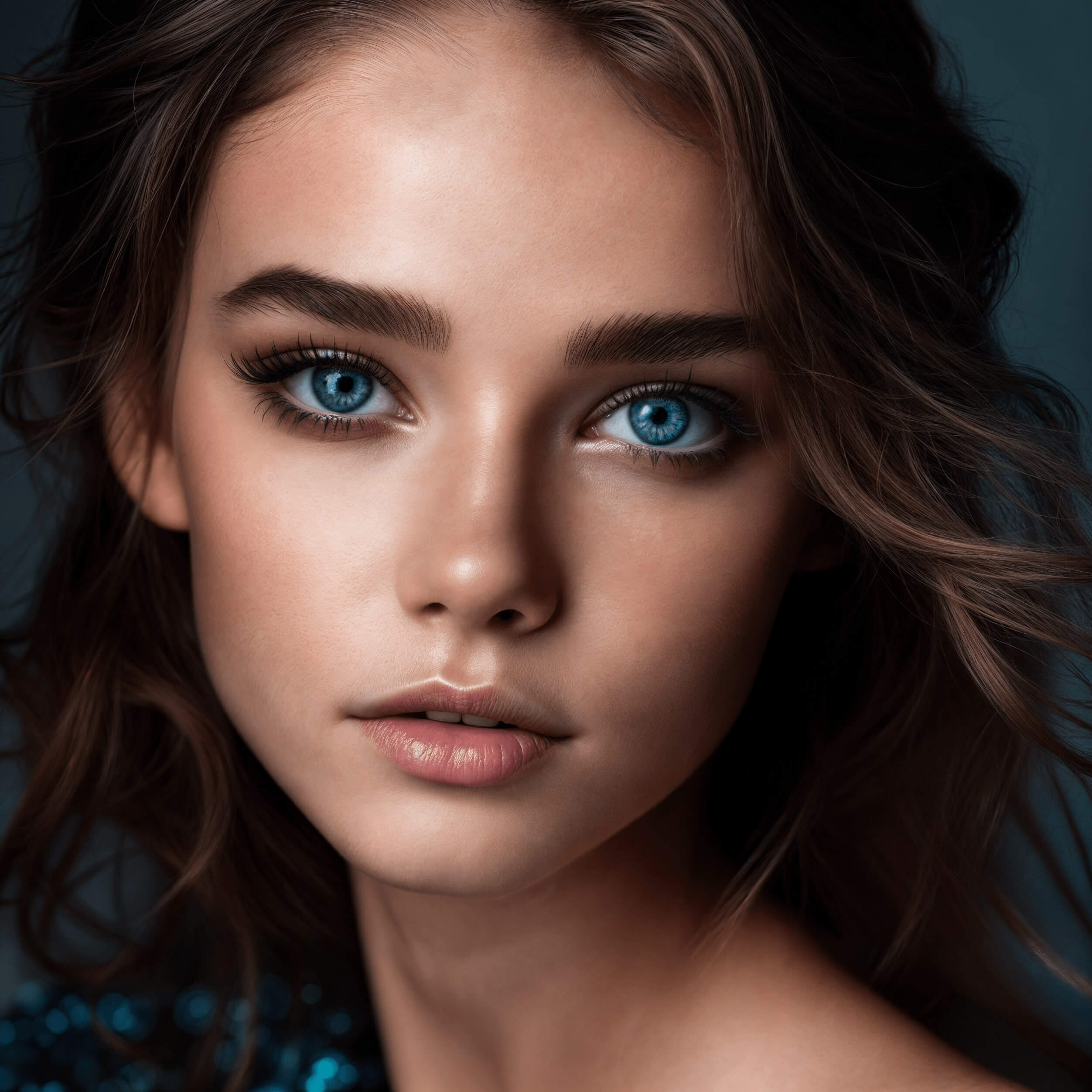
Portrait before enhancementPortrait after enhancement
Anime portrait before enhancementAnime portrait after enhancement
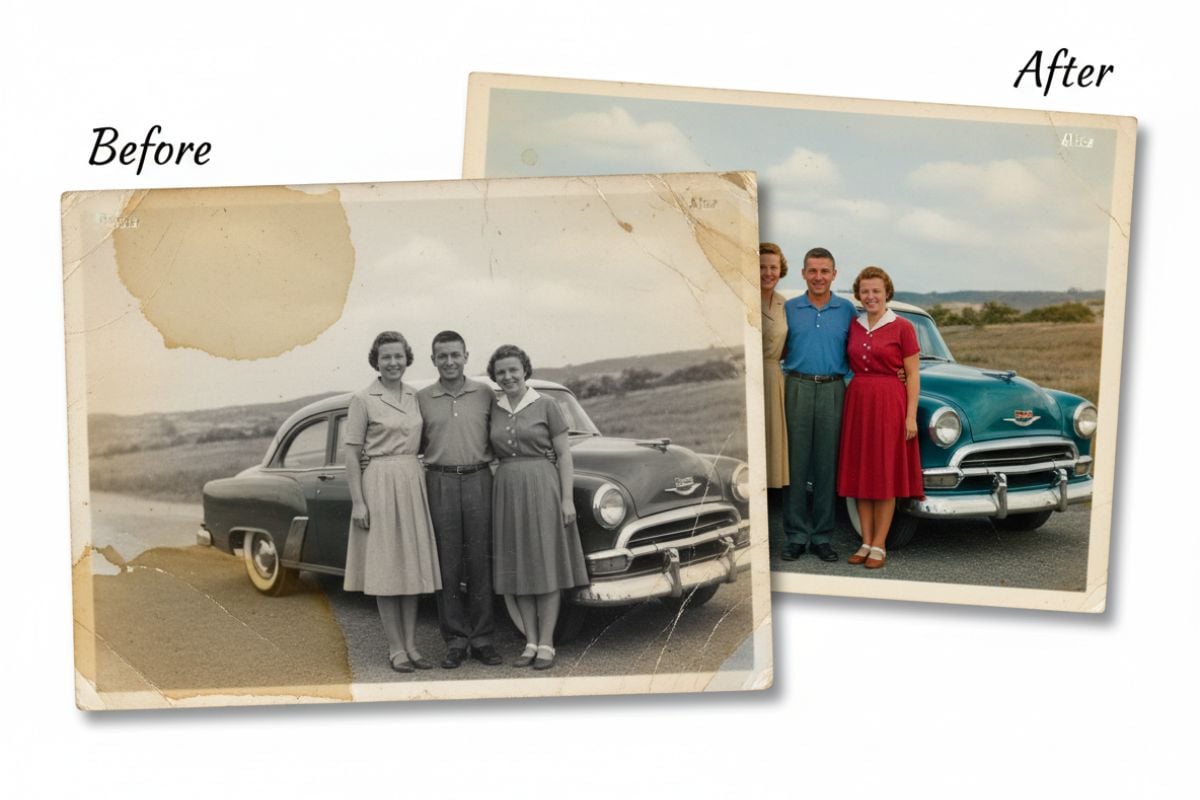
Old portrait before enhancementOld portrait after enhancement

AI Anime Image Enhancer

Experience your art like never before. With the help of our AI image enhancement engine and professional-grade image quality enhancer, your anime scenes gain crisp outlines, vivid colors, and lifelike depth — breathing new energy into every frame.
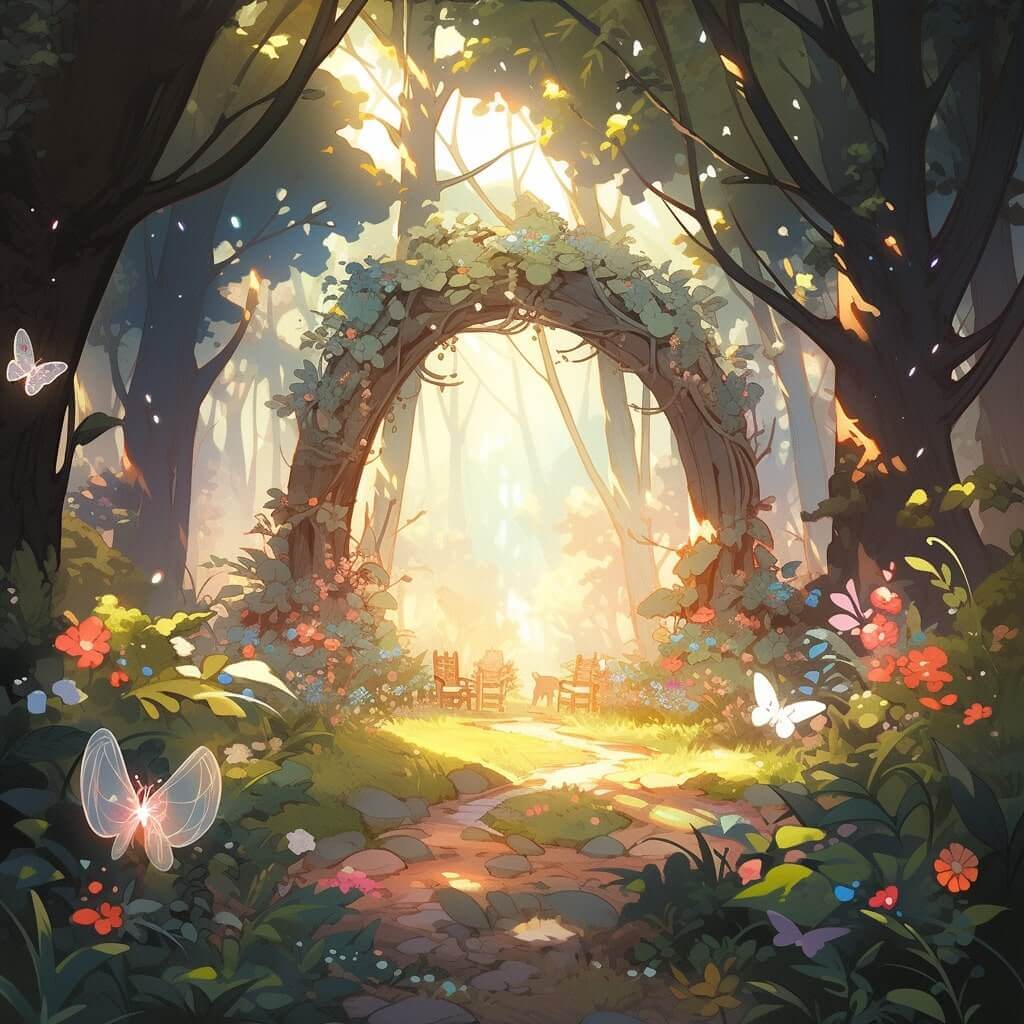
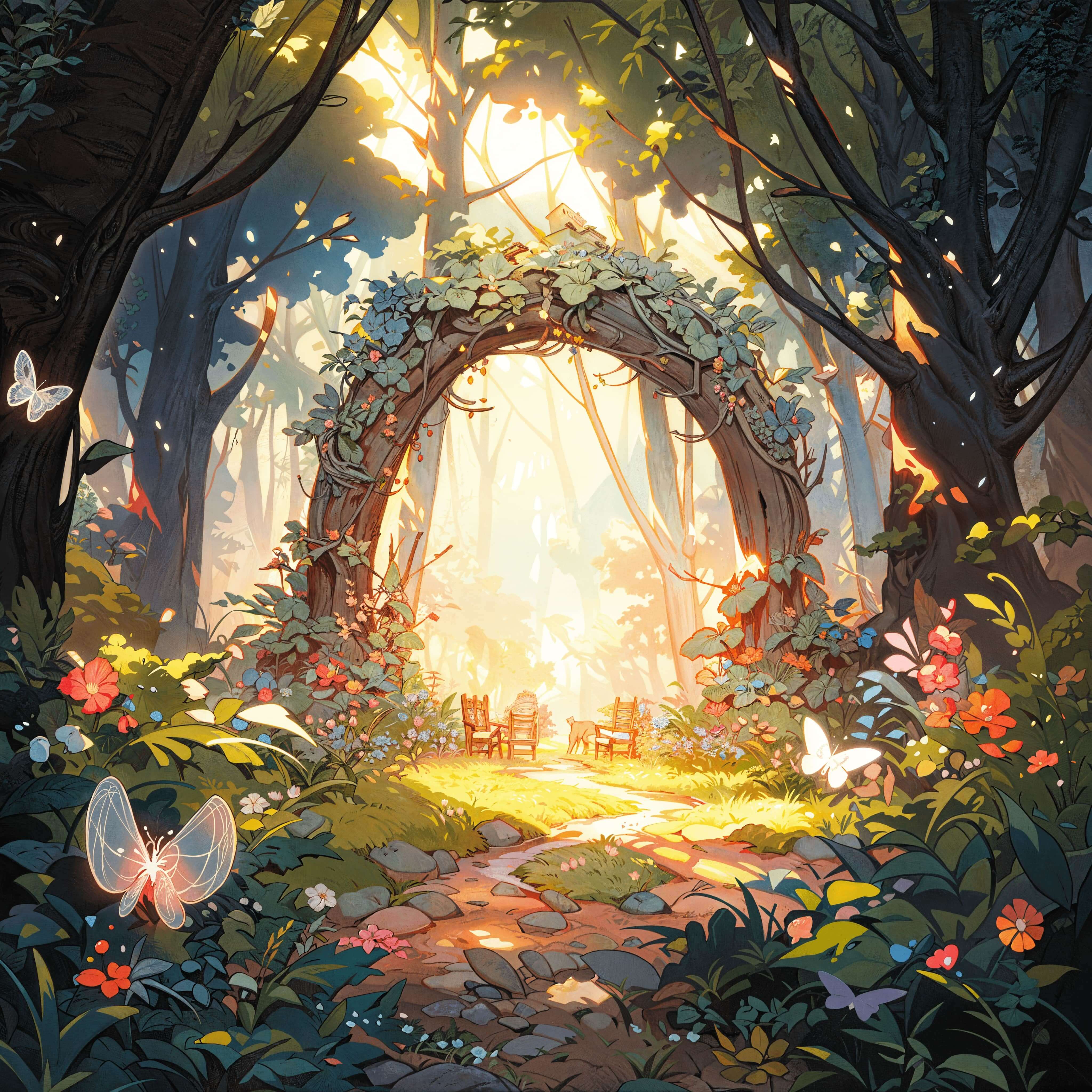
Garden scene before enhancementGarden scene after enhancement
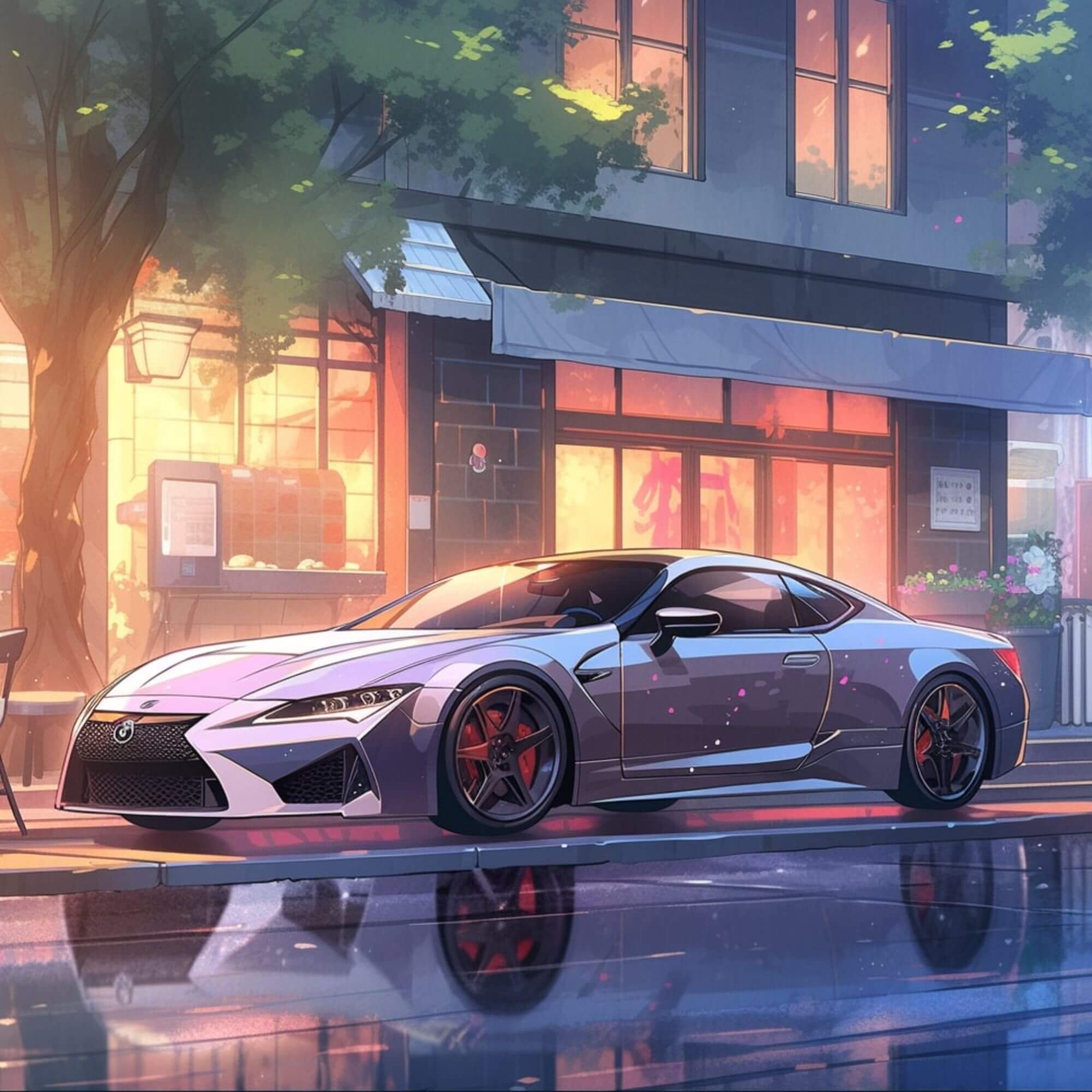
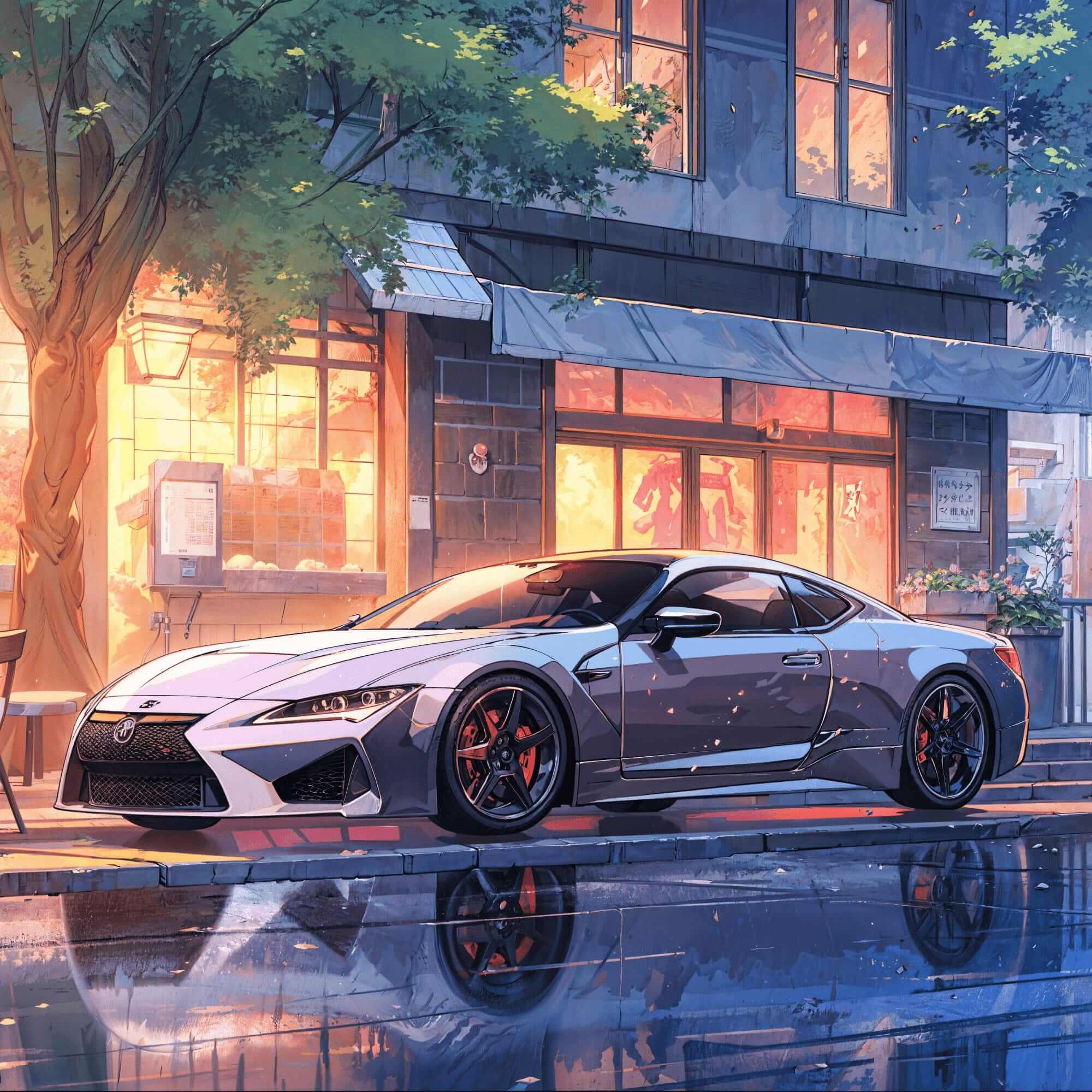
Anime car before enhancementAnime car after enhancement
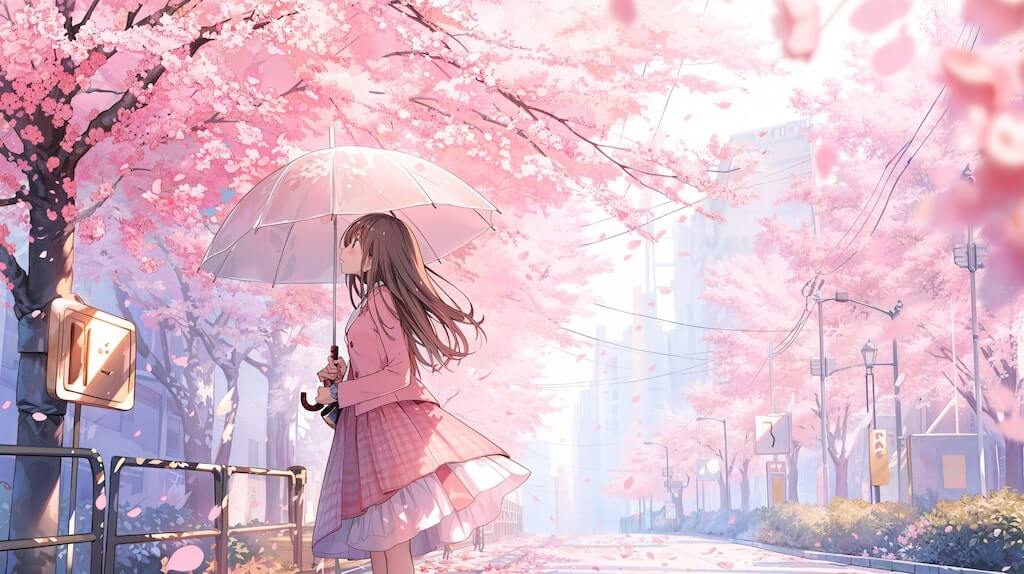
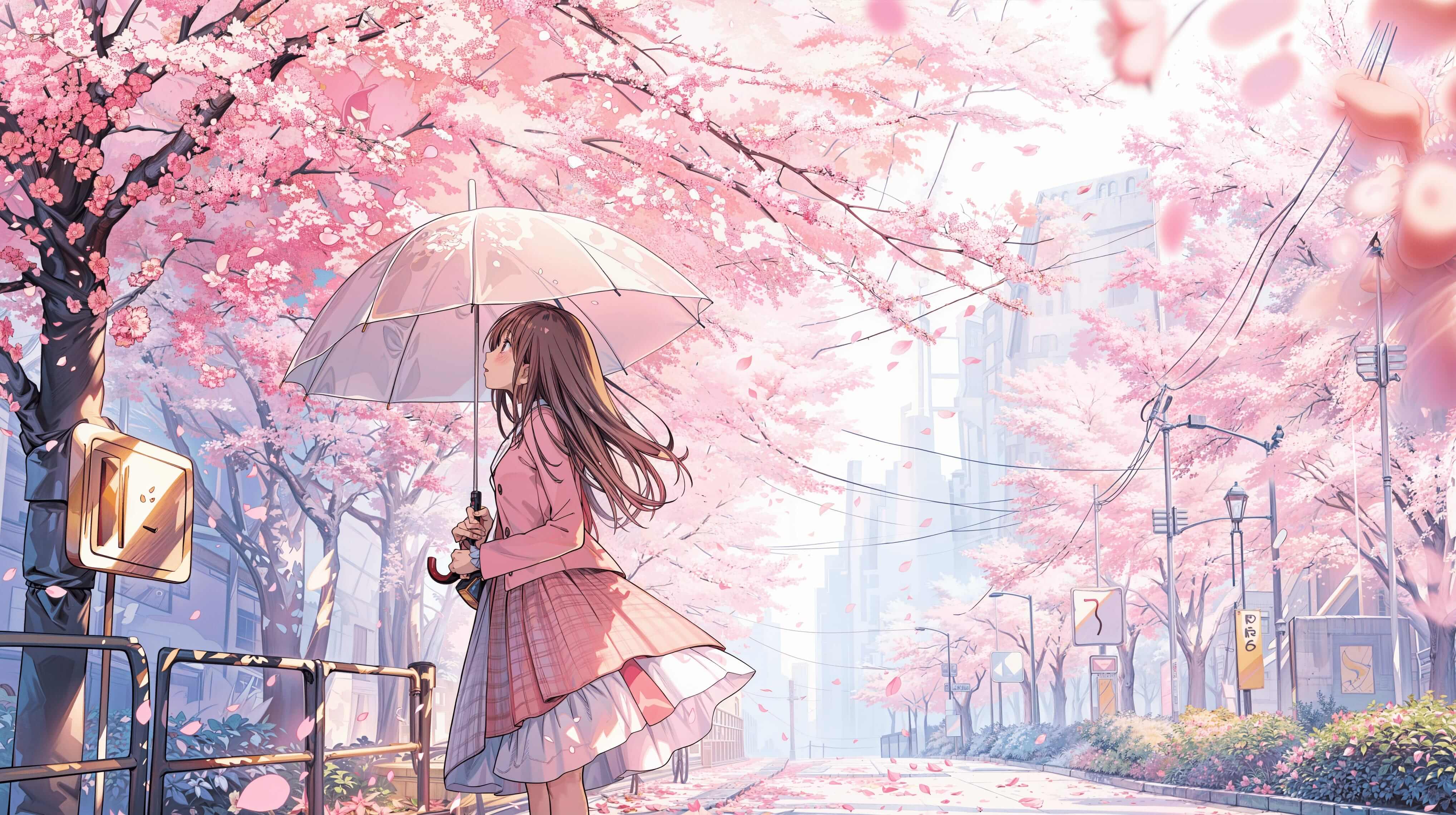
Anime cherry scene before enhancementAnime cherry scene after enhancement
Animated character before enhancementAnimated character after enhancement

AI Natural scenery Image Enhancer

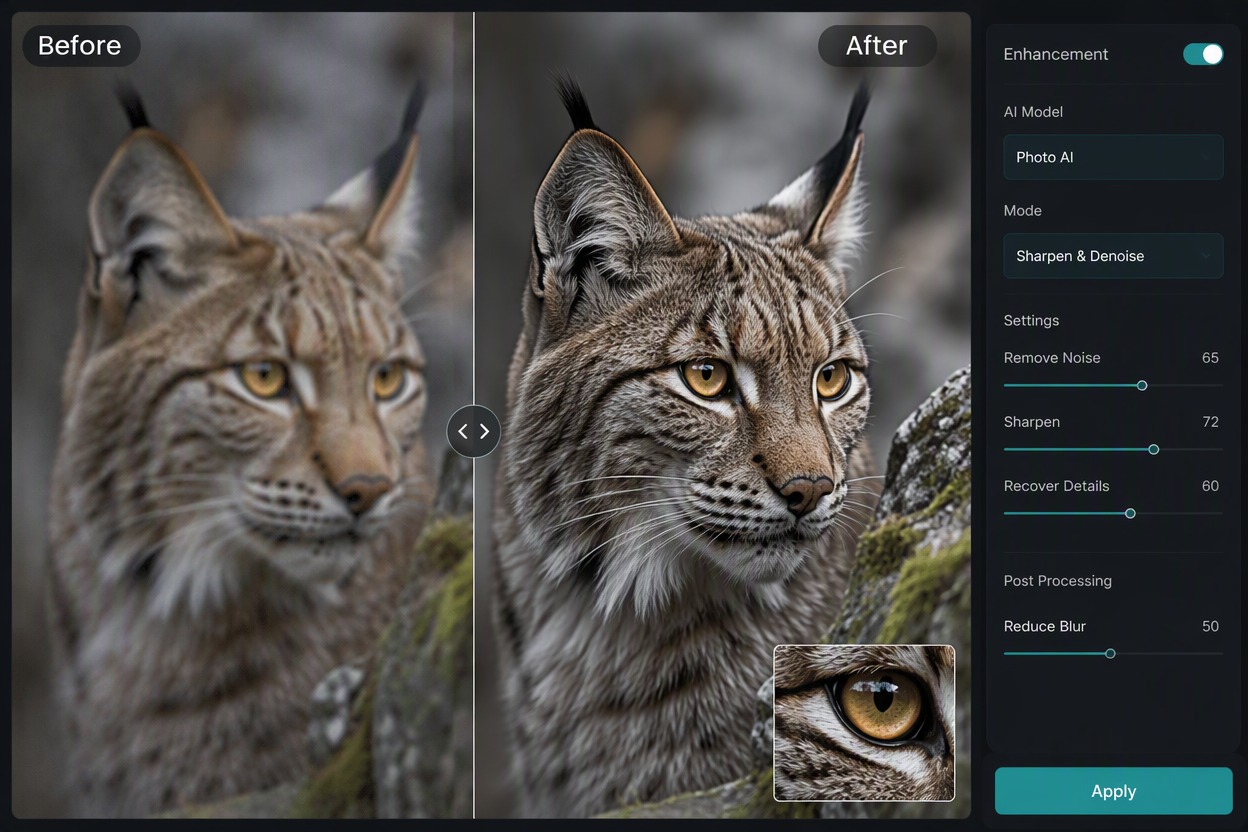
Turn ordinary pictures into extraordinary visuals. Powered by an advanced AI image enhancement system and a finely tuned image quality enhancer, your photos achieve studio-level clarity, balanced contrast, and stunning realism in seconds.
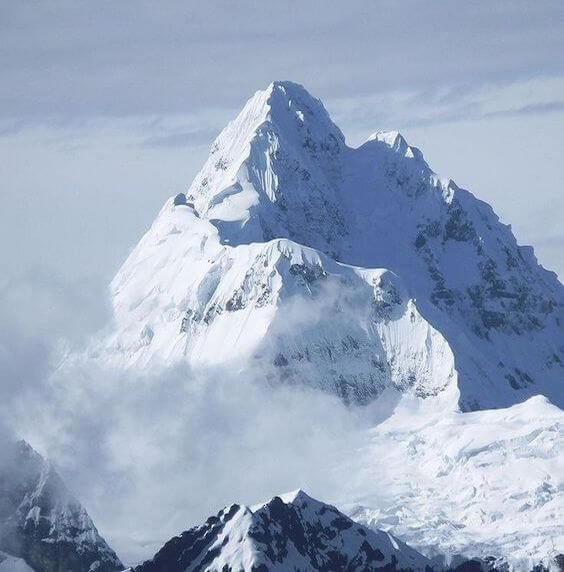
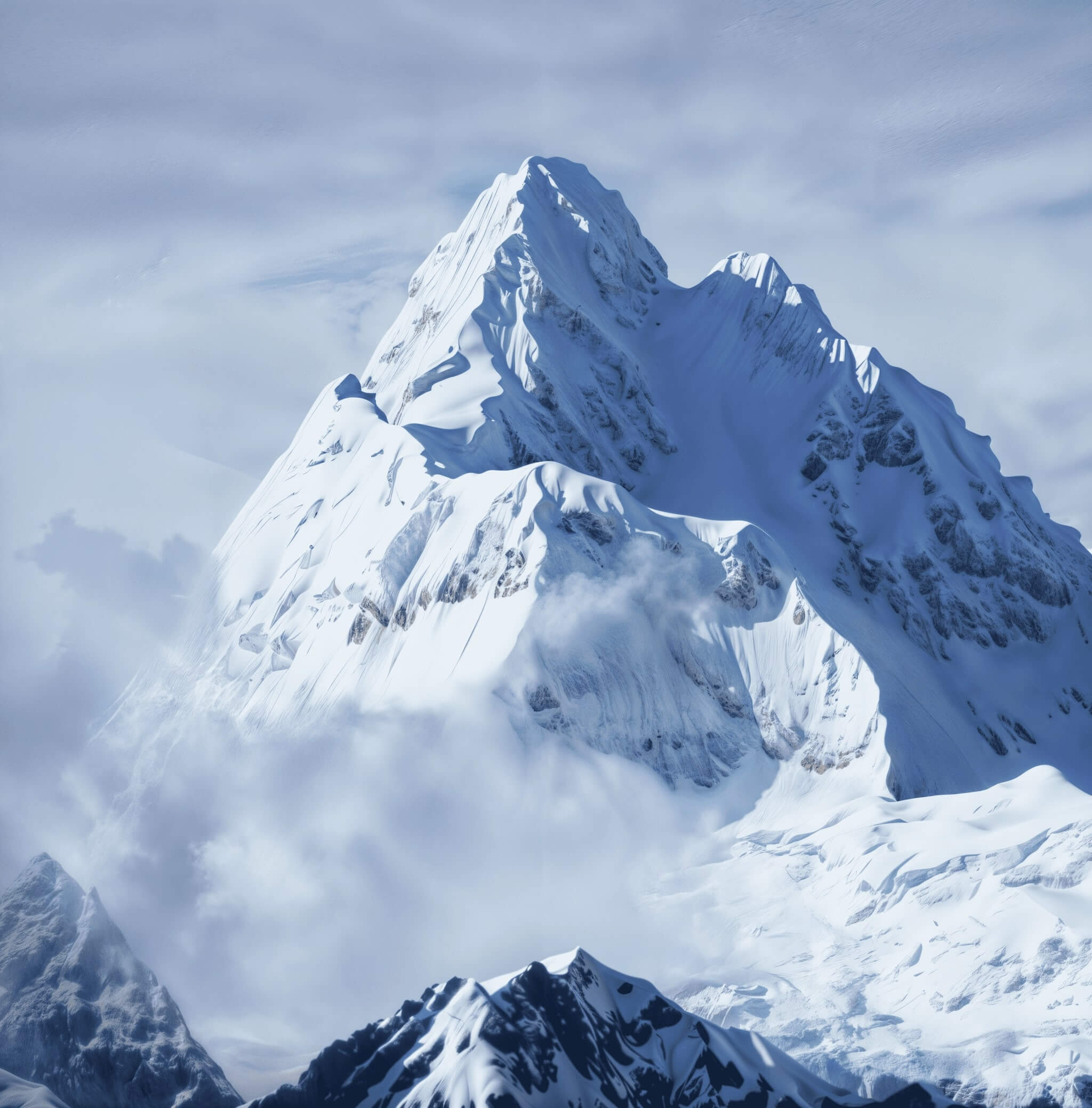
Mountain landscape before enhancementMountain landscape after enhancement
Holiday scene before enhancementHoliday scene after enhancement
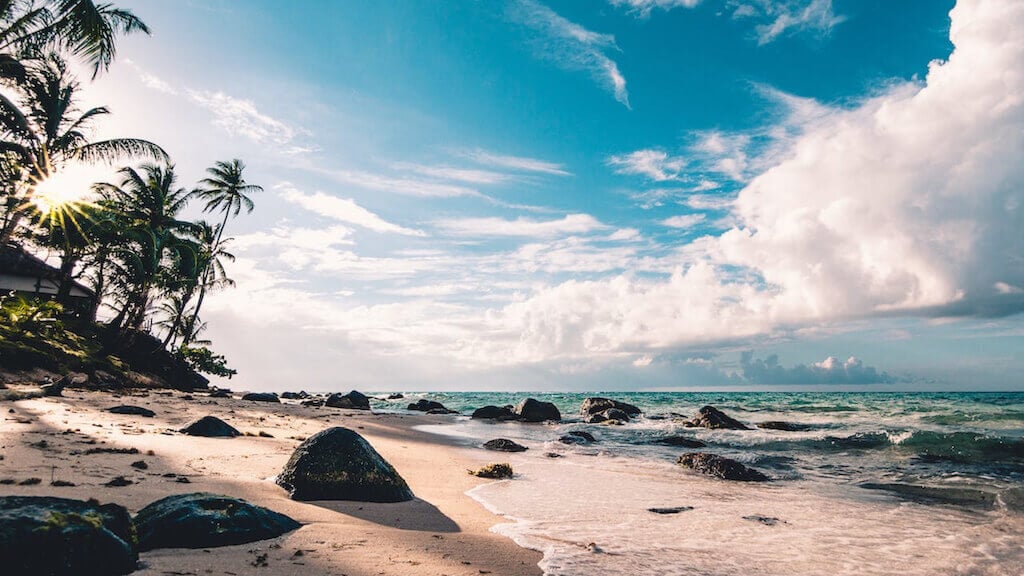
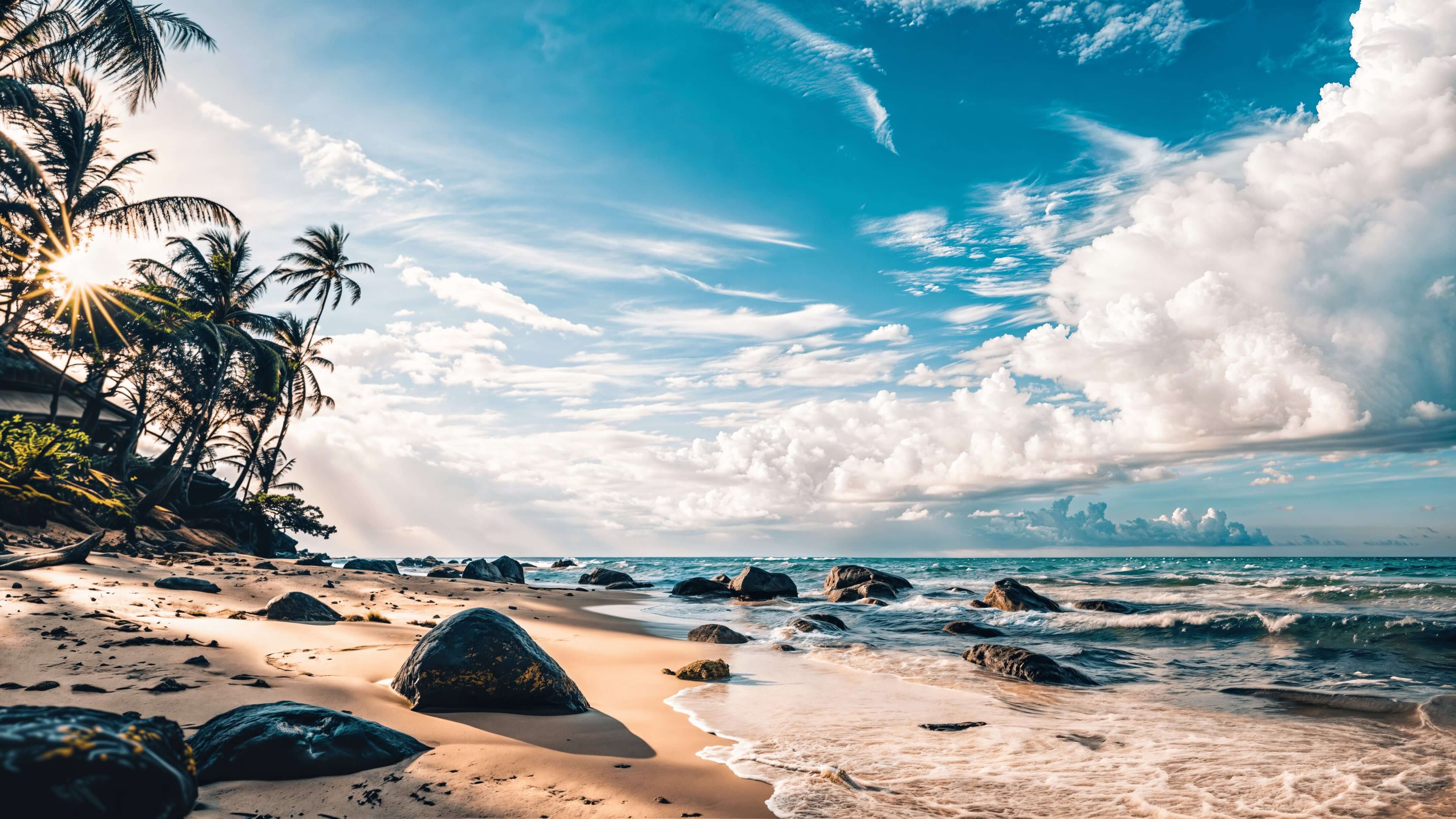
Seaside before enhancementSeaside after enhancement
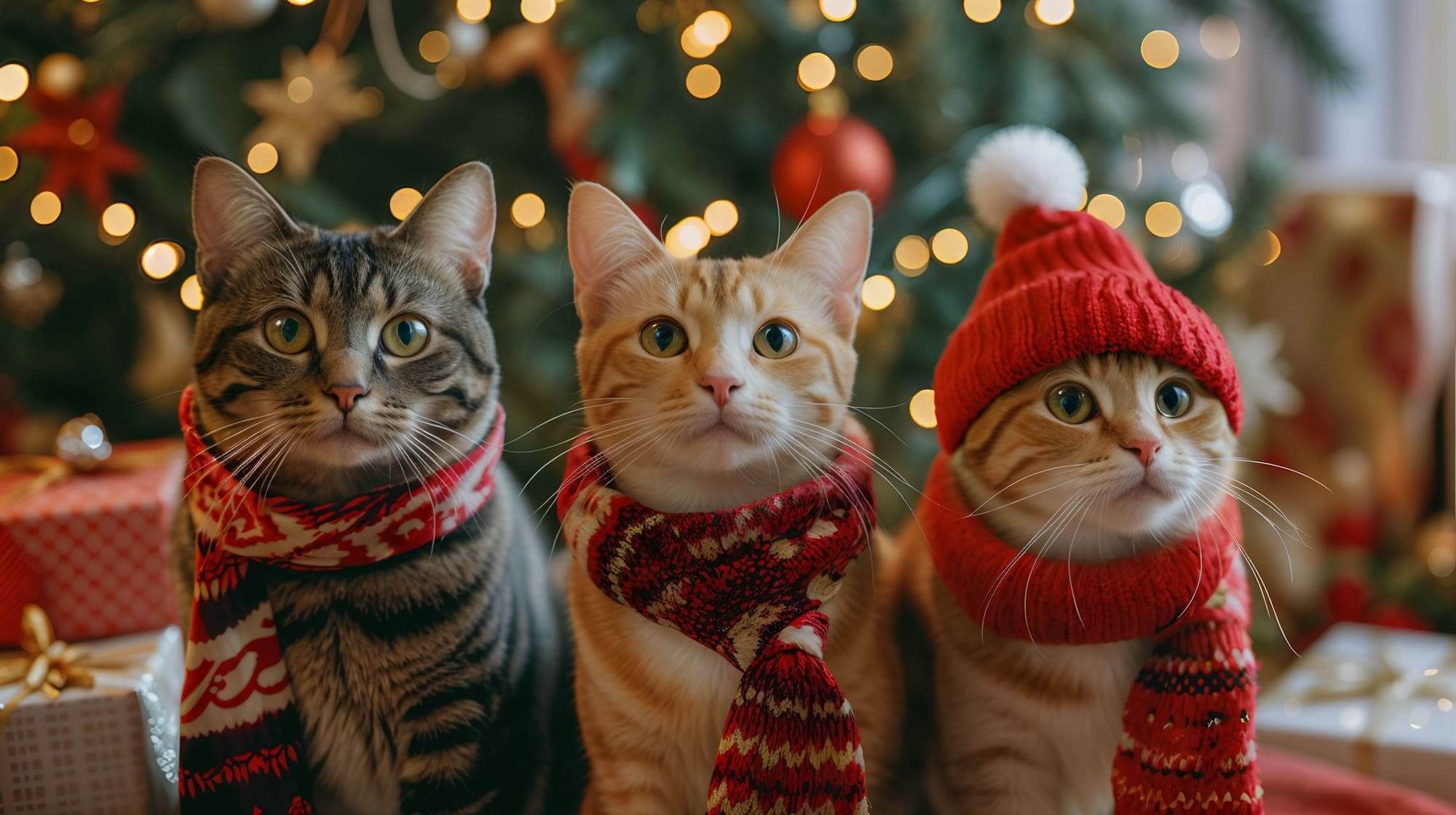
Cat portrait before enhancementCat portrait after enhancement

What Our Users Say?

Frequently Asked Questions

You may want to know

Is the AI Image Enhancer free to use?

GoEnhance AI offers a free tier that allows you to try our image enhancement features. You can upscale and enhance a limited number of images to experience our technology. For more access and advanced features, check out our subscription plans.

What's the maximum resolution I can upscale to?

Our AI can upscale images up to 4x their original resolution while maintaining quality. The exact maximum output size depends on the original image dimensions.

How does the AI Image Enhancer work?

Our AI Image Enhancer uses advanced AI machine learning algorithms to analyze your image at the pixel level. It identifies patterns, textures, and details to intelligently enhance and upscale the image while reducing noise and blur, resulting in sharper, clearer, and more detailed output.

What image formats are supported?

We support most common image formats including JPG, PNG. The enhanced images can be downloaded in your preferred format for maximum compatibility.

How long does the enhancement process take?

Processing time varies based on the image size and the level of enhancement requested. Most images are processed within 1 minute, though larger files or higher upscaling factors may take slightly longer.

How can I get the best results from the Image Enhancer?

For optimal results: 1) Start with the clearest version of your image available, 2) Choose an appropriate upscaling factor based on your needs, 3) Adjust the enhancement settings according to your image type (photo, artwork, etc.).

How to enhance resolution of image?

You can enhance the resolution of an image using a free AI image enhancer like GoEnhance. Simply upload your JPG or PNG file, and the system will automatically upscale it, sharpen details, and reduce noise for a clearer, high-quality result.

Which image would best enhance the paragraph?

Choose an image that visually reinforces your message — for instance, if you’re writing about nature, pair it with a vivid landscape or a close-up of leaves or flowers to strengthen the connection. Clear, high-resolution images always improve readability and engagement.

What is the best image enhancer?

The ideal image enhancer depends on your specific goals, but platforms like GoEnhance excel by combining speed, quality, and simplicity in one seamless experience. It can refine clarity, boost colors, and upscale resolution automatically in seconds.

Can AI enhance image quality?

Yes, AI can enhance image quality by analyzing patterns and reconstructing lost details. Modern AI models can upscale blurry or low-resolution images, improve sharpness, and even restore textures for professional results.

Reddit Embed

Ready to Enhance Your Images Instantly?

Experience the power of GoEnhance AI’s free image enhancer — designed to enhance resolution of image files, restore clarity, and upgrade any JPG or PNG into a stunning high-definition visual. Perfect for creators, designers, and photographers who want every pixel to shine.

Try Image Enhancer for Free