goenhance logo

Ideogram 4.0 AI Image Model

Ideogram 4.0 is a design-focused image model built for typography, posters, logos, brand visuals, layout control, and realistic image creation. It helps users turn detailed prompts into polished visuals for creative, marketing, and design workflows through advanced text to image generation.

Generate AI Images

Ideogram 4.0 Image Examples

Explore design-ready image styles that Ideogram 4.0 is especially strong at, from typography posters to logo concepts and realistic product visuals.

Typography Poster Design

Logo and Brand Visual Concept

Realistic Product Photography

Ideogram 4.0 Creative Editing Features

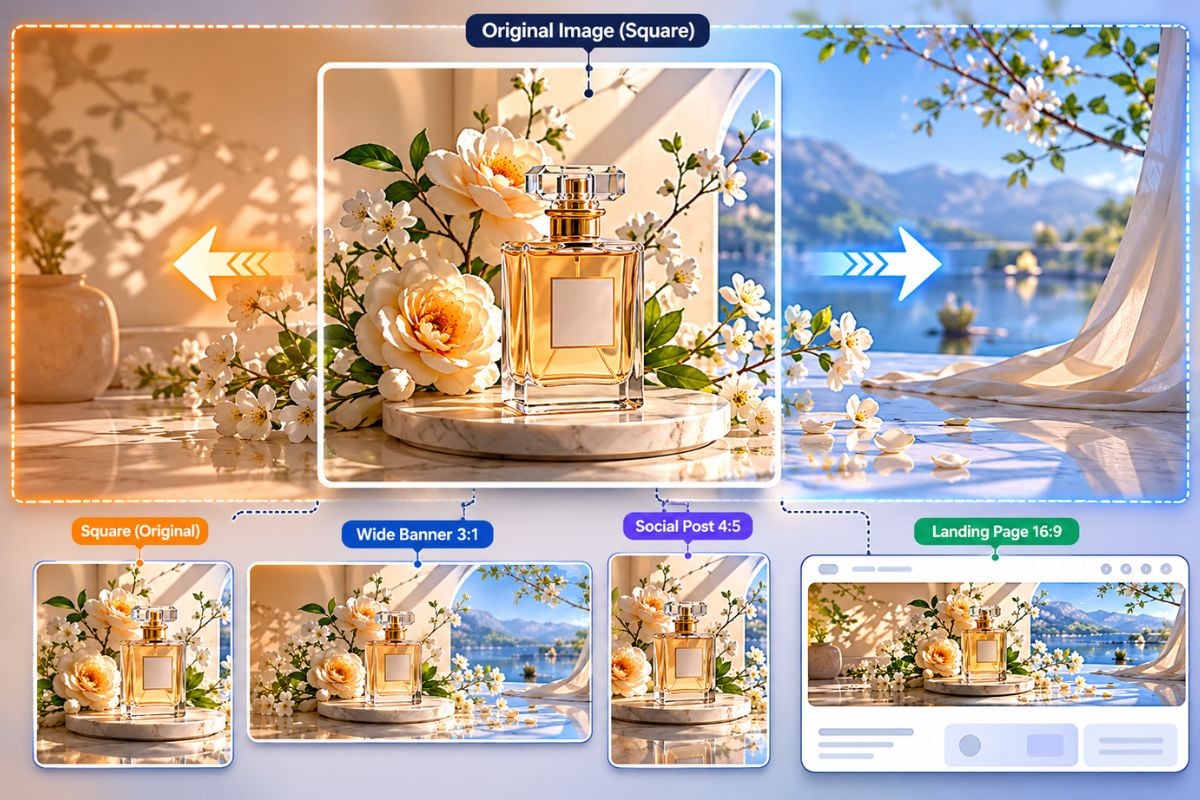
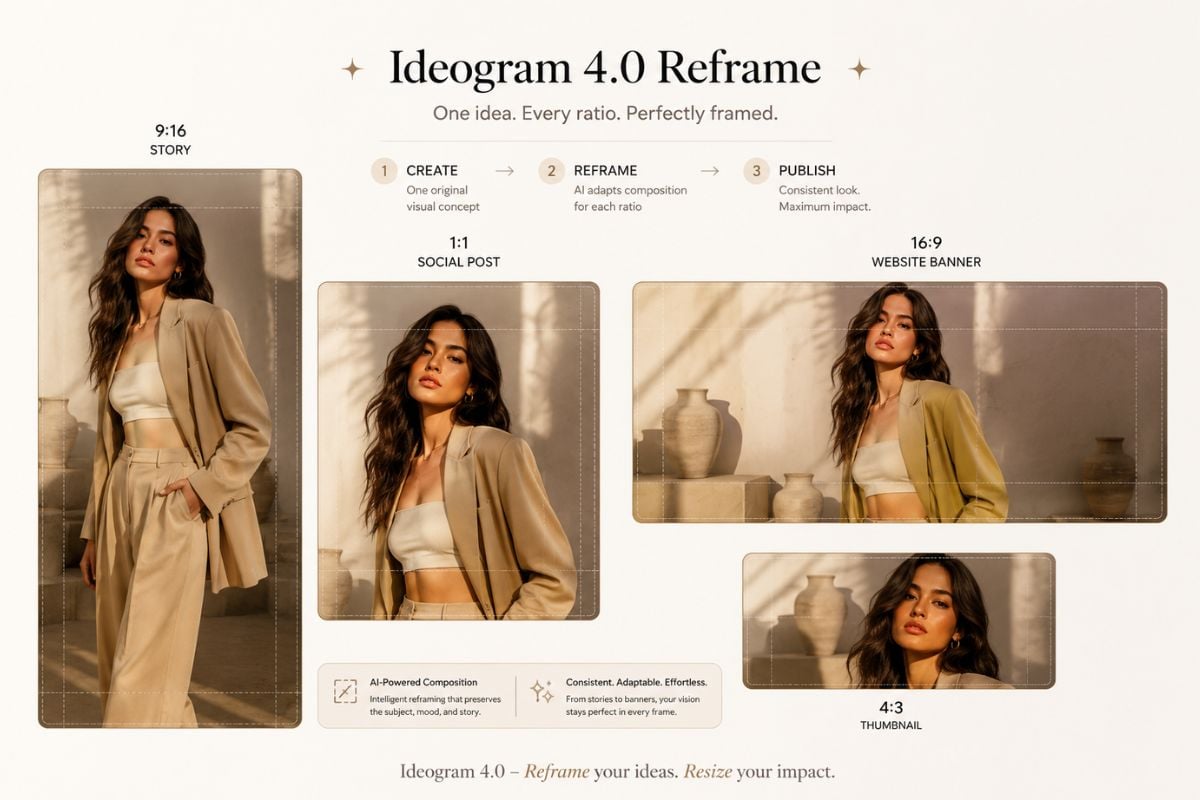
Ideogram 4.0 also supports practical design editing workflows. These features help users adjust text, expand compositions, and adapt one image into different formats without starting from zero.
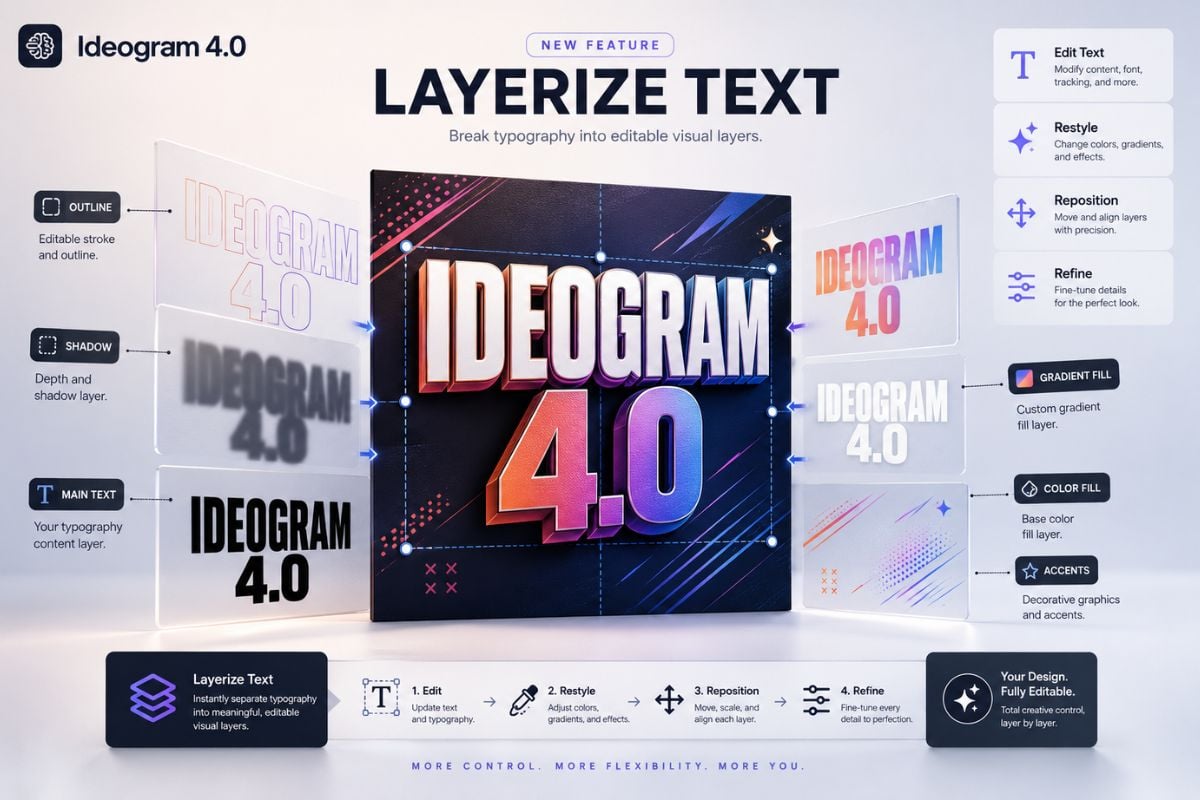
Layerize Text

Layerize Text

Turn typography into editable layers you can restyle, reposition, and refine afterward. This is useful for posters, title graphics, logo concepts, and designs where the text needs to stay flexible.

Try For Free

Explore Ideogram 4.0 Features

Create Images Where Text Matters

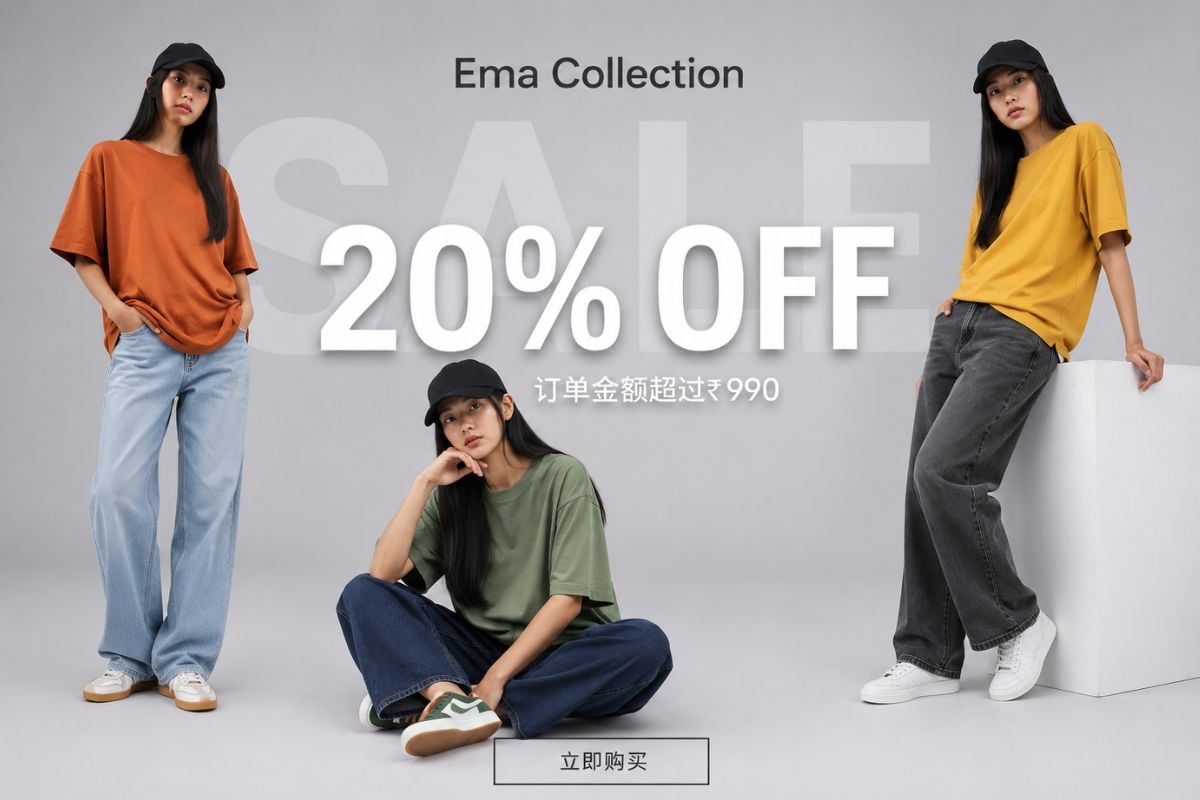
Ideogram 4.0 is built for visual work where words are part of the design. According to the official Ideogram 4.0 model page, the model focuses on multilingual text, layout control, editable elements, and realistic 2K images, making it useful for posters, logos, labels, and social graphics.

Ideogram 4.0 Fashion Sale Banner

Control Layout and Composition

Ideogram 4.0 helps users guide where key objects, text, and visual elements should appear. This makes it more practical for posters, advertising concepts, product images, thumbnails, and other designs that need stronger composition control.

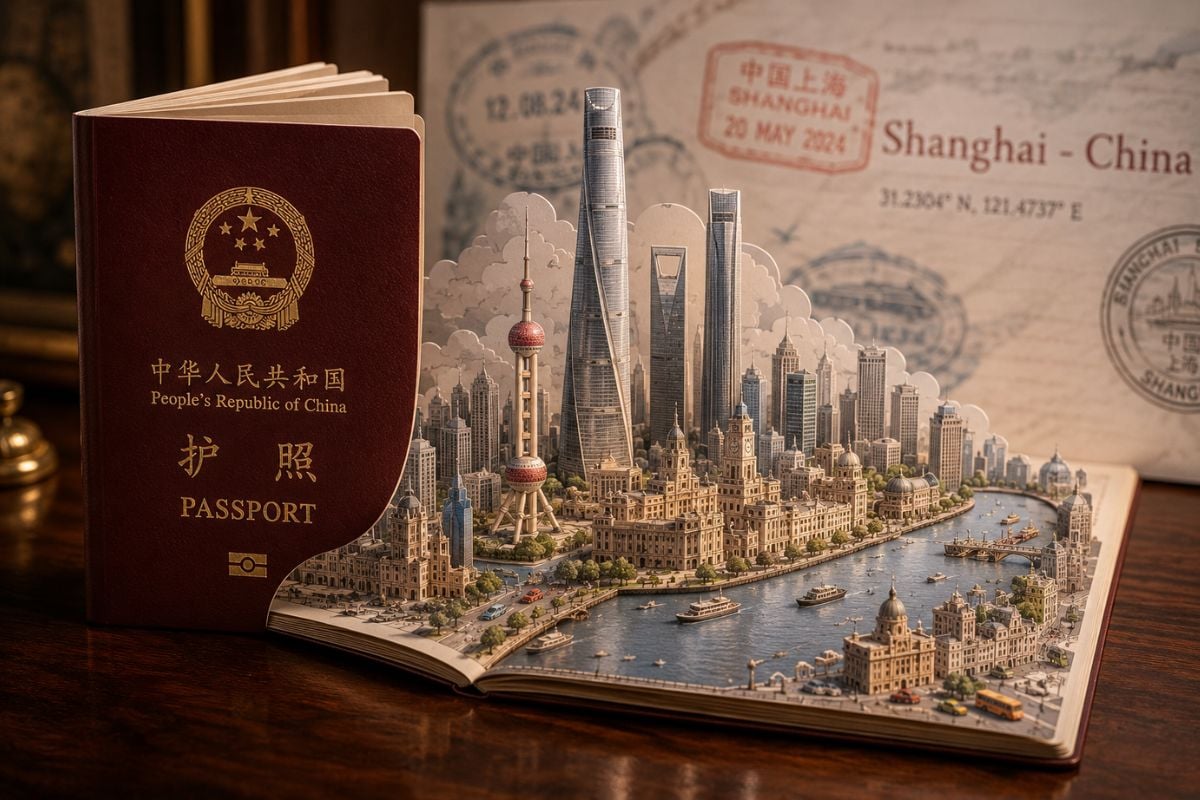
Ideogram 4.0 Passport Travel Diorama

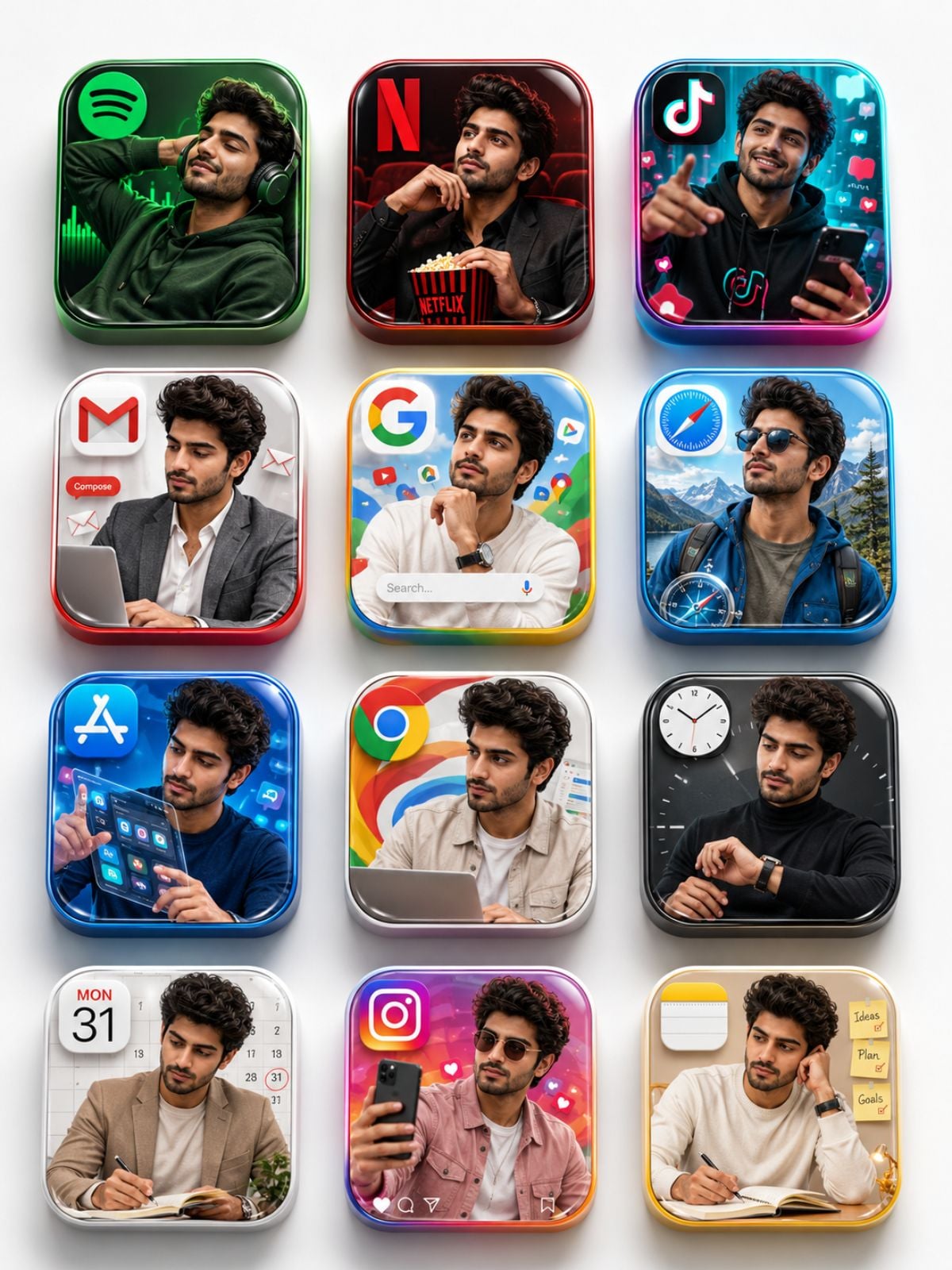
Build Brand and Marketing Visuals

Use Ideogram 4.0 for logo ideas, packaging concepts, campaign images, apparel graphics, product visuals, and typography-heavy brand assets. It is especially useful when a creative brief includes style direction, colors, layout, and readable text.

Ideogram 4.0 Pink Skincare Product Photography

Generate More Useful Image Drafts

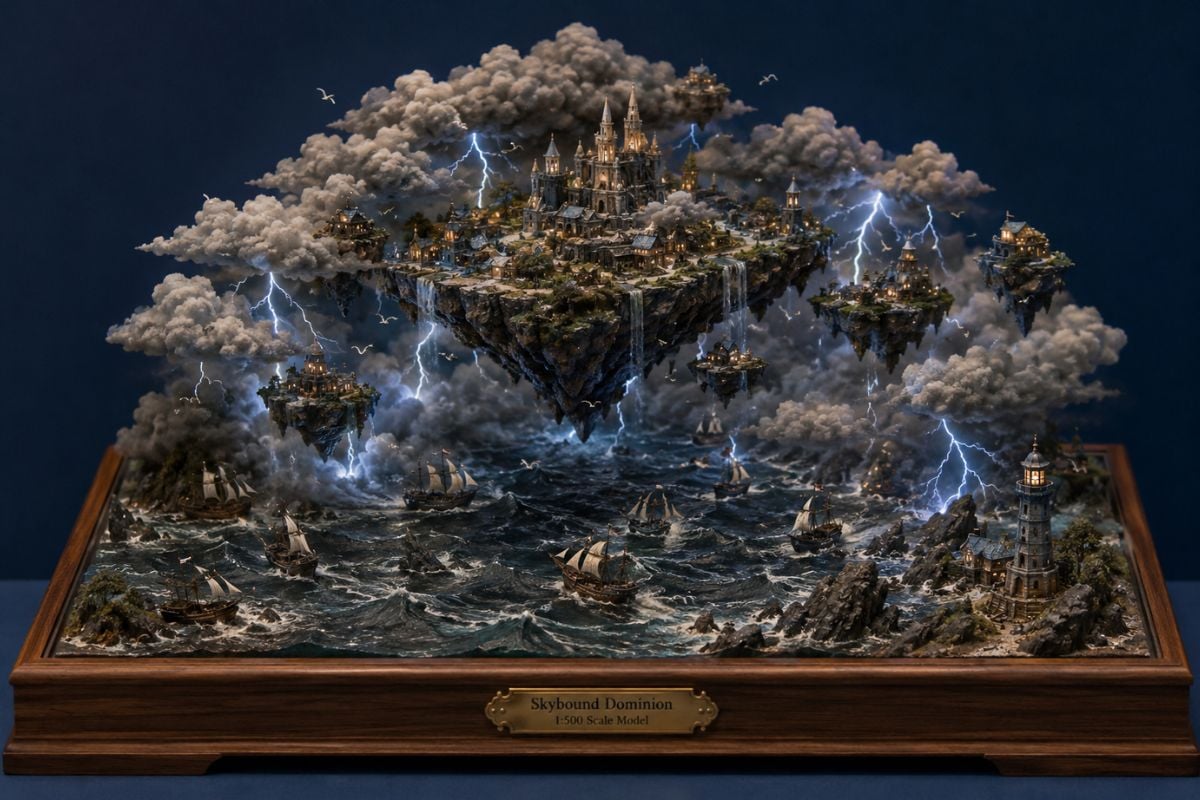
As a modern AI image generator model, Ideogram 4.0 can turn detailed visual briefs into polished drafts for creative testing. It is a strong fit for teams that need fast image concepts before moving into final design, editing, or production.
https://cdn-b0.goenhance.ai/static/site/6a20fea5a9899.jpg

How To Use Ideogram 4.0?

01

Write a Clear Design Prompt

Describe the image you want, including the subject, style, layout, text content, mood, colors, and final use case. Ideogram 4.0 works especially well when the prompt feels like a design brief.

02

Define Text, Layout, and Style

Add exact words for posters, logos, labels, or graphics. For better results, specify where important elements should appear, what colors to use, and what visual style the image should follow.

03

Generate, Review, and Refine

Create the image, check text accuracy, composition, and brand fit, then refine the prompt for cleaner typography, better spacing, stronger realism, or a more polished design result.

Ideogram 4.0 on X

Frequently Asked Questions

You may want to know

What is Ideogram 4.0?

Ideogram 4.0 is an AI image model focused on design workflows. It is built for typography, posters, logos, brand visuals, layout control, and realistic image generation.

What makes Ideogram 4.0 different?

Its main advantage is not only image quality. Ideogram 4.0 focuses on readable in-image text, stronger layout control, editable design elements, and more practical visual outputs for creative projects.

Is Ideogram 4.0 good for text in images?

Yes. Ideogram 4.0 is designed for text-heavy image generation, including posters, title cards, logos, labels, social graphics, and other visuals where typography needs to be part of the image.

Can Ideogram 4.0 create logos?

Yes. It can help generate logo concepts, brand marks, poster titles, apparel graphics, and packaging-style visuals. For final commercial branding, users should still review originality, trademark risk, and text accuracy.

What creative editing features does Ideogram 4.0 support?

Ideogram 4.0 includes design-focused editing features such as Layerize Text, Extend, and Reframe. The official Ideogram 4.0 blog explains how these features help users adjust typography, expand images, and adapt compositions for different formats.

What are the best use cases for Ideogram 4.0?

It is best for posters, logos, typography graphics, ads, social media images, apparel designs, food and product visuals, brand mockups, and other design-focused image generation tasks.

Can Ideogram 4.0 support layout control?

Yes. Ideogram 4.0 supports stronger layout and composition guidance, helping users control where text, objects, and important visual elements appear in the final image.

How can I get better results with Ideogram 4.0?

Write prompts like a design brief. Include the subject, exact text, visual style, color direction, layout idea, aspect ratio, and final use case. Clear design instructions usually lead to more useful image drafts.

Create with Ideogram 4.0 Now

Use GoEnhance AI to turn prompts into polished image concepts for posters, brand visuals, product shots, social graphics, and creative design tests. Start with a clear idea, refine the layout, and generate visuals faster.

Generate AI Images