
Bold Glamour Filter: Get a Full Glam Look from One Selfie
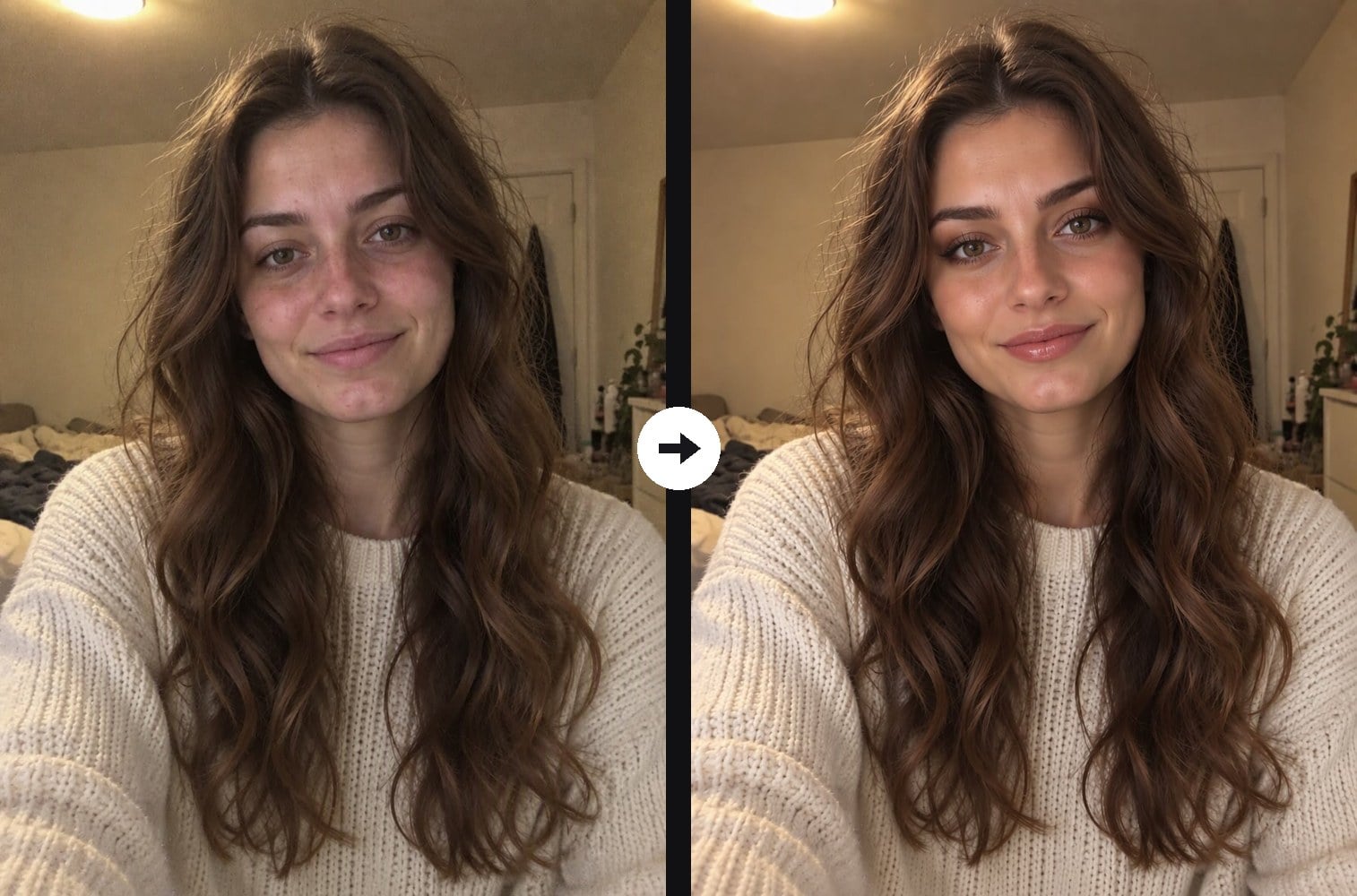
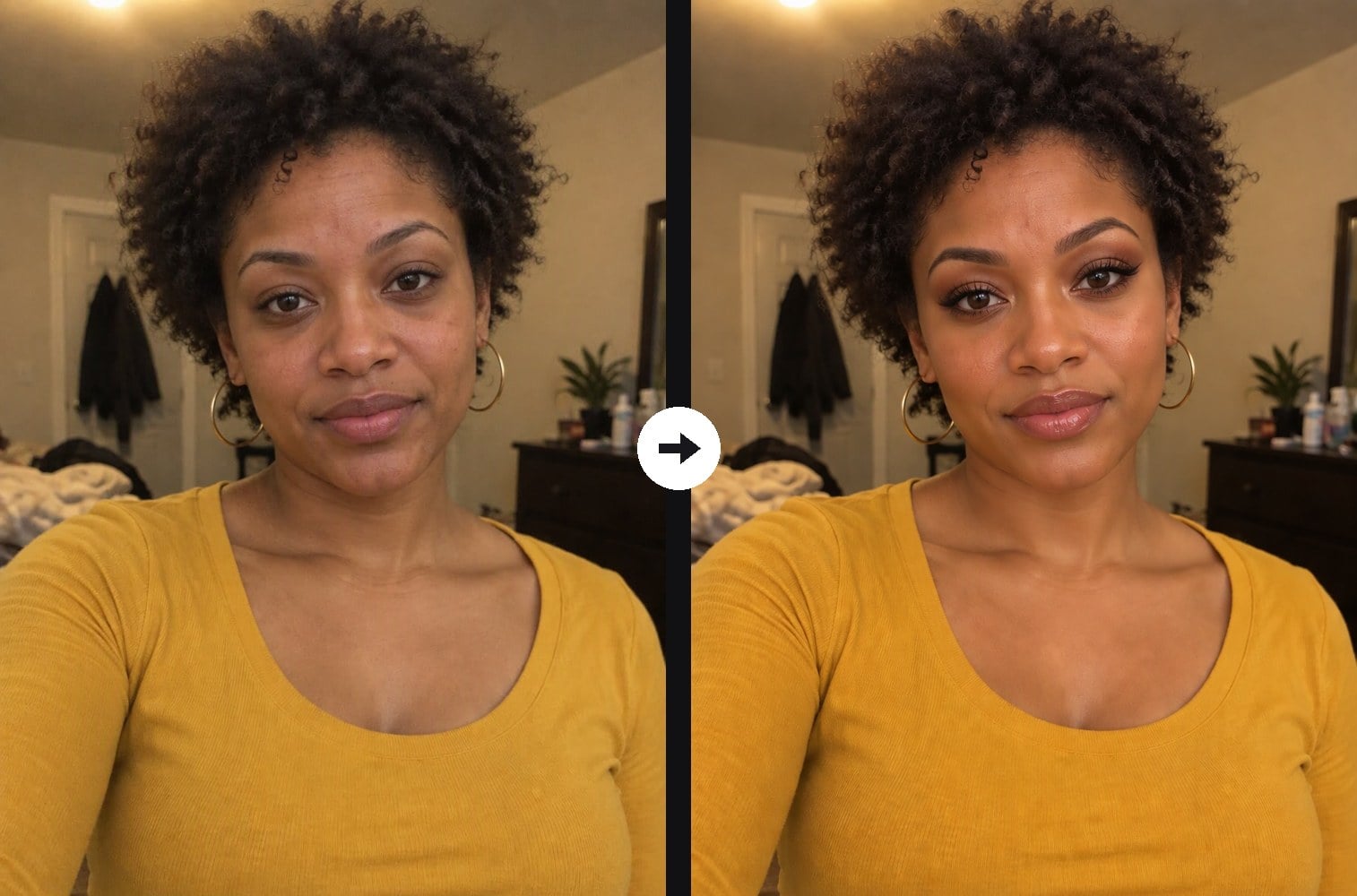
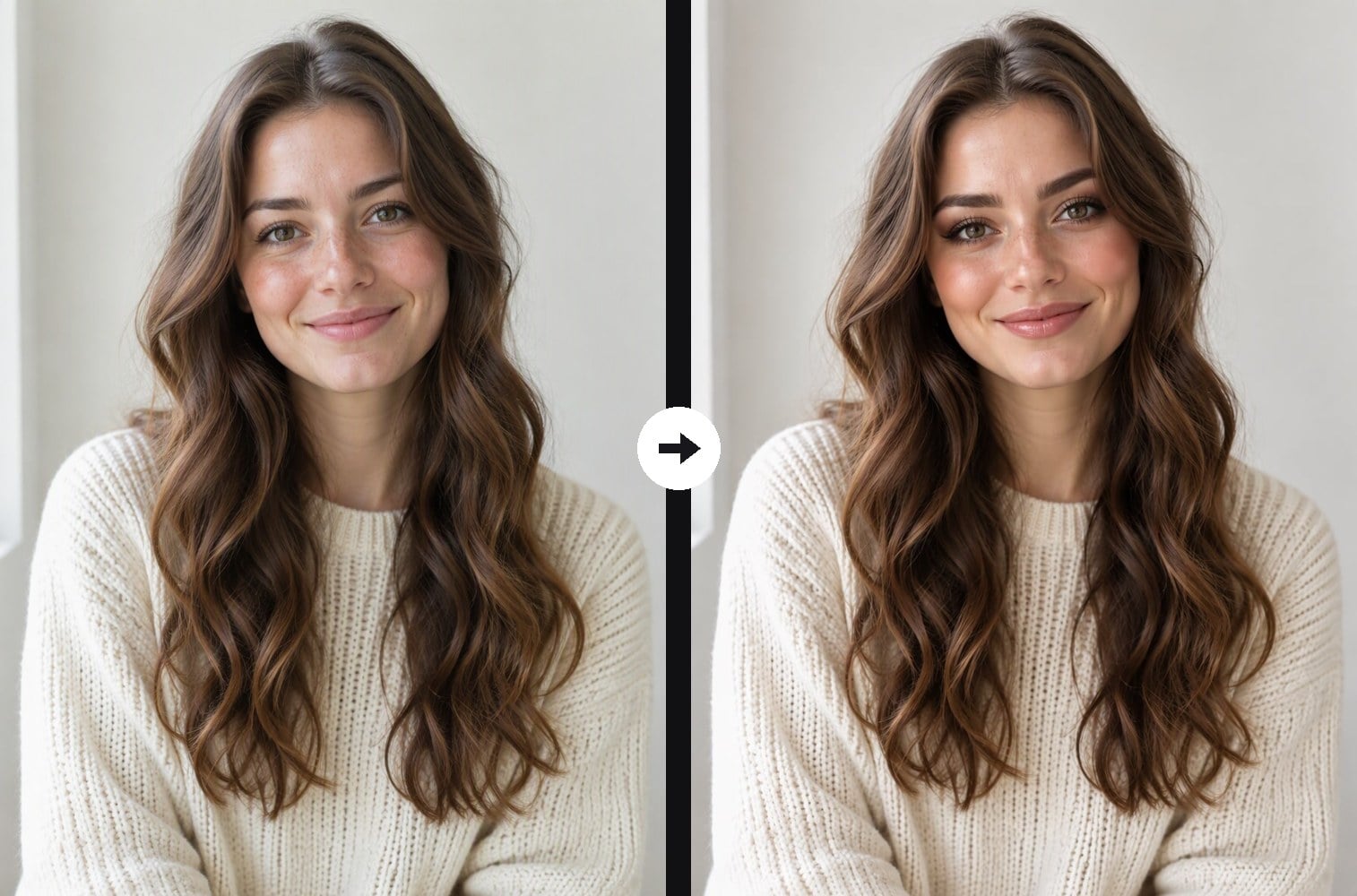
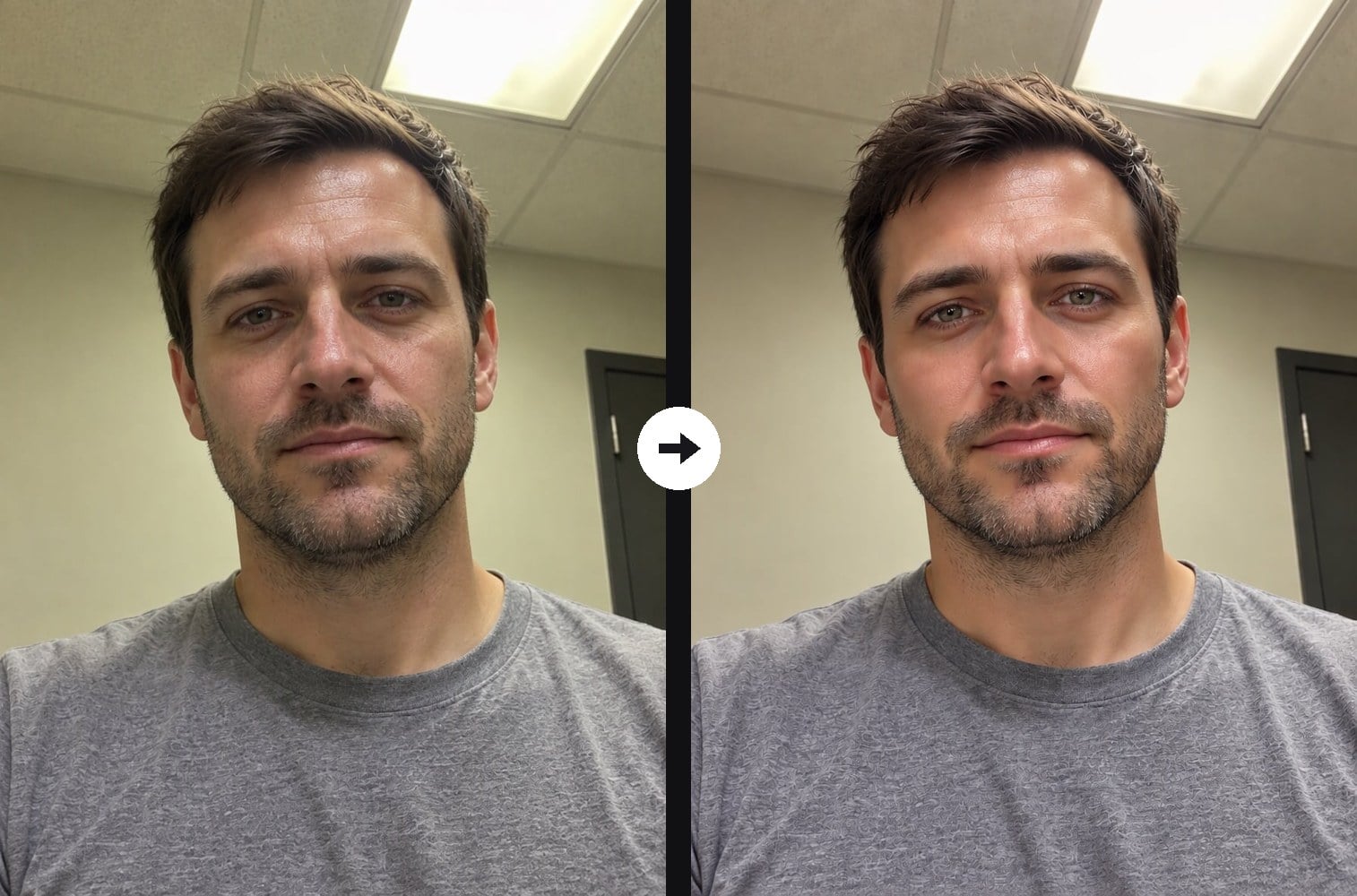
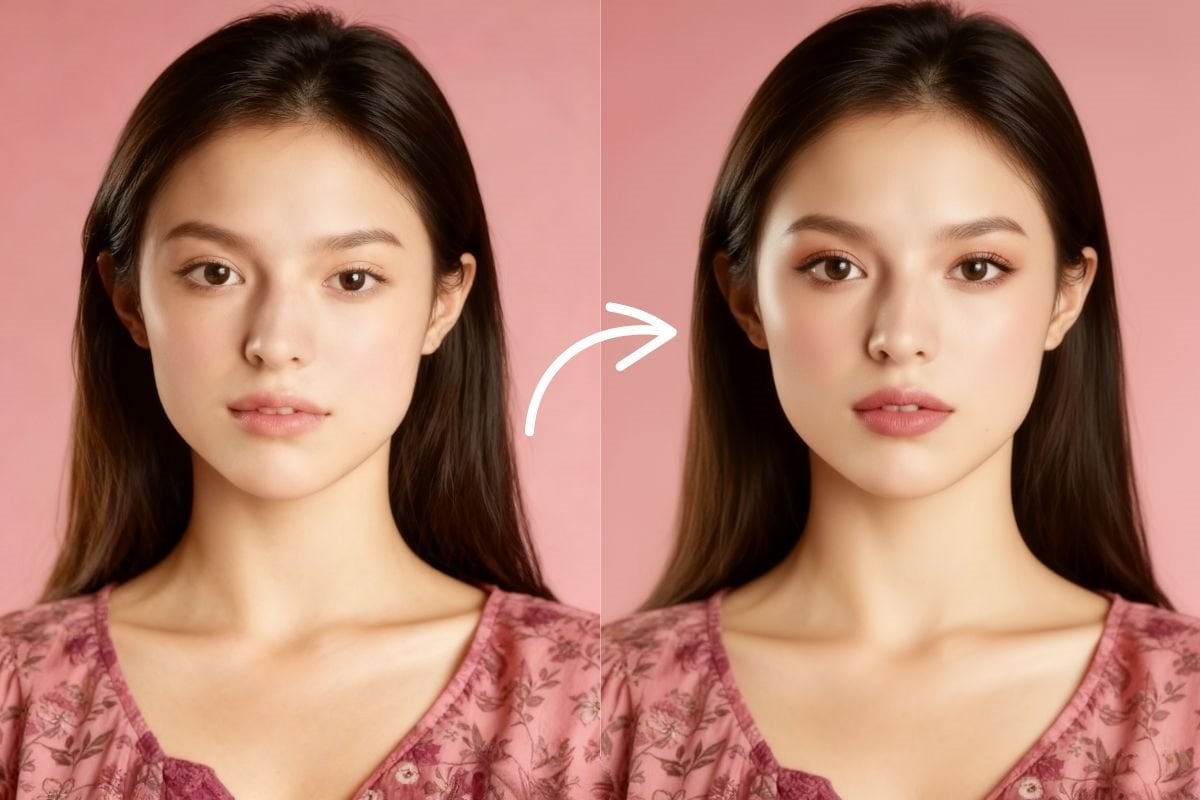
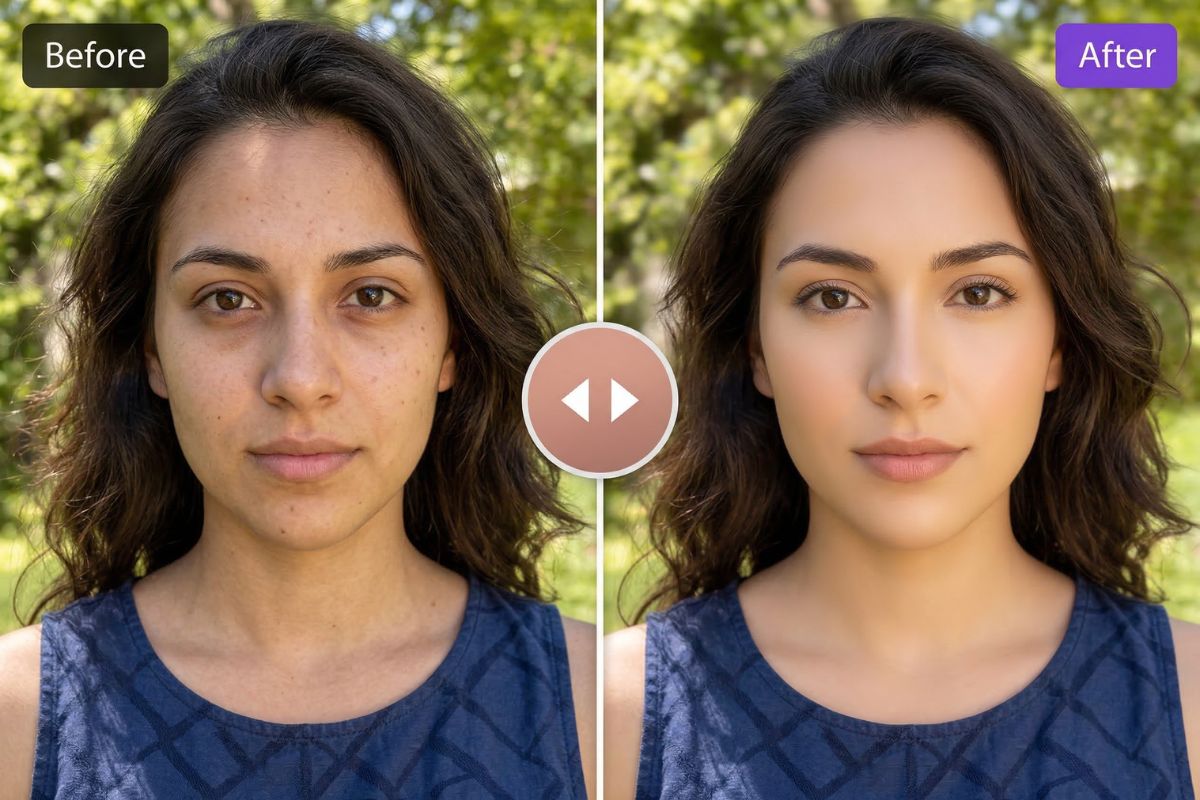
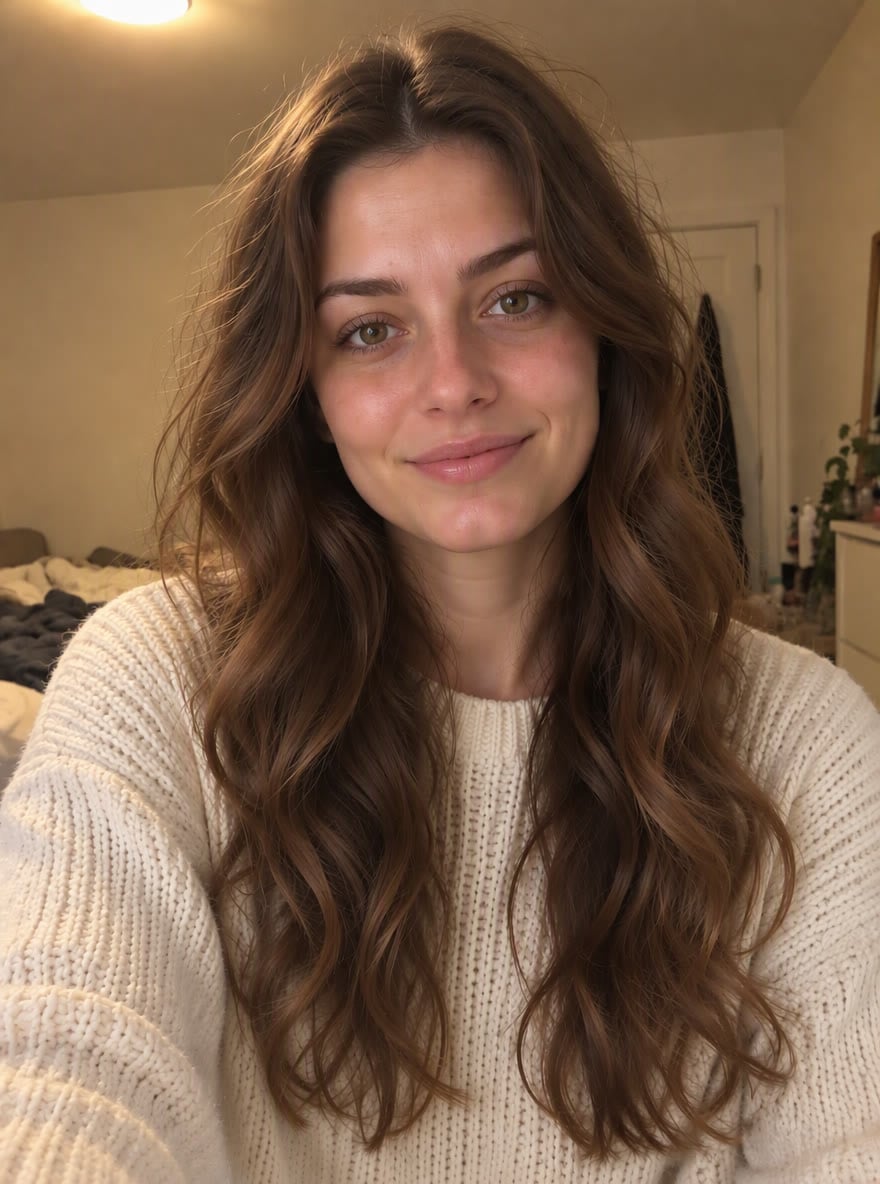
The bold glamour filter turns an everyday selfie into a polished, camera-ready glam portrait. Upload a photo and the AI adds sculpted contour under the cheekbones and along the jaw, a soft highlight, an even, luminous complexion, full brows, smoky eyes with a sharp wing, long lashes and glossy rose-nude lips. Your face shape, skin tone, hair, outfit and background stay the same, so it is still clearly you. On men it stays subtle: even skin, a sharper jawline and groomed brows, no eye makeup. Unlike the AI makeup generator, which lets you pick a makeup style, this filter is one fixed full-glam look in a single click. The console below runs on GPT Image 2.5.
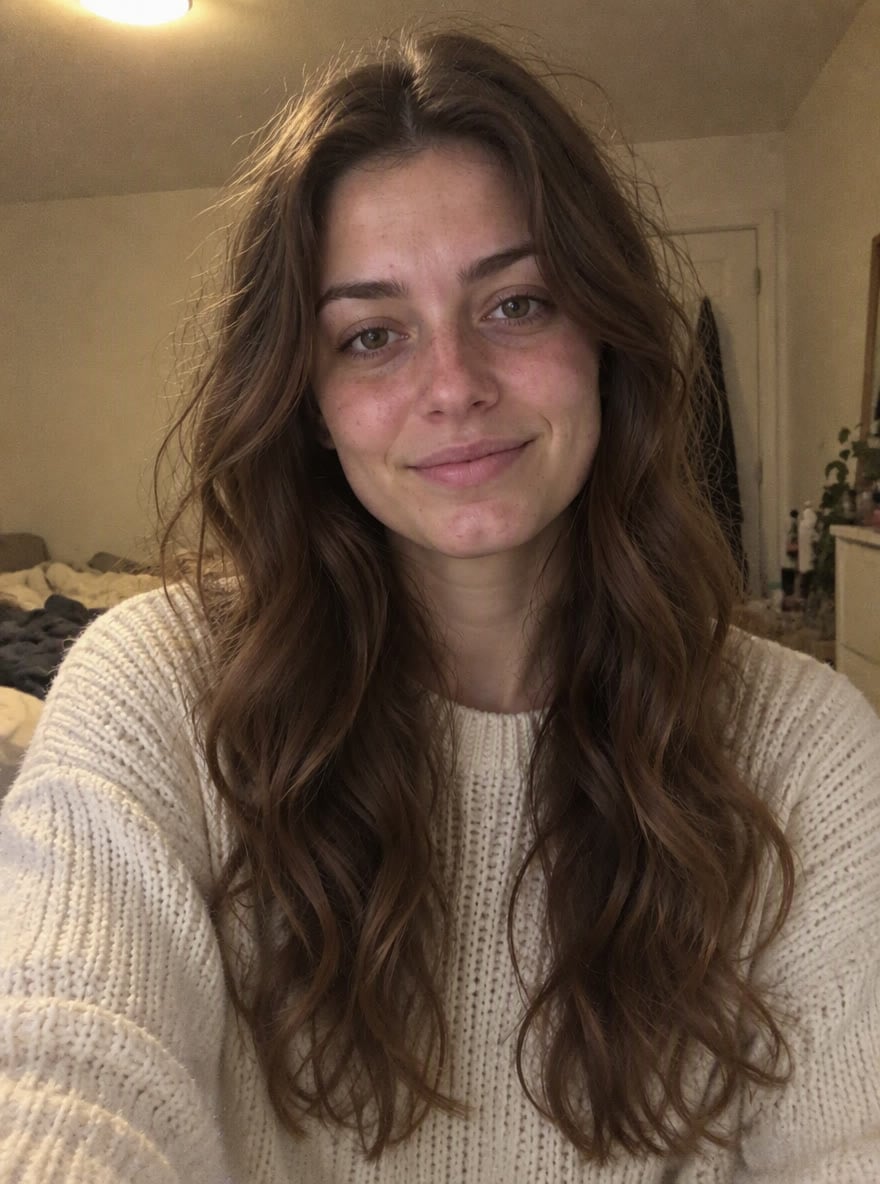
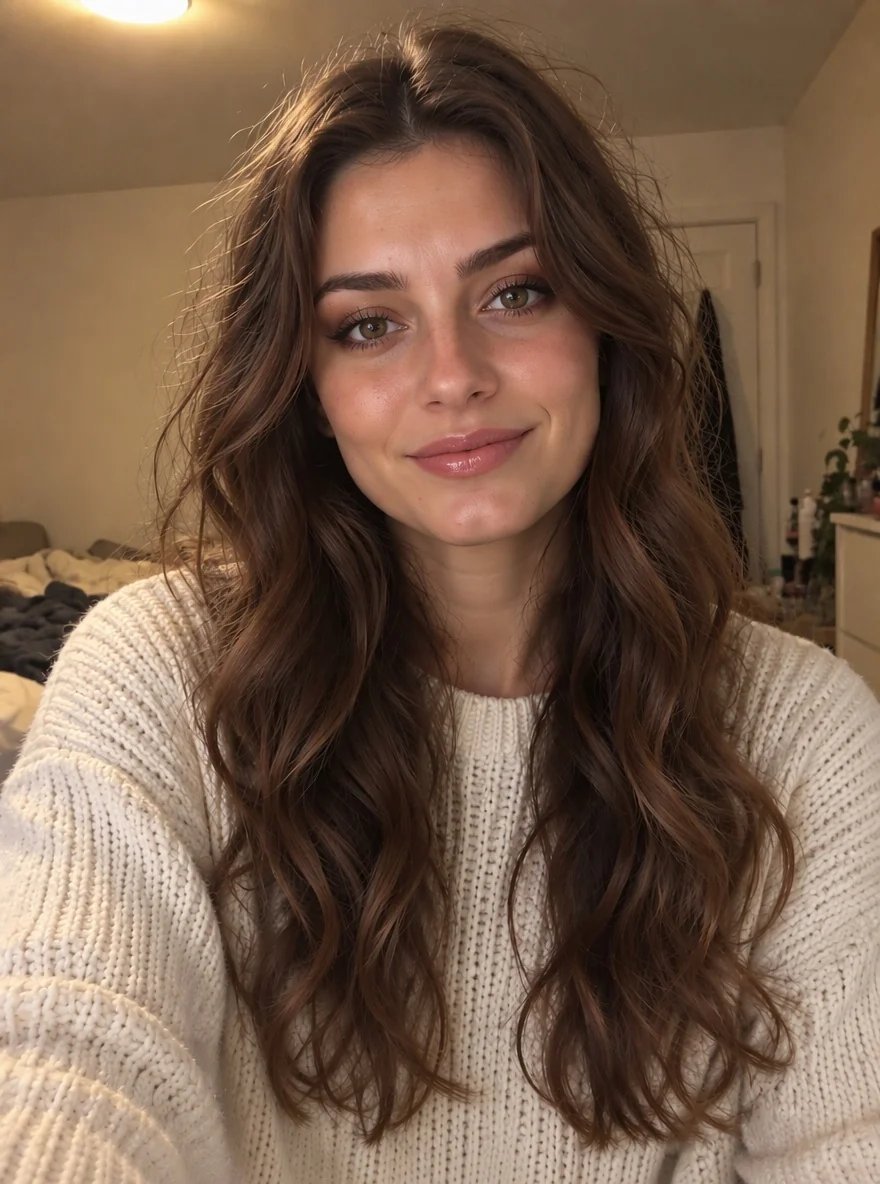
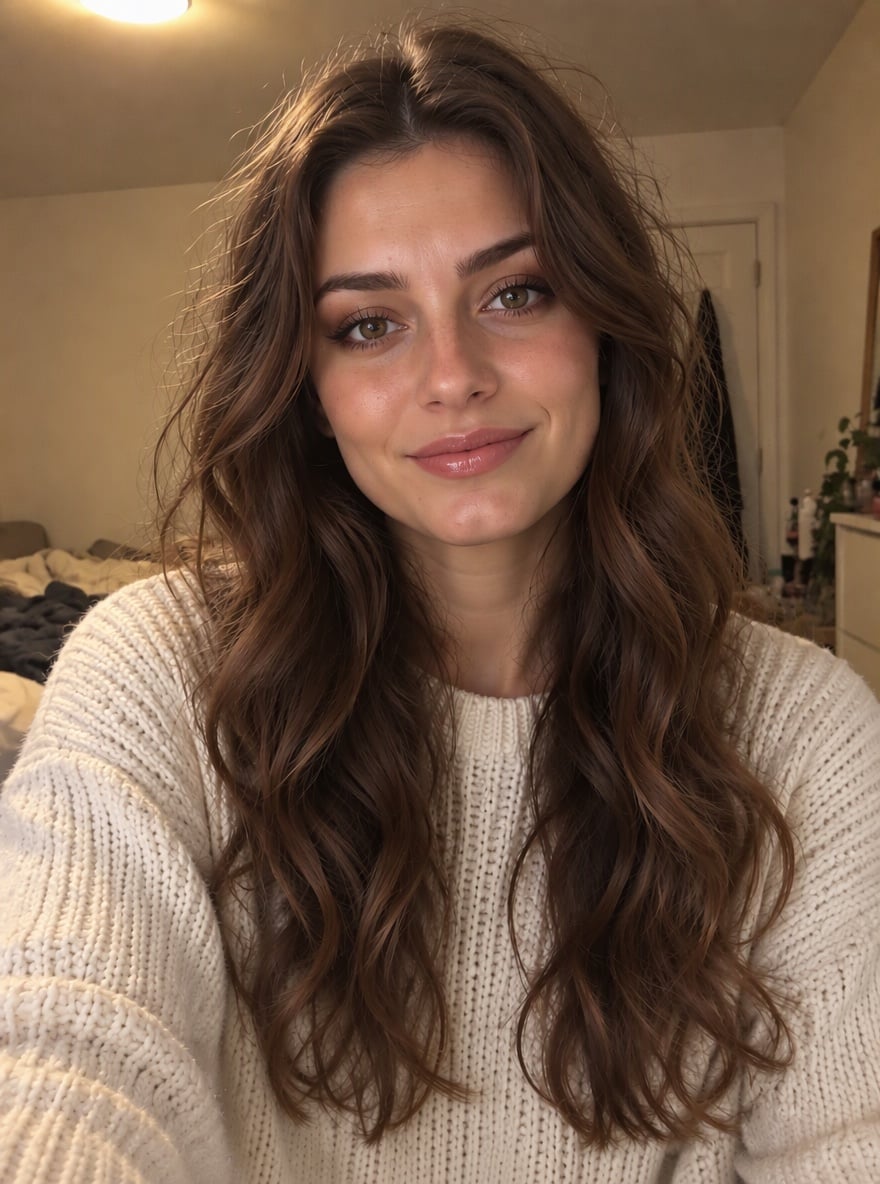
Bare Face to Full Glam
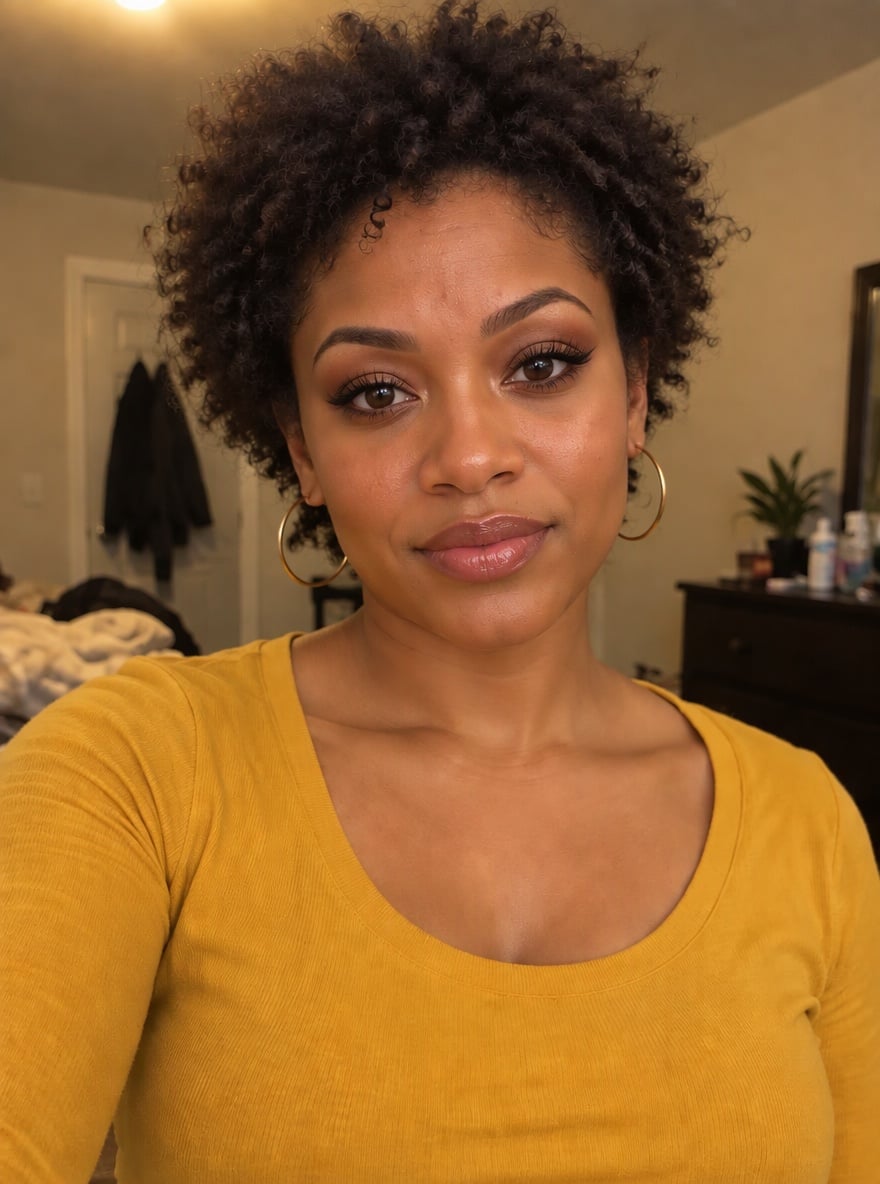
Glam Curls
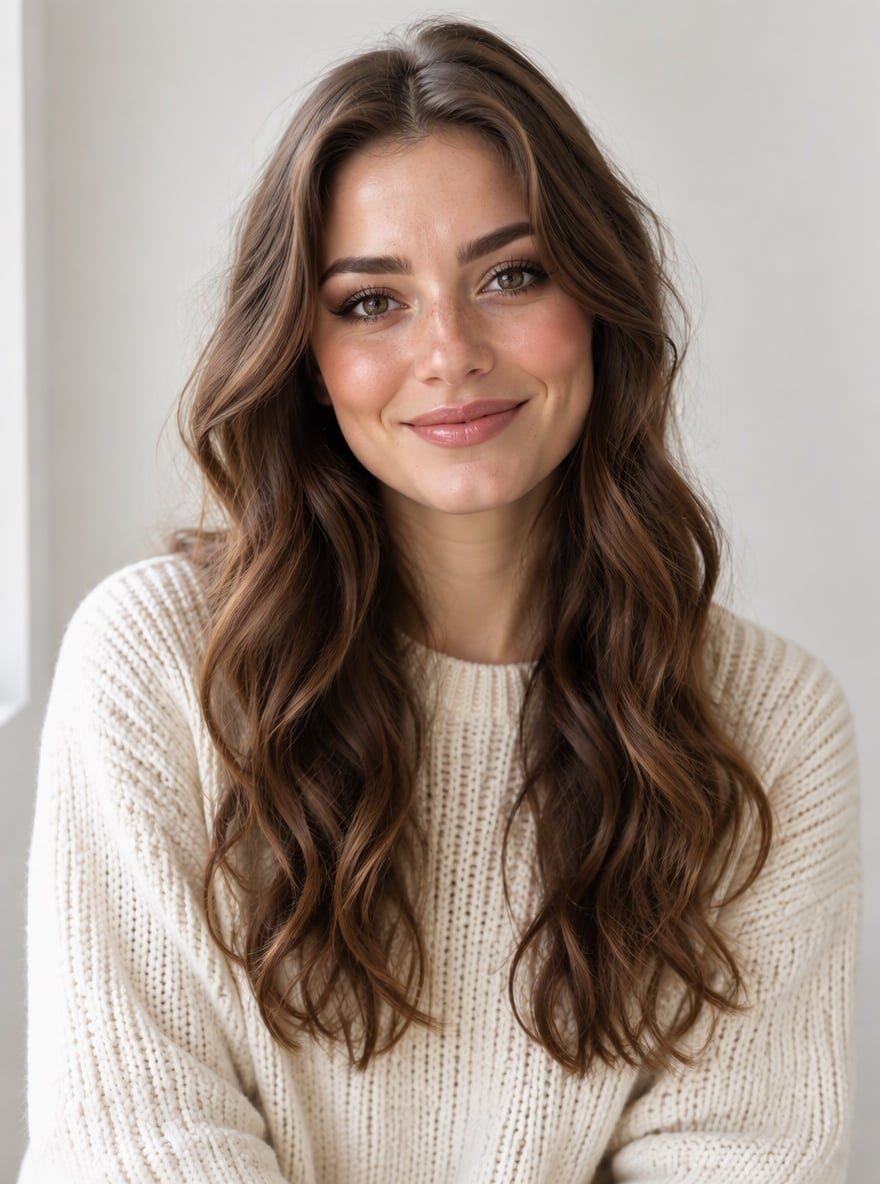
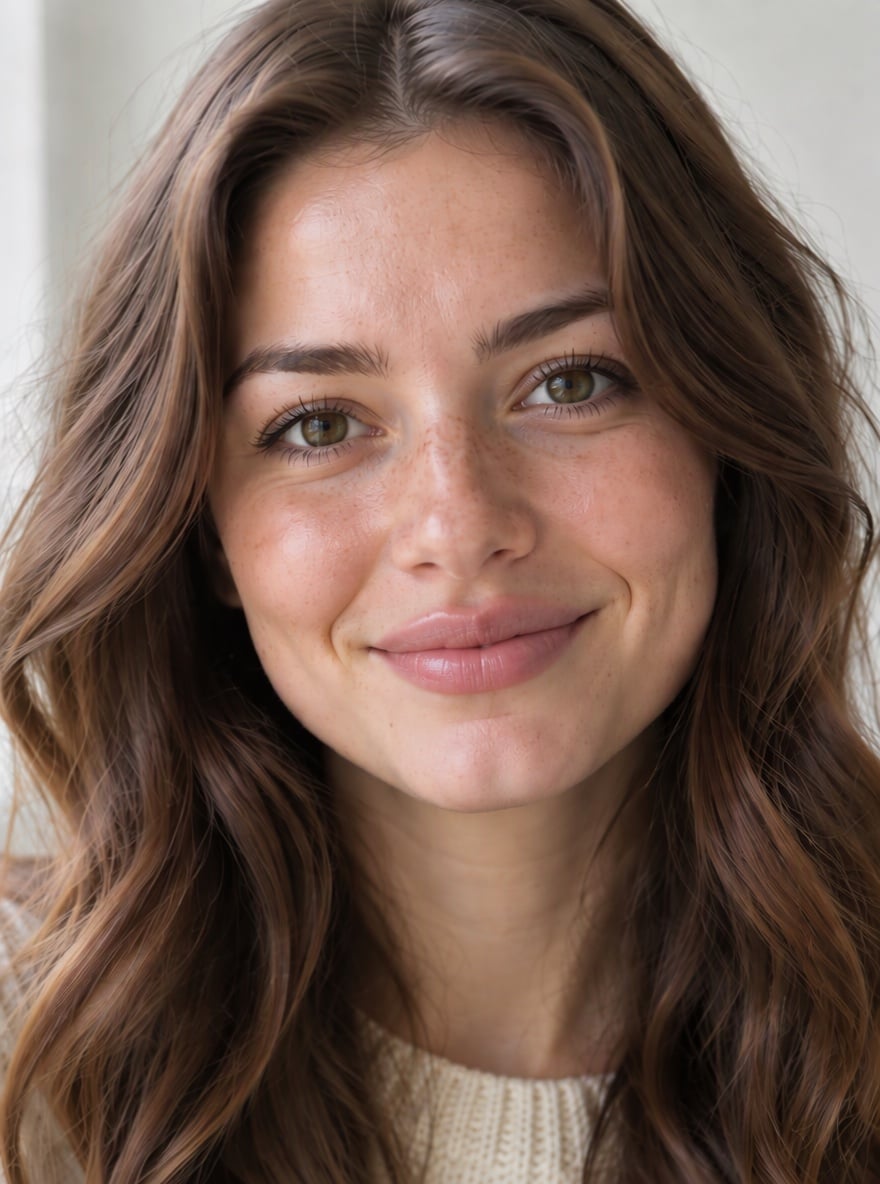
Soft Glam Portrait

Groomed Look for Men
Upload files
Upload a selfie to get the bold glamour look
Effect prompt
By uploading a file, you agree to GoEnhance's Terms of Use and Privacy Policy
Bold Glamour Results from the Console
Each result is one upload with the prompt above. The left image in the console is the original photo; face, hair, clothes and room stay the same.
Bare Face to Full Glam
Glam Curls
Soft Glam Portrait
Groomed Look for Men
How to Use the Bold Glamour Filter
01
Upload a selfie
A front-facing photo with your face clearly visible works best. No makeup is fine, the change is more dramatic.
02
Generate
The bold glamour prompt is already filled in. Press the button and the AI applies contour, skin, eyes and lips.
03
Download and share
Save the glam version for a profile picture, a before-and-after post or to preview a look before a night out.
Why Use This Bold Glamour Filter
More Beauty and Makeup Effects
Bold Glamour Filter FAQ
What is the bold glamour filter?
Will it change my skin tone or face shape?
Does it work on men?
Does it work on photos without makeup?
Can I make the look softer or bolder?
What if I want to choose a different makeup style?
Ready for Your Glam Look?
Upload a selfie and get a full glam portrait in under a minute.
Apply Bold Glamour