
Seedream 5.5

Seedream 5.5 is ByteDance's November 2026 image model for generating and editing images with natural language. It focuses on pixel-level precise edits that stay stable over many rounds, native transparent (RGBA) assets, denser small text and more natural photoreal light and skin. GoEnhance does not offer Seedream 5.5 yet. The creation console below uses Seedream 5.0 Pro, so you can start making images with the Seedream line today.
Bilingual Product Poster
Dense Menu Typography
Natural Photoreal Portrait
Character-Consistent Edit
Seedream 5.0 Pro
Prompt
Example prompts
Opens the GoEnhance editor with this model and prompt ready.

What's New in Seedream 5.5

Pixel-Level Edits That Survive 100+ Rounds

ByteDance says Seedream 5.5 was specially trained so that only the area you ask to change actually changes. In its tests, an image edited more than a hundred times in a row, each round starting from the previous result, kept the subject, composition and lighting outside the edited area intact. That makes long edit sessions, like trying outfits on one model or redecorating one room, far more practical. The sample shown is a Seedream 5.0 Pro edit that keeps a character's design while changing the scene.

Pixel-Level Edits That Survive 100+ Rounds

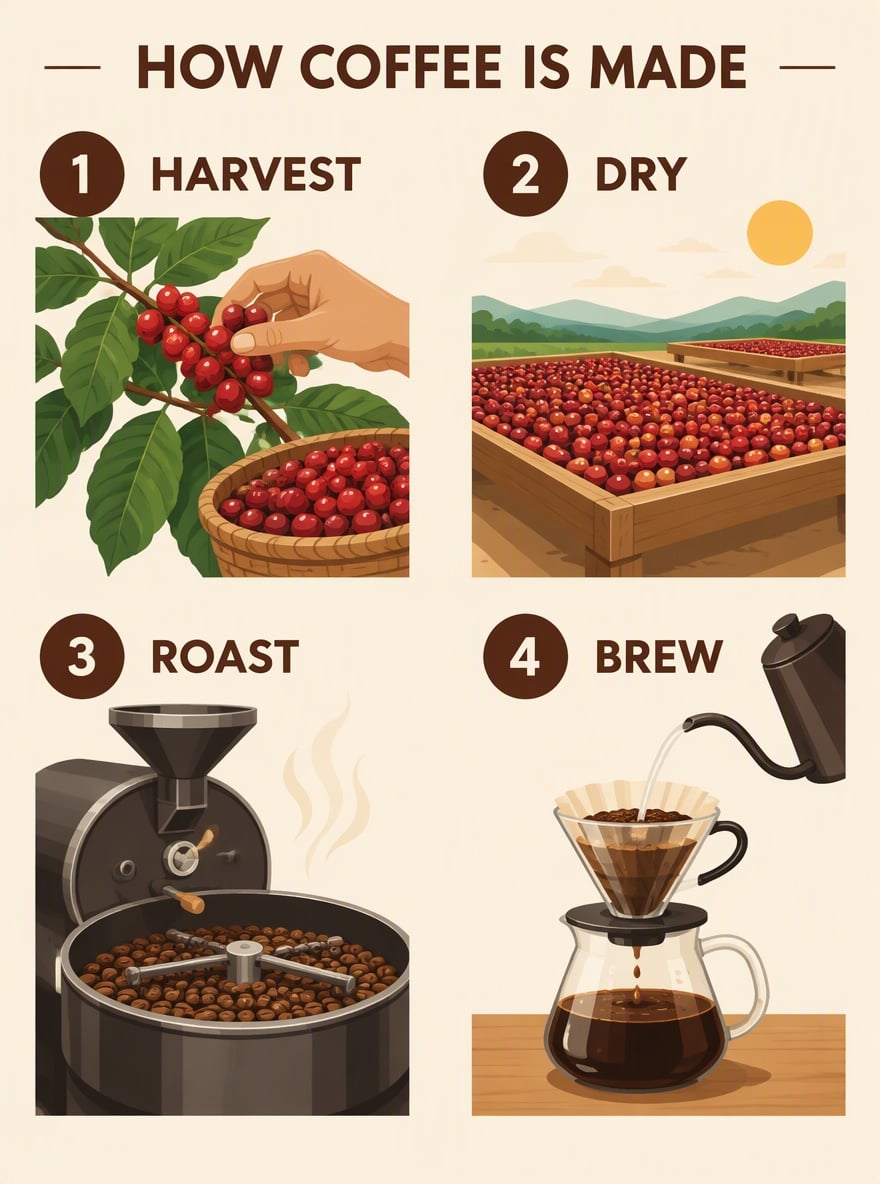
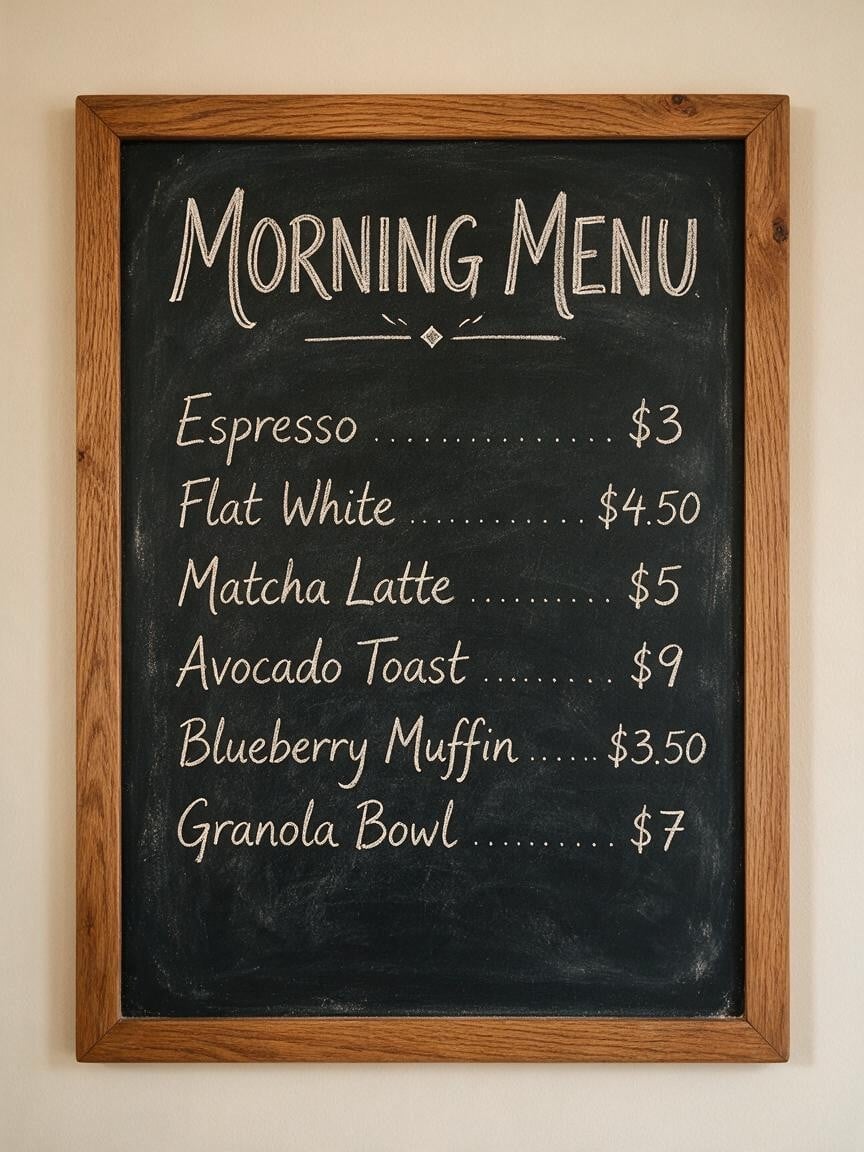
Denser, More Accurate Small Text

Seedream 5.5 improves how it generates and lays out dense small text and complex glyphs. ByteDance shows a full newspaper page with several columns of small English text, and the Jimeng user guide claims about 95% accuracy for small text in complex scenes. Menus, price lists, infographics and packaging copy are where this matters most. The menu sample shown here was made with Seedream 5.0 Pro.

Denser, More Accurate Small Text

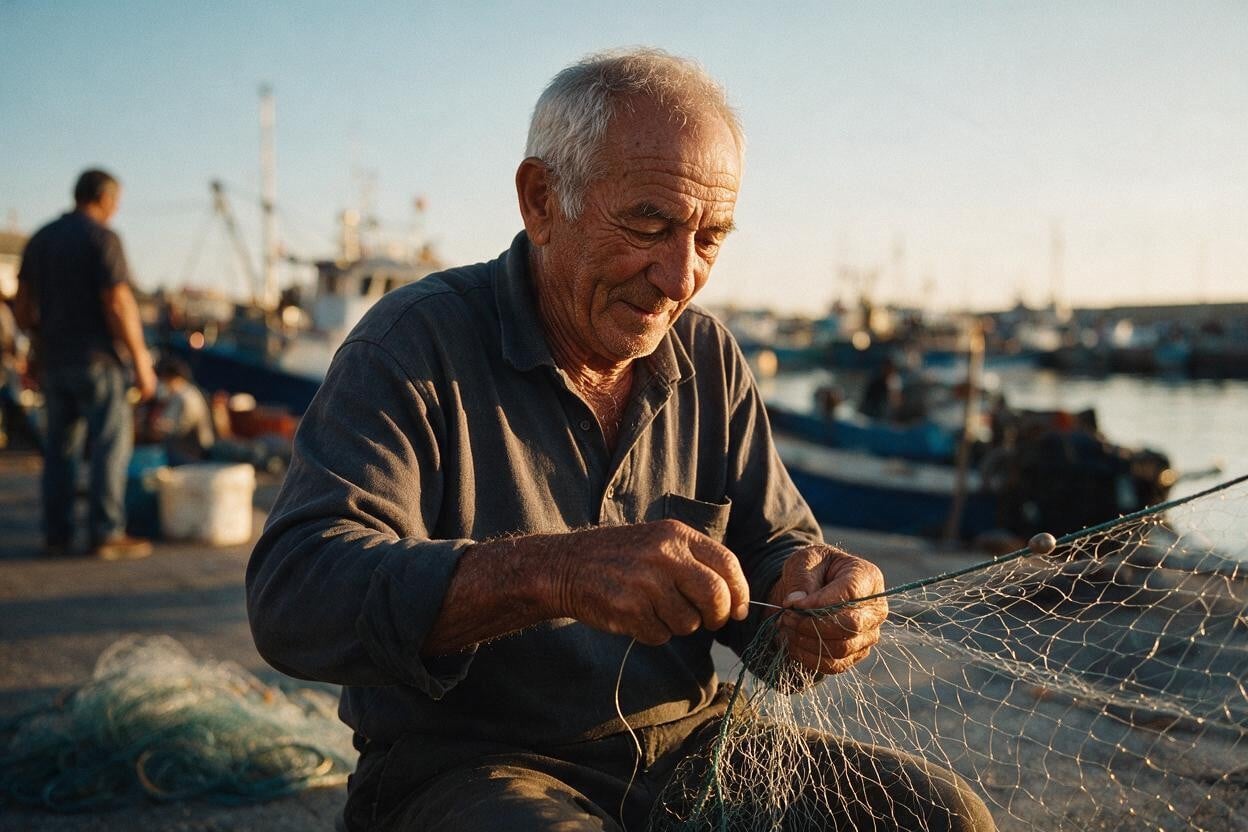
More Natural Photoreal Portraits

Compared with Seedream 5.0 Pro, ByteDance says 5.5 renders light, materials and skin texture more like a real camera, with far less of the oily, over-exposed look AI portraits often have. Backlit faces keep a dark but readable front with natural rim light on hair and shoulders, and added elements like fire or fog blend into the scene more believably. The portrait shown is a Seedream 5.0 Pro example.

More Natural Photoreal Portraits

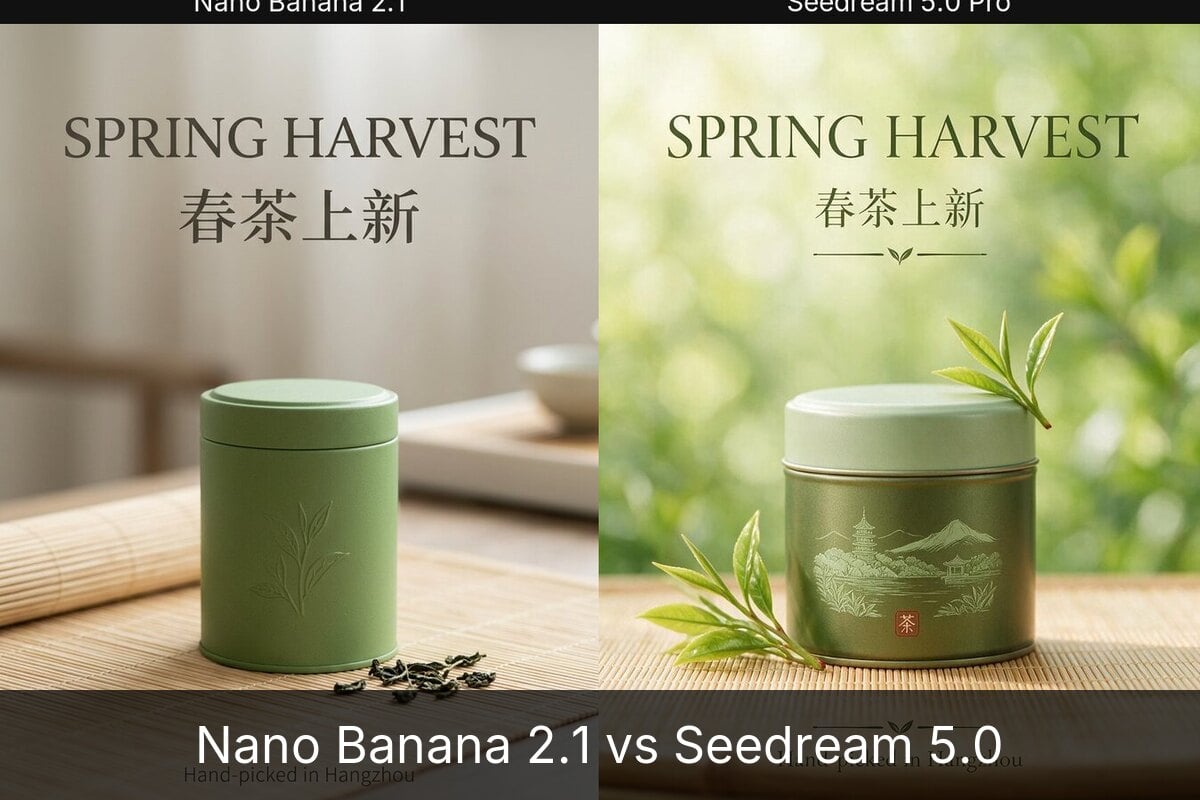
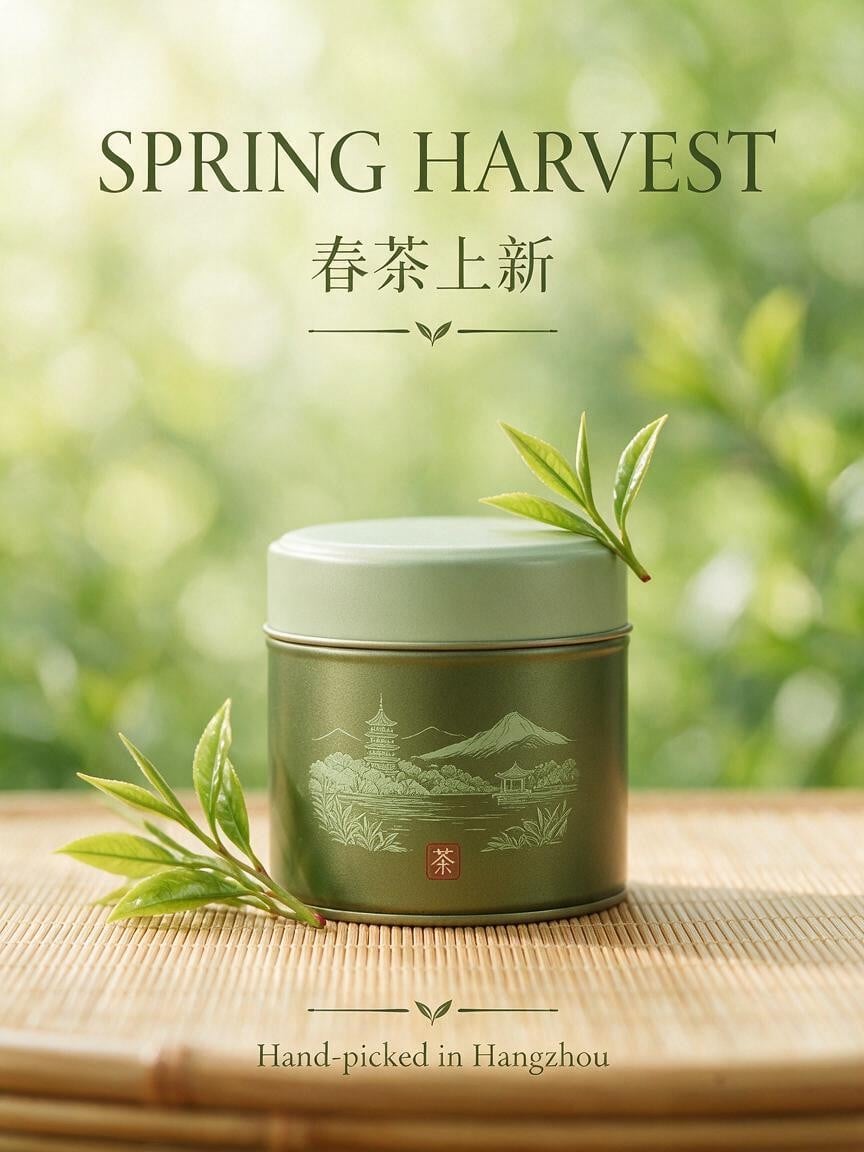
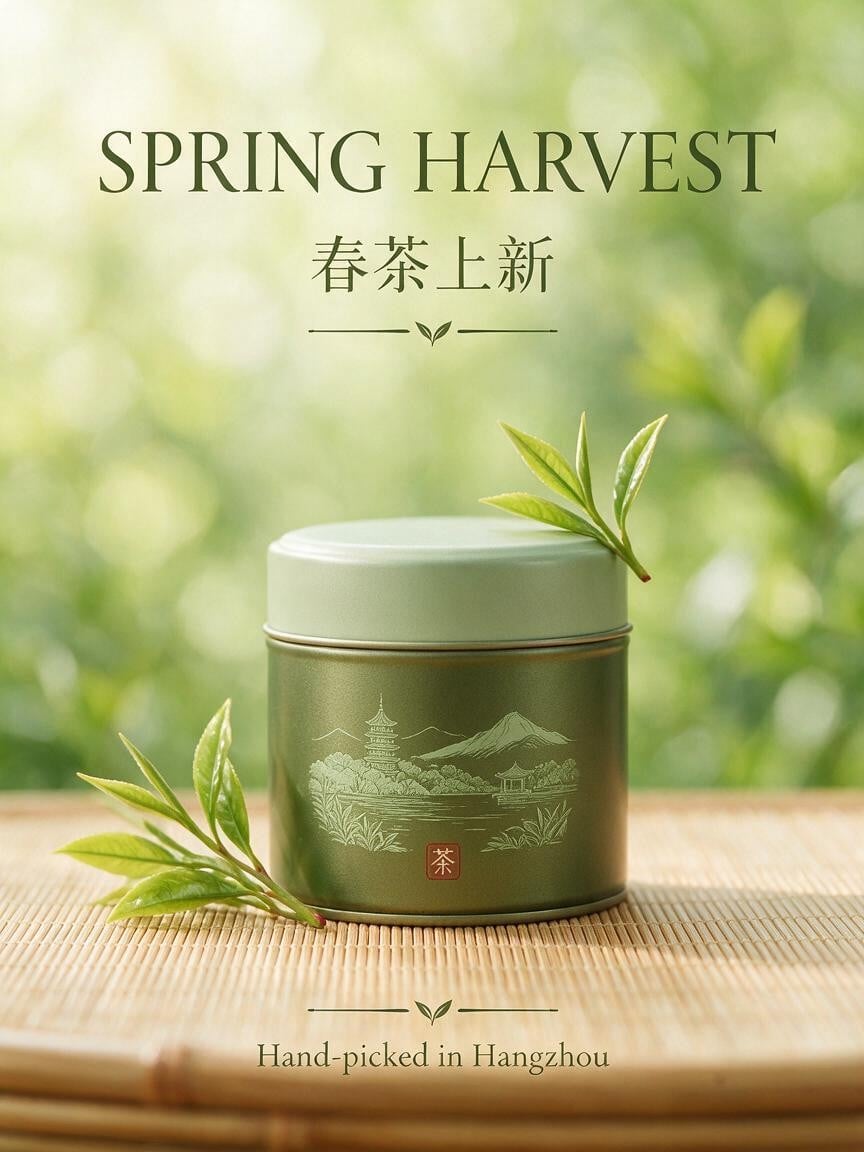
Bilingual Posters and Layout

Seedream has long been strong at Chinese and English typography in one image, and 5.5 keeps headline, subtitle and small caption readable in a balanced layout. Early testers found it spelled hard Chinese characters correctly where other models failed. For best results, give every word of on-image text in quotes and say where it goes. The tea poster shown was made with Seedream 5.0 Pro.

Bilingual Posters and Layout

More in Seedream 5.5

Native Transparent Assets

Seedream 5.5 can output images with a real alpha channel and split a picture into up to 100 transparent layers. Logos, icons, stickers, product cut-outs and characters come out without a background, and semi-transparent glass or fabric keeps clean edges, so there is no separate cut-out step.

Transparent Background on Request

Besides a transparent background switch, mentioning a transparent background, a transparent PNG, no background or an alpha channel in your prompt is enough to trigger RGBA output. You can also extract a subject from an existing image as a transparent asset.

Lower API Price, Faster Output

On ByteDance's Volcano Engine Ark platform, Seedream 5.5 bills input and output images, with prompt text free. A 2K square edit costs 0.28 CNY, which ByteDance says is 60% cheaper than Seedream 5.0 Pro, with generation almost 40% faster.

Built for Production Work

ByteDance positions Seedream 5.5 for e-commerce marketing, ad design, film and game assets, storyboards and knowledge visuals, where edits must be exact and assets must be reused across scenes.

Seedream 5.5 vs Seedream 5.0 Pro

FeatureSeedream 5.5Seedream 5.0 Pro
ReleaseNovember 2026July 2026
Multi-round editingPixel-level control; ByteDance reports stable results over 100+ consecutive edits—
Transparent (RGBA) outputNative, up to 100 layersNot supported
Small text renderingImproved for dense small text; about 95% accuracy in complex scenes per the Jimeng guideClean Chinese and English typography
PhotorealismMore natural light, materials and skin; less oily or over-exposedRealistic finish
Maximum resolutionUp to 2K; 4K not supported yet, per early testers1K and 2K on GoEnhance
API priceInput and output images billed, text free; 0.28 CNY per 2K square edit, about 60% less than 5.0 ProHigher
SpeedAlmost 40% faster than 5.0 Pro, per ByteDance—
Available on GoEnhanceNot yetYes, for members: 18 tokens at 1K, 36 tokens at 2K

How to Write Prompts for Seedream 5.5

01

Say the Task First, Then the Style

Open with what to generate or what to change, and name the format: a poster, an infographic, a product hero shot, a character sheet or a magazine page. Add style words only after that.

02

Give On-Image Text Word for Word

Put every word that should appear in quotes, and say where it goes, how big it is and what color and weight it uses. Seedream follows exact text far better than vague requests like adding a catchy title.

03

Describe Structure, Not Just Mood

Position, hierarchy, composition and how blocks relate matter more than adjectives like premium or atmospheric. For example: a 3:4 cover with the top third blank for the title and a close-up of a hand holding the product below.

04

For Edits, Name What Stays

Point to the exact area, give the change, and list what must not move: change the jacket in the left figure to red leather, keep the face, pose, background, lighting and text layout the same.

Frequently Asked Questions

What is Seedream 5.5?

Seedream 5.5 is ByteDance's image creation model, released in November 2026 as the successor to Seedream 5.0. It generates, edits and cuts out images from natural-language instructions, with a focus on pixel-level precise editing over many rounds, native transparent RGBA assets, denser small text and more natural photorealism.

When was Seedream 5.5 released?

ByteDance announced Seedream 5.5 in November 2026. It is available in its Jimeng and Doubao apps first, and ByteDance says the API will launch on its Volcano Engine Ark platform the same week.

Can I use Seedream 5.5 on GoEnhance?

Not yet. The console on this page uses Seedream 5.0 Pro, which is available now for members in the GoEnhance text-to-image studio. We will update this page when Seedream 5.5 is added.

What does pixel-level editing mean in Seedream 5.5?

It means the model changes only the part of the image you ask for and leaves everything else as it was. ByteDance says that even after more than a hundred edits in a row, details outside the edited area, such as the subject, proportions and lighting, stay consistent, and describes the goal as zero error in unedited areas.

Can Seedream 5.5 make transparent PNG images?

Yes. Seedream 5.5 can output images with an alpha channel and split an image into up to 100 transparent layers. You can turn on a transparent background option or simply ask for a transparent background or transparent PNG in your prompt.

How much does Seedream 5.5 cost?

On ByteDance's Volcano Engine Ark API, Seedream 5.5 charges for input and output images and not for prompt text. A 2K square edit costs 0.28 CNY, about 60% less than Seedream 5.0 Pro. Pricing on GoEnhance will be announced when the model is added.

Does Seedream 5.5 support 4K?

Not at launch. Early testers report a maximum of 2K, and note that some small text can blur in extremely wide or tall formats.

How is Seedream 5.5 different from Seedream 5.0?

Seedream 5.5 adds pixel-level editing that holds up over many rounds, native transparent assets with up to 100 layers, better dense small text and more natural photoreal results, while ByteDance says it is about 60% cheaper and almost 40% faster than Seedream 5.0 Pro through the API. See the Seedream 5.0 page for the current model.

Create with Seedream 5.0 Pro Today

Seedream 5.5 is not on GoEnhance yet, but Seedream 5.0 Pro is ready now for members in our text-to-image studio, with 1K and 2K output and 9 aspect ratios for posters, product visuals and bilingual typography. We will update this page when Seedream 5.5 is added.

Try Seedream 5.0 Pro