
Free AI Infographic Generator
Paste notes, stats, or a quick outline—get a tidy infographic layout you can edit and publish. Ideal for reports, social posts, pitch decks, and classroom visuals, with clear hierarchy, readable typography, and balanced spacing.
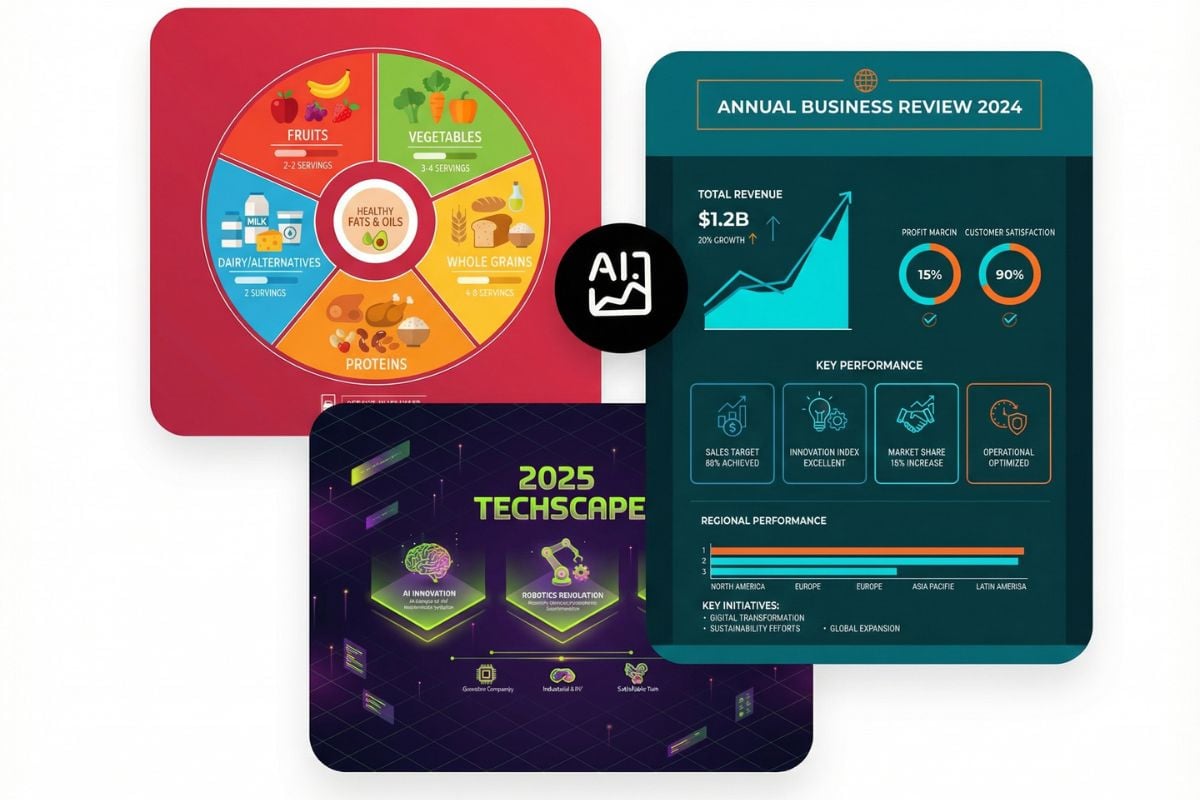
Infographic Examples
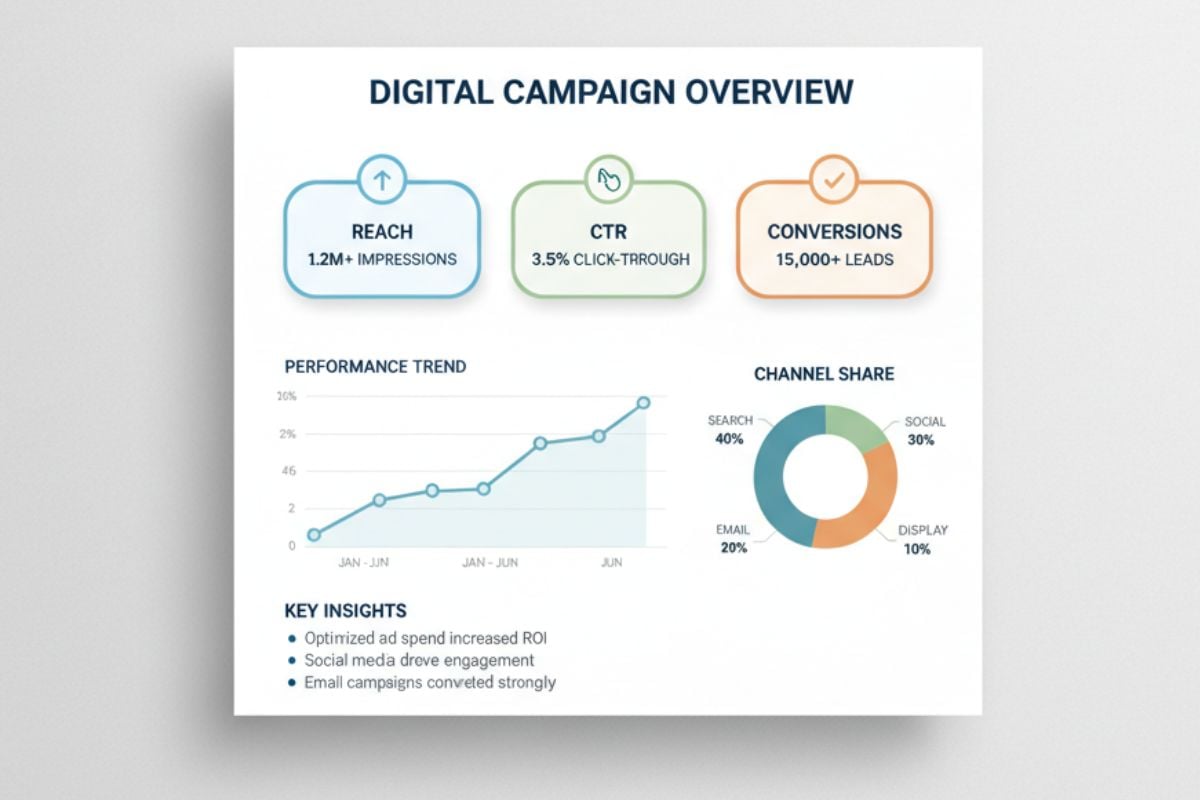
Marketing Infographic Layout
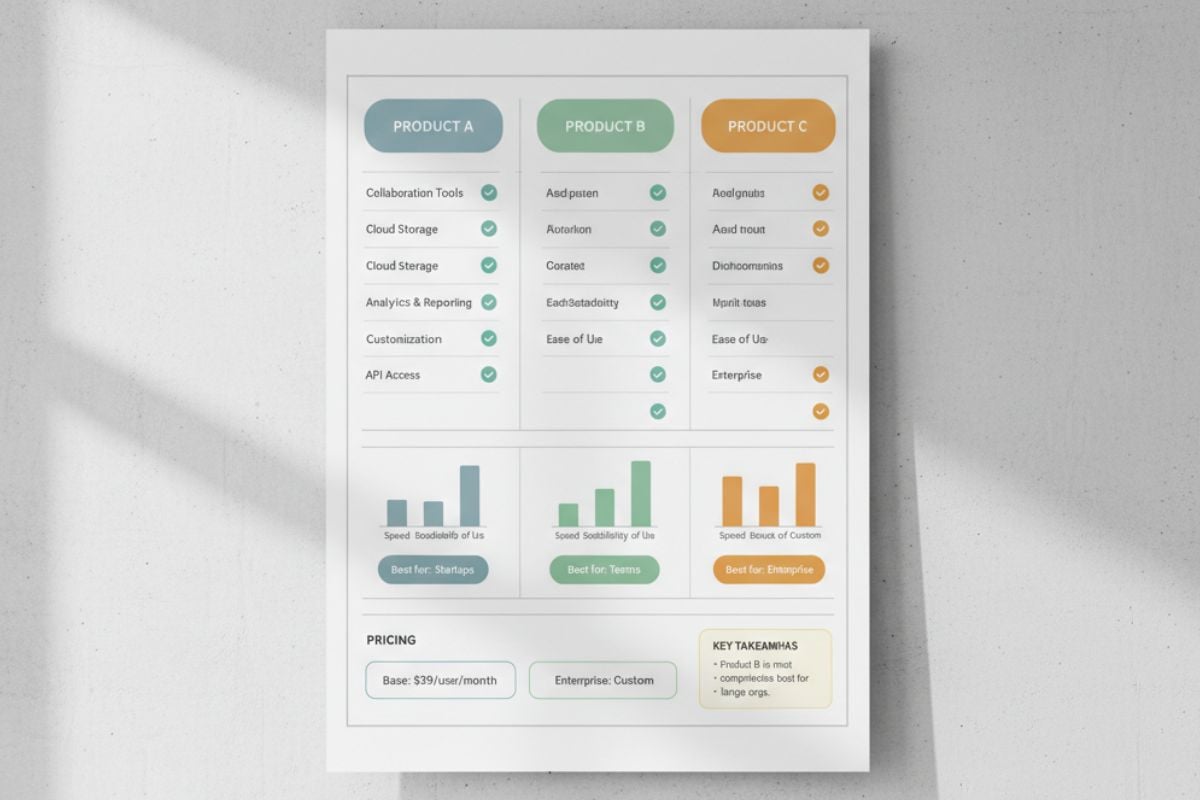
Product Comparison Infographic
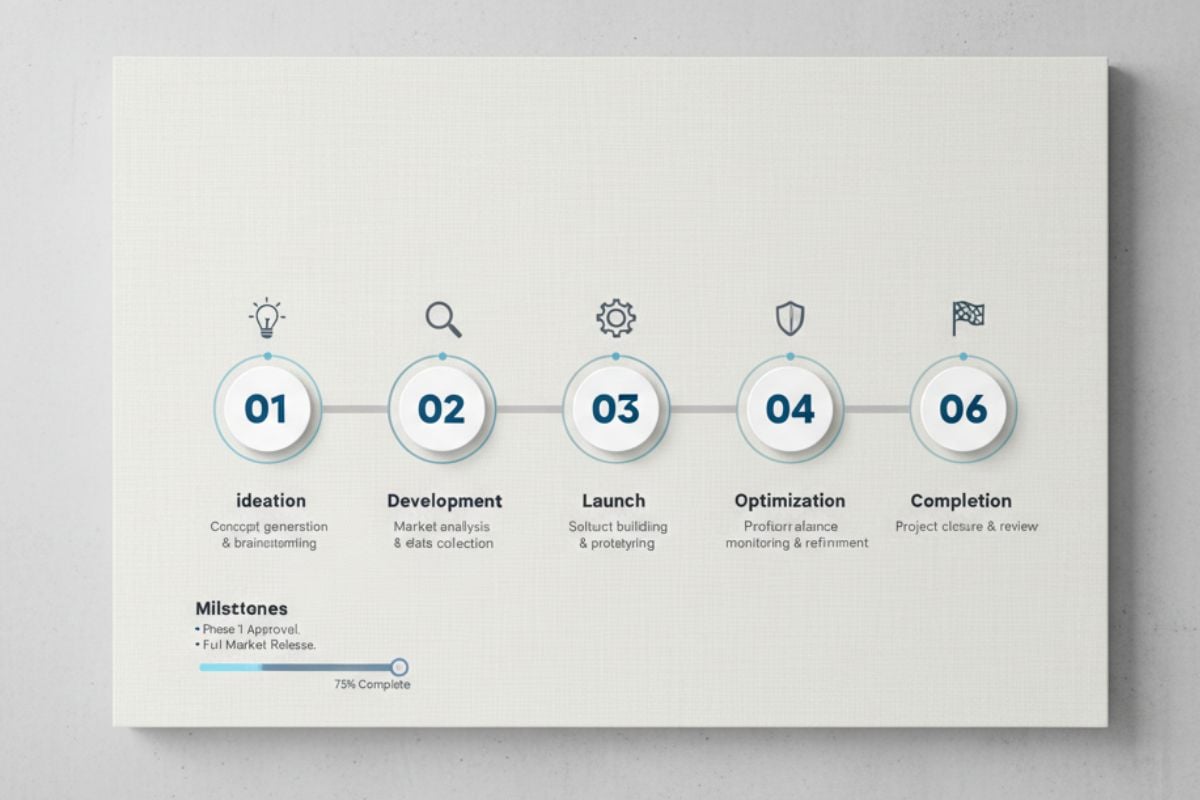
Timeline / Process Infographic
Create Better Infographics Without Overthinking the Layout
From Outline to Polished Visual
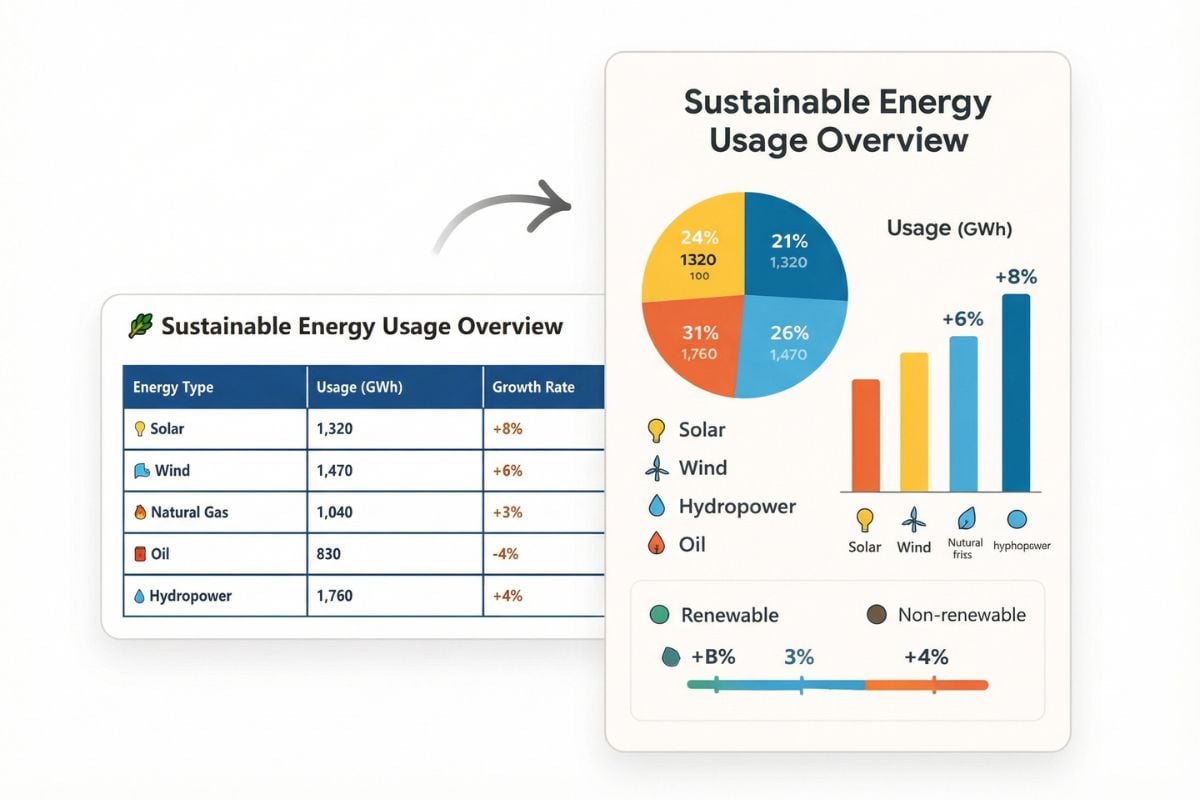
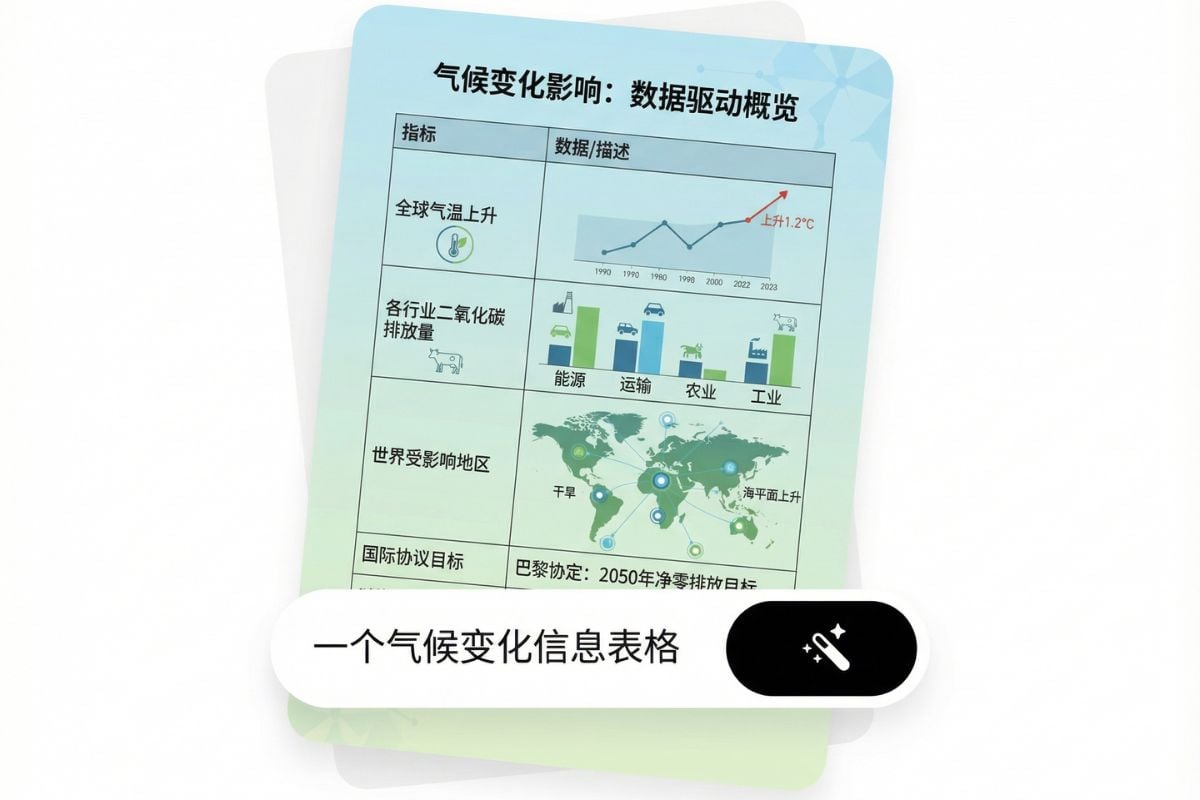
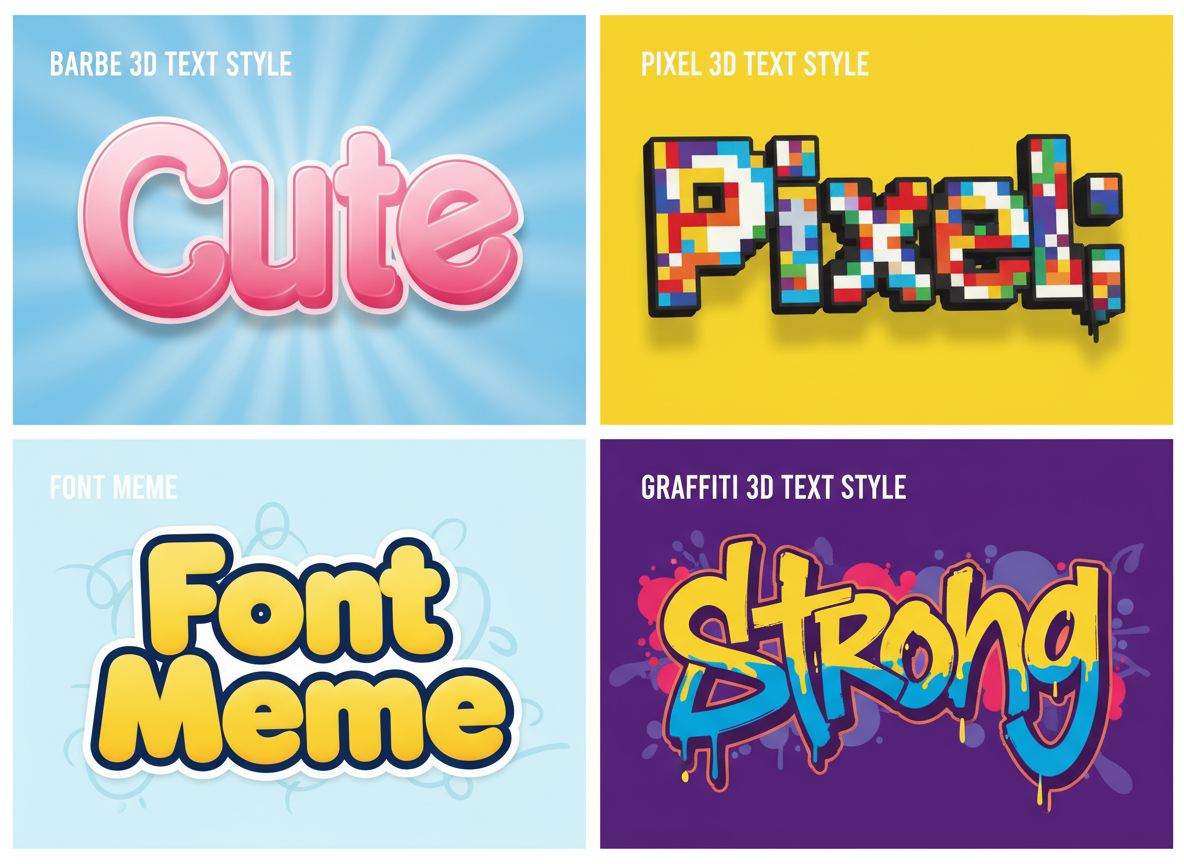
Start with a headline, a few bullet points, and any key numbers. The AI infographic generator turns that raw content into a clean structure—sections, callouts, icon blocks, and chart placeholders—so it reads like a real data visualization, not a wall of text. Need extra assets? Pull a quick image from AI image generator, turn a static graphic into motion with image to video, or create bold headings with 3D text generator.
How to Make an Infographic in Minutes
Paste Your Content
Drop in an outline, key stats, or a short brief. Clear inputs help the layout feel intentional—headline, sections, and supporting points.
Click to Generate
Only one click, the AI will generate the corresponding infographics within seconds.
Export and Share
Download a share-ready visual for slides, posts, or reports. This free ai infographic generator workflow is built for quick iteration—revise and export again anytime.
Create More with AI


FAQs About the AI Infographic Generator
What is an AI infographic generator?
Can I use it as an infographic creator for work projects?
Is this a free ai infographic generator?
What content works best?
Can I use the results commercially?
Make Your Next Infographic Look Effortless
Turn messy notes into a clean, shareable visual. Generate a layout, tweak the details, and export in minutes—without starting from a blank canvas.
Try the Infographic Generator