
AI Gigachad Filter: Your Most Chiseled Self
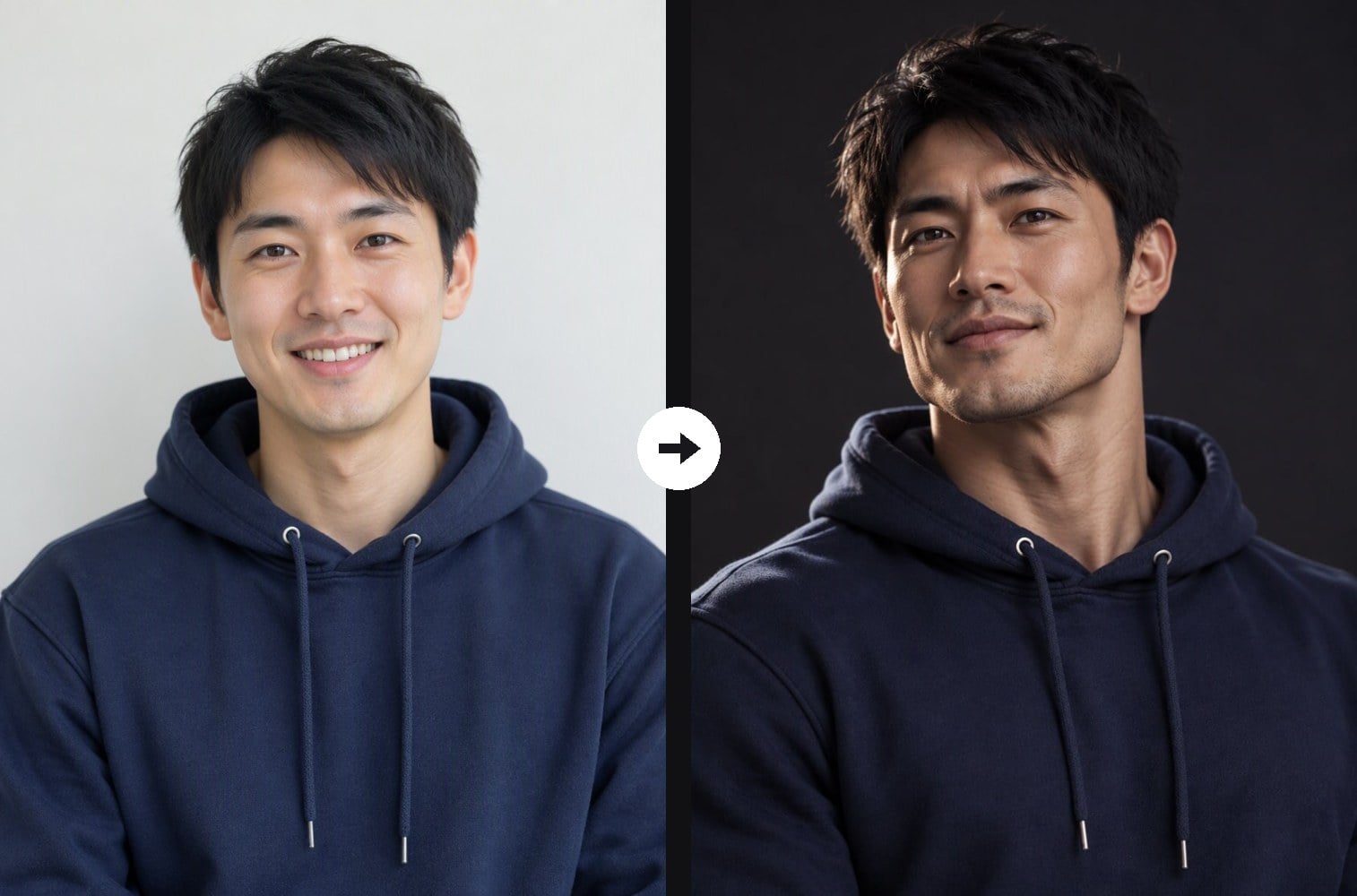
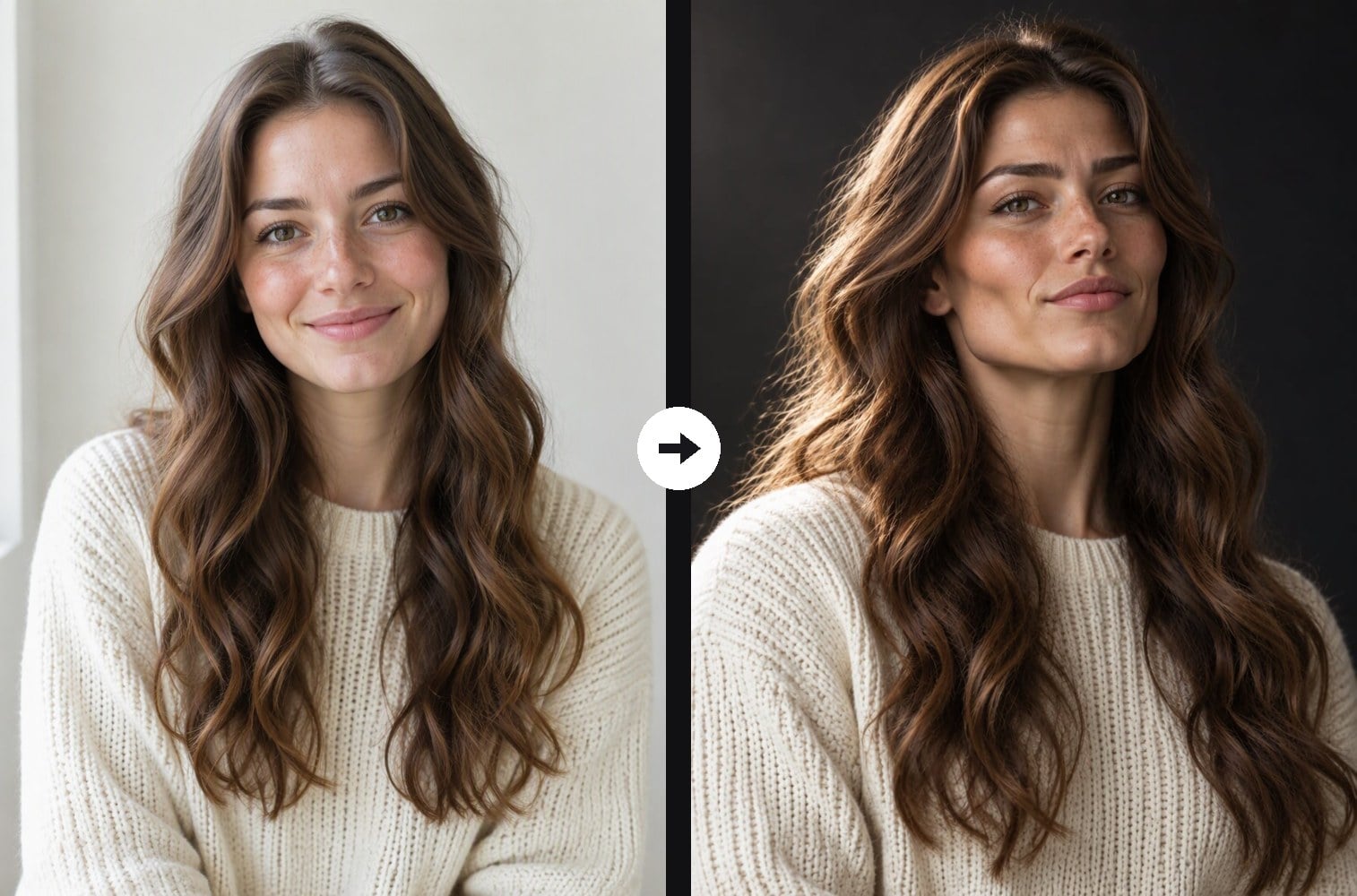
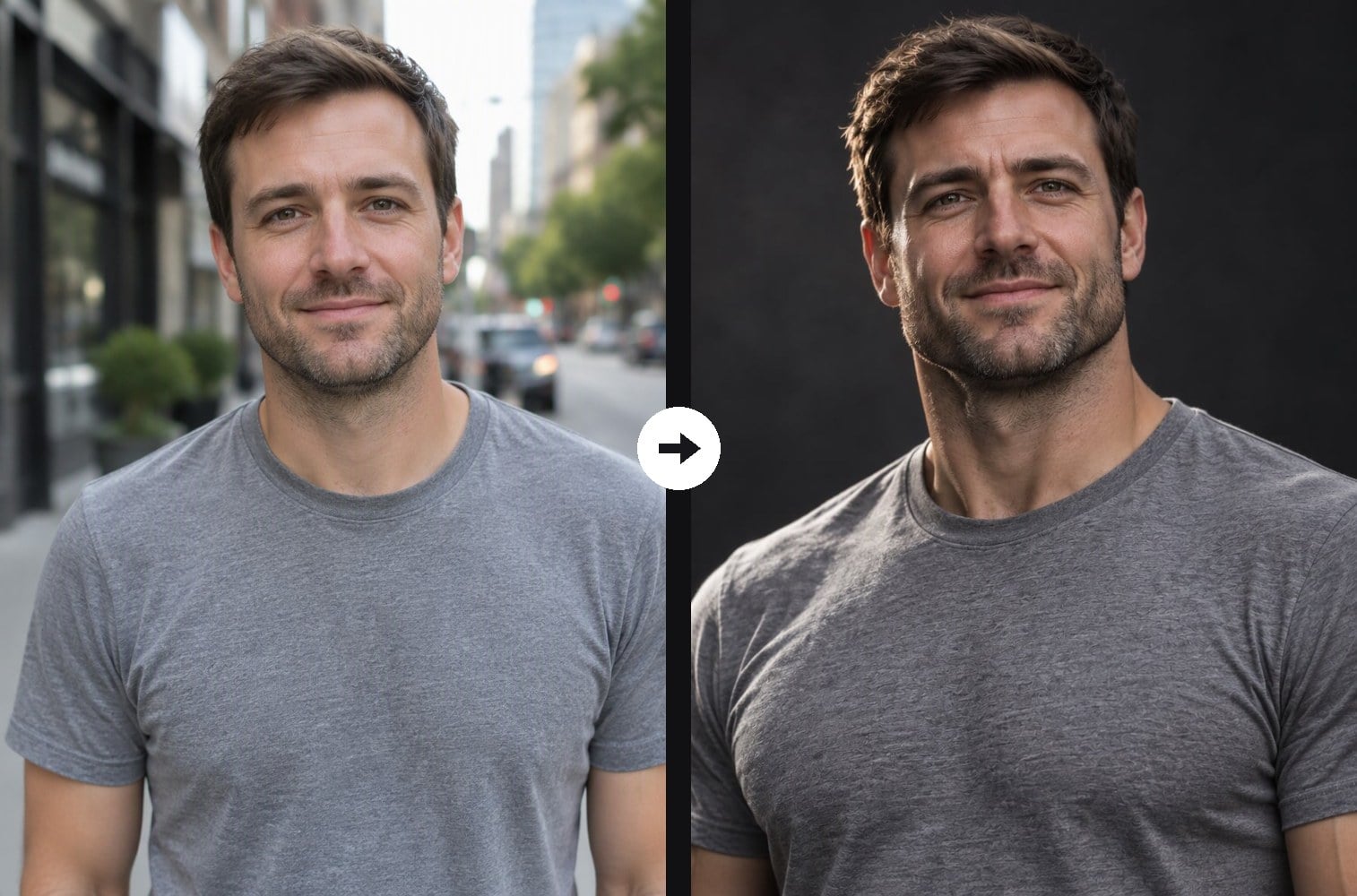
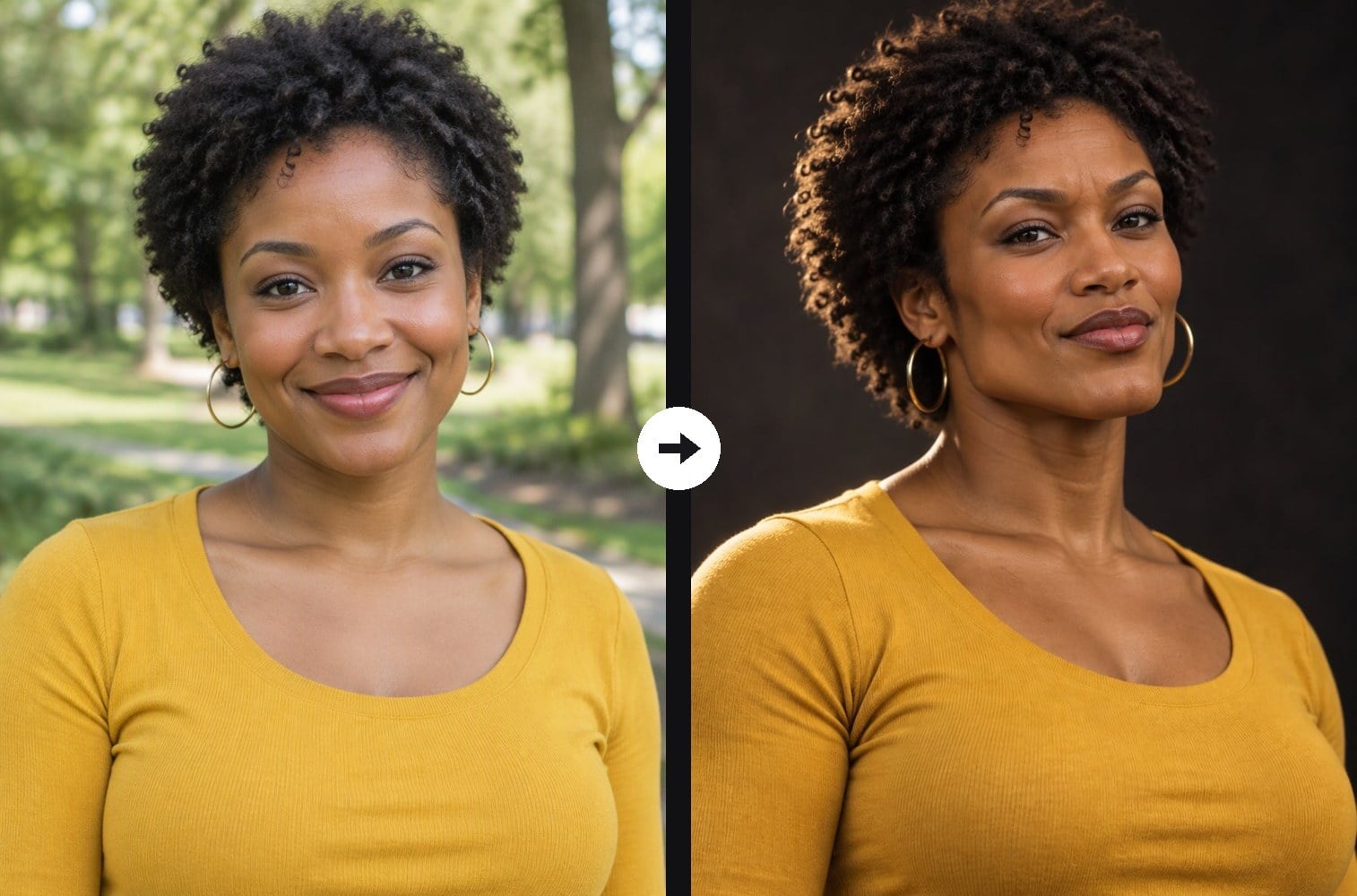
The Gigachad meme is all about an impossibly sculpted, confident face. Upload one photo and this Gigachad filter rebuilds yours in that style: a broader square jawline, high cheekbones, a strong brow and a calm half-smirk, lit by dramatic side light on a dark background. Men get light stubble; women keep feminine features with a sculpted jaw. Your face identity, skin tone, hairstyle and clothes stay true to the photo, so friends still know it is you. Unlike a face swap meme, nobody else's face is pasted in. The console below runs on GPT Image 2.5.
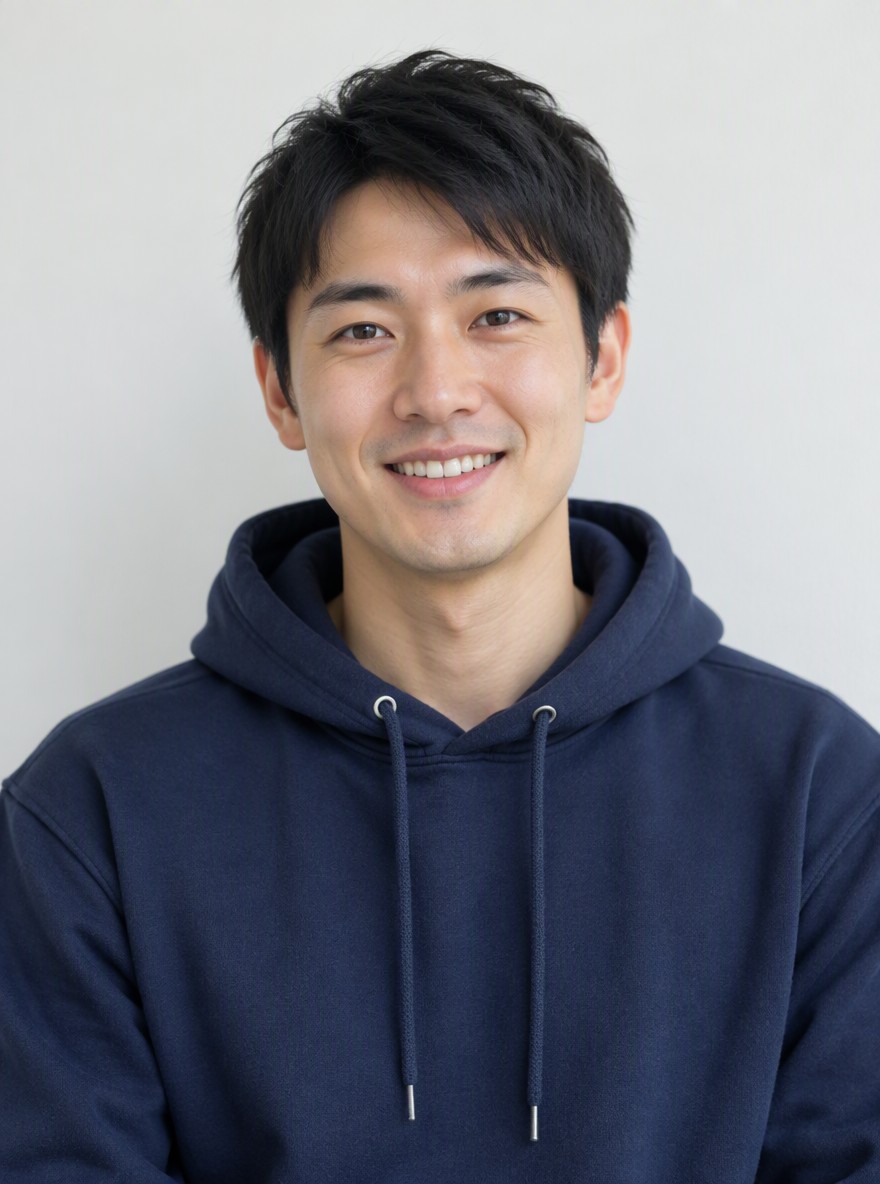
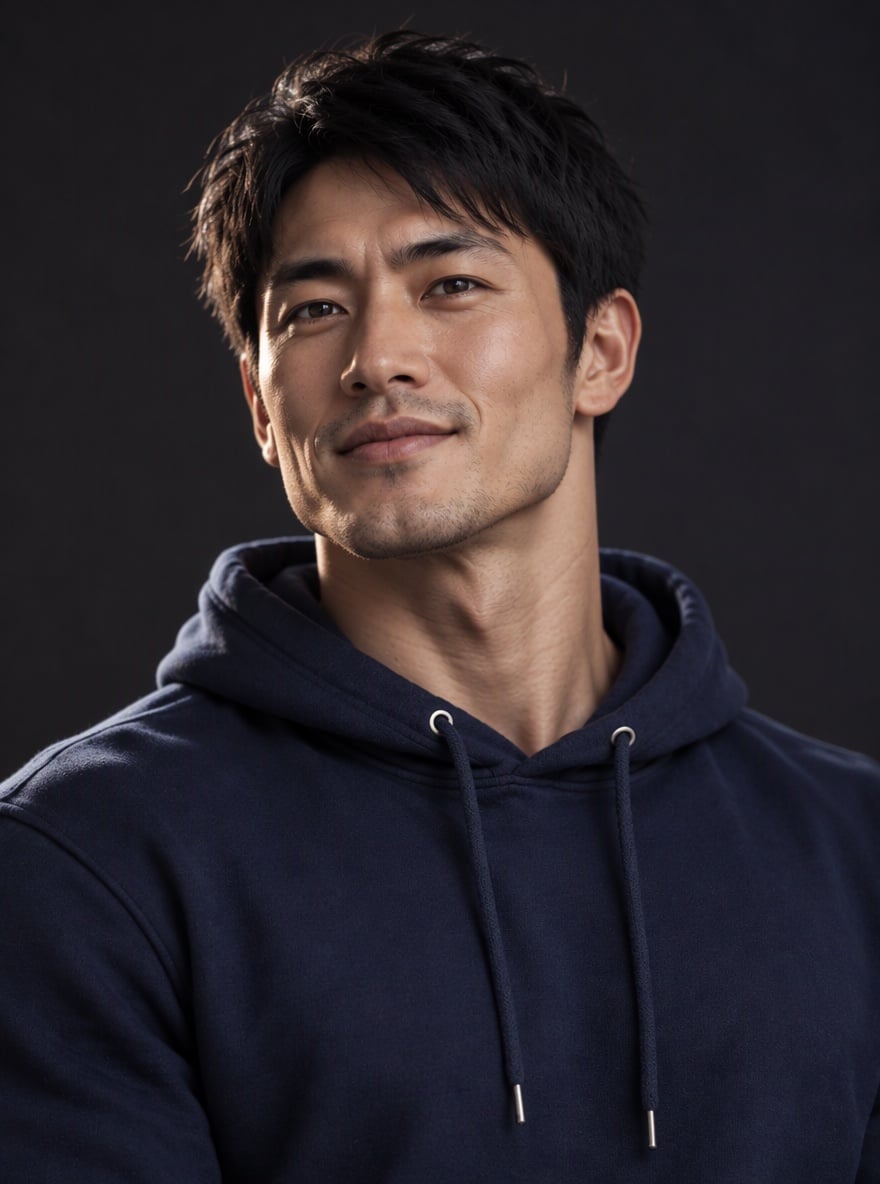
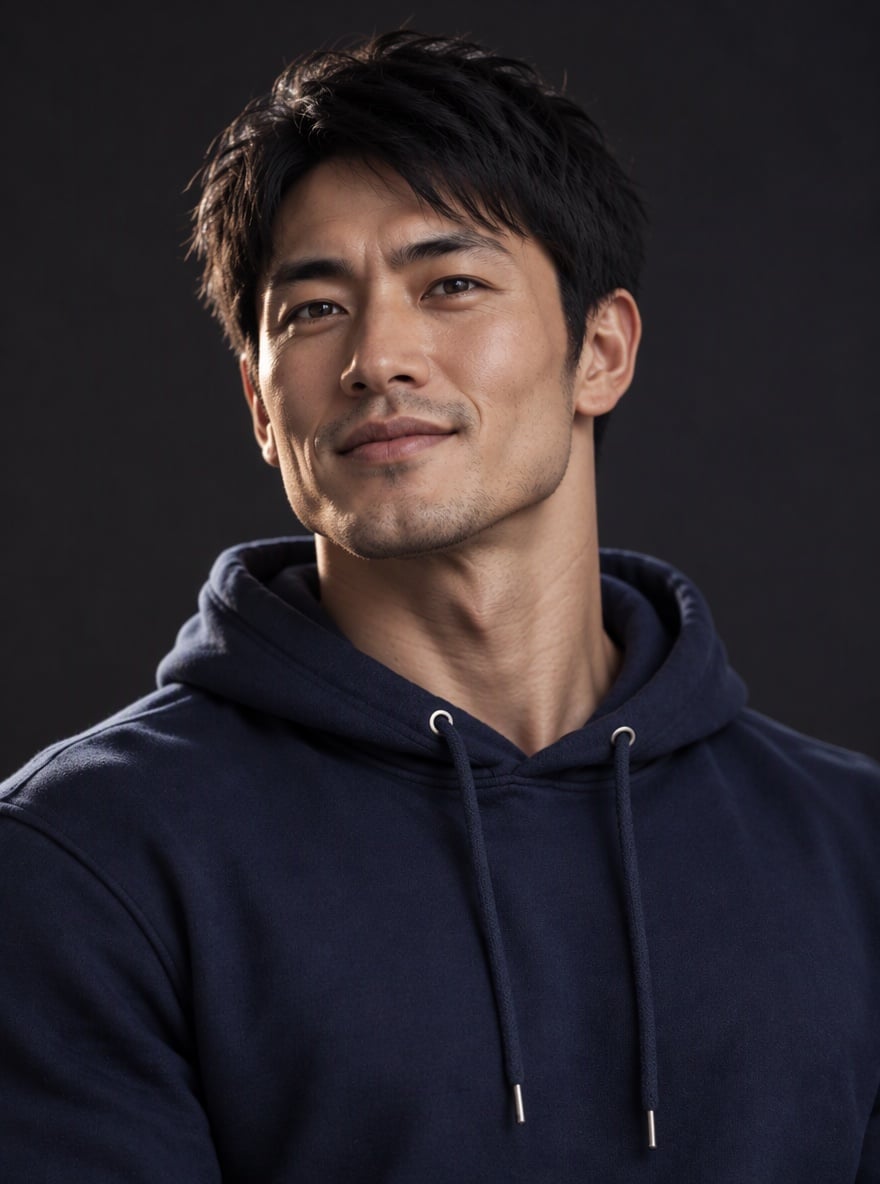
Hoodie Chad
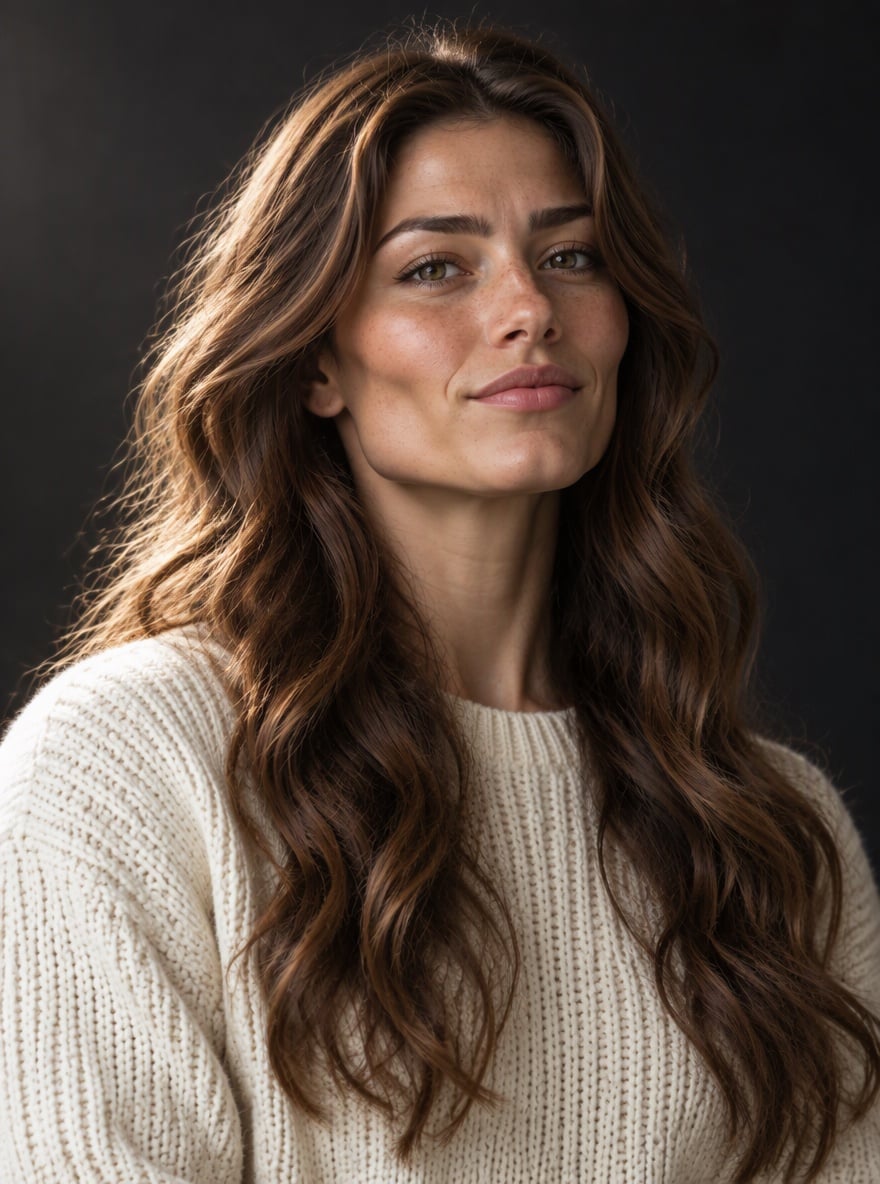
Sculpted Waves

Stubble Mode
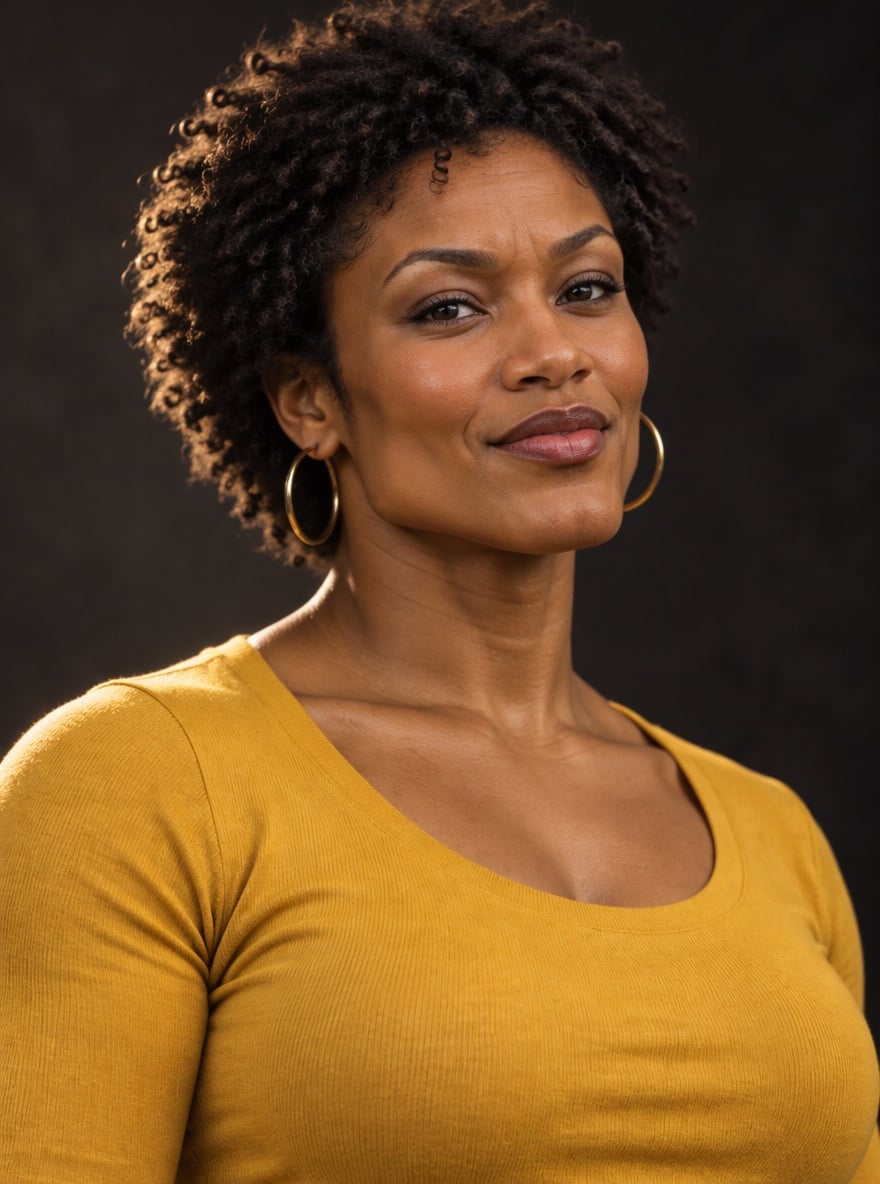
Golden Hour Chad
Upload files
Upload a portrait for the Gigachad filter
Effect prompt
By uploading a file, you agree to GoEnhance's Terms of Use and Privacy Policy
Gigachad Filter Results from the Console
Each portrait is one upload with the prompt above. Hair, clothes and skin tone come from the original photo.
Hoodie Chad
Sculpted Waves
Stubble Mode
Golden Hour Chad
How to Use the Gigachad Filter
01
Upload a portrait
A clear chest-up photo with your face well lit works best.
02
Generate
The Gigachad prompt is already filled in. Press the button and the AI sculpts your meme portrait.
03
Post the glow-up
Use it as a profile picture, a reaction meme or a before-and-after post.
Why Use This Gigachad Filter
More Meme and Portrait Effects


Gigachad Filter FAQ
What is the Gigachad filter?
Will it still look like me?
Does it work for women?
Can I get the black-and-white version?
Is this a face swap?
What else can I make?
Ready to Unlock Gigachad Mode?
Upload a portrait and get your chiseled meme photo in under a minute.
Apply Gigachad Filter