Qwen-Image-2.1

Qwen-Image-2.1 is the Qwen team's open-weight image model, released on 20 September 2026. It generates and edits in one model, outputs transparent RGBA images natively, takes up to 10 reference images, and works at 2K from a 7B generation transformer. GoEnhance does not host 2.1 yet, so the console below runs Qwen Image 3, the newest Qwen model available here.
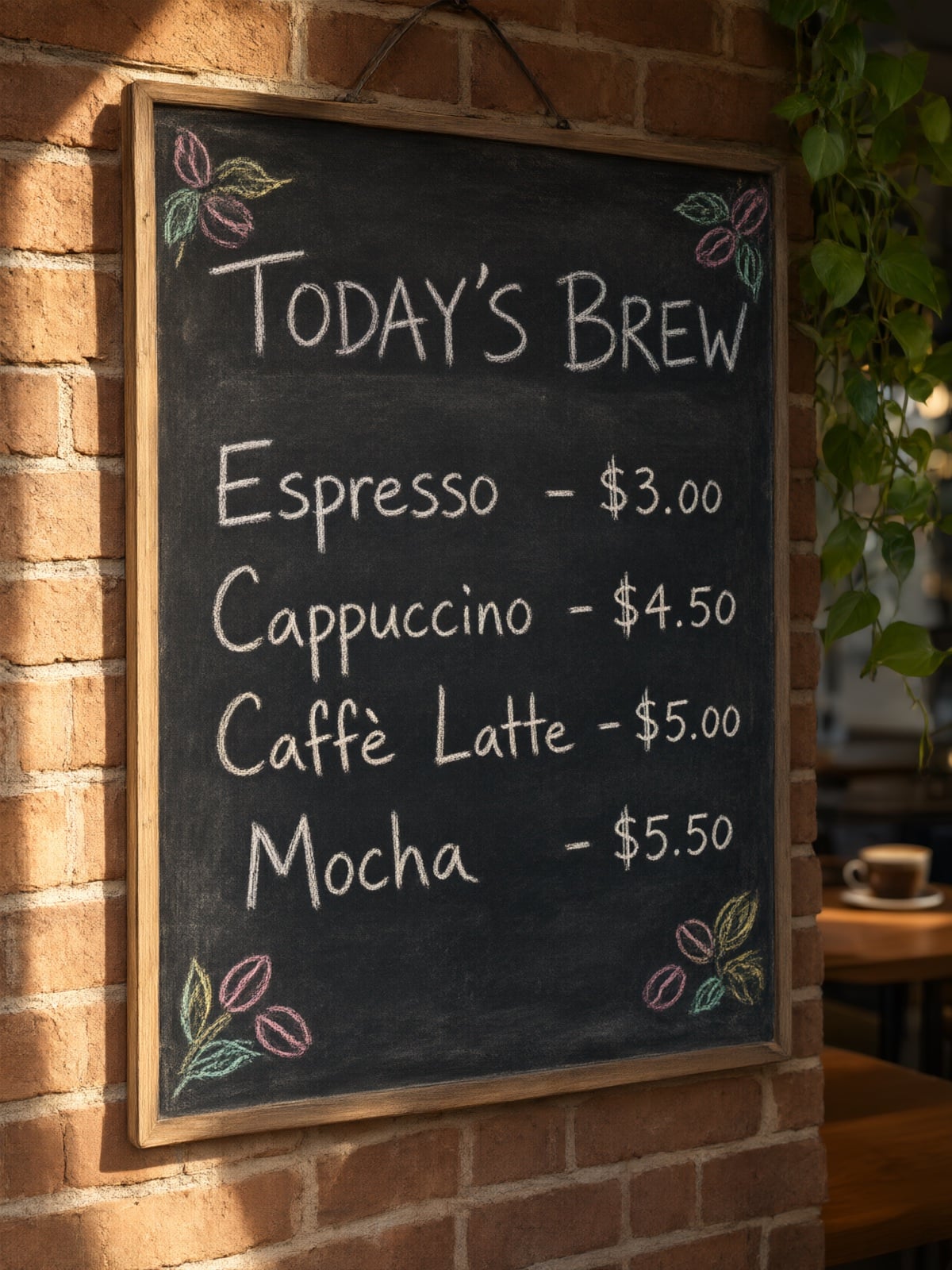
Bilingual Poster Typography
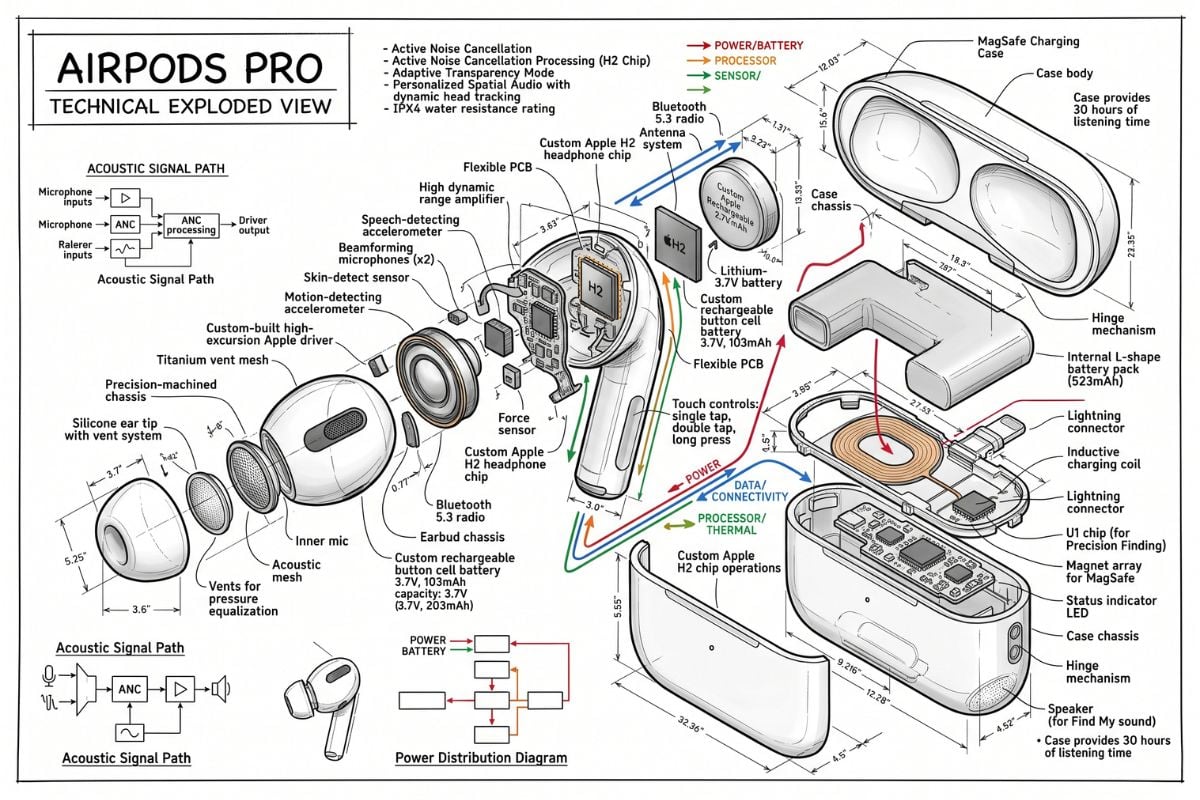
Product Shot with Label Text
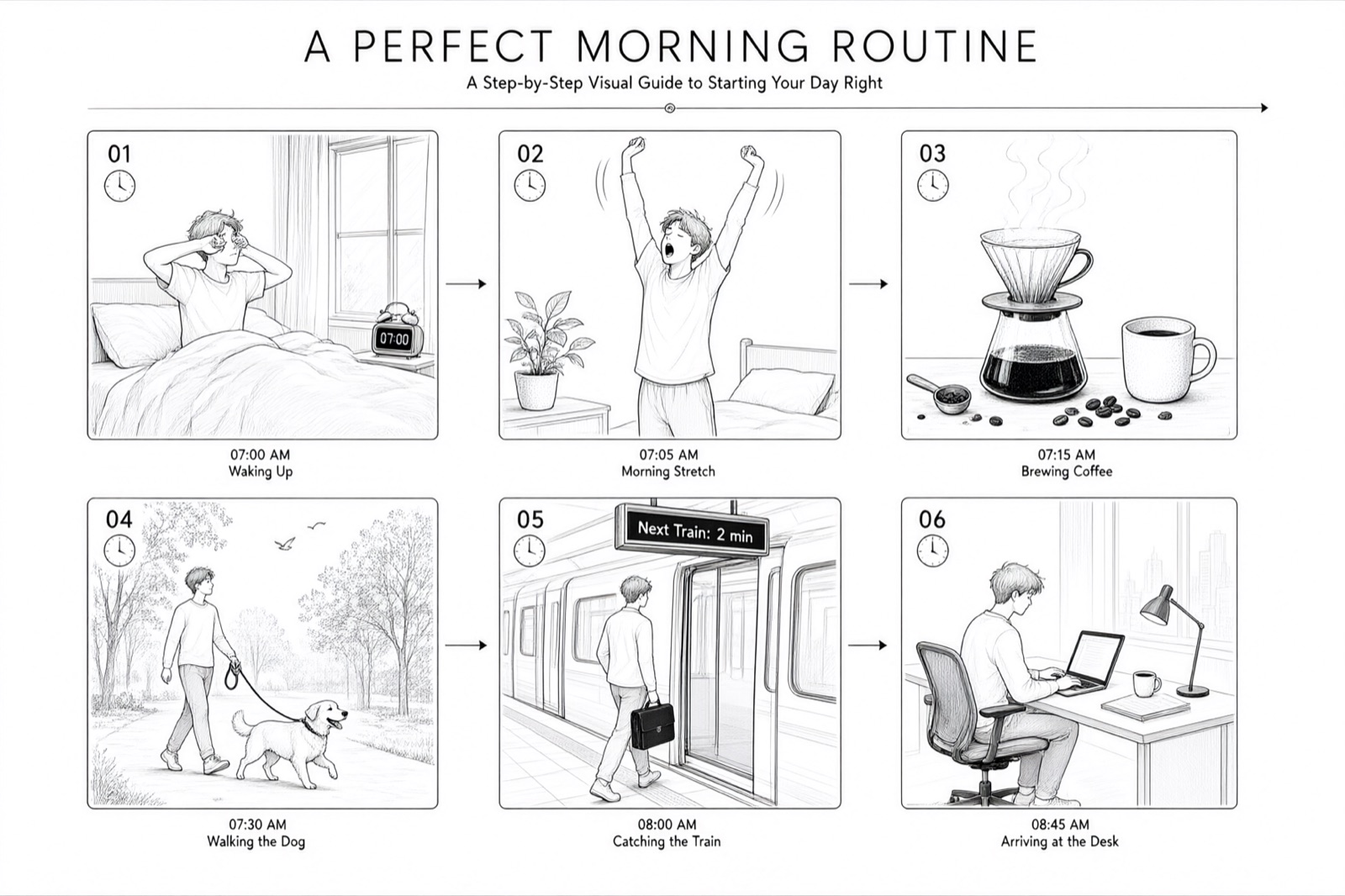
Six-Panel Storyboard
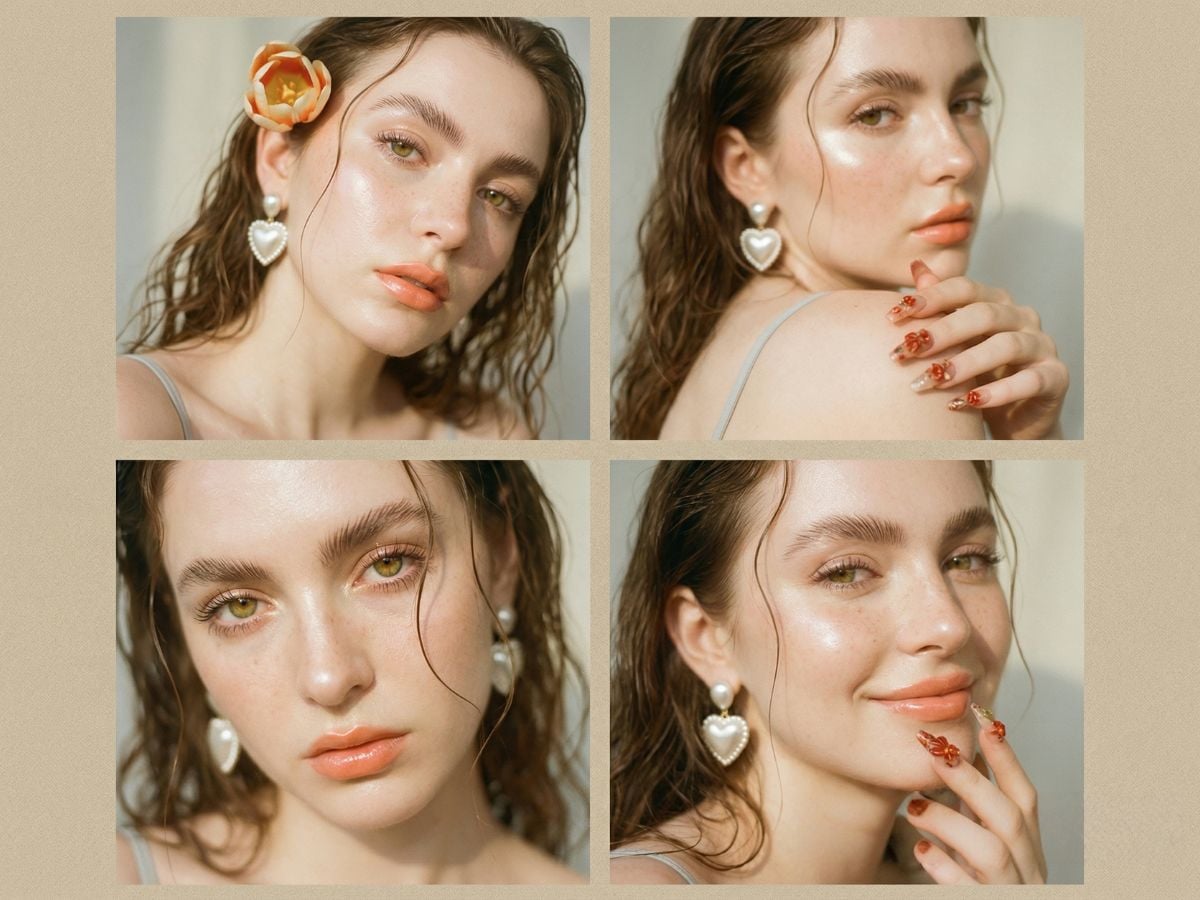
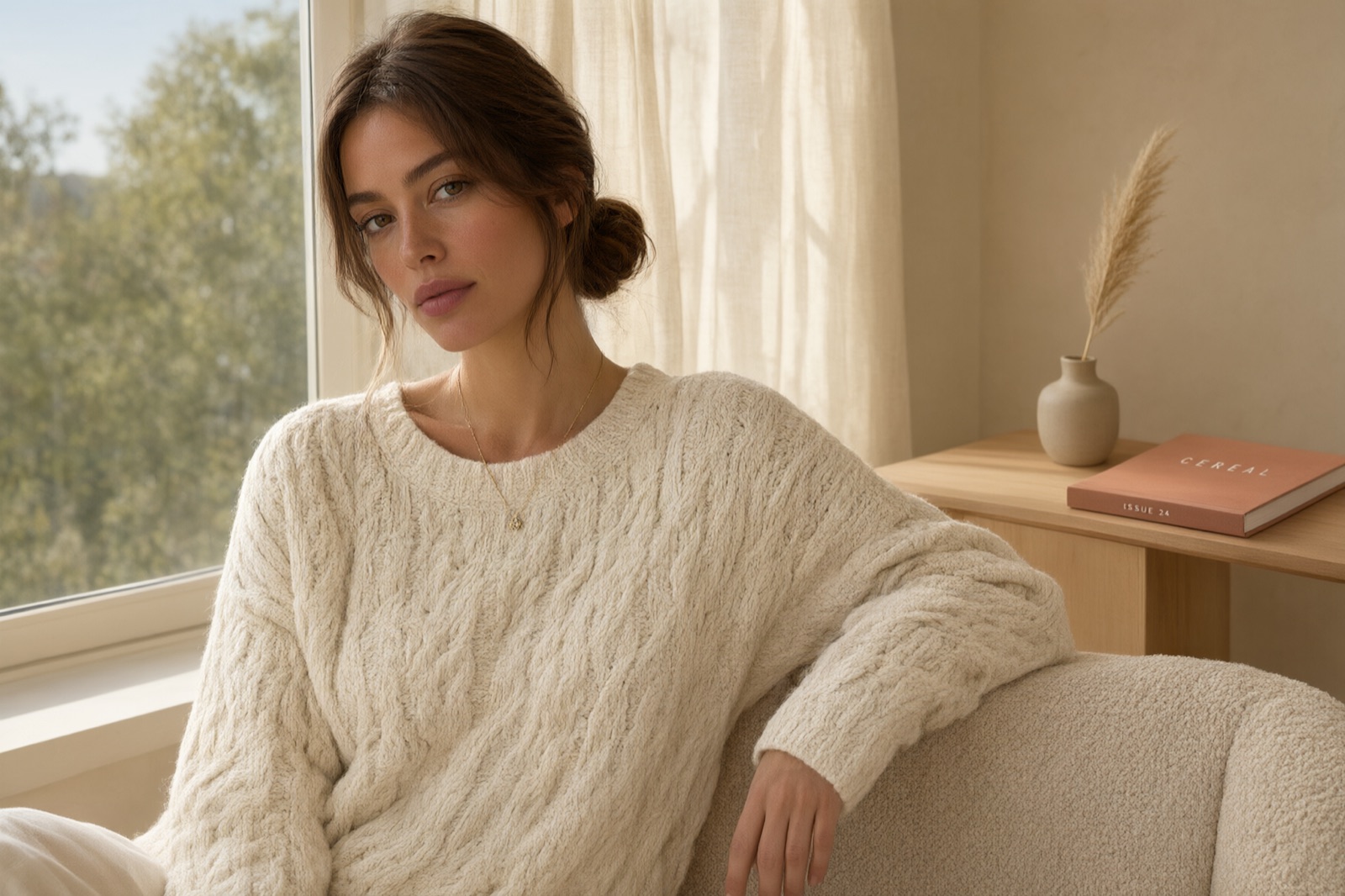
Editorial Portrait
Editorial Portrait
Qwen Image 3
Prompt
Example prompts
Opens the GoEnhance editor with this model and prompt ready.

What You Can Make with Qwen Image on GoEnhance

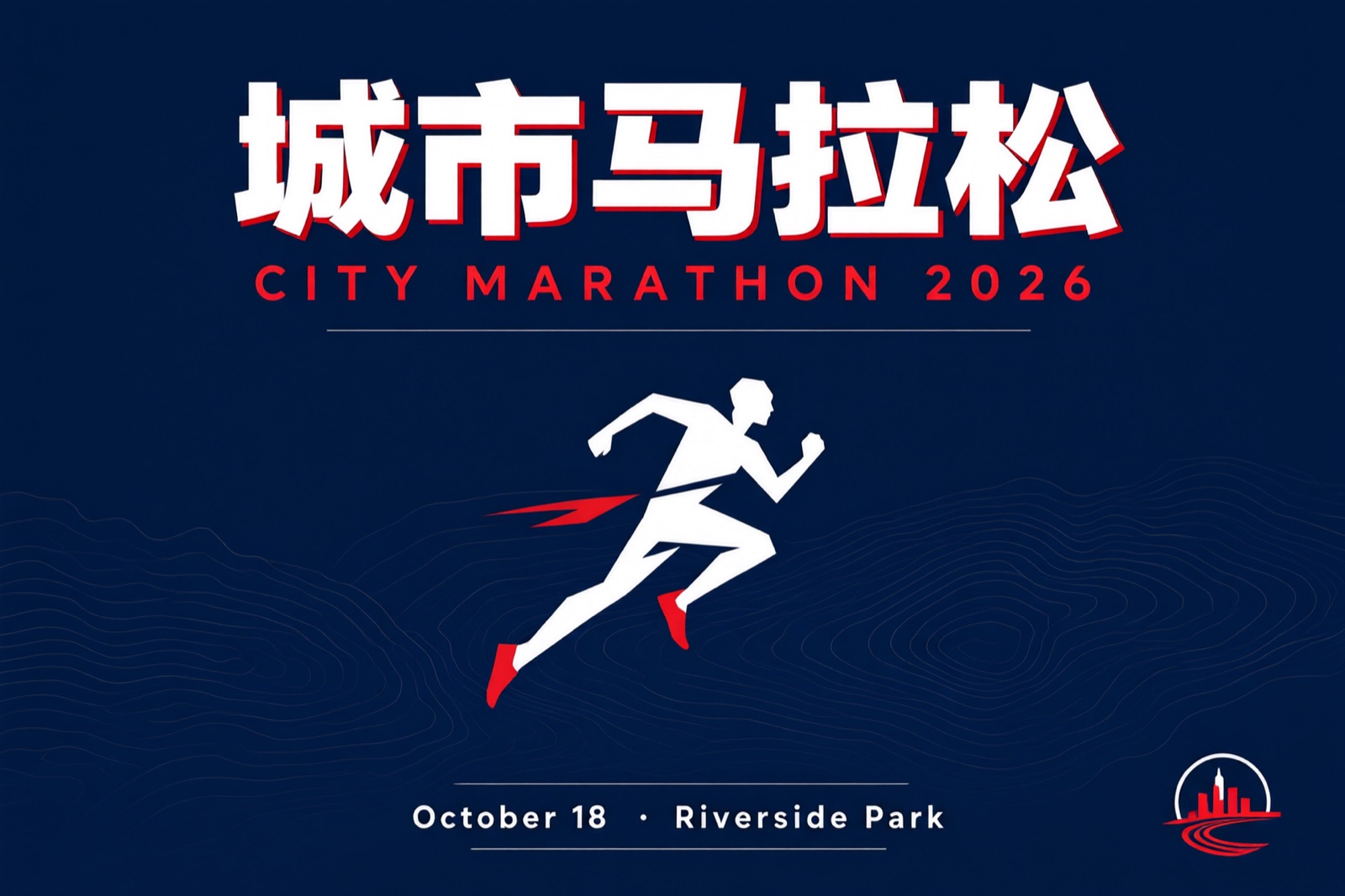
Posters That Keep Their Text

Lay out headlines, dates, and small print in English and Chinese and get back a design where the letters survive. Useful for event posters, launch key visuals, and social covers that carry real copy.

Posters That Keep Their Text

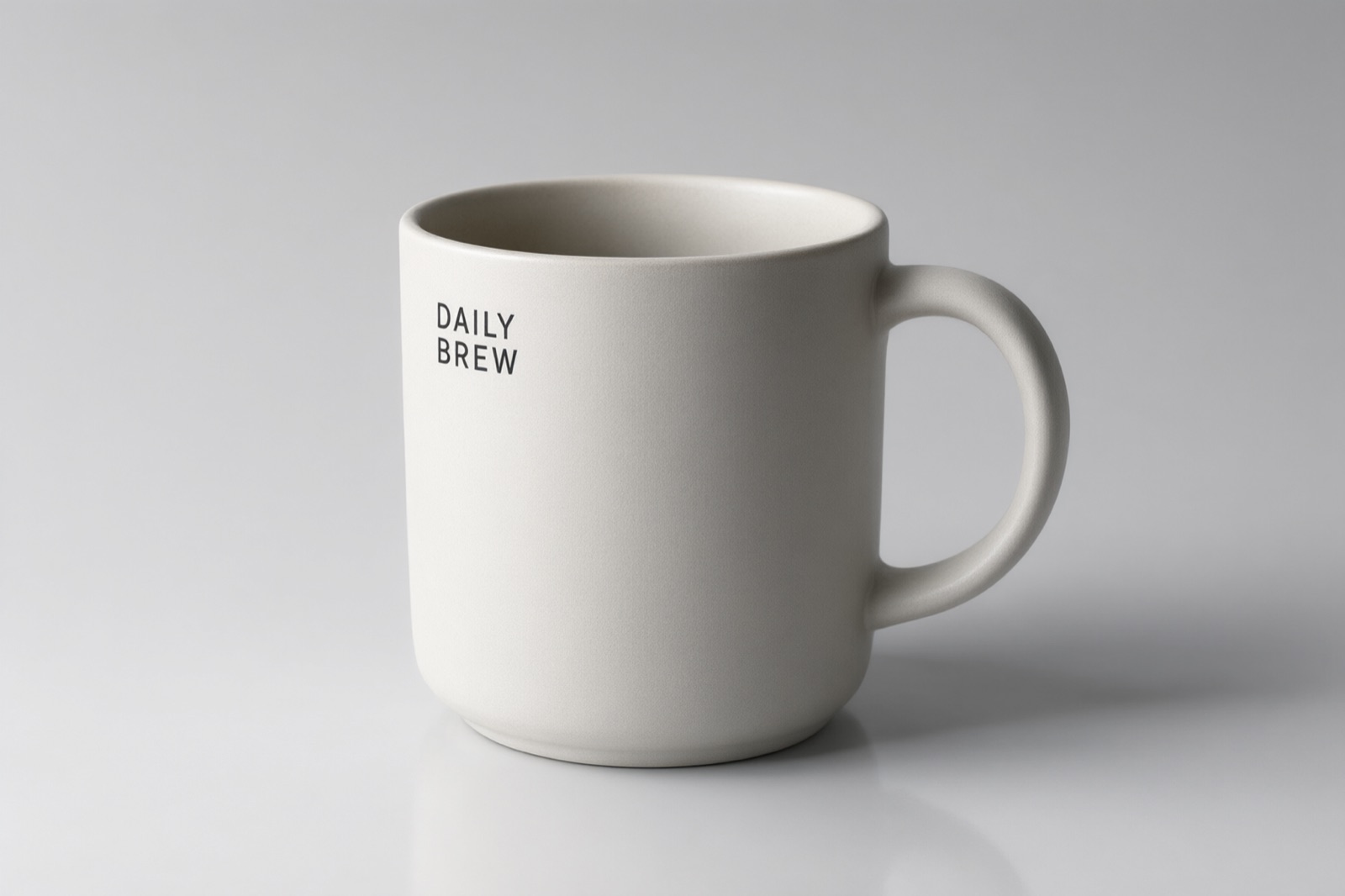
Product Shots with Readable Labels

Put a product on a clean backdrop, keep the light soft, and hold the label text legible. Good for catalogue images, listing photos, and packaging drafts you can show a client.

Product Shots with Readable Labels

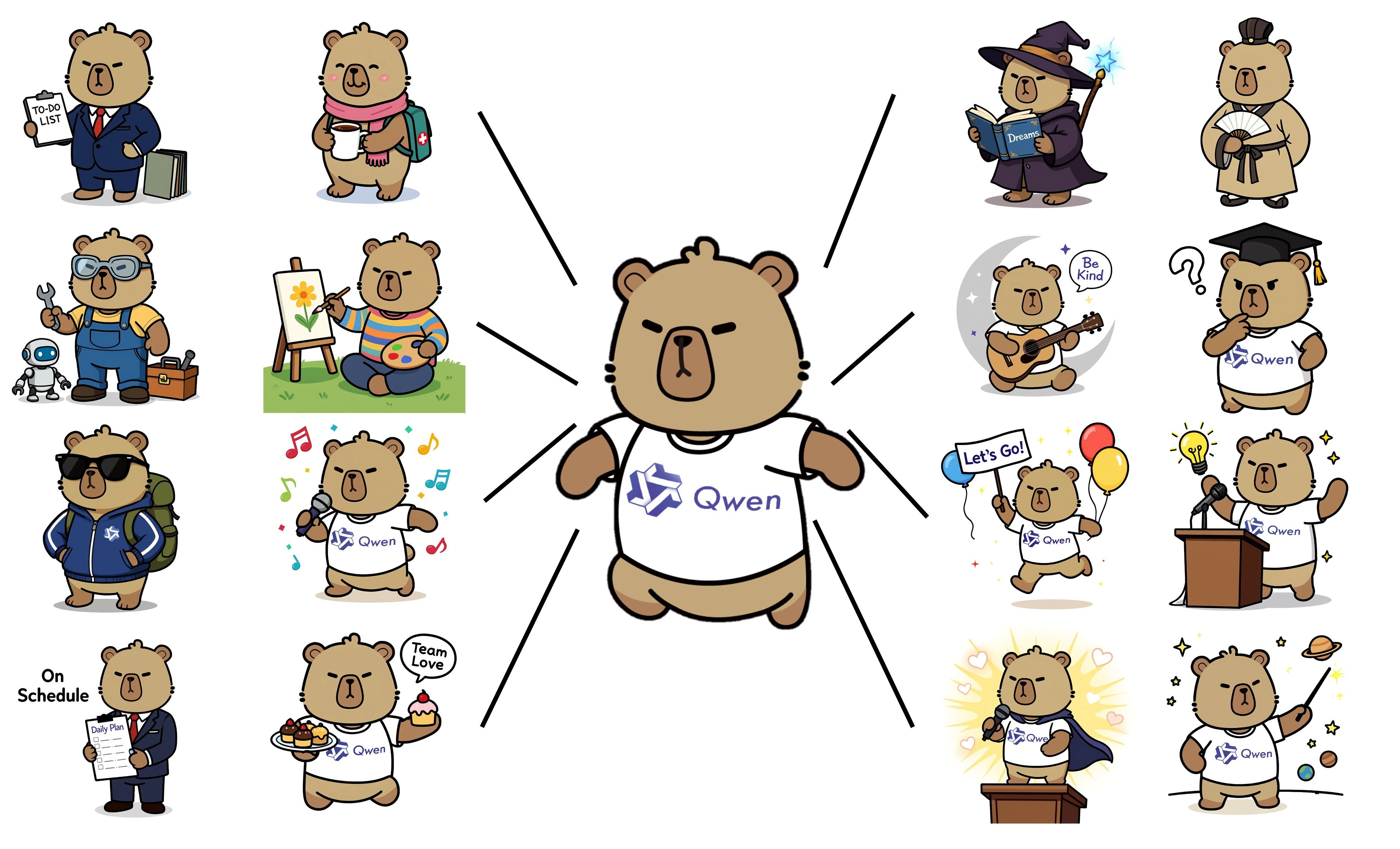
Multi-Panel Boards and Grids

Ask for a six-panel board, a nine-grid explainer, or a design sheet and get every frame drawn in the same style, with captions where you want them.

Multi-Panel Boards and Grids

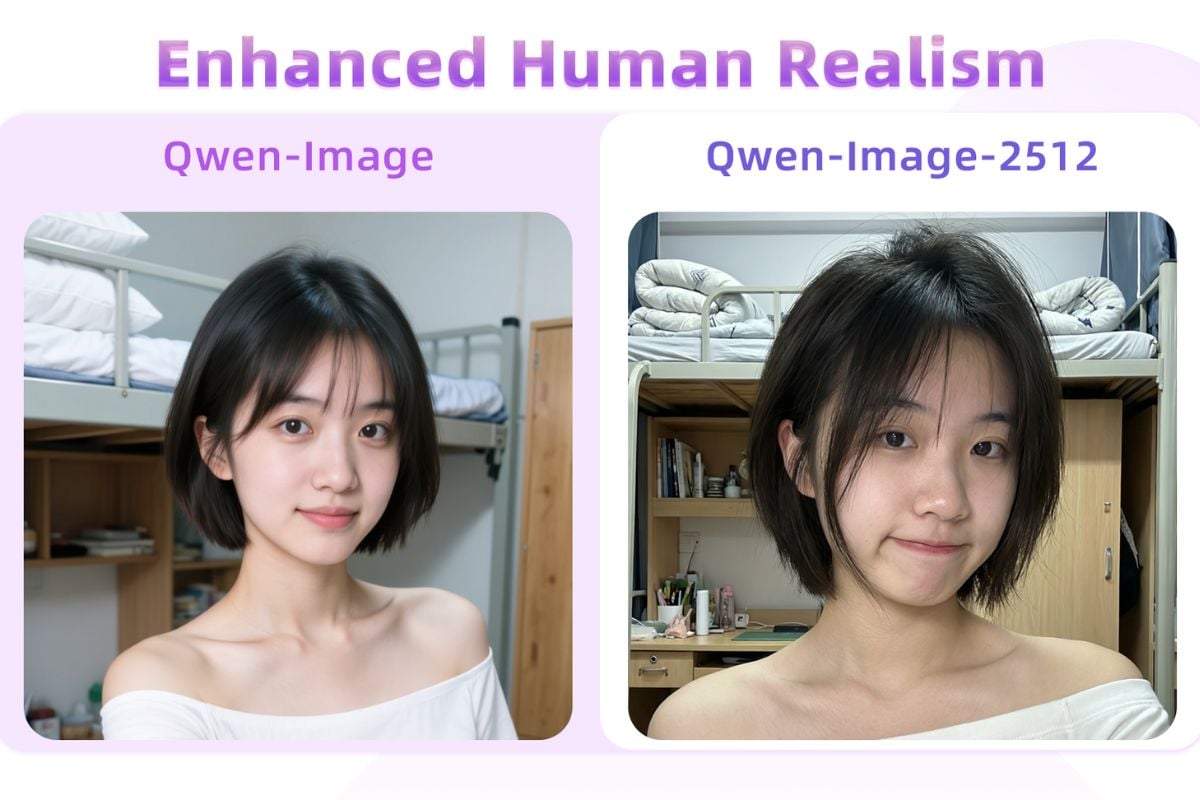
Portraits with Natural Skin and Light

Generate editorial portraits with believable skin texture, catchlights, and soft window light, then iterate on wardrobe or framing without losing the face.

Portraits with Natural Skin and Light

What's New in Qwen-Image-2.1

Native Transparency, Not a Cut-Out

Qwen-Image-2.1 ships a 64-channel RGBA autoencoder with 16x spatial compression, so transparency is part of the model rather than a post-process. It generates transparent images from a prompt, edits transparent layers, and lifts subjects out of ordinary photos.

One Model for Generating and Editing

Text-to-image and image editing run through the same pipeline. You can start from a prompt, hand the model an image to change, or do both in one request without swapping checkpoints.

Up to 10 Reference Images

Give the model as many as ten references in a single edit: build a group photo from individual portraits, or assemble a complete outfit from separate shots of the model, clothing, shoes, bag, and hat.

Point at What Should Change

Local edits can be marked with a circle, a painted annotation, or a separate mask. The model keeps the identity of people and products intact while it changes only the region you marked.

A Compact 7B Architecture

The generation transformer is 32 single-stream DiT layers at 7B parameters, paired with a Qwen3-VL 8B text encoder. Mixed-granularity attention plus prefix KV cache reuse means the prompt and reference images are encoded once and reused across denoising steps.

Native 2K and Sharper Type

Recommended sizes run from 2048x2048 for square up to 2752x1536 for 16:9, at 40 denoising steps by default. Typography, portrait lighting, and fine texture all improved over the previous Qwen-Image release.

How to Run Qwen-Image-2.1 Yourself

01

Get the Weights

Qwen-Image-2.1 is open-weight. Download it from Hugging Face (Qwen/Qwen-Image-2.1) or ModelScope, or pull the ComfyUI-ready copy from Comfy-Org/Qwen-Image-2.1.

02

Pick a Runtime

Diffusers supports it from day one through QwenImage21Pipeline, and ComfyUI ships native text-to-image and editing workflows. For heavier use, vLLM-Omni, SGLang, and LightX2V add prefix caching, quantisation, and multi-GPU inference; AMD ROCm and FlagOS chips are supported too.

03

Prompt, Size, and Transparency

Start from the official prompt-rewriting checkpoints (PE-T2I for generation, PE-I2I for editing), keep to the recommended 2K sizes and 40 steps, and for a transparent result open the prompt with the RGBA phrasing the model expects.

Qwen-Image-2.1 Compared with Qwen Image on GoEnhance

AspectQwen-Image-2.1 (open weights)Qwen Image 3 (here on GoEnhance)
Where it runsYour own GPU, or a cloud runtime you set up yourselfIn the browser, nothing to install
Transparent RGBA outputNative, including transparent-layer editingNot available
Reference imagesUp to 10 in a single editReference image supported in the editor
ResolutionNative 2K, up to 2752x15361K and 2K output
Text renderingImproved typography in English and ChineseStrong bilingual text and dense layouts
Getting startedDownload weights, install a runtime, manage your own GPUWrite a prompt and press generate

Qwen-Image-2.1 FAQ

What is Qwen-Image-2.1?

Qwen-Image-2.1 is an open-weight image model from the Qwen team that does text-to-image generation and image editing in one model. Its generation transformer has 7B parameters across 32 single-stream DiT layers, and it natively produces transparent RGBA images. The weights were published on 20 September 2026.

Can I use Qwen-Image-2.1 on GoEnhance?

Not yet. GoEnhance currently runs Qwen Image 2, Qwen Image 2 Pro, Qwen Image 3, and Qwen Image 3 Pro. The console on this page opens Qwen Image 3, the newest Qwen model available here, so you can try the family without setting up a GPU.

Is Qwen-Image-2.1 free for commercial work?

The repository is published under the Qwen Research License Agreement, which is not the same as a plain commercial licence. Read the licence text in the GitHub repository before you use outputs or weights in a commercial project.

How does it generate transparent images?

Transparency is built into the autoencoder: a 64-channel RGBA VAE with 16x spatial compression. You ask for it in the prompt, stating that the image is RGBA with a transparent background, and the model returns an image with a real alpha channel instead of a matted cut-out.

What hardware do I need to run it?

It is a 7B generation model with an 8B text encoder, so a modern GPU with enough VRAM is the practical starting point. The community runtimes help: vLLM-Omni and SGLang offer FP8 weights, CPU offloading, and multi-GPU parallelism, and LightX2V targets consumer cards.

How many reference images can it take?

Up to ten in one edit. That is what makes multi-subject composition practical: several people in one frame, or an outfit assembled from separate product photos, while the model keeps each subject recognisable.

Try the Qwen Image Family on GoEnhance

Qwen-Image-2.1 is open-weight and runs on your own hardware. If you would rather write a prompt and get an image back, open Qwen Image 3 on GoEnhance and start from one of the examples above.

Start with Qwen Image 3