
AI Crying Video Generator
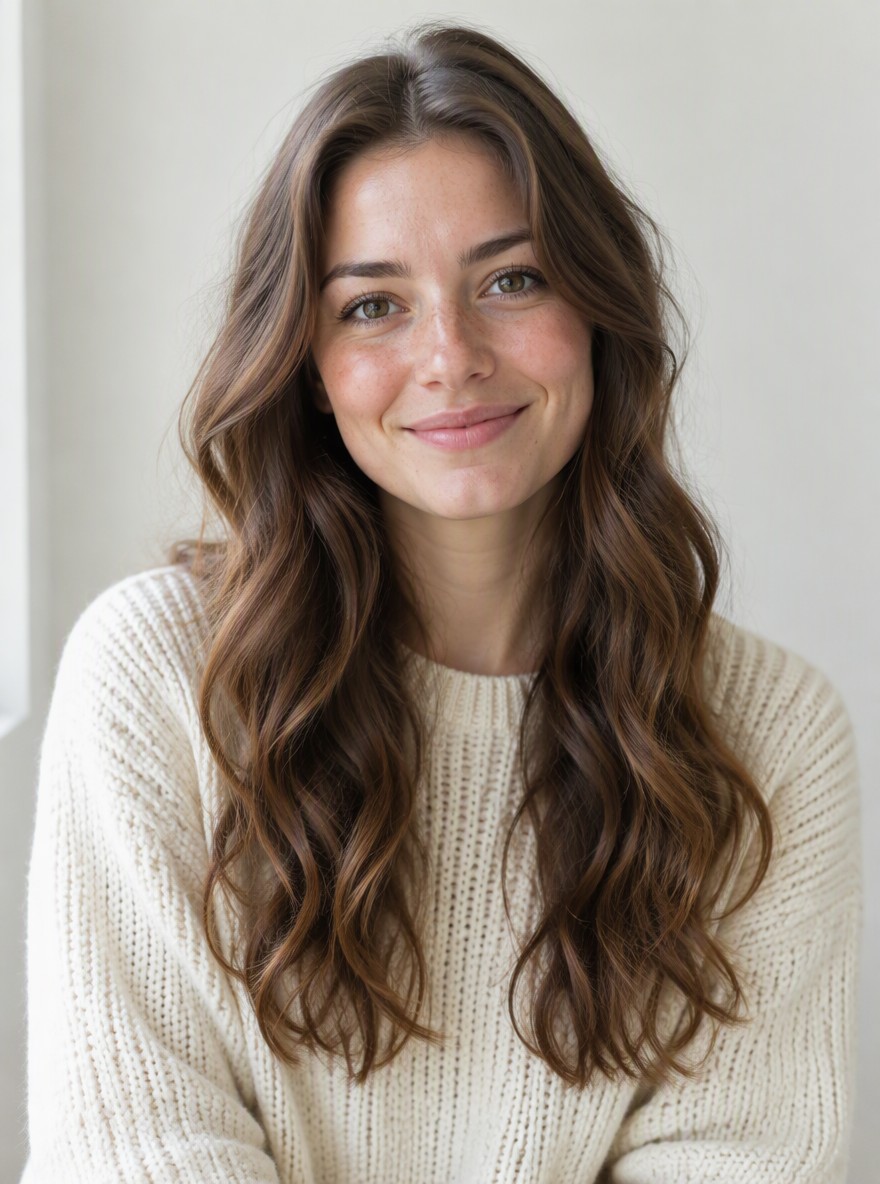
Why Use the GoEnhance AI Crying Video Generator
One Photo In, a Full Crying Scene Out
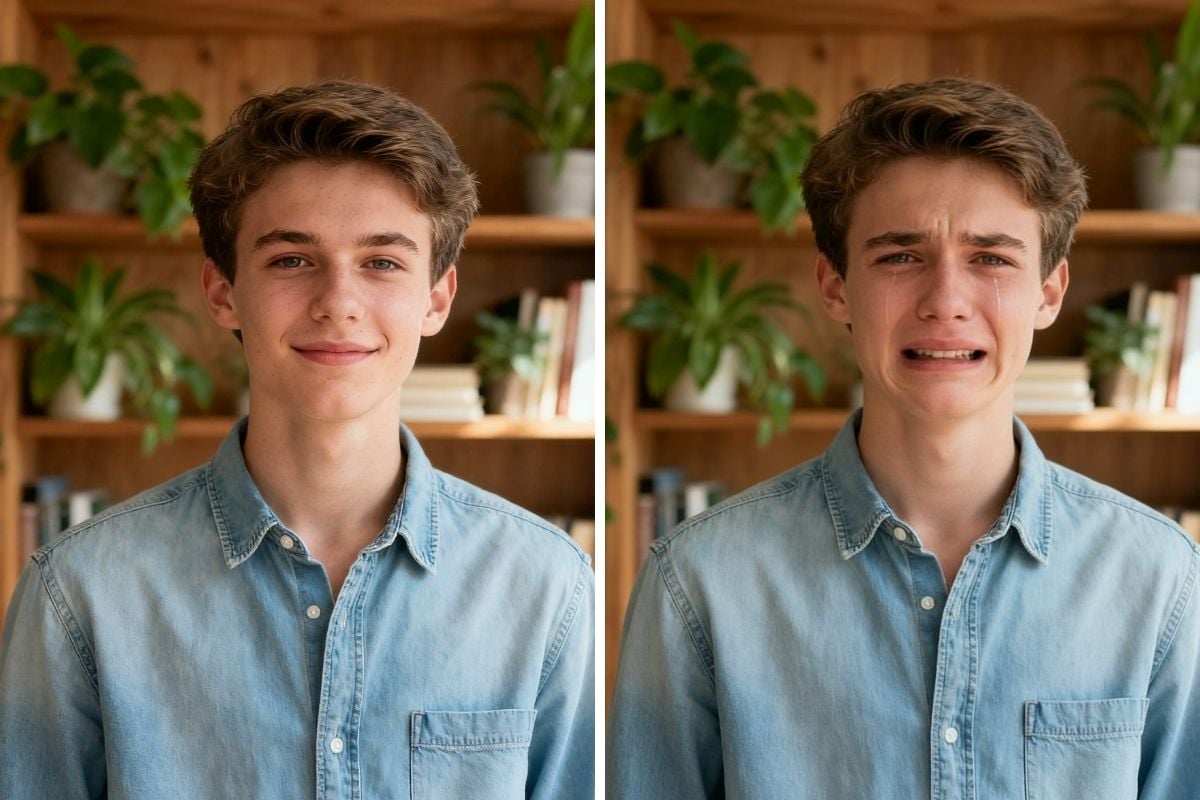
Upload a waist-up photo of one person and the AI turns it into a moving, crying video: real tears, a trembling chin, a blue-hour street with warm lamps, and someone's blurred shoulder in the foreground. Your face, hairstyle and clothes stay the same from the first frame to the last, so it's clearly you – not a stranger crying.
Cry, Flip Them Off, Walk Away
This is the Middle Finger Cry Filter people are copying from TikTok and CapCut: sobbing while you talk, a middle finger raised at the person in front of you, then you turn and walk off down the street without looking back. Sobs, shaky breathing, traffic and footsteps are generated with the video, so it's ready to post.
Try It Free Before You Upgrade
Free accounts get one free preview a day: the first 3 seconds – the tears and the middle finger – play clearly and the rest is blurred. Members get the full 6-second video without blur for 36 tokens. If you upgrade later, your earlier previews unlock to the full video automatically.
How to Make a Crying Video With AI
Upload One Clear Photo
Pick a well-lit, waist-up photo of one person facing the camera. Whatever you're wearing in the photo is what you'll be wearing in the video.
No Prompt Needed
The effect is already set up: the crying, the middle finger and the walk-away are built in. Videos are made in 480p, sized for TikTok, Reels and Shorts.
Generate Your Crying Video
In a few minutes you get a 6-second vertical video with sound: crying, a middle finger, then walking away down the sidewalk.
Post It With Your Caption
Download the clip, add a caption like "me after one more 'we need to talk'" and post it to TikTok, Reels or Shorts.
You may want to know
What is the Middle Finger Cry Filter trend?
Do I need CapCut or TikTok to make an AI crying video?
Is the AI crying video generator free?
What kind of photo works best?
Can I make a crying photo instead of a video?
Can I leave out the middle finger?
Can I use a group photo?
How long is the video, and does it have sound?
Is it okay to make crying videos of other people?
More AI Effects
Cry It Out, Flip Them Off, Walk Away
One photo is all it takes. Make your AI crying video with the Middle Finger Cry Filter and post it while the trend is hot.
Make My Crying Video