
Midjourney V8
Use Cases of Midjourney V8
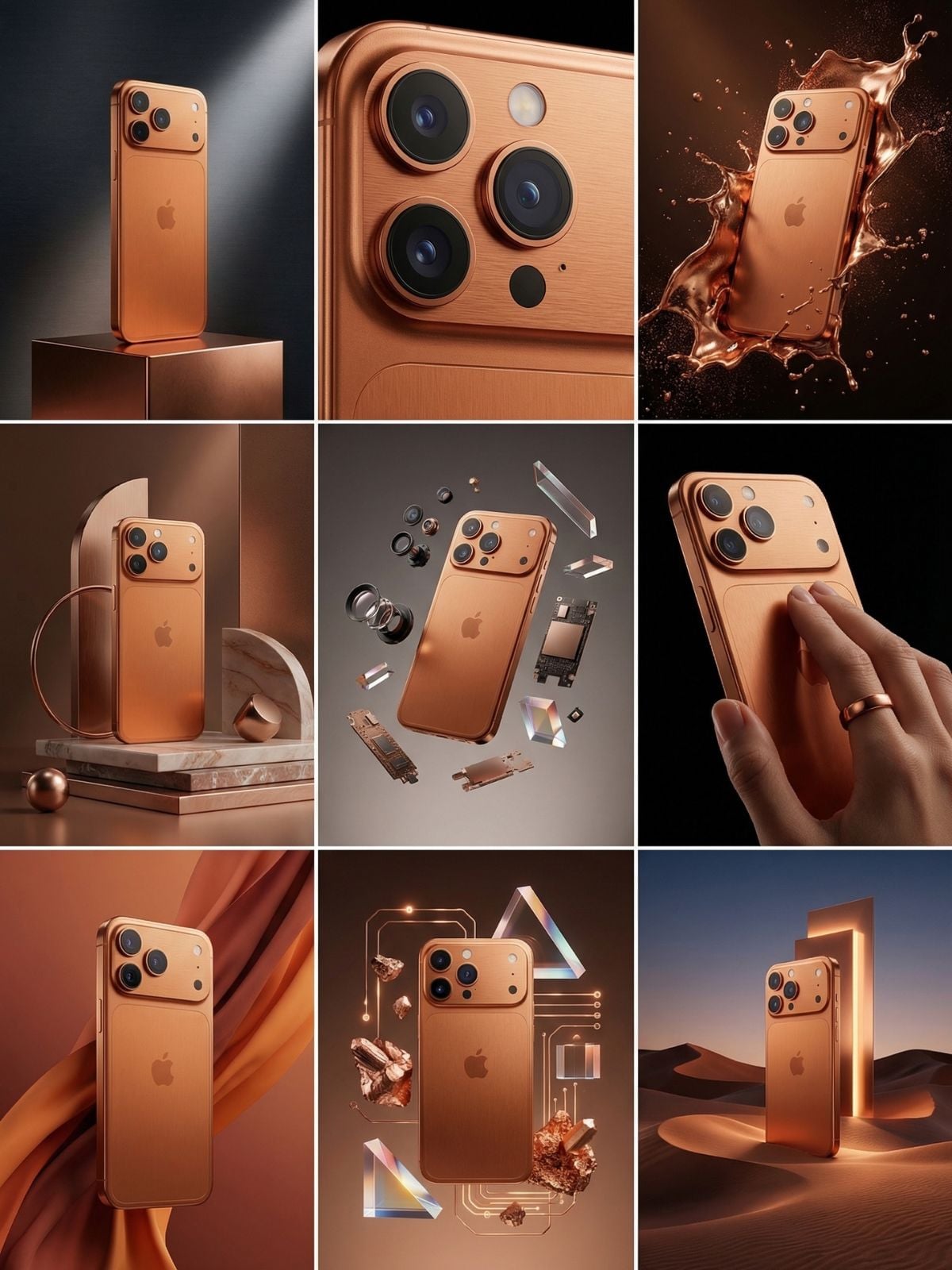
Product Photography Grid
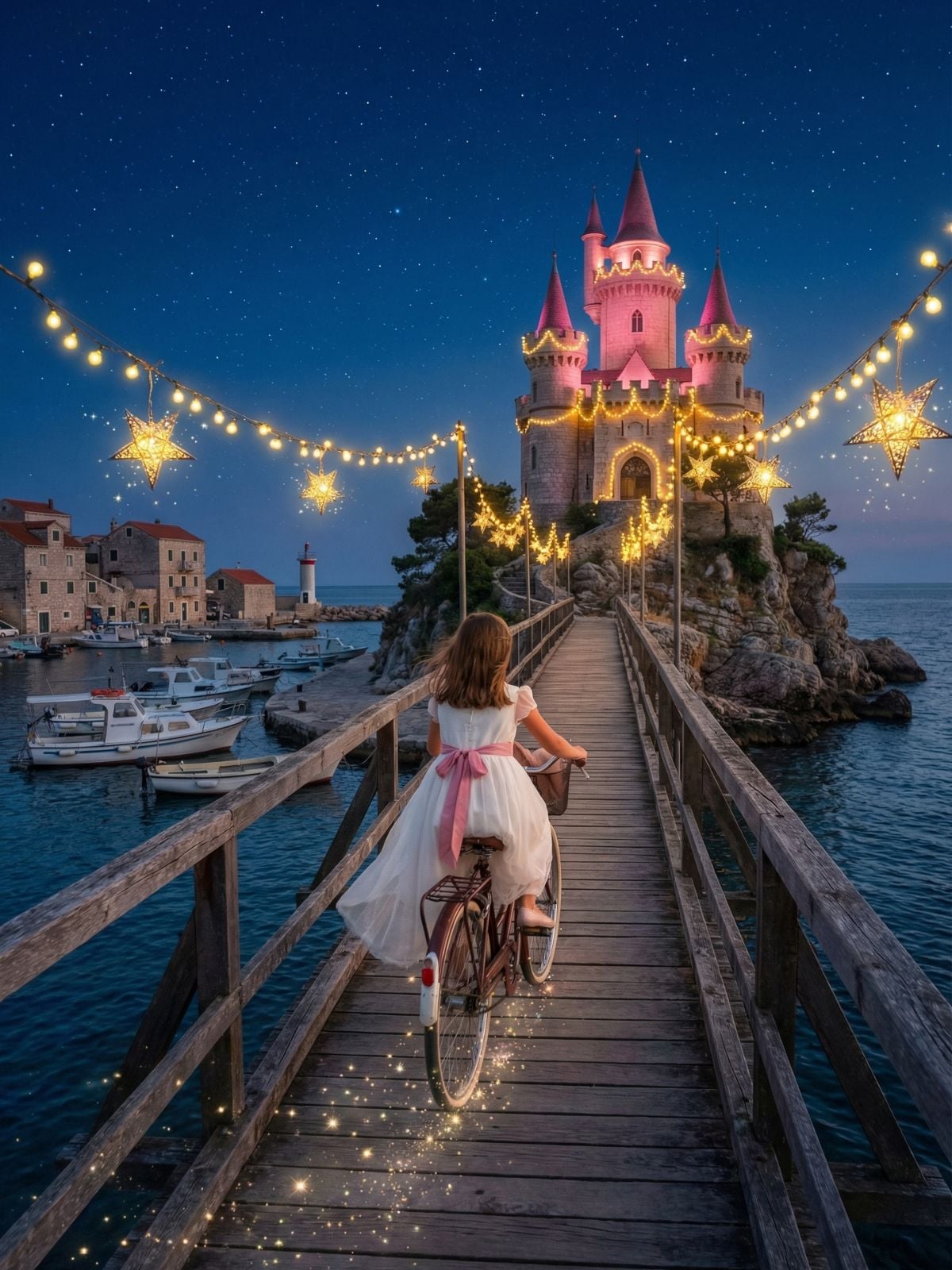
Fantasy Castle Scene
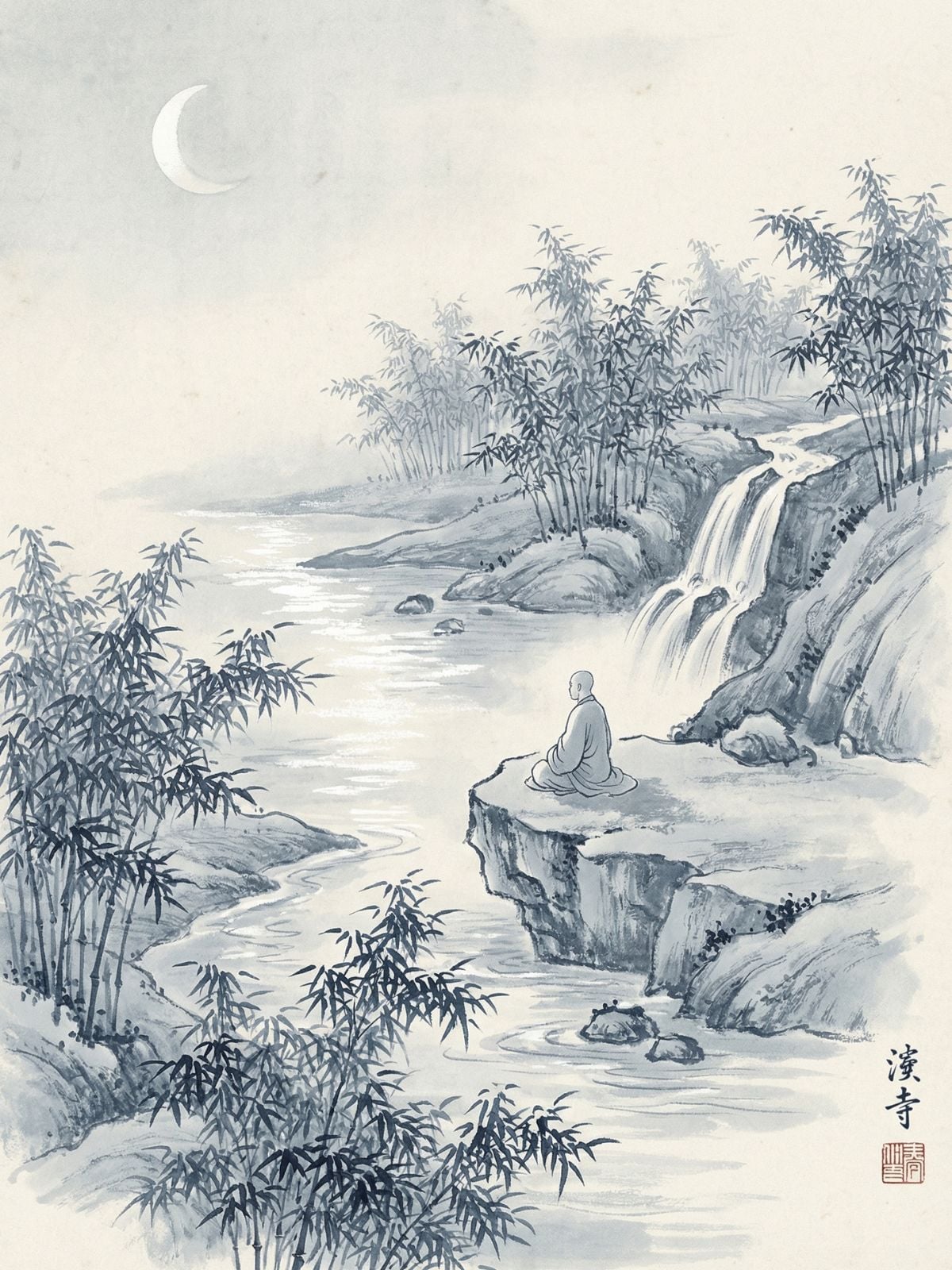
Ink Landscape Artwork
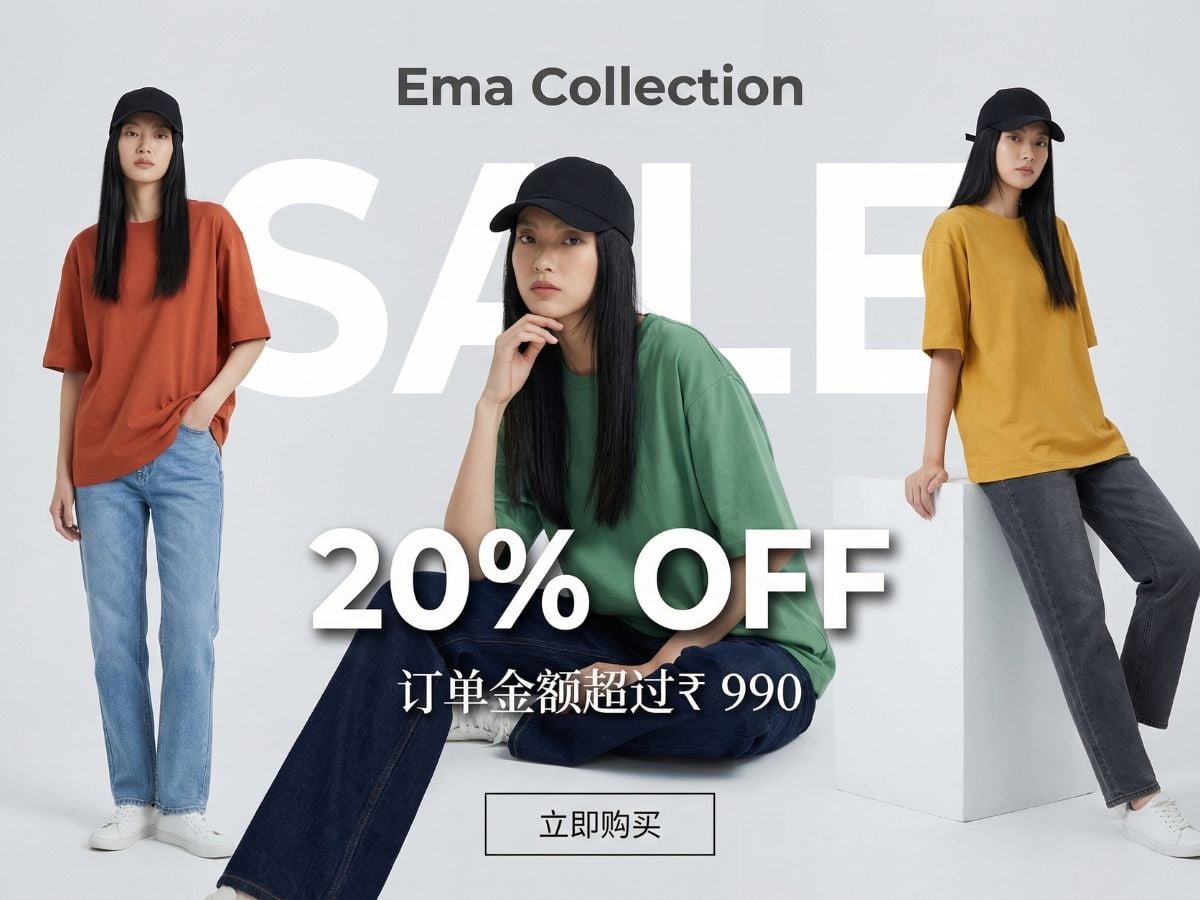
Discount Poster
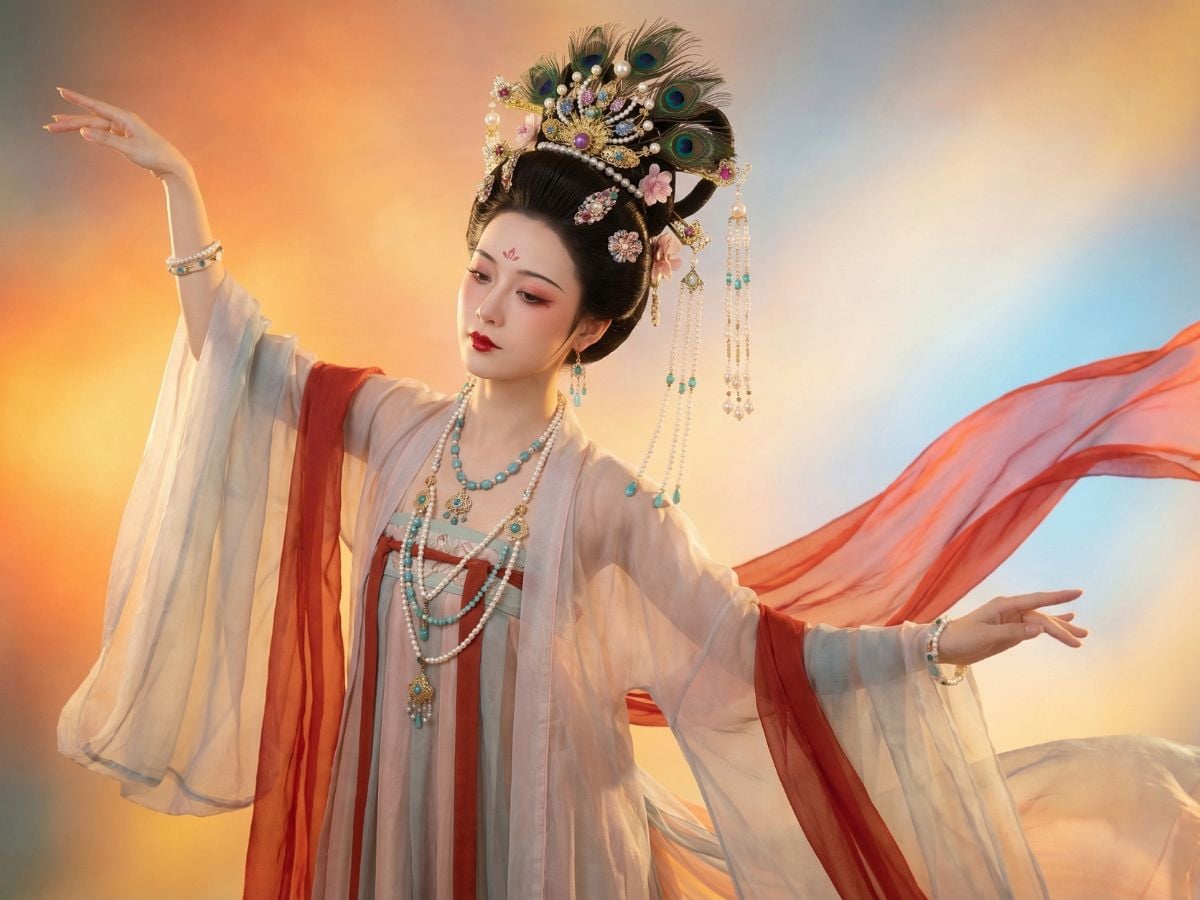
Cinematic Character Portrait
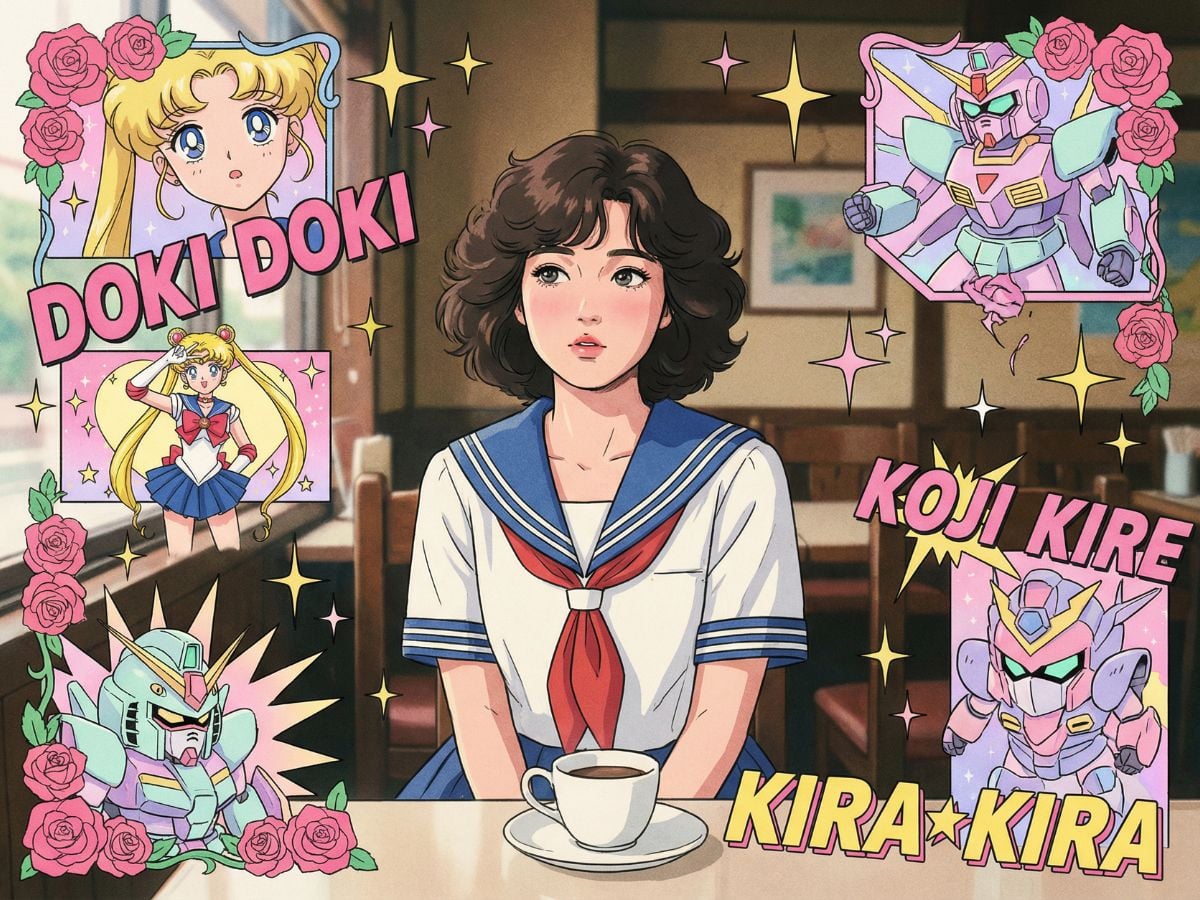
Anime Poster Style
What Midjourney V8 Actually Improves
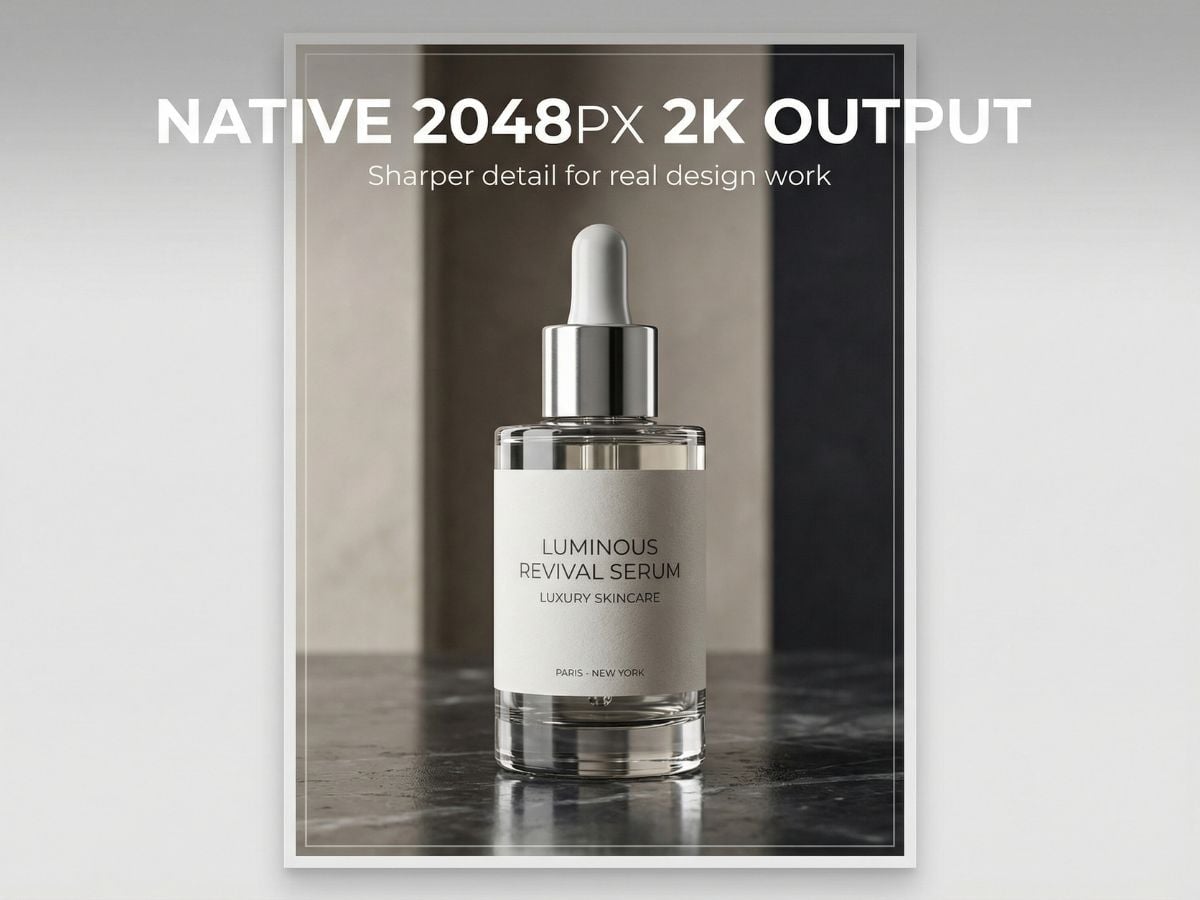
Native 2048px 2K Output
With Midjourney V8, the base image already carries more texture, cleaner edges, and better fine detail. That makes the model more practical for creators who want high-quality results without adding a separate cleanup step. For broader workflow flexibility, you can also explore an AI image generator when testing different visual directions.
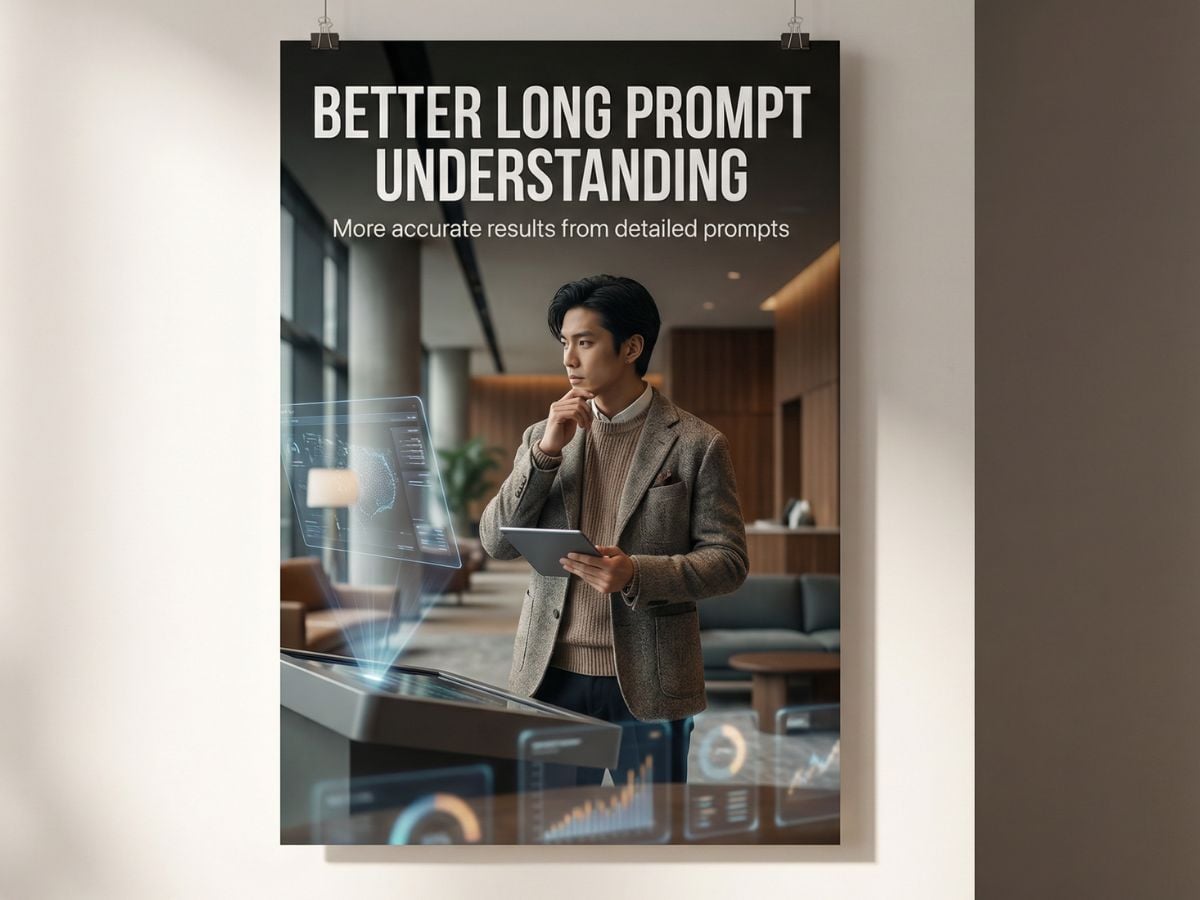
Better Long Prompt Understanding
In real use, that means fewer retries, fewer rewritten prompts, and a more direct path from concept to usable output. Compared with Midjourney V7, the model feels more stable when the prompt gets more detailed.
More Practical Short Text Rendering
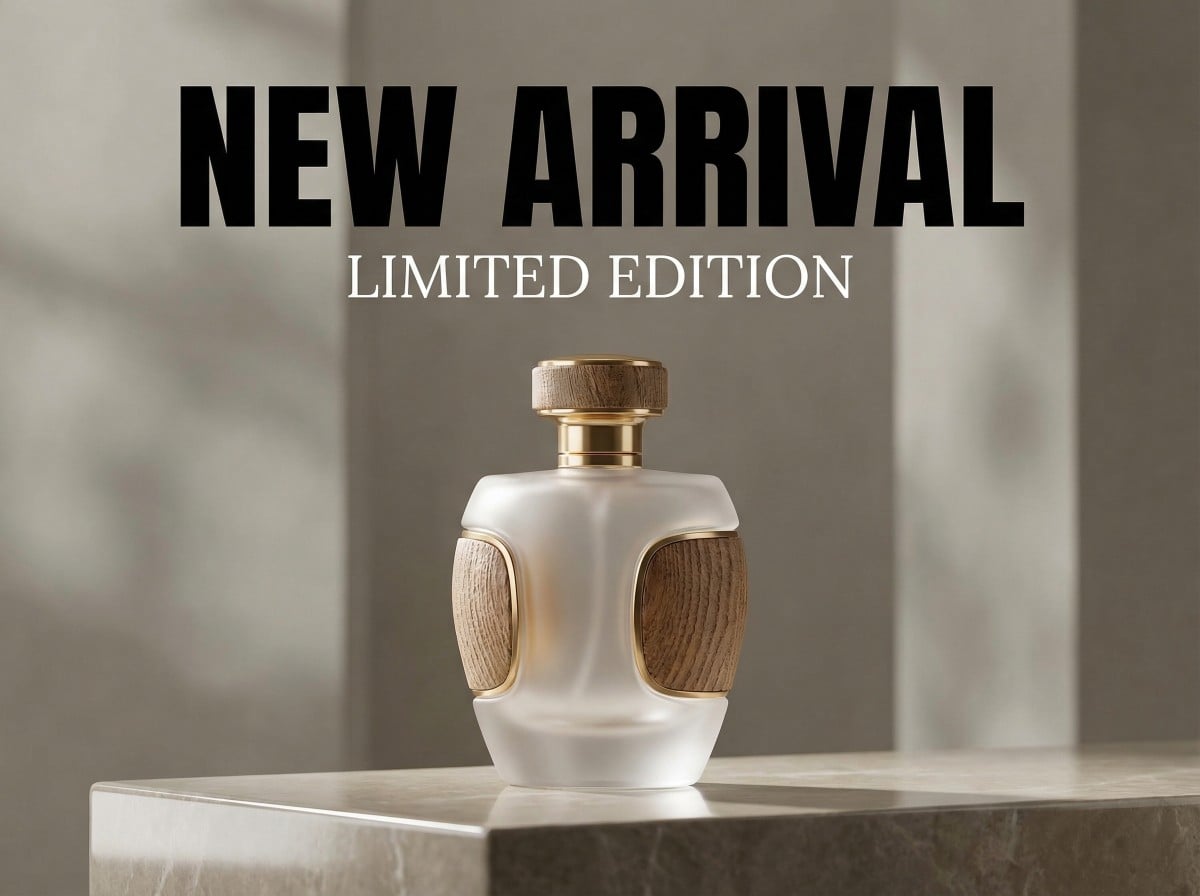
Getting text right inside AI-generated images has always been a challenge. Midjourney V8 improves that noticeably, especially for short headlines, simple phrases, labels, and poster-style wording placed in quotation marks. It is still not a replacement for full manual typography work, but it is much more usable than before. For creators making covers, ads, campaign visuals, or design drafts, this improvement cuts down the amount of text repair needed after generation.
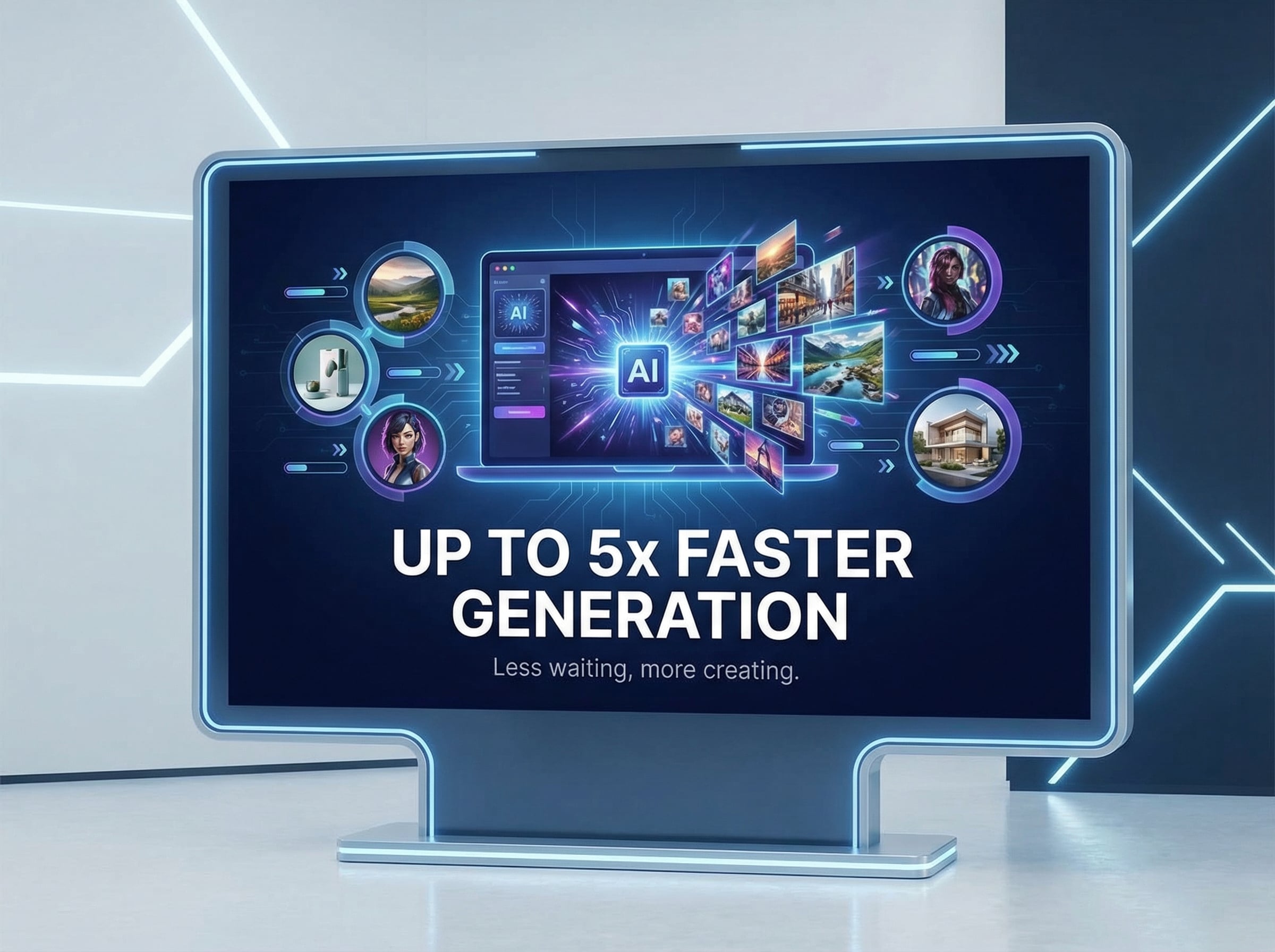
Up to 5x Faster Generation
The upgrade is not just technical on paper. It changes how comfortably the model fits into day-to-day design work.
Midjourney V8 vs Stable Diffusion 3.5
Prompt Tips & Best Practices
Focus on One Clear Subject and One Main Style
New users often overload prompts with too many ideas at once, such as mixing national trend, sci-fi, retro, and cartoon styles in a single request. Results usually become visually inconsistent. A better approach is to choose one core subject and one dominant style first, then expand only after the base result looks right.
Use Practical Detail Instead of Random Complexity
A strong prompt is not the longest prompt. It should describe the main subject, a few useful visual details, the intended style, and the output goal. For example, include the subject, lighting, background, composition, and short text only when needed. Clear structure works better than stacking unrelated modifiers.
Always Add Negative Prompts
Add terms like blurry, deformed, distorted hands, text misalignment, messy background, or color clutter based on your scene. This is one of the easiest ways to lower correction time and improve the first result.
Start with a Reasonable Resolution
Do not jump straight to the highest settings just because the model supports them. For beginners, 2K in Midjourney V8 or around 1080px usually enough for testing and refinement. Starting smaller makes iteration faster and reduces lag, crashes, or wasted time on weak hardware.
Refine Step by Step
Treat the first image as a draft. If the style is off, simplify the prompt. If the composition is weak, rewrite the framing. If artifacts appear, strengthen the negative prompt. Small targeted edits usually work better than rewriting the whole instruction from scratch.
You May Want to Know
What is Midjourney V8 best known for?
What is Midjourney V8 mainly better at?
Is Midjourney V8 good for beginners?
Can Midjourney V8 render text accurately?
Can Midjourney V8 fully replace manual editing?
How should I use Midjourney V8 efficiently?
Is Midjourney V8 always better than Midjourney V7?
What kinds of projects fit Midjourney V8 best?
Can you rely on Midjourney V8 results without checking them?
Ready to Explore Better Image Quality?
Midjourney V8 makes the overall workflow faster, sharper, and better aligned with what the prompt is asking for. Whether you are testing ideas or building polished creative assets, it gives you a more efficient path from concept to final image.
Explore All Video Tools