GoEnhance for Pinterest: Turn Any Pin into an AI Prompt

Found the perfect pin but can't make anything like it? Hover over any Pinterest image, click ✨, and get a ready-to-use prompt describing its subject, style, lighting and colors. Then recreate it on GoEnhance AI in one click. Free, no API key needed.
Add to Chrome — It's Free

How to Use GoEnhance for Pinterest

Step 1

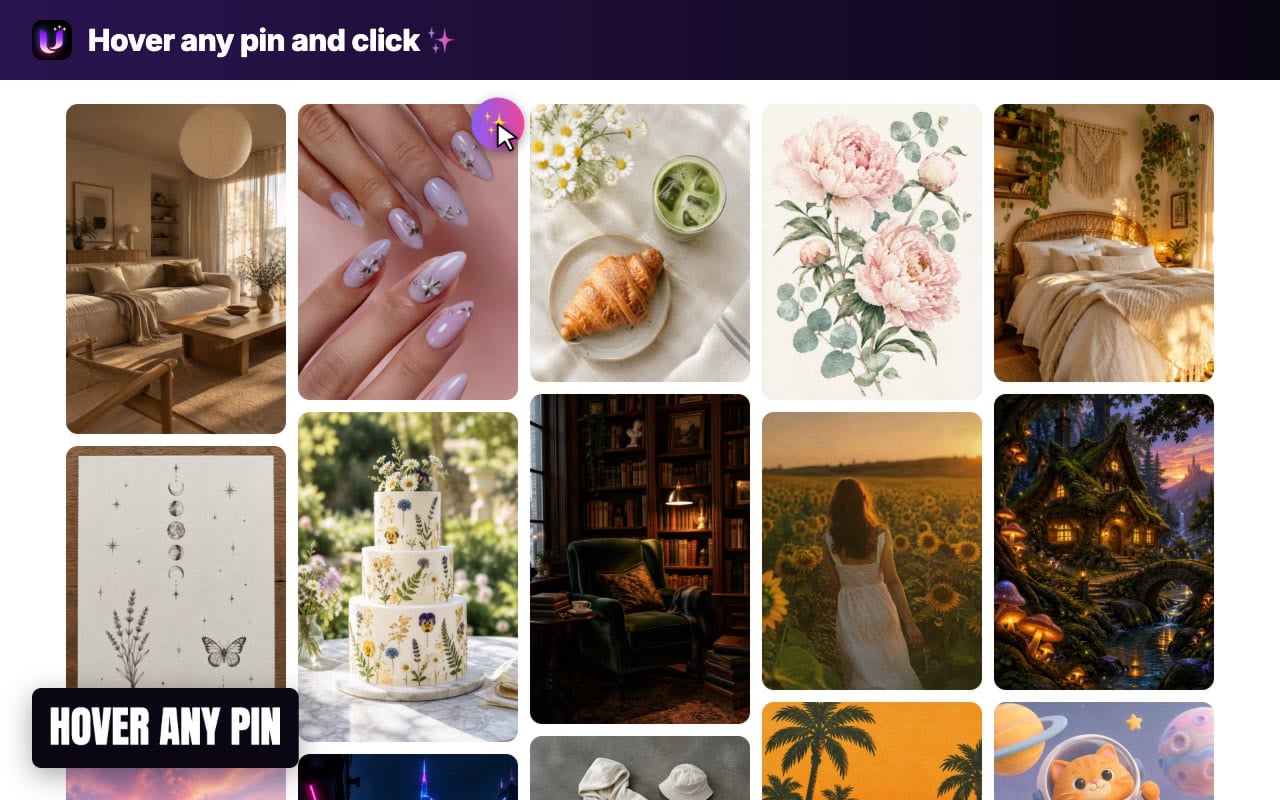
Hover any pin and click ✨

Install the extension and browse Pinterest as usual. A ✨ button appears in the corner of every pin you hover over.
Step 2

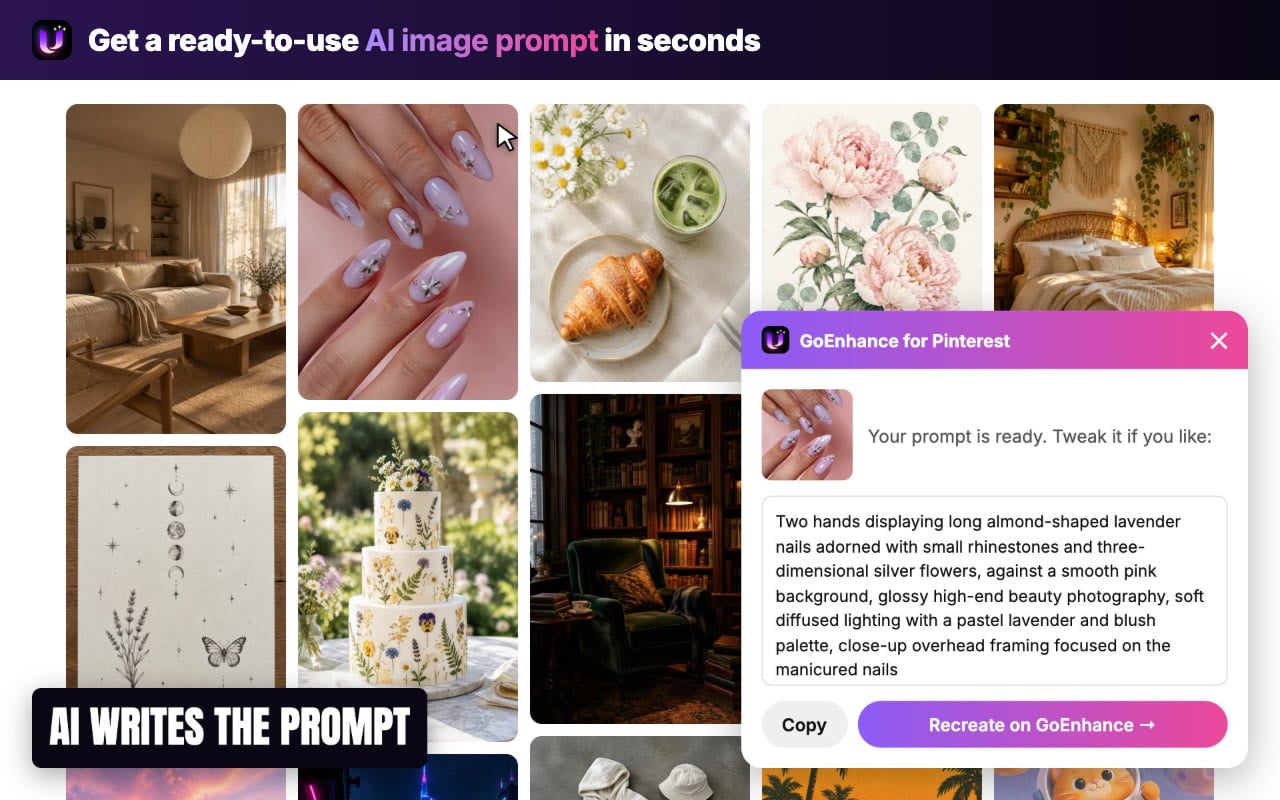
Get your AI image prompt

In a few seconds you get one concise prompt covering the subject, setting, art style, lighting, colors and framing. Edit it or copy it.
Step 3

Recreate it on GoEnhance

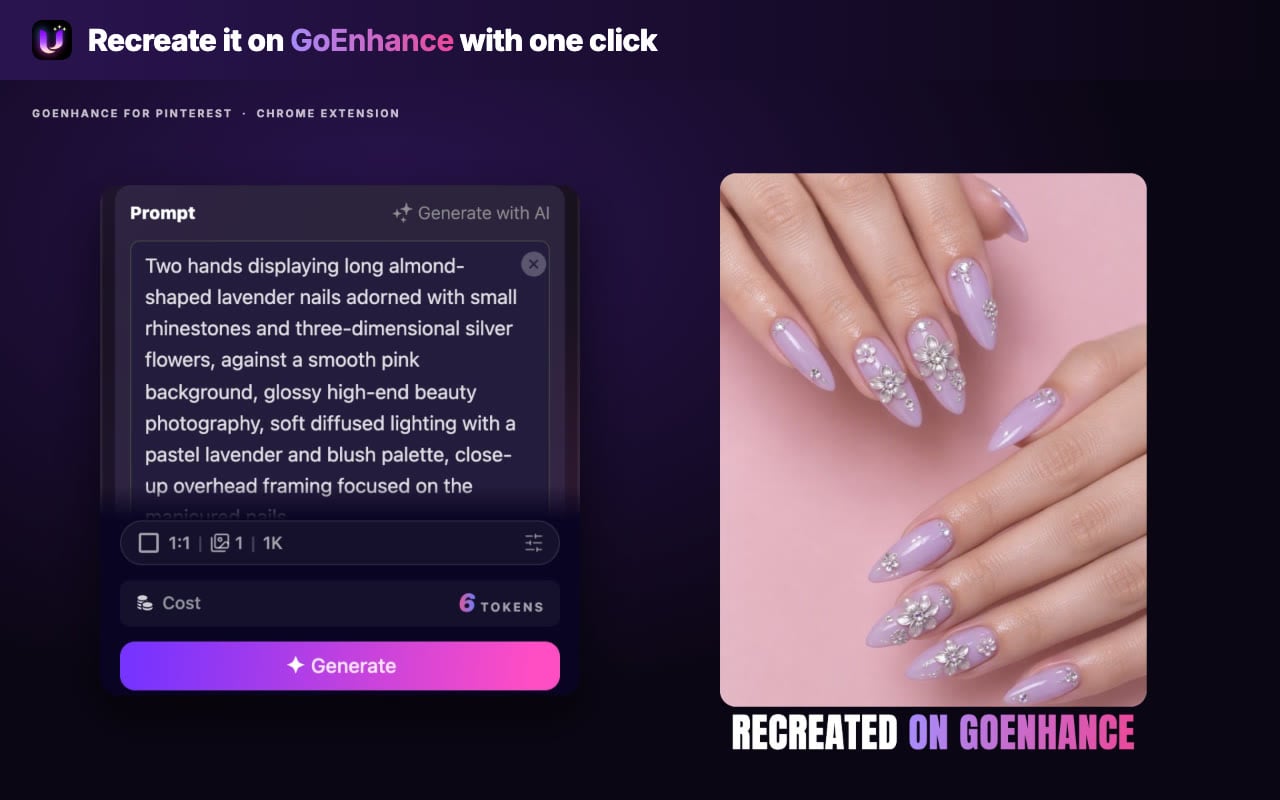
Click "Recreate on GoEnhance" to open the image generator with your prompt already filled in, then generate your own version.
Add to Chrome — It's Free

Any Pin, Your Version

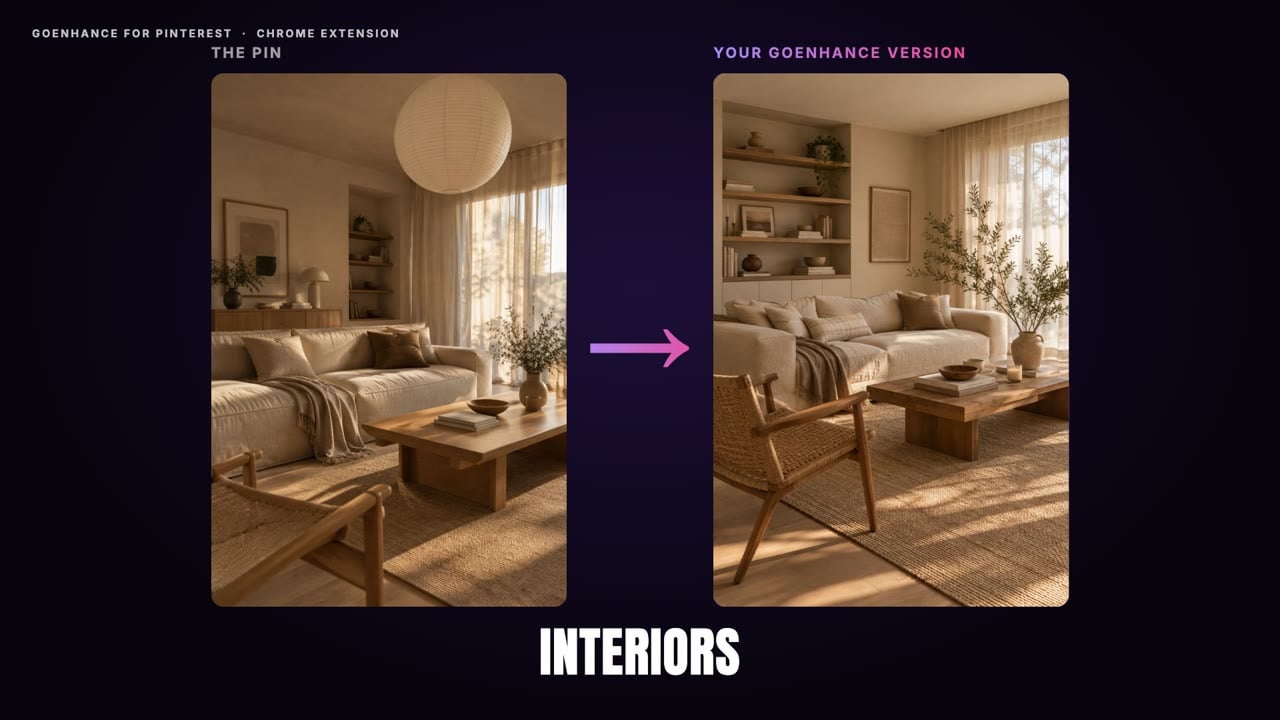
Home and Interior Ideas

Turn a saved living room, bedroom or kitchen pin into a prompt and generate your own variations of the look.
Home and Interior Ideas

Fantasy and Illustration

Capture the style of digital paintings and storybook art, from color palette to lighting, in one prompt.
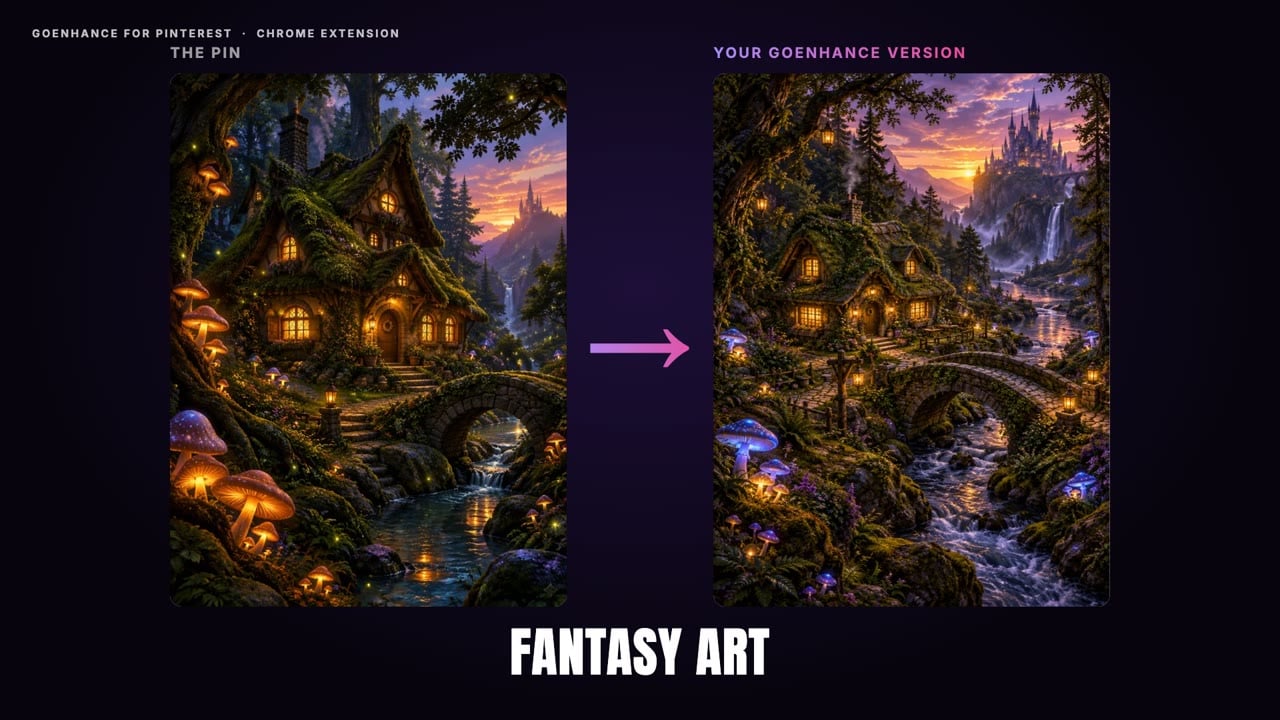
Fantasy and Illustration

Retro Posters and Graphic Art

Recreate vintage travel posters and flat graphic styles, then change the subject to make it yours.
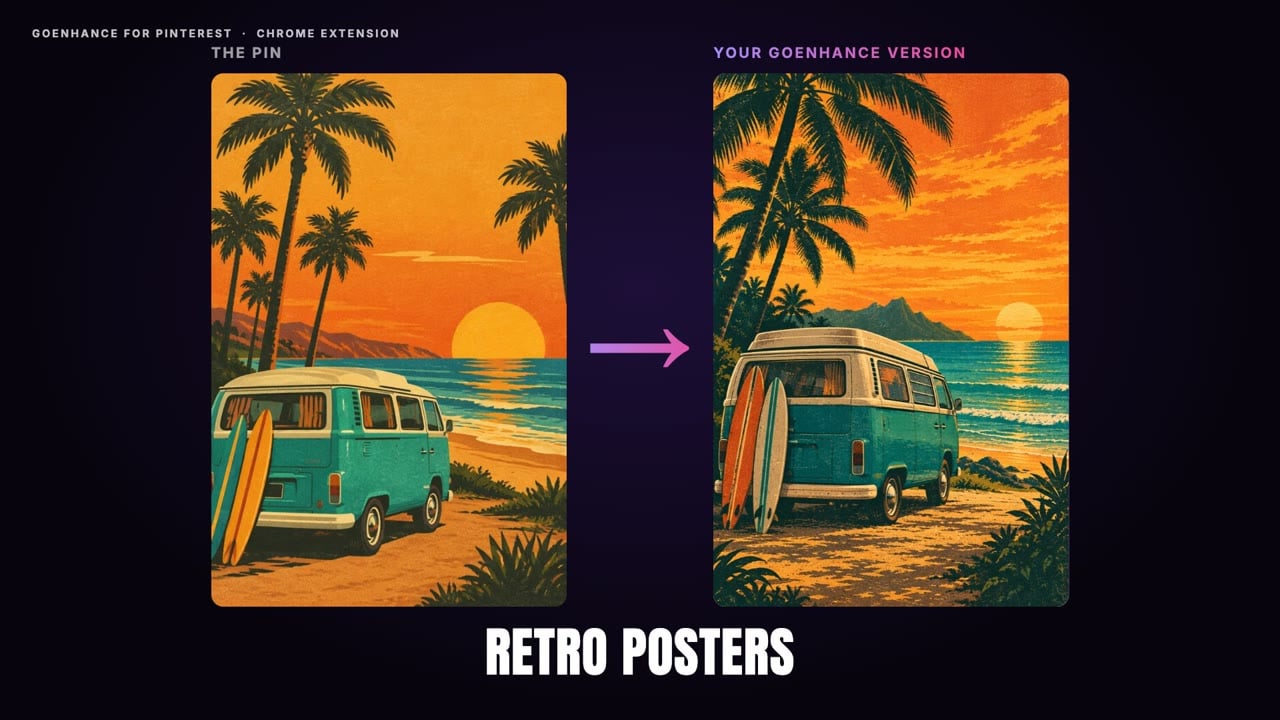
Retro Posters and Graphic Art

Cute 3D Characters

Get prompts for clay-style and toy-like 3D characters and spin up new characters in the same style.
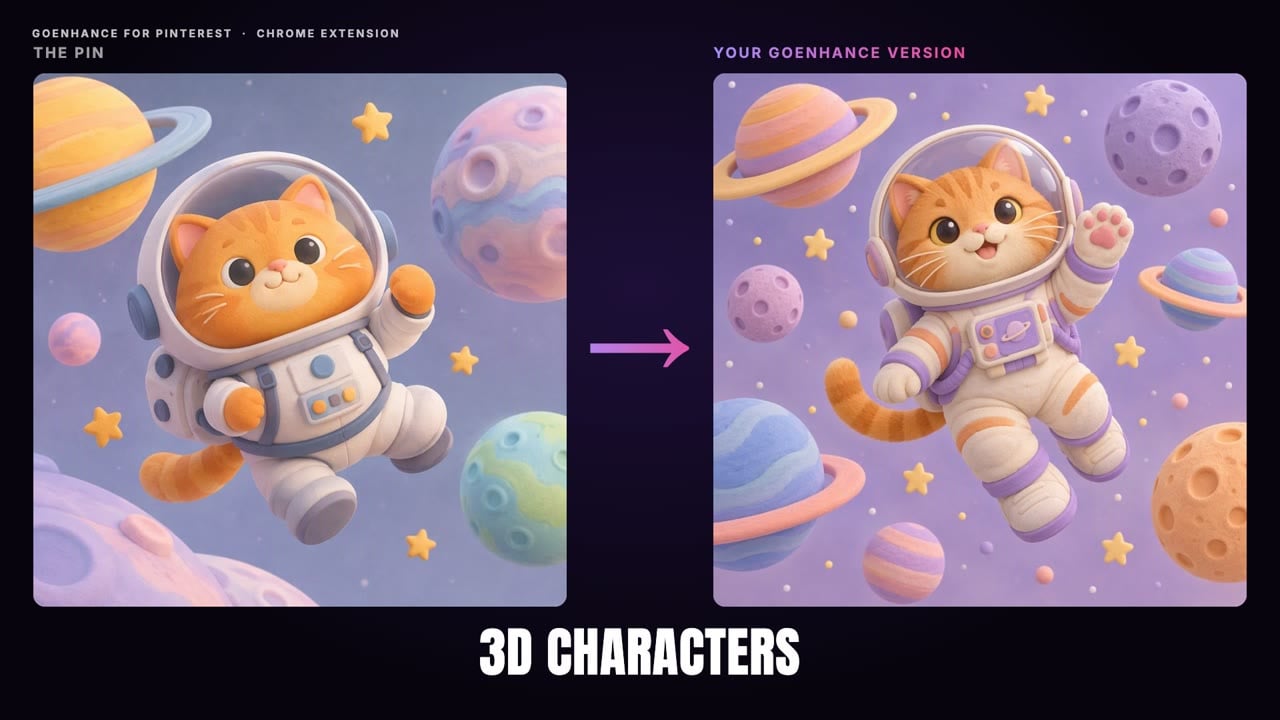
Cute 3D Characters

Photography Styles

Borrow the mood of film photos, golden-hour portraits and editorial shots for your own images.
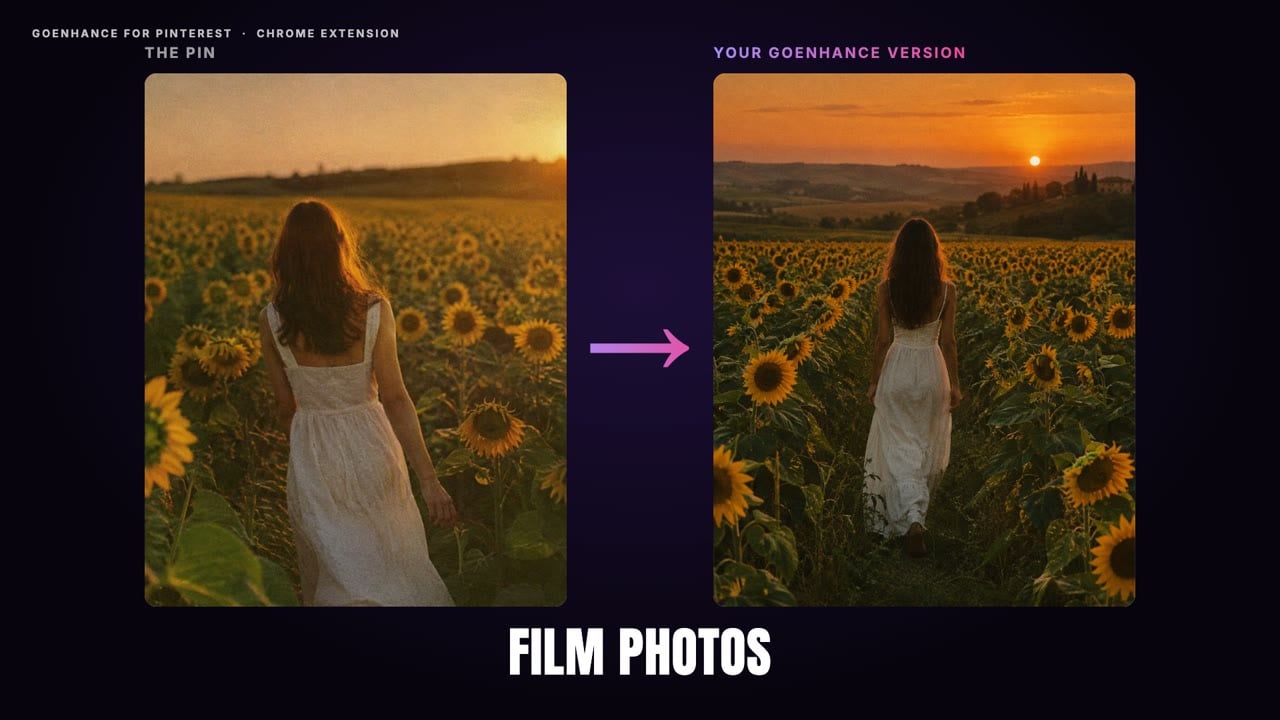
Photography Styles

Frequently Asked Questions

What is GoEnhance for Pinterest?

It is a free Chrome extension made by GoEnhance AI. It adds a ✨ button to Pinterest images; one click turns the pin into a detailed text-to-image prompt that you can edit, copy, or send straight to the GoEnhance image generator.

Is it free?

Yes. Writing prompts is free and needs no account. To keep it fair, each IP address can generate up to 6 prompts per minute and 60 per day. Generating images on GoEnhance uses credits, and new accounts get free credits to start.

Do I need an API key?

No. The extension works the moment you install it. If you prefer your own OpenAI-compatible vision model, you can add an API key in the extension settings.

Which Pinterest sites does it work on?

It works on pinterest.com and Pinterest's regional sites, such as pinterest.co.uk, pinterest.de, pinterest.fr, pinterest.jp and more.

What data does the extension use?

Only the image of the pin you click. It does not read your Pinterest account, boards, messages or browsing history.

Can I use the prompts with other AI image tools?

Yes. The prompt is plain text, so you can copy it into any text-to-image tool. Clicking "Recreate on GoEnhance" is just the fastest way to generate.

Is GoEnhance for Pinterest affiliated with Pinterest?

No. GoEnhance for Pinterest is made by GoEnhance AI and is not affiliated with or endorsed by Pinterest.

Discover more:

Stop Saving Pins. Start Making Them.

Add GoEnhance for Pinterest to Chrome and turn your boards into a library of ready-to-use AI prompts.

Add to Chrome — It's Free