STORM II AI Trend: You at the Center of the Crowd Dance

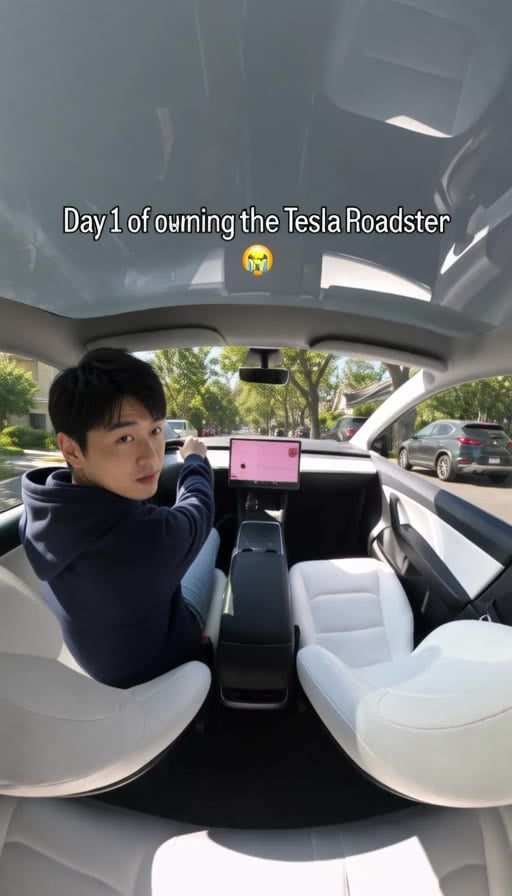
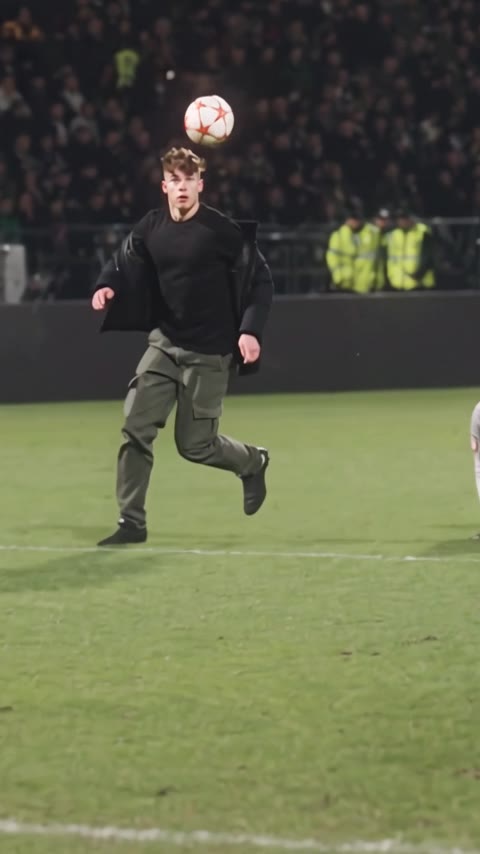
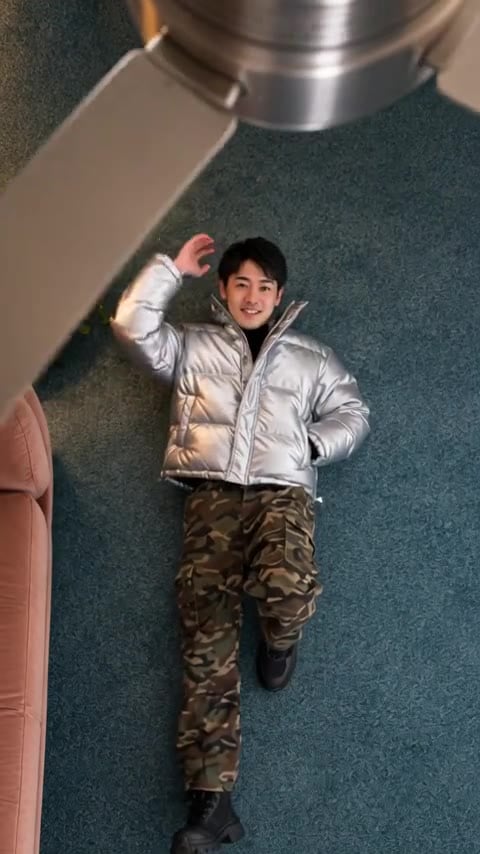
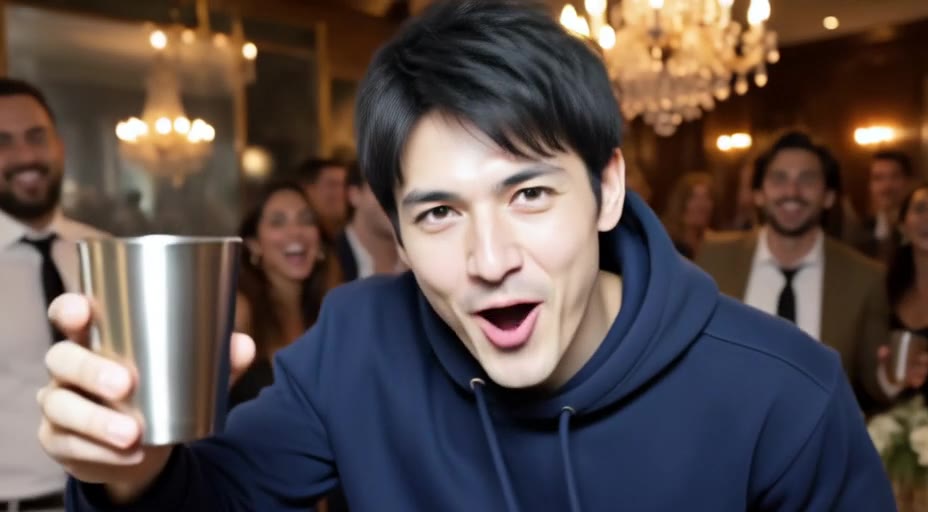
Upload a photo and the AI puts you at the center of the viral STORM II crowd dance. The video opens on a close-up of you in front of a dense crowd in black suits, you turn and walk into the rows as the camera pulls back, then it cuts to wide stone stairs where the whole crowd dances in unison around you. Your face, hair and outfit stay the same, so you stand out in every shot. Free users can watch the first 6 seconds; upgrade to unlock the full 15-second video.
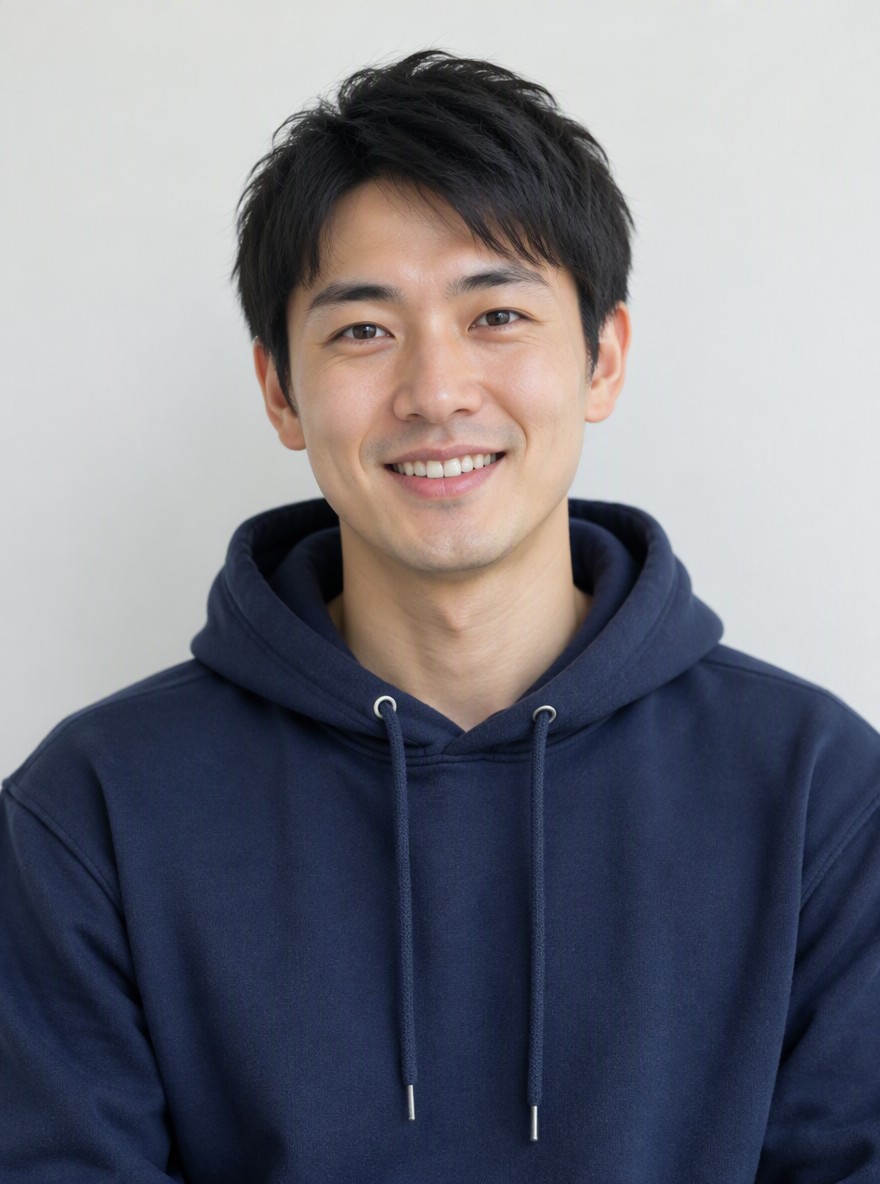
Original
Original
Hoodie Portrait
Sweater Portrait
Effect: Storm II Crowd Dance
Your photo
Upload a clear photo. The effect is applied to everyone in it.
By uploading a file, you agree to GoEnhance's Terms of Use and Privacy Policy

What the STORM II AI Crowd Dance Effect Does

You Lead the Formation

The video starts on your close-up and keeps you in the middle of the crowd through every shot, from the walk into the rows to the stair finale.

The Same Viral Choreography

Hundreds of dancers in identical black suits, the slow camera pull-back and the hard cut to the stairs, all following the trending STORM II edit.

Free Preview, Then Unlock

Free users get one preview a day: the first 6 seconds are clear, from your close-up to the walk into the crowd. Upgrade to unlock the full 15-second video.

How to Make a STORM II AI Crowd Dance Video

01

Upload a photo

Use a clear, front-facing photo of one person with the face visible. Colorful or light outfits stand out best.

02

Pick Storm II Crowd Dance

The effect is already selected. No prompt or reference video needed.

03

Generate

Your 15-second 480p video with sound is ready in a few minutes.

04

Share it

Download it and post it on TikTok, Reels or Shorts with #stormiitrend.

Everything about the STORM II crowd dance video effect.
STORM II AI Crowd Dance FAQ

What is the STORM II AI trend?

It started in September 2026 with AI edits inspired by the synchronized crowd scene in the STORM II music video by GENER8ION and Yung Lean. People put themselves at the center of a huge crowd that dances in perfect sync. This effect does it from a single photo.

What photo works best?

A clear, front-facing photo of one person with the face visible. Selfies and half-body photos work well. Colorful or light-colored clothes stand out best, because everyone else in the crowd wears a black suit.

Will I be easy to spot in the crowd?

Yes. You keep your own face, hair and outfit in every shot while the rest of the crowd wears identical black suits, so you stay visible even in the wide stair shot.

Is it free?

Every user can make one free preview a day. The first 6 seconds are clear and the rest is blurred. Members get the full video.

How long is the video, and does it use the song?

15 seconds, horizontal 480p, with sound. It does not include the song STORM II, so add the music yourself when you post.

Is this affiliated with GENER8ION or Yung Lean?

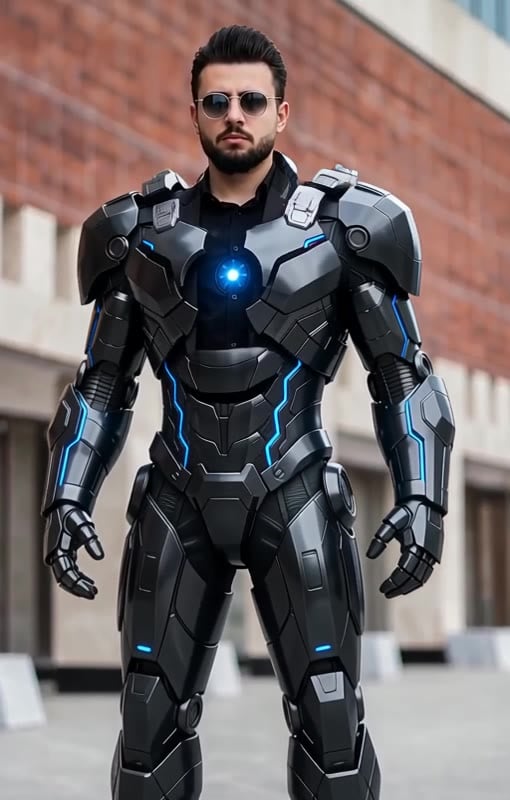
No. The effect recreates a popular social media trend and is not affiliated with or endorsed by GENER8ION, Yung Lean or their labels. Want another big transformation? Try the AI Mecha Transformation.

Step Into the Storm

Upload one photo and lead the STORM II crowd dance.

Make My Video