
Face Symmetry Filter: What Would a Perfectly Symmetrical You Look Like?
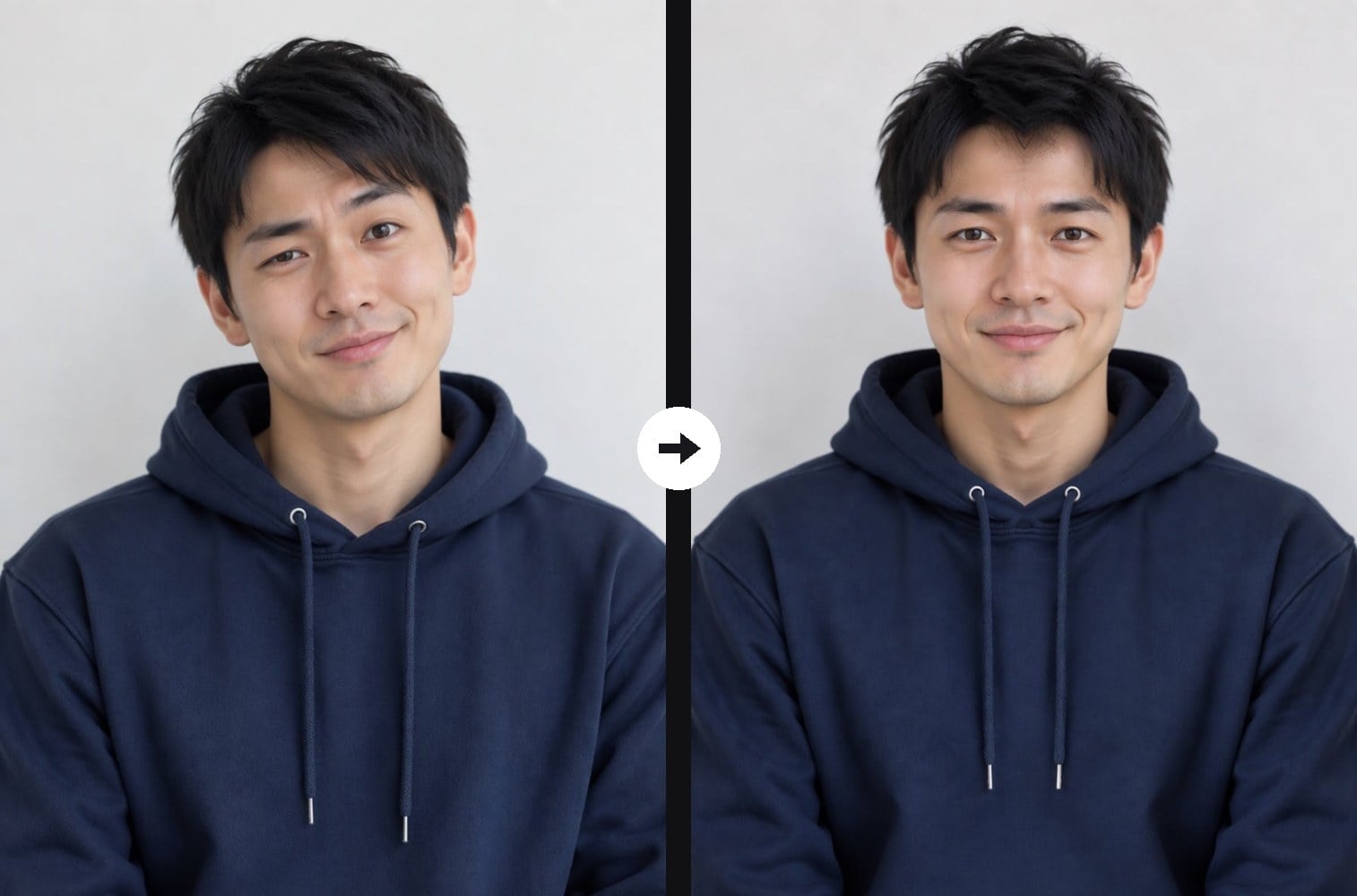
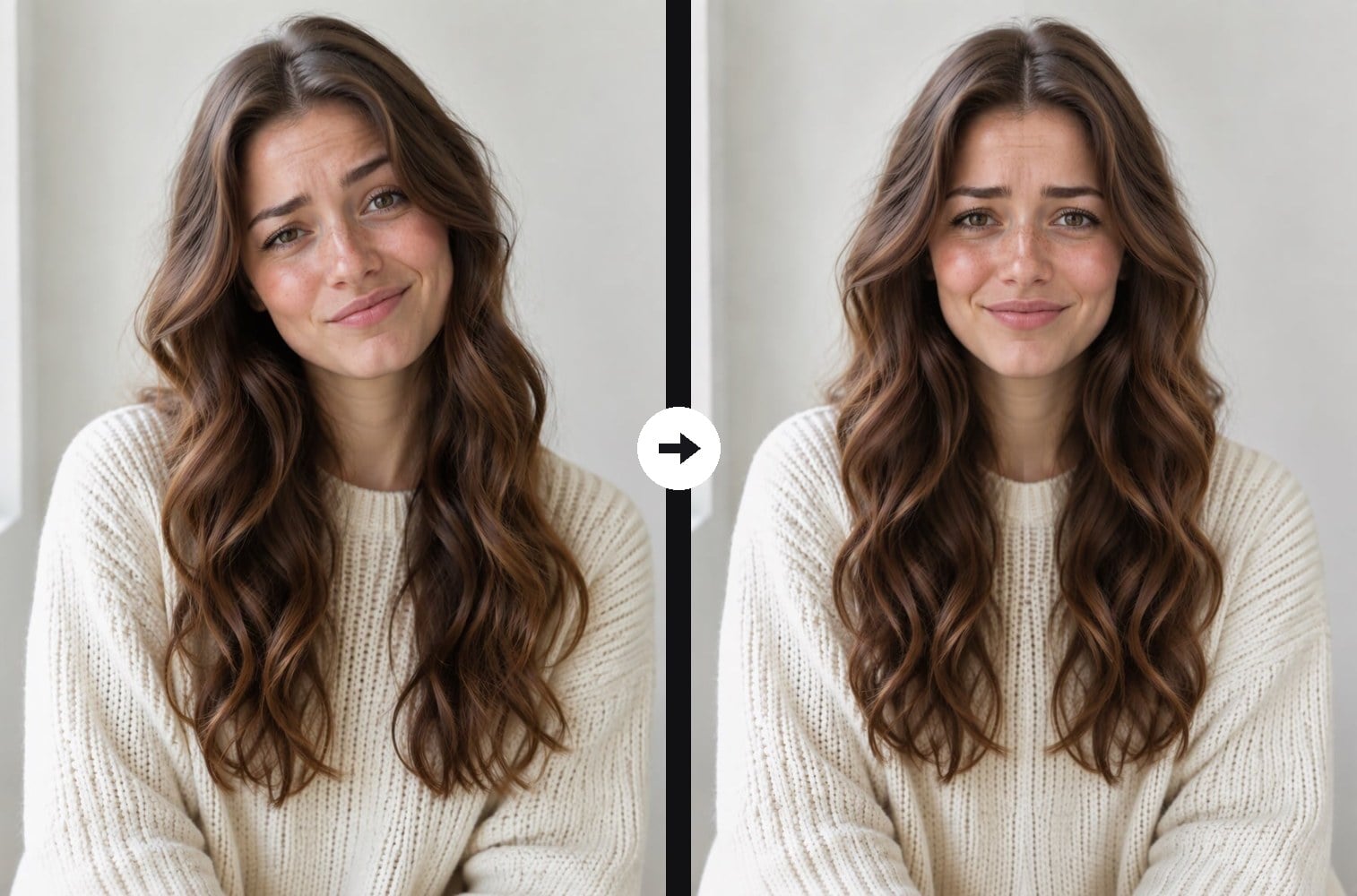
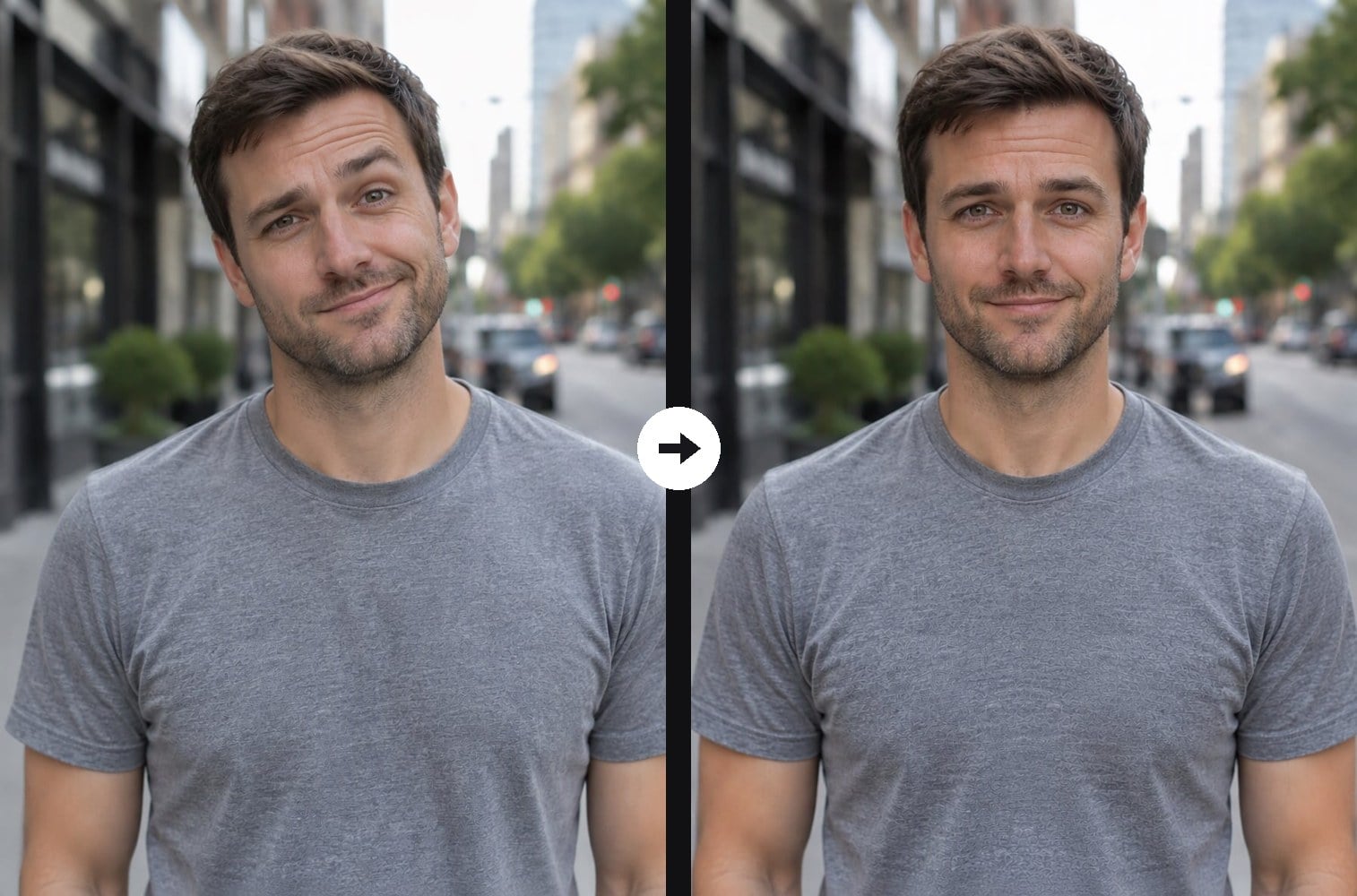
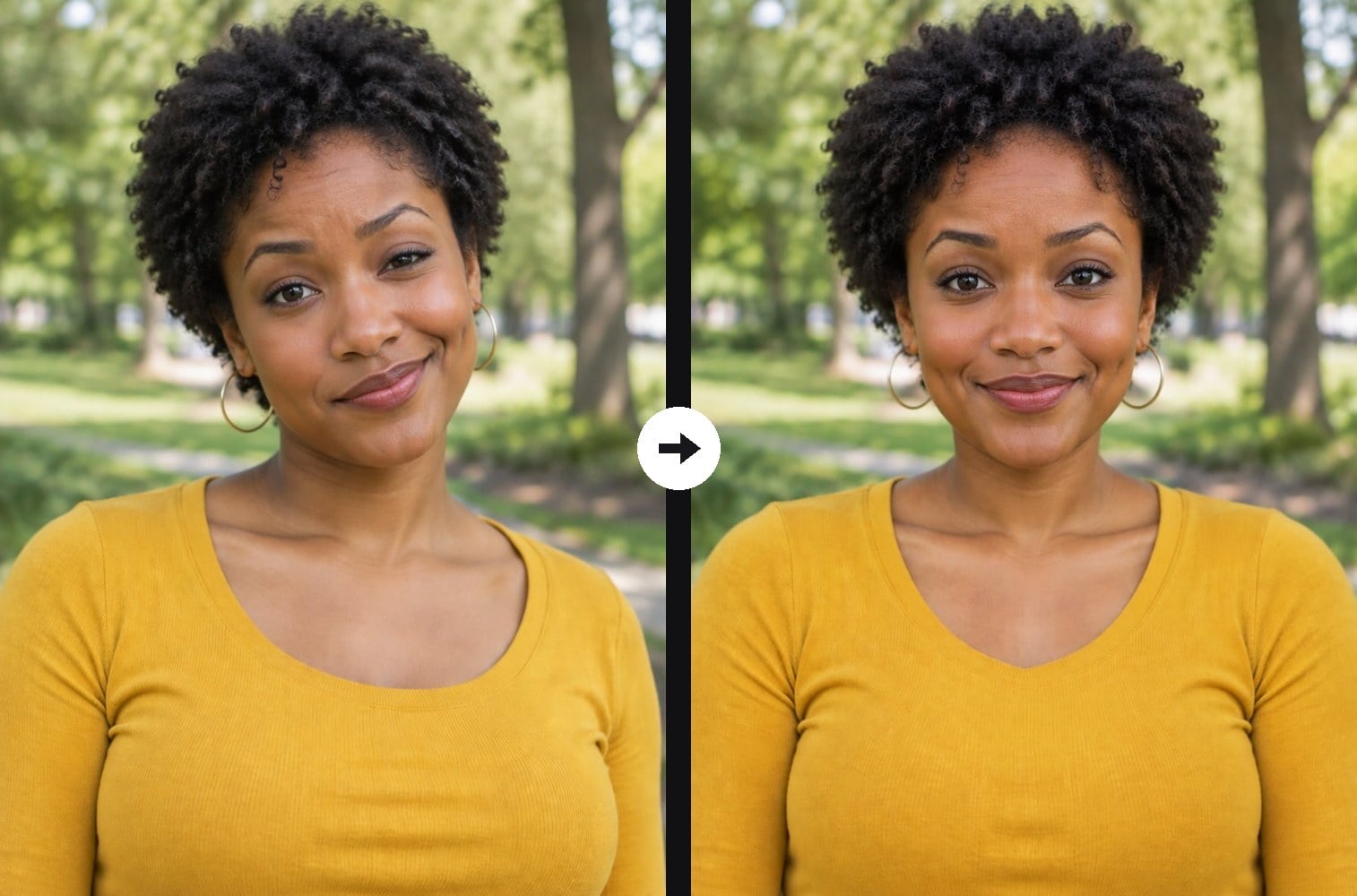
No face is perfectly symmetrical: one eyebrow sits higher, one side of the smile lifts more, the head tilts a little. The face symmetry filter shows what happens when those differences disappear. Upload a portrait and the AI mirrors the left half of your face onto the right along the center line, then straightens the head, so both eyes, brows, cheeks and lip corners match exactly. Your hair, clothes, lighting and background stay the same and there is no visible seam, so it looks like a real phone filter. Compare the before and after to see how asymmetric your natural face is. If you want a number, the AI attractiveness test scores facial symmetry out of 100. The console below runs on GPT Image 2.5.



Tilted Smile, Straightened

Raised Brow, Balanced

Half Smile, Mirrored

Head Tilt, Symmetrical
Upload files
Upload a front-facing portrait to make it symmetrical
Effect prompt
By uploading a file, you agree to GoEnhance's Terms of Use and Privacy Policy
Symmetrical Faces from the Console
Each pair is one upload with the prompt above. The originals have a tilted head and a lopsided smile; the results show the same person with a mirrored, perfectly symmetrical face.
Tilted Smile, Straightened
Raised Brow, Balanced
Half Smile, Mirrored
Head Tilt, Symmetrical
How to Use the Face Symmetry Filter
01
Upload a portrait
A front-facing photo with the whole face visible and no hand or hair covering one side.
02
Generate
The symmetry prompt is already filled in. Press the button and the AI mirrors your face.
03
Compare and share
Put the before and after side by side and ask friends which one looks more like you.
Why Try the Face Symmetry Filter
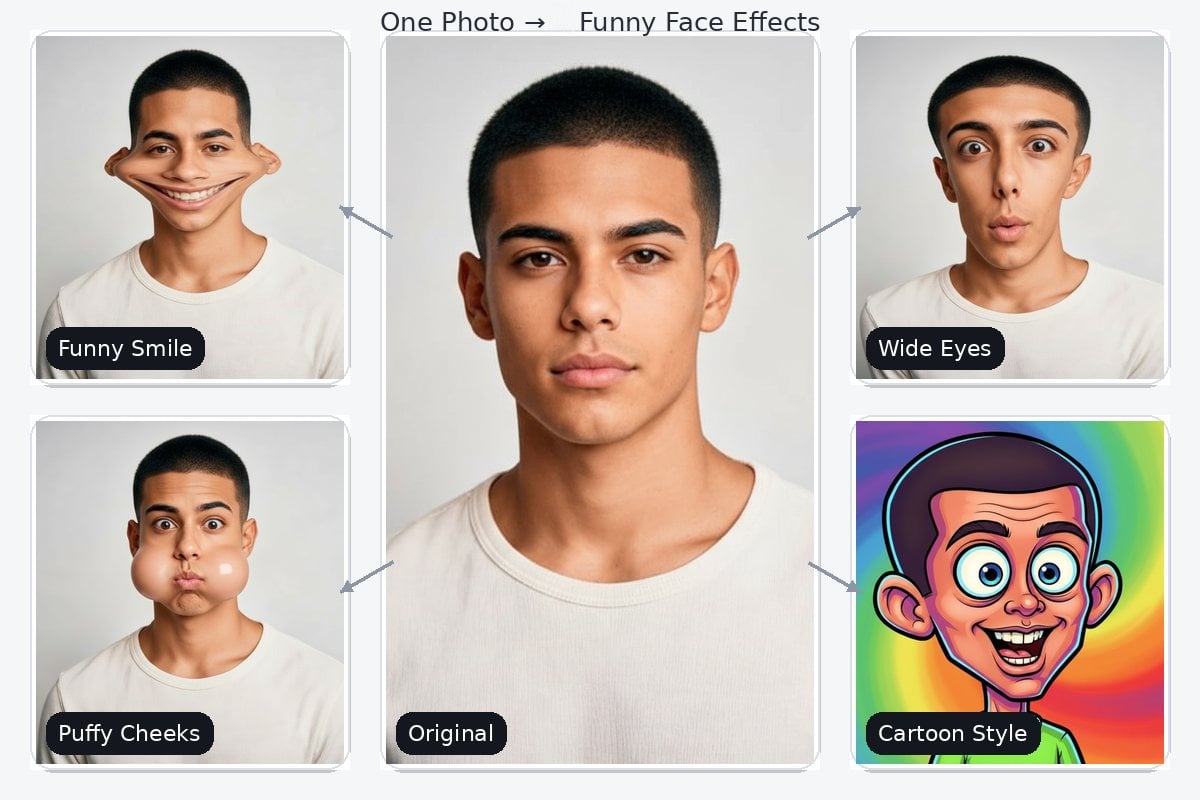
More Funny Face Filters



Face Symmetry Filter FAQ
What does the face symmetry filter do?
Why does my symmetrical face look a bit strange?
Can I mirror the right side instead?
What photo works best?
Can I get a symmetry score?
Meet Your Perfectly Symmetrical Twin
Upload a portrait and see your mirrored face in under a minute.
Try the Face Symmetry Filter