
Animate a Photo Into a Natural 5–30s Video
Why Choose GoEnhance AI Image Animation?
Animate a Picture with Cinematic Motion
This tool lets you effortlessly make images move, adding depth and dimension to still visuals. Ideal for creators who want cinematic motion without complex editing—explore it inside our AI video generator hub to easily animate a picture.
4K Upscale & Smooth Motion
Upscale your animated clips to 4K and enjoy buttery-smooth 30 FPS playback through our advanced video upscaler and frame interpolation. The result: crystal-clear quality with natural motion flow, perfect for social content, marketing reels, or short films. Powered by the same precision tech behind our AI moving image generator and image to video workflows, you’ll get professional-grade fluidity every time—whether you’re looking to animate a picture or refine an existing clip.
Fully Customizable Styles
Control aspect ratio, duration (5–30 s), camera path, facial expressions, text overlays, and special FX—tailor every frame. The system offers total freedom to craft expressive, story-driven visuals that captivate viewers and bring your projects to life. With these intuitive tools, anyone can make images move in seconds and create smooth, engaging photo animation.
Smart Motion Prediction
AI image animator technology powers our AI moving image generator, using intelligent motion prediction to analyze every detail of your photo and simulate realistic depth, lighting shifts, and camera dynamics. Built on the same core motion engine behind our AI video extender, the result is a fluid sequence of AI moving pictures that feel natural, cinematic, and emotionally engaging—no manual keyframes or animation skills required.
Scene Continuity & Visual Harmony
It creates coherent AI moving pictures that tell a story in motion—perfect for brand visuals, portraits, or digital art pieces. Your still images flow together seamlessly, producing professional-quality results every time.
GoEnhance AI Image Animation Cases
How to Animate a Photo Online
1. Upload Your Image
Drop a JPG, JPEG, PNG, or WebP up to 4096×4096 px into the editor.
2. Pick Animation Settings
Pick a motion style, set duration and aspect ratio, then optionally add a short prompt like “slow zoom in, one blink, soft daylight” to guide the motion.
3. Generate & Download
Hit “Generate” and receive an MP4 in seconds.
Prompt Tips From Real-World Tests
Explain the outcome; avoid repeating the motion.
If your motion reference already contains the main action (dance, wave, point), don’t repeat it in the prompt. Use the prompt to set intent instead: scene, lighting, mood, props, and background activity. This avoids conflicting instructions and usually produces cleaner, more stable movement.
Lock Identity With One Clear Line
Add a short identity lock to keep the subject consistent across frames: “same face, same outfit, same hairstyle, consistent proportions.” If hands matter, choose a reference image where hands are clearly visible, and avoid prompts that introduce gloves, rings, bracelets, or sudden wardrobe/accessory changes—these often trigger unwanted edits.
Choose a matching frame so nothing gets cropped out.
Align the framing between the image and the motion reference: full-body + full-body, or half-body + half-body. Leave extra margin around the subject for wide gestures or spins, and keep the subject centered when possible. This reduces cut-off limbs and awkward composition shifts.
Direct the camera moves like a filmmaker.
When you want a cinematic feel, specify a single gentle camera move: “slow push-in,” “subtle pan left,” or “steady handheld.” Avoid stacking multiple camera instructions (zoom + rotate + dolly + fast pan) in one prompt. If you see jitter or drift, switch to a steadier move or remove camera motion entirely.
Keep Style & Lighting Consistent
Mixing too many styles in one prompt is a common cause of flicker. Use one clear style direction (photoreal, anime, clay, watercolor) and one lighting setup (soft daylight, warm indoor, neon night). If the output changes color tone mid-clip, simplify the prompt and remove extra style adjectives.
Use Short, Practical Negative Prompts
Keep negative prompts minimal and problem-focused: “no extra fingers, no warped hands, no face distortion, no flicker, no ghosting, no camera shake, no sudden cuts.” If artifacts persist, simplify the scene, reduce motion strength, and choose a cleaner background or a more stable motion reference.
Troubleshoot With a Fast 5s Test Pass
Run a quick 5-second preview first. If the face shifts, motion is too strong, or the background drifts, adjust one variable at a time (motion strength, camera move, style complexity) and retest. Small, controlled iterations are more reliable than rewriting the entire prompt.
Create Emotional Connections, Instantly
Small movements—one blink, a gentle smile, a slight camera drift—make still images feel more human and easier to relate to. It’s especially useful for product storytelling, creator portfolios, and social posts where you only have a second to earn attention.
All-in-One AI Photo Animator
Instant Generation
High-Resolution Output
Smooth Frame Interpolation
Text-Prompt Control
Multi-Aspect Ratios
Commercial License
Who Uses Image Animation?
Digital Marketers
Boost click-through rates by animating product photos or ad creatives.
Content Creators
Make shorts, memes, or TikTok loops from a single illustration.
eCommerce Sellers
Showcase product features with 360° spins and zoom-ins that grab attention.
Photographers & Artists
Add motion to portfolios, turning still art into living scenes.
Educators
Animate historical photos or diagrams for engaging lessons.
Just for Fun
Make friends blink, pets dance, or landscapes breathe life.
Explore More AI Video Tools
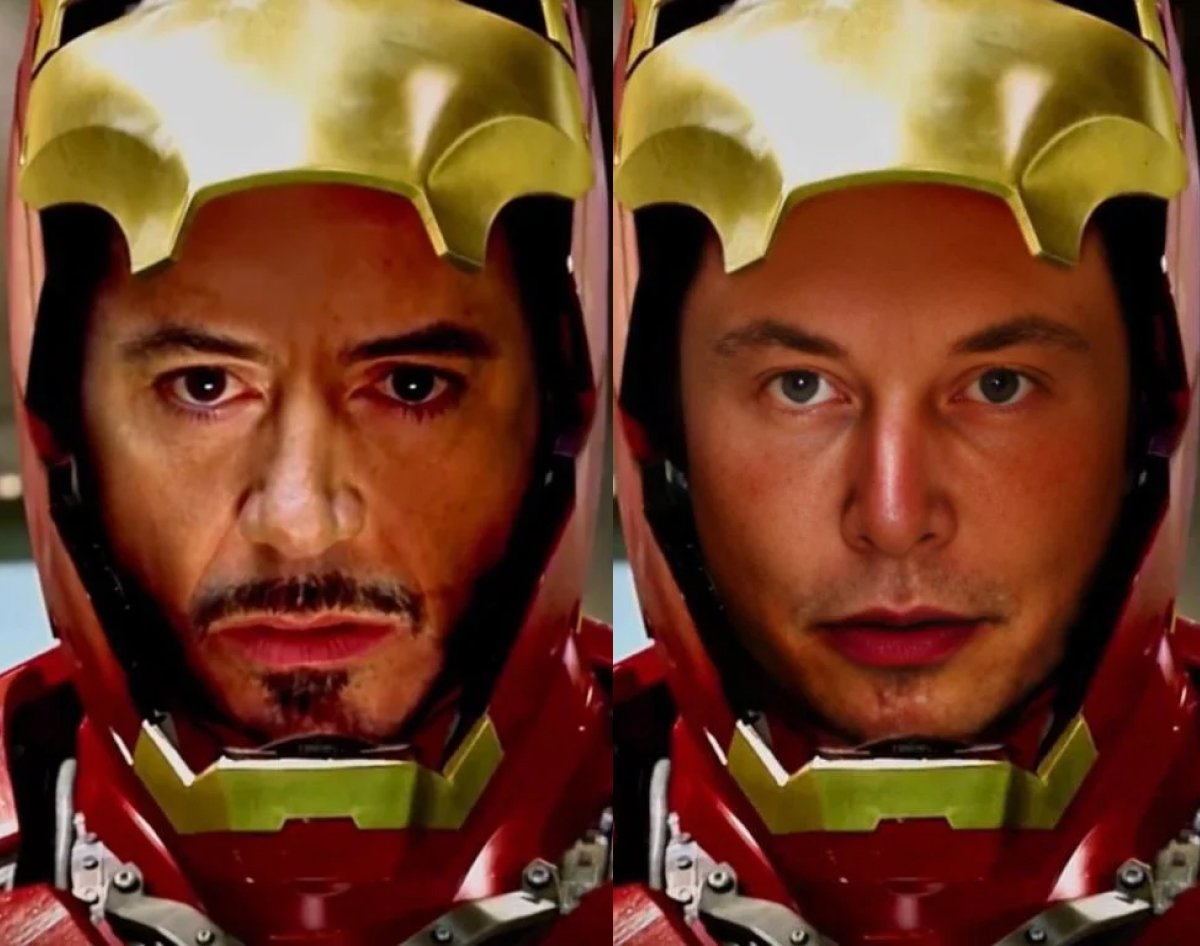
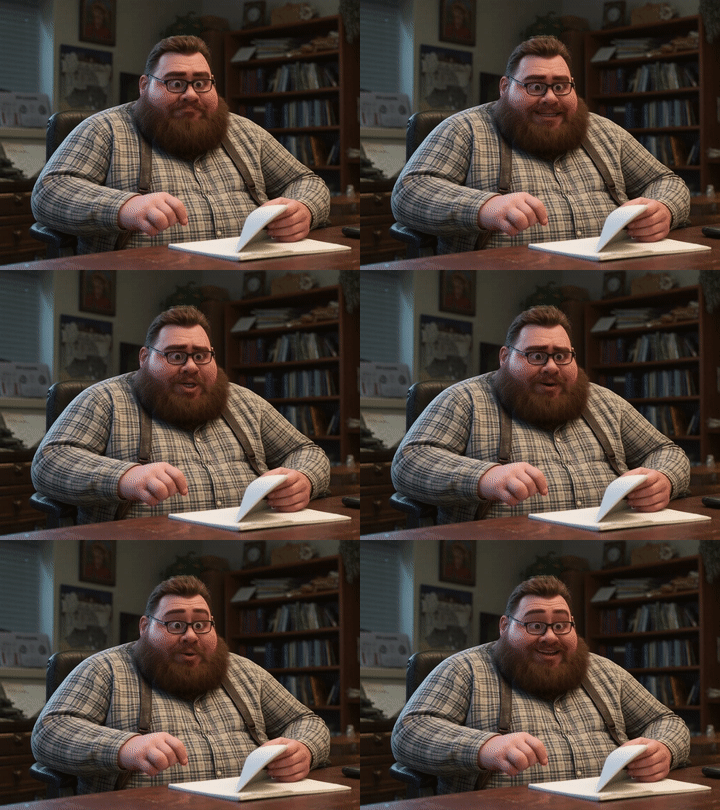
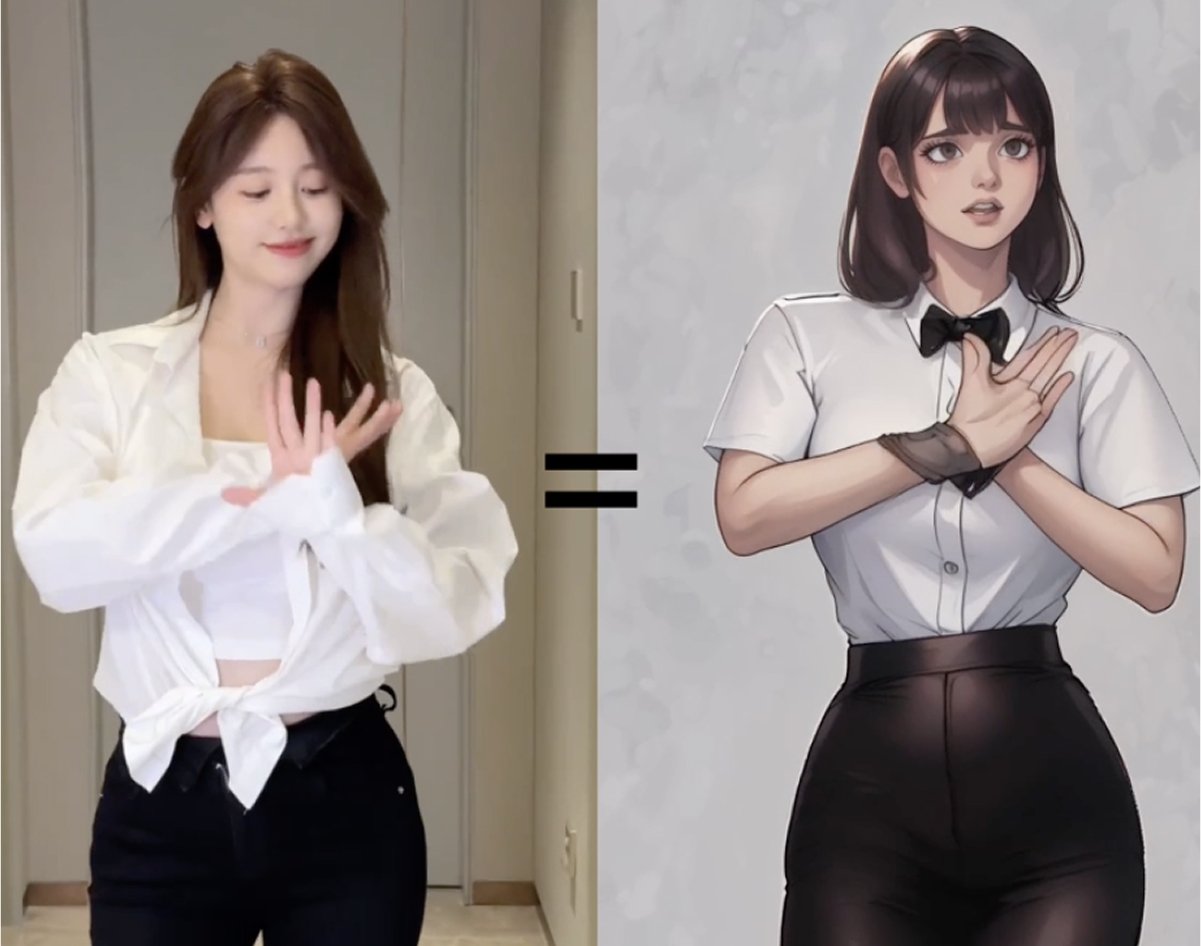
Image Animation FAQs
What is an image animation AI generator / AI moving image generator?
How do I make AI animated images?
How does GoEnhance AI differ from other image animation tools?
Is GoEnhance AI image animation free?
Which image formats and sizes are supported?
Can I choose animation length?
Why does the face shift or look inconsistent?
Why do I see flicker or ghosting around hair and edges?
How can I keep the background stable?
The motion feels too strong or “uncanny”—how do I fix it?
Does the tool animate faces automatically?
Is there a watermark?
Can I use the results for marketing campaigns or client work?
Do I own the animated video?
Real AI Animate a Picture Creations Shared on X/Twitter
Start Animating Your Images Today
Join 70,000+ creators turning photos into short motion clips for product storytelling, portraits, and looping social posts. No credit card required—start now and animate in minutes.
Animate Photo FreeDiscover more:
- AI Christmas Tree Ornaments Generator
- AI Video Style Transfer
- Stable Diffusion 3
- Stable Diffusion 3.5 Large
- AI Glamour Portrait Generator
- Recraft V3 AI Image Generator
- Image to Prompt
- Ideogram 2
- Genshin Impact AI Art Generator
- Furry AI Art Video Generator
- Disney Pixar AI Video Generator
- AI Video Filter
- AI Vector Generator
- AI Profile Picture Generator
- AI Pop Art Video Generator
- AI Photography Generator
- AI Muscle Video Generator
- AI Logo Generator
- AI Landscape Generator
- AI Kissing Video Generator
- AI Image Blender
- AI Girlfriend Online Free
- AI Girl Generator
- AI Face Generator
- AI Doll Generator
- AI Dance Tool
- AI Comic Generator
- AI Claymation Video Maker
- AI Boyfriend Generator
- AI ASMR Video Generator