MiniMax H3 Image

MiniMax H3 Image is the open-weight image model MiniMax released on November 10, 2026. One model handles both text-to-image and image editing, renders about 16 megapixels at every aspect ratio without an upscaler, and edits with up to 16 reference images. MiniMax H3 Image is not on GoEnhance yet. The console below uses Nano Banana 2.1, which also outputs up to 4K and takes multiple reference images, so you can start creating right away.
Text-Heavy Infographic
Ultra-Wide Panorama
Ultra-Wide Panorama
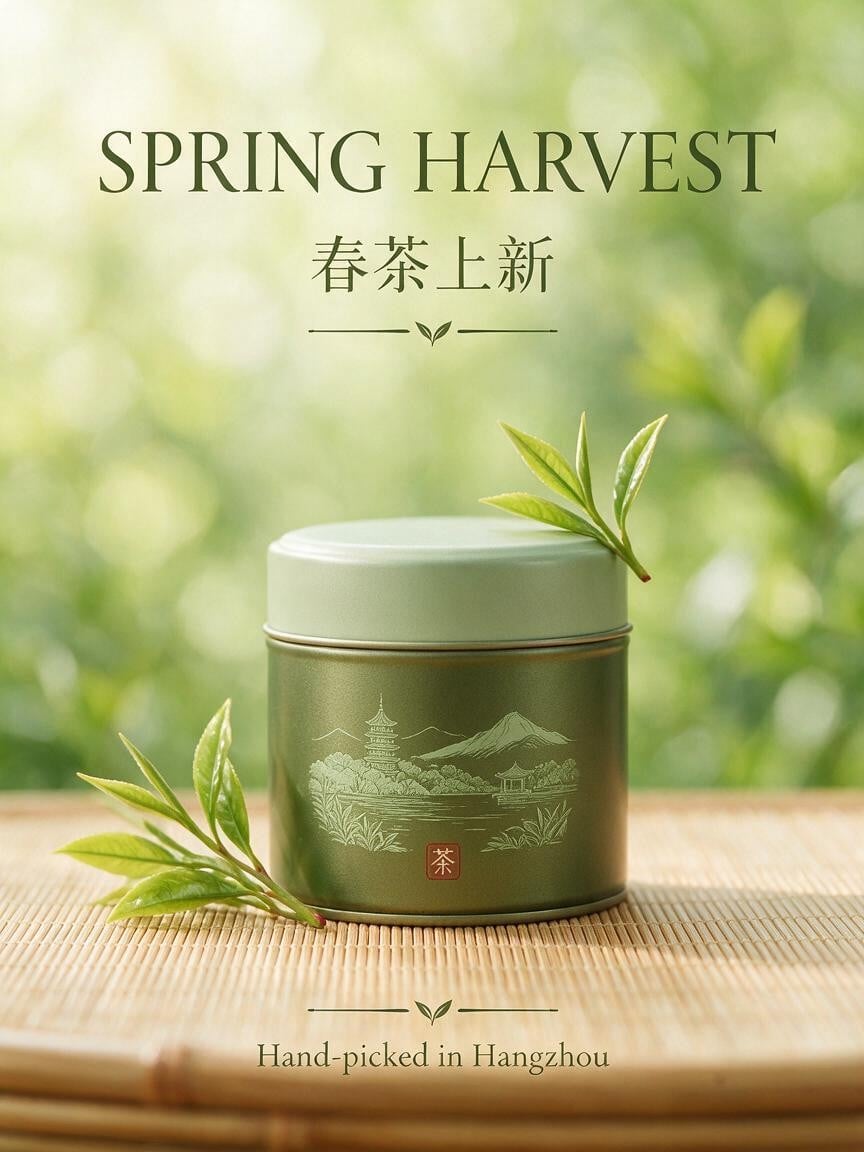
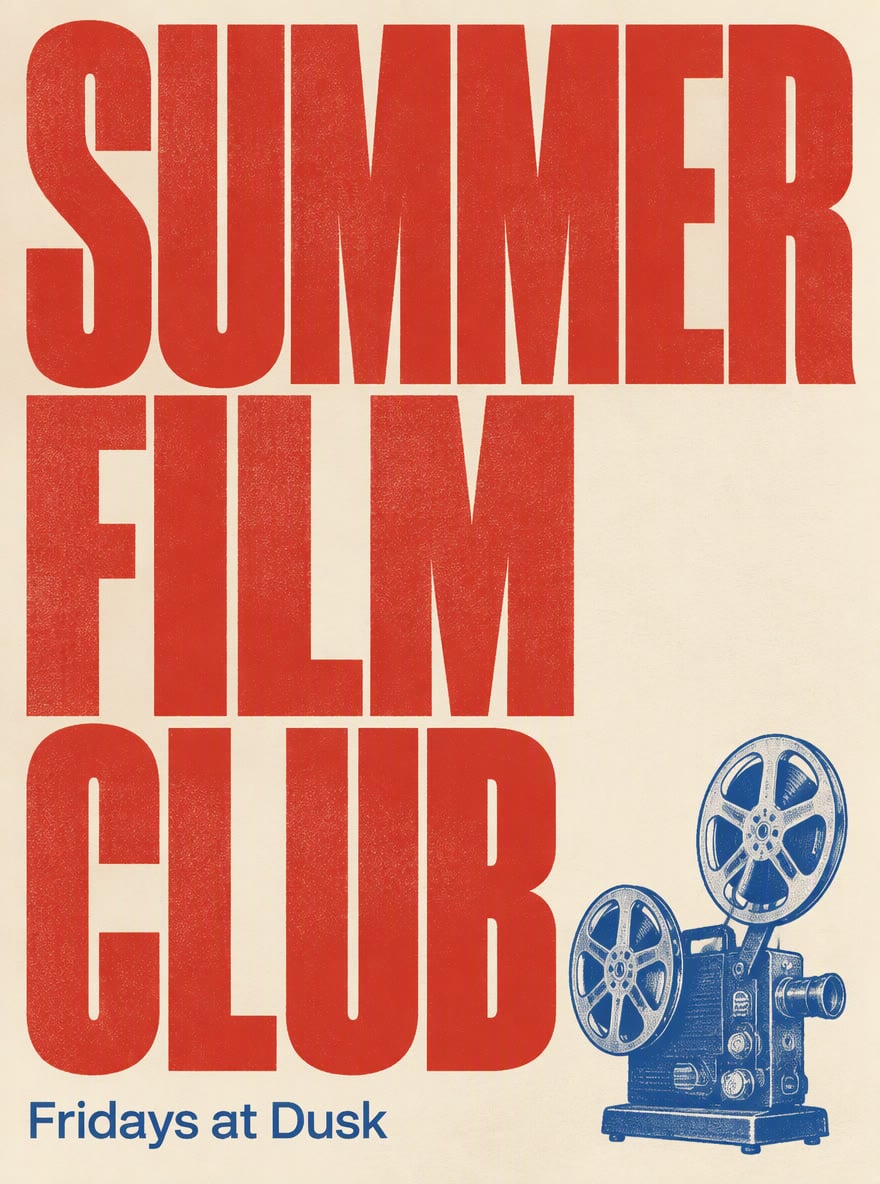
Typographic Product Poster
Consistent Character Scenes
Nano Banana 2.1
Prompt
Example prompts
Opens the GoEnhance editor with this model and prompt ready.

What MiniMax H3 Image Does Best

Native 16-Megapixel Images

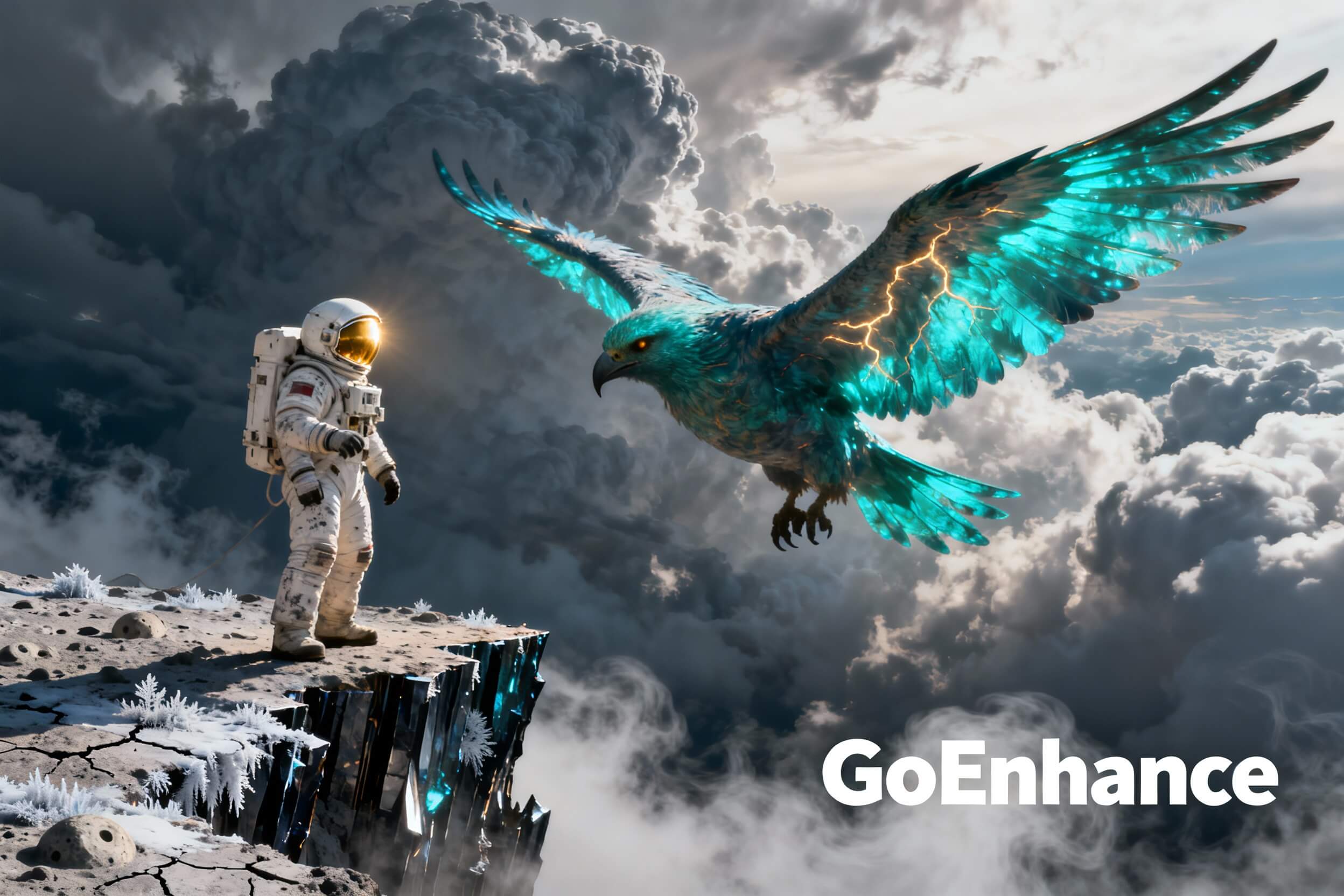
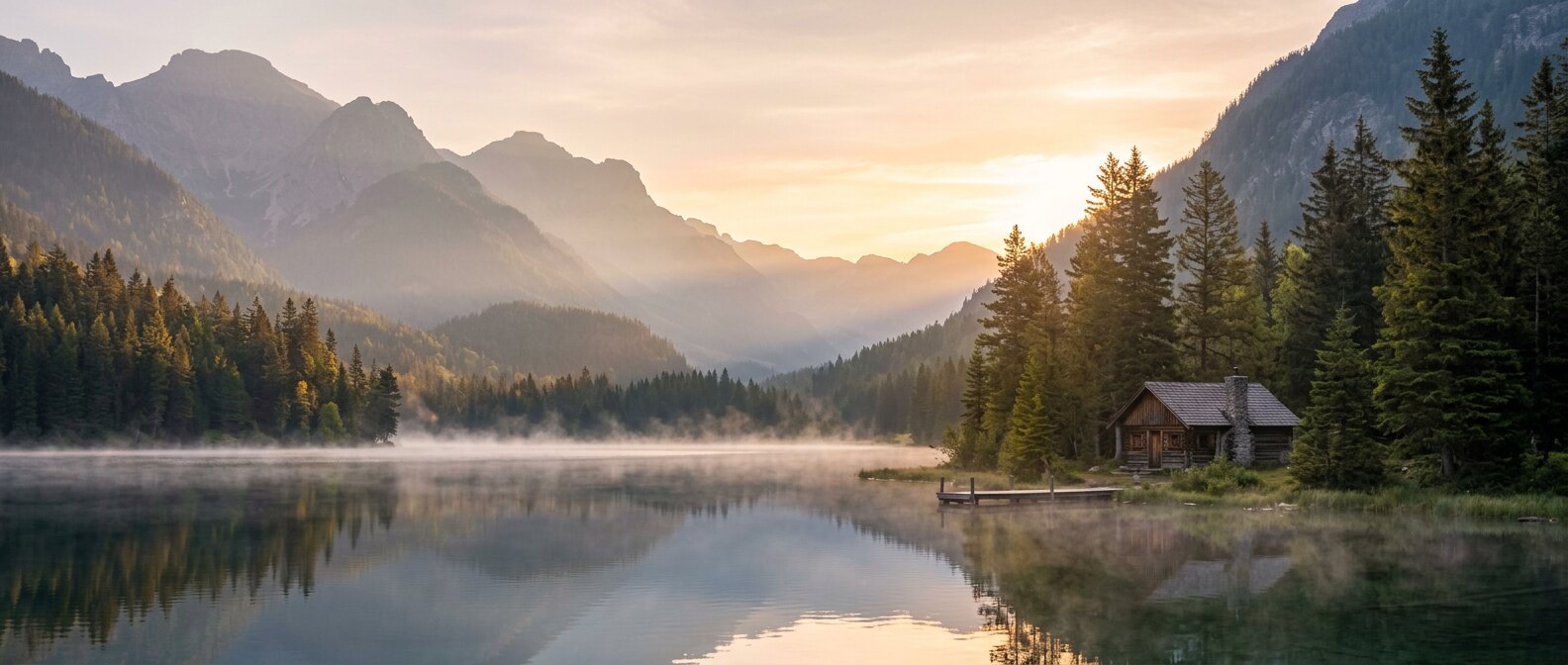
Most image models output 1 to 4 megapixels. MiniMax H3 Image generates about 16 megapixels directly, from 4096×4096 at 1:1 up to 6272×2688 at 21:9, with no separate upscaling step. MiniMax says it kept the compute cost manageable, so this level of detail is practical for everyday work such as print, wallpapers and large banners. The panorama shown was made with Nano Banana 2.1 at 4K.

Native 16-Megapixel Images

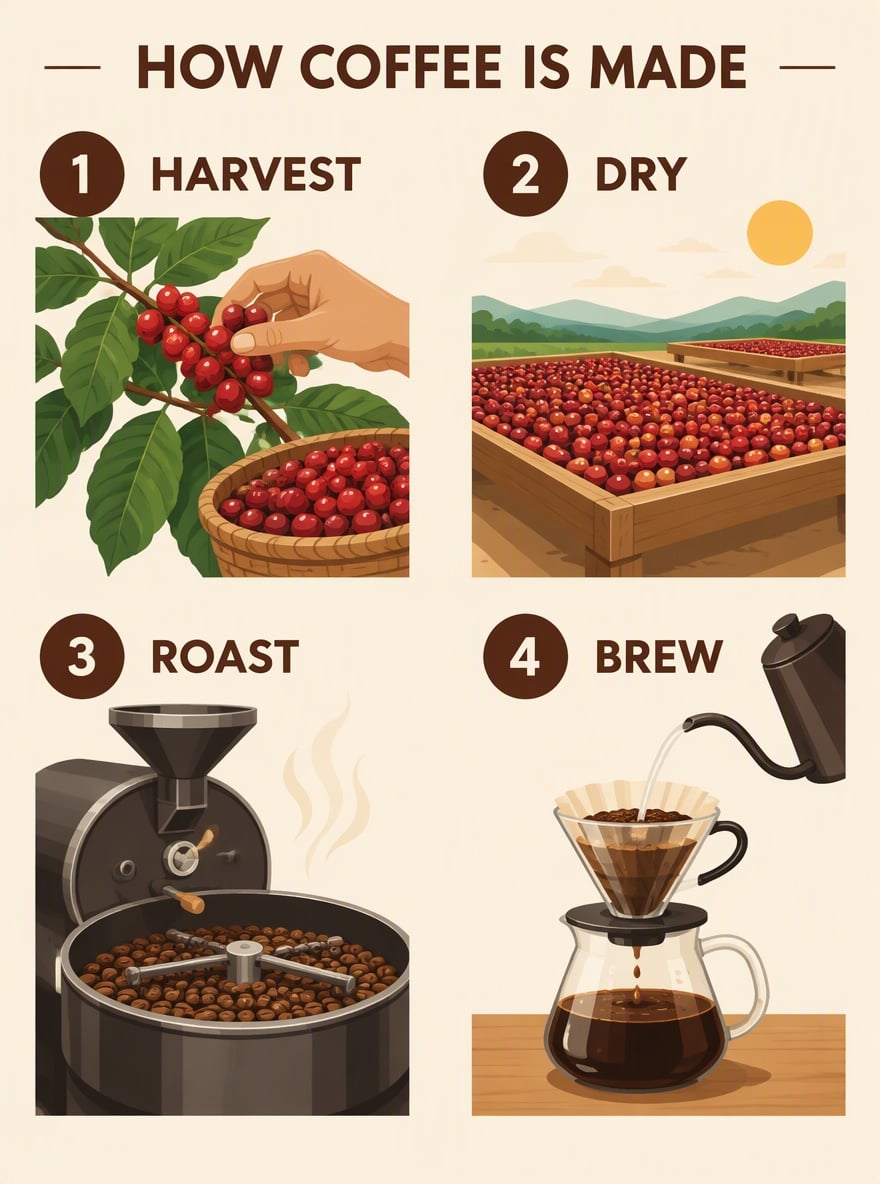
Text Rendering That Reasons

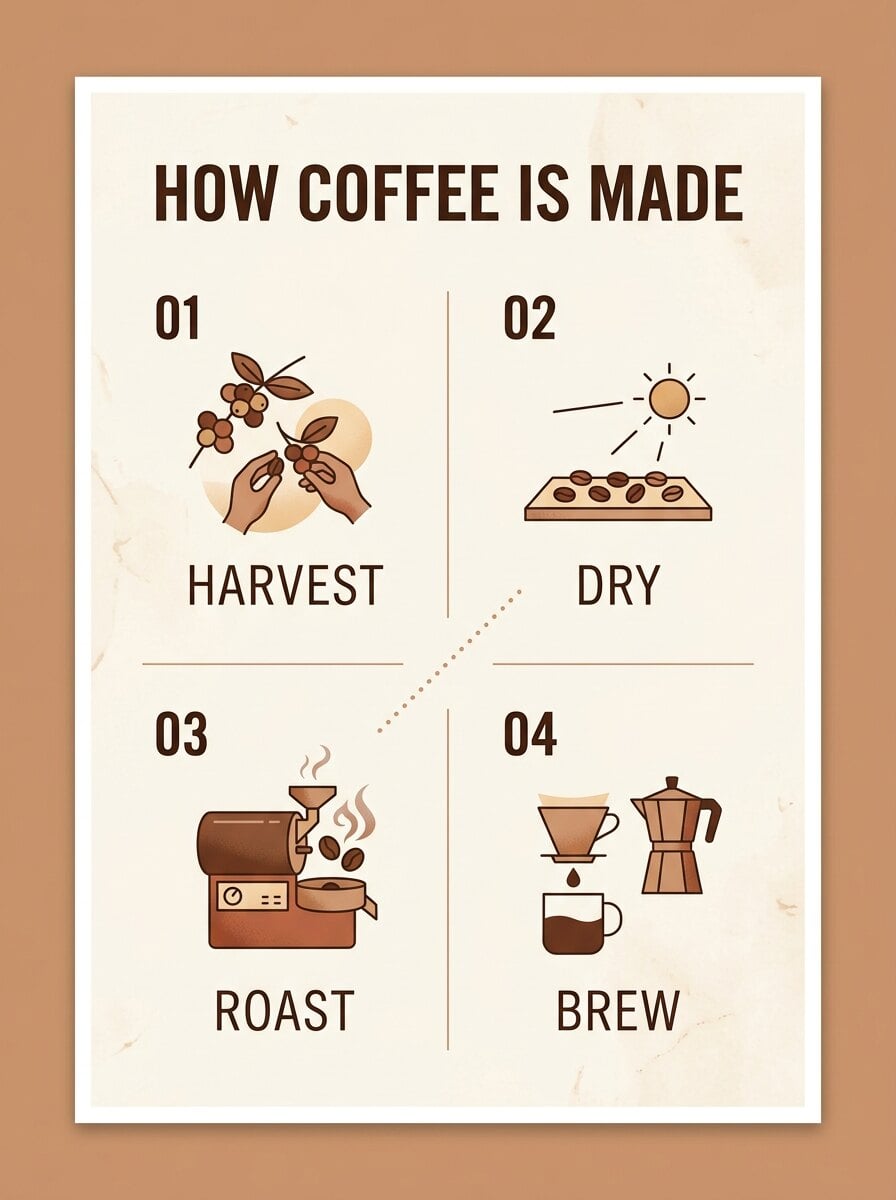
In MiniMax's showcase, the model draws logic puzzles in Chinese and English and solves them correctly on the board, with readable conditions, stamps and tables. That points to text that follows the meaning of the prompt, not just the spelling, which helps with infographics, explainers and posters. The infographic shown was made with Nano Banana 2.1.

Text Rendering That Reasons

Stronger Instruction Following

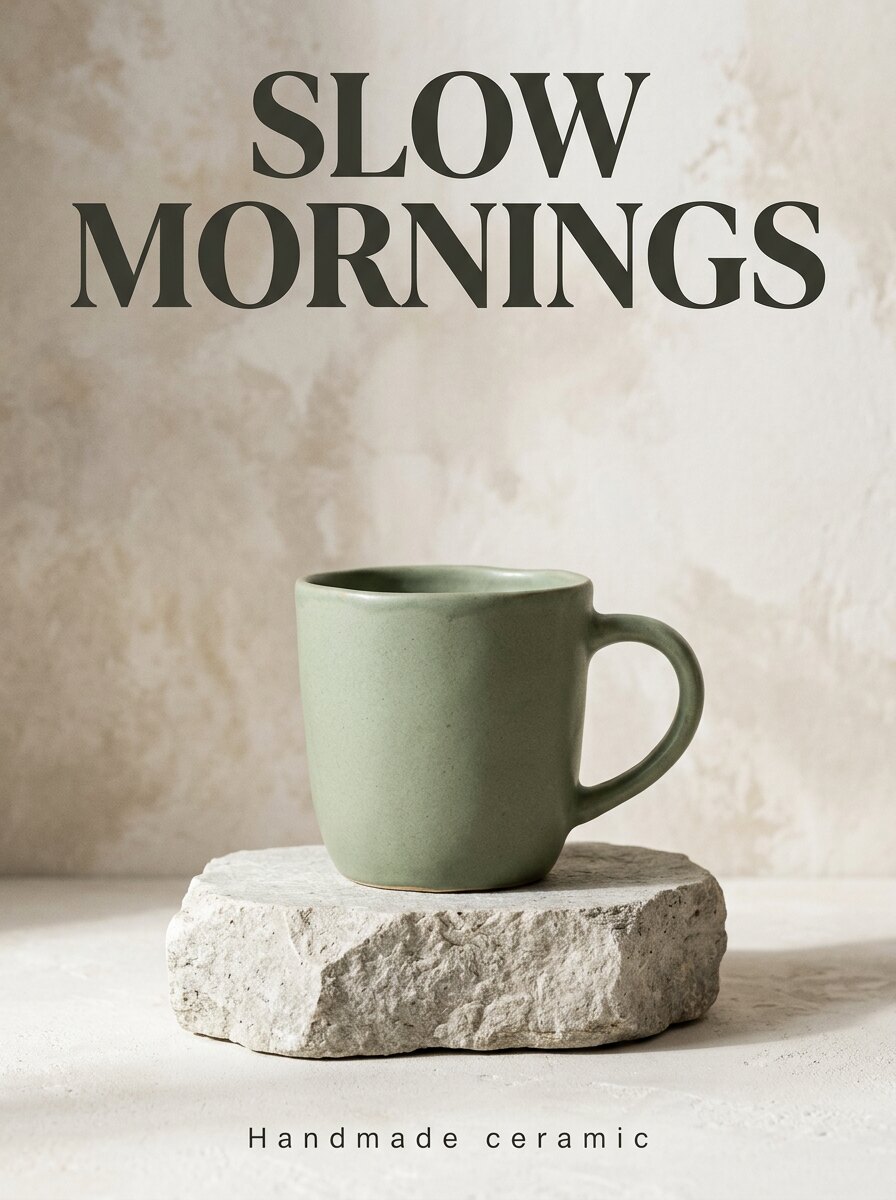
MiniMax describes H3 Image as having the strongest instruction following among open-source image models. It turns a creative concept into concrete characters, scenes and atmosphere, and keeps the layout, objects and wording you ask for. The product poster shown was made with Nano Banana 2.1.

Stronger Instruction Following

Edits with Up to 16 Reference Images

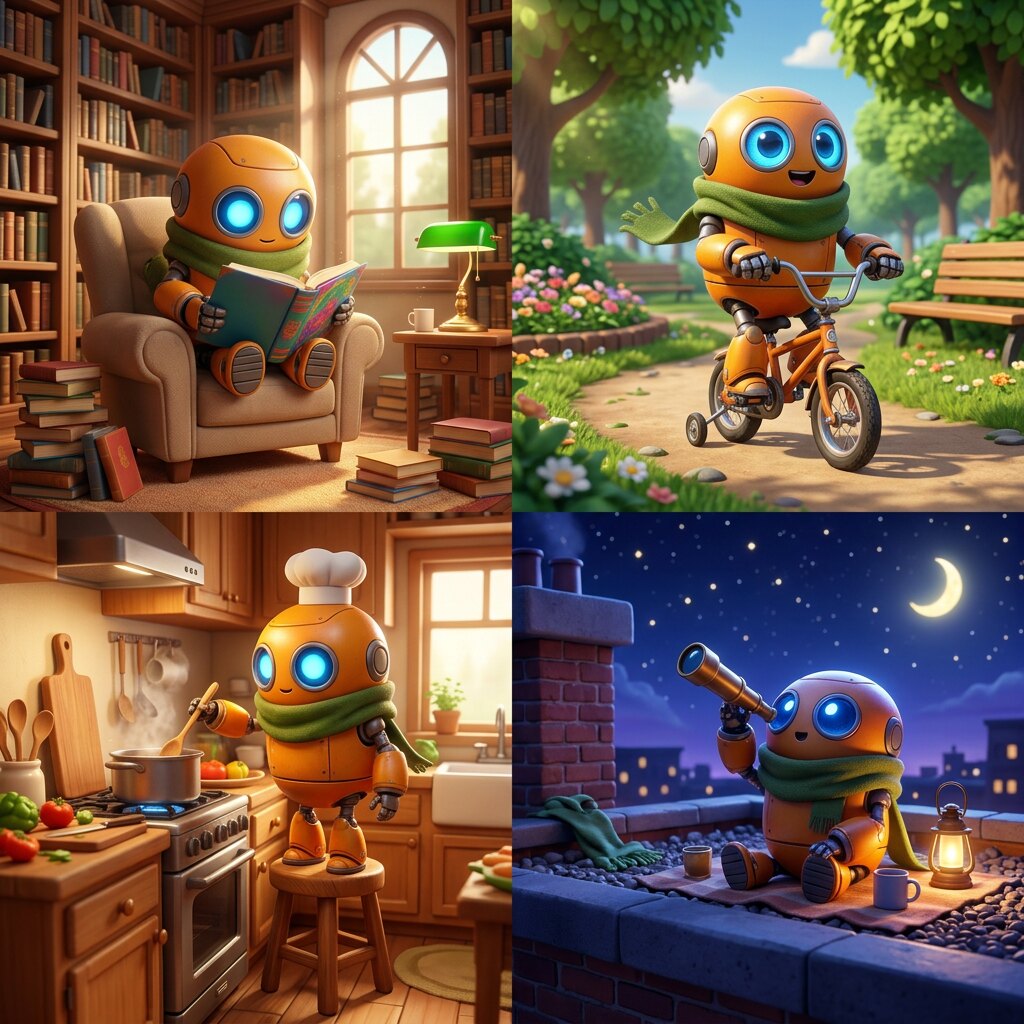
Upload 1 to 16 images and refer to them by order as Picture 1, Picture 2 and so on. MiniMax shows an empty room and nine furniture photos combined into one furnished living room, an untextured 3D render turned into a film still, and a game map turned into a first-person game view. The character scenes shown were made with Nano Banana 2.1.

Edits with Up to 16 Reference Images

More About MiniMax H3 Image

Realism Without the AI Look

MiniMax says the model goes beyond the familiar AI look, with intricate detail and lifelike realism. Its showcase covers documentary-style photos, surreal editorial shots, environment concepts, creature designs and painting styles from oil and watercolor to Chinese gongbi.

Short Prompts in Any Language

H3 Image works best with a detailed English description of the whole image. Through the MiniMax API, a built-in prompt enhancer called H3-Image-Context-IR expands a short prompt in any language into that description and can pick the aspect ratio for you.

Standard and Highspeed Versions

The API offers MiniMax-H3-Image and a faster MiniMax-H3-Image-Highspeed with the same parameters. A standard text-to-image call costs about $0.022 at 1K, $0.023 at 2K and $0.069 at 4K, according to MiniMax's price list.

Open Weights for Local Use

The weights are on Hugging Face. The model is a 33.1-billion-parameter diffusion transformer built on the MiniMax H3 architecture without the audio layers, distilled to 6 sampling steps. MiniMax lists SGLang, vLLM-Omni, diffusers and ComfyUI for local deployment.

MiniMax H3 Image vs Nano Banana 2.1

FeatureMiniMax H3 ImageNano Banana 2.1
ReleaseNovember 10, 2026, by MiniMaxOctober 2026, by Google
Open weightsYes, on Hugging FaceNo
Maximum outputAbout 16 to 20 megapixels, e.g. 4096×4096 or 6272×2688, without an upscaler4K
Aspect ratiosAny ratio from 1:3 to 3:1 through the API15 listed by Google; 9 in the GoEnhance studio
Reference imagesUp to 16Up to 14; up to 9 on GoEnhance
SamplingDistilled to 6 steps, no negative promptNot disclosed
Prompt helpBuilt-in prompt enhancement that rewrites short prompts in any languageSearch grounding and adjustable thinking levels
API price per imageAbout $0.022 (1K) to $0.069 (4K) for the standard version, per MiniMaxAbout 50% lower than Nano Banana 2, according to reports
Available on GoEnhanceNot yetYes: 1K 6 tokens, 2K 9 tokens, 4K 17 tokens (2K and 4K for members)

How to Prompt MiniMax H3 Image

01

Describe the Whole Image

The model expects a full description: subject, setting, lighting, camera angle, materials and mood. A short idea still works through the API's prompt enhancement, but the more you specify, the less the model has to guess.

02

Choose a Size Near 16 Megapixels

Results are best at around 16 megapixels. Pick the aspect ratio first, then use a matching size such as 4096×4096 for square, 5472×3072 for 16:9 or 3072×5472 for vertical posters.

03

Name Your References by Number

For edits, the upload order sets the names: the first image is Picture 1, the second is Picture 2. Write instructions such as "place the sofa from Picture 2 in the room from Picture 1 and keep the window light unchanged".

04

Refine the Revised Prompt

The API returns the expanded prompt it actually used. If the result is close but not right, edit that revised prompt, turn prompt enhancement off and generate again for precise control.

Frequently Asked Questions

What is MiniMax H3 Image?

MiniMax H3 Image is an open-weight image generation and editing model from MiniMax, part of the MiniMax H3 family. A single model creates images from text and edits one or more reference images, with native output of about 16 megapixels and strong instruction following.

When was MiniMax H3 Image released?

MiniMax released H3 Image on November 10, 2026. It is available through the MiniMax API, the Hailuo AI web app and the MiniMax Agent desktop app, and the weights are on Hugging Face.

Can I use MiniMax H3 Image on GoEnhance?

Not yet. The console on this page uses Nano Banana 2.1, available now in the GoEnhance text-to-image studio with output up to 4K. We will update this page when MiniMax H3 Image is added.

Is MiniMax H3 Image open source?

The model weights are public on Hugging Face, along with example scripts. The diffusion transformer has 33.1 billion parameters, and the text encoder is loaded from the MiniMax H3 repository. MiniMax recommends SGLang, vLLM-Omni, diffusers or ComfyUI to run it.

What resolution does MiniMax H3 Image support?

It works best at about 16 megapixels, for example 4096×4096 at 1:1, 5472×3072 at 16:9 or 6272×2688 at 21:9. Through the API, any size between about 0.66 and 20 megapixels with an aspect ratio from 1:3 to 3:1 is accepted, and 1K, 2K and 4K presets are available.

How many reference images can I use?

Image editing accepts 1 to 16 reference images. They are numbered in upload order, so your prompt can refer to Picture 1, Picture 2 and so on. MiniMax notes that masked edits and transparent backgrounds are not supported.

How much does MiniMax H3 Image cost?

On the MiniMax API, a standard text-to-image call costs about $0.022 at 1K, $0.023 at 2K and $0.069 at 4K. The Highspeed version costs more, and MiniMax is running a 50% discount on 4K images until November 17, 2026. GoEnhance pricing will be announced when the model is added.

How is it related to the MiniMax H3 video model?
H3 Image uses the same architecture as the MiniMax H3 video model with the audio layers removed, and the same text encoder. You can already create videos with the MiniMax H3 video model on GoEnhance.

Create Now with Nano Banana 2.1

MiniMax H3 Image is not on GoEnhance yet, but Nano Banana 2.1 is ready in our text-to-image studio with output up to 4K, sharp text and multiple reference images. We will update this page when MiniMax H3 Image is added.

Try Nano Banana 2.1