Kling 4.0

Kling 4.0 is the next Kling AI video model, currently in invite-only beta. It generates up to 30 seconds in one pass, outputs 4K and 1080p in 10-bit HDR with stereo sound, takes up to 15 references, and extends a clip to two minutes. GoEnhance doesn't offer Kling 4.0 yet, so the console below runs Kling 3.0, the newest Kling model you can use here today.
Muscle Car on the Open Road
Multi-Shot Snow Ride
A Still Portrait Comes to Life
Family Dialogue with Sound
Kling 3.0
Prompt
Starting image (optional)
Add a photo to animate it, or skip this and generate from your prompt.
Example prompts
By uploading a file, you agree to GoEnhance's Terms of Use and Privacy Policy
The headline upgrades in Kling's invite-only beta.

What's New in Kling 4.0

Up to 30 Seconds in One Generation

A single run now produces up to 30 seconds, long enough for a complete scene with a setup, a turn and an ending. Characters, setting, sound and style stay consistent because nothing has to be stitched together, and you can steer the pacing by describing what happens at each point in time.

Up to 10 Keyframes

Pin down the frames that matter: a character's pose, a change of scene, a plot beat. Two keyframes fix the start and the end, five mark the turning points, and ten lay out a full storyboard, while faces, style and visual details stay continuous between them.

15 References in a Single Task

Mix images, videos, subjects and voices in one request: up to 10 images, up to 5 videos with a combined length of 30 seconds, 7 subjects and 3 video subjects. Images anchor the look, videos carry the motion, voice references hold the voice, and subjects stay recognizable from the first frame to the last.

Recreate a Proven Format

Give Kling 4.0 a reference video and it picks up the pacing, shot order and delivery, then rebuilds the piece with your own product, character or footage. A format that already works becomes your version without planning the concept from scratch.

Edit Only What You Point At

Change a character's expression, a body movement, the camera angle or move, the overall style or the background, and the rest of the frame stays as it was. Editing takes up to 5 input videos, one as the main clip and the others as references, with each clip and the total footage kept within 30 seconds.

Big Motion, Steady Frames

Running, fights, chases, explosions, dives and fast spins keep a clear, stable picture with believable movement. Push-ins, pull-outs, pans, tracking shots and orbits look smoother, and cuts between shot sizes flow naturally.

4K and 1080p in 10-Bit HDR

Output in 4K or 1080p with 10-bit HDR for richer color and smoother gradients. Backlit, night and neon scenes keep more detail in the highlights and shadows with less banding, which leaves room for color grading. A 21:9 ultra-wide ratio is available for a cinematic frame.

Stereo Sound and Sharper Lip Sync

Audio comes out in two-channel stereo, and lip movements match the dialogue more closely, so voices, sound and performance land together. Speech covers Chinese, English, Japanese, Korean, Spanish, Portuguese, German, French and Hindi, with accents and dialects such as American, British and Indian English, Cantonese and Sichuanese.

Readable Text, Emoji and Logos

Slogans, packaging, shop signs and subtitles render clearly in the same nine languages and stay legible while the camera moves or the scene changes. Emoji and logos come through cleanly too, so the key information in a shot can actually be read.

Extend a Clip to 2 Minutes

Upload a video or pick one you generated with Kling, then continue it forward or backward. Repeat the extension until the piece runs up to two minutes, giving actions, emotional build-up and multi-part stories room to play out.

From One Line to a Full Story

A built-in prompt expansion step turns a one-line idea into a full plot with a setup, development and payoff. It plans the scenes, camera moves and cuts for you, and keeps every shot tied to what you asked for.

Cinematic, Anime, Pixel Art and Felt

Supported looks include cinematic, animation, fantasy, pixel art and felt. The model holds a distinctive style across a whole piece, from film and short drama to ads, animation and music videos.

What Kling 4.0 Is Built For

Film, Short Drama and Animated Series

AI short dramas used to be built clip by clip, and faces broke at every seam. Kling 4.0 tells a complete scene in one 30-second shot, continues it with extensions, keeps each character's face and voice distinct across 15 references, and lets you fix one shot instead of regenerating the whole episode.
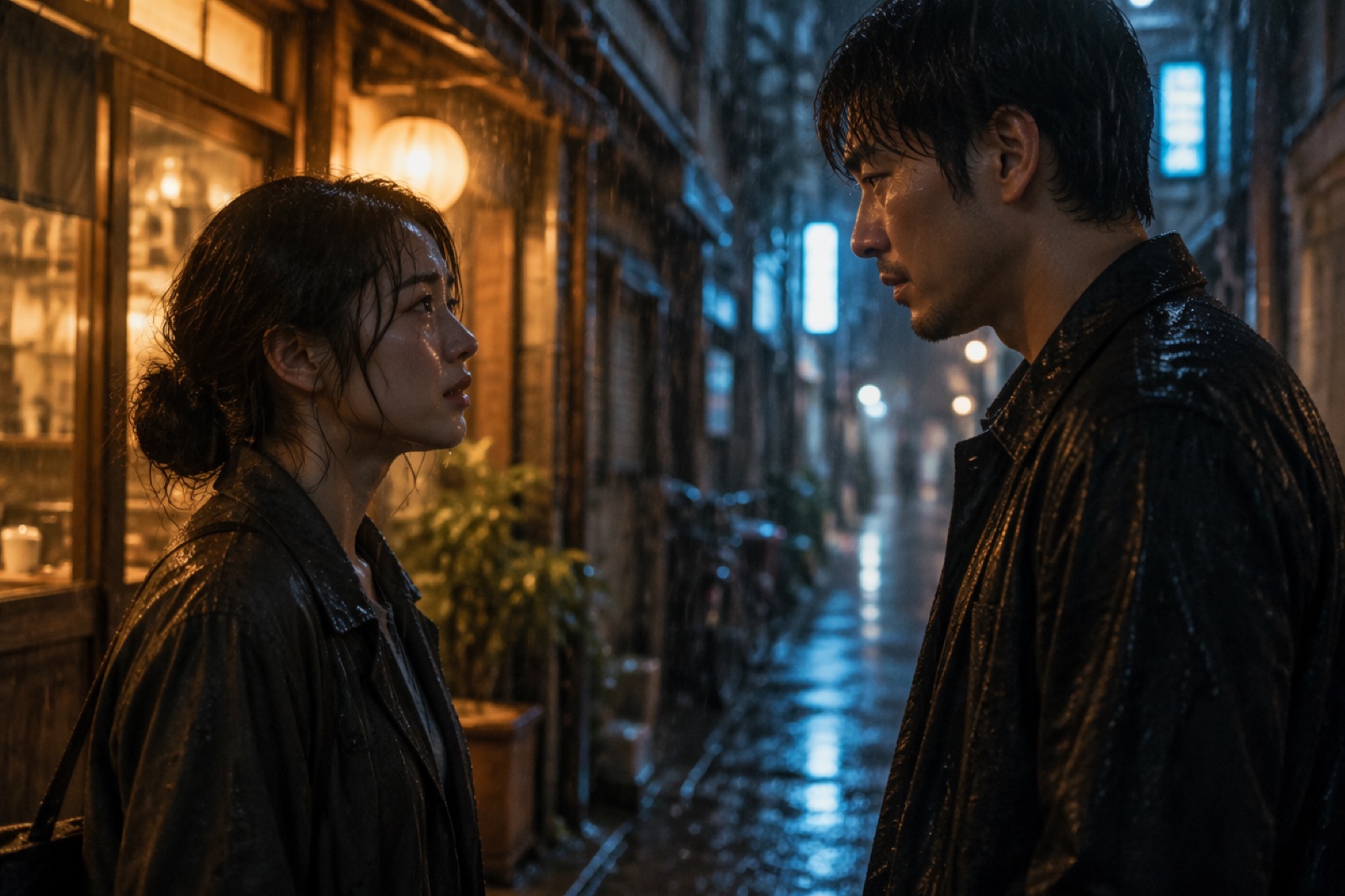
Film, Short Drama and Animated Series

Performance and Brand Ads

Borrow the pacing and shot structure of an ad that already works and rebuild it around a new product, scene or audience. Put selling points, brand lines and multilingual copy straight into the frame, then edit a finished video into new versions instead of producing each one from zero.

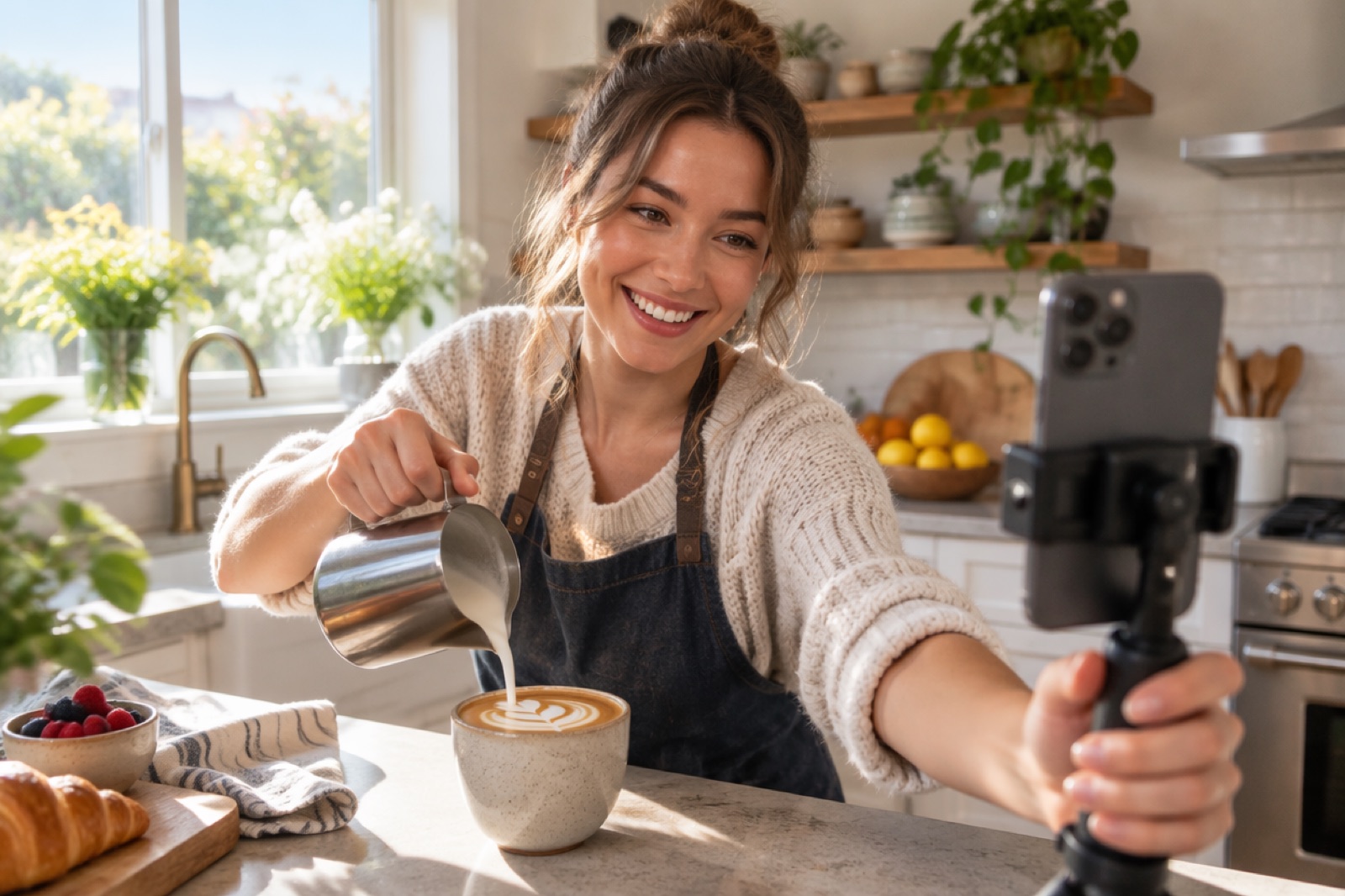
Performance and Brand Ads

Short-Form Social Video and Vlogs

Turn a photo and a reference clip into a finished short without booking a location, cast or lighting. Restyle the same content for different platforms, add effects exactly where a shot needs them, and keep several accounts supplied on your own.

Short-Form Social Video and Vlogs

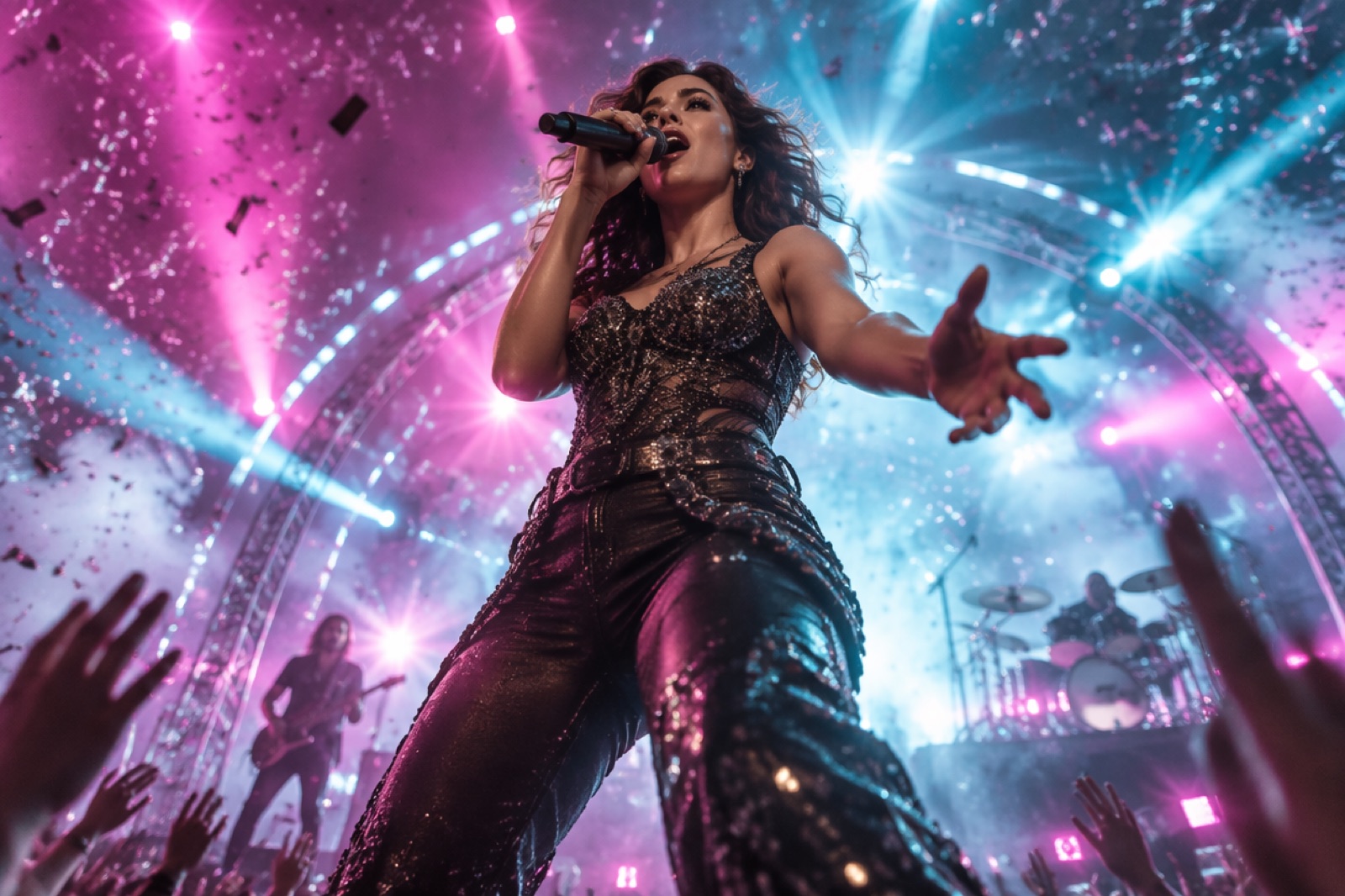
Music Videos

Combine a portrait, a style reference and the original track to put the artist in their own video, with the same look, voice and scene style from the first verse to the last chorus. Build it up with extensions and keyframes, spin off versions for each platform, and fix a weak shot without a reshoot.
Music Videos

Kling 4.0 vs Kling 3.0 on GoEnhance

Kling 4.0 (invite-only beta)Kling 3.0 (available on GoEnhance)
AvailabilityInvite-only beta, not on GoEnhance yetAvailable now for text-to-video and image-to-video
Length per generationUp to 30 seconds3 to 15 seconds
Longer piecesExtend forward or backward, up to 2 minutesMulti-shot clips that you cut together
Resolution4K and 1080p in 10-bit HDR720p, 1080p and 4K
Aspect ratiosAdds 21:9 ultra-wide16:9, 9:16 and 1:1
KeyframesUp to 10 per generationStart from one image in image-to-video
ReferencesUp to 15: 10 images, 5 videos (30 seconds in total), 7 subjects, 3 video subjects and voicesKling O3 (Kling 3.0 Omni) takes up to 4 images and 1 video
Video editingChange expressions, movement, camera, style or background while the rest staysReference-led edits with Kling O3
AudioTwo-channel stereo, closer lip sync, 9 languages plus accents and dialectsNative audio generated with the video

How to Prompt Kling 4.0

1

Time-Stamp the Beats in a 30-Second Clip

Longer clips need a plan. Describe what happens in each stretch, for example 0–10s, 10–20s and 20–30s, so the pacing follows your story instead of the model's guess.

2

Match the Number of Keyframes to the Job

Two keyframes lock the opening and the ending, five mark the turning points, and ten map out a full storyboard. Start with fewer and add more only where the story needs a fixed frame.

3

Give Every Reference One Role

Use images for how people and products look, videos for motion and camera work, voice references for how characters sound, and subjects for anyone who must stay recognizable throughout. Saying which reference does what keeps them from pulling against each other.

4

Say What Must Not Change When You Edit

Name exactly what to change, such as a facial expression, a camera move or the background, and list what has to stay. A small, targeted edit is faster than regenerating the whole clip.

5

Start from One Line, Then Refine

For a first draft, one sentence about the idea is enough: the built-in expansion writes the plot, shots and camera moves. Keep what works and tighten the prompt only where the result drifts.

Kling 4.0 FAQ

What is Kling 4.0?

Kling 4.0 is the next-generation video model from Kling AI, currently in invite-only beta. It generates up to 30 seconds per run, outputs 4K and 1080p in 10-bit HDR with stereo sound, accepts up to 15 references and 10 keyframes, edits existing videos, and extends clips to two minutes.

Can I use Kling 4.0 on GoEnhance?

Not yet, because Kling 4.0 is still in invite-only beta. On GoEnhance you can use Kling 3.0 today for text-to-video and image-to-video with native audio, at up to 4K and 3–15 seconds per clip, and Kling O3 for reference-led generation.

How long can a Kling 4.0 video be?

Up to 30 seconds in a single generation. After that, you can extend a video forward or backward several times, up to two minutes in total.

What resolution does Kling 4.0 support?

4K and 1080p, both in 10-bit HDR for richer color and smoother gradients. A 21:9 ultra-wide aspect ratio is also available for cinematic framing.

How many references can Kling 4.0 use?

Up to 15 in one task: as many as 10 images, 5 videos with a combined length of 30 seconds, 7 subjects and 3 video subjects, together with voice references. All of them can be combined in the same generation.

Which languages can Kling 4.0 speak and write?

Speech covers Chinese, English, Japanese, Korean, Spanish, Portuguese, German, French and Hindi, with accents and dialects such as American, British and Indian English, Cantonese and Sichuanese. On-screen text works in the same nine languages, along with emoji and logos.

Can Kling 4.0 edit a video I already have?

Yes. Give it up to 5 videos, one as the main clip and the rest as references, and describe what should change: a character's expression or movement, the camera angle or move, the style or the background. Everything else stays as it was. Each clip and the total footage should be within 30 seconds.

Are these specifications final?

They come from Kling's materials for the invite-only beta. Limits and features can change before or after the public release, so check the official release notes once Kling 4.0 opens to everyone.

Start with Kling 3.0 While 4.0 Is in Beta

Kling 4.0 isn't open to everyone yet. Kling 3.0 is ready on GoEnhance now: describe your shot, choose 720p, 1080p or 4K, and generate a 3–15 second clip with native audio.

Try Kling 3.0