
Sunset Filter: Turn Any Photo into a Golden Hour Shot
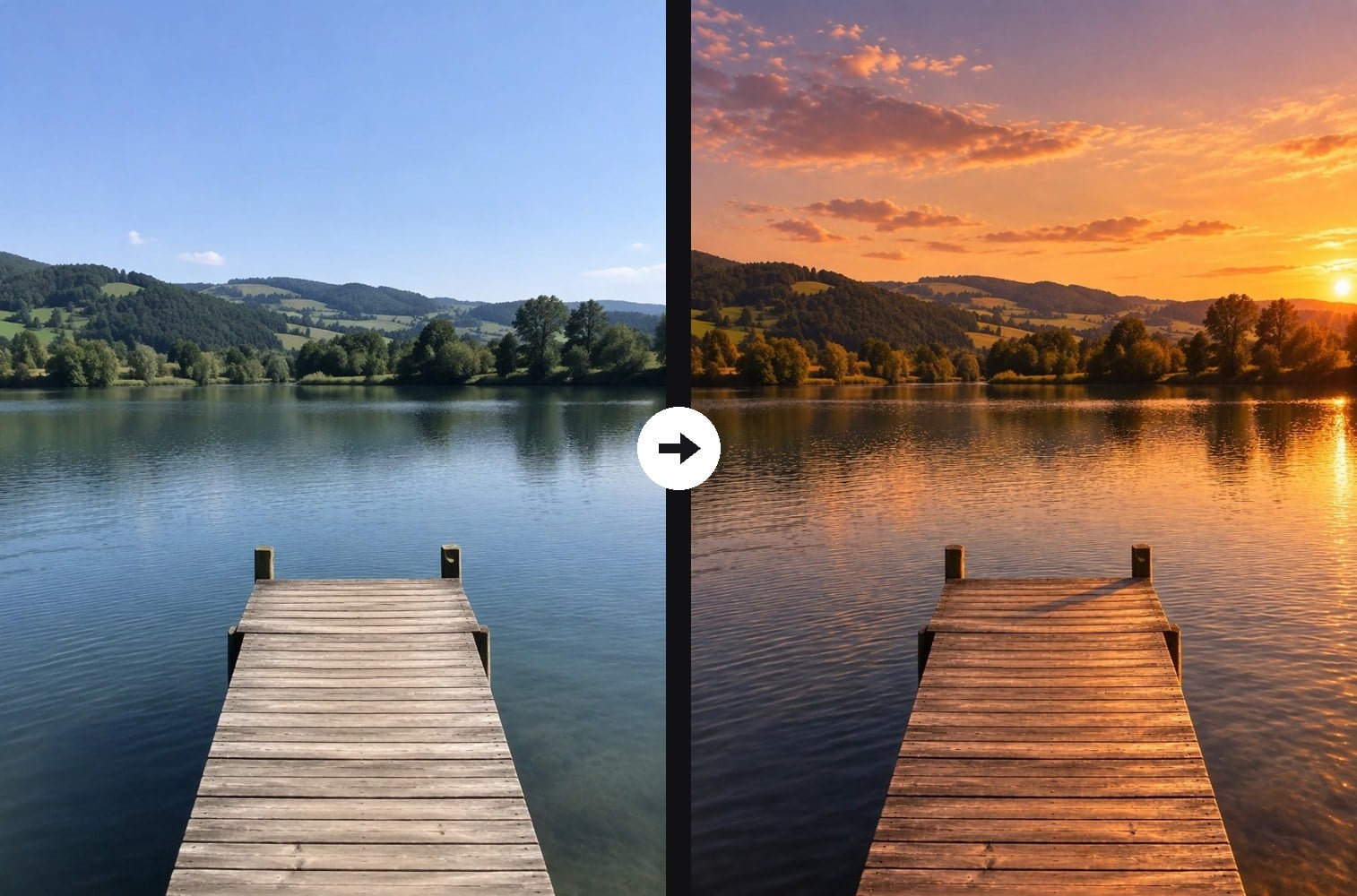
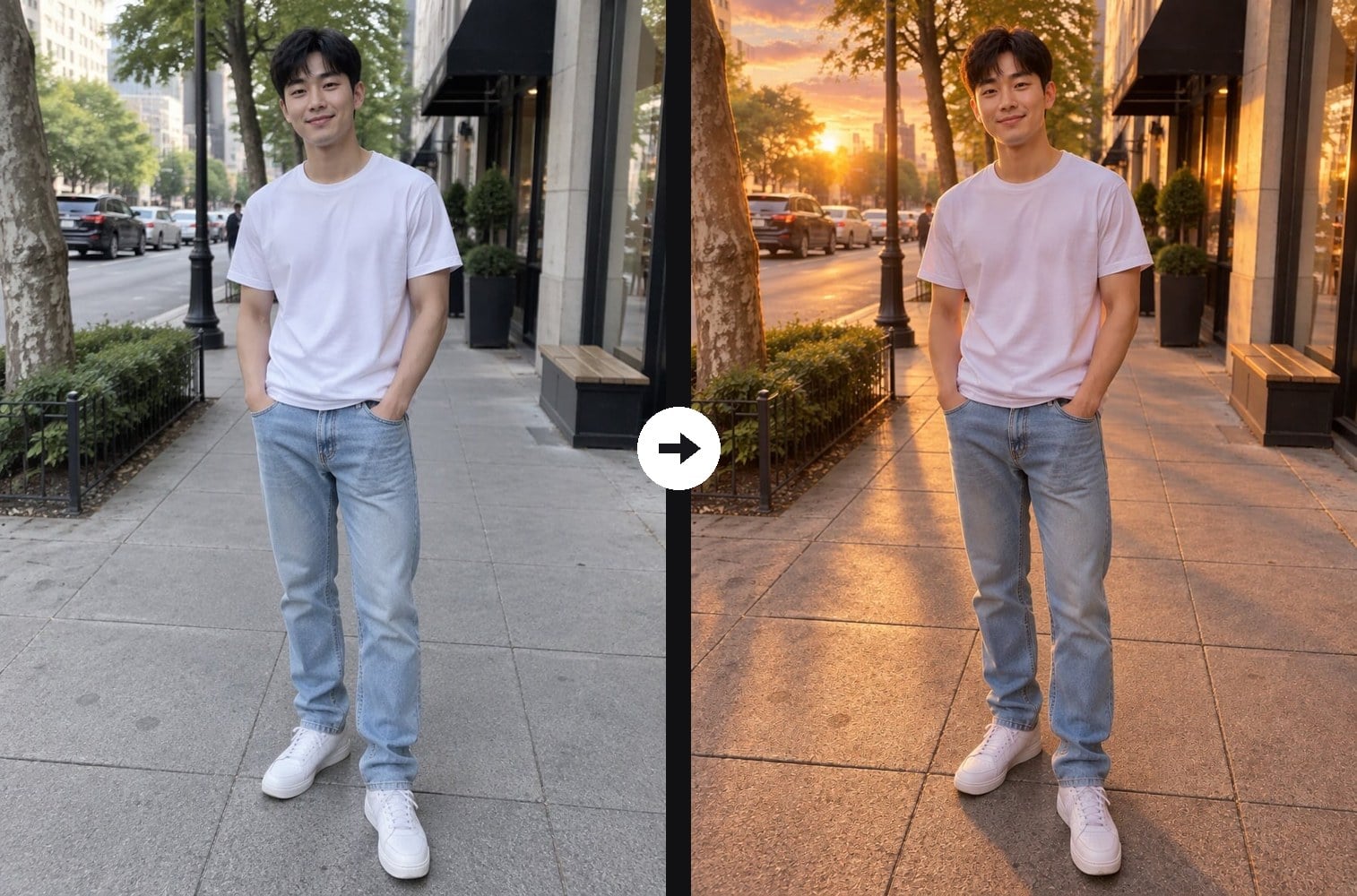
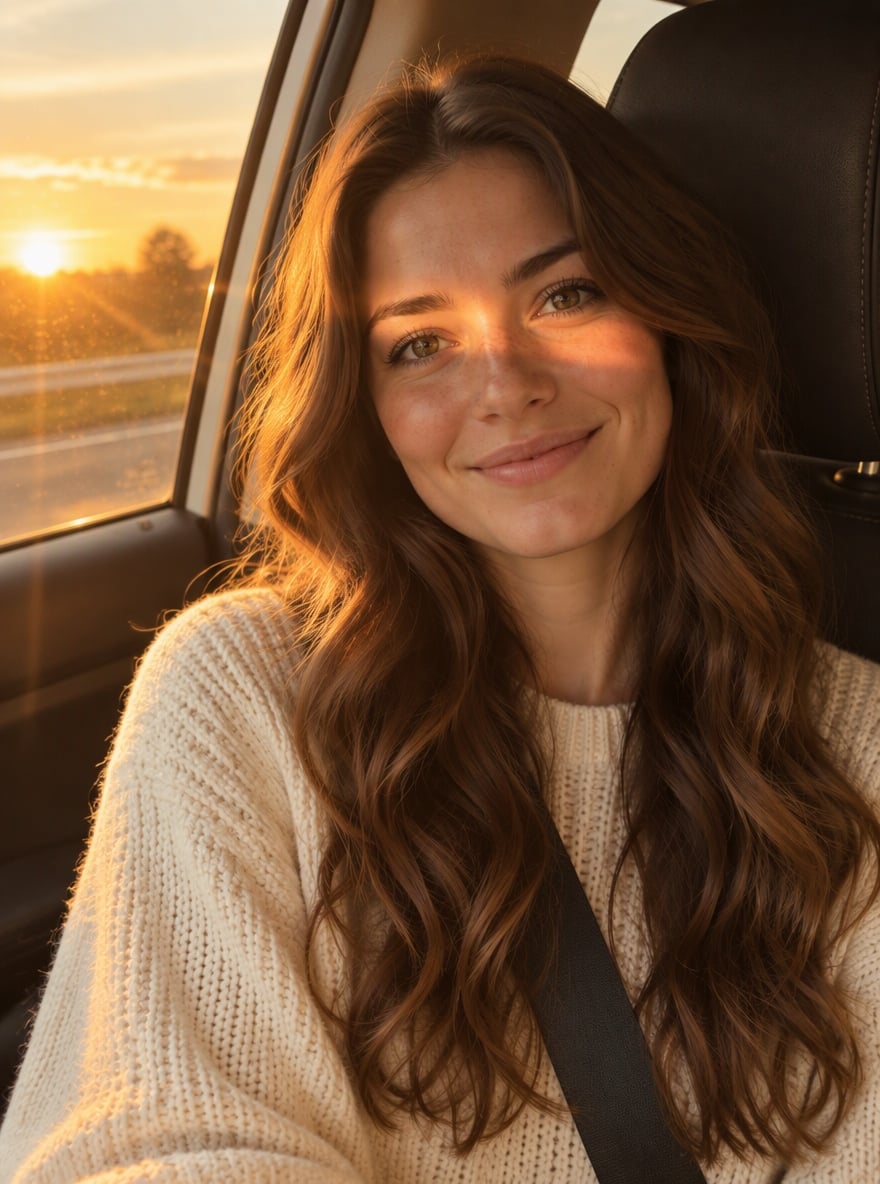
Missed the golden hour? Upload a photo taken at any time of day and the AI sunset filter re-lights it as if it was shot at sunset: a low golden sun, a sky glowing in orange, peach and pink, warm light across the scene, a golden rim light on hair and shoulders and long soft shadows. The place, the composition and the people stay the same; only the time of day changes. It works on selfies, couples, full-body street photos and pure landscapes. This is not the sunset photo trend, which puts you into a car passenger seat; here your own photo stays your photo. The console below runs on GPT Image 2.5.
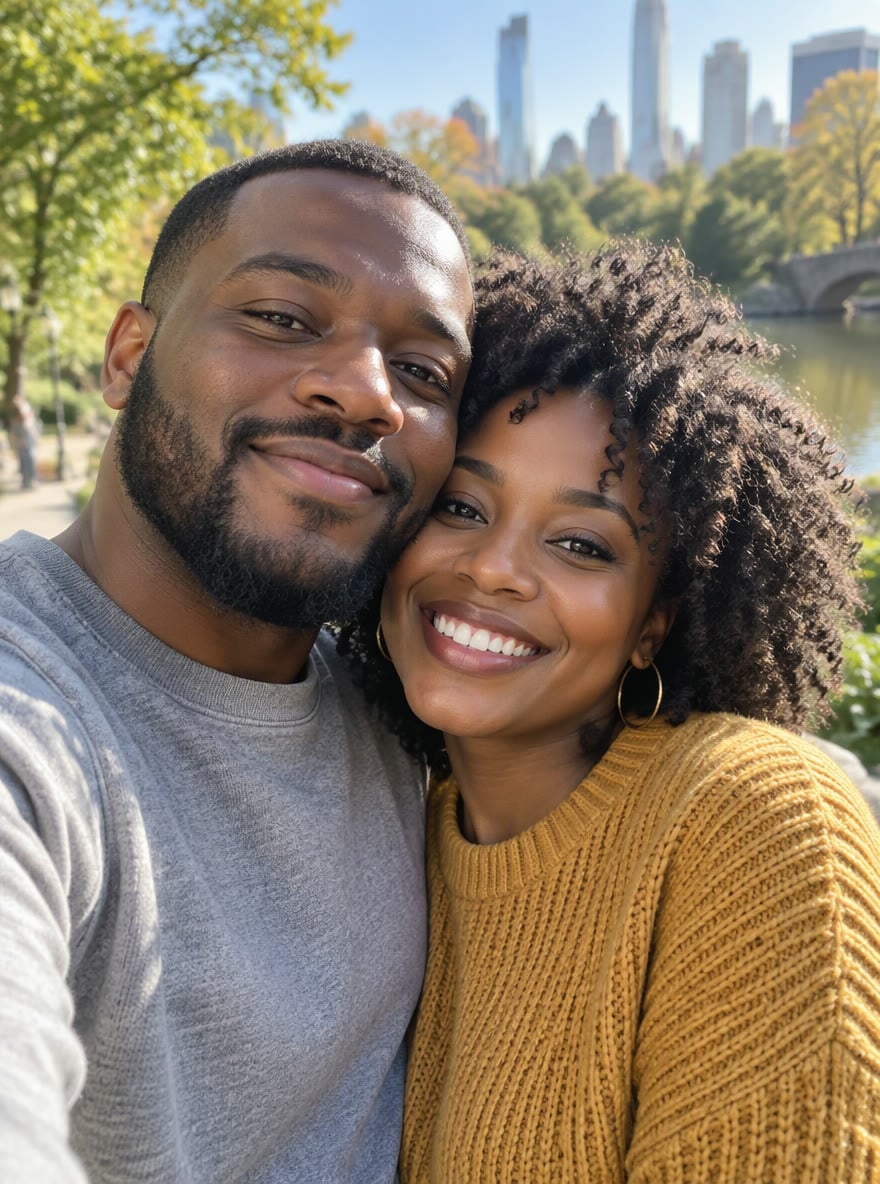
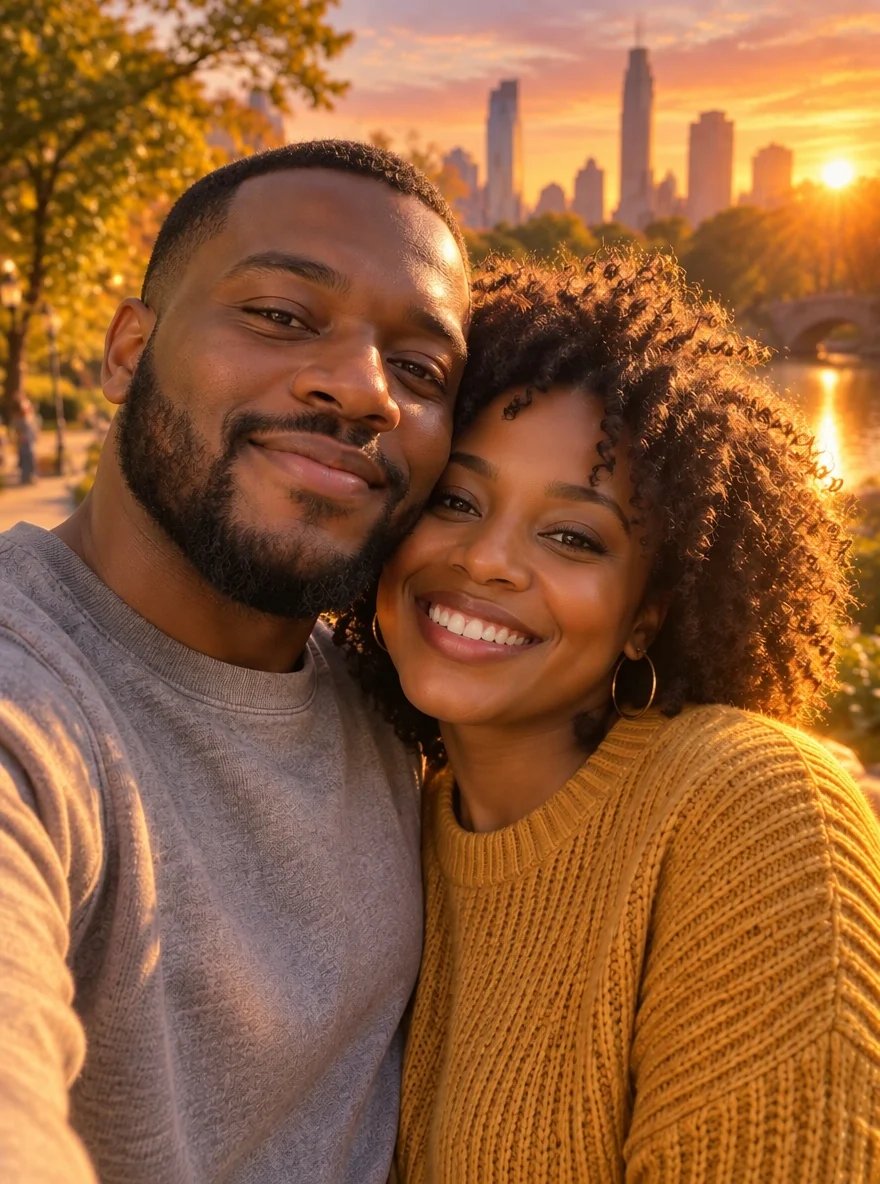
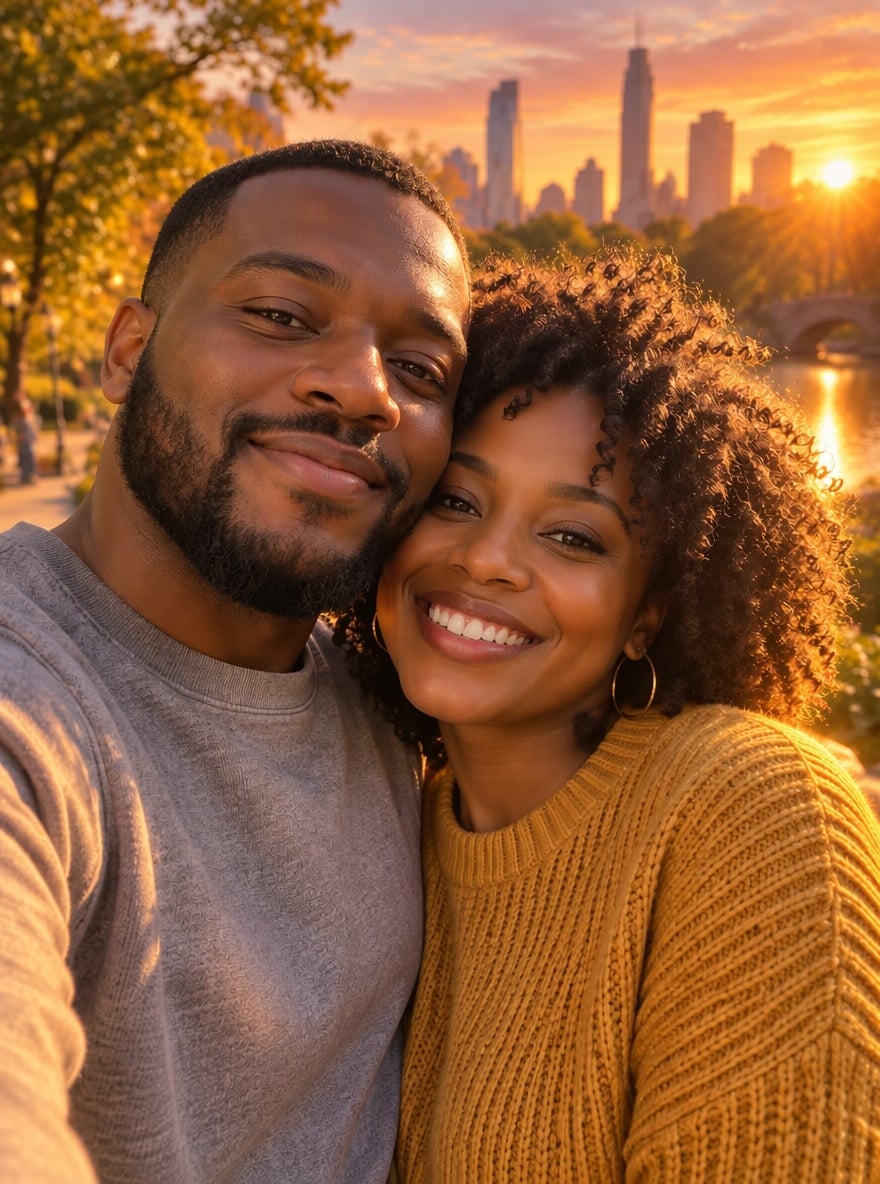
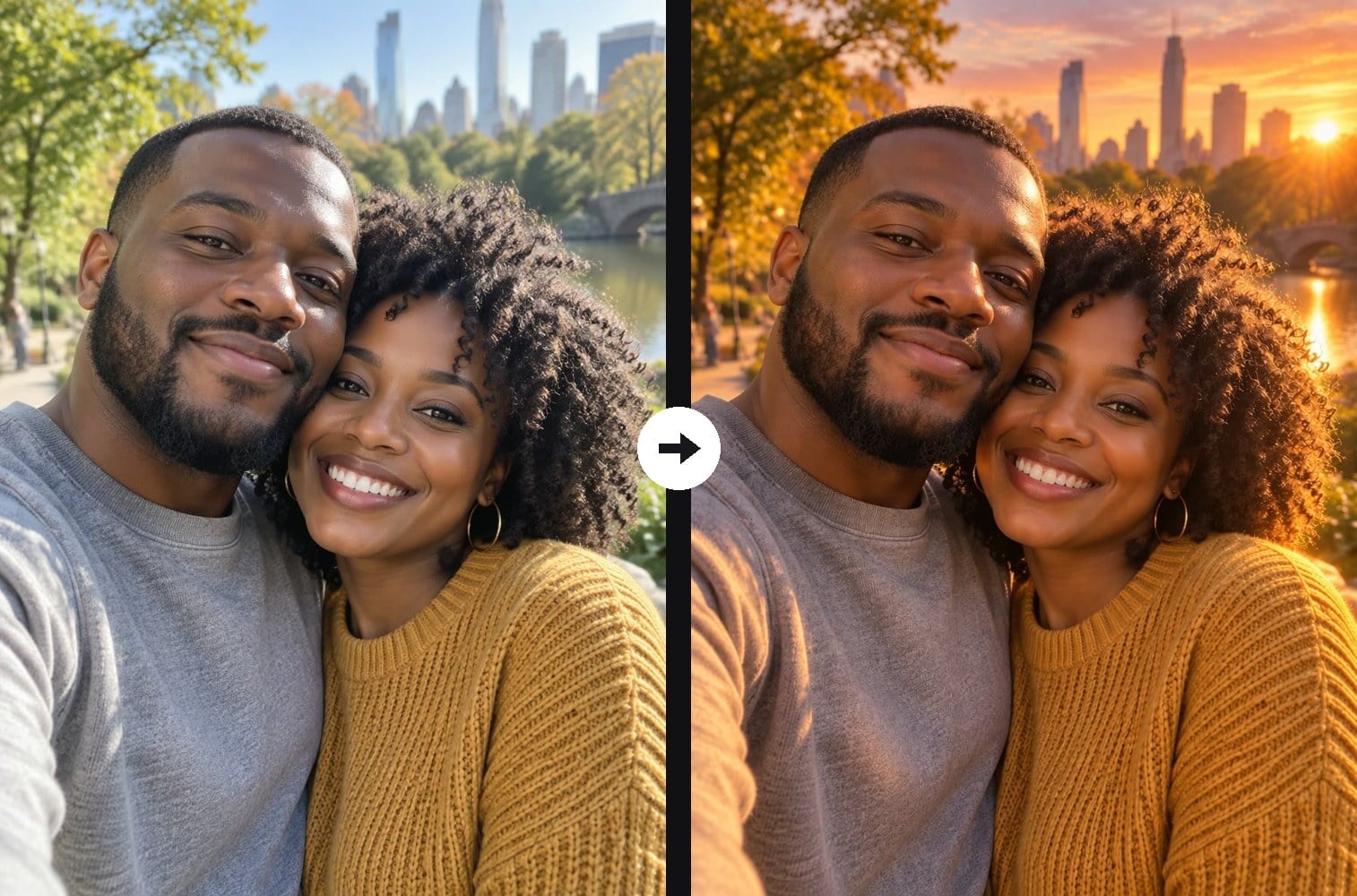
Couple at Golden Hour
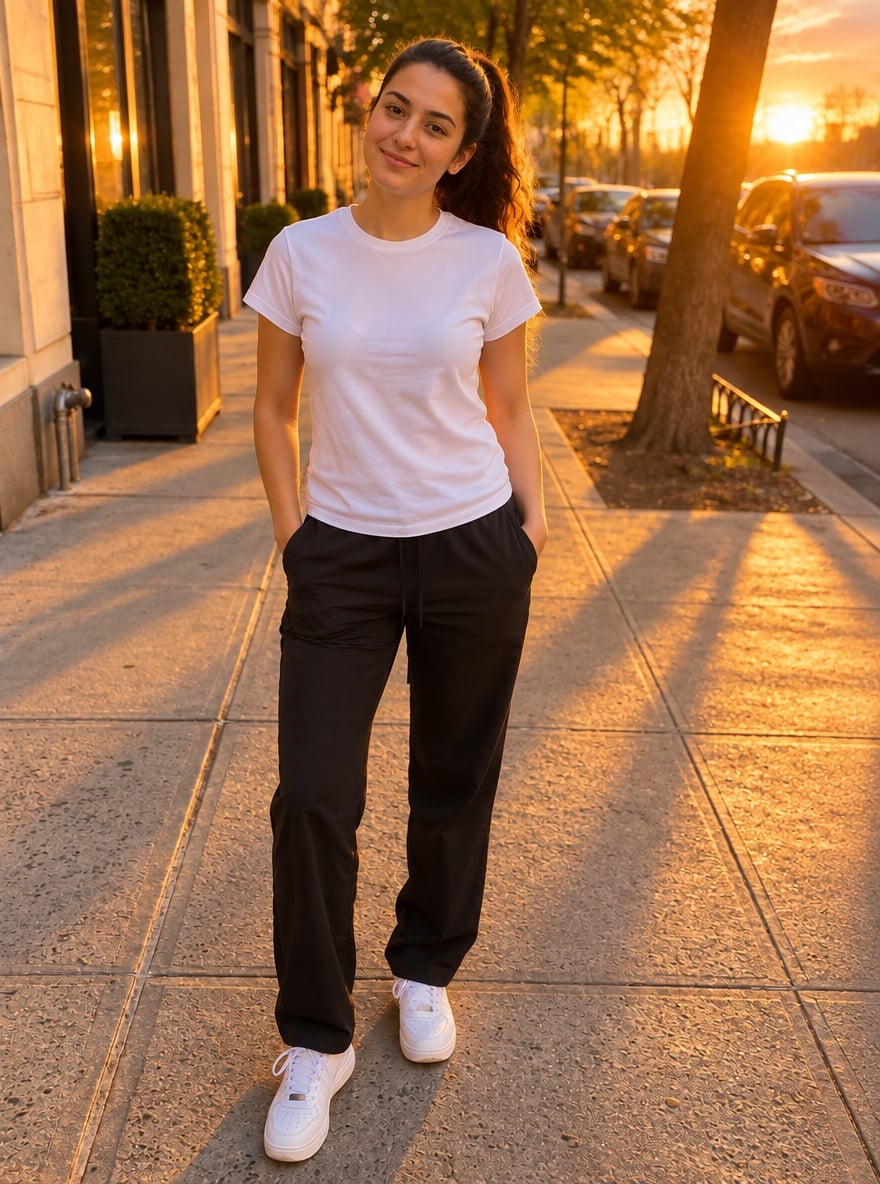
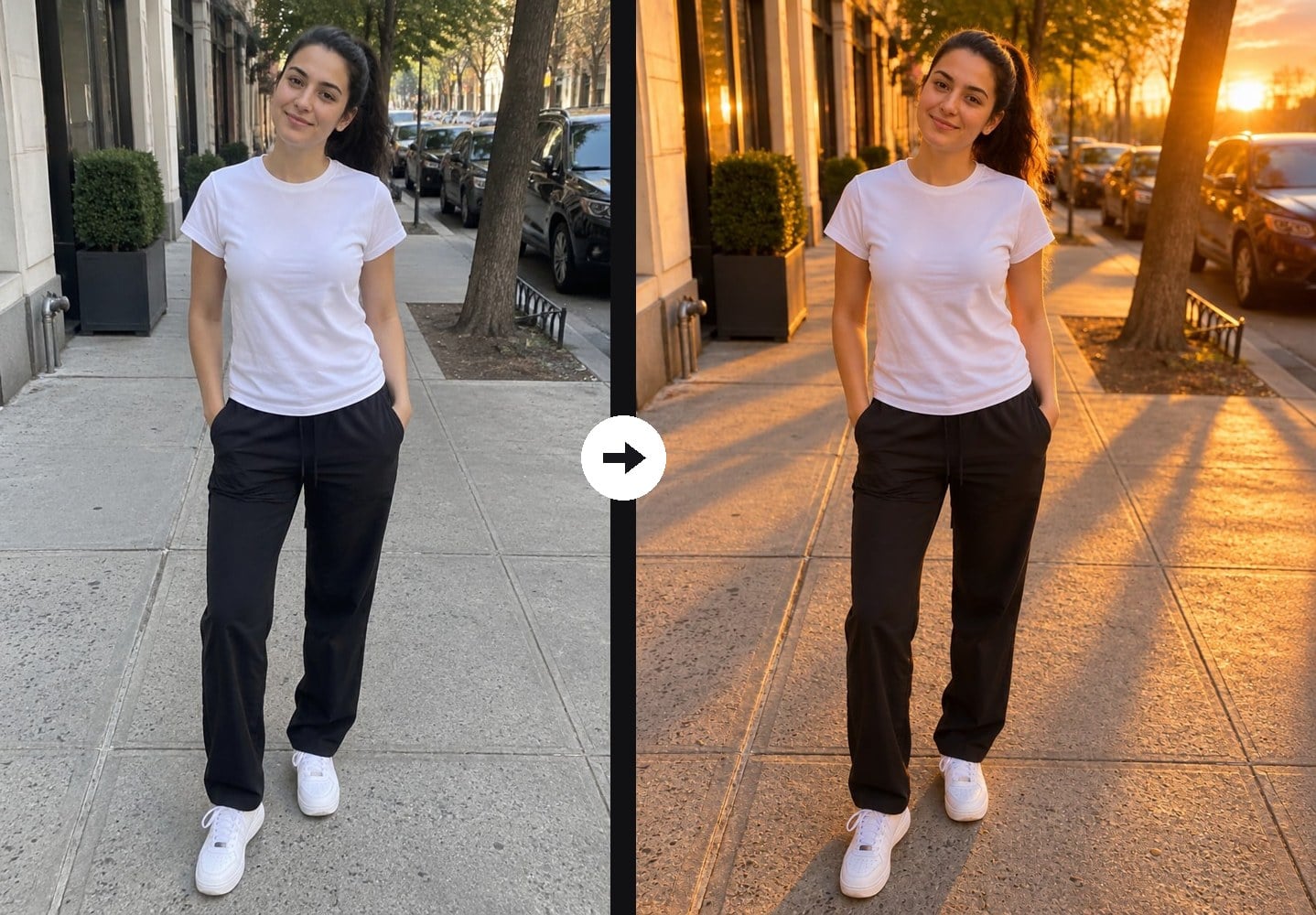
Sunset Street Style
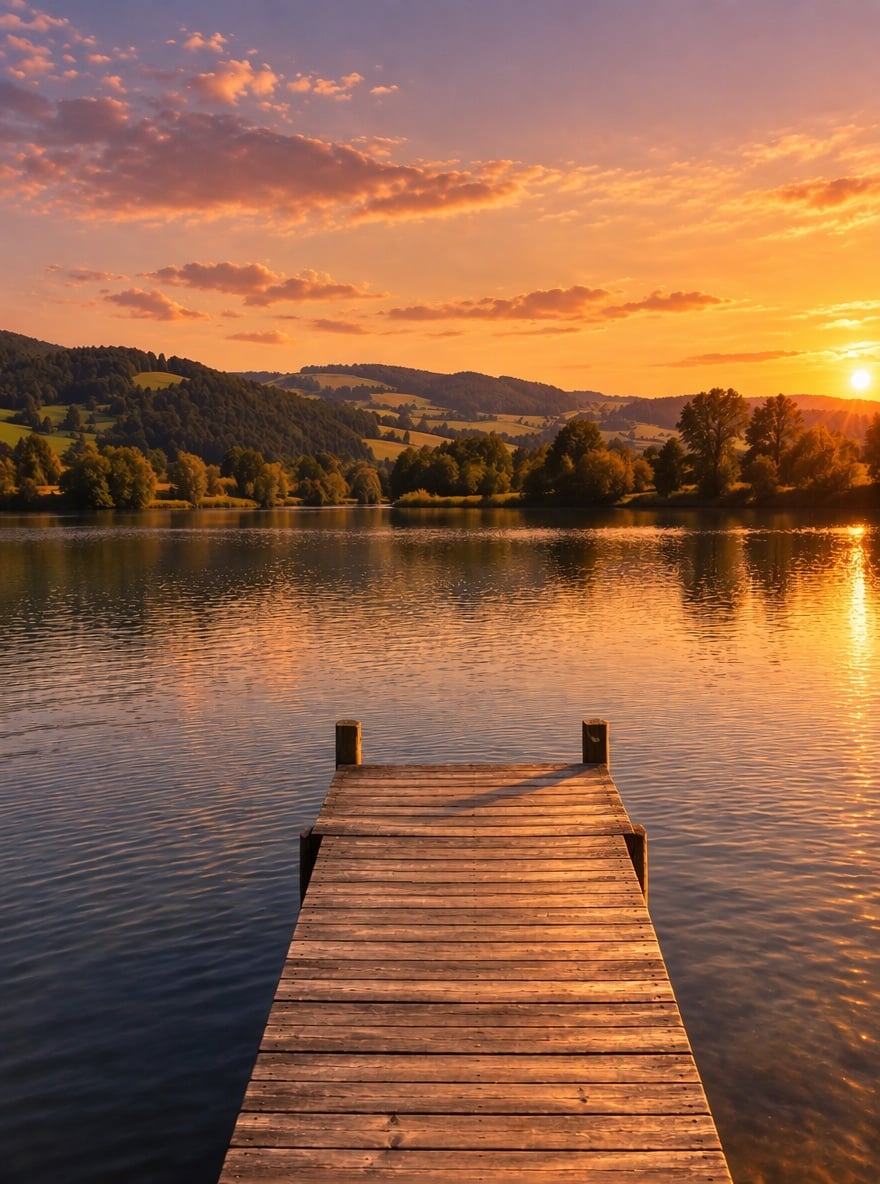
Lake Pier at Sunset
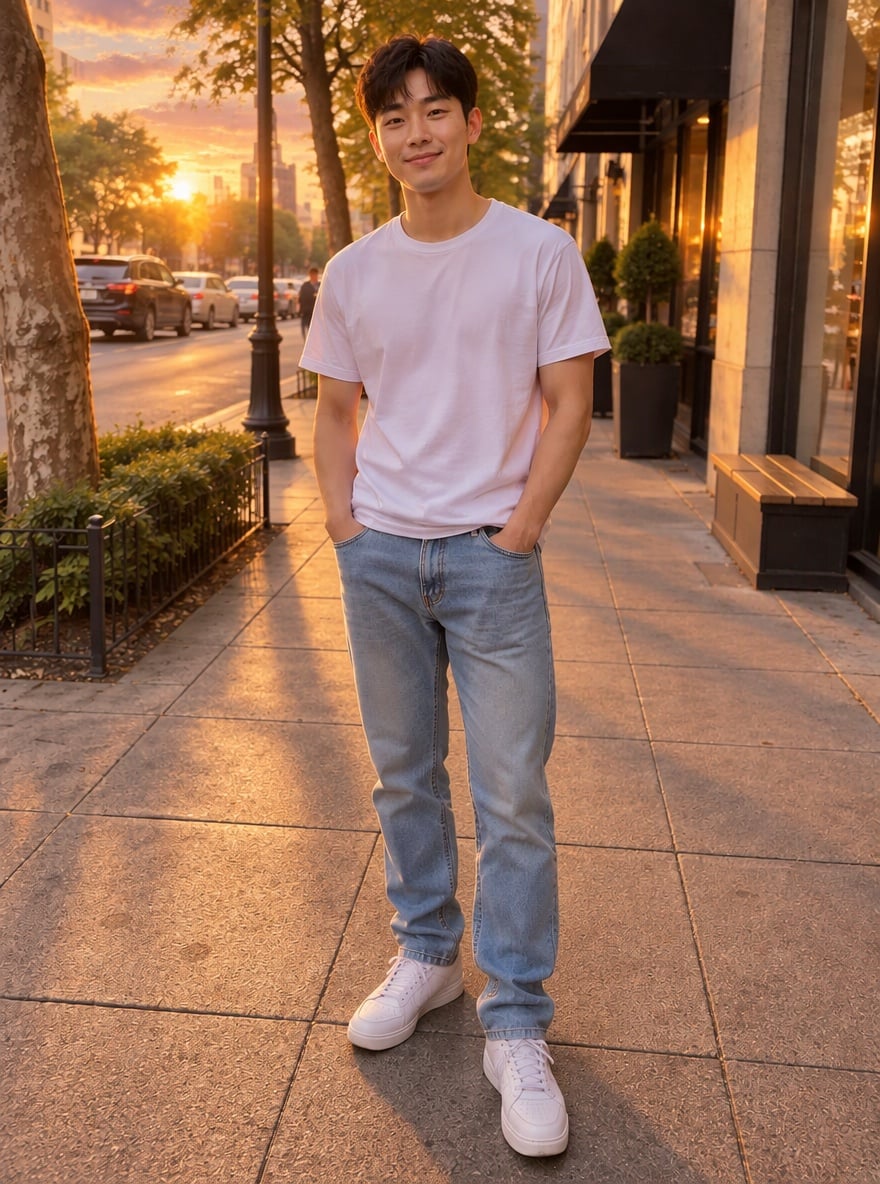
Golden Hour City Walk
Upload files
Upload a photo to add sunset light
Effect prompt
By uploading a file, you agree to GoEnhance's Terms of Use and Privacy Policy
Sunset Filter Results from the Console
Each result is one upload with the prompt above. The originals were shot in flat daylight; scene and people are unchanged.
Couple at Golden Hour
Sunset Street Style
Lake Pier at Sunset
Golden Hour City Walk
How to Use the Sunset Filter
01
Upload a photo
A portrait, a couple selfie, a street photo or a landscape taken in normal daylight.
02
Generate
The sunset prompt is already filled in. Press the button and the AI re-lights the photo at golden hour.
03
Download and share
Post the golden-hour version, use it as a wallpaper or compare it side by side with the original.
Why Use This Sunset Filter
More Light and Color Effects

Sunset Filter FAQ
What does the sunset filter do?
Will it change my face or the background?
Does it work on landscapes?
Is this the same as the sunset photo trend?
Will my skin turn orange?
Can I get a different sky?
Ready for Your Golden Hour Shot?
Upload a photo and turn it into a sunset scene in under a minute.
Apply Sunset Filter