Marketing & Advertising
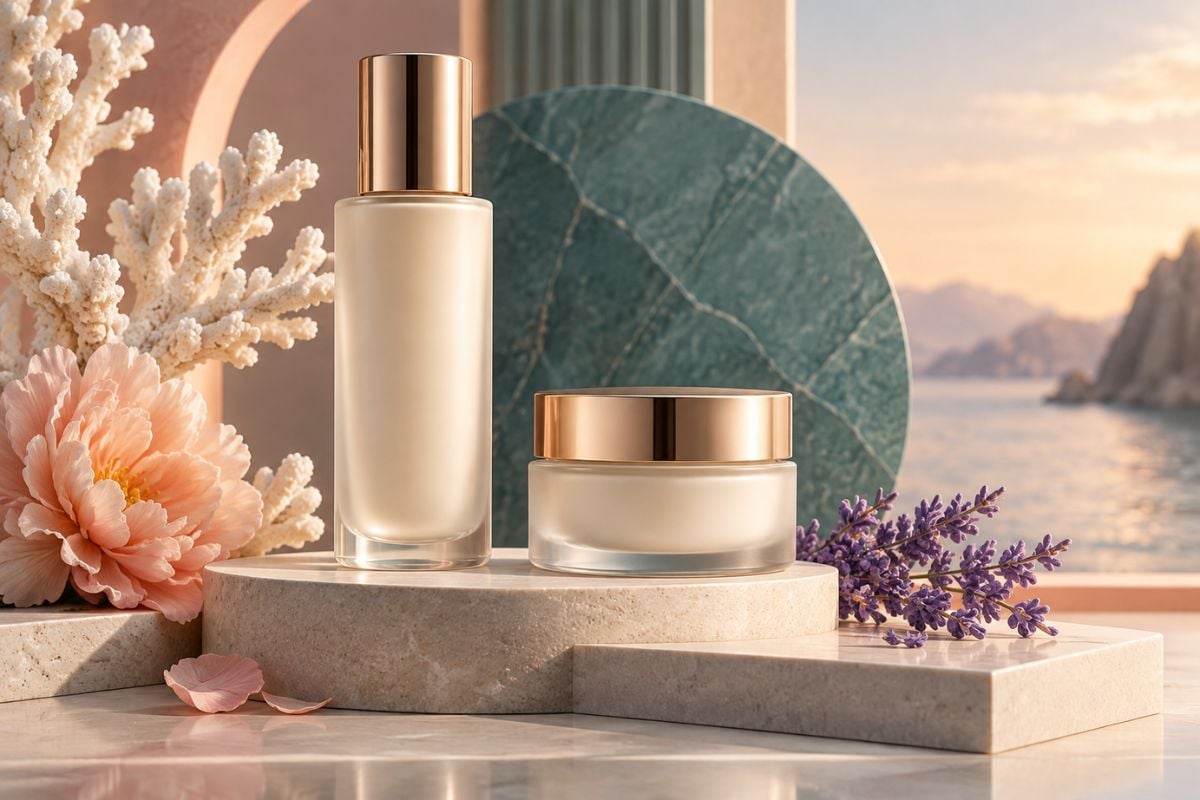
Create product visuals, campaign concepts, social creatives, and brand-ready scenes that turn marketing ideas into polished visual content.

| Prompt | Generated Image |
|---|---|
Original 2D character avatar poster with Chinese typography: a young fashionable Y2K street girl shown in a slight three-quarter pose from a subtly elevated angle, with her face clearly visible. She has a lively, mischievous, cool personality and a slightly impatient expression. She holds a lollipop close to her cheek. She wears an oversized light-purple patchwork sweater, with a different graffiti motif on each patch. She wears a fluorescent green knitted beanie, with long curly hair styled into low twin ponytails. Use a mixed-media collage background featuring handwritten Chinese graffiti, sticker borders, star-shaped and lightning-shaped cutout frames, small zoom-in detail panels, colorful stickers, and small Chinese labels. Keep the face and upper body as the visual focus. Refined 2D illustration combining Y2K collage aesthetics, fashion poster design, and the visual energy of an editorial magazine cover. Rich details, polished composition, clean rendering, and high visual impact. | 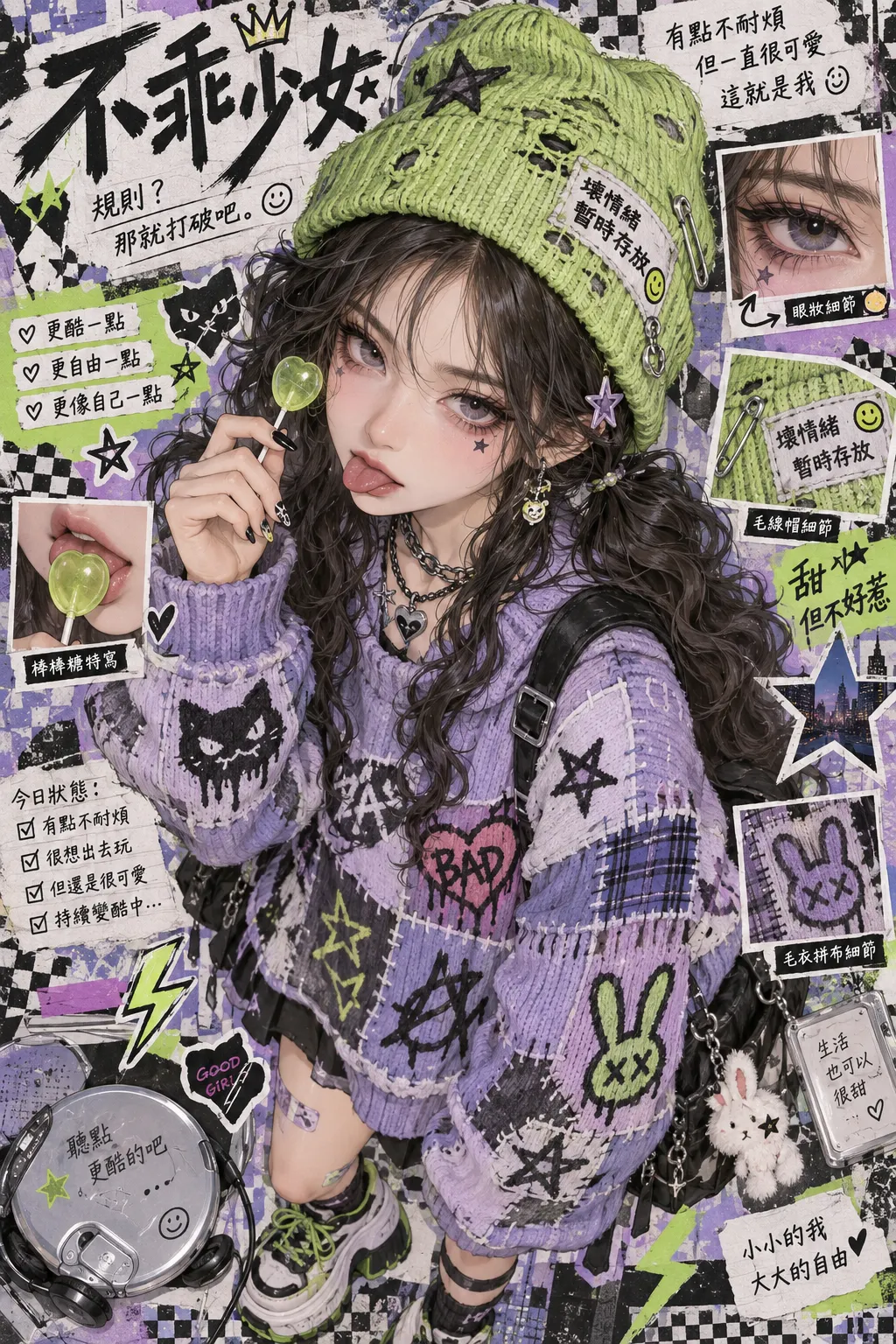 |
| Prompt | Generated Image |
|---|---|
Create a premium visual design poster for a cutting-edge digital marketing campaign. Use a Behance- and Dribbble-inspired 3D illustration style with C4D-style modeling, soft light rendering, high saturation, and a dopamine-inspired color palette. Combine abstract art with a clean, minimal background and a fresh, youthful, optimistic mood. Theme: Escape the Office — Travel Guide. Create a polished commercial composition with refined 3D objects, strong visual hierarchy, modern editorial layout, smooth materials, subtle shadows, and professional campaign-poster quality. |  |
| Prompt | Generated Image |
|---|---|
Realistic photograph: a close-up portrait of an elderly carpenter, showing dry wrinkles with varying depth and clearly visible pores. Soft side window light gently outlines the facial contours. The workshop background is naturally blurred with a shallow depth of field, creating an authentic 85mm lens appearance. Preserve realistic skin texture, natural facial asymmetry, subtle signs of age, believable lighting, and documentary-style photographic detail. Maintain a consistent identity, natural proportions, and accurate material textures throughout the image. | 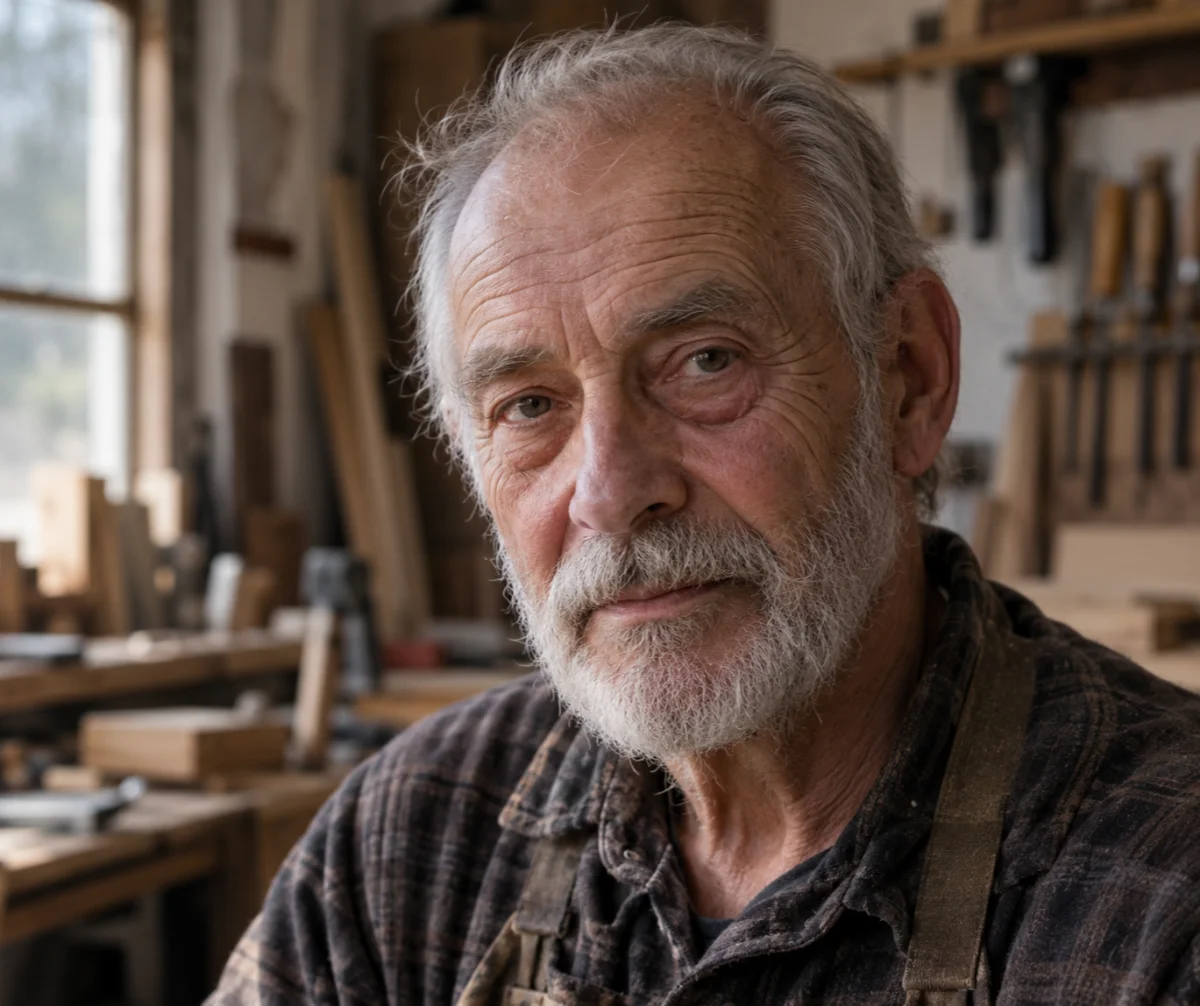 |
| Prompt | Generated Image |
|---|---|
Full-body composition: a man in his 30s riding a road bike along a tree-lined city street. His entire body is visible, including both feet. His hands are naturally gripping the flat handlebars, his eyes are focused on the road ahead, and both legs are actively pedaling. Show a believable riding posture, accurate bicycle geometry, natural body proportions, realistic contact between the feet and pedals, balanced motion, and a clear urban background with soft daylight. Preserve the correct relationship between the rider, bicycle, road, perspective, and surrounding environment. | 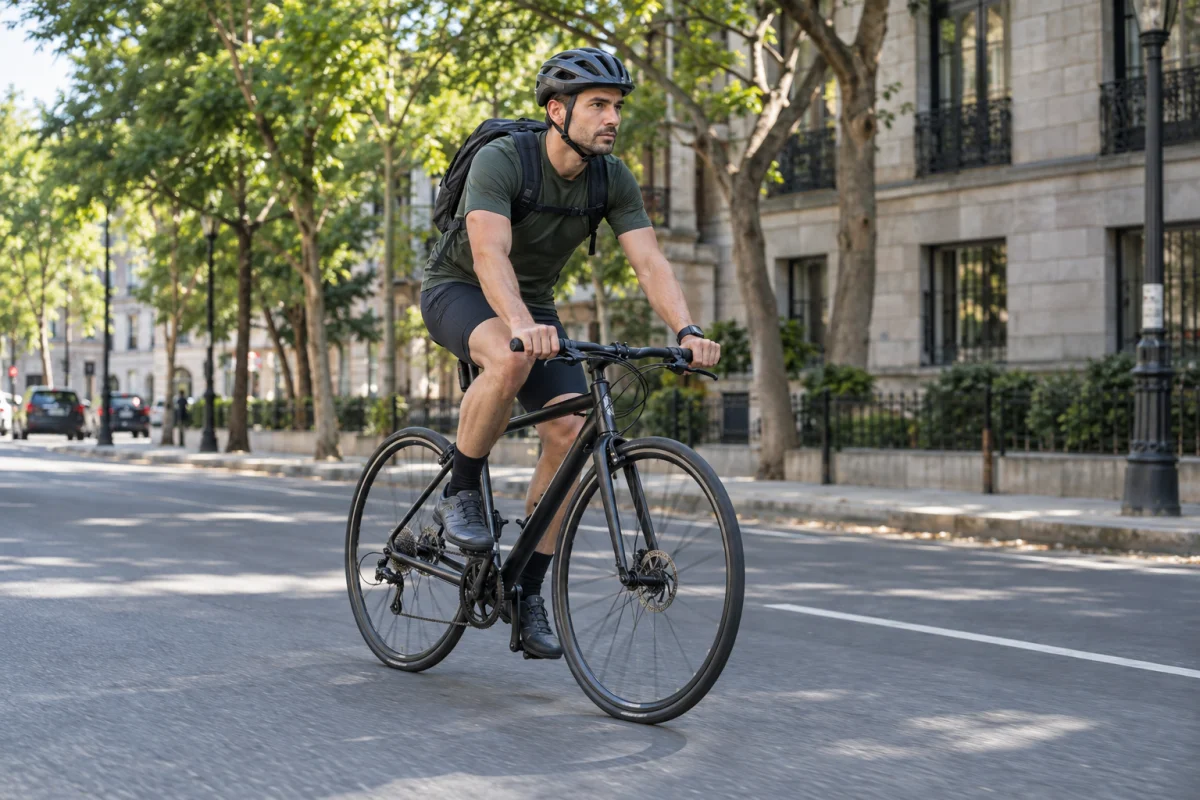 |
| Prompt | Generated Image |
|---|---|
Create a detailed technical infographic explaining the operation and flow of a fully automatic coffee machine, inspired by a premium Jura-style bean-to-cup machine. Show a clear left-to-right or top-to-bottom system flow with numbered stages and readable English labels: bean hopper, dosing mechanism, grinder, ground-coffee channel, brew group, coffee puck, water tank, water pump, flow meter, boiler or thermoblock, heating circuit, pressure path, milk system, coffee outlet, waste container, and drip tray. Use a clean cutaway 3D illustration with arrows showing the movement of beans, water, heat, pressure, and brewed coffee. Distinguish each subsystem with a restrained color code, include small callout panels, and keep the hierarchy easy to follow. Use a white or light neutral background, professional product-engineering infographic aesthetics, accurate spatial organization, crisp typography, and no decorative clutter. Keep all labels aligned with the correct components and preserve a clear visual flow from input to output. | 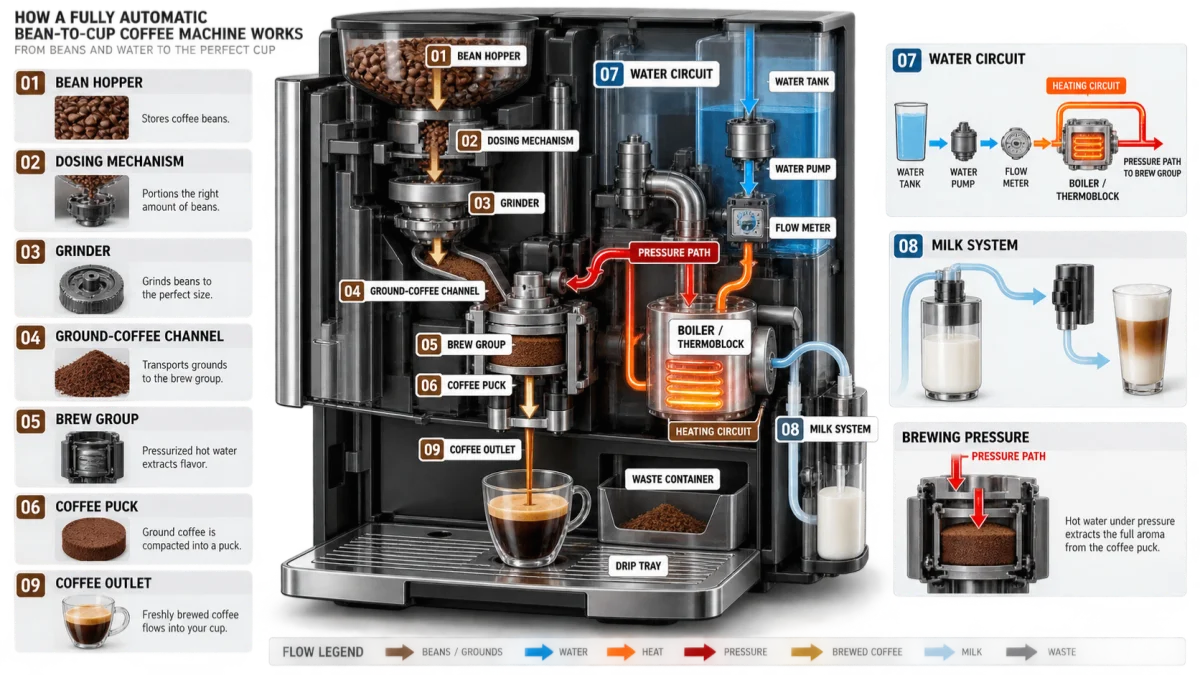 |
Enter a natural-language prompt, upload a reference image, or provide a rough sketch to define the subject, composition, style, and visual details.
Specify the elements you want to adjust, such as the background, product, clothing, colors, text, lighting, or image style.
Generate the image, review the result, and continue with focused edits while keeping important subjects and composition details consistent.
Create product visuals, campaign concepts, social creatives, and brand-ready scenes that turn marketing ideas into polished visual content.
Start with a prompt, sketch, or reference image, then explore faster generation, precise edits, and consistent visual variations through an AI image creation workflow.
Try AI Image Generator