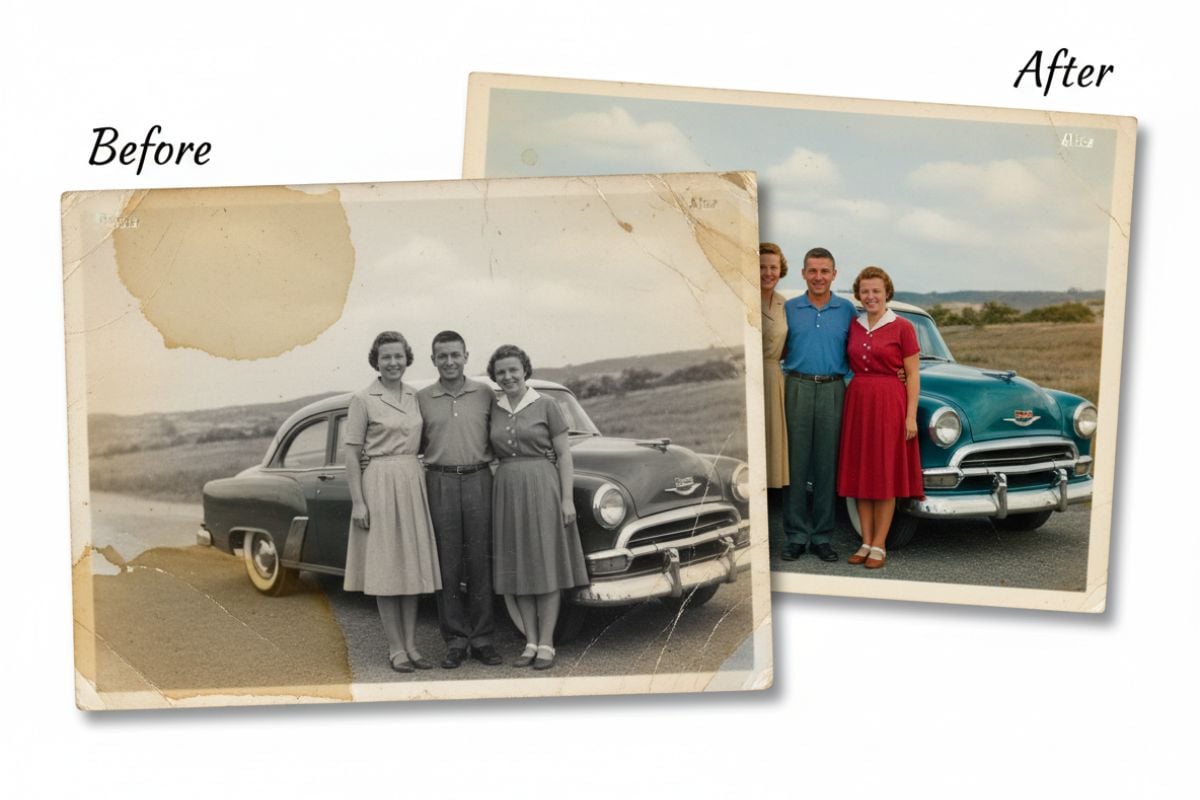
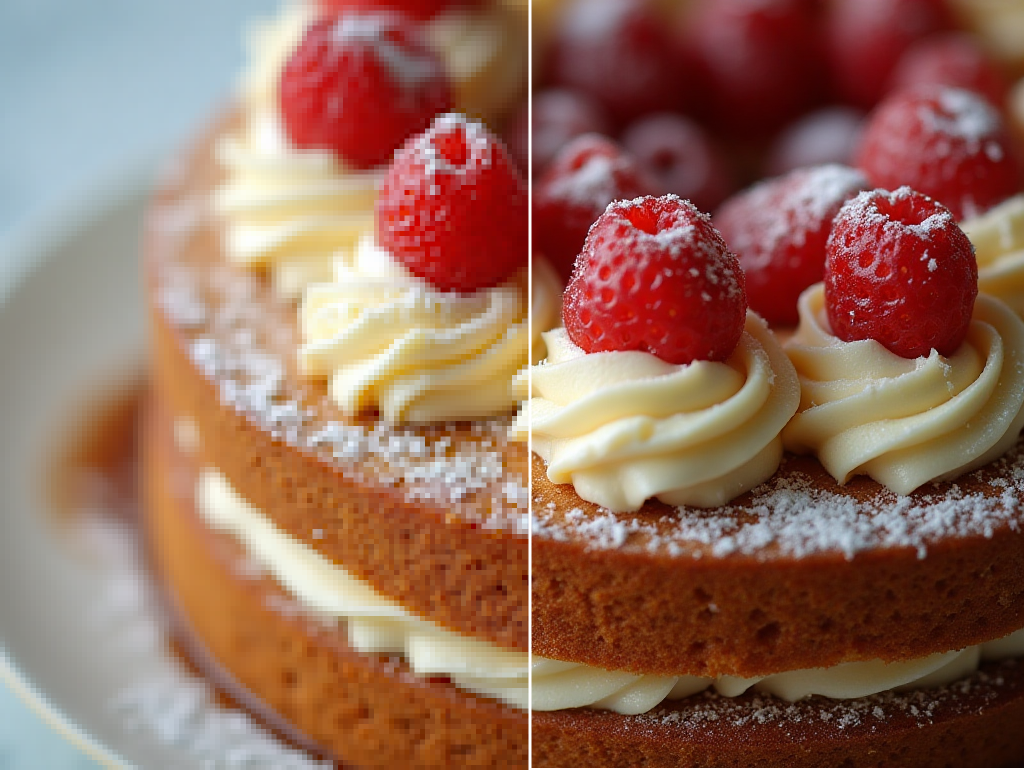
AI Image Upscaler

Upscale small, blurry or low-resolution images to 1080p, 2K or 4K. The AI restores real detail in faces, hair, fur and line art instead of painting new things in, so the person in your photo still looks like themselves. Upload a JPG, PNG or WebP below, pick the output resolution and download a PNG. Prices start at 4 tokens per image.
Portrait
Portrait
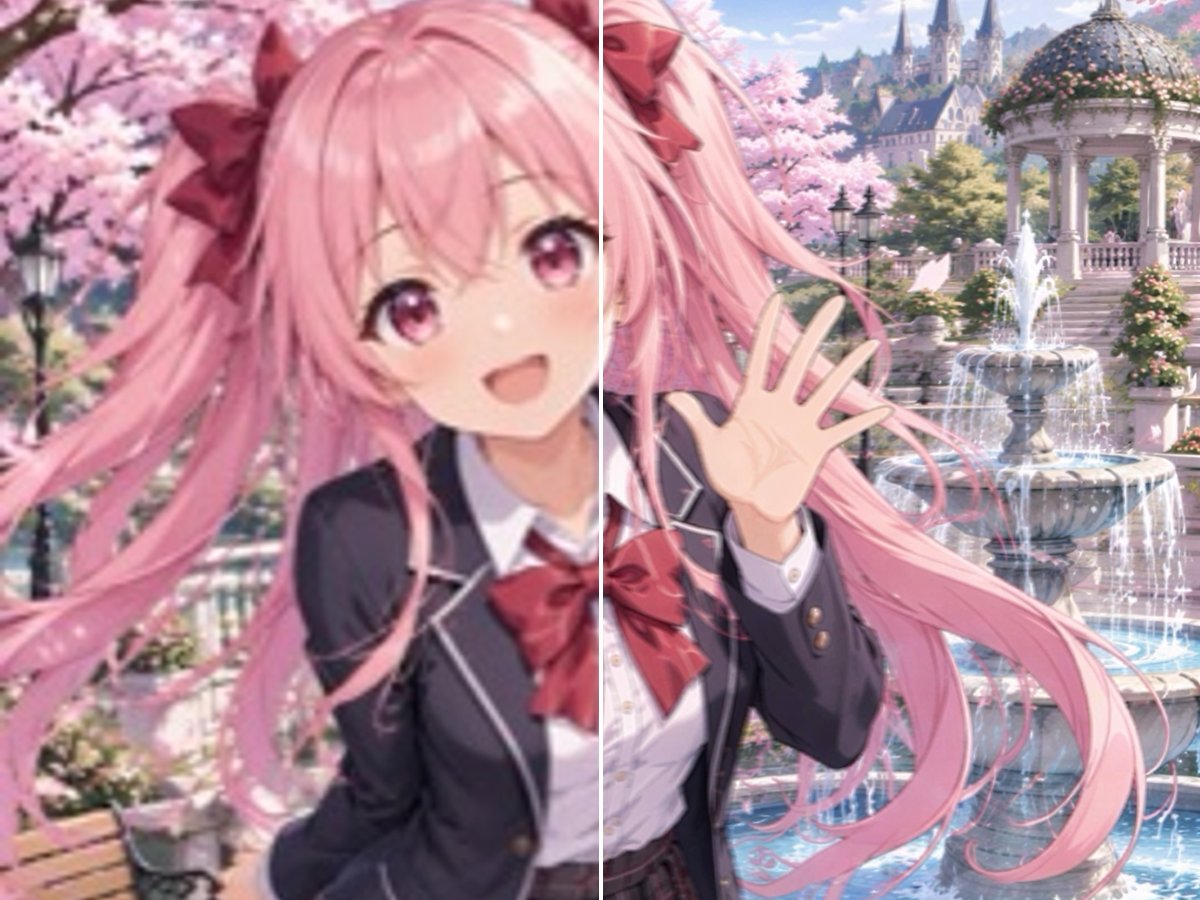
Anime
Anime
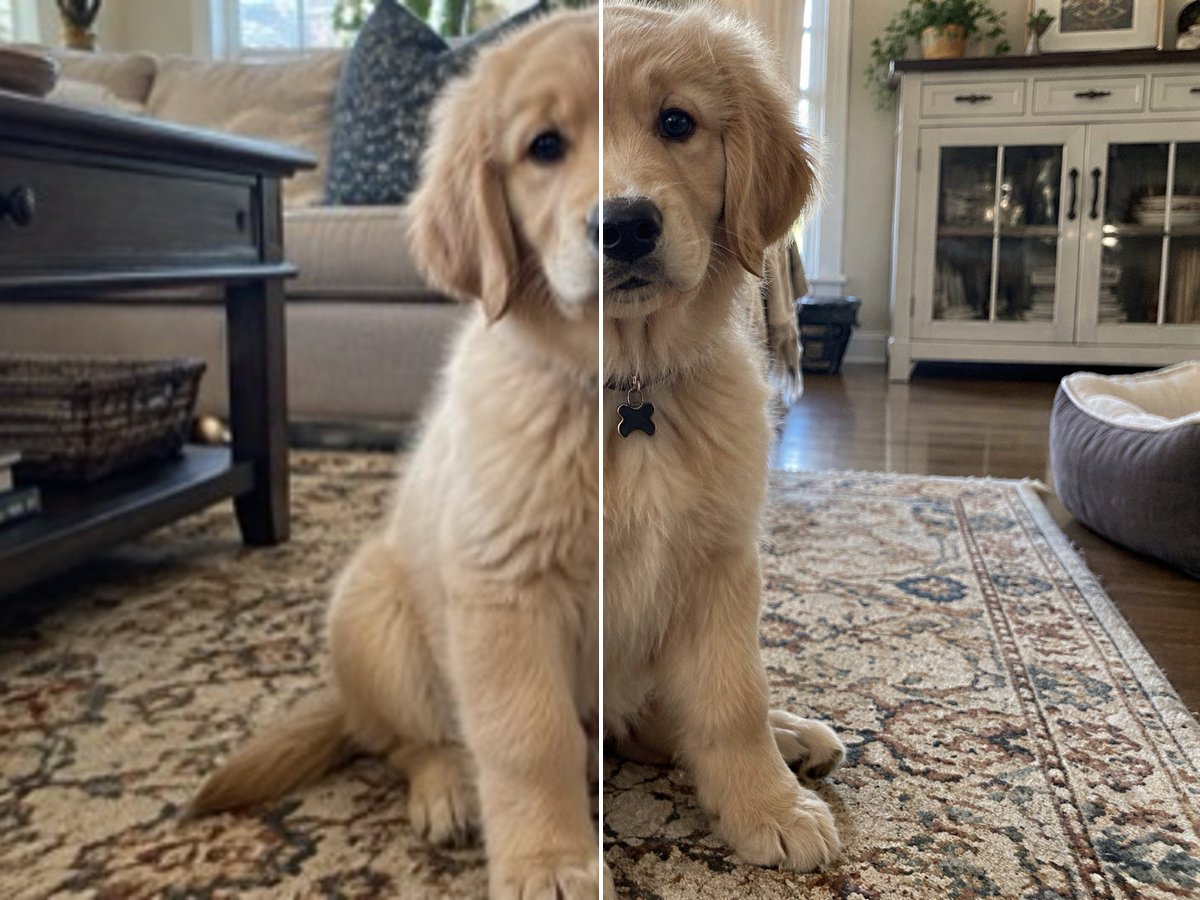
Pet
Pet
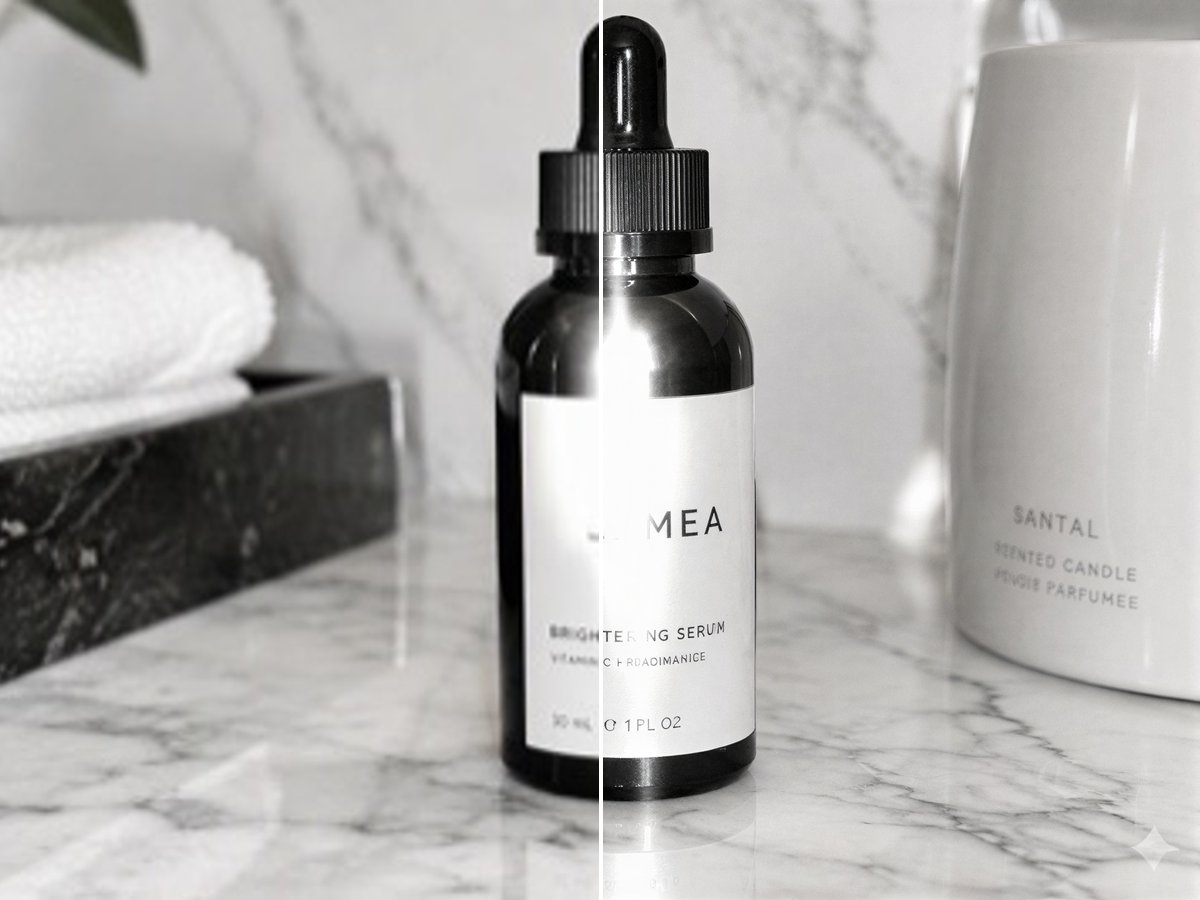
Product
Product
Upload an image
By uploading a file, you agree to GoEnhance's Terms of Use and Privacy Policy

How to Upscale an Image

Three steps, no settings to tune.
01

Upload your image

JPG, PNG or WebP. Small photos, old phone pictures, screenshots and illustrations all work.

02

Choose 1080p, 2K or 4K

The resolution sets the short side of the result; the long side keeps your aspect ratio. Sizes your image already reaches are greyed out.

03

Download the PNG

In our tests results were ready in about 2 to 3 minutes.

Which Resolution to Pick

ResolutionShort side of the resultPriceGood for
1080p1080 px4 tokensSocial posts, profile pictures, web pages
2K1440 px6 tokensProduct listings, slides, sharp phone wallpapers
4K2160 px10 tokensPrints, posters, cropping in further, 4K screens

What It Did in Our Tests

Source imageResultWorth knowing
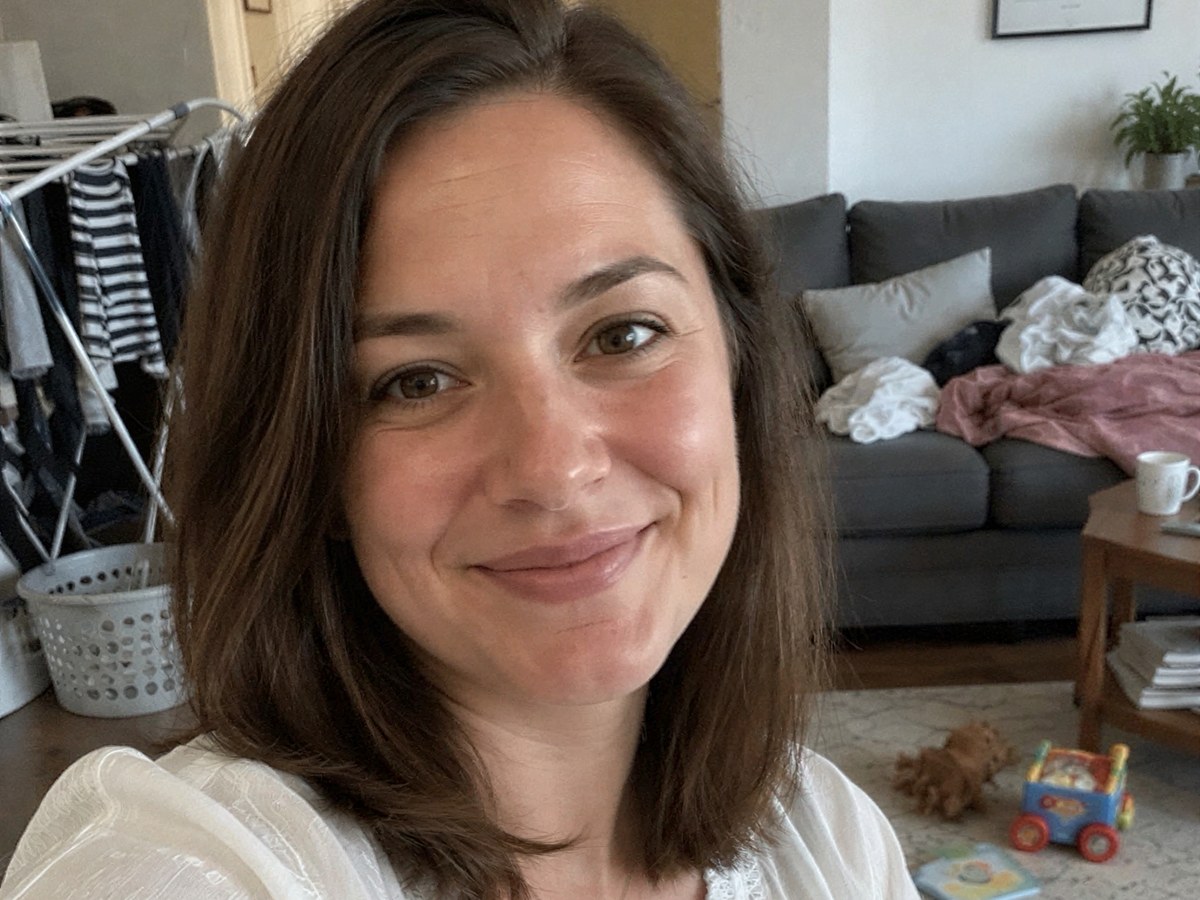
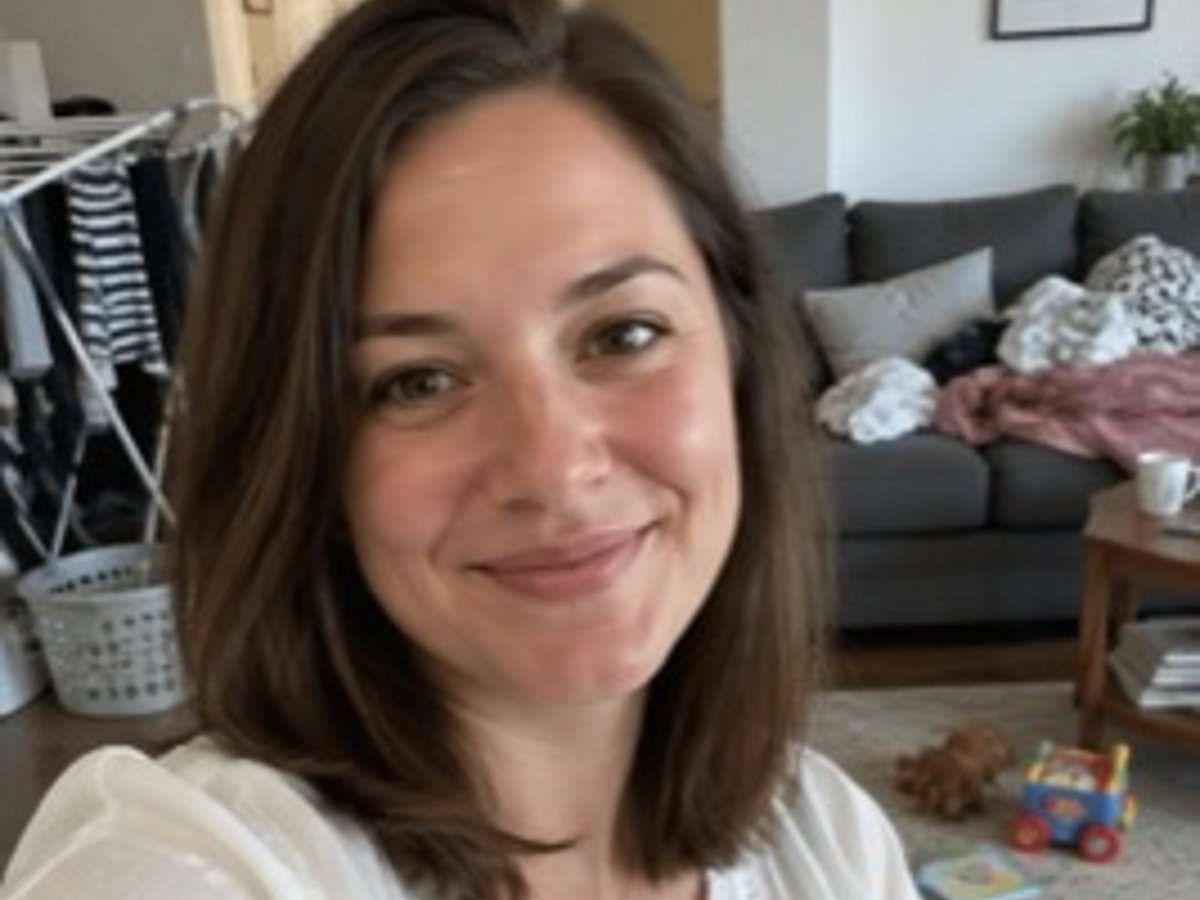
Selfie in a living room, 268 × 360 px, upscaled to 2K1440 × 1940 px; eyes, skin and hair sharp, and the face unchangedBackground objects get cleaner edges but no new objects appear
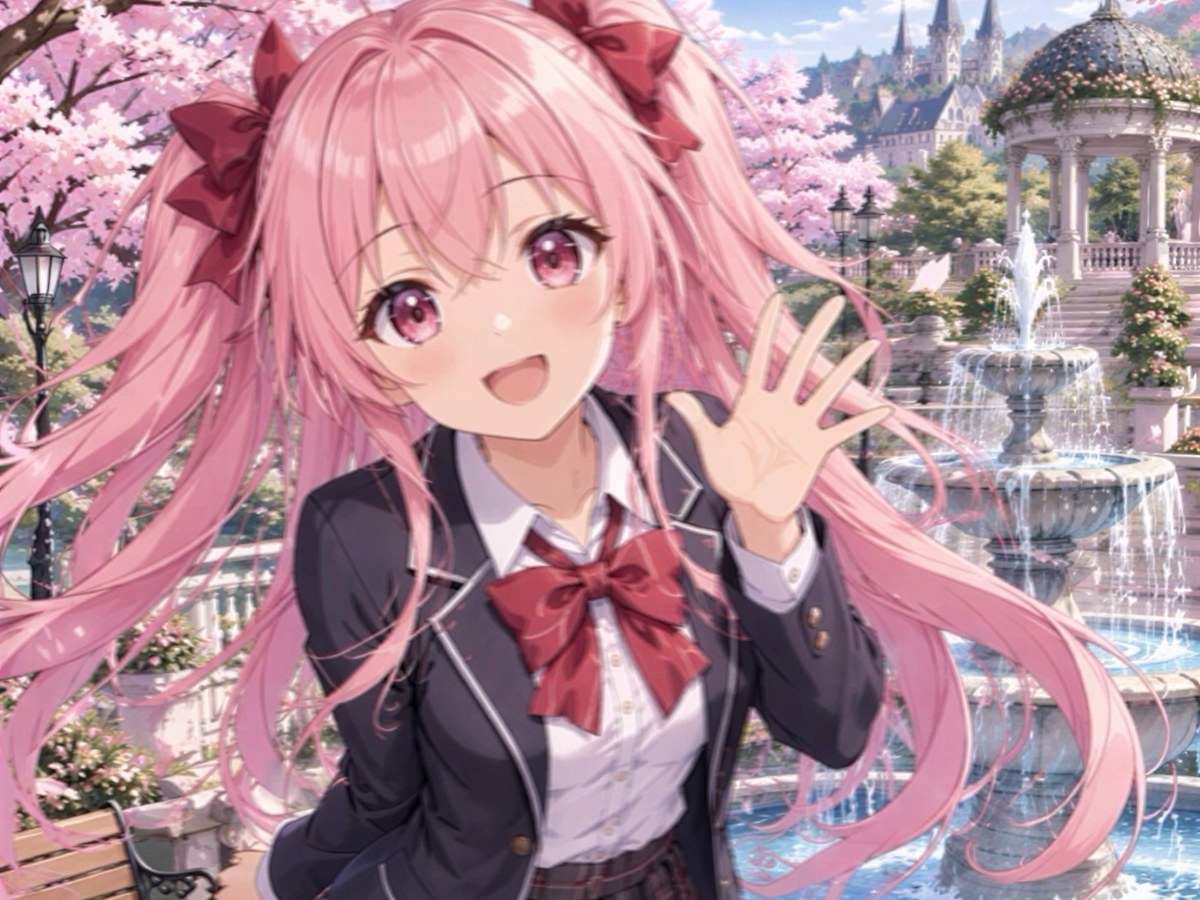
Anime girl in a park, 268 × 360 px, upscaled to 2KCrisp line art; the pattern on the bow and the petals stay the sameColors are kept as they were
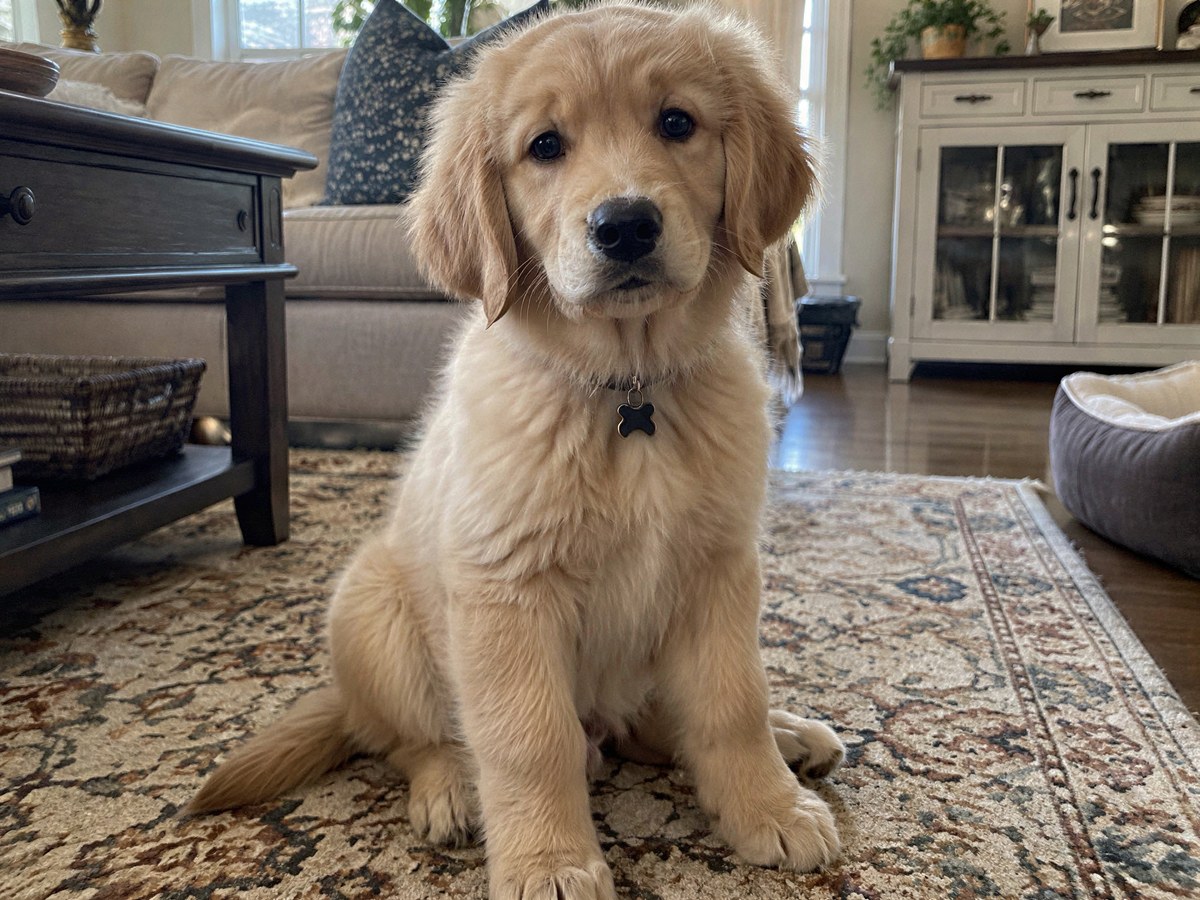
Puppy on a patterned rug, 360 × 267 px, upscaled to 2K1940 × 1440 px; fur strands and the rug pattern come backThe collar tag keeps its shape
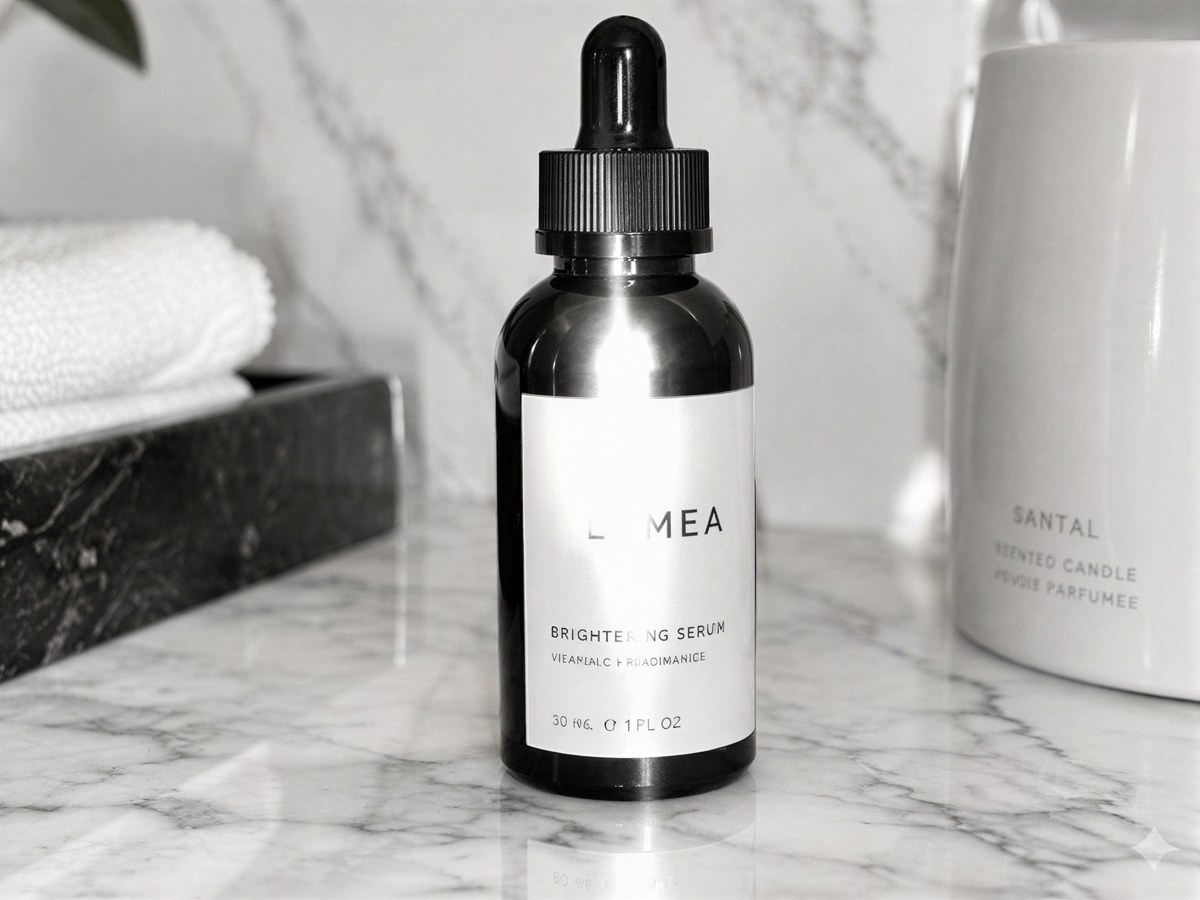
Serum bottle with a small label, 360 × 267 px, upscaled to 2KBrand name and product name sharp and correctThe tiny ingredient line was unreadable in the source and came out as garbled letters
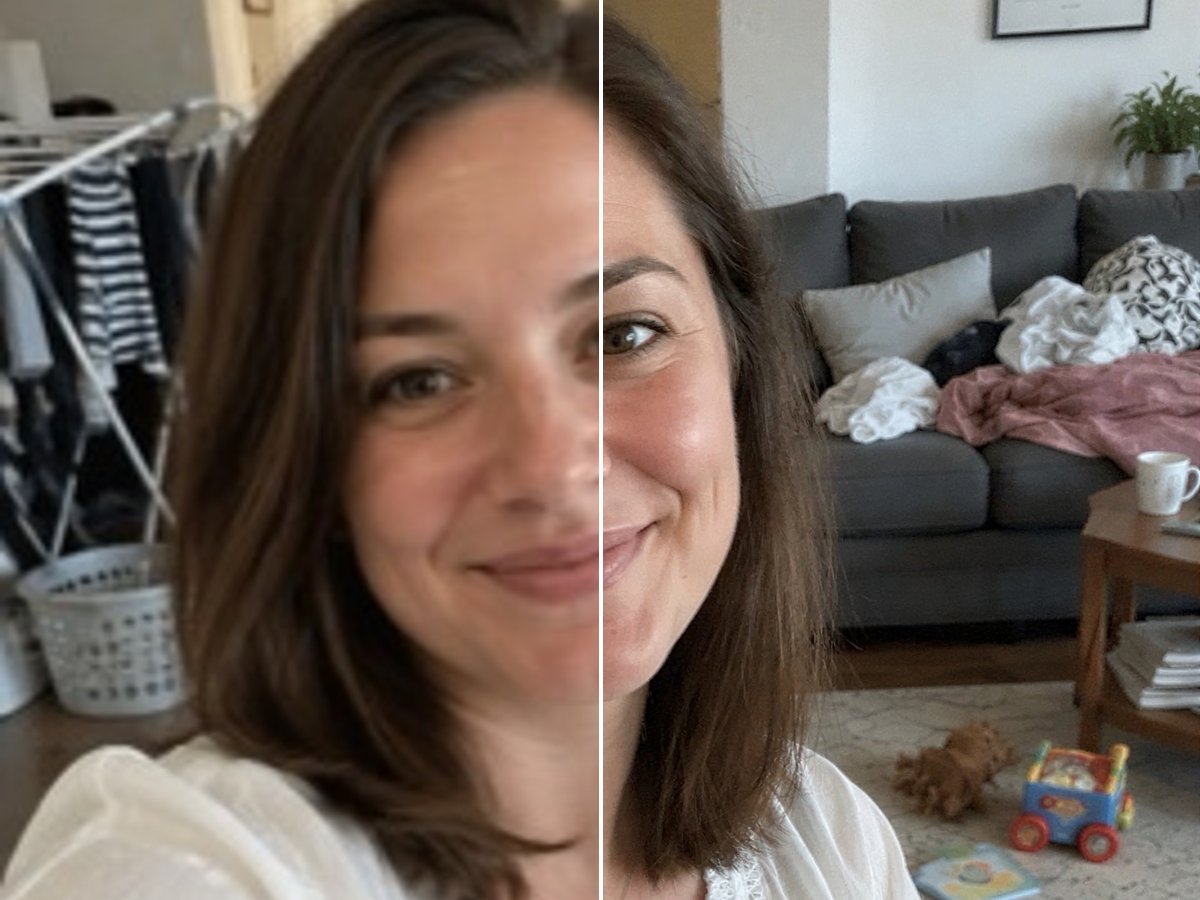
The same selfie at 1080p, 2K and 4K1080 × 1456, 1440 × 1940 and 2160 × 2912 pxEach took about 2 to 2.5 minutes

Images It Upscales Well

Faces and Portraits

Turn a small selfie or a cropped group photo into a sharp portrait. Skin, eyes and hair get real detail back, and the face stays the same person.

a low-resolution selfie upscaled to 2K with the face unchanged

Anime and Illustrations

Line art, flat colors and small patterns come out clean, so fan art and wallpapers hold up on large screens.

a small anime illustration upscaled to 2K with crisp line art

Pets and Fur

Fur, whiskers and the texture around them sharpen up without turning into a painting.

a small puppy photo upscaled to 2K with fur detail restored

Products and Labels

Product shots get clean edges and readable large text for listings and slides. Text that was too small to read in the source cannot be recovered.

a small product photo upscaled to 2K with the label sharpened

Good to Know

Faces Stay the Same

It restores detail instead of redrawing the person.

Pick by Short Side

1080p, 2K or 4K: 1080, 1440 or 2160 px.

PNG Out

Download the result as a PNG.

From 4 Tokens

4, 6 or 10 tokens depending on the resolution.
Image Upscaler FAQ

How do I upscale an image?

Upload it to the AI Image Upscaler above, choose 1080p, 2K or 4K and start. The AI enlarges the image and restores detail, and you download a PNG. In our tests it took about 2 to 3 minutes.

How do I increase the resolution of an image?

Pick the output resolution you need. 1080p makes the short side 1080 pixels, 2K makes it 1440 and 4K makes it 2160; the long side follows your aspect ratio. A 360 × 267 photo, for example, becomes 1940 × 1440 at 2K.

Can I upscale an image to 4K?

Yes. Choose 4K and the short side of the result becomes 2160 pixels. If your image is already that large, 4K is greyed out because there is nothing to upscale.

Will the AI change my face?

No. This upscaler restores detail rather than repainting the image, so faces keep their features. In our selfie test the person looked the same at 1080p, 2K and 4K.

Can it fix tiny text?

Large text gets sharper and stays correct. Text that is too small to read in the original cannot be recovered: in our test a tiny ingredient line came out as garbled letters, so do not rely on it for small print.

What is the difference from the Image Enhancer?

The Image Upscaler keeps your image as it is and only adds resolution. The Image Enhancer is a creative upscaler that can add new detail and lets you tune creativity, which suits art and AI images more than real photos.

How much does it cost?

1080p costs 4 tokens, 2K costs 6 tokens and 4K costs 10 tokens per image. New accounts get free tokens when they sign up, so you can try it before paying.

Is my image private?

We do not sell your content. Your image is processed to upscale it, and the result stays in your account until you delete it. See our Privacy Policy for details.

Make a Small Image Sharp Again

Upload an image and download it at 1080p, 2K or 4K.

Upscale an Image