
FastH3 Omni
FastH3 Omni is an open-weight, distilled version of MiniMax H3 for reference-guided video with sound, released by FastVideo (Hao AI Lab) on October 20, 2026. It turns a prompt plus reference images, video clips and voice into a clip with synchronized audio in 8 steps instead of 50, and FastVideo reports 5.6–11.9× lower latency than the base model. GoEnhance does not host FastH3 Omni; the console below runs the full MiniMax H3 reference-to-video model it was distilled from.
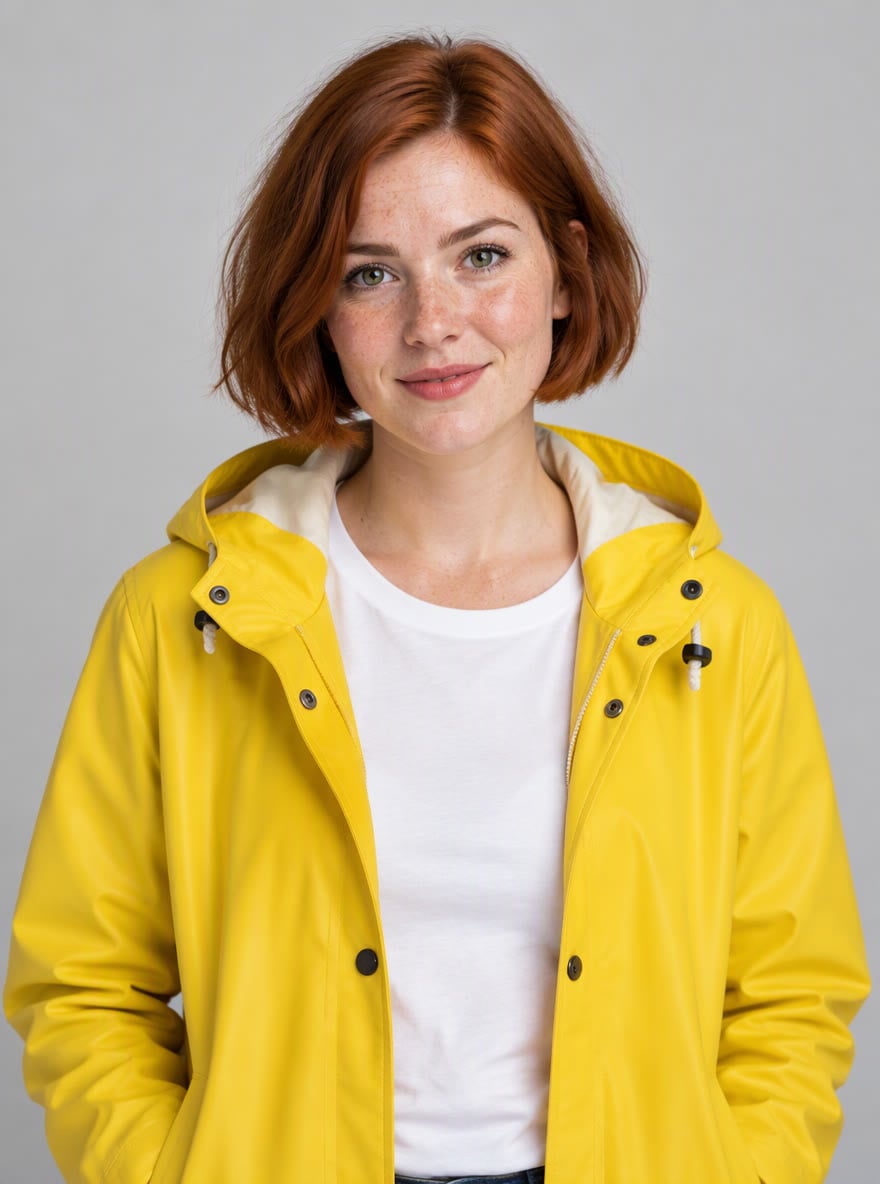
@1

@2

@3
MiniMax H3
Reference images
@1
@2
@3
@4
Add 1–4 images: a person, a pet, a product or a place. In your prompt, call them @[image1], @[image2]… in this order.
Prompt
Example prompts
By uploading a file, you agree to GoEnhance's Terms of Use and Privacy Policy
What FastH3 Omni Brings
8 Steps Instead of 50
FastH3 Omni is a few-step student of MiniMax H3: each clip takes eight transformer evaluations, down from 50 in the base model. Across 27 matched workloads on eight NVIDIA GB200 GPUs, FastVideo measured 5.6–11.9× lower end-to-end latency. The roughly 12× headline is the best case, a 15-second clip from one short reference video.
References for Faces, Scenes, Motion and Voice
Unlike the earlier FastH3, which handled text-to-video and image-to-video only, Omni keeps H3's reference-to-video mode. You can mix reference images, video clips and a voice reference in one prompt; FastVideo tested setups from a single image up to 9 images plus 3 clips.
Video and Sound in One Pass
Like MiniMax H3, FastH3 Omni generates picture and synchronized stereo audio together. FastVideo's examples run at 24 fps in 5, 10 and 15-second lengths.
Runs on Blackwell and RTX GPUs
Besides data-center GPUs, FastVideo ships NVFP4 weights trained for Blackwell, with recipes for DGX Spark and RTX 5090 that default to 480p, and an FP8 recipe for RTX 4090 with layer-by-layer offloading.
Open Weights, Training Code and ComfyUI
The weights are on Hugging Face in the FastVideo/fasth3-omni collection, including FP8 and NVFP4 packages for ComfyUI, and the training recipe is in the FastVideo repository. FastVideo says training took about 7,800 GPU hours on 64 NVIDIA B300s.
FastH3 Omni vs FastH3 vs MiniMax H3
How to Make Reference Videos Like FastH3 Omni on GoEnhance
01
Upload Your References
Add up to 9 images for characters, products and places. You can also add one video clip for motion and up to 3 audio clips for voice or sound, each 2–15 seconds.
02
Tag Them in the Prompt
Refer to each reference by its tag, such as @[image1], and describe the action, the camera and what we hear. Put spoken lines in quotes.
03
Choose Length, Shape and Quality
Pick 5 to 15 seconds, an aspect ratio from 16:9 to 9:16, and 720p or 1080p.
04
Generate and Refine
MiniMax H3 renders the clip with native sound. Adjust the prompt or swap a reference and run it again.
You may want to know
What is FastH3 Omni?
How much faster is FastH3 Omni than MiniMax H3?
Is the quality the same as MiniMax H3?
How is FastH3 Omni different from FastH3?
Can I run FastH3 Omni on my own GPU?
Does FastH3 Omni work in ComfyUI?
Is FastH3 Omni open source?
Can I use FastH3 Omni on GoEnhance?
Were the examples on this page made with FastH3 Omni?
More MiniMax and Reference Video Models



Direct a Scene from Your References
Combine characters, places, a motion clip and a voice, and let MiniMax H3 turn them into a video with sound. No GPU or setup needed.
Try MiniMax H3 Reference to Video