
Side By Side Photo Maker: Two Photos, One Clean Layout
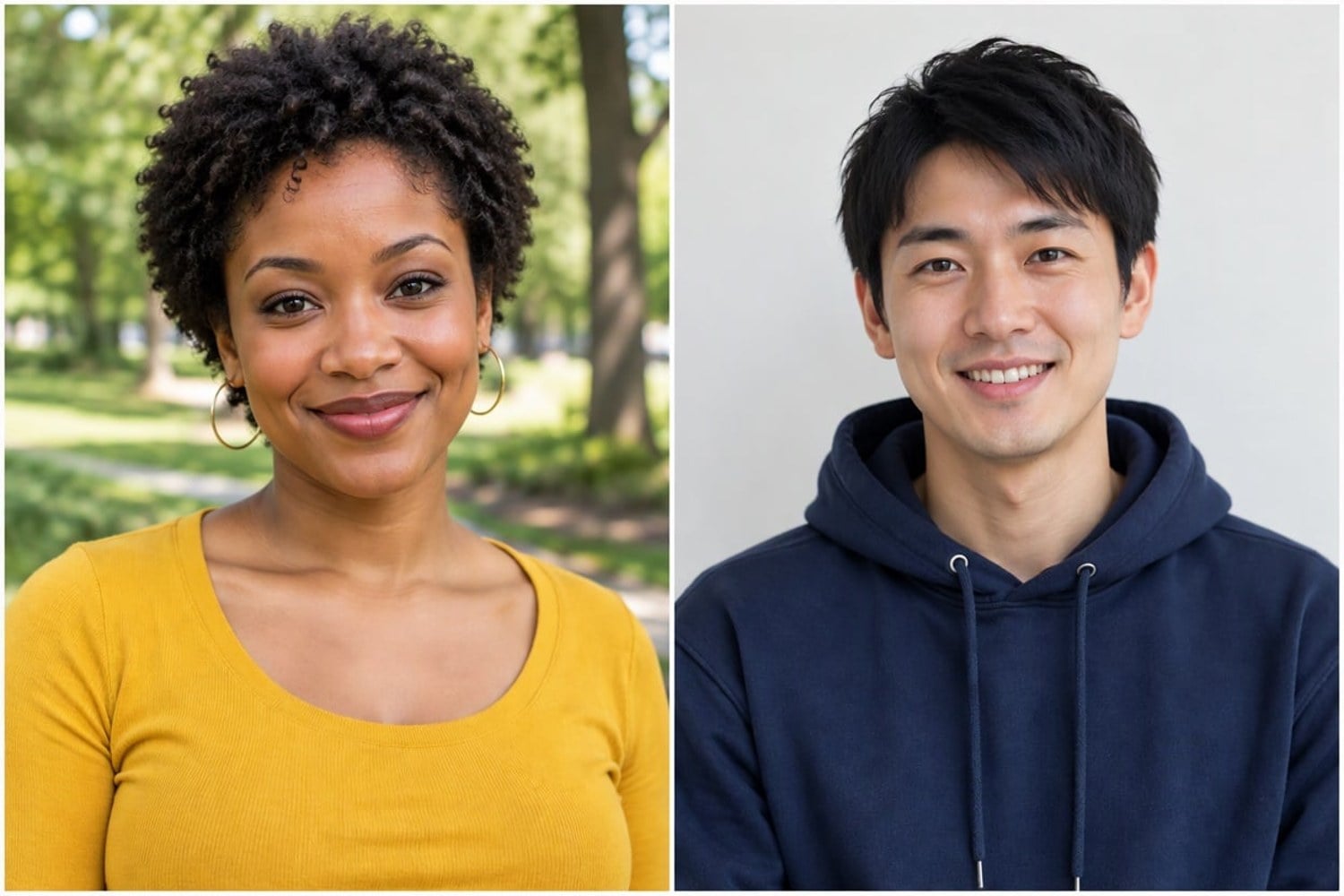
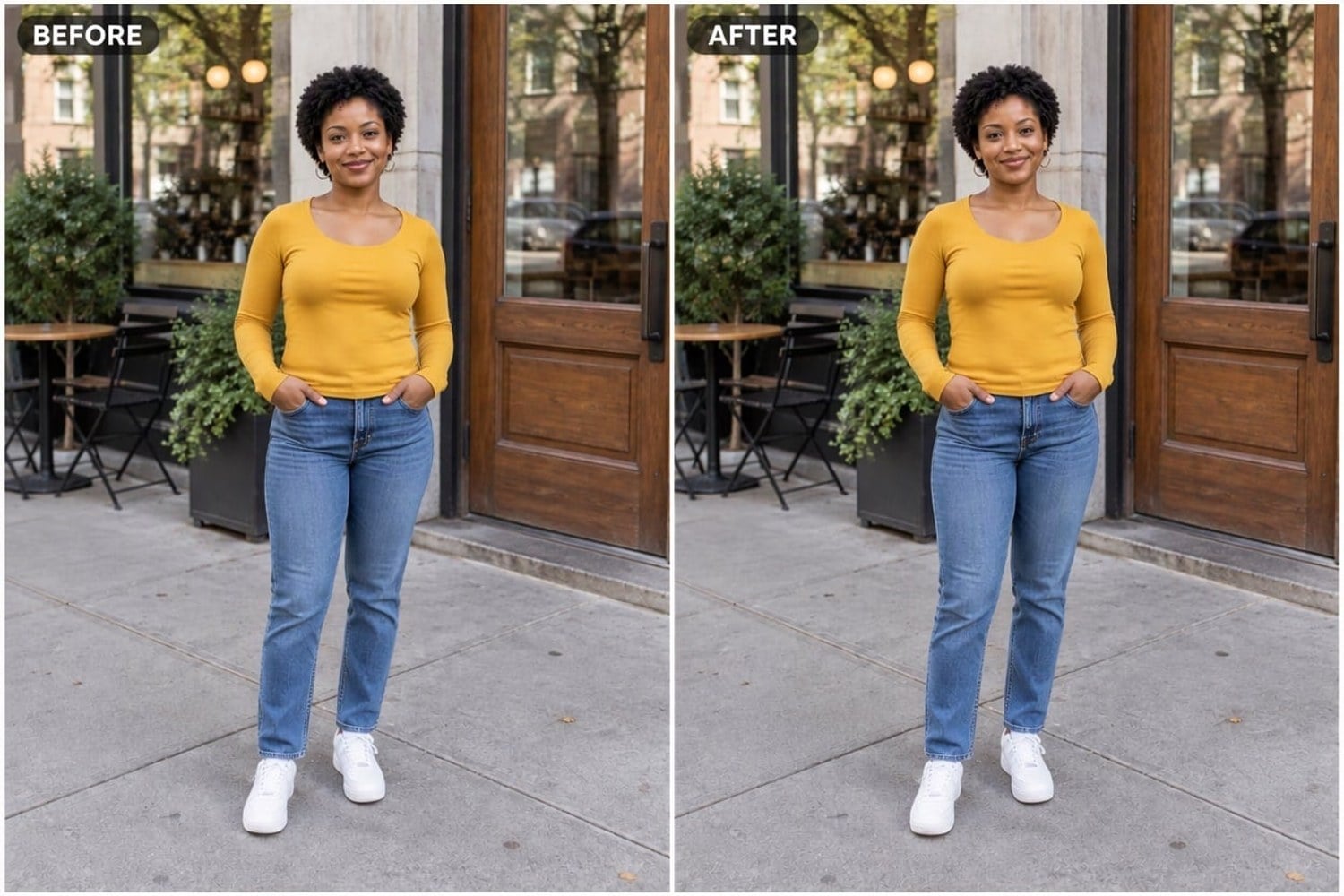
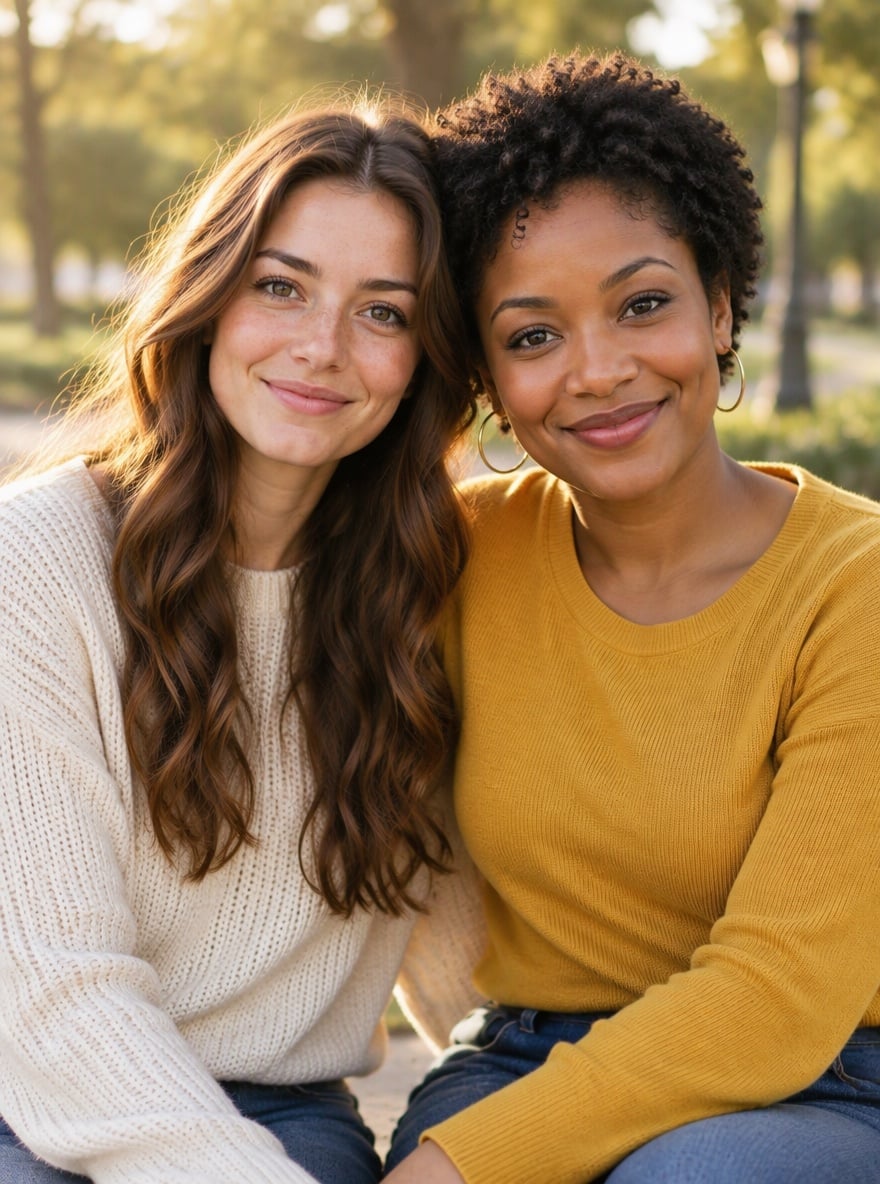
Need to put two pictures side by side for a before and after post, a product or filter comparison, or a two-person portrait? Upload your first photo here, add the second one in the editor, and the side by side photo maker places Image 1 on the left and Image 2 on the right as two equal panels with a thin white divider and a slim border. It scales both photos so the subjects look the same size, lines up eye level where it can and gently evens out brightness and white balance, while faces, outfits and backgrounds stay as they were. The default prompt adds small BEFORE and AFTER tags; delete that line for a clean layout with no text. Unlike the AI duo photoshoot, which puts two people into one new scene, this tool keeps both original photos and simply arranges them neatly. The console below runs on GPT Image 2.5.
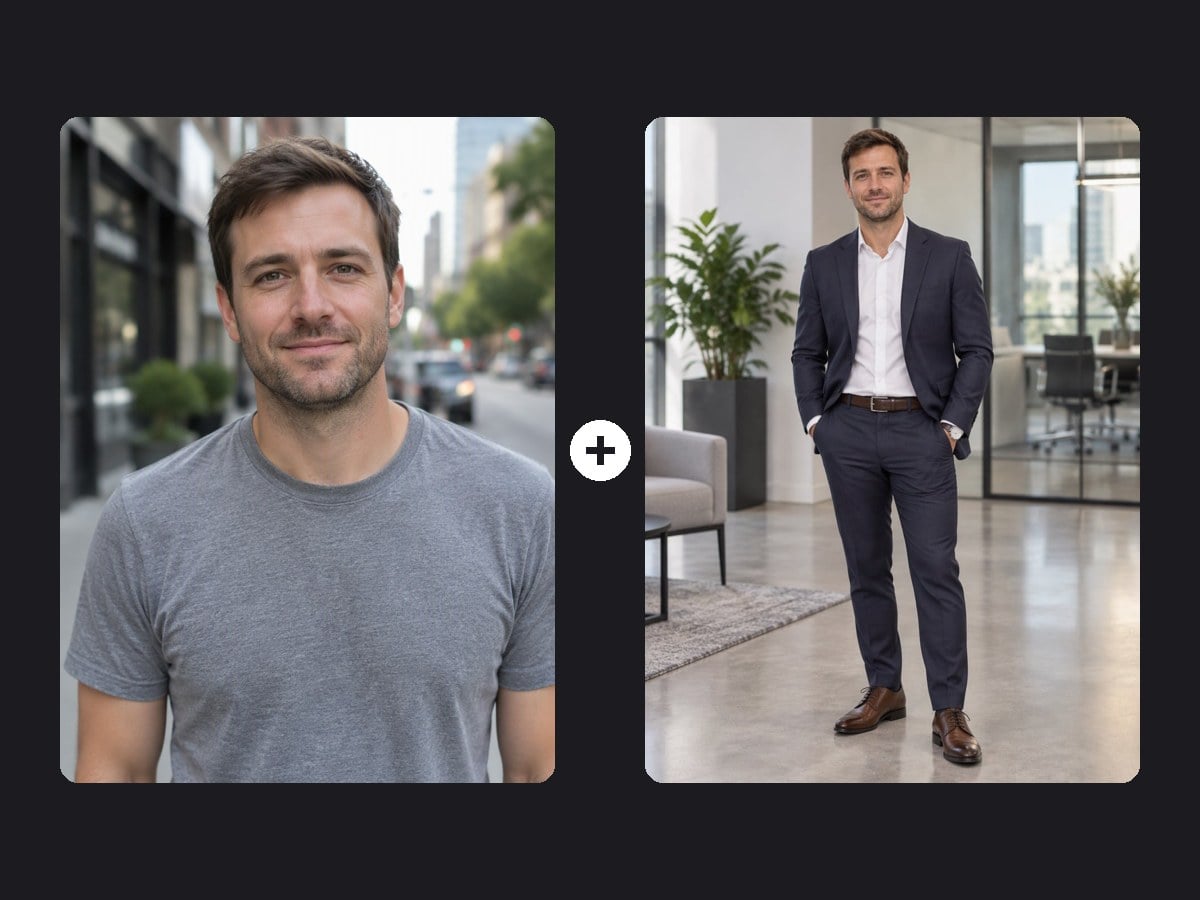
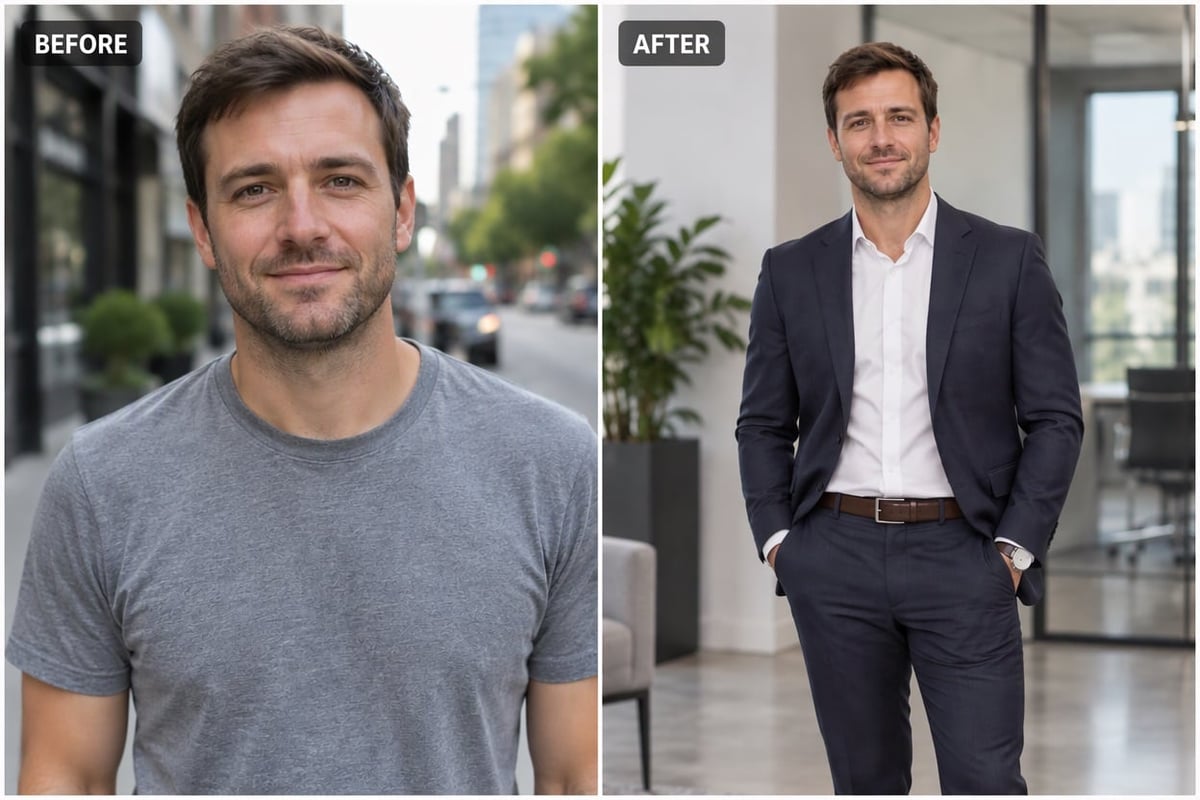
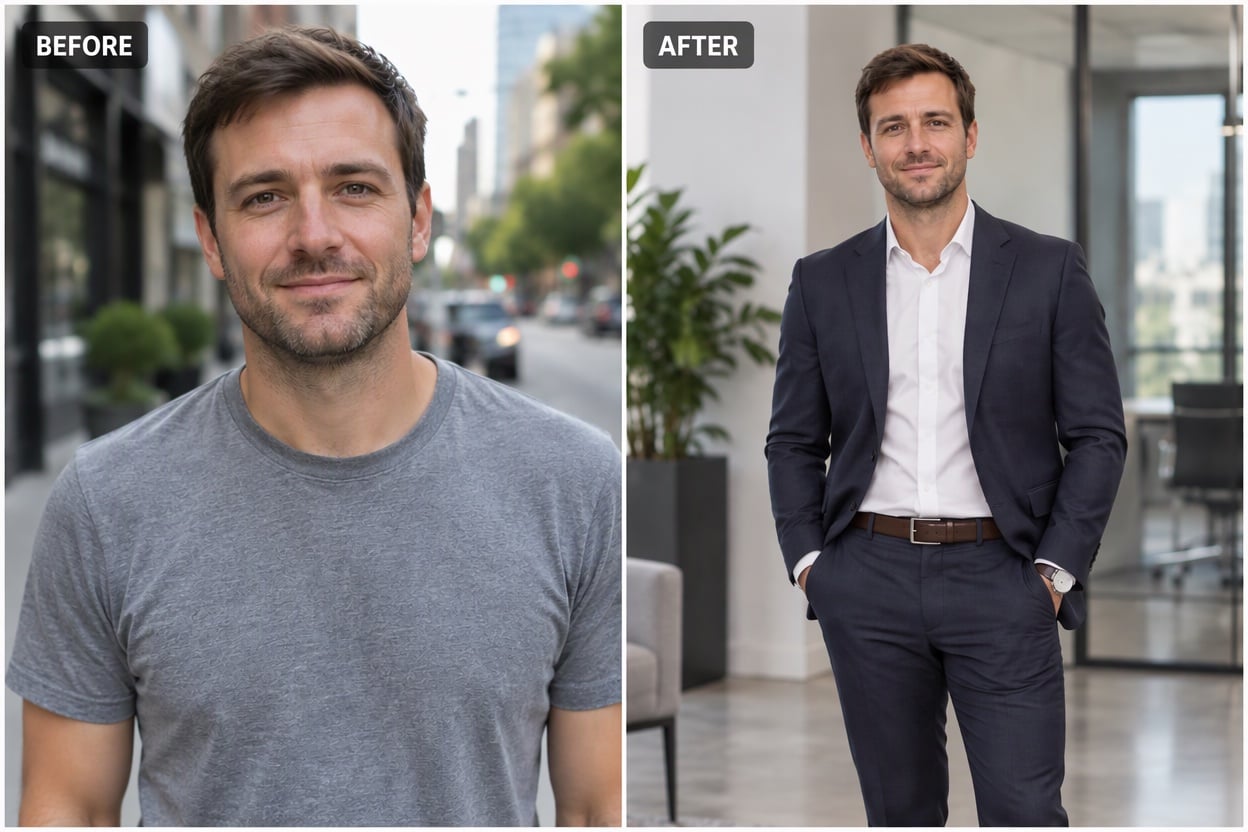
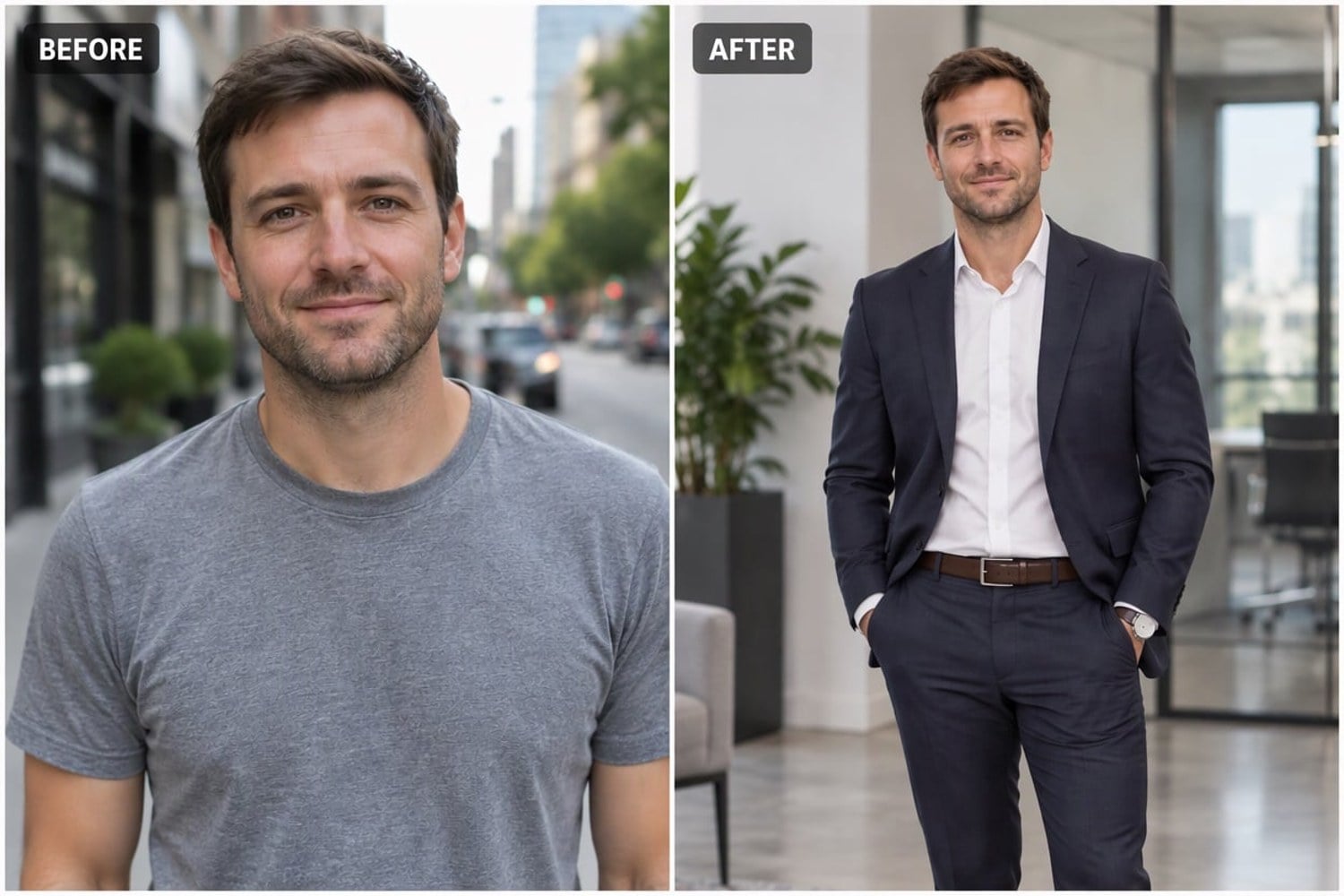
Outfit Makeover Before and After
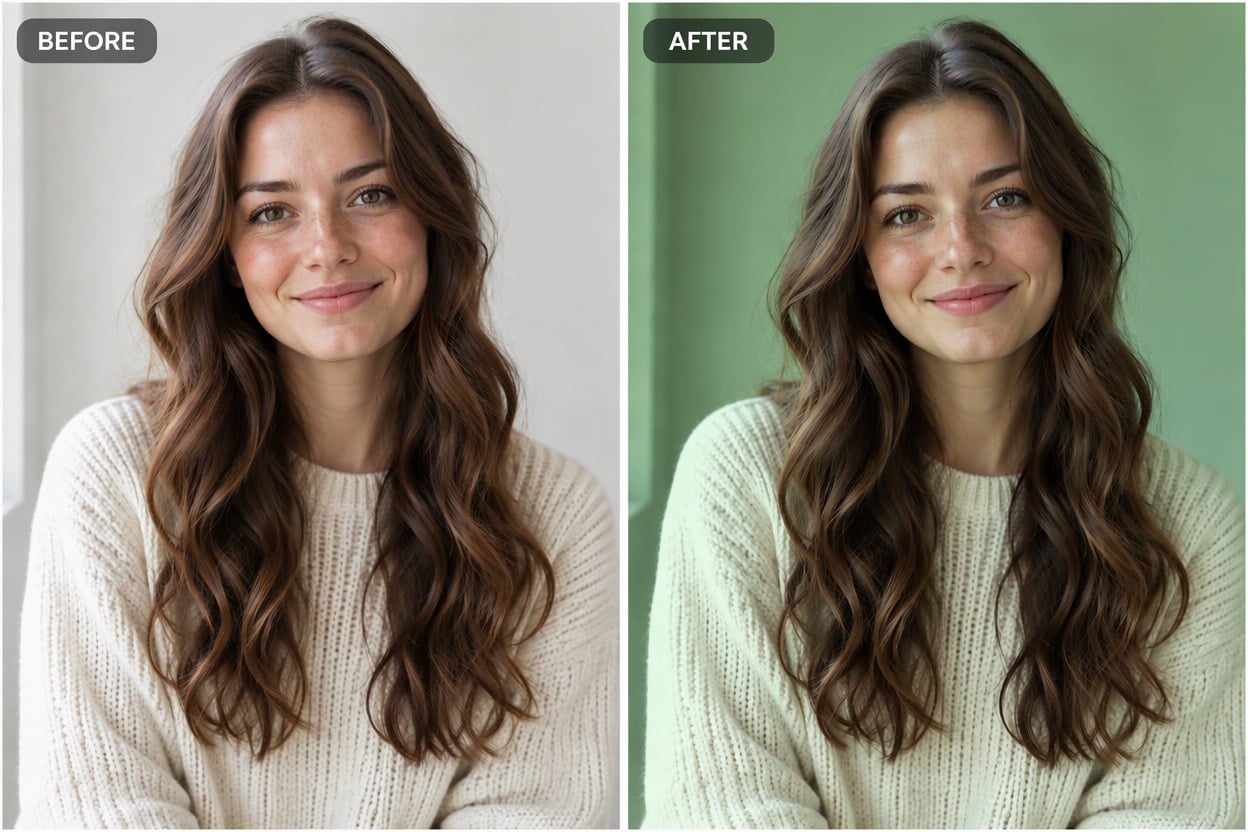
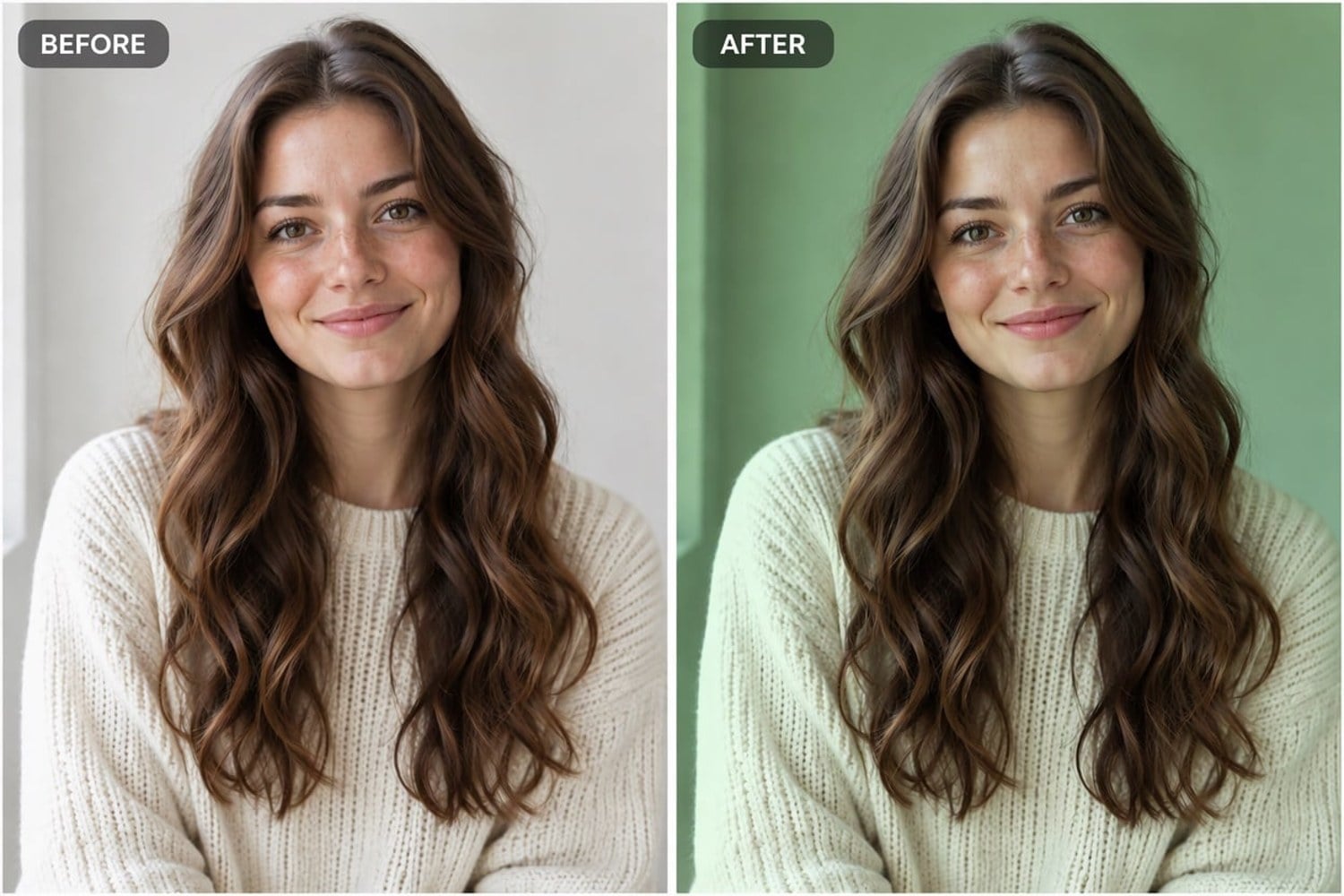
Photo Filter Comparison
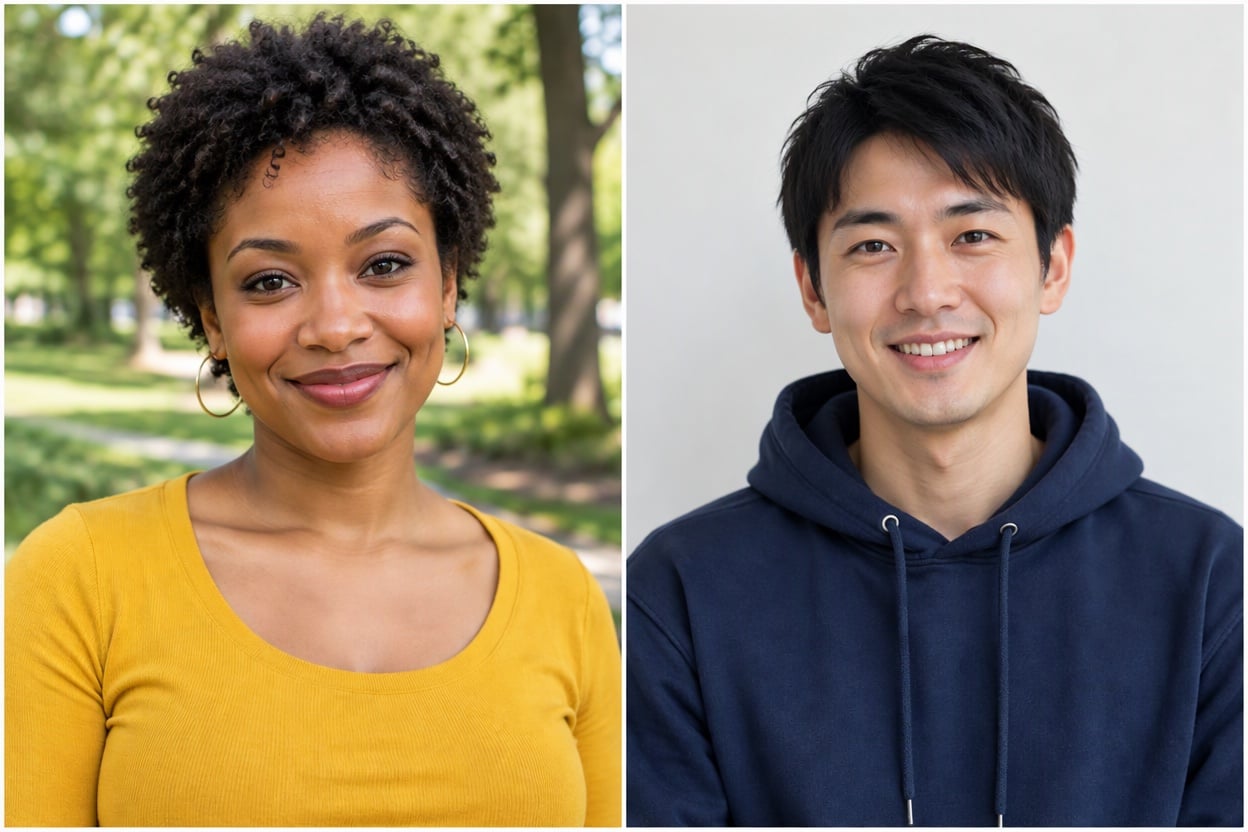
Two Portraits Side by Side
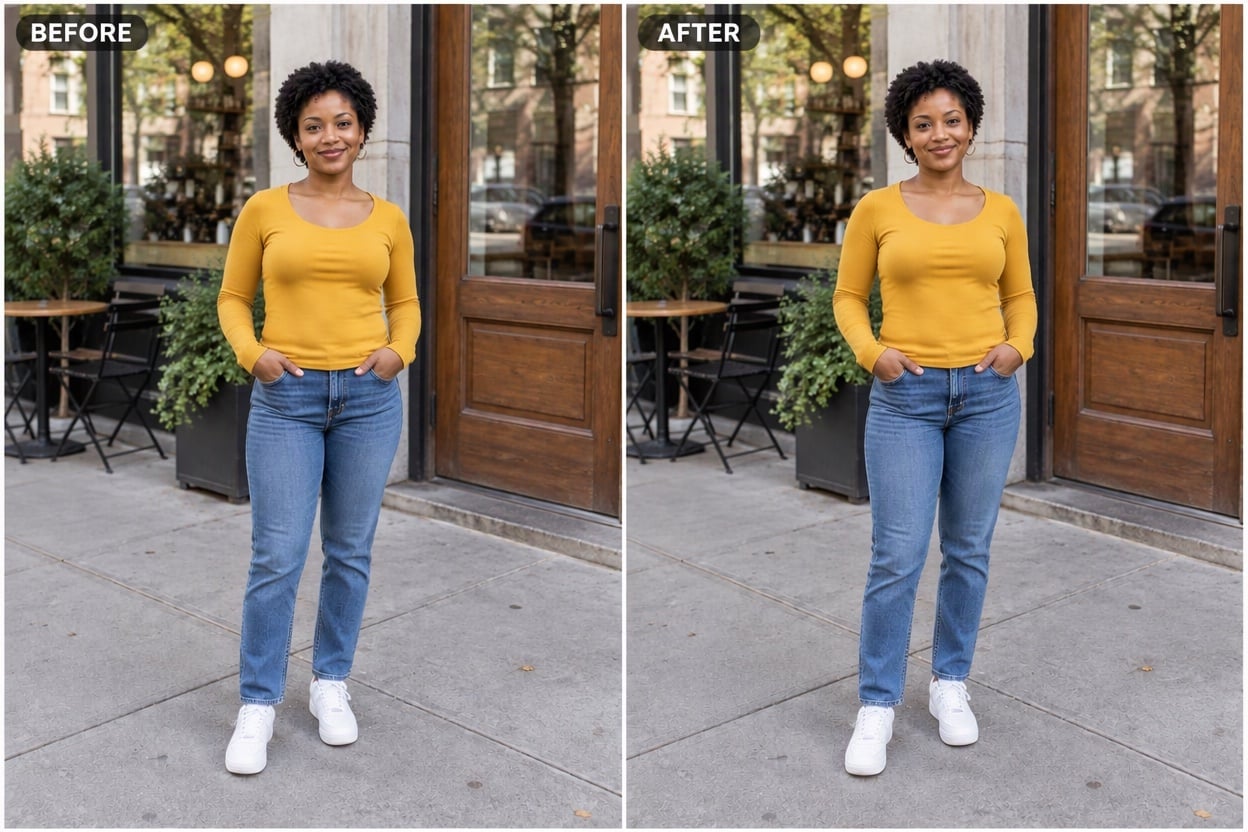
Full-Body Before and After
Upload files
Upload the first photo (left side); you can add the second one in the editor
Layout prompt
By uploading a file, you agree to GoEnhance's Terms of Use and Privacy Policy
Side by Side Photo Examples
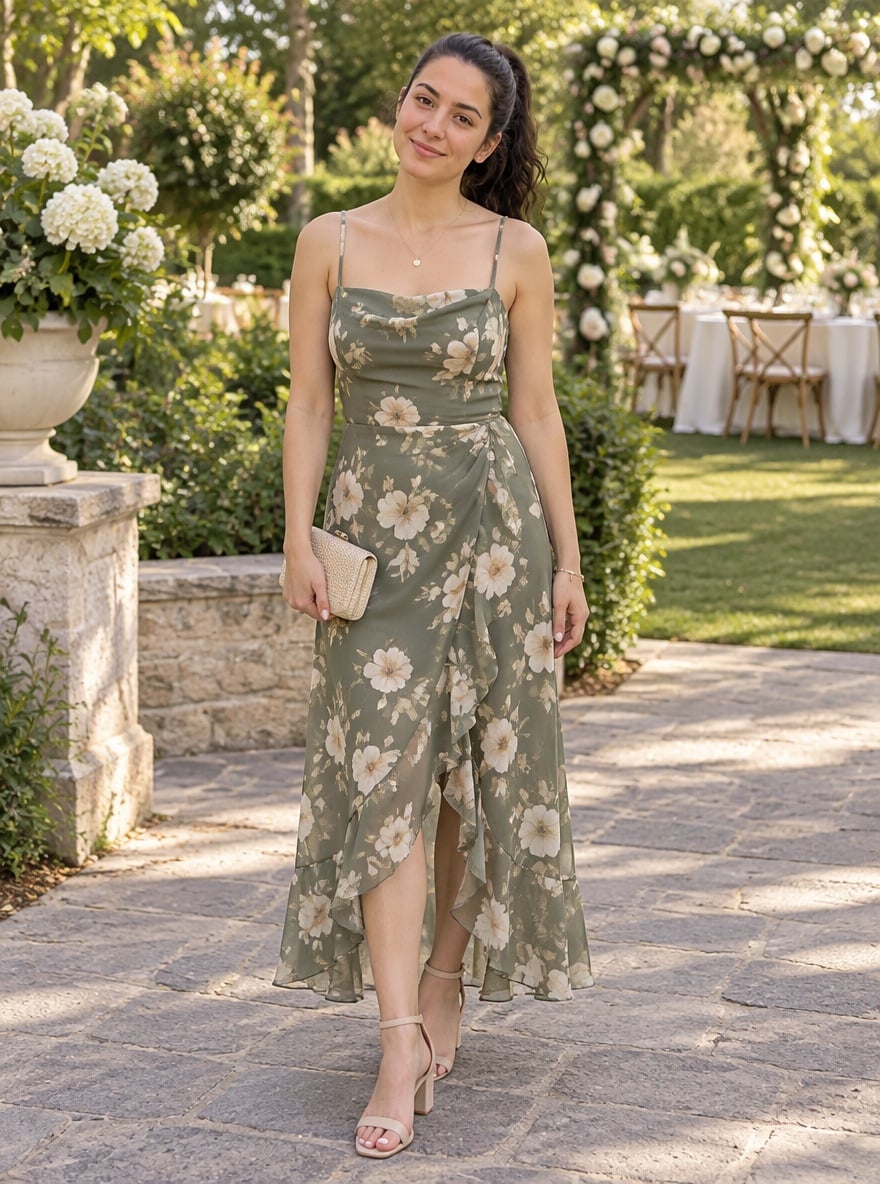
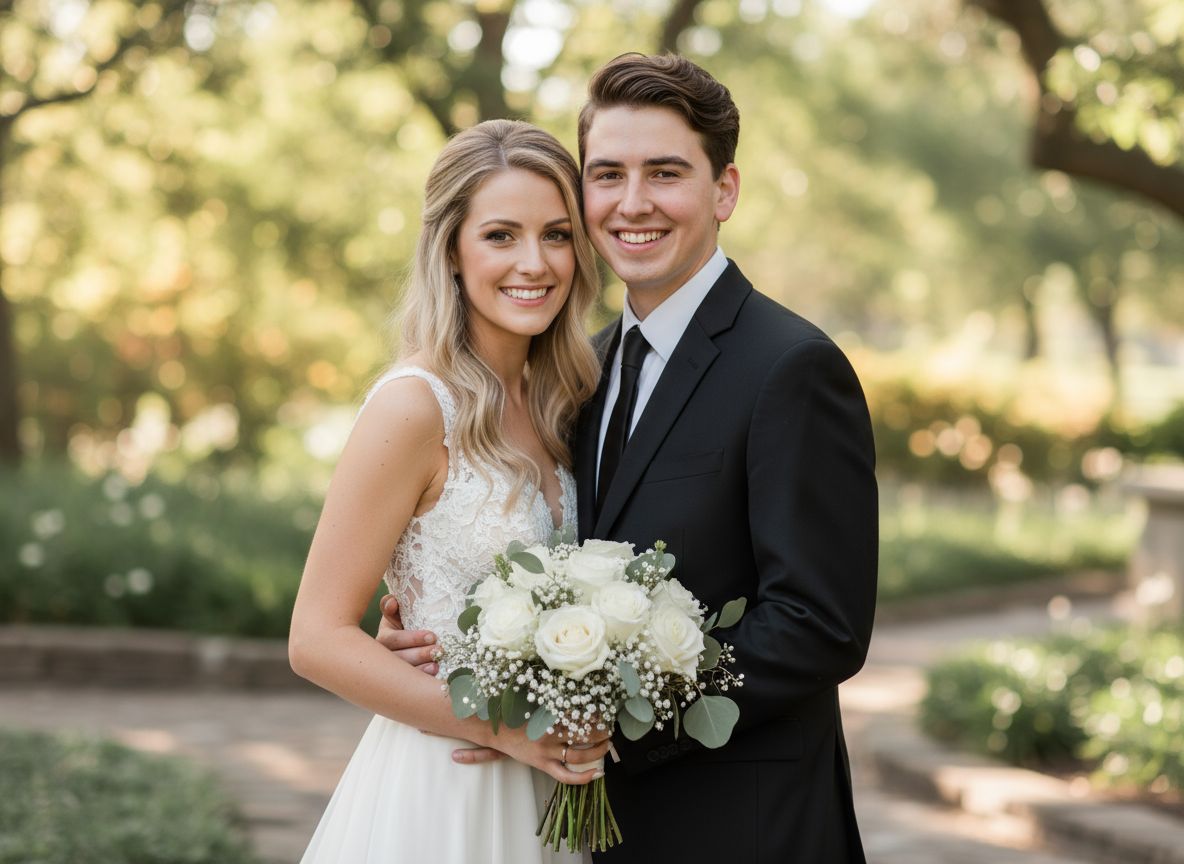
Each result was made from two uploaded photos with the prompt above. The people, clothes and backgrounds come from the original photos; only the layout, tags and light balance were added.
Outfit Makeover Before and After
Photo Filter Comparison
Two Portraits Side by Side
How to Put Two Pictures Side by Side
01
Upload your first photo
Choose the picture that should appear on the left, such as the before shot or the first person, and upload it above.
02
Add the second photo
In the editor, add the picture for the right side. Keep the BEFORE and AFTER line in the prompt for a comparison, or remove it for a layout without text.
03
Generate and share
Press generate and download the finished side by side photo, ready for Instagram, a portfolio, a product listing or a chat.
Why Use This Side by Side Photo Maker
Related Photo Tools
Side By Side Photo Maker FAQ
How do I put two pictures side by side?
Will the AI change my photos?
Can I remove the BEFORE and AFTER labels?
What kind of photos work best?
Is it free?
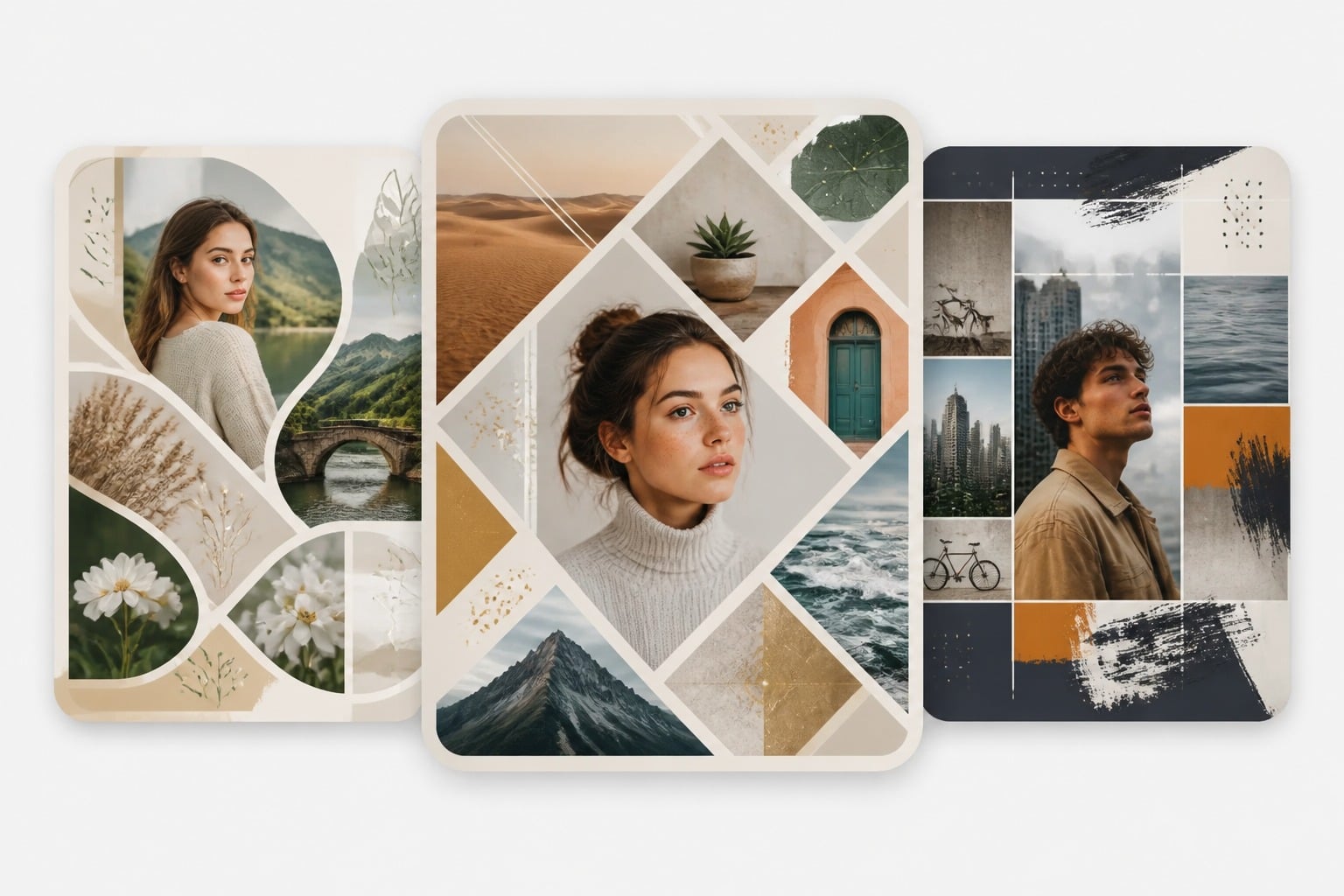
Can I combine more than two photos?
Ready to Put Two Photos Side by Side?
Upload two pictures and get a clean before and after or comparison image in under a minute.
Make a Side by Side Photo