
FLUX.2 [max]

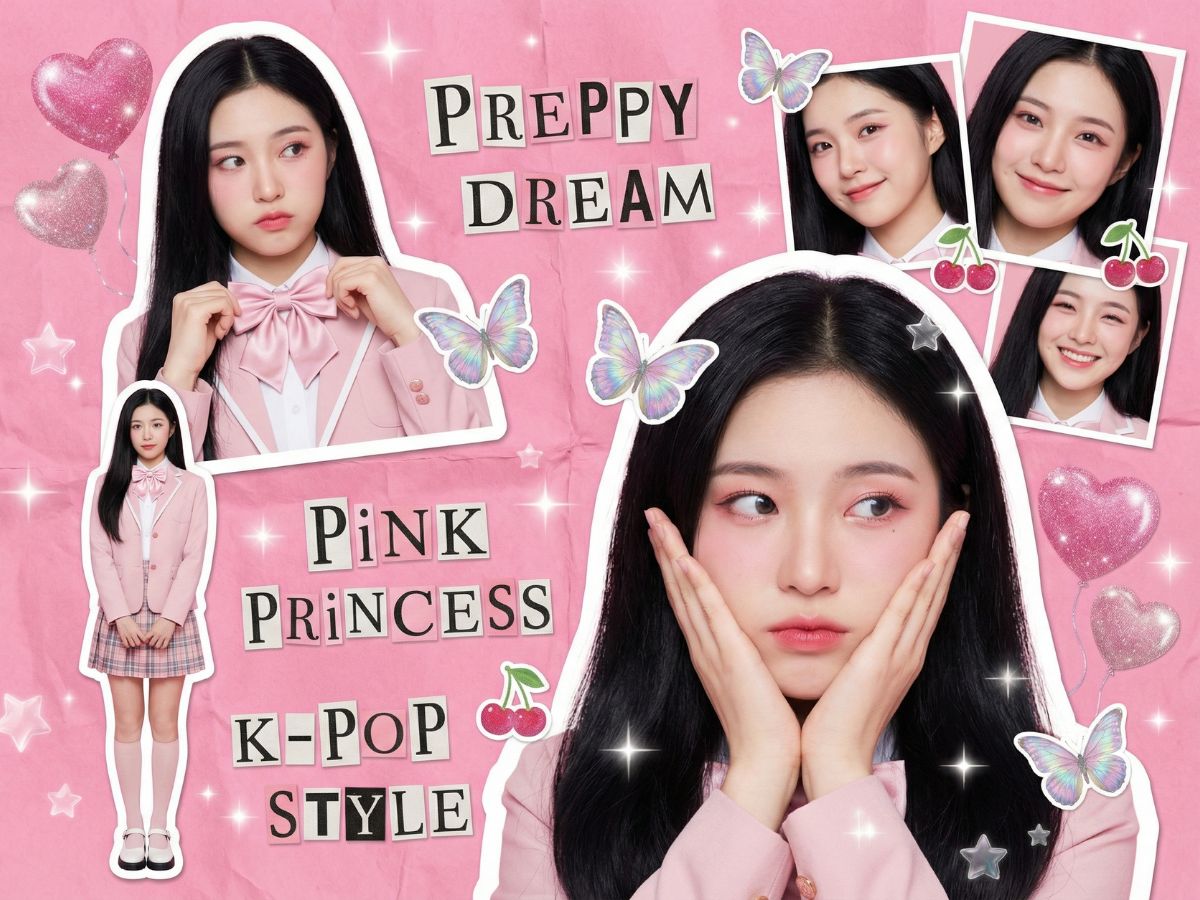
What Makes FLUX.2 [max] Different
Marketplace-Ready Product Visuals
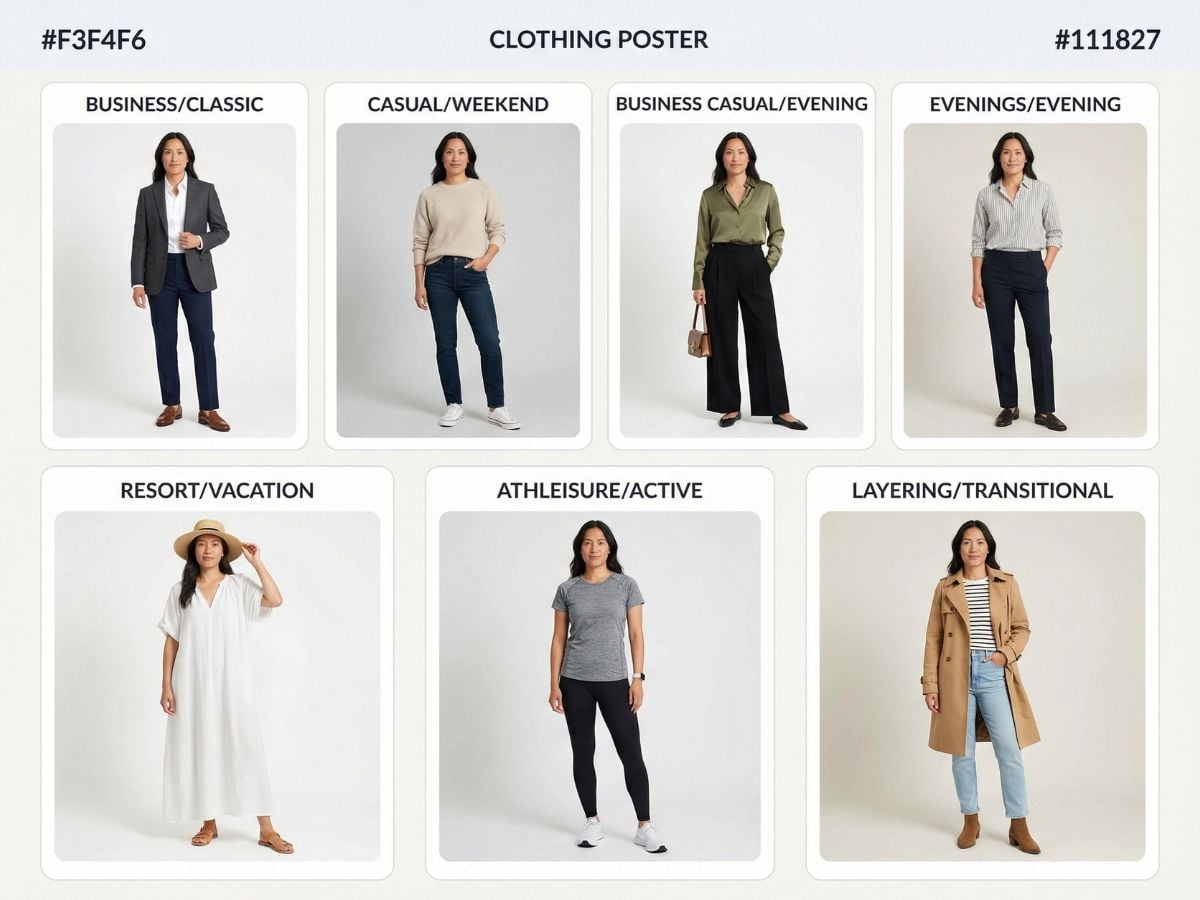
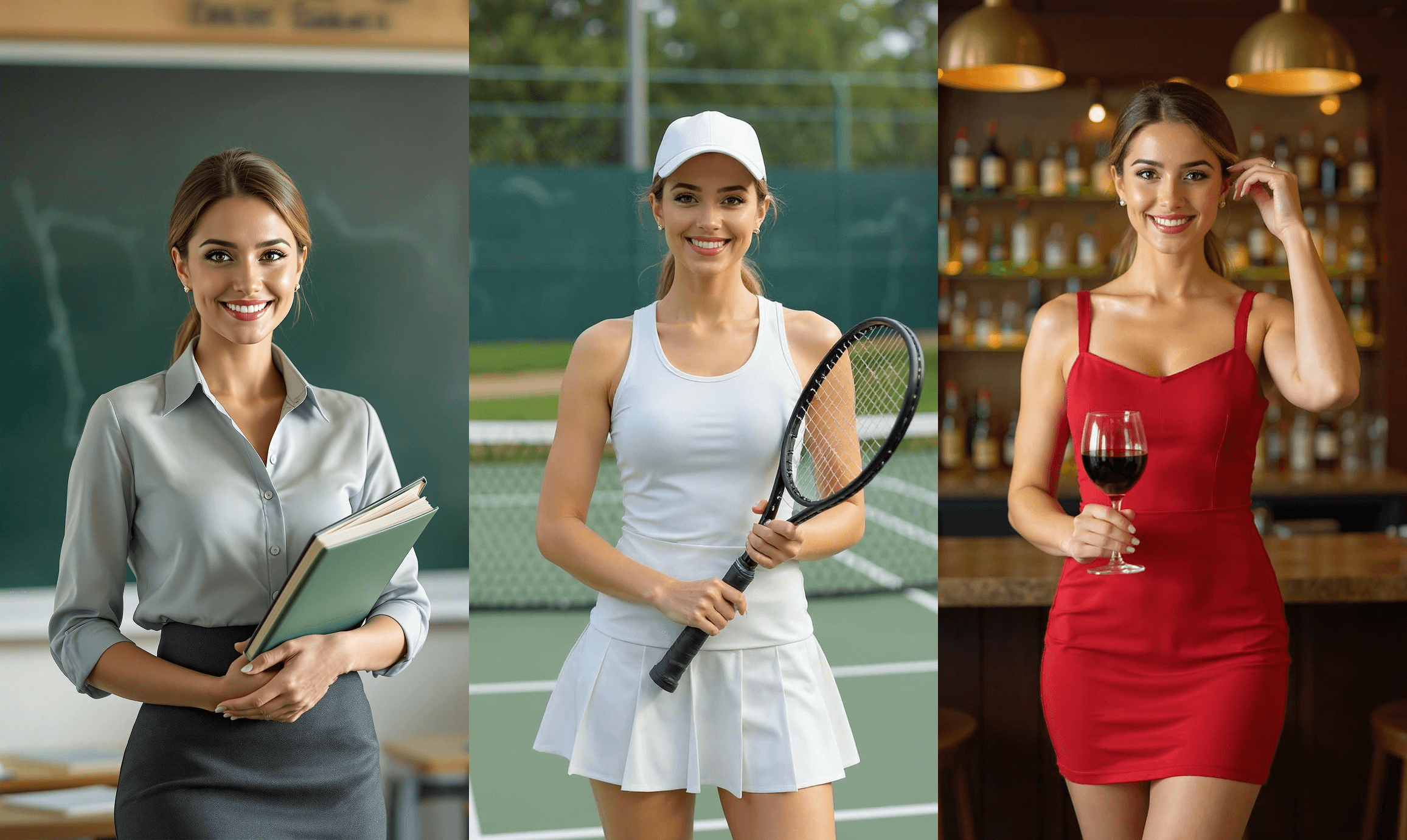
Create sharp, believable product shots with clean materials, realistic reflections, and controllable lighting. It’s a practical choice when you need ad-ready images fast, and you can still pair your final deliverables with FLUX.2 workflows for consistent styling across a campaign.
Multi-Reference Consistency for Edits
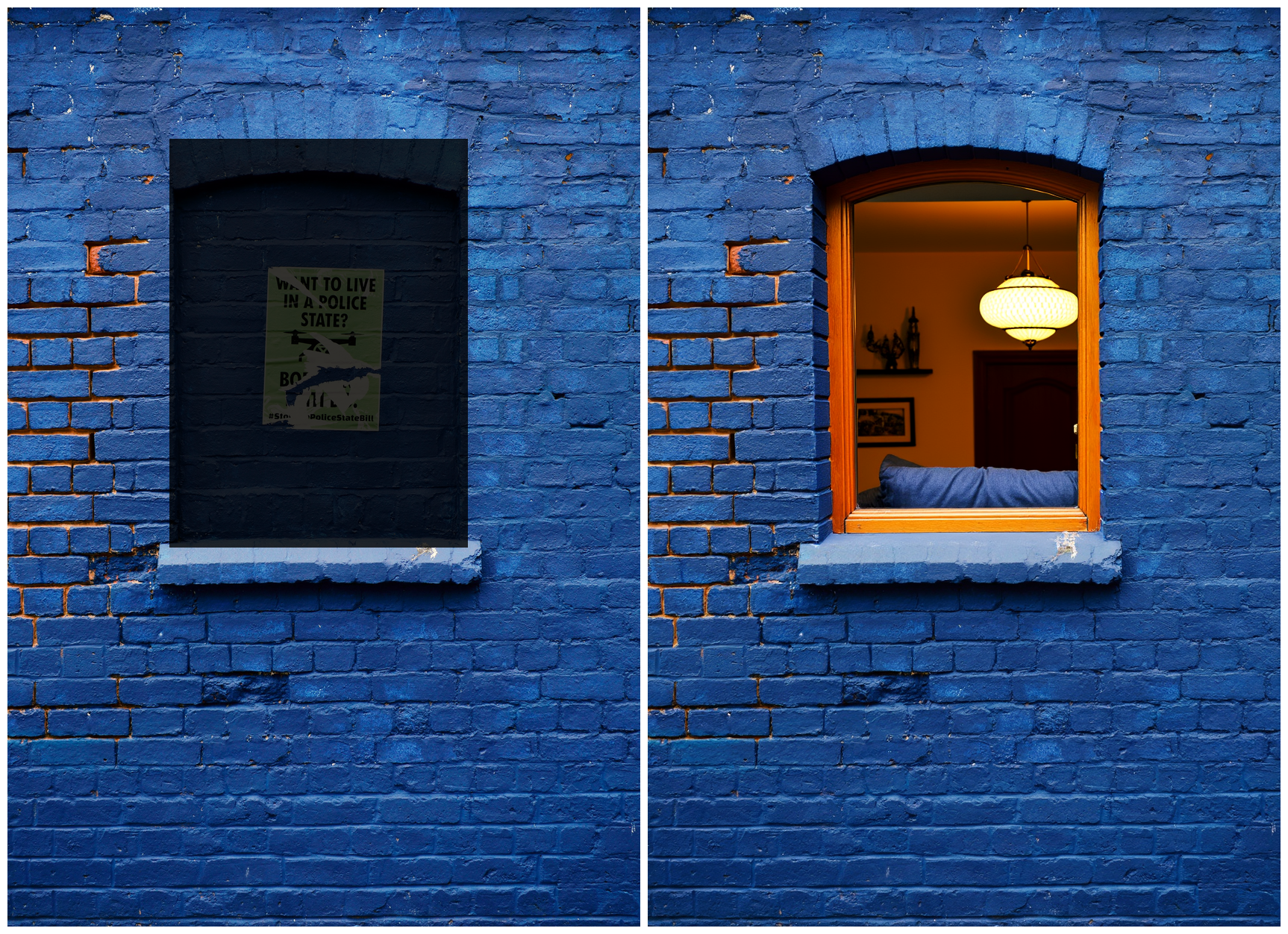
For retexturing and controlled edits, FLUX.2 [max] handles multi-reference inputs well, helping you keep the same product identity while changing materials, background, or mood. If you prefer lighter iteration cycles, you can prototype quickly with FLUX.2 [klein] and then finalize with max.
From Still Image to Motion Concepts
Need to turn a strong still into a short motion concept? Start with a clean keyframe from FLUX.2 [max], then move to image to video to explore timing, camera motion, and mood without rebuilding the whole idea from scratch.
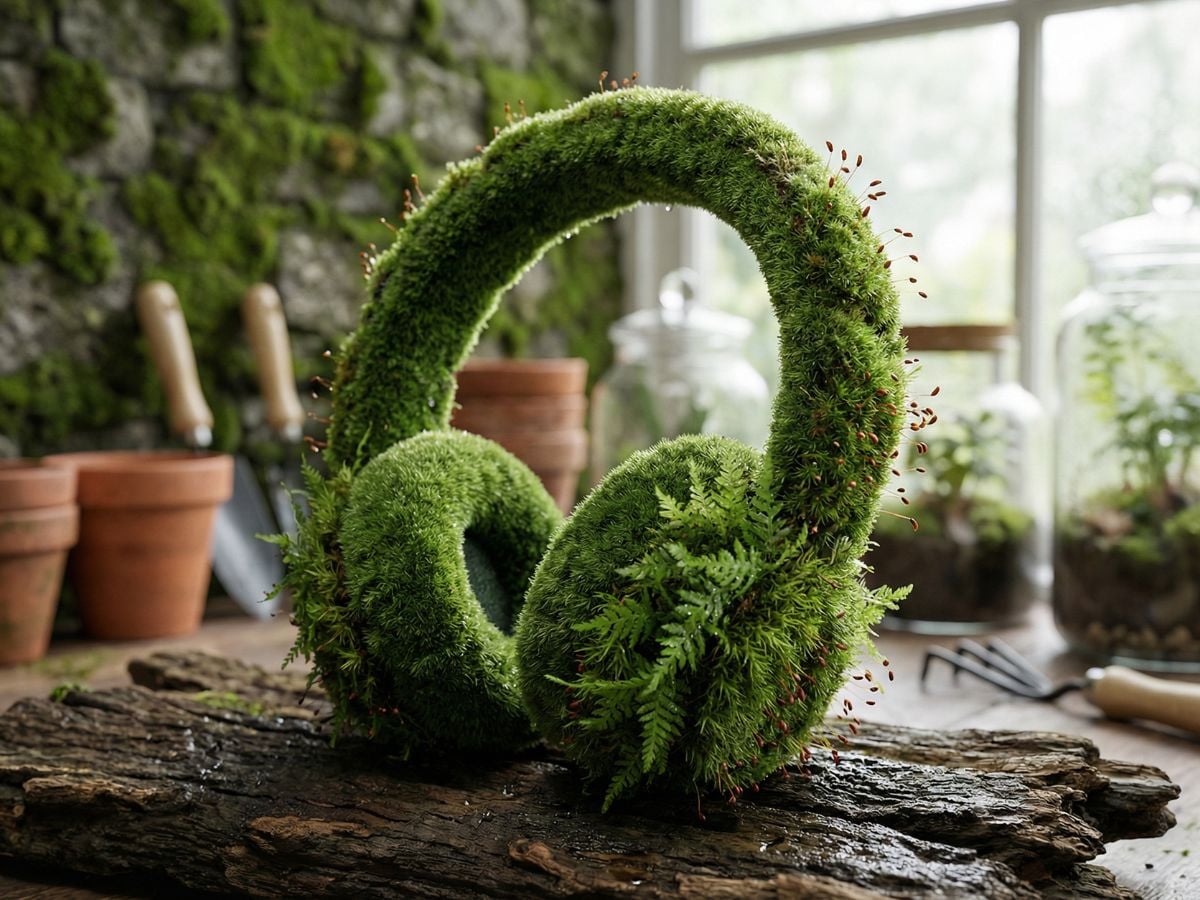
How To Use FLUX.2 [max] (A Practical Workflow)
Write A Specific Prompt
Describe the subject first, then environment, then camera/light details, then style. If your request depends on current facts or trends, state it clearly so grounded generation can do its job.
Control With References (When Needed)
Add reference images when you must preserve identity or materials. Keep references consistent (same product/character) and only introduce variations you actually want the model to follow.
Finalize For Delivery
Export the best frame at the right resolution for your channel (ads, product pages, thumbnails).
Link Card List


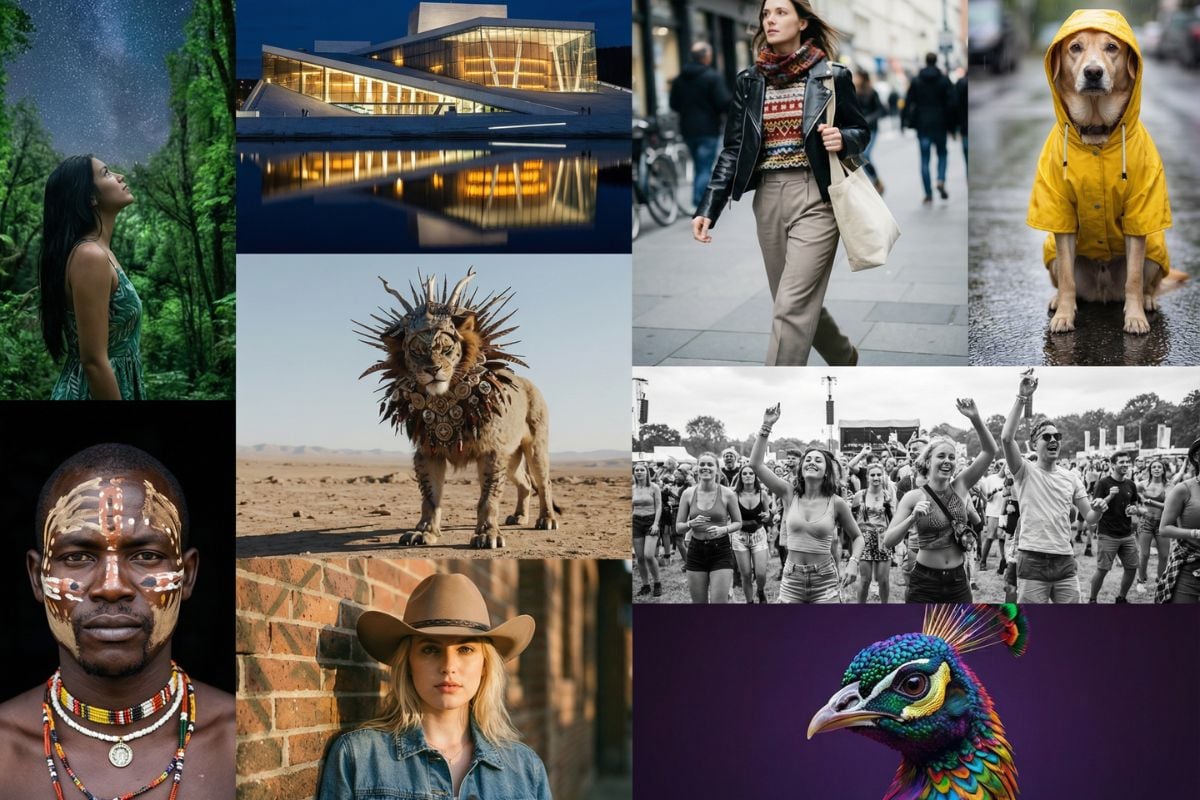

You may want to know
What is FLUX.2 [max] best for?
How is FLUX.2 [max] different from FLUX.2 [klein]?
What does “grounded generation” mean in FLUX.2 [max]?
Does FLUX.2 [max] render text perfectly?
When should I use FLUX.2 [max] vs Flux 1?
Try FLUX.2 [max] Now
Generate premium, realistic images with stronger instruction following and grounded context when details matter.
Start Creating