
FLUX.2 Image Model by Black Forest Labs
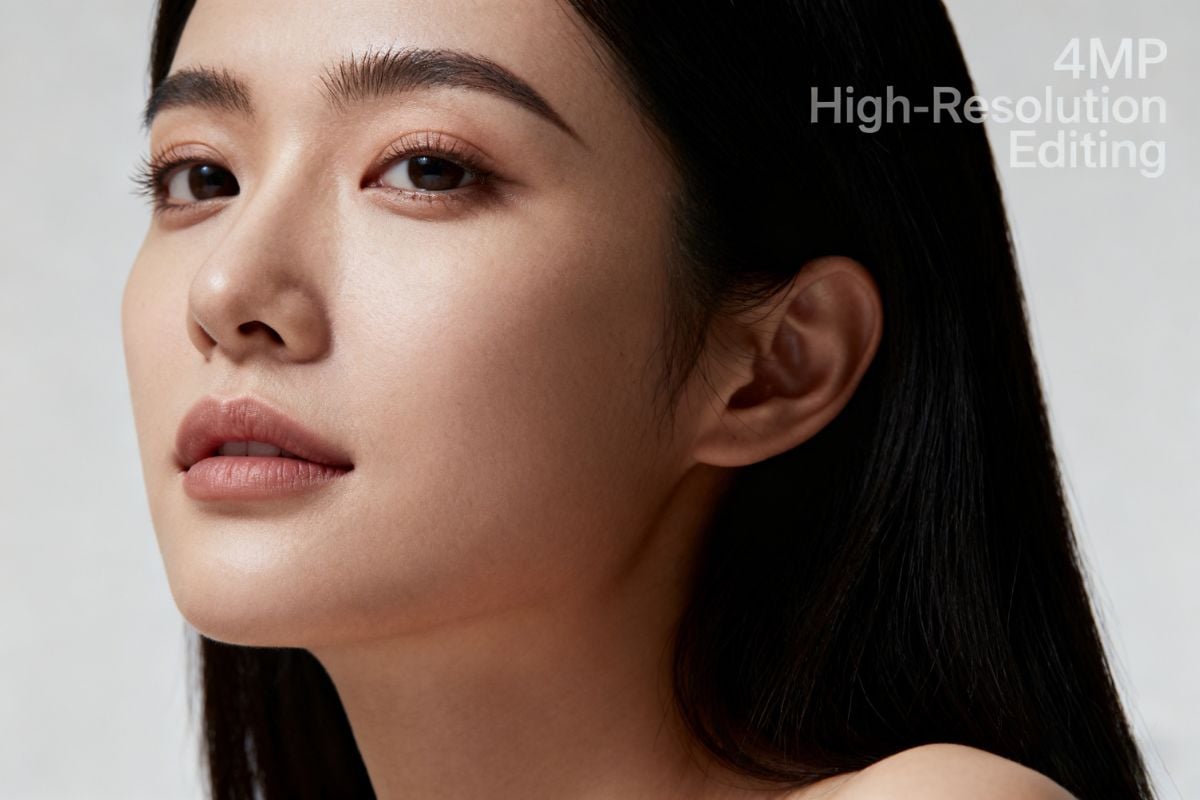
FLUX.2 is the new image model family from Black Forest Labs, built for real production workflows. It combines text-to-image, image-to-image, and multi-reference editing in a single architecture. Now available through GoEnhance AI — explore FLUX.2 for multi-reference consistency, high-resolution editing, and reliable text rendering in your browser.

Multi-Reference Consistency

Photoreal Detail & Lighting

Structured Prompt & Layout Control
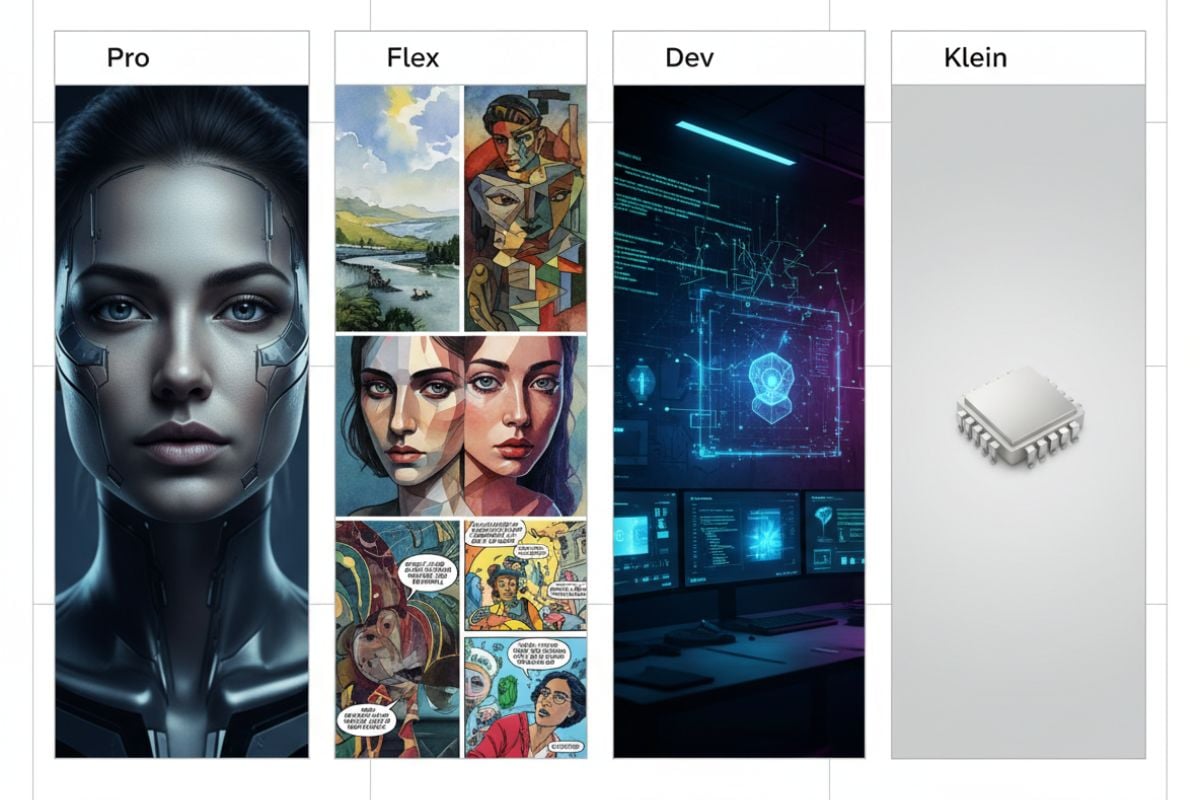
Flux 2 Pro
Prompt
Example prompts
Opens the GoEnhance editor with this model and prompt ready.
Key Features of FLUX.2 on GoEnhance
How to Use FLUX.2 on GoEnhance?
01
Write a Structured Prompt
Describe the scene, characters, layout, and styles you want. Optionally reference specific images by index, like “image 1” and “image 2”.
02
Add Images & Choose Mode
Upload images for editing, add reference photos for consistency, or start from text-only generation using FLUX.2 on GoEnhance.
03
Generate, Refine & Download
Adjust steps and guidance, explore variations, then export your results in PNG/JPG/JPGE or upscale for high-resolution delivery.
Key reasons creators rely on GoEnhance and FLUX.2 for professional, high-quality image production
Why Choose FLUX.2 on GoEnhance?
Production-Ready Image Quality
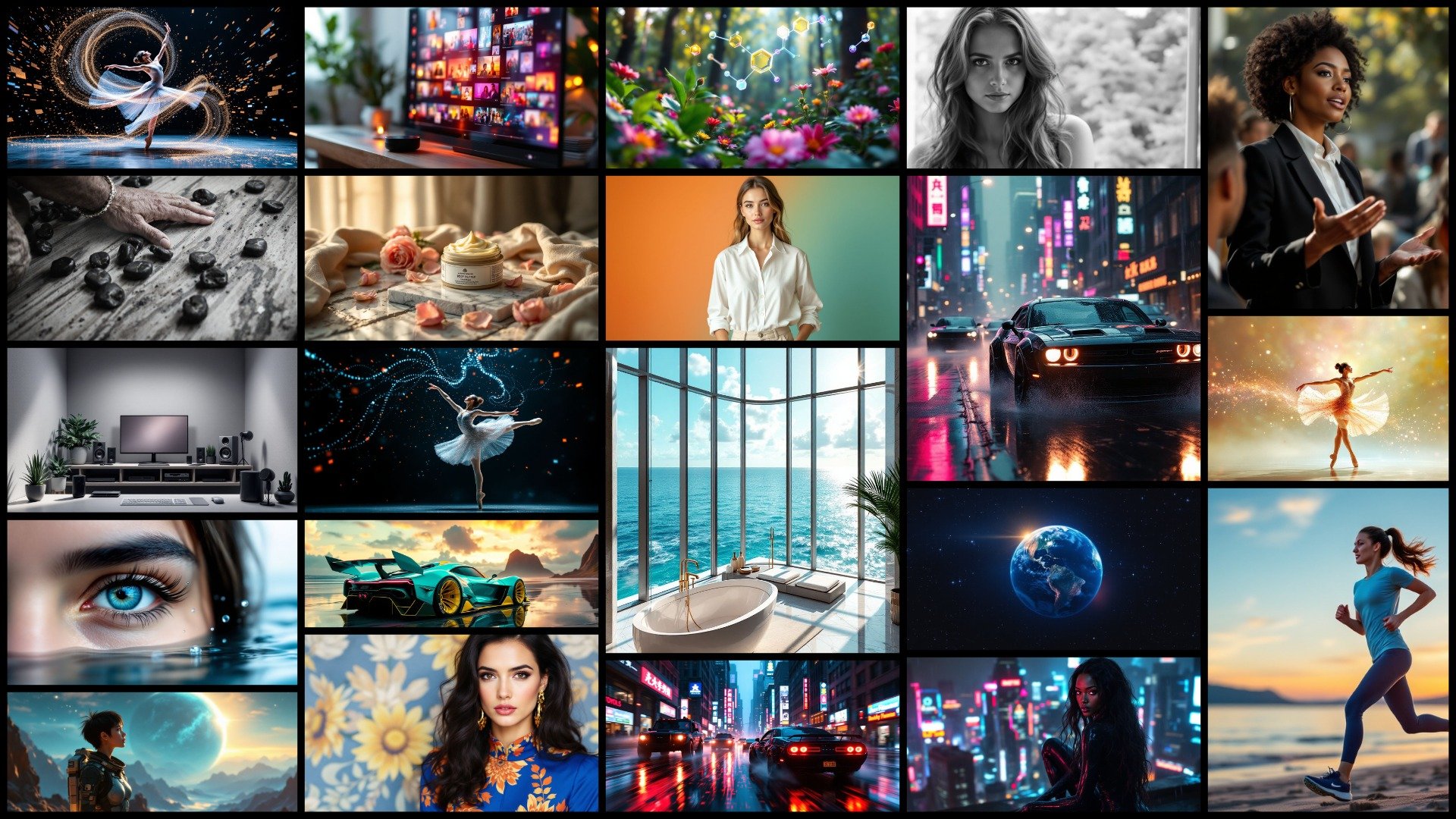
FLUX.2 delivers sharp details, stable lighting, and realistic materials, so your outputs are ready for campaigns, product pages, and client work.
State-of-the-Art Consistency
Use multi-reference inputs to keep faces, products, and styles consistent across many images, solving the usual drift problem in generative models.
Precise Text & Layout Control
Design UI screens, infographics, and multilingual posters with prompts that describe exact layout and typography, and get clean, readable text back.
Flexible Performance Options
Balance speed and quality: use fewer steps for quick drafts, or more steps for final-quality renders, especially with FLUX.2 [flex]-style controls.
Open-Weight Dev Model
The FLUX.2 [dev] model provides open weights for experimentation and building custom pipelines, making it a strong choice for developers seeking deeper integration and control.
Seamless GoEnhance Workflow
Use FLUX.2 alongside GoEnhance tools such as upscaling, video workflows, and batch processing. Everything runs in your browser with no manual setup.
Frequently Asked Questions
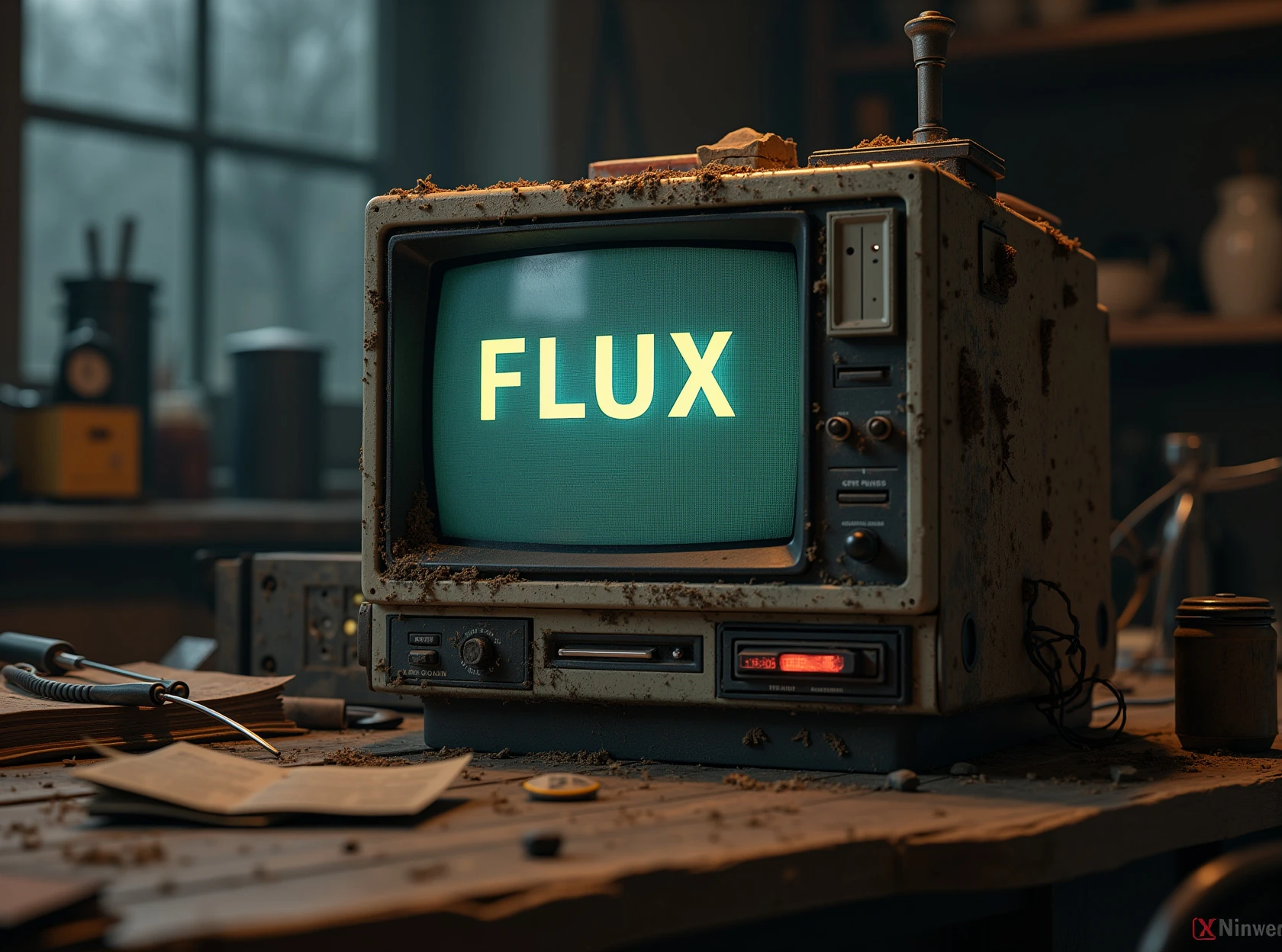
What is FLUX.2?
Who created FLUX.2?
Can I use FLUX.2 now?
How does FLUX.2 compare to FLUX.1?
How does FLUX.2 compare to closed-source image models?
Is FLUX.2 available on GoEnhance?
Can I use FLUX.2 outputs commercially?
More About FLUX AI Image Model


![flux.2 [max]](https://cdn-b0.goenhance.ai/static/site/6979e5d3917df.jpg)
![flux.2 [klein]](https://cdn-b0.goenhance.ai/static/site/6969b8fc615b0.jpg)


Reddit Discussions on FLUX.2
Try FLUX.2 on GoEnhance AI
FLUX.2 is now available through GoEnhance AI. Experience multi-reference editing, high-resolution workflows, and precise text rendering in your browser.