
MOSS-Image
What MOSS-Image Is Good At
Long, accurate text rendering
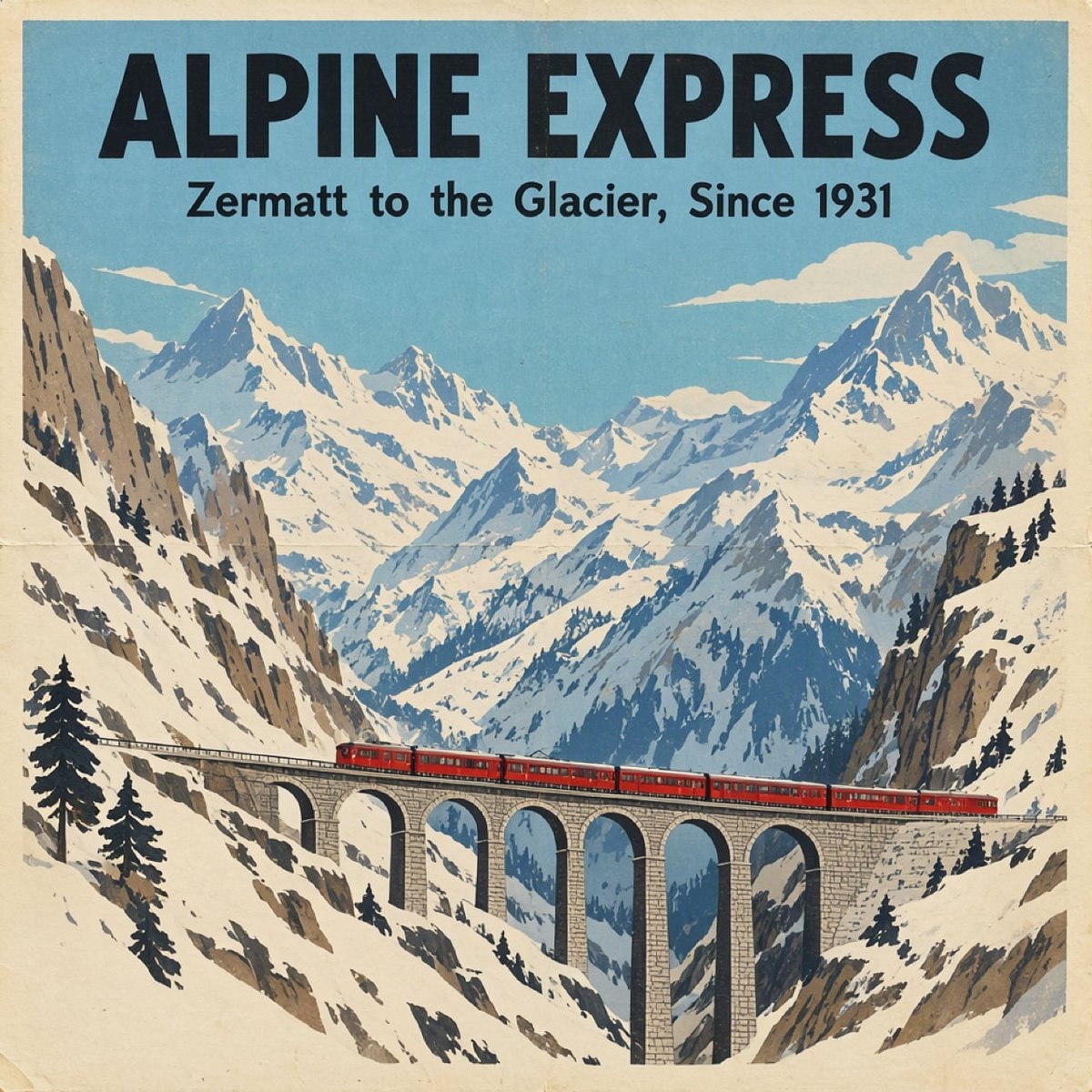
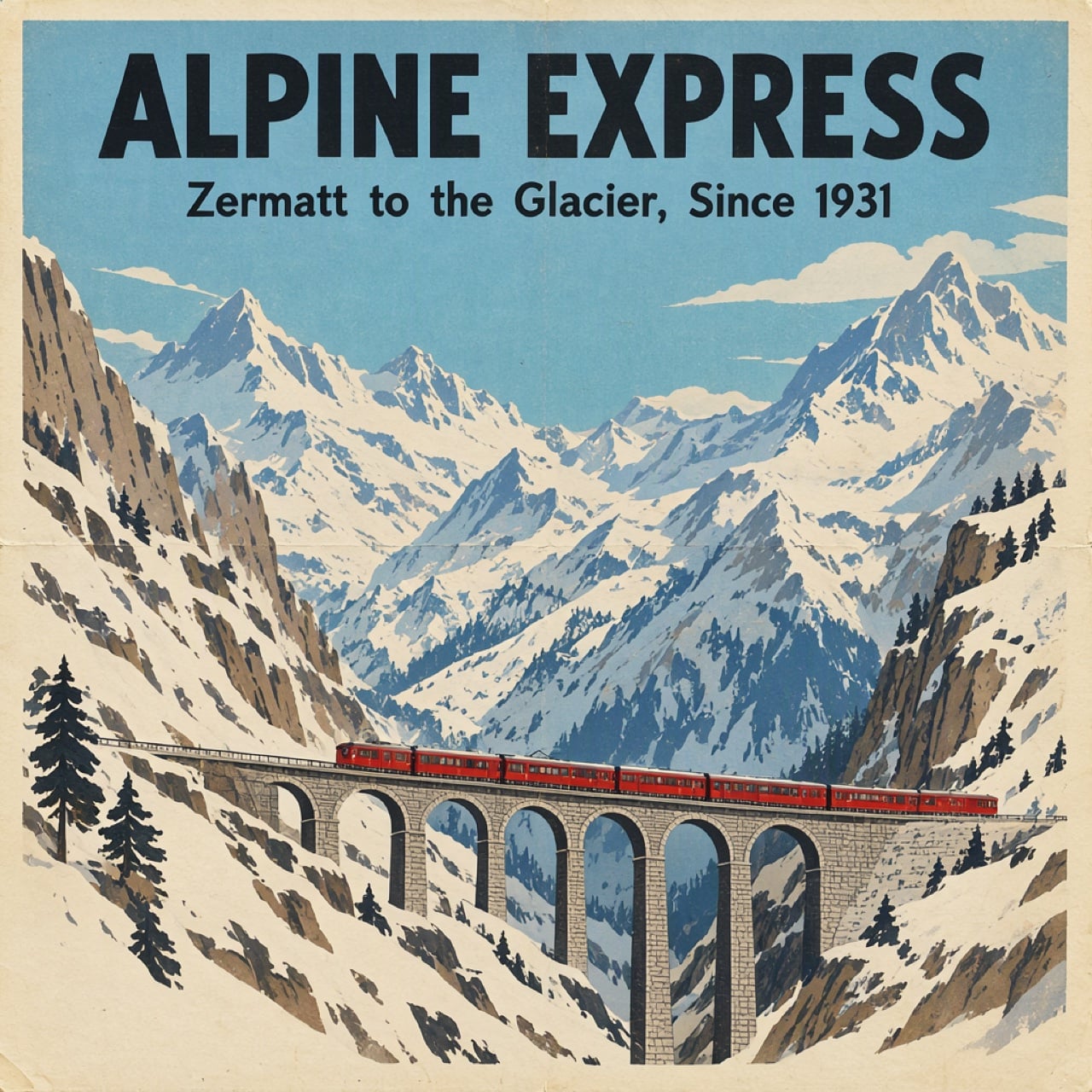
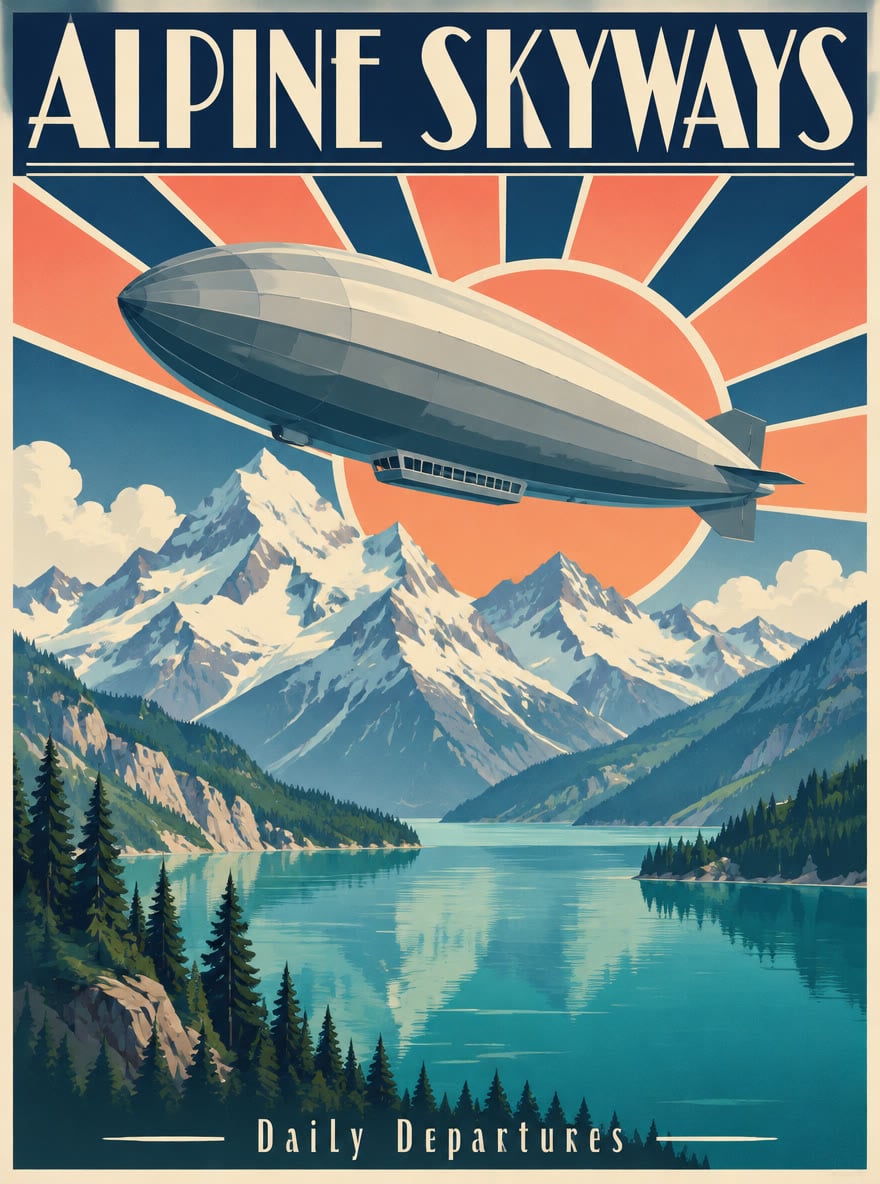
MOSS-Image is trained to spell headlines, slogans and small print correctly. In OpenMOSS's technical report it averages 96.3 on the LLTB long-text benchmark. This travel poster was made with MOSS-Image on the official demo: the headline and subline came out exactly as written.
Put every element where you want it
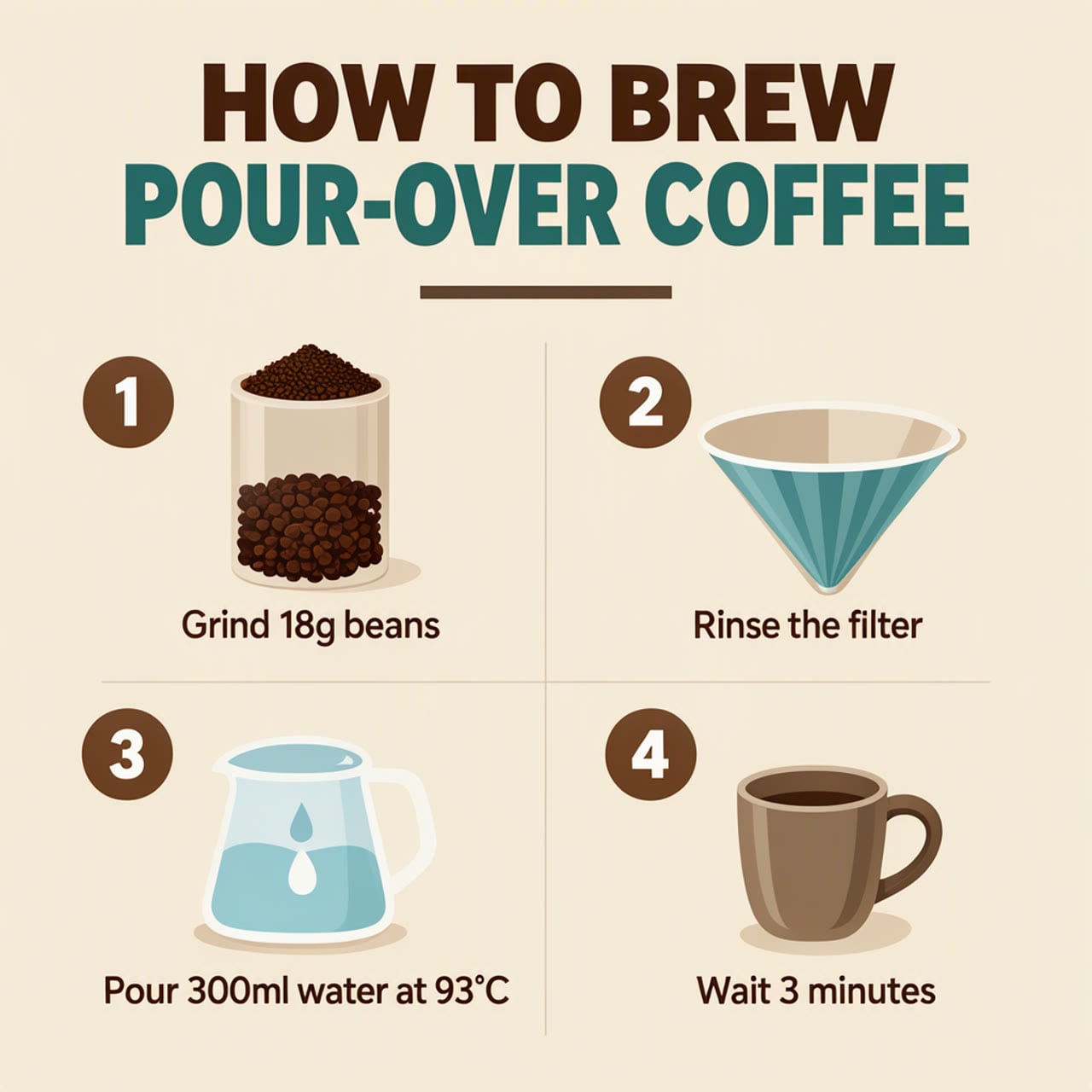
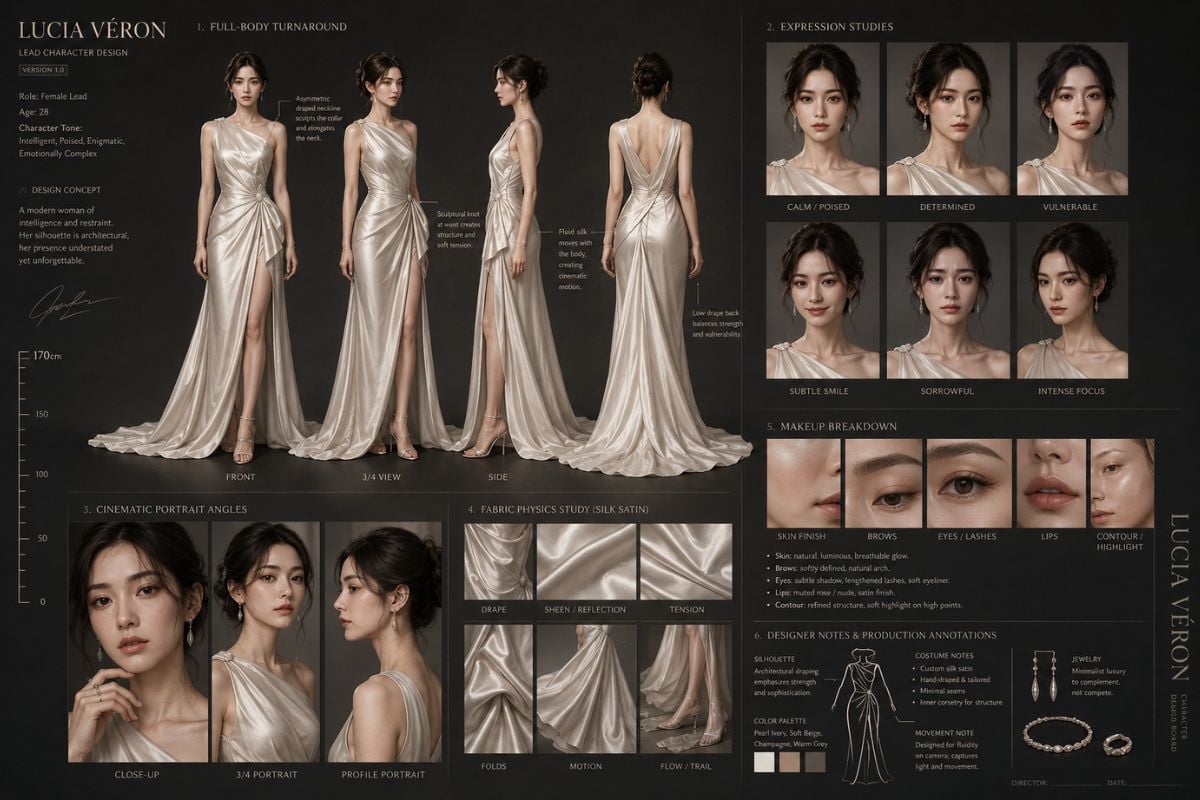
Besides normal prompts, MOSS-Image reads a JSON layout prompt: list each object or text block with a bounding box and it keeps them in place. Prompts can run up to 4K tokens, which suits dense posters and infographics. The infographic shown here was generated with MOSS-Image on GoEnhance. The JSON layout mode is not available on GoEnhance yet, so describe where things go in plain words.
Open weights you can run yourself
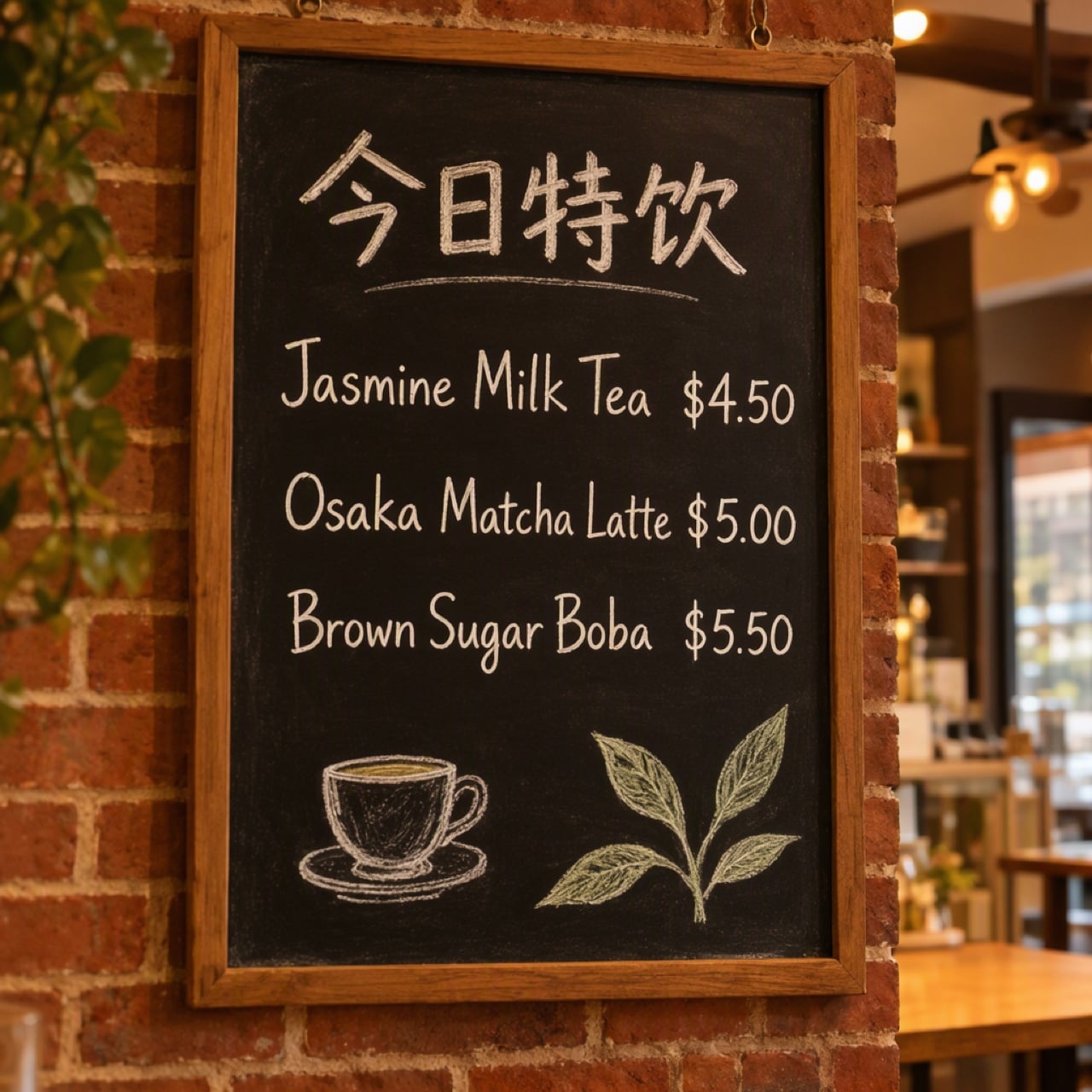
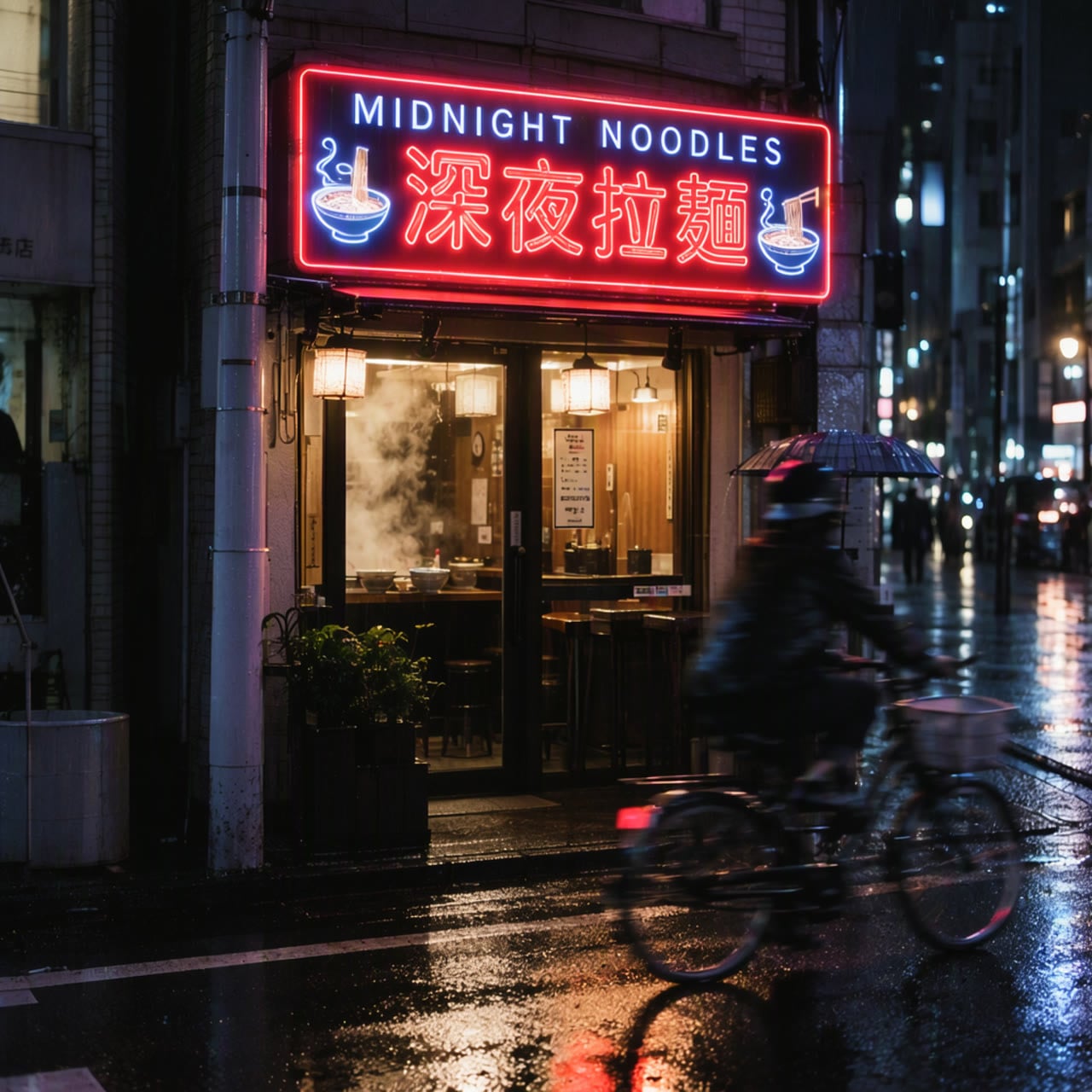
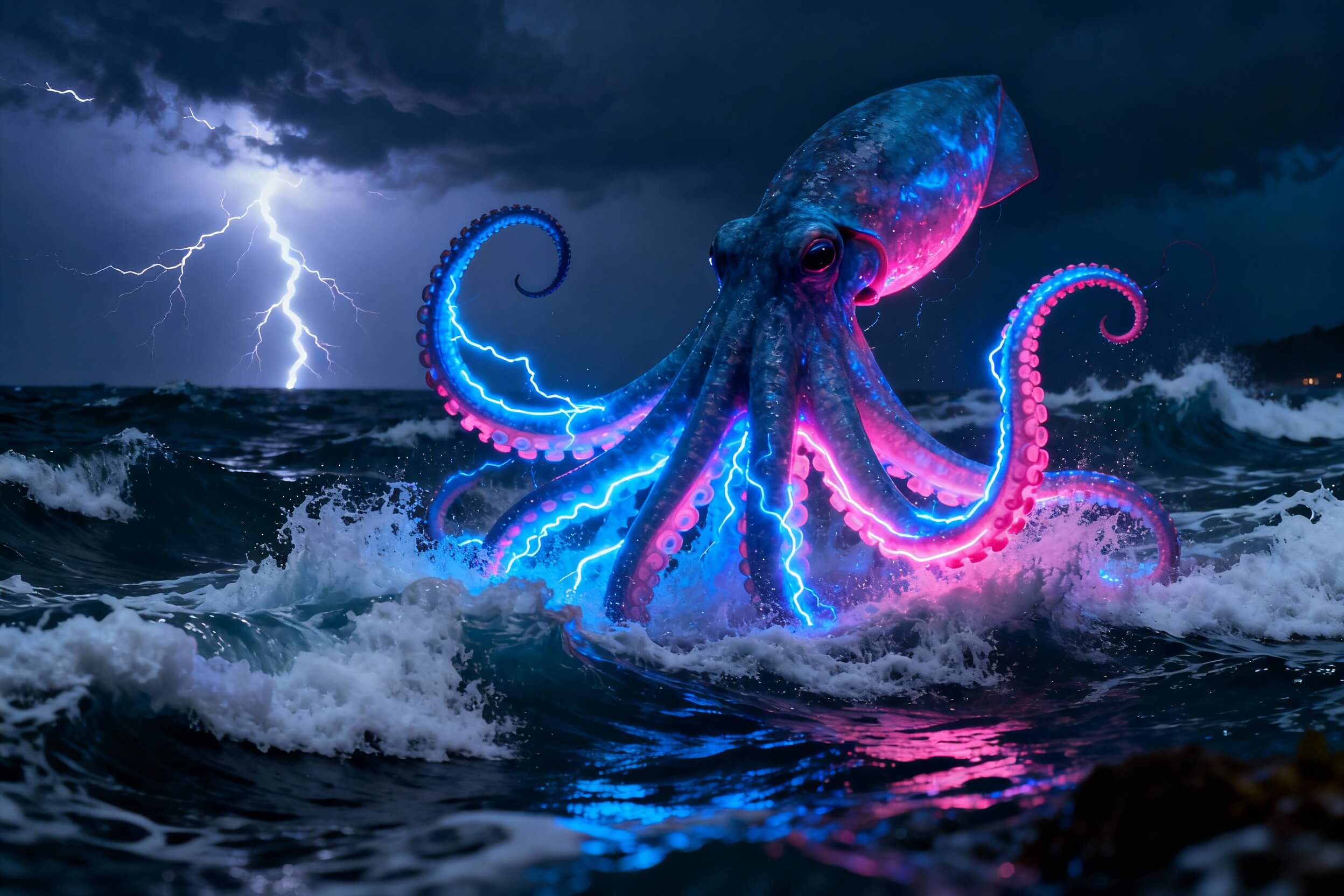
Weights for MOSS-Image-Base and MOSS-Image-SFT are on Hugging Face and ModelScope under Apache-2.0, with ComfyUI support from day one. It needs an NVIDIA GPU and recommends 50 steps, CFG 3 and 1 to 2 megapixel images. The neon sign shown here was generated with MOSS-Image on GoEnhance.
MOSS-Image-Base vs MOSS-Image-SFT
How to Create Text-Heavy Images with MOSS-Image
Write the scene and the words
Describe the subject, style and layout in the console above, and put every word you want in the image inside quotes.
Generate with MOSS-Image
Click generate to open the GoEnhance text-to-image studio with MOSS-Image selected. It costs 6 tokens per image in 1K and 12 in 2K, and the free plan can use it.
Check every word
Zoom in and read the text in the result. If a word comes out wrong, generate again or shorten that line: short, quoted text renders most reliably.
Go to 2K for print
When the layout looks right, switch the resolution to 2K for a sharper version of the same prompt that holds up on posters and slides.
You may want to know
What is MOSS-Image?
When was MOSS-Image released?
Is MOSS-Image free for commercial use?
Can MOSS-Image edit images?
What is the difference between Base and SFT?
What languages can it write in images?
How do I run MOSS-Image locally?
Can I use MOSS-Image on GoEnhance?
Create with MOSS-Image on GoEnhance
MOSS-Image is live in our text-to-image studio: 6 tokens per image, free plan included.
Try MOSS-Image