goenhance logo

Z-Image Model by Tongyi Lab
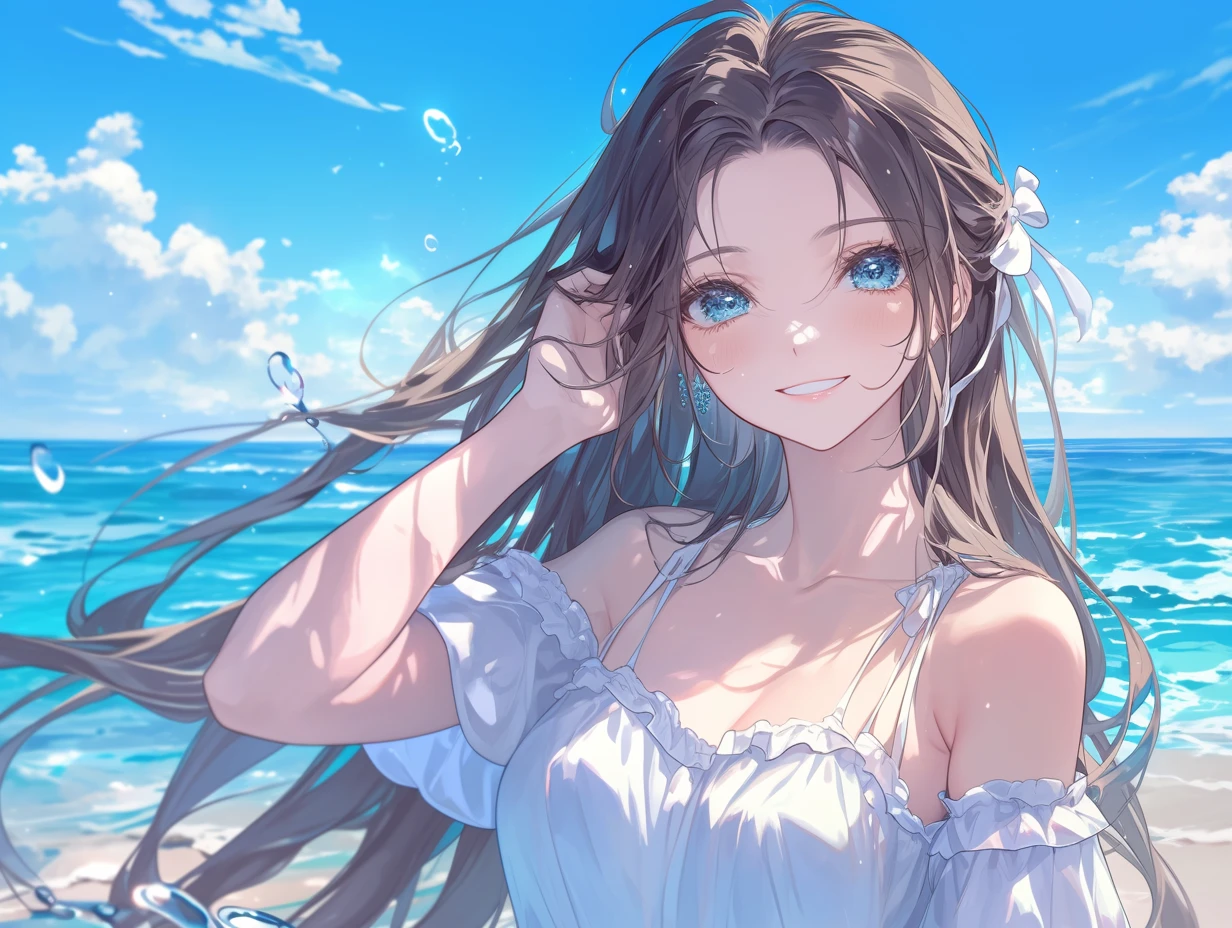
Z-Image is a 6B-parameter image generation model from Tongyi Lab, built on a single-stream diffusion transformer that processes text and image tokens in one sequence for efficient, coherent results. On GoEnhance, you can use Z-Image-Turbo for fast text-to-image, bilingual text rendering in Chinese and English, and flexible editing workflows without installing anything locally.
Try Z-Image-Turbo Free

Key Features of Z-Image

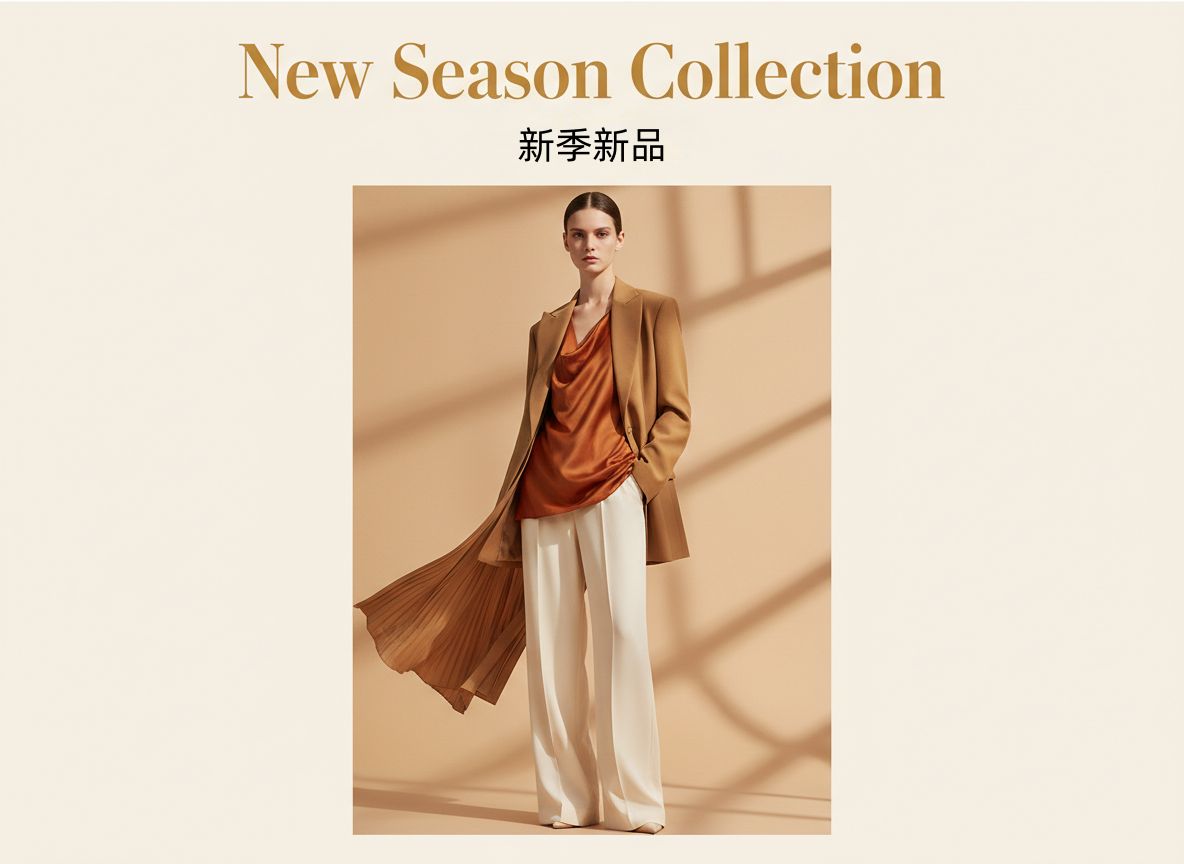
Clean Chinese & English Text

Z-Image-Turbo is trained to draw complex Chinese and English typography directly in the image. You can design posters, UI mockups, and banners with both languages in a single prompt and still get clear, legible text instead of broken characters.

Z-Image bilingual text rendering example

Photoreal People & Scenes

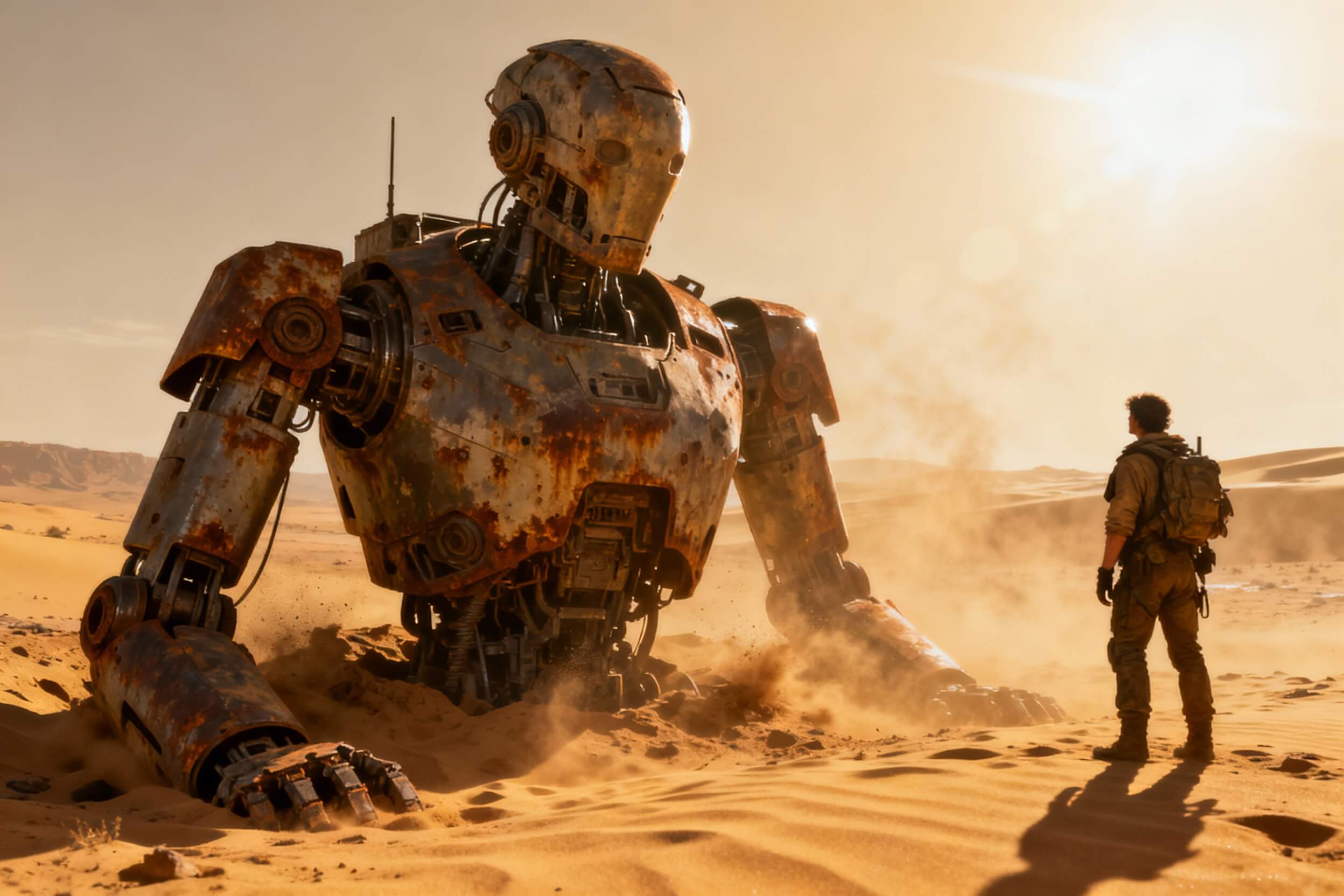
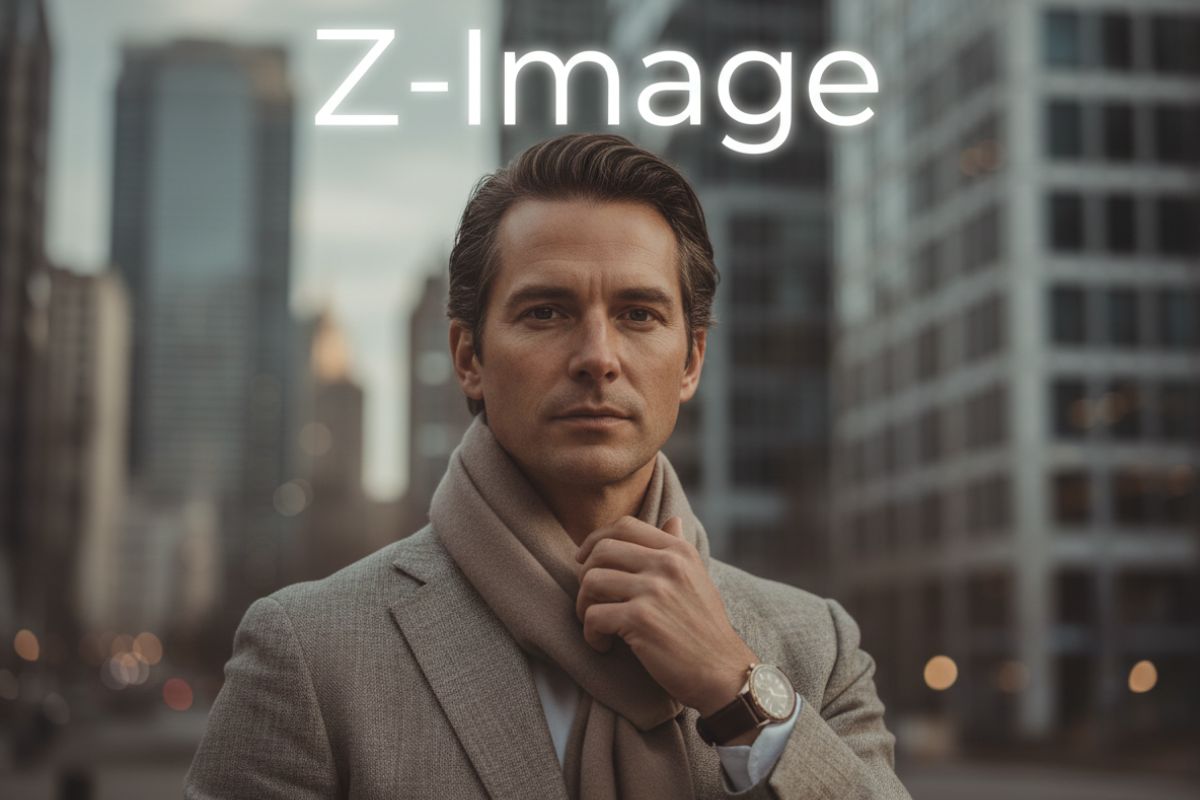
The Turbo variant focuses on strong photorealism with natural lighting and detailed materials. It works well for portraits, product visuals, and city or landscape scenes where skin, fabric, reflections, and depth need to feel believable.

When paired with our AI image generator and the broader AI image model lineup, it becomes a reliable choice for creators who need realistic, production-ready visuals.
Z-Image photorealistic generation example

Prompt Reasoning & Structure

With a prompt enhancer and strong world knowledge, Z-Image can follow more than just short tags. Describe relationships between elements, rough layouts, or narrative details, and the model will try to reflect that structure instead of ignoring it.

Z-Image prompt reasoning and layout example

Turbo, Base & Edit Variants

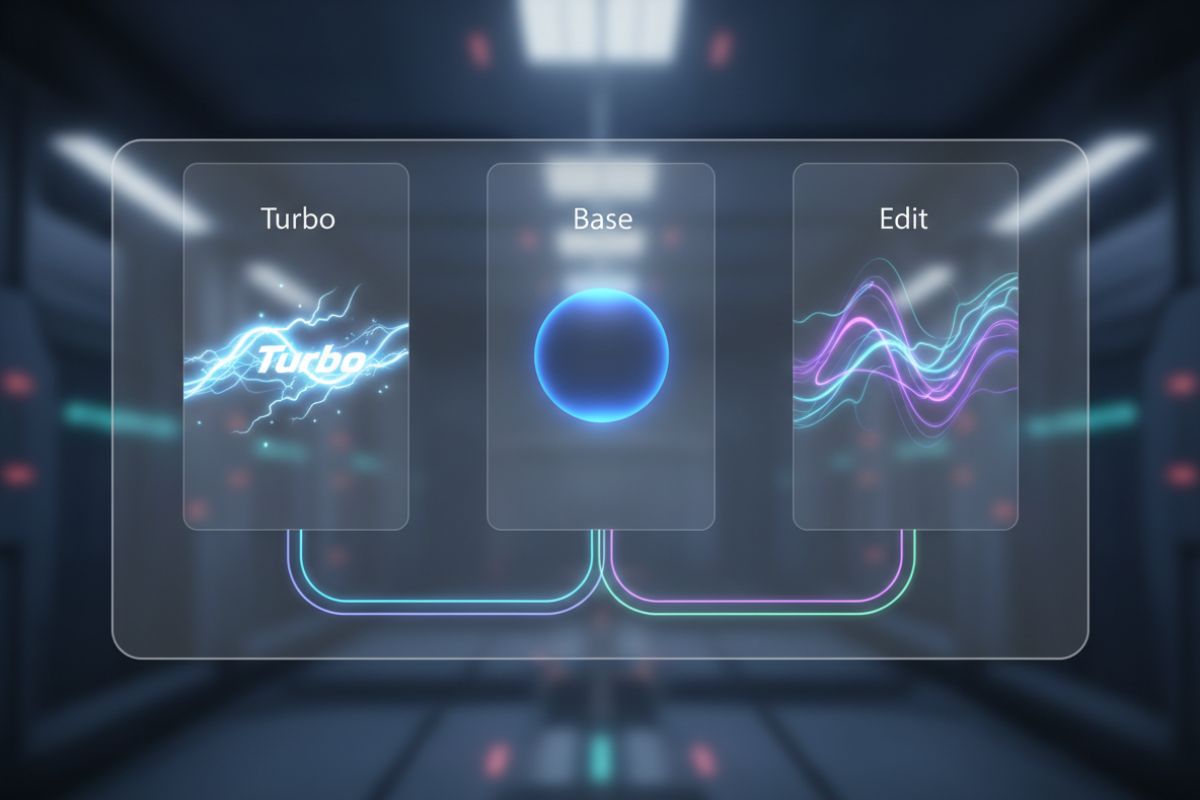
Alongside the Turbo variant, Tongyi Lab plans a non-distilled Z-Image-Base checkpoint for custom fine-tuning, and Z-Image-Edit for natural-language-driven image editing. This family makes it easier to move from experimentation to tailored workflows.

Z-Image model variants and workflows

How to Use Z-Image on GoEnhance?

01

Describe Your Idea in Detail

Write a prompt that covers subject, style, camera feel, and any Chinese or English text you want in the frame. You can also describe how different elements should relate to each other.

02

Choose Z-Image & Add References

In GoEnhance, select the Z-Image model, then decide whether to start from pure text or to upload a source image for editing.

03

Generate, Adjust & Export

Tweak steps, strength, and guidance to get the balance you like. Once you’re happy with the result, download your image as PNG or JPG, or send it directly to other GoEnhance tools for upscaling or video use.

Reasons teams and individual creators can rely on Z-Image for day-to-day visual work

Why Use Z-Image on GoEnhance?

Fast, Practical Image Quality

Z-Image-Turbo is distilled for few-step sampling, so you can move from prompt to usable image quickly enough for real projects instead of only slow experiments.

Bilingual Text That Stays Readable

The model is trained to handle Chinese and English text directly inside images, which is handy for posters, covers, and social graphics aimed at bilingual audiences.

Stable Composition & Subject Focus

The single-stream architecture helps keep text and image tokens aligned, reducing the usual drift where the subject or layout slowly changes between versions.

Efficient Single-Stream Transformer

By feeding text, semantic tokens, and VAE image tokens into one sequence, Z-Image makes better use of parameters than dual-stream systems and scales cleanly to larger scenes.

Research-Friendly Distillation Design

The Decoupled-DMD and DMDR training approach separates distribution matching, CFG-style augmentation, and reinforcement learning, giving researchers a clearer handle on few-step model behavior.

Tight Integration with GoEnhance

Z-Image on GoEnhance fits into the same workspace as your other tools. Generate, edit, upscale, or feed stills into video workflows without writing scripts or managing GPUs yourself.

Frequently Asked Questions

Try Z-Image on GoEnhance AI

Open GoEnhance, pick the Z-Image model, and turn detailed prompts into bilingual posters, photoreal portraits, and design-ready visuals in just a few steps.

Start Creating with Z-Image