AI Influencer Generator

Design an AI influencer from a description or one face photo, save them, then put the same face in any outfit, scene or photo style. Choose from 12 scenes and 10 photo styles, from phone selfies to 35mm film. Each image costs 6 credits.
Create Your AI Influencer

How to Create an AI Influencer

01

Design the face or upload one

Pick gender, age (21 and over), ethnicity, skin tone, eye color, hair, body and vibe, or start from a preset. You can also upload one clear photo of an adult face you have the right to use.

02

Save the one you like

Generate a few options (up to 4 per run on paid plans), then save your favorite as an influencer with a name. Only you can see your influencers.

03

Put them anywhere

Open your influencer and change only the outfit, accessories, scene, framing and photo style. The face stays the same. Like a new version? Save it as a new look, and older looks are kept.

What You Can Control

SettingOptions
GenderFemale, male, non-binary
AgeSix ranges from 21–24 to 50+, adults only
Ethnicity8 options, from East Asian to Middle Eastern or mixed
Skin tone and eye color6 skin tones and 5 eye colors
Hair9 styles and 8 colors, including auburn and pastel pink
BodySlim, average, athletic, curvy, plus-size
OutfitPick a suggestion or describe any outfit in your own words
Scene12 presets, including a plain backdrop, or describe your own
FramingFace, chest up, waist up, knees up, full body
Photo style10 styles, including phone selfie, mirror selfie, candid, film, polaroid and editorial

What the AI Influencer Generator Does
One Face, Every Scene

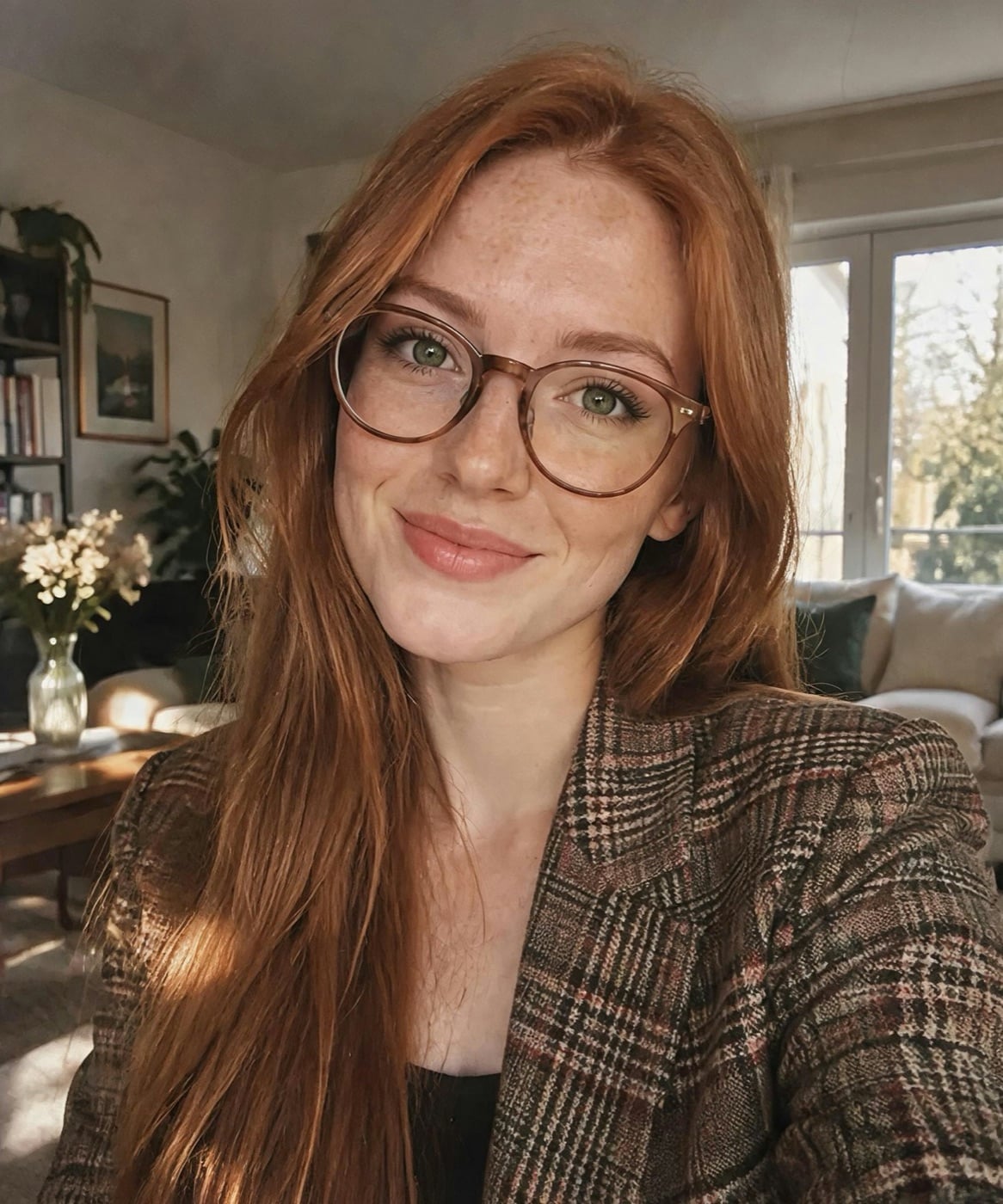
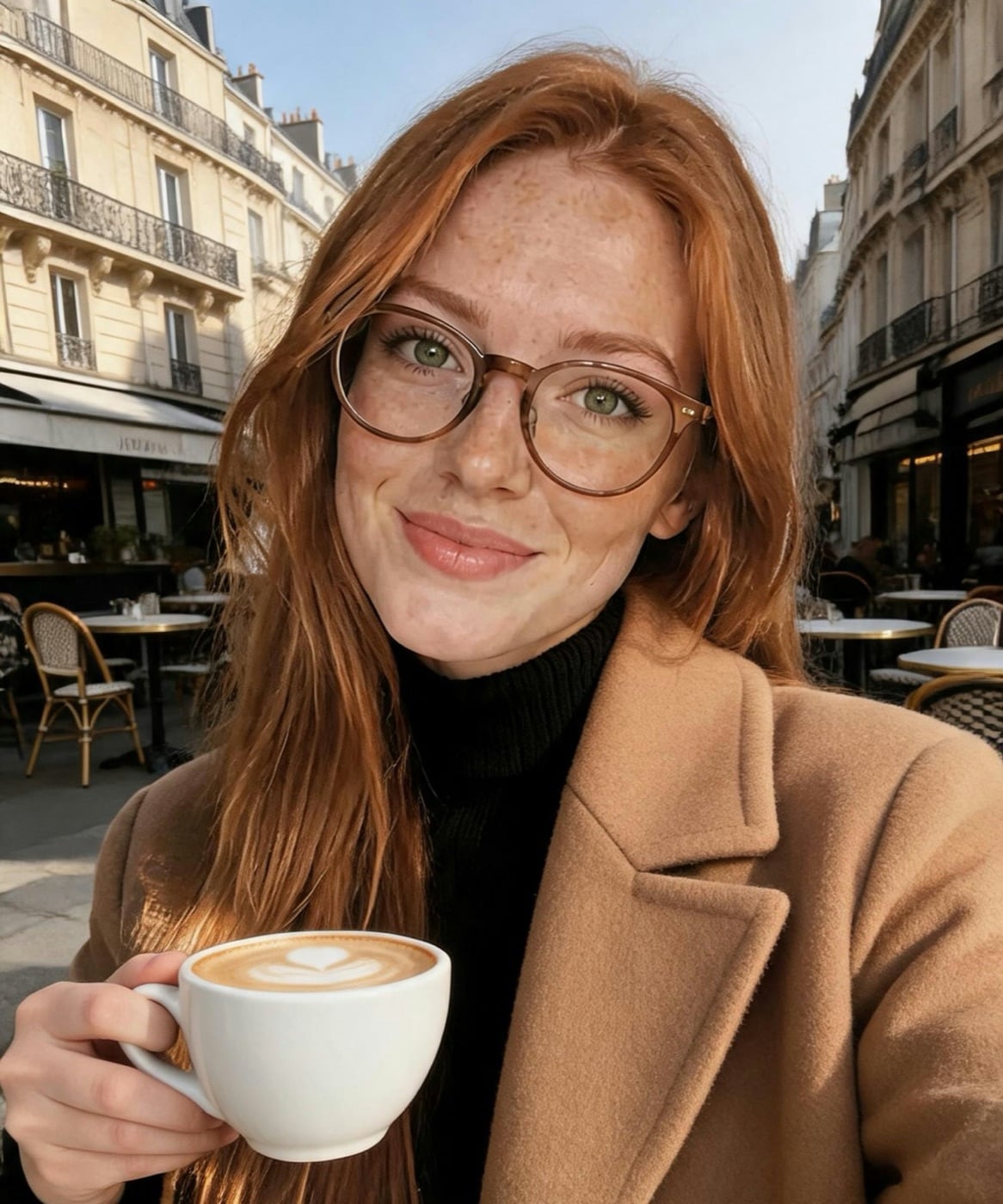
Once you save an influencer, every new photo uses that saved look as the reference, so the face, freckles, hair and eye color carry over from the café to the gym to a city street at night.

Saved AI influencer placed in a cafe scene with the same face

Start from One Photo

Upload a clear photo of one adult face and the generator keeps that face while you choose hair, body, outfit and scene. You confirm that the photo is you or that you have permission, and uploaded face photos are deleted within 30 days.

AI influencer created from a single uploaded face photo

Photos That Look Posted, Not Rendered

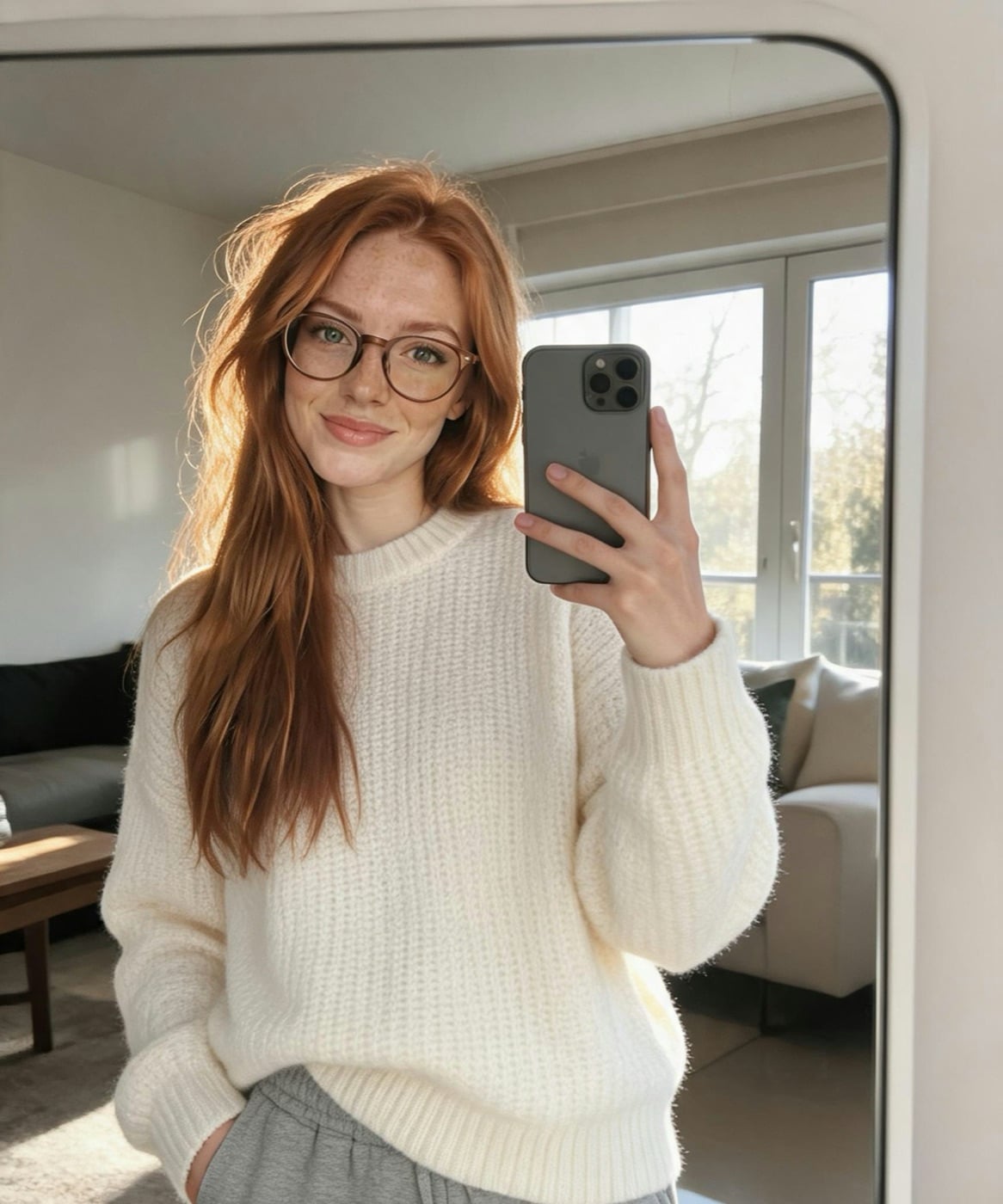
Phone selfie, mirror selfie, candid and 35mm film styles give you the casual look of a real feed instead of a glossy studio render. Add details such as natural light or visible skin texture in the extra notes.

Realistic mirror selfie of an AI influencer taken on a phone

Fitness, Swimwear and Fashion

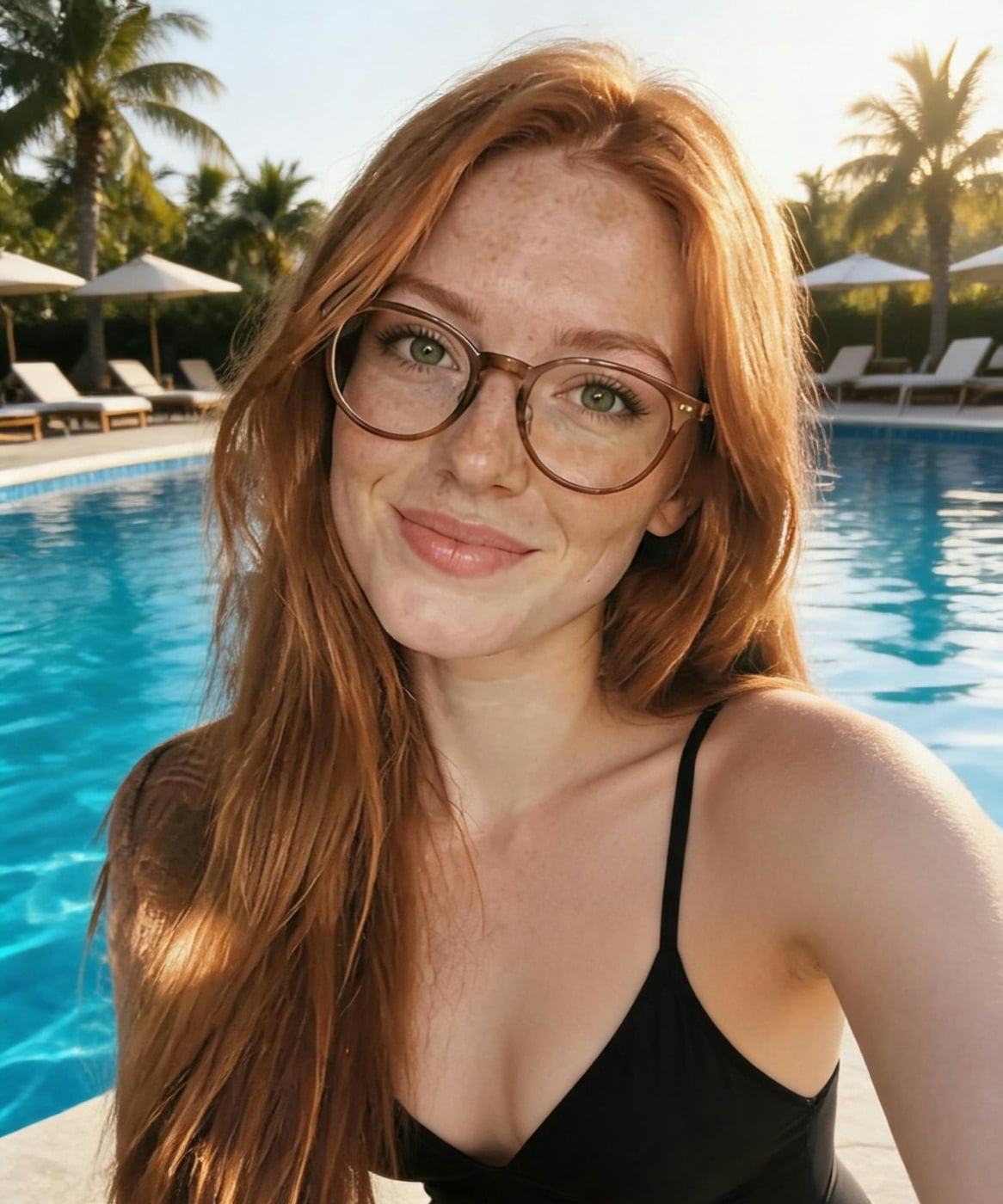
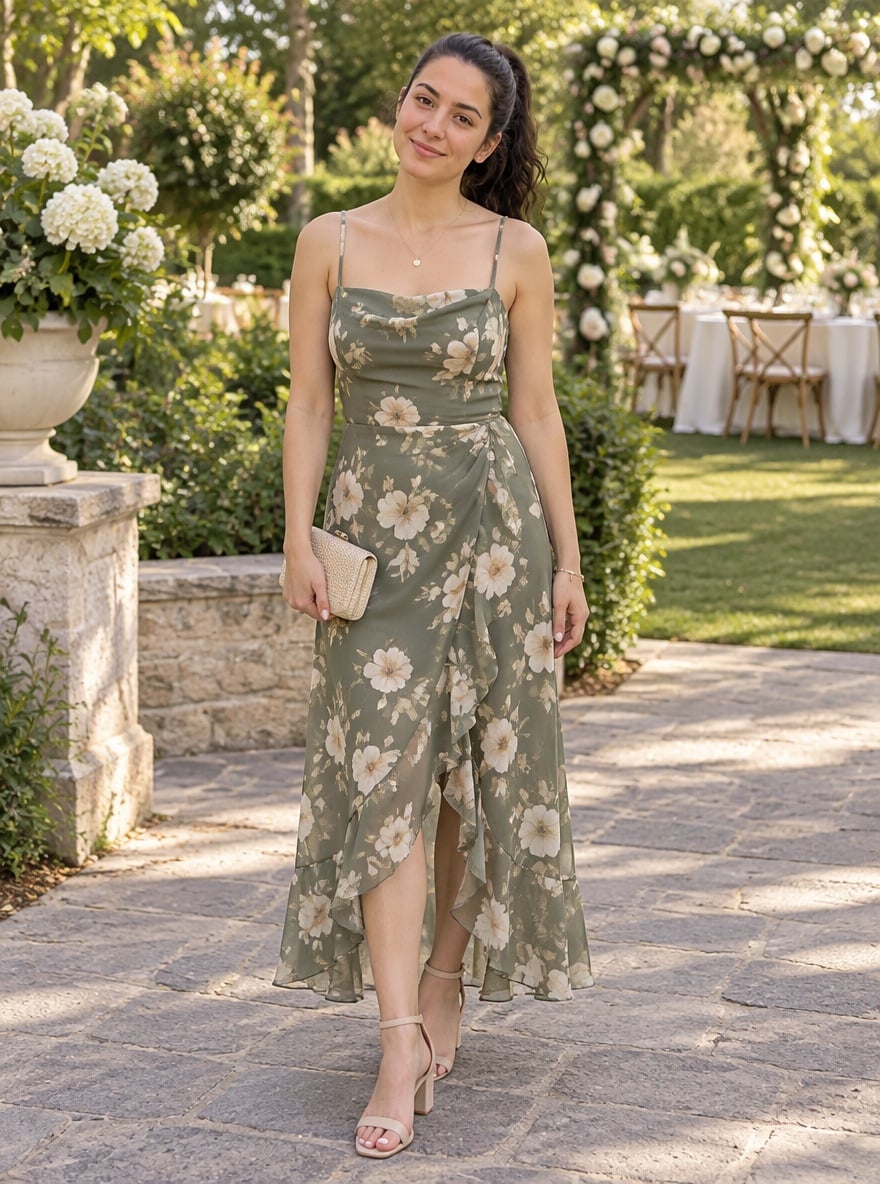
Put your adult influencer in gym wear, swimwear or evening fashion. Tasteful fashion photography is allowed; nudity, see-through clothing and explicit content are not.

AI influencer in a swimsuit by a pool at golden hour

Clean Backdrop for Profile Shots

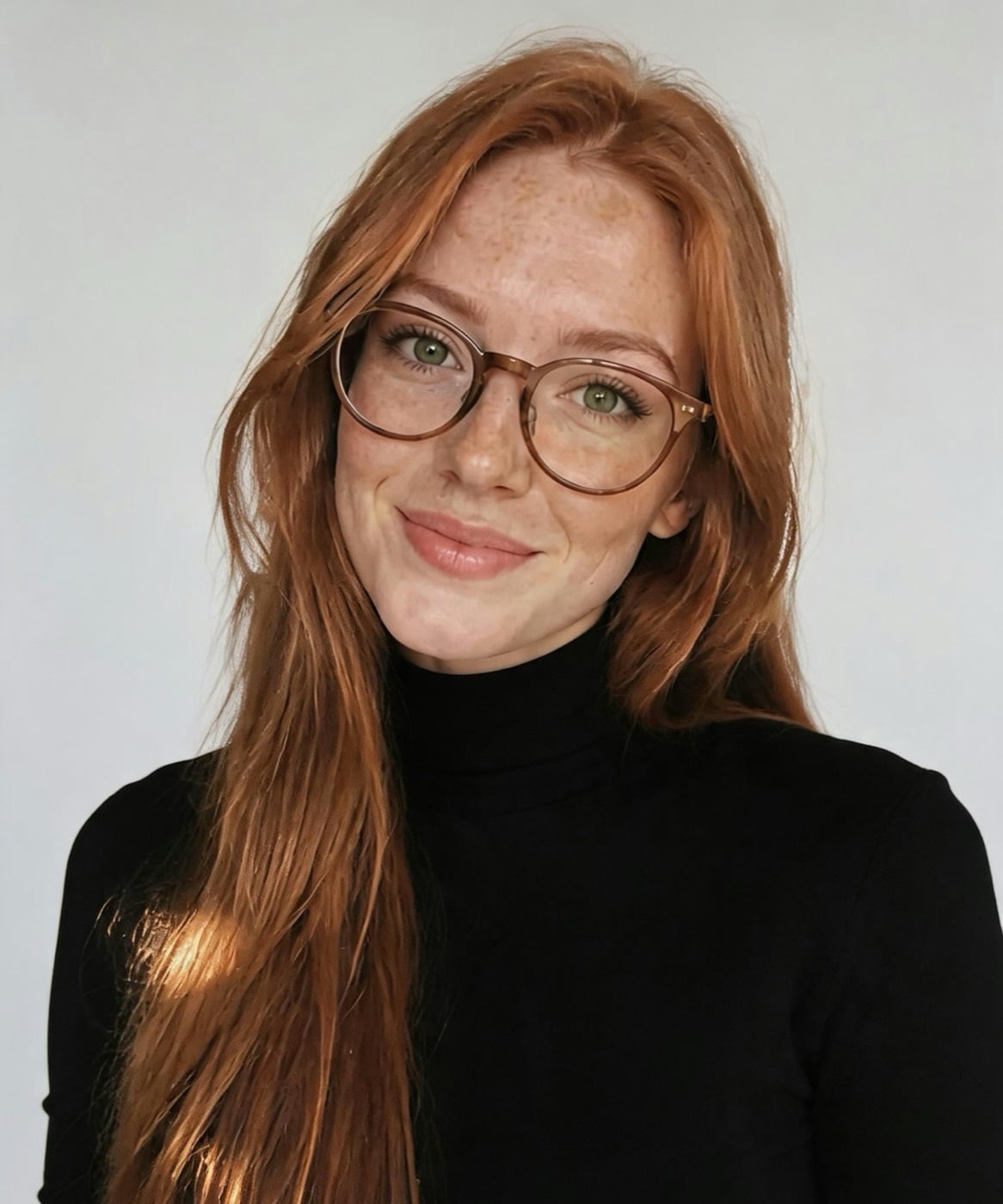
The plain backdrop scene gives a solid light gray background with soft, even light, ready for profile pictures, model cards or reference sheets. Want another color? Describe it in the scene field.

AI influencer portrait against a plain light gray backdrop

Bring Them to Life in Video

Download any photo and animate it with image to video to make a short clip of your influencer for Reels, TikTok or Shorts.
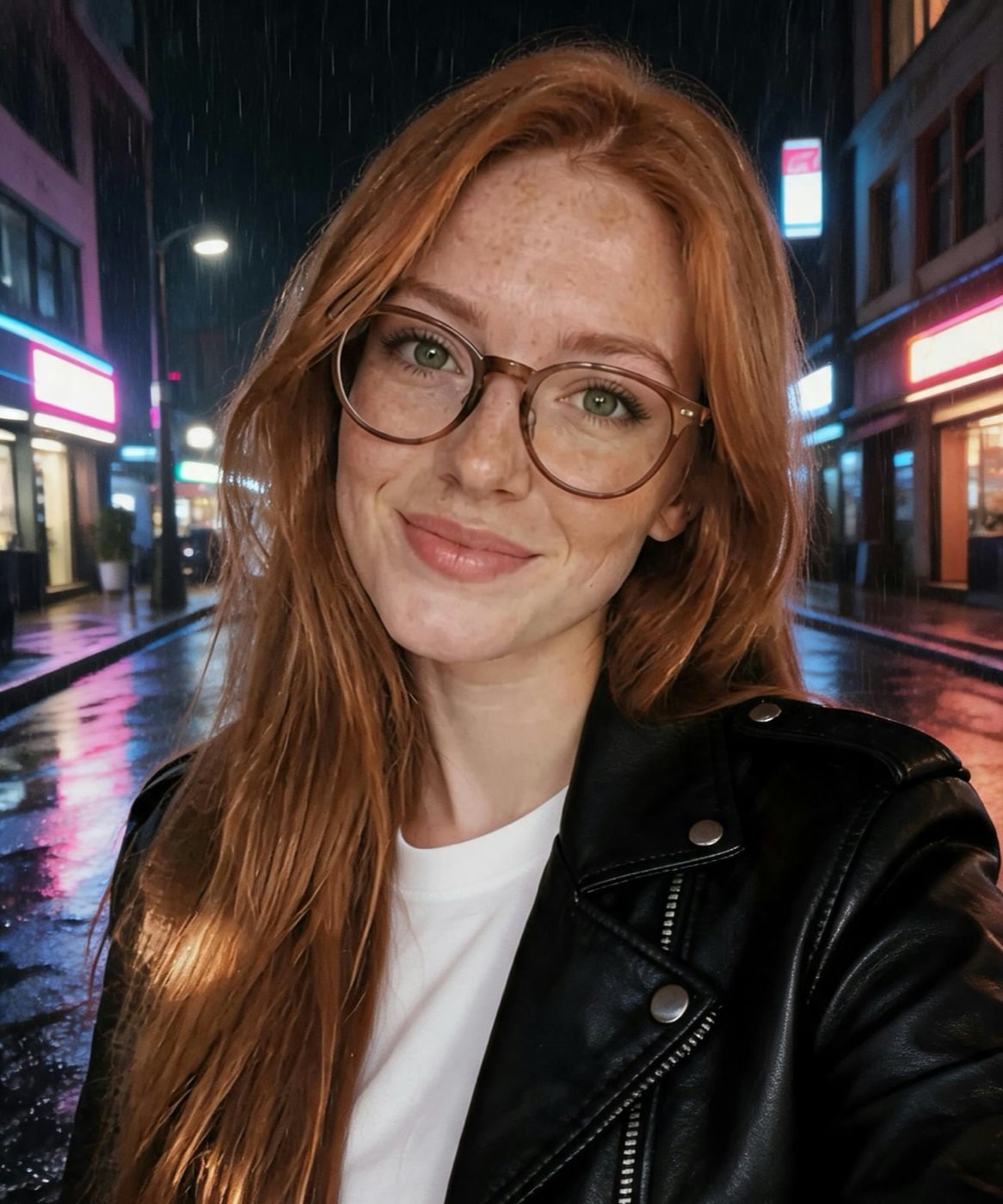
AI influencer on a rainy city street at night, ready to animate

AI Influencer Generator FAQ

What is an AI influencer generator?

It is a tool that creates a fictional person and then keeps making new photos of that same person. On GoEnhance you design the influencer once, save them, and then generate new photos by changing only the outfit, accessories, scene, framing and photo style.

How do I keep the same face in every photo?

Save the influencer after the first generation. New photos made from a saved influencer use that saved look as the identity reference, so the face, skin tone, eye color, hair and distinguishing marks such as freckles carry over. Each influencer can hold up to 50 looks, and saving a new look never replaces the old ones.

Can I create an AI influencer from my own photo?

Yes. Upload one clear photo of a single adult face. You must confirm that the photo is of you or that you have the person's permission, and that everyone in it is 18 or older. Do not upload celebrities or anyone who has not agreed. Uploaded face photos are deleted within 30 days.

How much does it cost?

Each image costs 6 credits, so a set of 4 options costs 24 credits. Free accounts generate one image per run; paid plans can generate up to 4 per run.

What sizes are the images?

Portrait. Face, chest-up and waist-up framing use a 3:4 ratio, while knees-up and full-body framing use 2:3 so the whole figure fits.

Can my AI influencer wear swimwear or lingerie?

Yes, as tasteful fashion photography of an adult. Every influencer is 21 or older, and nudity, see-through clothing and explicit content are blocked.

Who can see my AI influencers?

Only you. Saved influencers and their looks are private to your account. Photos you generate also appear in your creations, and deleting an influencer does not delete those photos.

Can I turn my AI influencer into a video?

Yes. Download a photo and animate it with image to video. For short social clips, a waist-up or full-body photo in a vertical frame works best.

Do I need to label AI influencer posts?

Many social platforms ask creators to label realistic AI-generated people and media. Check the rules of the platform you post on before you publish.

Create Your AI Influencer

Design a face or upload one, save your influencer, and put them in any outfit or scene.

Start Creating