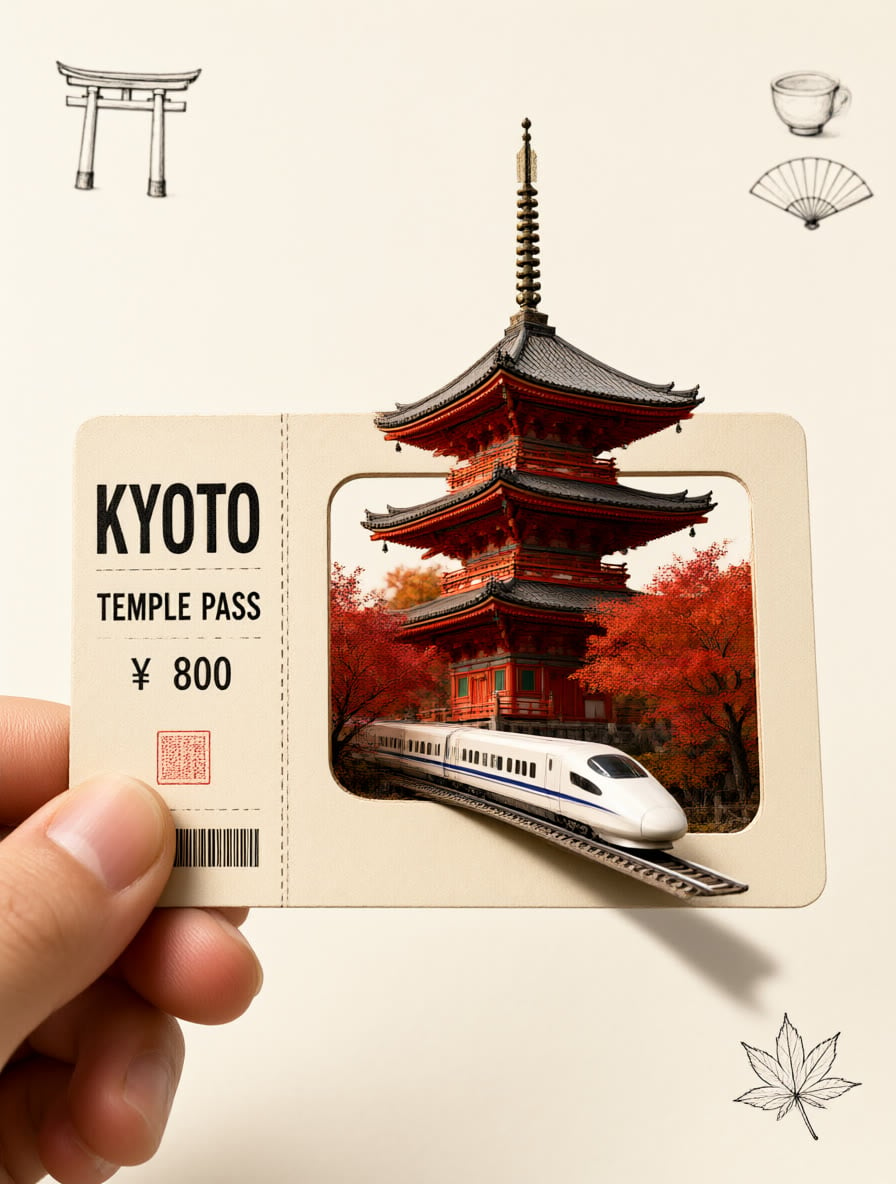
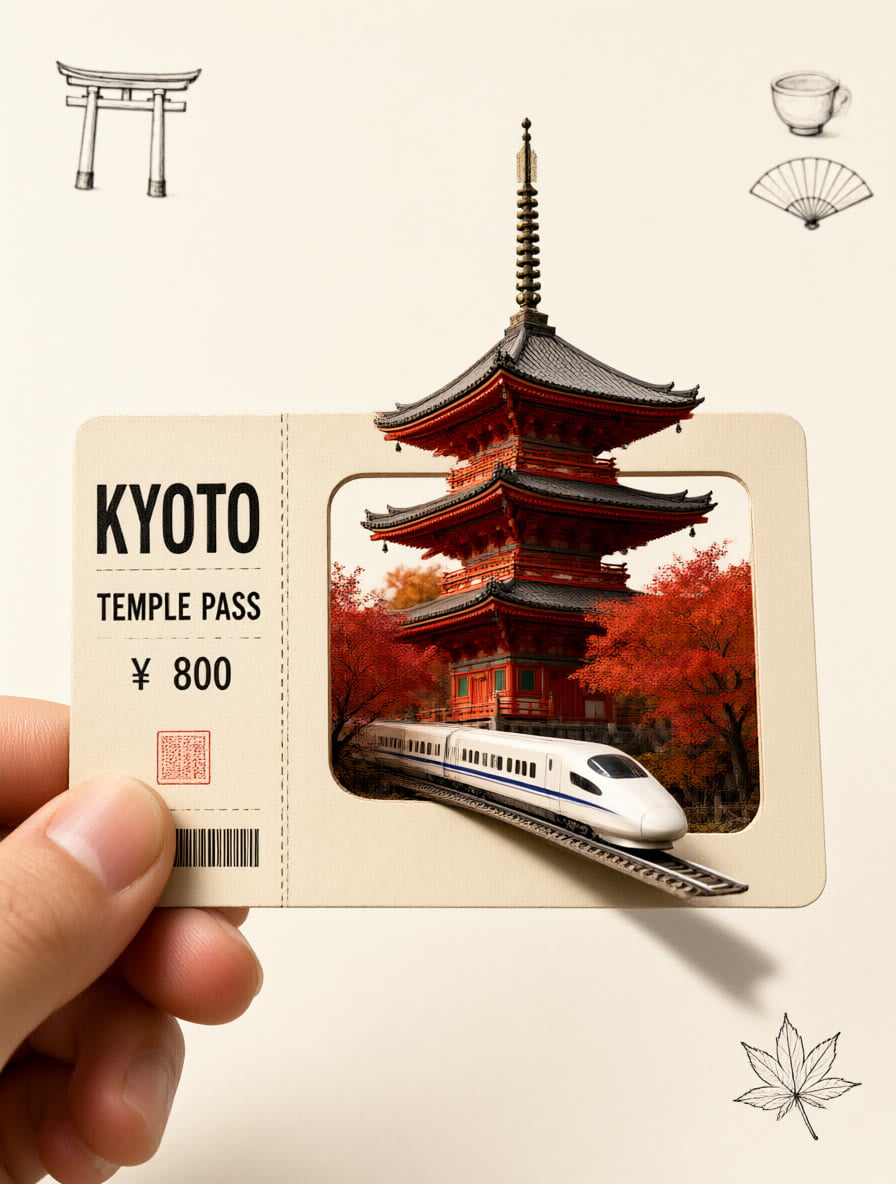
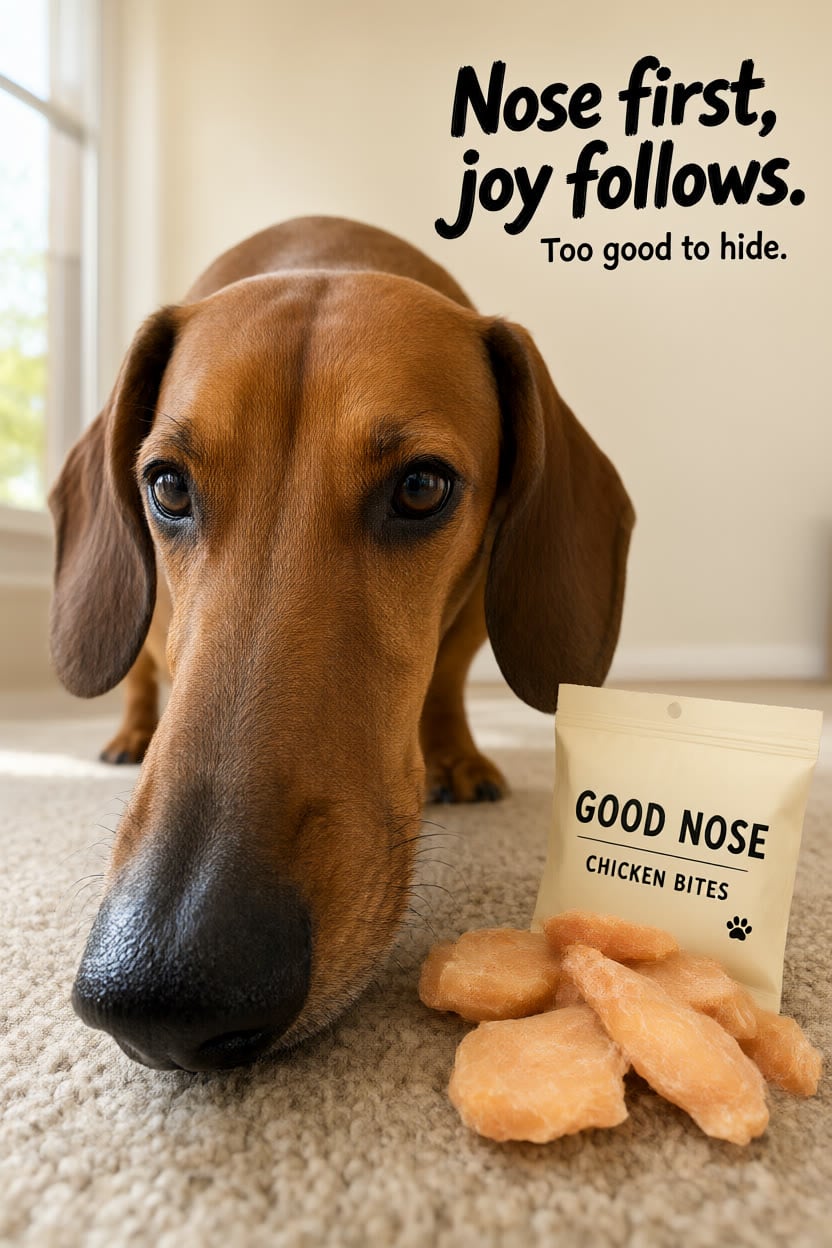
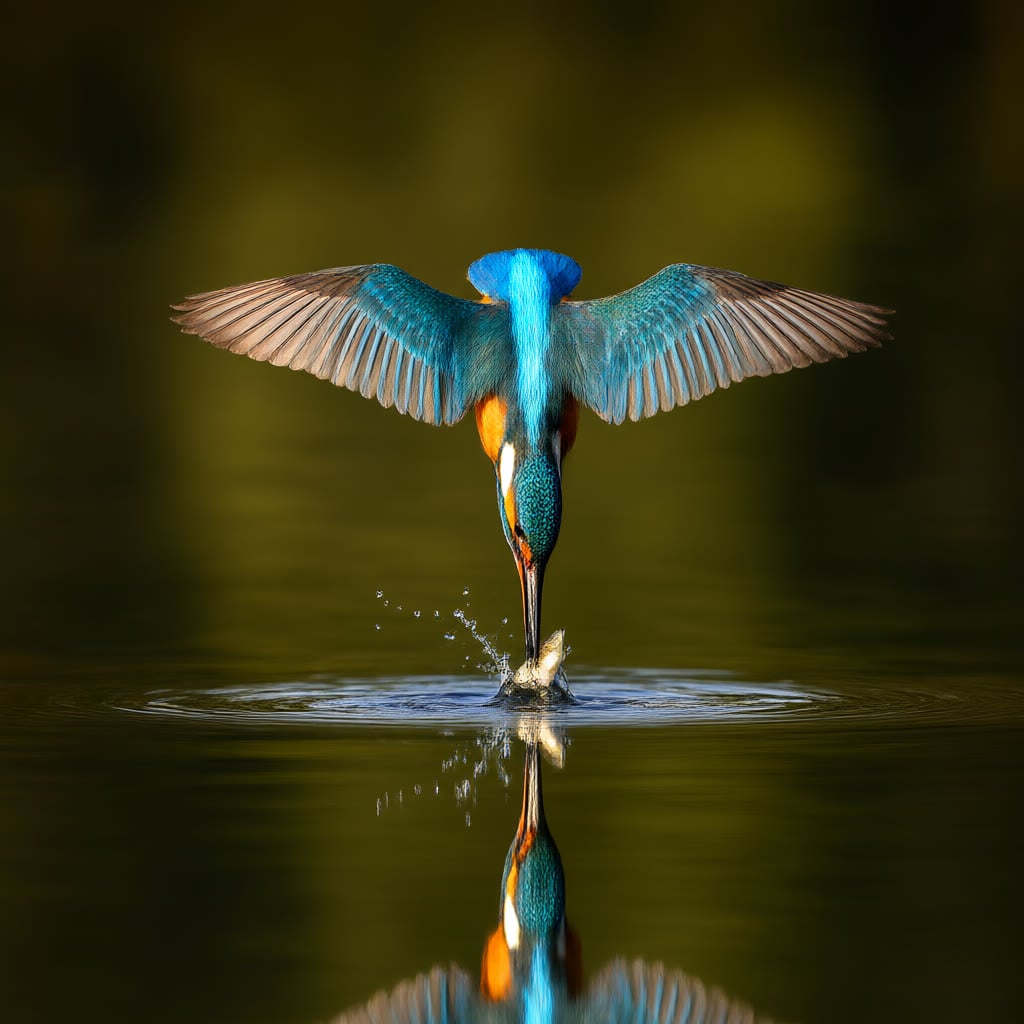
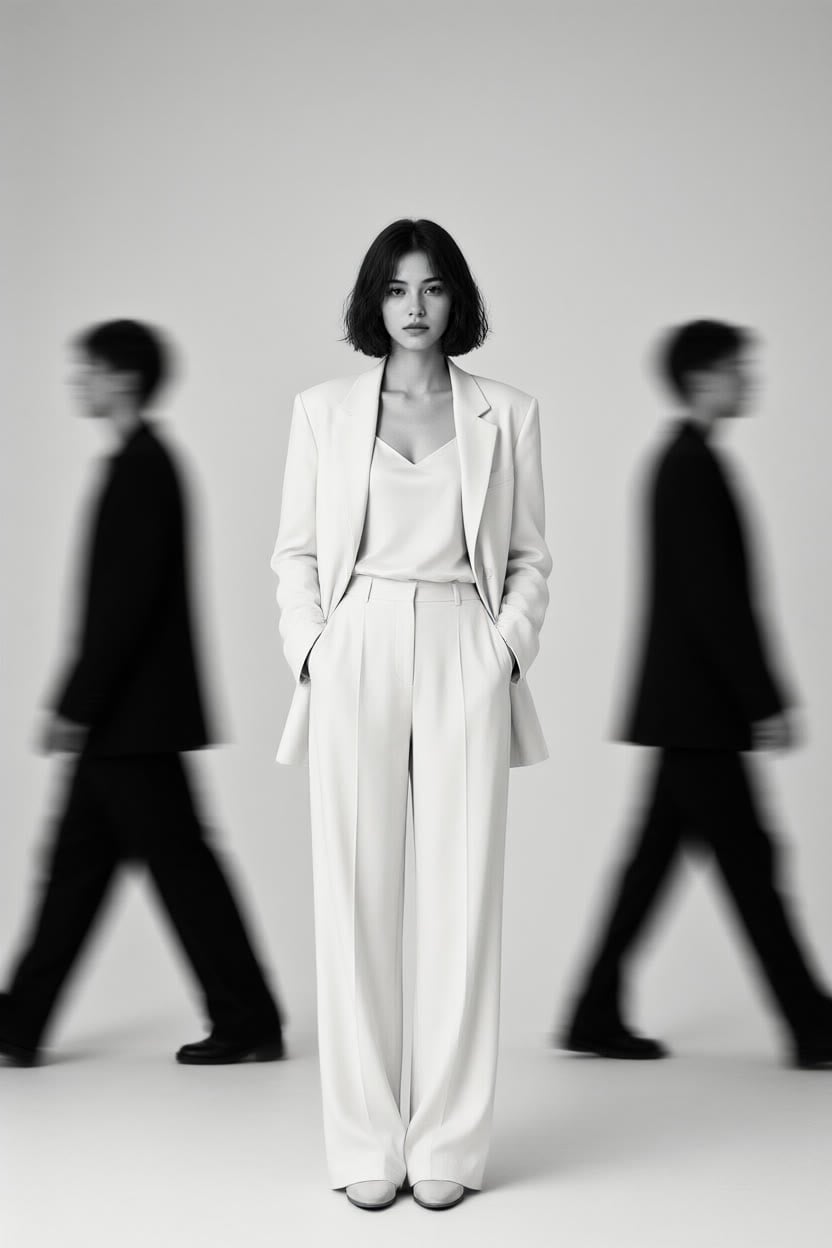
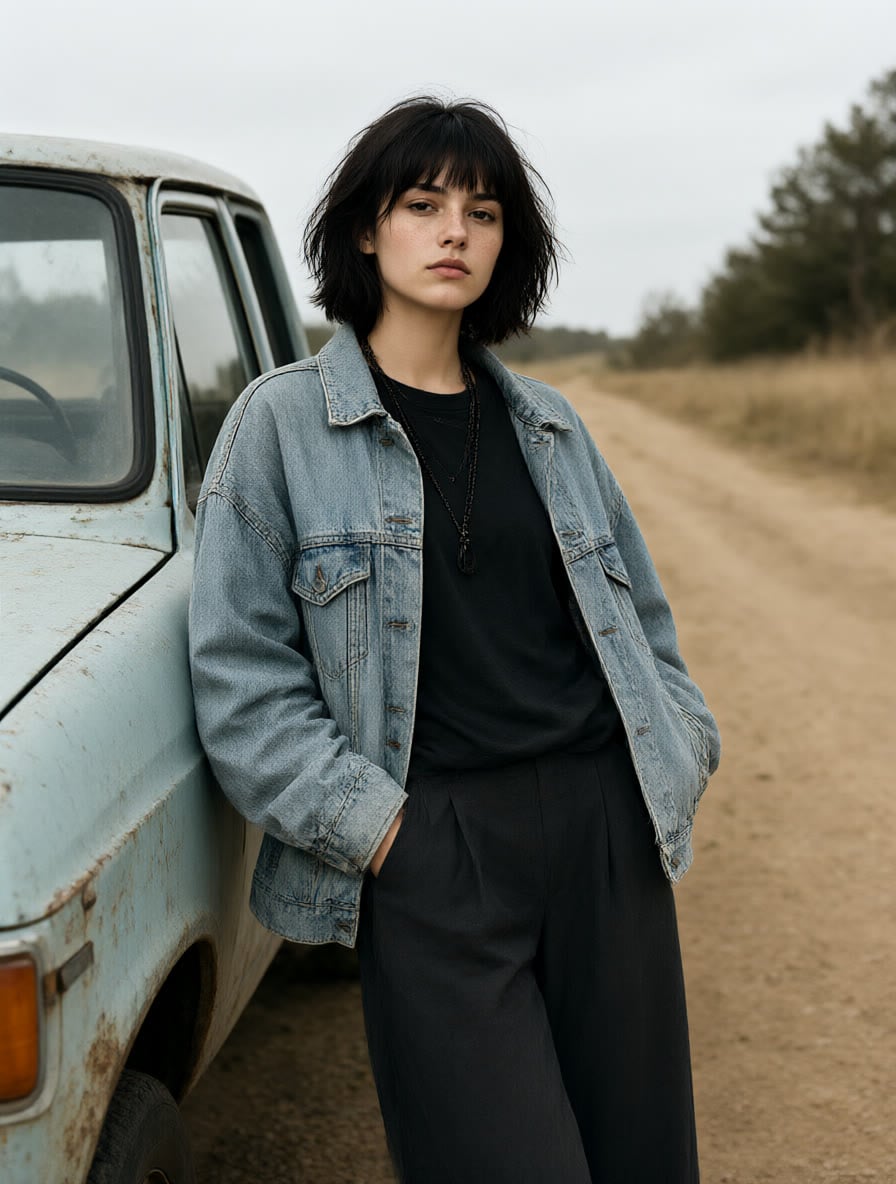
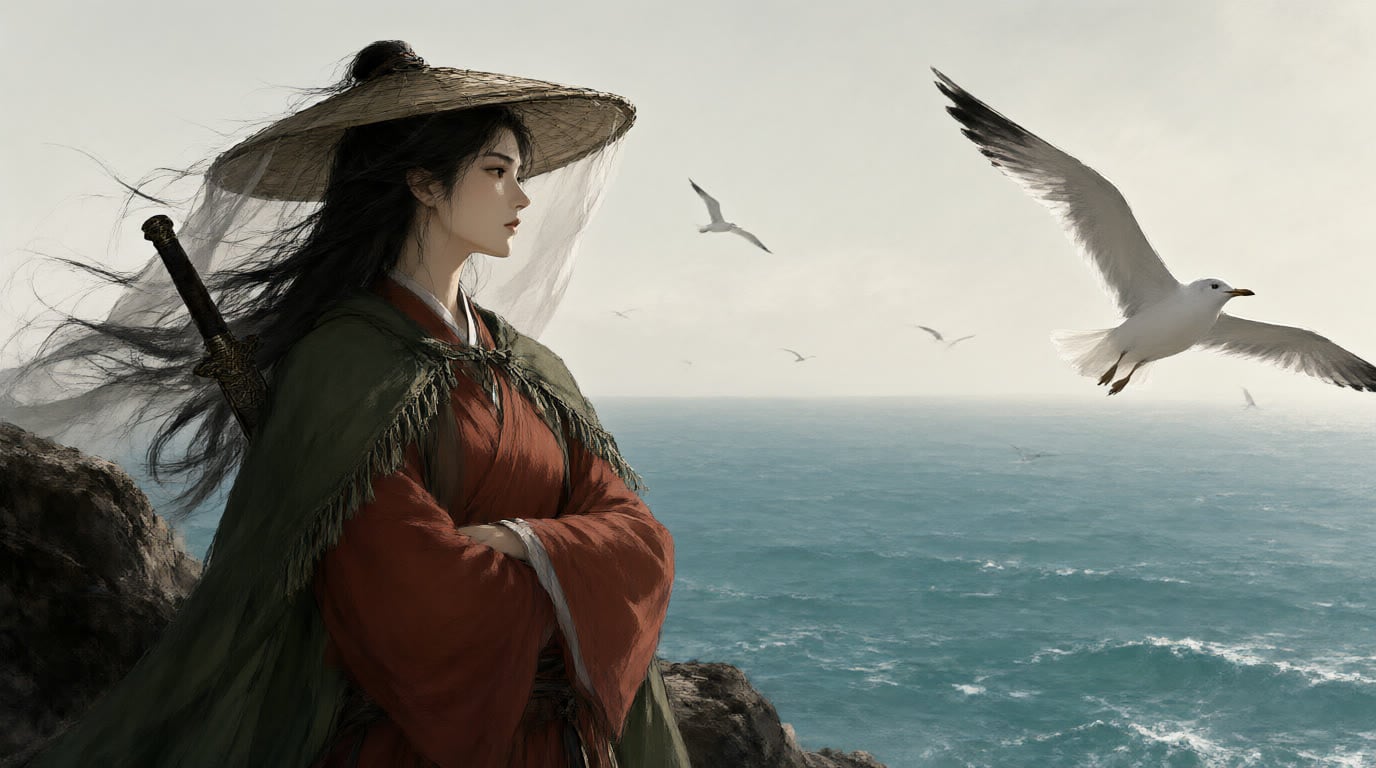
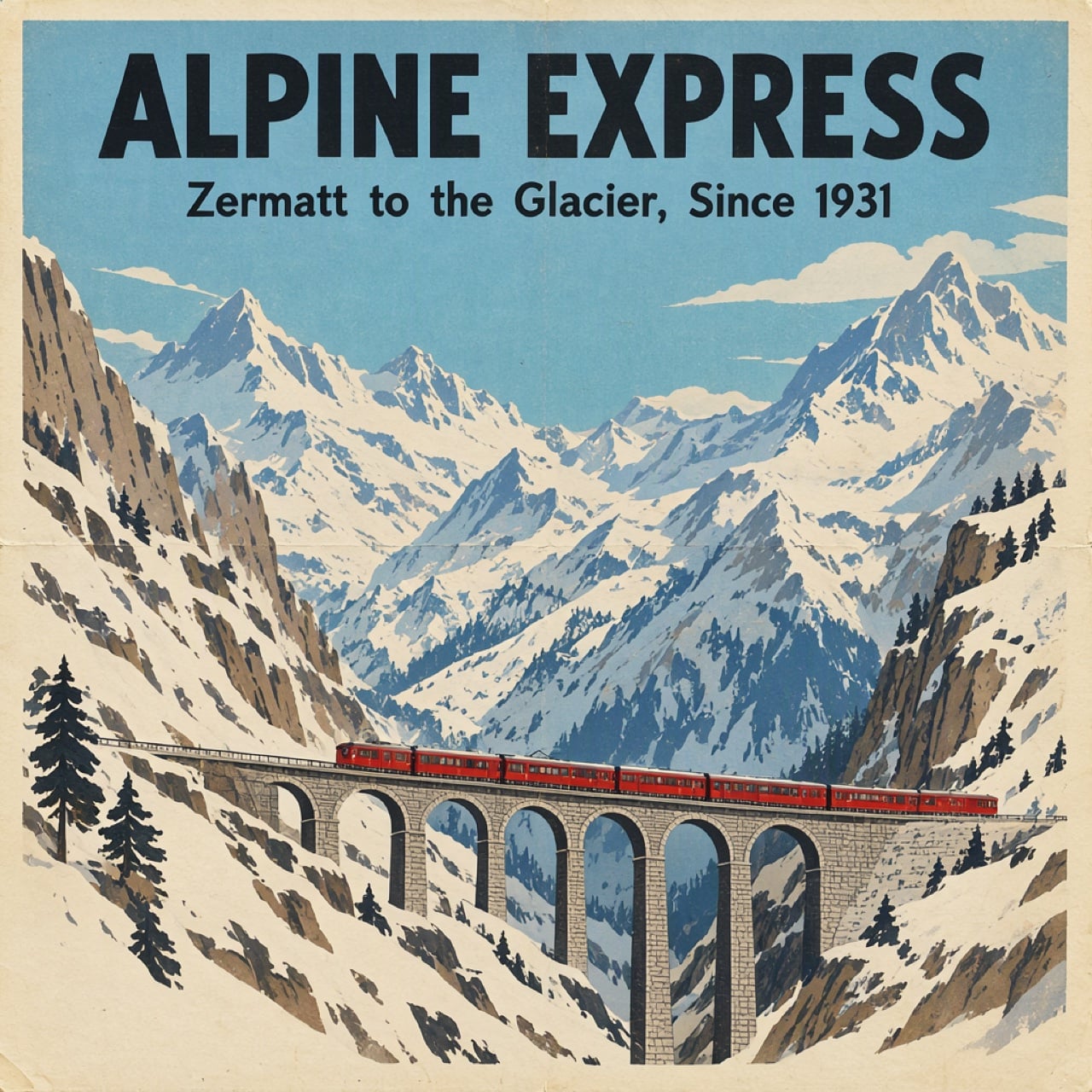
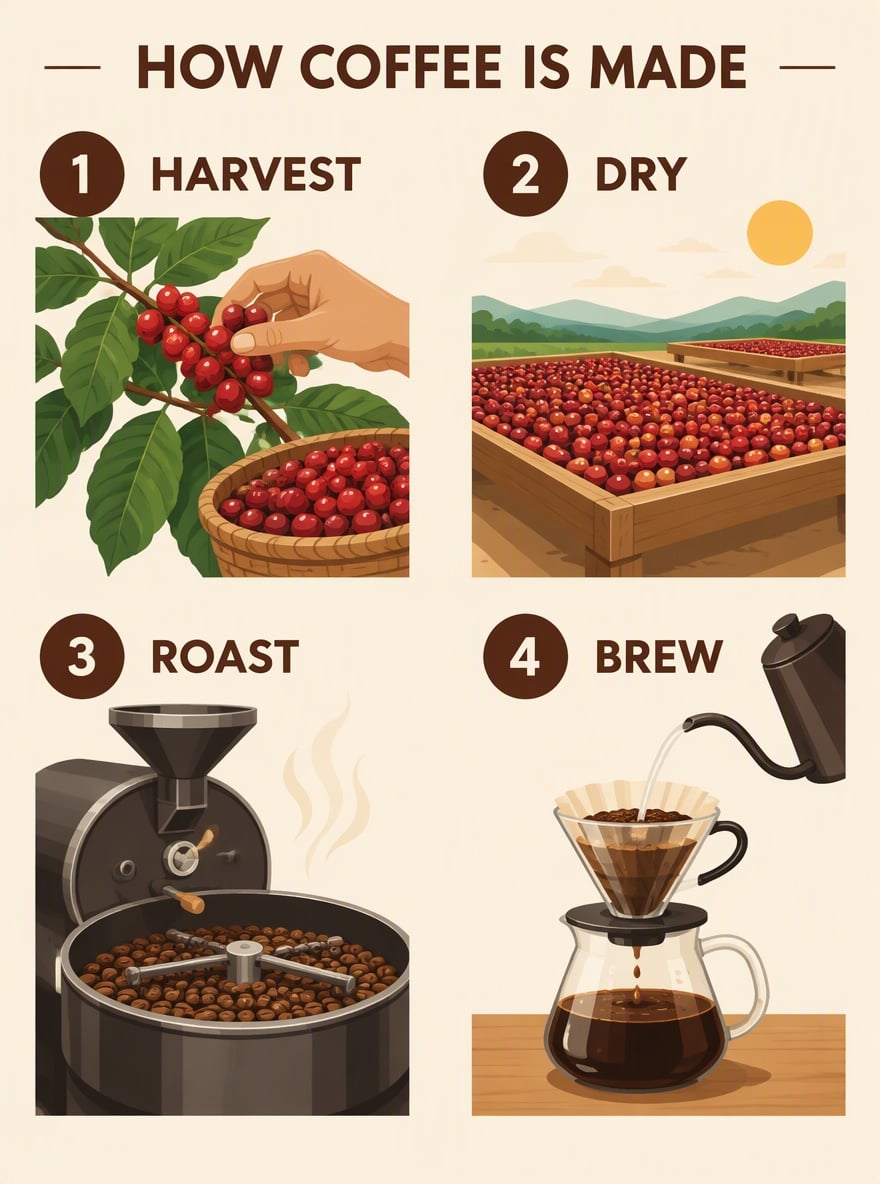
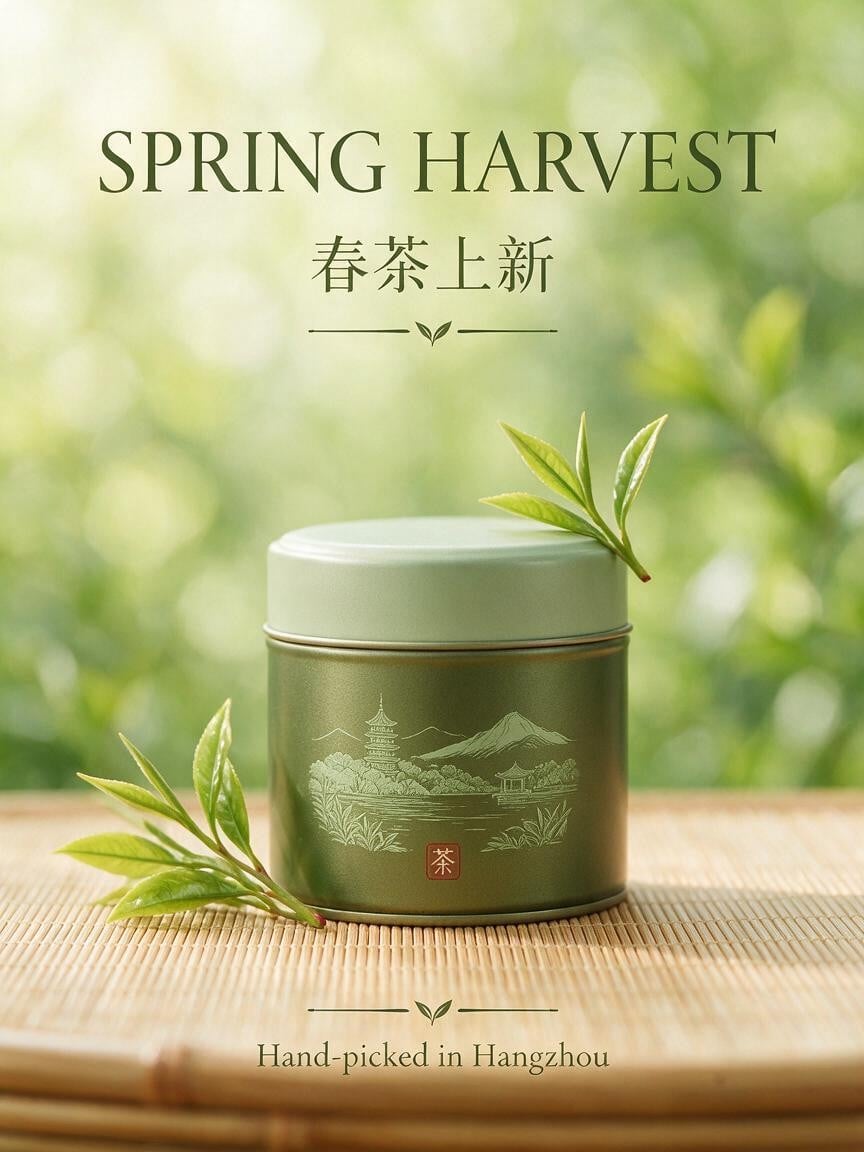
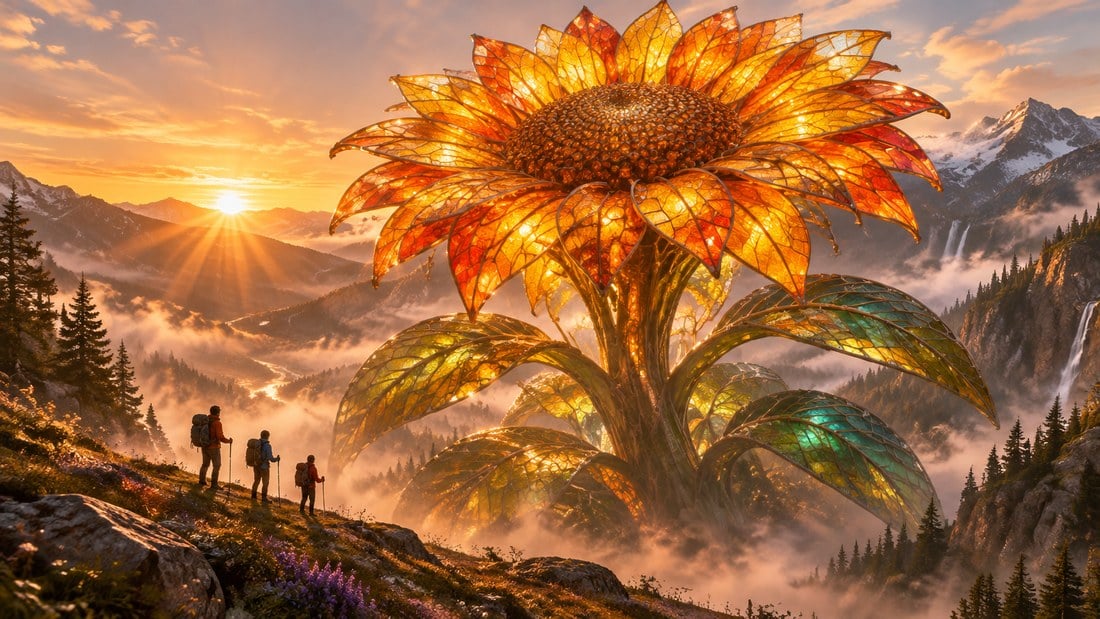
SenseNova U1.6 is SenseTime's open image model, released on November 24, 2026 under the Apache 2.0 license. One model reads images and makes them: it turns prompts into images, edits photos, and can check its own first draft against your prompt, then fix blurry words, typos and wrong numbering in a second pass. Below you can try similar poster, photo and illustration prompts with GoEnhance 2.0 Lite.
3D Travel Ticket
Dachshund Treat Ad
Kingfisher Dive
Slow-Shutter Studio Portrait
GoEnhance 2.0 Lite
Prompt
Example prompts
Opens the GoEnhance editor with this model and prompt ready.
What SenseNova U1.6 Does Well
It checks its own text
With self-correction on, U1.6 makes a first image, reviews it against the prompt, and lists what is wrong: blurry text, misspelled English, garbled characters or numbering out of order. It then redraws using the prompt and its own draft. On UltraTextBench's dense infographic tasks this gave a 7% average relative improvement over a single pass.
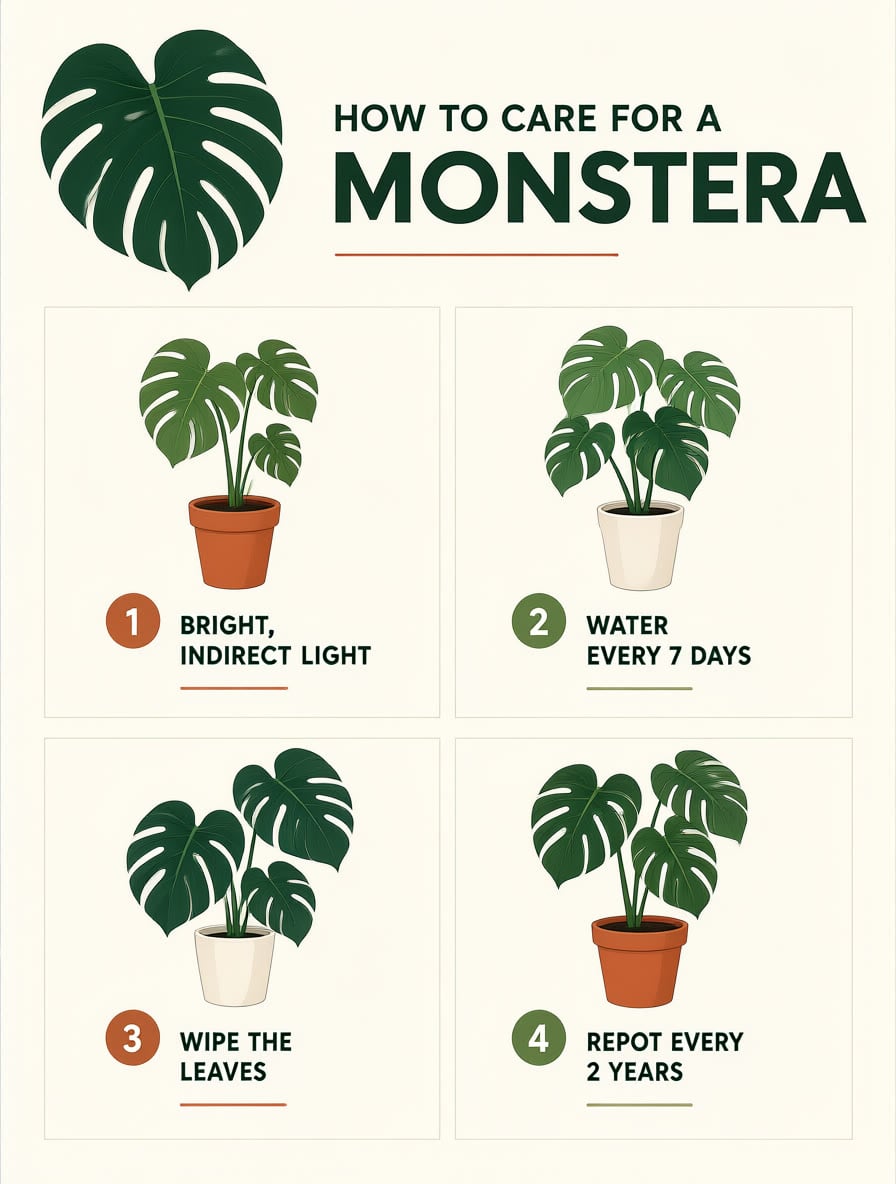
It speaks camera language
Ask for 35mm film grain, motion blur, a fisheye or ultra-wide lens, or a ground-level angle, and U1.6 follows the look. SenseTime trained separate aesthetic models for portraits and realism, so skin, fabric and light hold up when you zoom in.
Many illustration styles
Ink wash, woodblock print, thick paint, crayon, felt and abstract styles each get their own look. Change one style phrase in the prompt and the same subject comes back in a very different visual language.
Posters where the words are part of the design
A dedicated aesthetic model for text and layout helps U1.6 keep words correct without losing typography, perspective and layout. It handles 3D lettering, unusual letterforms and handwriting, which suits event posters and social covers. In SenseTime's user tests, overall aesthetics scored 10% higher than U1.5.

SenseNova U1.6 at a Glance
SenseNova U1.6
Developer
SenseTime
Release date
November 24, 2026
Open model
SenseNova-U1.6-8B-MoT
Tasks
Text to image, image editing, native self-correction
Design
One model that both understands and generates images
License
Apache 2.0
Fast versions
4-step and 8-step distilled LoRAs
Run it locally
About 24 GB GPU memory, 64 GB RAM and 35 GB disk (balanced setup)
ComfyUI
Official support from day one: BF16 and INT8 checkpoints plus an 8-step LoRA
How to Make Similar Images on GoEnhance
01
Pick an example or write a prompt
Start from one of the prompts in the console above, or describe your own subject, style and layout.
02
Put every word in quotes
For posters and signs, write each headline and line of small print inside quotes so it renders as written.
03
Generate with GoEnhance 2.0 Lite
Click generate to open the text-to-image studio with GoEnhance 2.0 Lite selected, then choose a ratio and 1K or 2K.
04
Check and refine
Zoom in and read the text. If a word is off, shorten that line or generate again.
SenseNova U1.6 FAQ
What is SenseNova U1.6?
SenseNova U1.6 is an open image model from SenseTime. The same model understands images and generates them: it does text to image, image editing and native self-correction, where it reviews its own draft and fixes text errors.
When was SenseNova U1.6 released?
SenseTime released and open-sourced SenseNova U1.6 on November 24, 2026, together with 4-step and 8-step distilled versions.
How does self-correction work?
The model makes a first image, checks it against your prompt, and writes specific fixes for problems such as blurry or garbled text, English spelling mistakes and wrong numbering. It then makes a corrected image from the prompt and the draft. It was trained on infographics but also helps in some other kinds of images.
Is SenseNova U1.6 free for commercial use?
The weights are released under the Apache 2.0 license, which allows commercial use. Check the license on the specific model card before you use the weights.
Can I run SenseNova U1.6 in ComfyUI?
Yes. ComfyUI supported it from day one, with BF16 and INT8 checkpoints and an 8-step LoRA. For the balanced setup, plan for about 24 GB of GPU memory, 64 GB of system RAM and 35 GB of disk space.
Can SenseNova U1.6 edit photos?
Yes. Image editing is one of its main tasks, along with text to image. SenseTime notes that long edits and edits with several reference images may need more testing.
What are its limits?
According to the model card, complex layouts, very dense text, small human details and long or multi-reference edits may need further validation. Generating a few times and simplifying the prompt helps.
Were the images on this page made with SenseNova U1.6?
No. SenseNova U1.6 is not on GoEnhance yet. The example images and the generator on this page use GoEnhance 2.0 Lite, so you can try the same kinds of prompts right away.