goenhance logo

Enhance Your Images With AI Precision

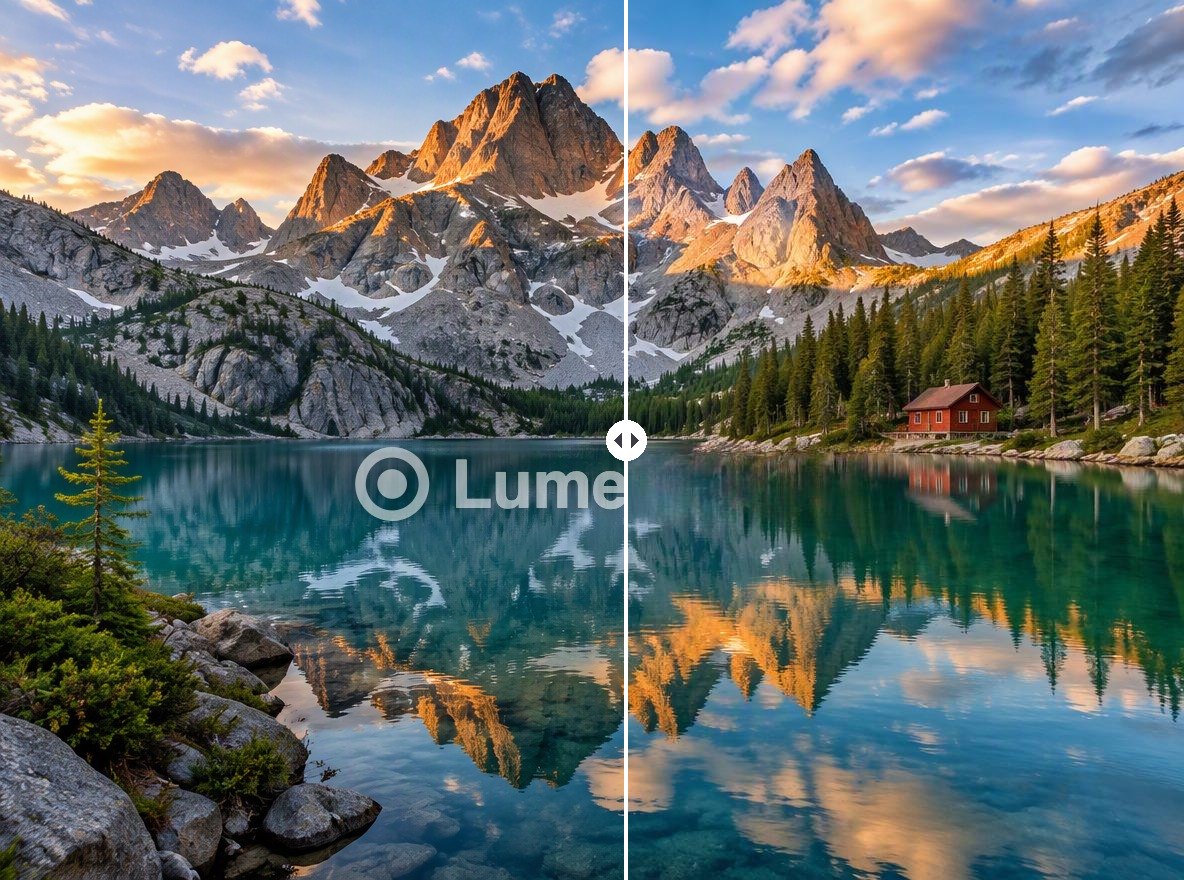
Restore the clarity of your images by seamlessly erasing watermarks. Our AI technology ensures a natural, unblemished finish for any photograph.

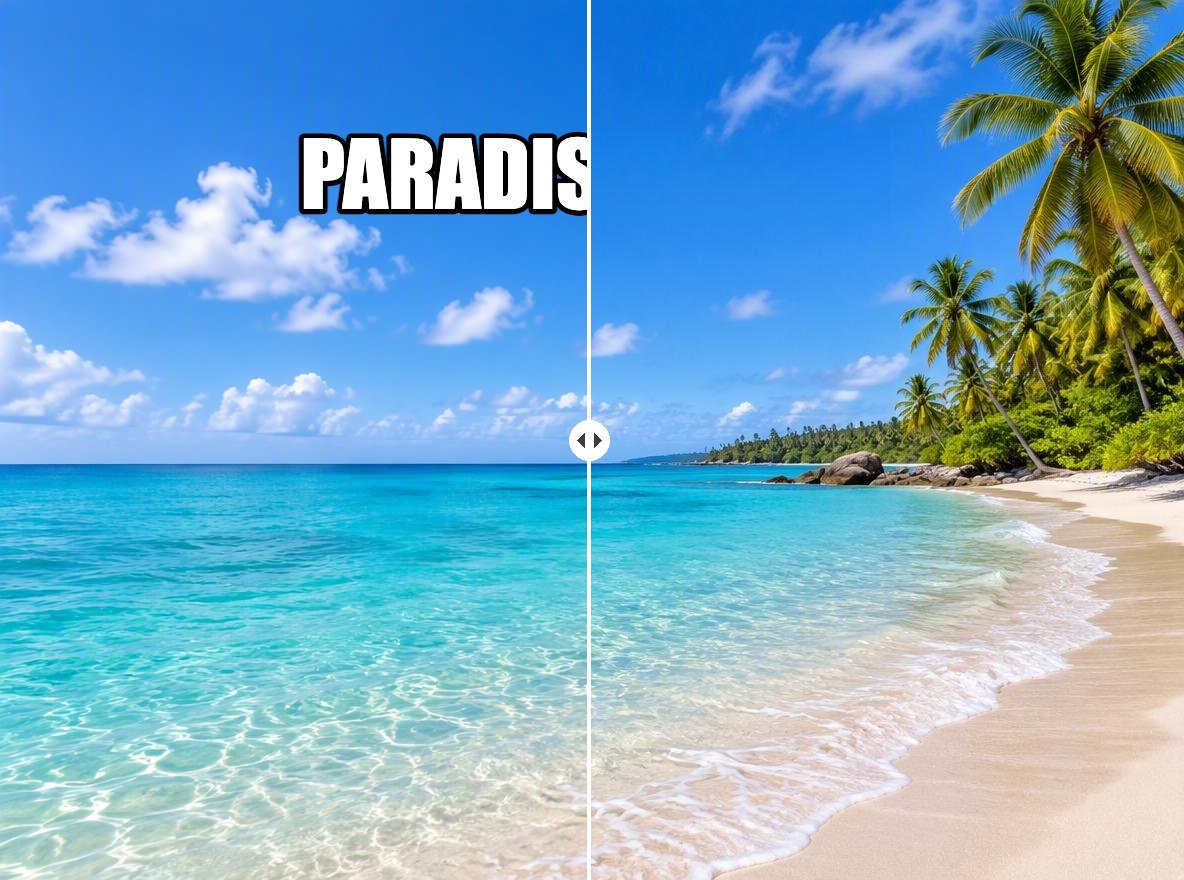
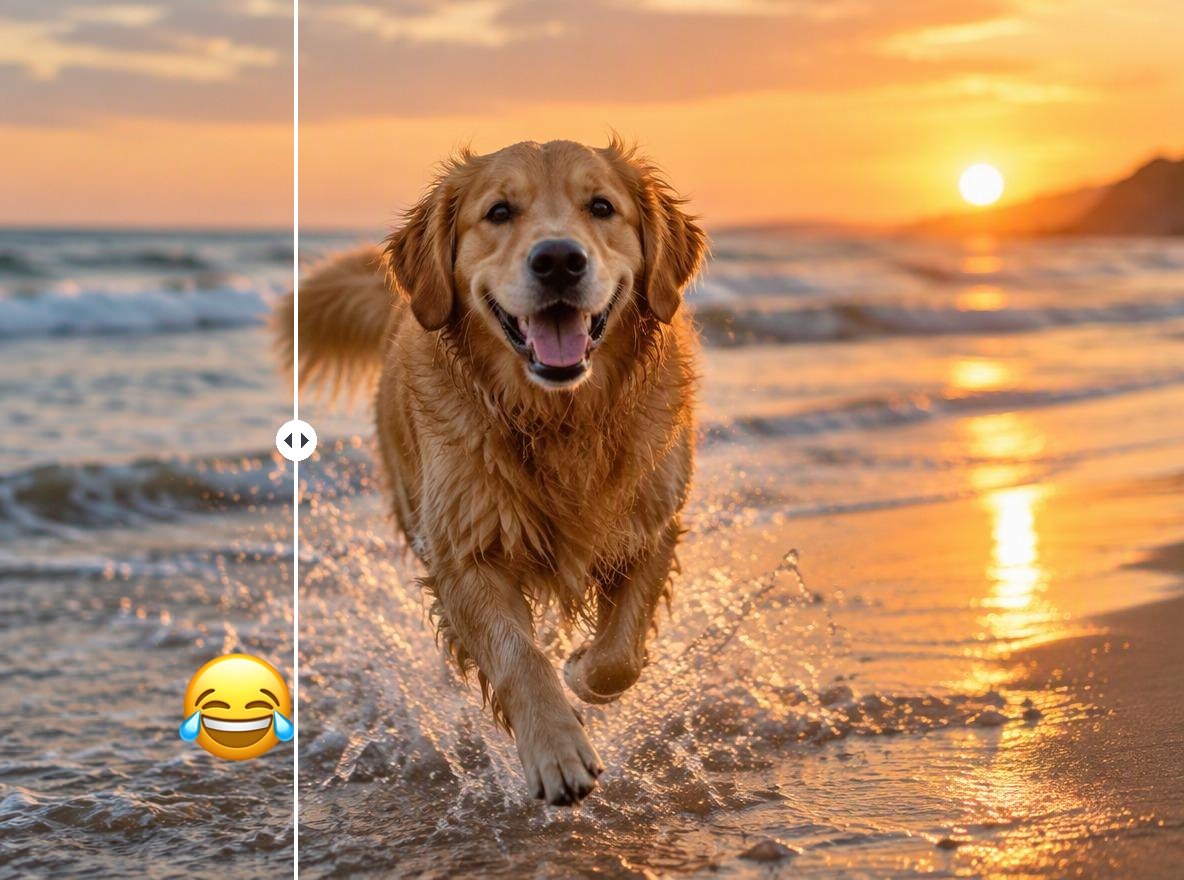
Before removing watermarks from imagesAfter removing watermarks from images

AI Watermark Remover Features for Clean Images

Advanced watermark eraser for intricate patterns

Our system analyzes the underlying image content to reconstruct the areas obscured by watermarks, from faint logos to intrusive 'PROOF' text.

AI-powered watermark eraser

Watermark Eraser for JPG, PNG, and JPEG Files

This free image watermark remover handles various types of watermarks, including text overlays, logos, and date stamps, without requiring manual intervention for each file. This automated approach saves significant time and effort, delivering high-quality, watermark-free images ready for immediate use.

Consider using AI color correction to perfect your image quality. The result is a polished and professional asset ready for presentation or publication.

Batch watermark removal

Batch Watermark Removal Easily

Process multiple photos at once and remove distracting watermarks in a clean and consistent way. The tool keeps textures and lighting intact so your images stay natural without visible editing marks. For older pictures, our AI old photo restoration could be the next step.

Removing proof watermarks from photos

How to Remove Watermarks from Photos?

01

Upload Your Photo

Select the image file you want to clear. The platform supports various standard formats like JPG, PNG, and JPGE.

02

AI Automatically Removes Watermark

Our AI algorithm instantly detects and erases the watermark, reconstructing the background for a natural look.

03

Download the Clean Image

Preview the result and download your watermark-free photo in high resolution, ready for any use.

Explore GoEnhance AI Watermark Remover Capabilities
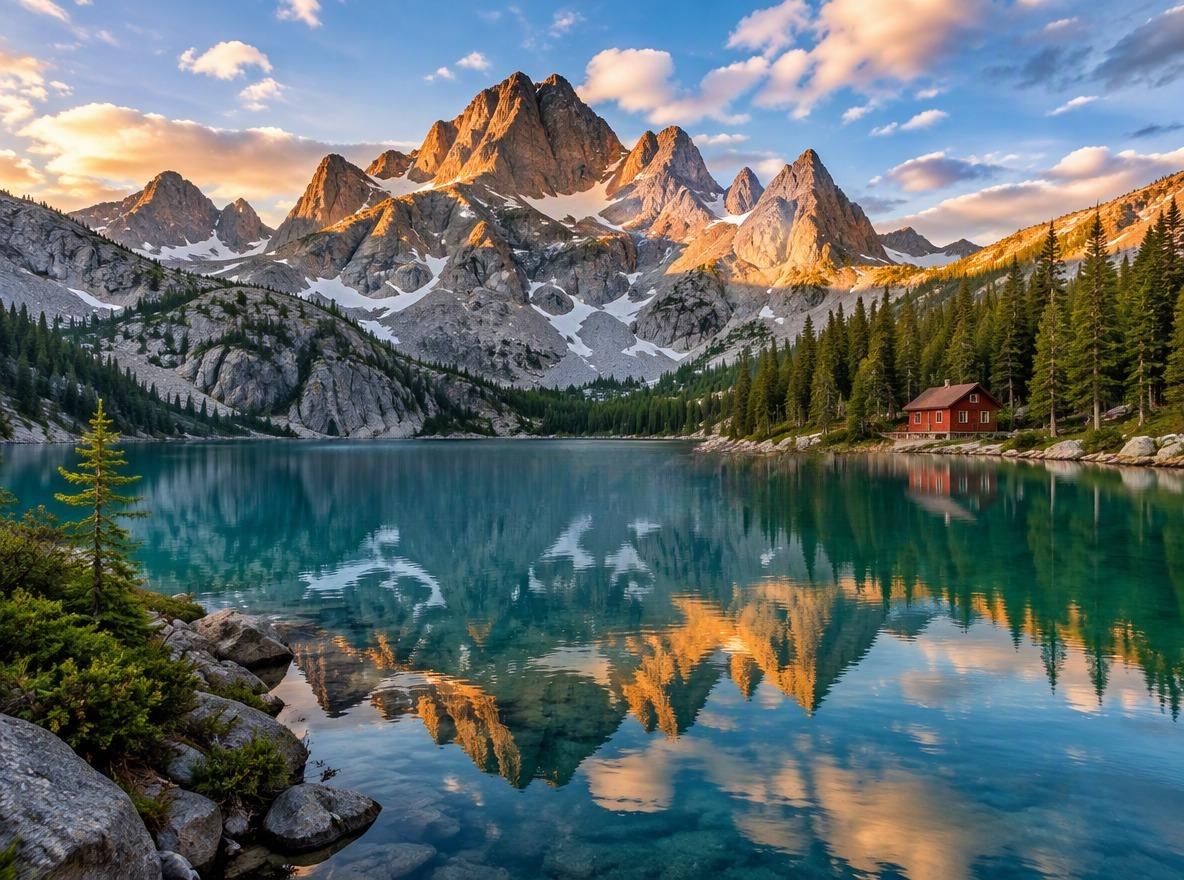
Precision AI Detection

The AI model is trained to identify and distinguish various watermark types, from bold logos to subtle, transparent text.

Background Reconstruction

Rather than masking the watermark, it rebuilds the underlying details to create a seamless finish.

No Quality Loss

Your photo's original resolution and quality are preserved throughout the watermark removal process.

Support for Multiple Formats

Upload and process images in popular formats including JPEG, PNG, and WebP without compatibility issues.

User-Friendly Interface

A simple, intuitive drag-and-drop interface requires no technical expertise to achieve professional results.

Completely Free to Use

Access powerful watermark removal capabilities at no cost, with generous usage limits for all users.

You May Want to Know

What is Watermark Remover?

GoEnhance AI’s watermark remover is a simple tool that helps clean unwanted marks, text, or overlays from photos while keeping the original look intact. You upload an image, select the area, and the system fills it naturally so the result blends in smoothly.

How long does removal take?

Watermark removal with GoEnhance AI usually takes a few seconds, and larger images or batch processing may take slightly longer depending on size and quantity.

How does the AI watermark remover work?

The AI uses a deep learning model trained on millions of images. It identifies the watermark’s pixels and intelligently reconstructs the image area underneath by predicting the original background, ensuring a clean and natural result.

Is it free to use?

GoEnhance AI offers free watermark removal with basic usage, and optional upgrades if you need more images, faster processing, or higher output quality.

Does it work on full-screen watermarks?

GoEnhance AI works best on small to moderate overlays. Full-screen watermarks may still improve, but results depend on the image content, patterns, and complexity.

Can it process multiple images?

Yes. GoEnhance AI supports batch processing so you can remove watermarks from multiple photos in one session, saving time and keeping a consistent look across all images.

Is this watermark remover better than traditional methods for removing watermarks?

For most users, yes. Our AI automates the entire process, saving significant time. Unlike manual cloning or healing brushes, the AI is less prone to creating repetitive patterns or smudges, delivering a more professional finish with one click.

Can the AI remove any type of watermark?

The AI is highly effective against most common watermarks, including text, logos, and semi-transparent overlays. However, extremely complex or full-image watermarks might pose a challenge for any automated AI tool.

Will using an AI watermark remover reduce my image quality?

No, our AI tool is designed to preserve the original image quality. It only modifies the pixels directly affected by the watermark, leaving the rest of your photo untouched and in high resolution.

What makes this AI watermark eraser different from other free tools?

Our tool leverages a AI model that provides superior background reconstruction and artifact removal. The focus is on delivering a truly seamless and undetectable edit, which sets it apart from simpler AI solutions.

What Our Users Say?

Remove Watermarks in Seconds

Try GoEnhance AI’s clean and natural watermark removal and see how quickly your photos look polished again — no artifacts, no blur, just a smooth and seamless finish.

Start Removing Watermarks Free