Remove Emoji from Photo

Take an emoji or sticker off a photo. Upload the picture, and the AI finds the emoji, removes it and fills in the area. What was hidden under the emoji is redrawn from its surroundings, not recovered. Each image costs 4 tokens.
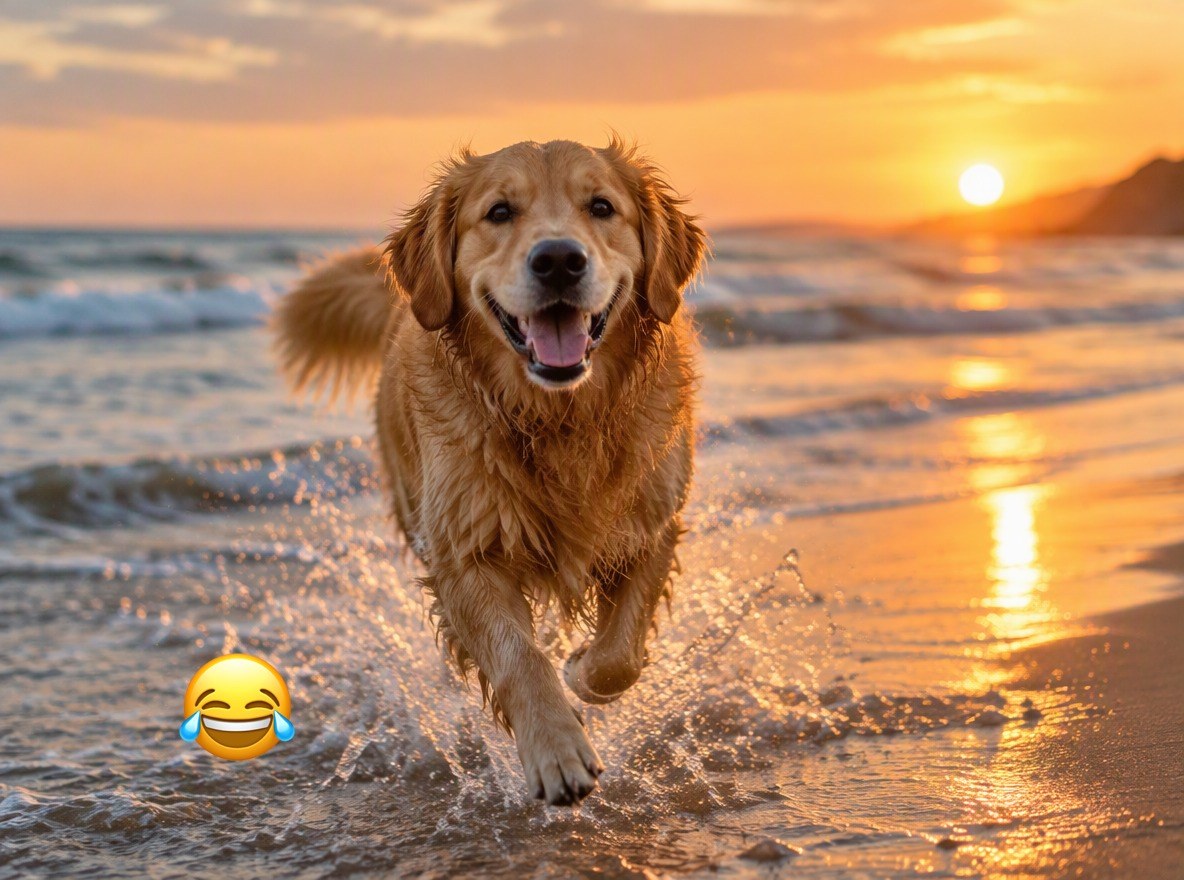
Beach photo

Beach photo
Food photo
Food photo
Landscape
Landscape
Upload a photo with an emoji
By uploading a file, you agree to GoEnhance's Terms of Use and Privacy Policy

How to Remove an Emoji from a Photo

Works on stickers too.
01

Upload the photo

JPG, PNG or WebP, including screenshots of stories.

02

The AI finds the emoji

This page tells the AI to look for emoji and stickers, so there is nothing to select.

03

Download, or remove the next one

One emoji is removed per pass. Click Remove another watermark to clear the next.

What to Expect

SituationWhat you get
Emoji over water, sand, grass or a tableA clean, natural fill
Emoji hiding a face or a signA new face or sign drawn by the AI, not the original
Several emoji on one photoOne per pass, run again on the result

Emoji It Clears

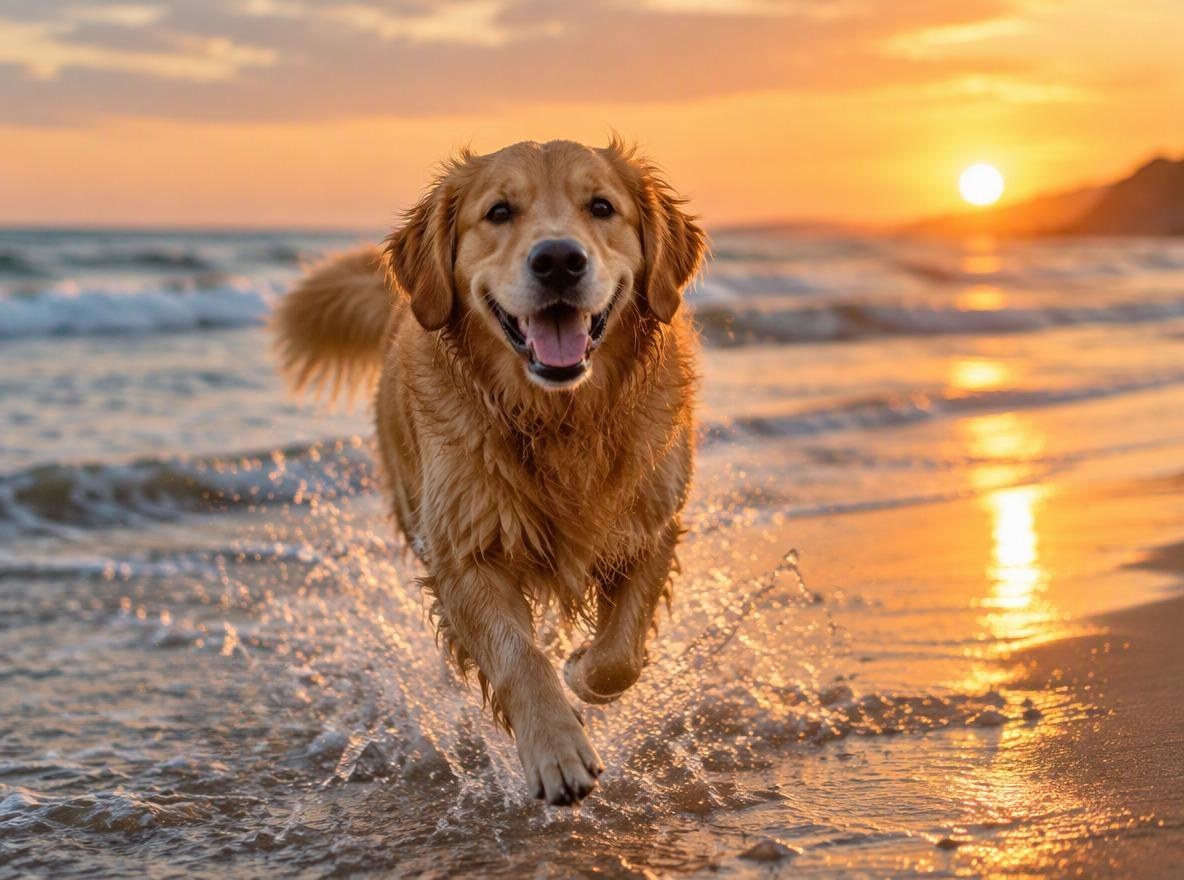
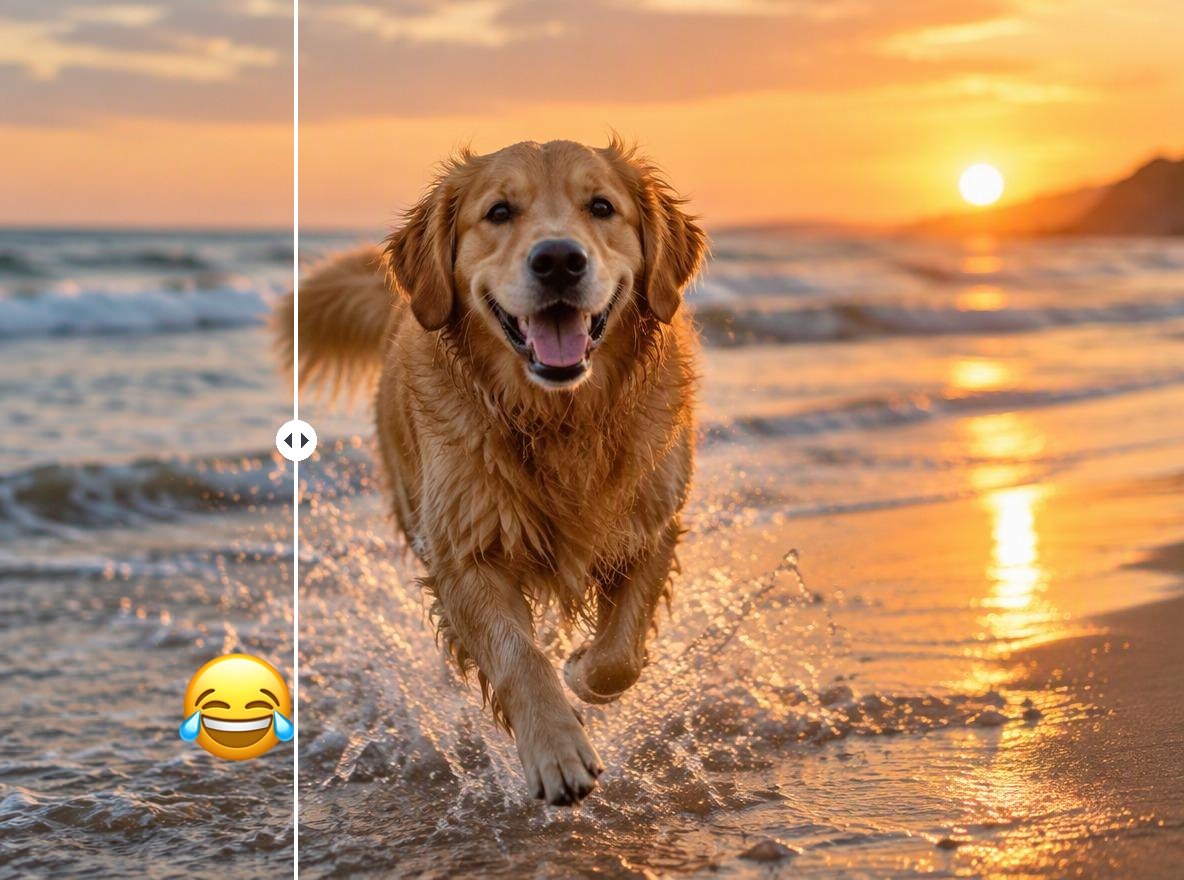
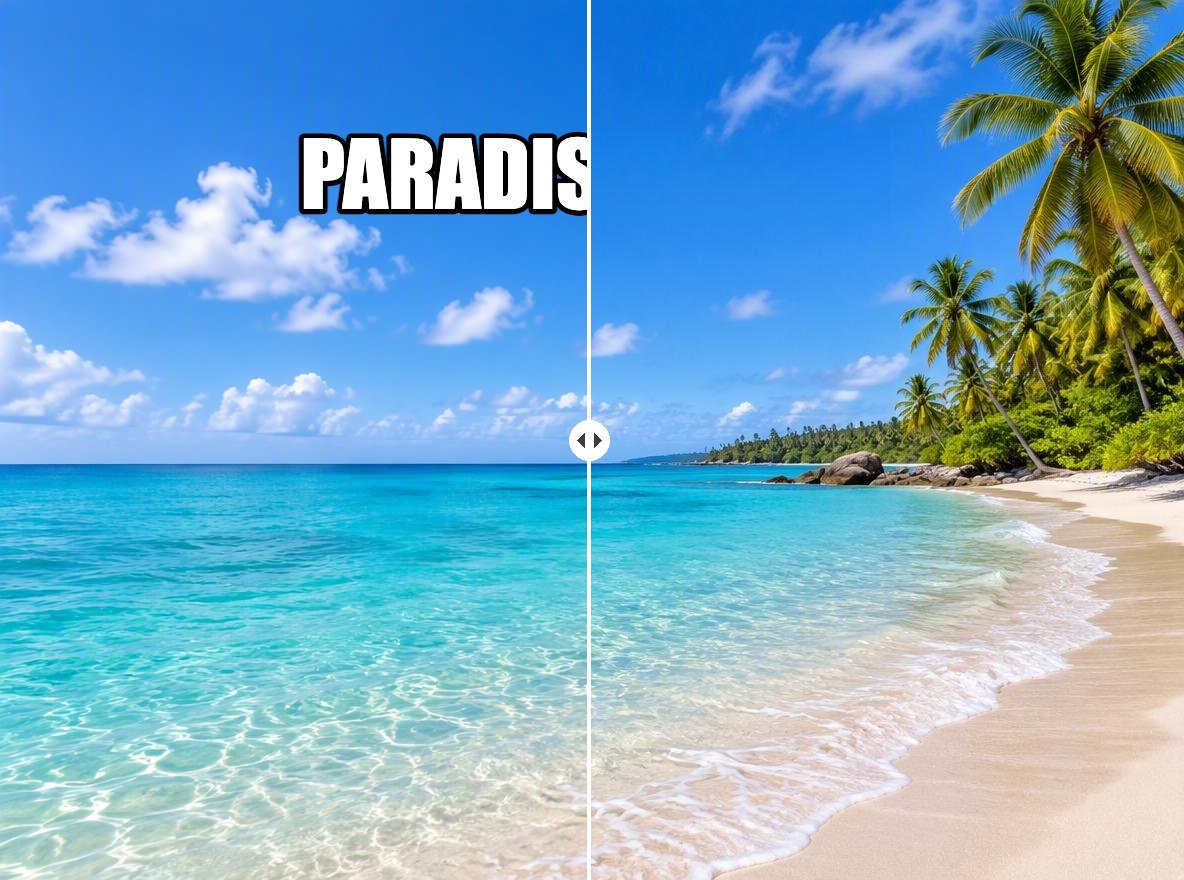
Beach and Outdoor Shots

Water, sand and waves are easy to rebuild, so the fill blends in.

a beach photo with an emoji sticker removed

Food and Table Photos

Wood grain and table textures come back around the plate.

a breakfast photo with an emoji removed from the table

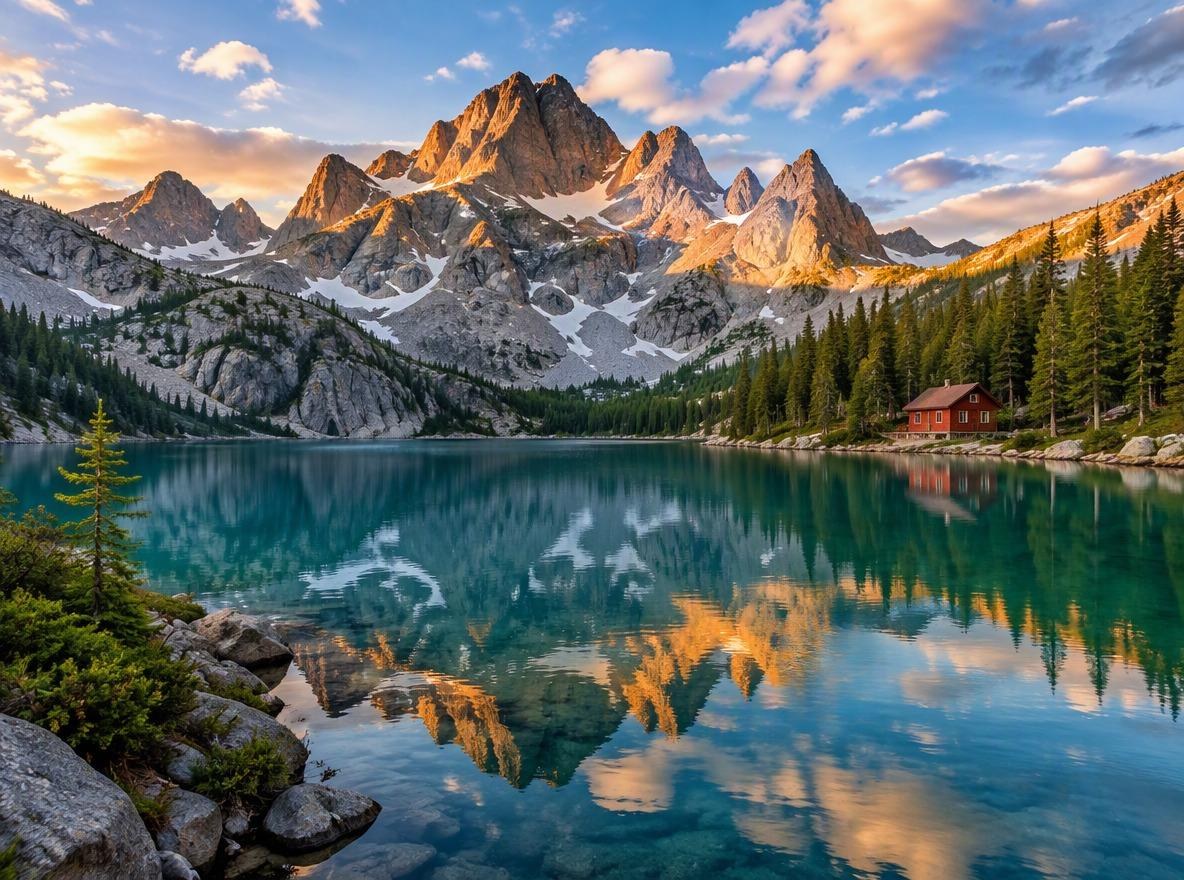
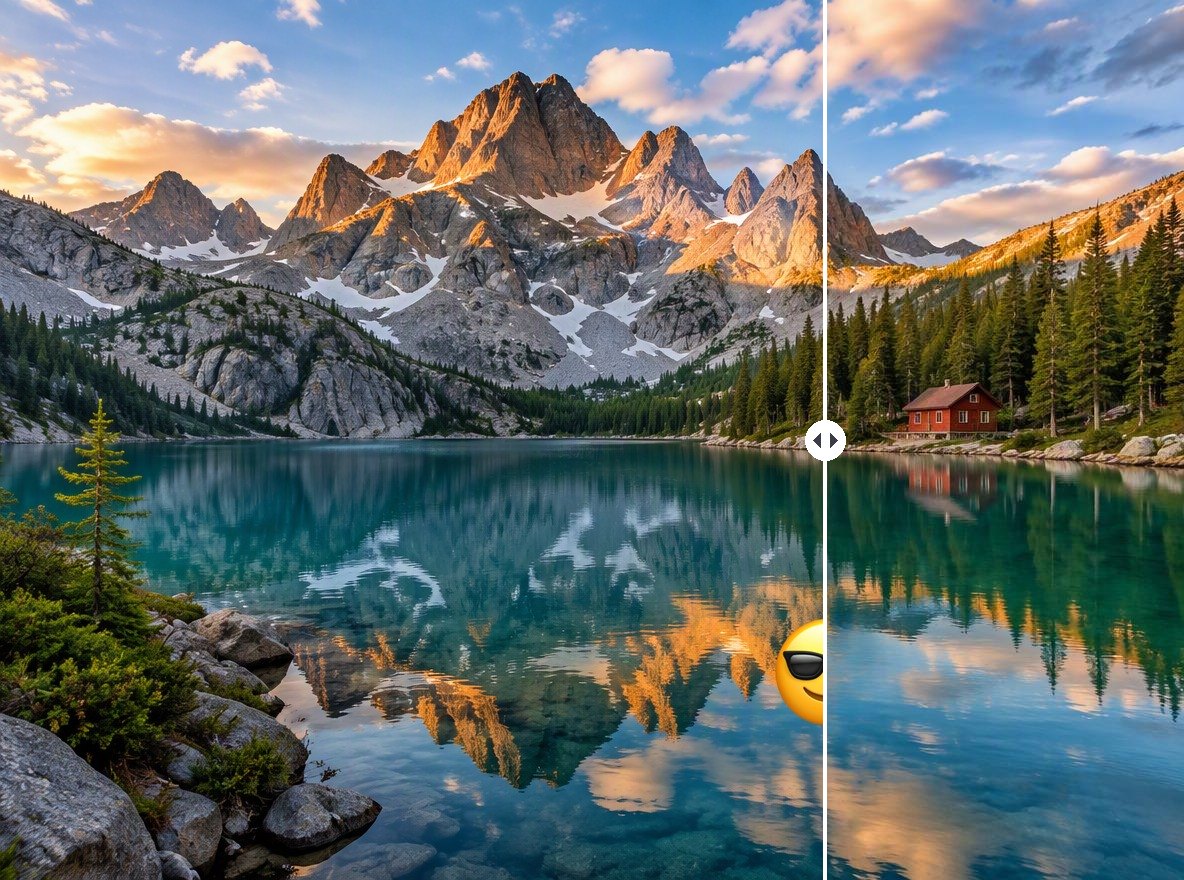
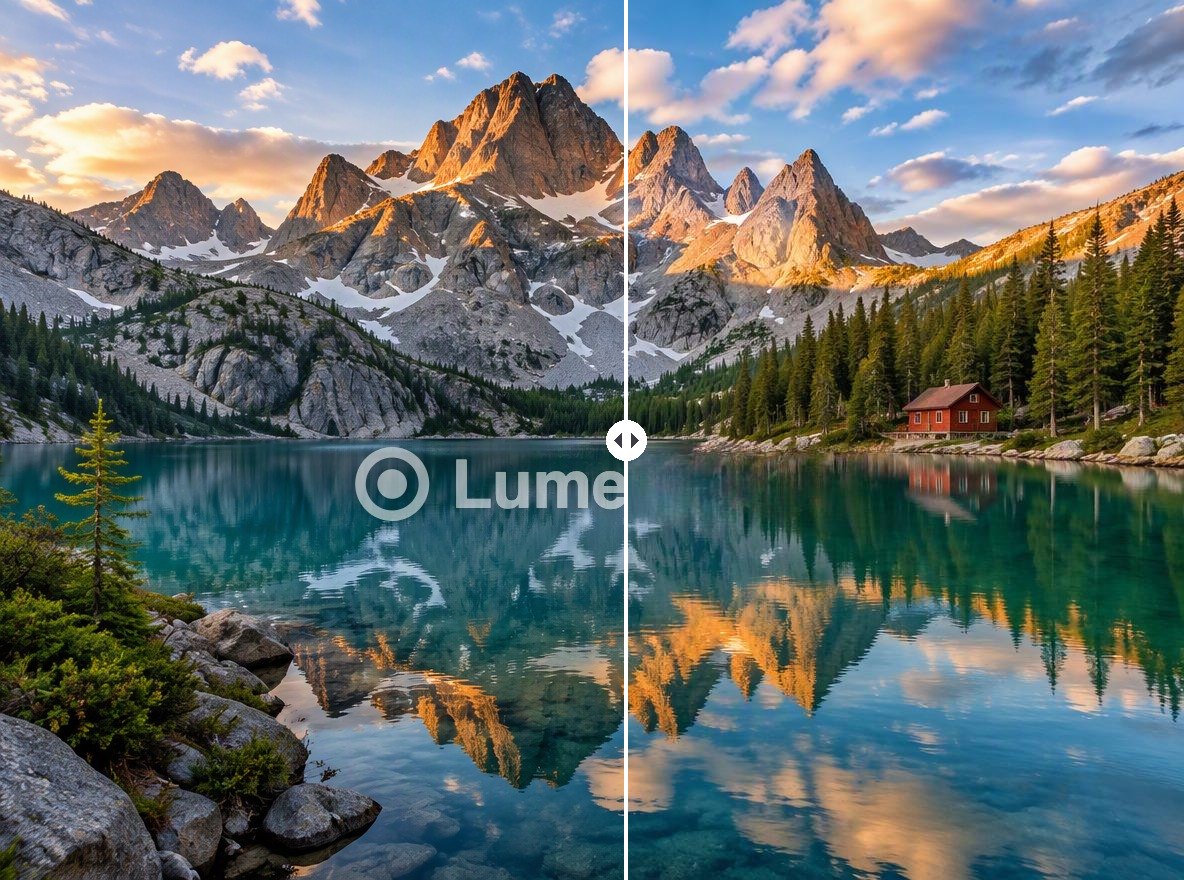
Landscapes

Reflections are redrawn to match the scene above them.

a lake photo with an emoji removed from the water

Good to Know

Nothing to Select

The AI detects the emoji itself.

Redrawn, Not Recovered

Hidden details are invented to fit the scene.

Original Resolution

The output has the same pixel size as your upload.

No New Watermark

GoEnhance does not add its own logo.

Remove Emoji from Photo FAQ

How do I remove an emoji from a photo?

Upload the photo to Remove Emoji from Photo above. The AI finds the emoji, removes it and fills in the area, usually within 1 to 3 minutes.

Can it show what was under the emoji?

No. When an emoji is added to a photo, the pixels under it are gone. The AI draws something that fits the surroundings. On sand or water that looks natural; if the emoji covered a face, you get a face the AI made up, not the real one.

Can it remove several emoji?

One per pass. Click Remove another watermark under the result to clear the next one.

Does it work on stickers and GIF stickers?

It works on still images. A sticker saved into a JPG or PNG is removed the same way as an emoji.

Is it free?

Each image costs 4 tokens, whatever its size. New accounts get free tokens when they sign up, so you can try it before paying. GoEnhance does not add its own watermark to the result.

Is my image private?

We do not sell your content. Your image is processed on GoEnhance servers to remove the mark, and the result stays in your account until you delete it. See our Privacy Policy for details.

Clear the Sticker from Your Photo

Upload the photo and the AI removes the emoji for you.

Remove an Emoji Now