
AI Face Slimmer
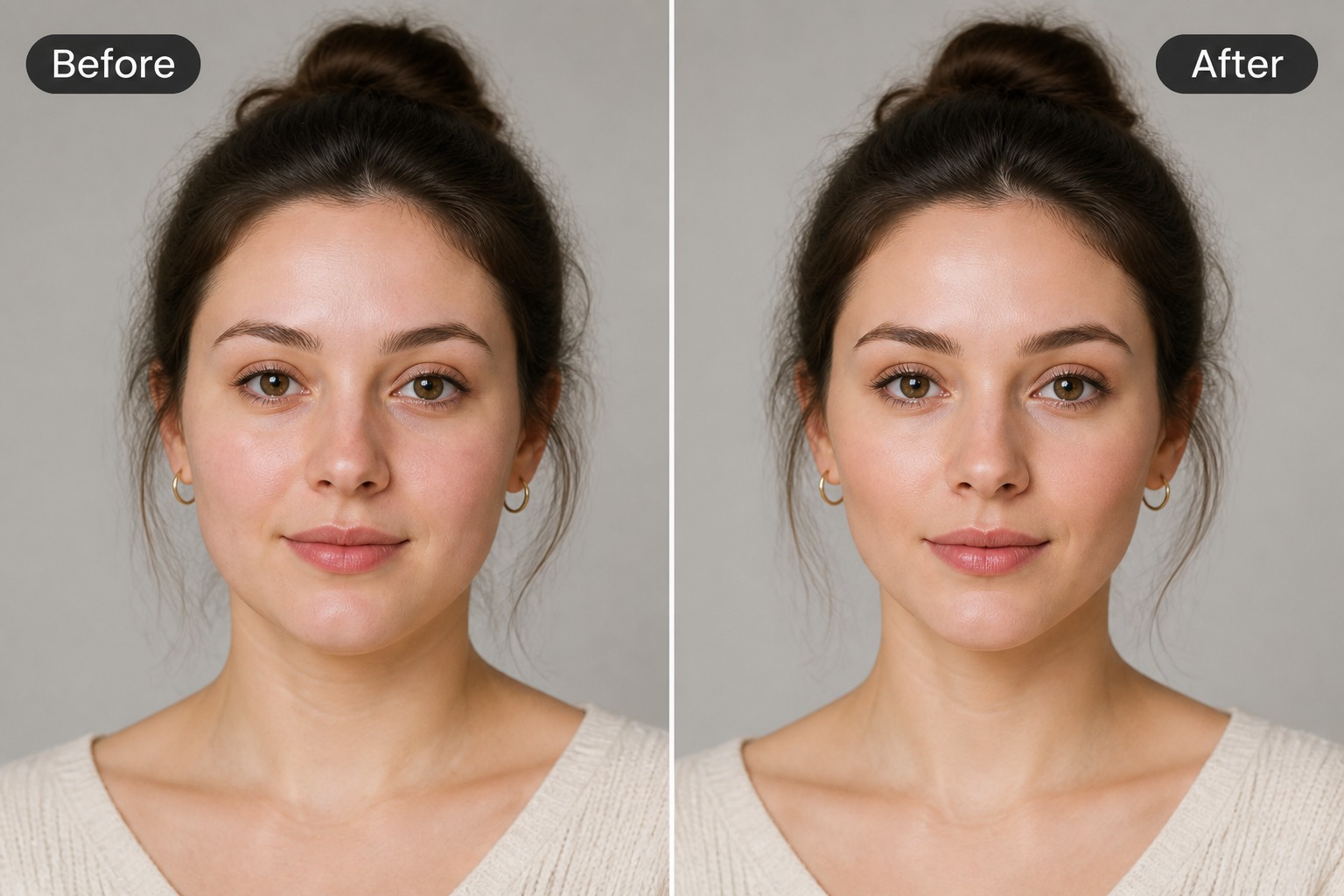
Upload a portrait and create a slimmer-looking face edit with subtle contour changes for selfies, avatars, profile photos, and creative retouch drafts. Best results use clear front-facing photos and natural lighting.
Slim Your Face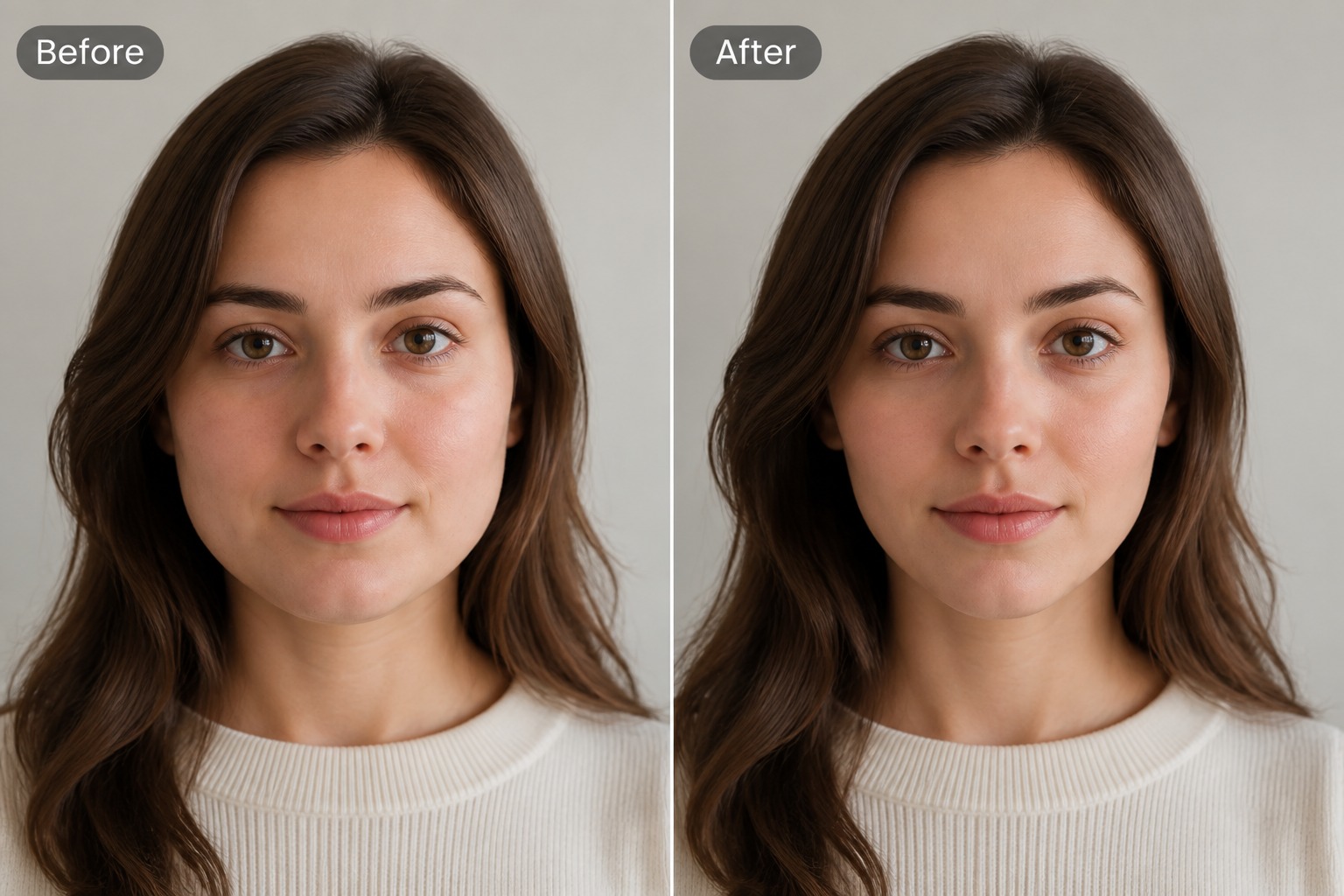
Make Face Slimmer With Natural Portrait Edits
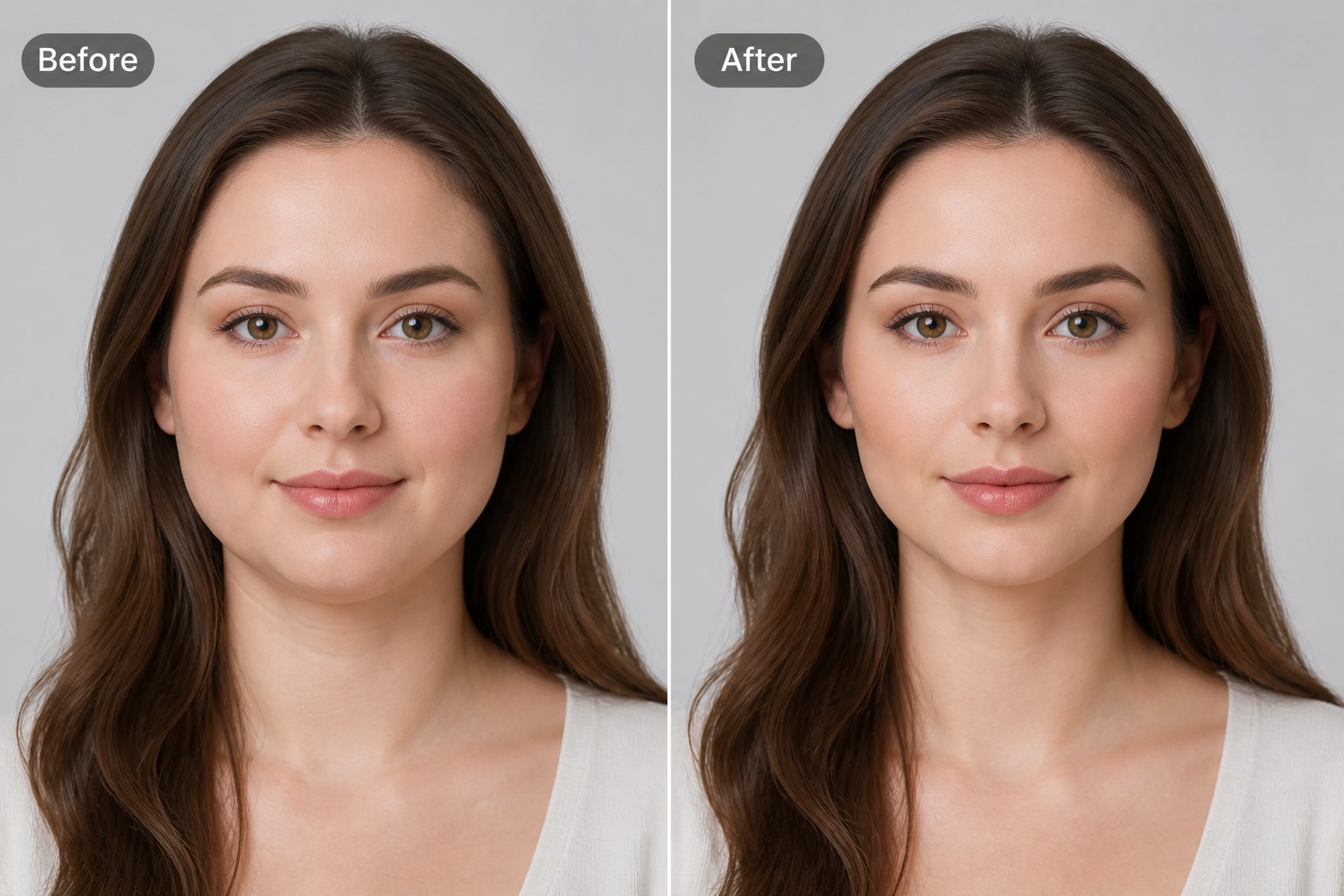
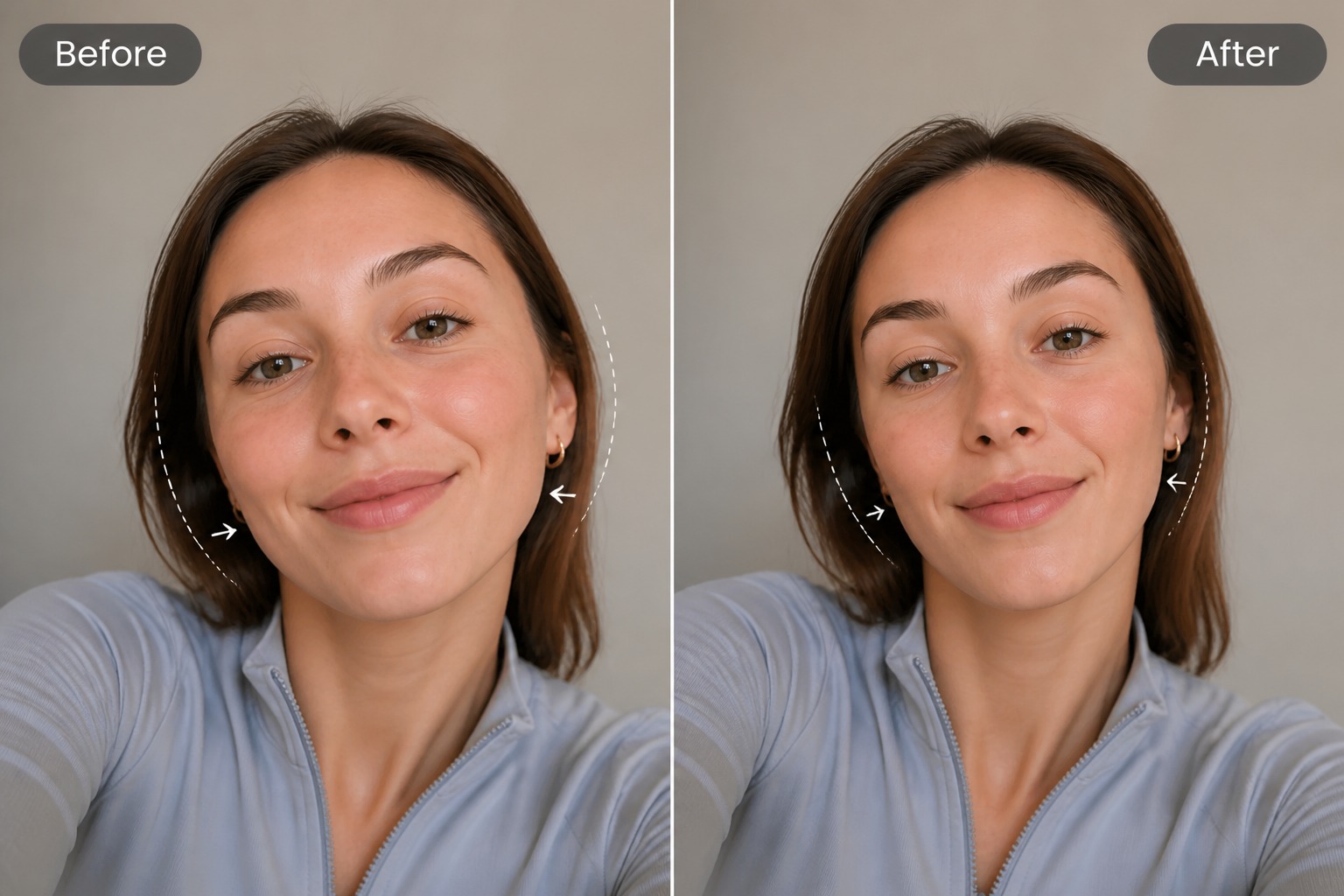
Preview Profile Photos
Test a slimmer portrait direction before using a photo for social profiles, creator bios, dating apps, or personal branding. For broader portrait changes, an image to image AI workflow can help explore style, lighting, and background variations too.
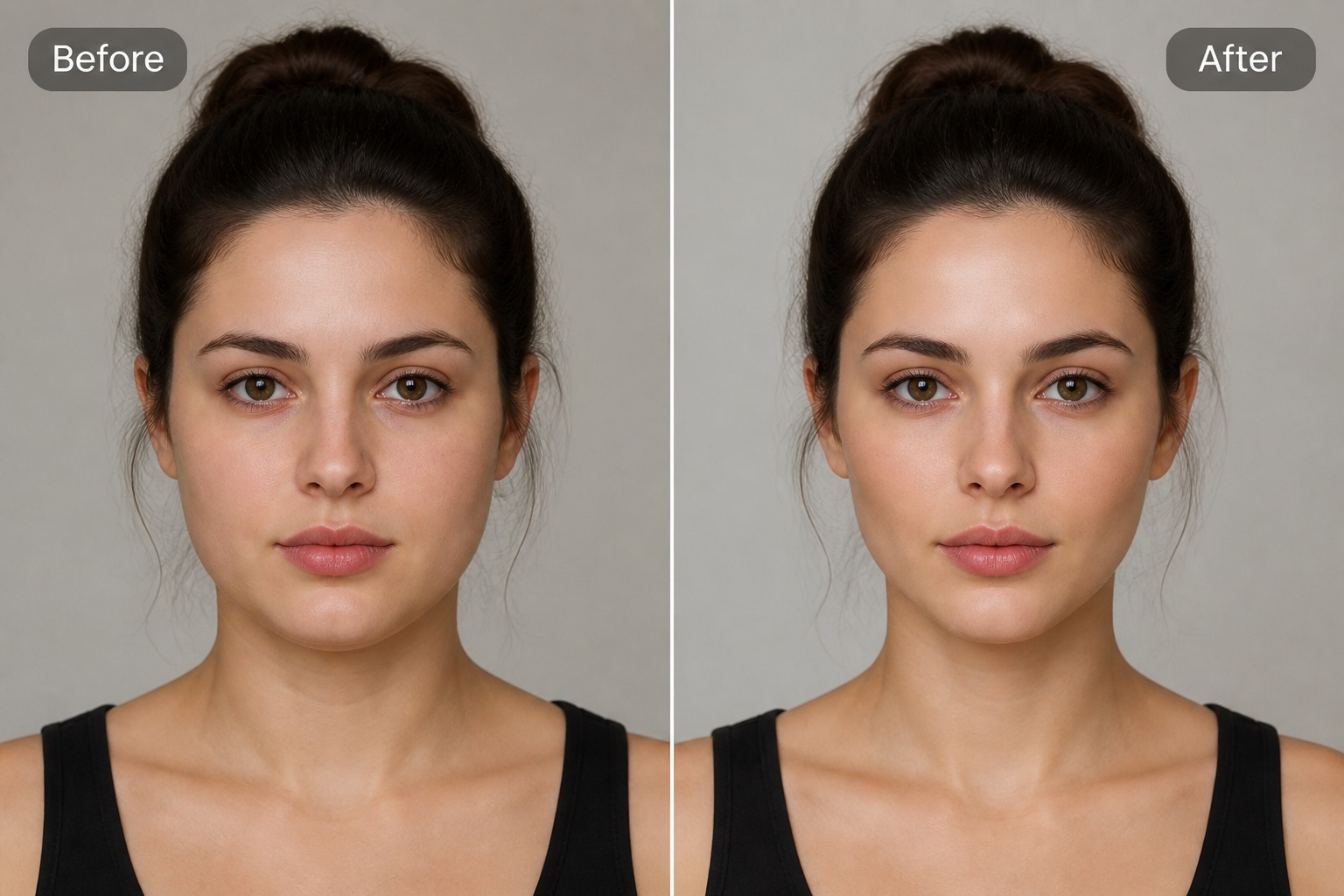
Why Use an AI Face Slimmer?
Subtle Portrait Retouching
Adjust facial width and contour direction without rebuilding the whole image or using complex manual retouching tools.
Better Selfie Presentation
Prepare profile-ready portraits when camera angle, lens distortion, or lighting makes the face shape feel less flattering.
Fast Creative Comparison
Compare a slimmer-looking portrait draft against the original before deciding whether the change is natural enough to keep.
Useful for Avatars and Profiles
Create refined portrait variations for social avatars, creator bios, profile headers, and personal branding images.
Clear Input Guidance
Front-facing portraits with visible cheeks, jawline, and balanced lighting usually give more controllable face slimming results.
Identity-Aware Editing
The strongest result enhances the portrait while preserving recognizable identity, expression, and overall facial character.
Face Slimmer Portrait Use Cases
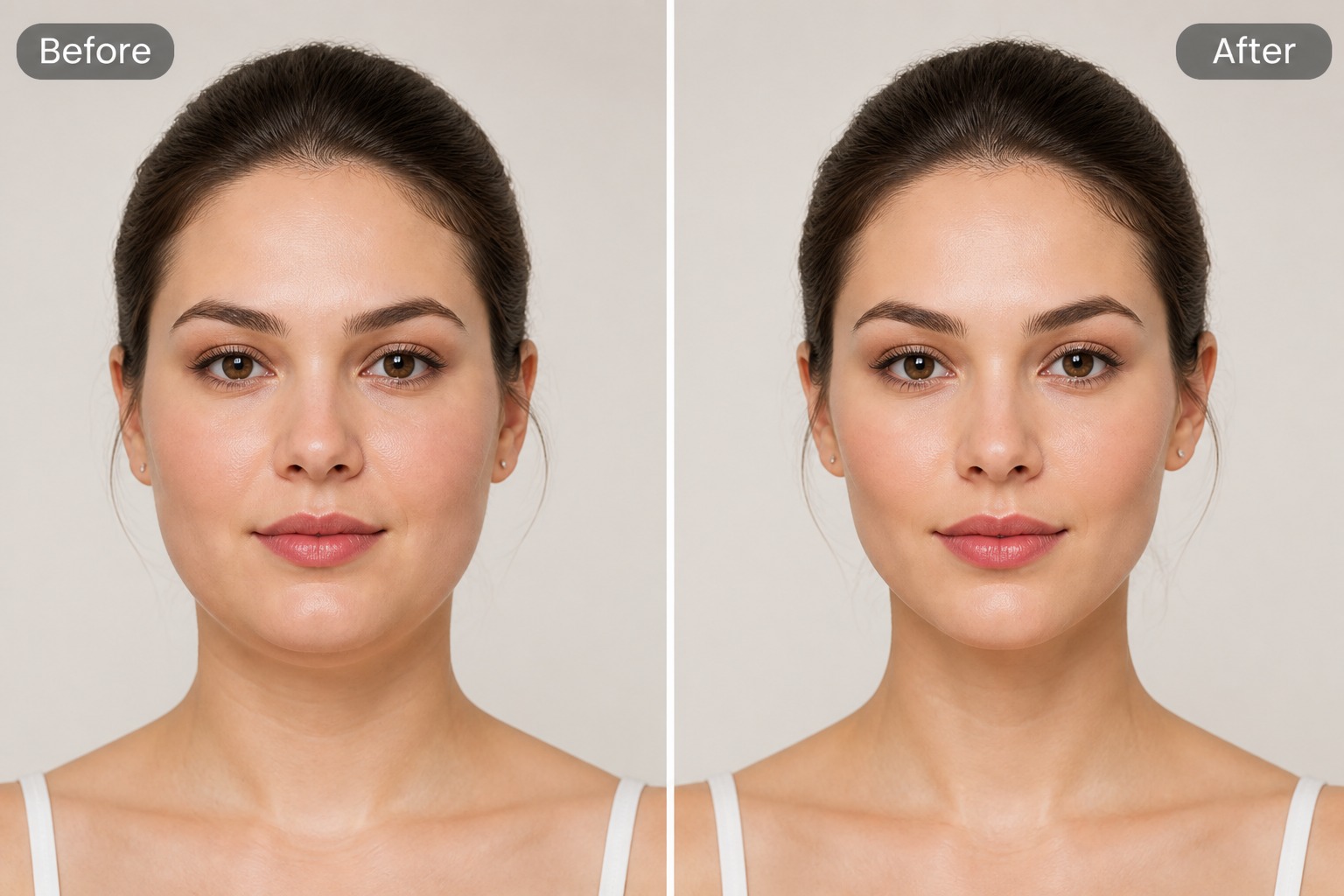
Selfie Retouch Draft
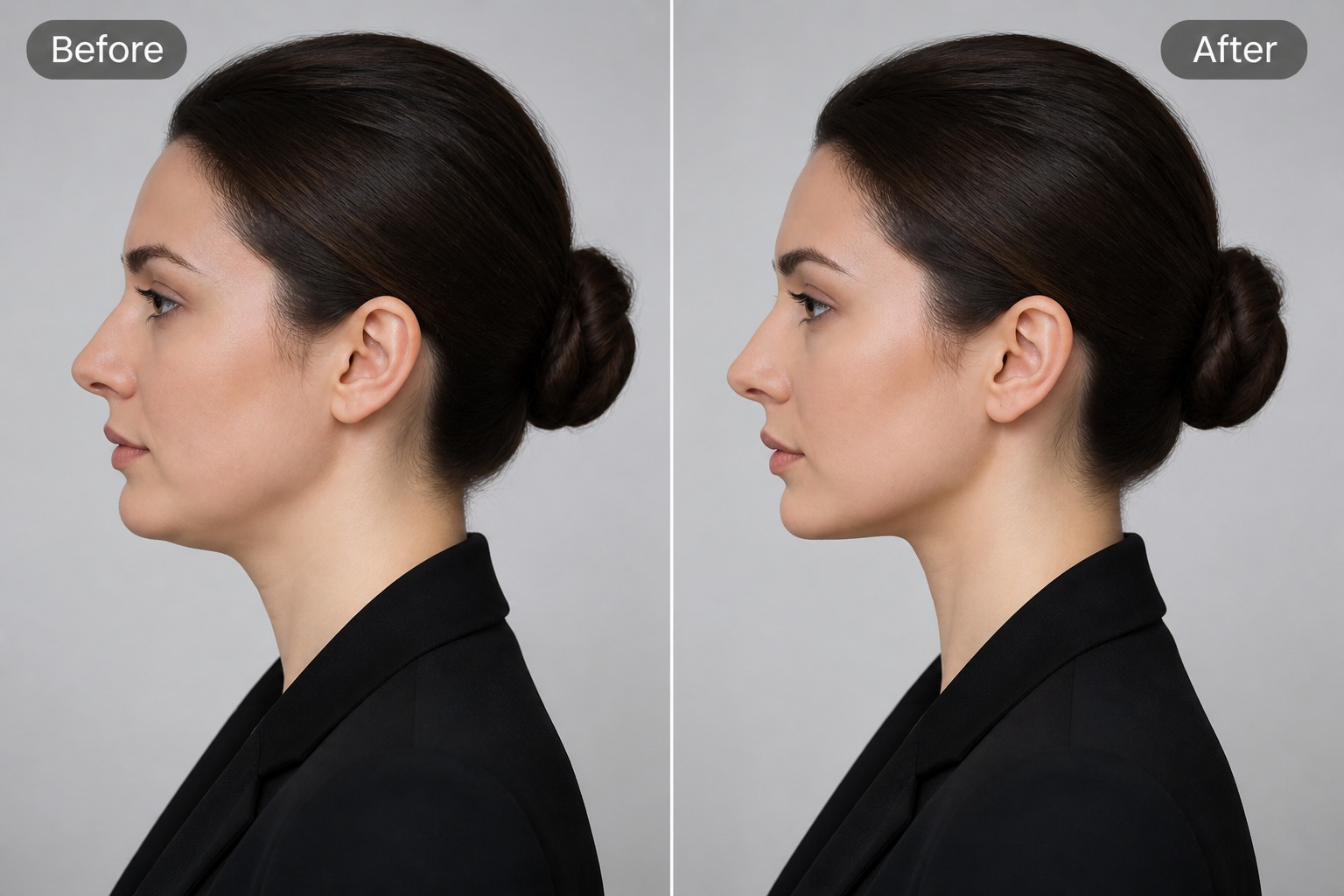
Profile Photo Preview
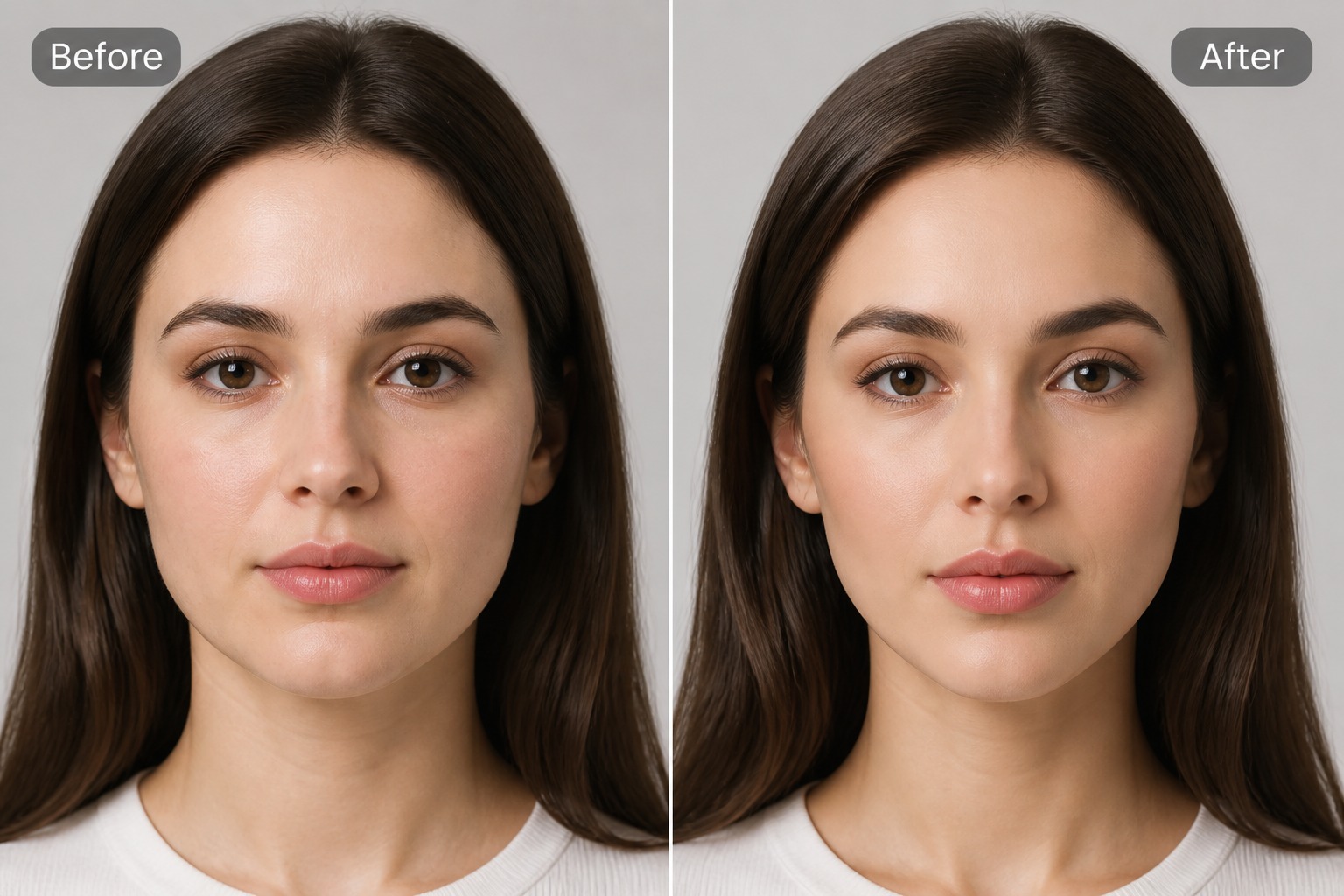
Avatar Portrait Variation
How to Make Face Slimmer With AI
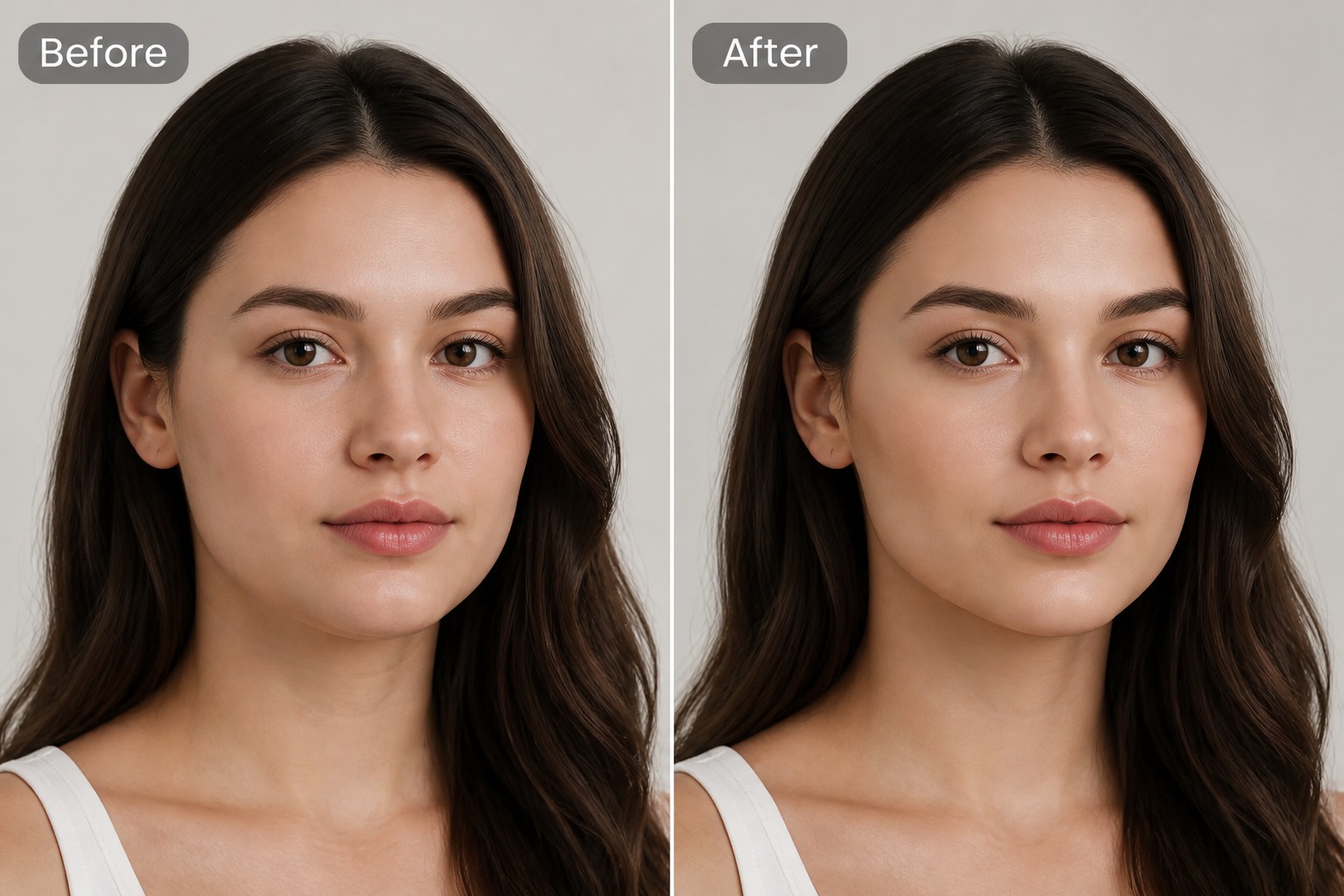
Step 1 1
Upload a Clear Portrait
Start with a photo where the face is visible, front-facing or slightly angled, and not heavily covered by hair, hands, shadows, sunglasses, or extreme filters.
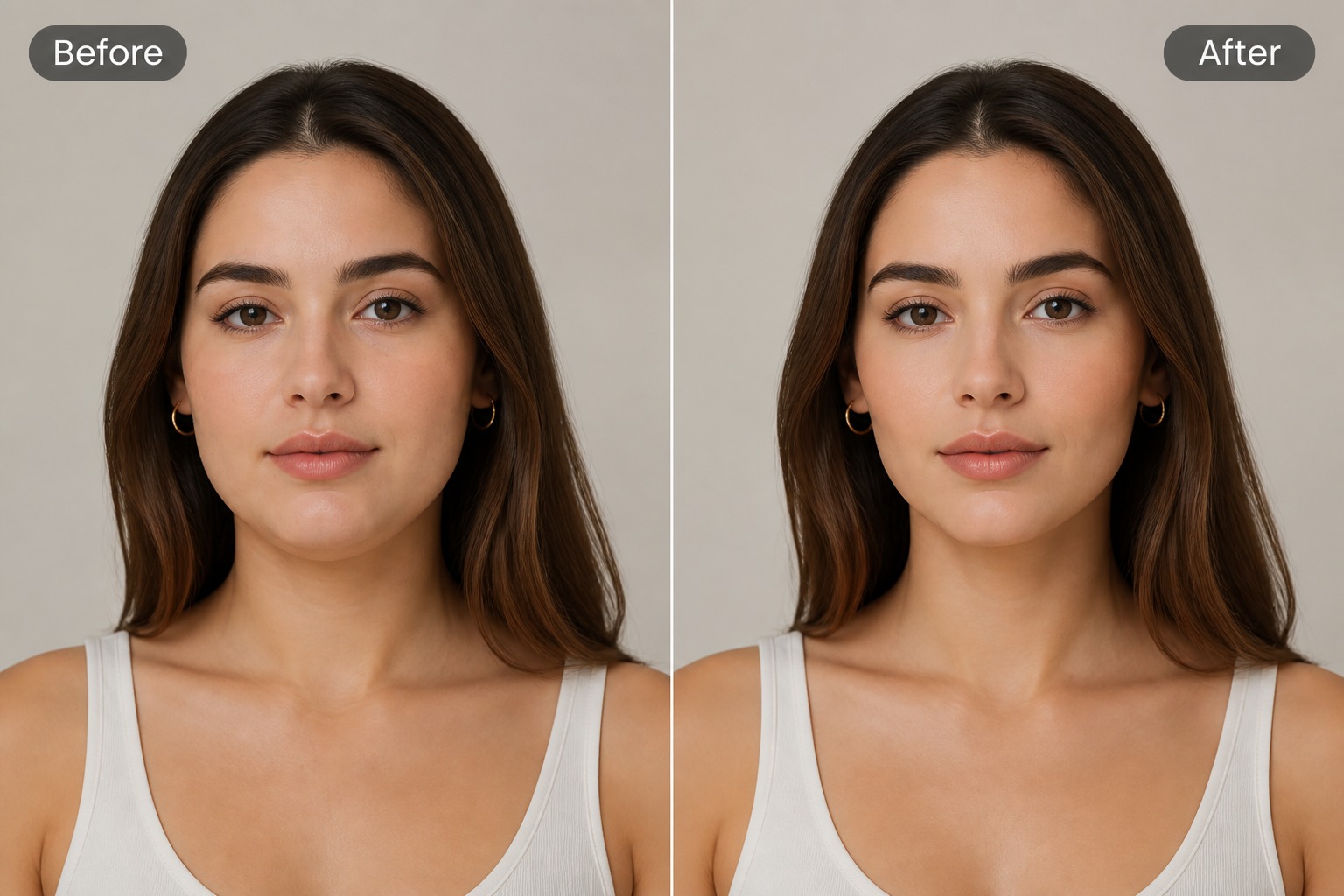
Step 2 2
Describe the Slimmer Look
Ask for a subtle slimmer face, softer cheek contour, or more balanced jawline. Avoid instructions that change identity, age, expression, or make the portrait unrealistic.
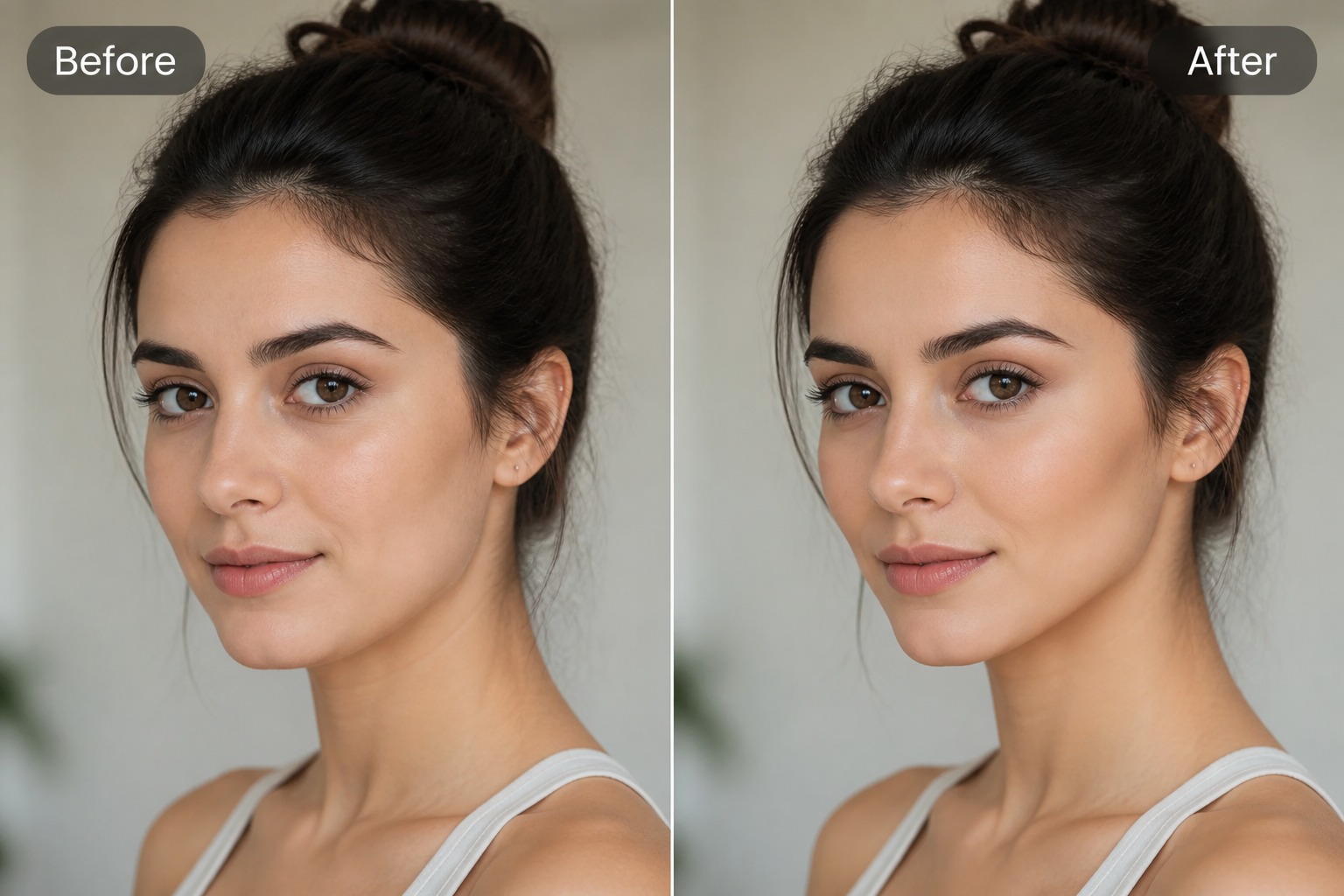
Step 3 3
Review the Portrait Edit
Compare the result with the original and check whether the face shape, skin texture, jawline, and expression still look natural before saving or sharing.
AI Face Slimmer FAQ
What is an AI face slimmer?
How can AI make face slimmer in a photo?
What photos work best for face slimming?
Will it change the person’s identity?
Can I use AI face slimmer on someone else’s photo?
Can I use the result for profile photos?
Is AI face slimmer free to try?
Create a Slimmer Portrait With GoEnhance AI
Upload a selfie or portrait, guide the face slimming direction, and generate a natural-looking retouch draft for profile photos, avatars, or creative portrait edits.
Try Face Slimmer