Make AI Photo Realistic

Make an AI photo look more realistic. Upload an AI-generated image with plastic skin, a glossy glow or oversaturated colors, and the AI turns it into something closer to a real phone photo: natural texture, softer real-world light and muted colors, with the same subject and layout. It makes images look less obviously AI; it does not hide that they are AI. The console below uses GPT Image 2.5 Sunburst and costs 6 to 8 tokens per image at 1K.
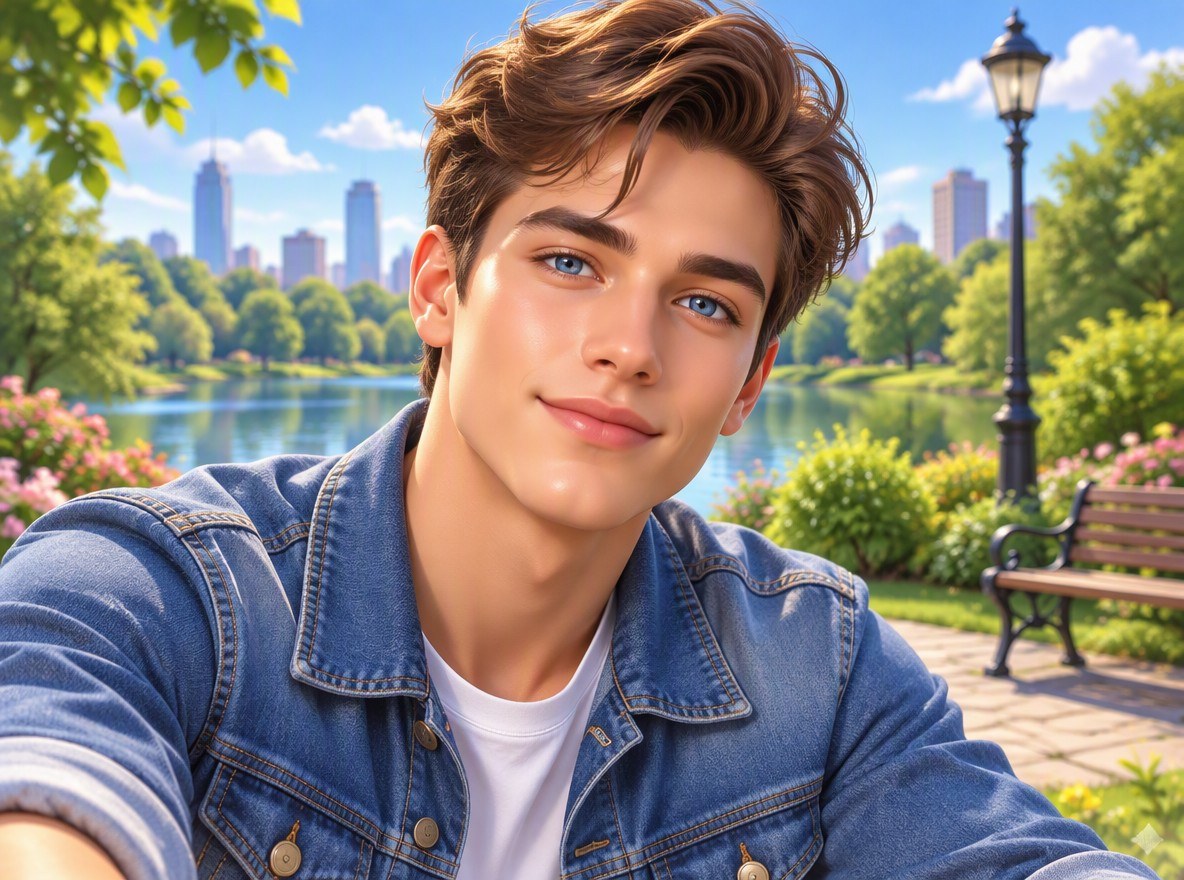
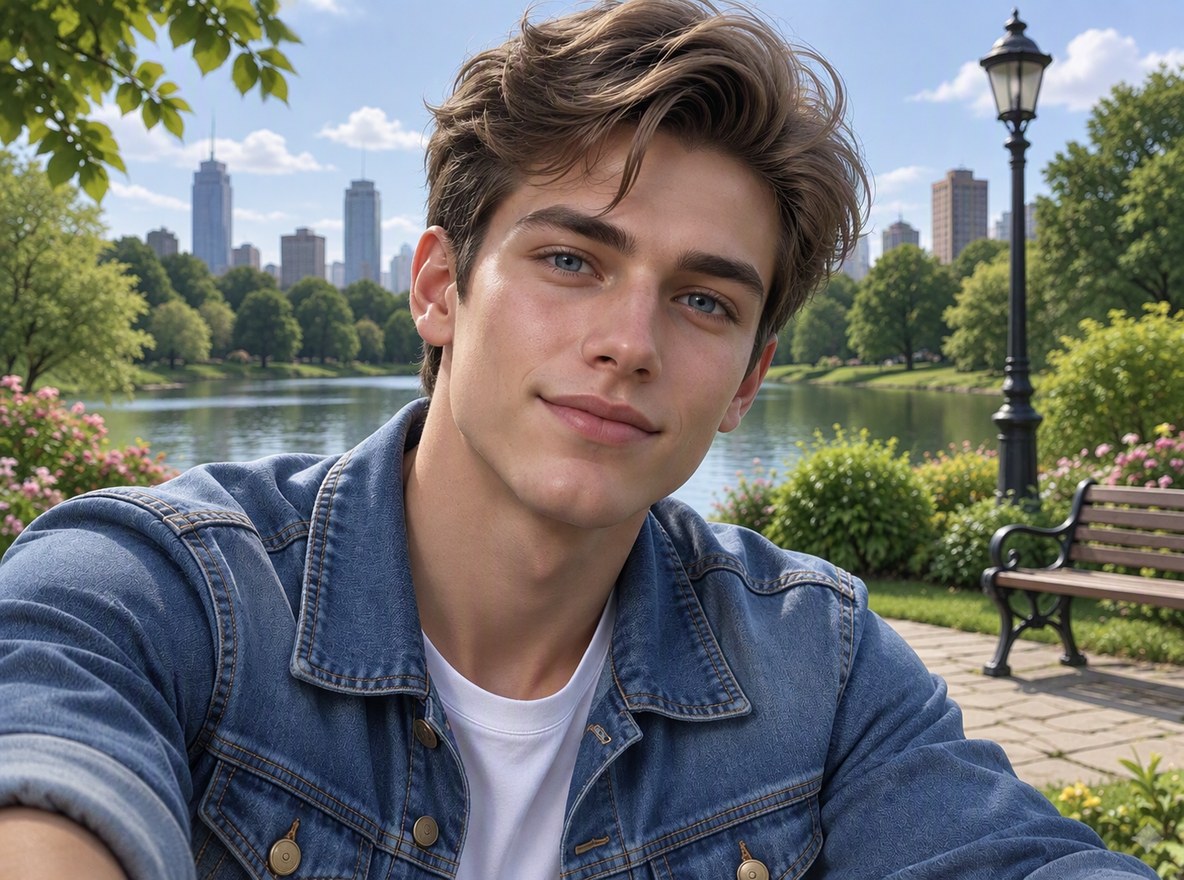
Portrait
Portrait
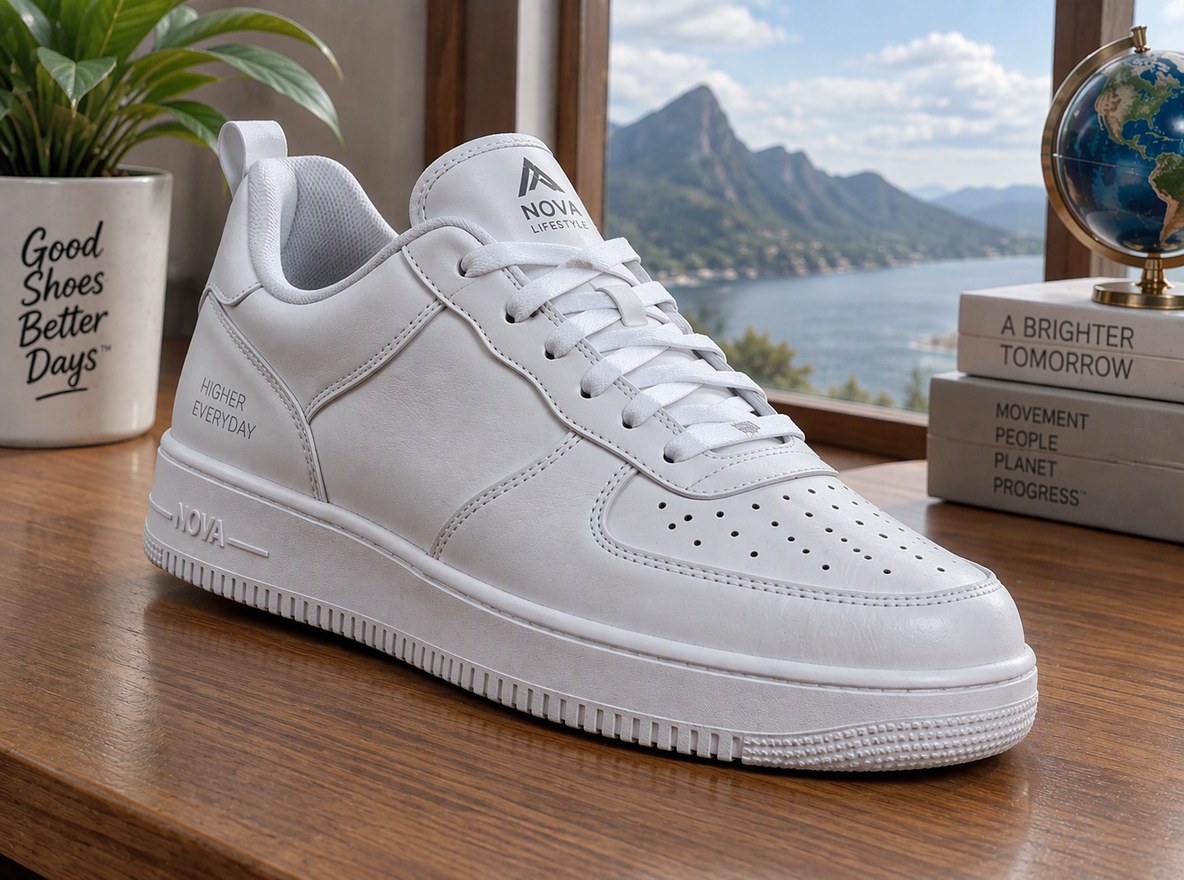
Product shot
Product shot
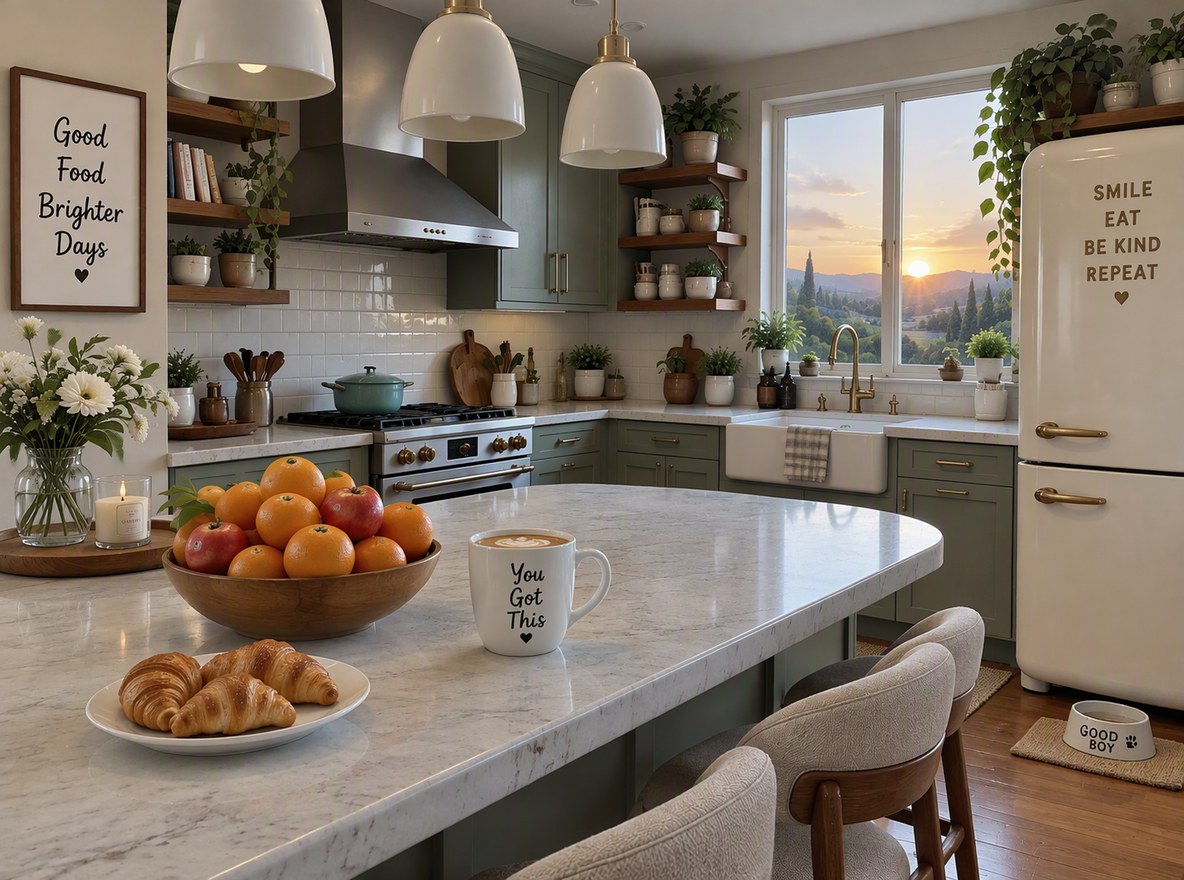
Interior
Interior
Upload an AI image
By uploading a file, you agree to GoEnhance's Terms of Use and Privacy Policy

How to Make an AI Photo More Realistic

Keep the image, lose the AI look.
01

Upload the AI image

An image from any generator, as JPG, PNG or WebP.

02

The AI makes it look real

It removes the glow and plastic finish, mutes the colors and adds natural texture, while keeping the subject, pose and layout. In our tests each image took under a minute.

03

Compare and adjust

The instruction opens in the editor. If it still looks too polished, ask for "harsher, more ordinary light" and run it again.

What Changed in Our Tests

ImageBeforeAfter
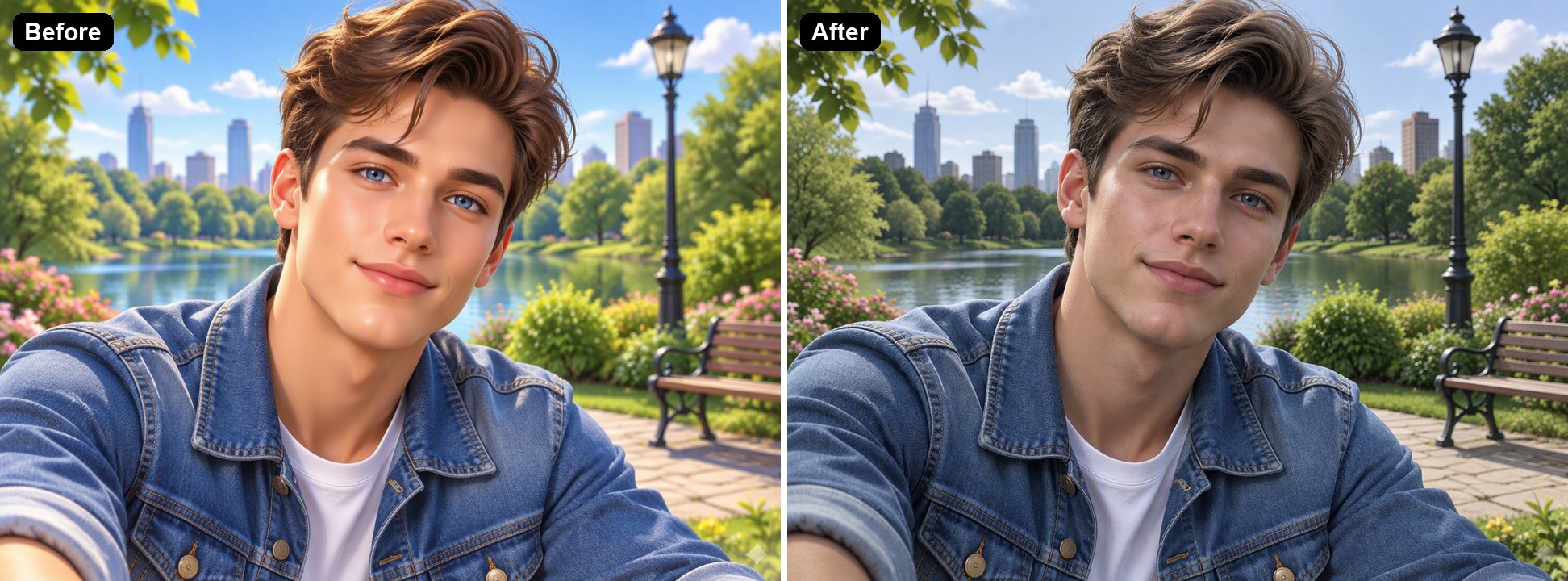
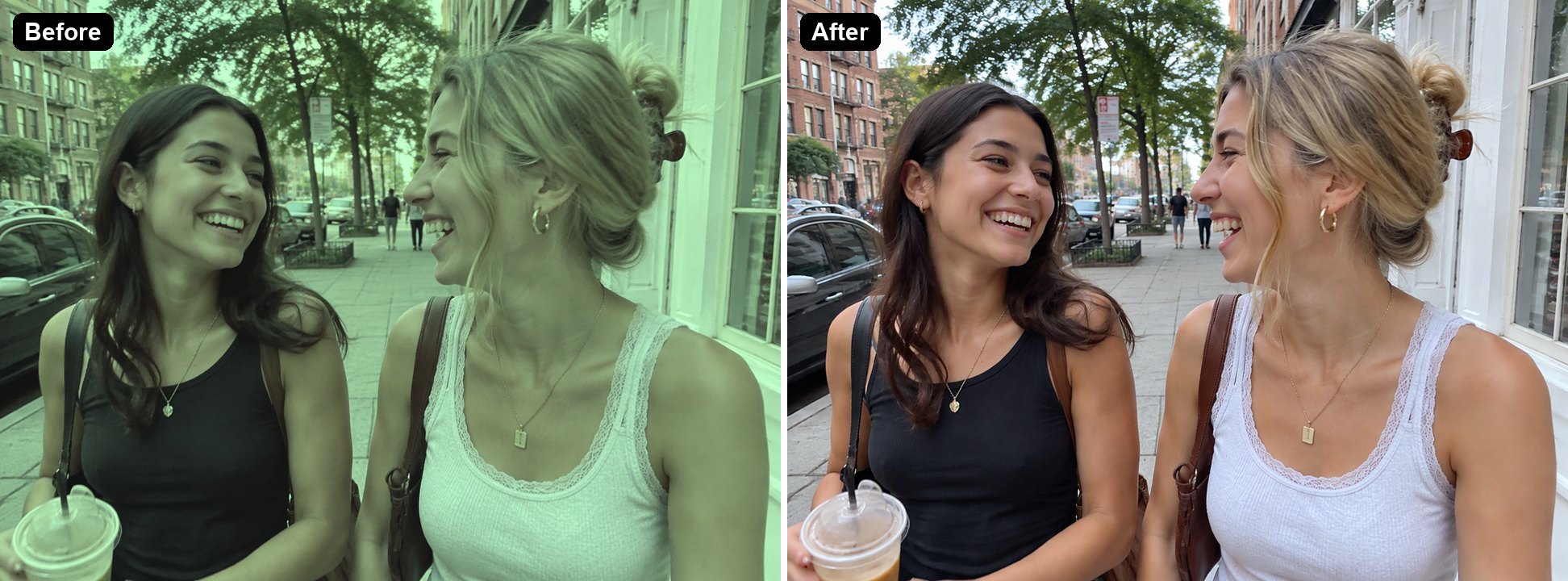
Portrait in a parkWaxy airbrushed skin, glowing light, saturated colorsVisible skin texture, natural daylight, calmer colors
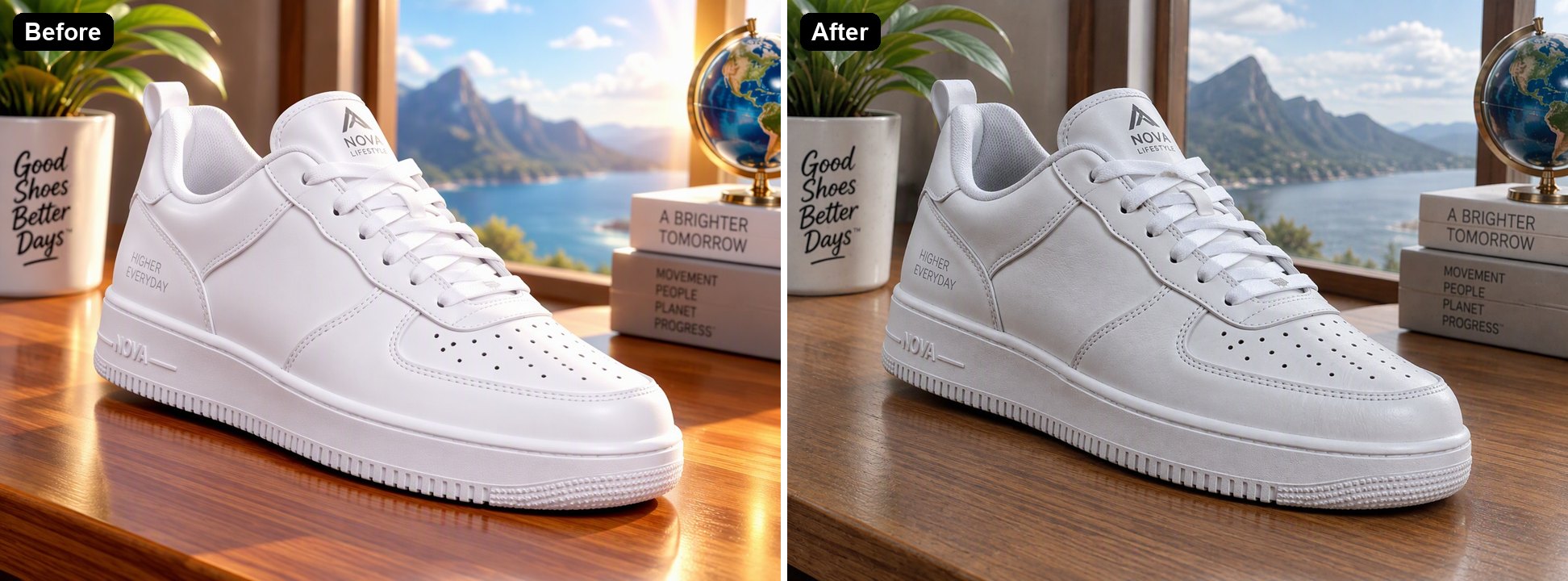
White sneaker product shotPlastic-looking material, glowing highlightsLeather creases and a matte finish; text on the props kept
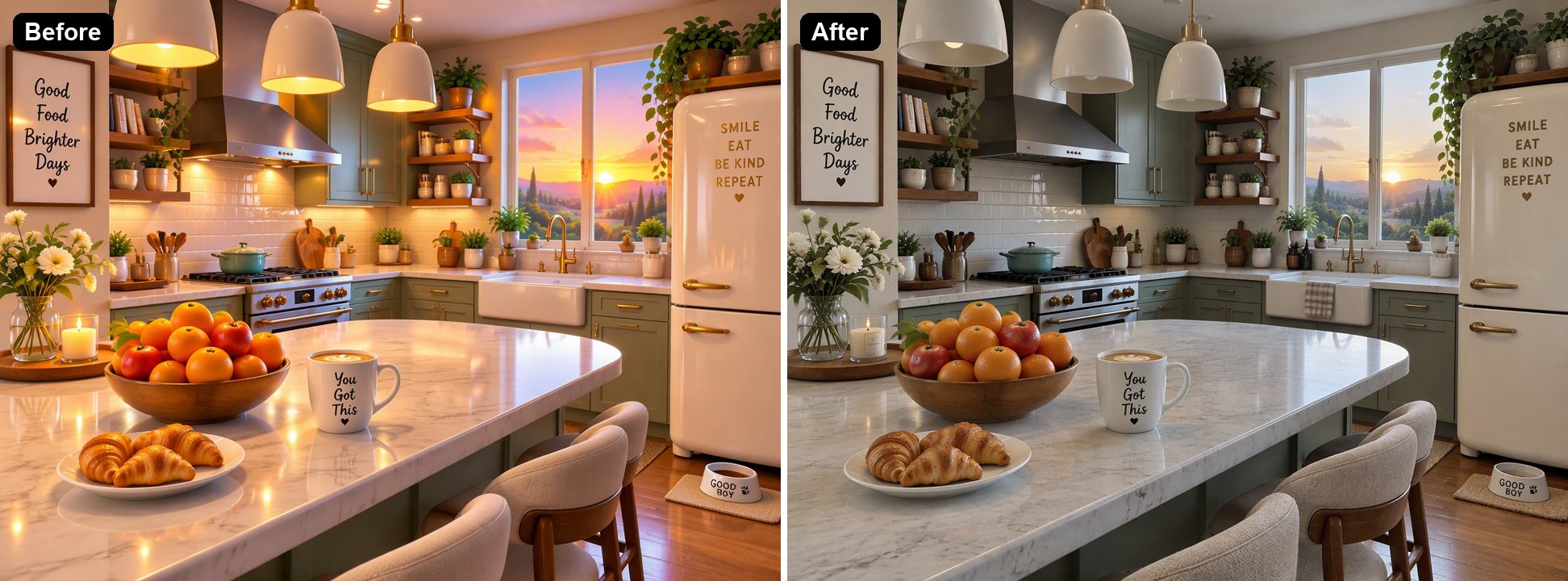
Kitchen interiorEverything glowing, oversaturated sunsetOrdinary daylight, muted colors, believable surfaces
A first, softer instructionThe same three imagesChanges were too subtle, so we rewrote the instruction you see in the console

Make AI Photo Realistic vs Other Options

GoEnhanceRegenerate with a realism promptEdit by hand
Keeps the same imageYes, same subject and layoutNo, you get a new imageYes
EffortUpload, one clickRewrite prompts and retryGrain, color grading and texture work
ResultLess obviously AIDepends on the generatorDepends on your skill
Hides that the image is AINoNoNo

Images It Makes More Realistic

Portraits and Avatars

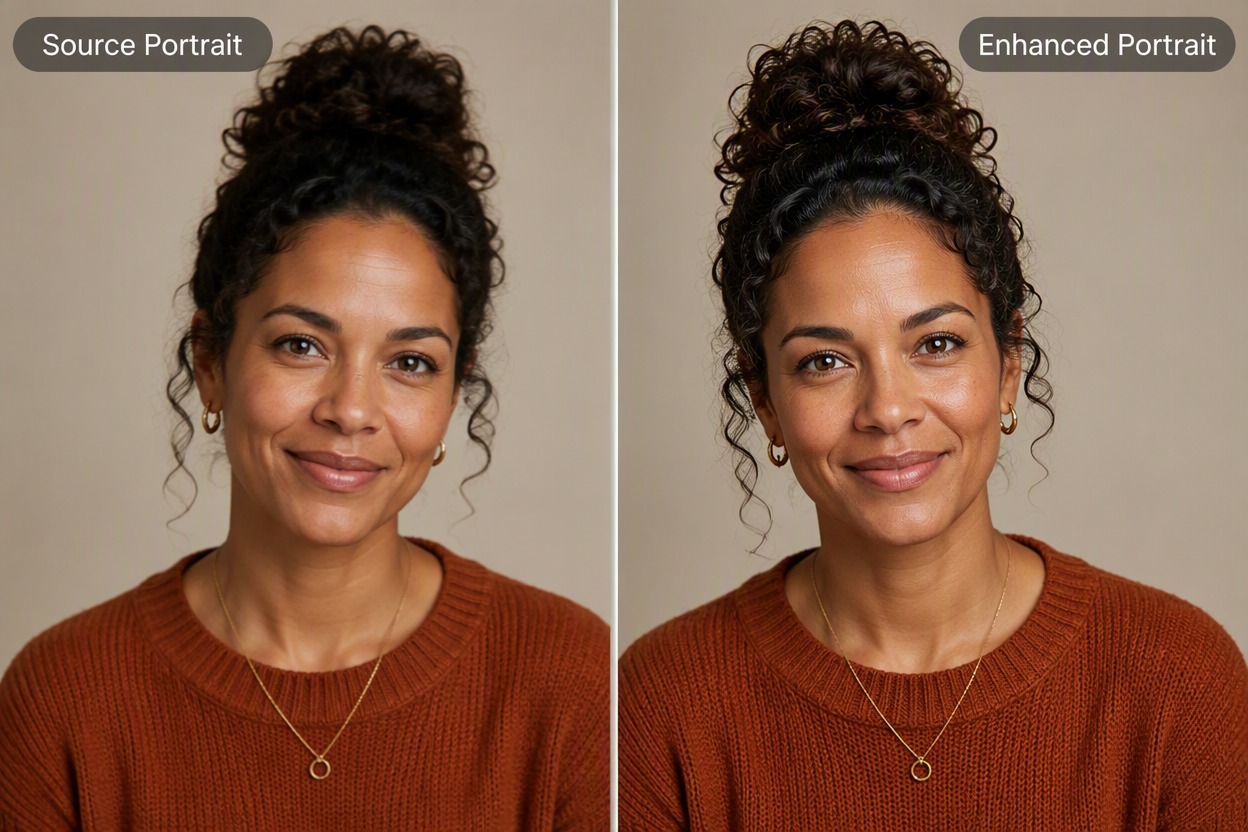
The airbrushed, glowing look is the first thing people notice. The AI adds pores and small skin details and replaces the glow with plain daylight.

an AI portrait made more realistic

Product Shots

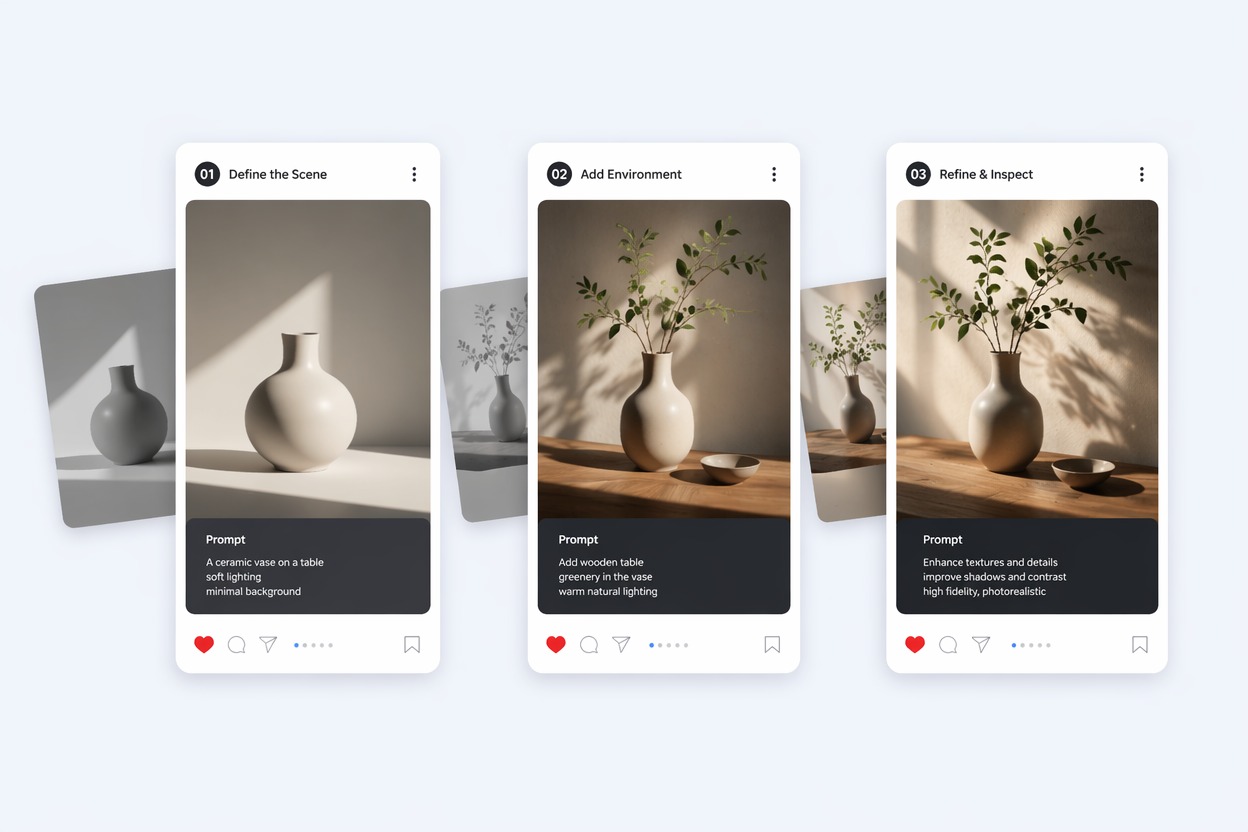
Plastic-looking materials give AI product renders away. The AI adds creases and a matte finish so the product reads as a real object.

an AI sneaker product image made more realistic

Rooms and Interiors

Interiors where every lamp glows look staged. The AI evens out the light and tones down the colors.

an AI kitchen interior made more realistic

Good to Know

Same Image

Subject, pose and layout stay the same.

Less AI Look

Glow, plastic skin and oversaturation are toned down.

Not a Disguise

It does not remove AI labels or watermarks or beat AI detectors.

Up to 4K

Pick 1K, 2K or 4K in the editor.

Make AI Photo Realistic FAQ

How do I make an AI photo more realistic?

Upload the image to Make AI Photo Realistic above. The AI removes the glow and plastic finish, mutes the colors and adds natural texture, keeping the subject and layout. In our tests each image took under a minute.

Is this an AI image humanizer?

In the sense of making an image look less AI-generated, yes. It changes how the picture looks; it does not change the file's metadata or remove invisible AI watermarks.

Will it get past AI image detectors?

We don't design or test it for that, and you shouldn't rely on it. Be open about AI images where the platform or your audience expects it.

Does it change the face?

It is told to keep the same face, and in our test the person looked the same with more natural skin. Compare the result before you use it.

Can it turn a cartoon or anime image into a photo?

That is a bigger change than this page is set up for. It works best on images that are already meant to look like photos but look too polished.

Is it free?

Each image costs 6, 7 or 8 tokens at 1K, for Low, Medium or High quality (High is the default). 2K and 4K cost more. New accounts get free tokens when they sign up, so you can try it before paying. The examples on this page were made at Low quality, 1K.

Which AI model does it use?

This tool runs on GPT Image 2.5 Sunburst, the editing-focused version of OpenAI's GPT Image 2.5 image model, inside GoEnhance's image-to-image editor. GoEnhance is not affiliated with OpenAI.

Is my image private?

We do not sell your content. Your image is processed to create the result, and the result stays in your account until you delete it. See our Privacy Policy for details.

Take the AI Look Out of Your Image

Upload an AI image and get a version that looks more like a real photo.

Make an Image Realistic