
Pixlr AI Face Swap
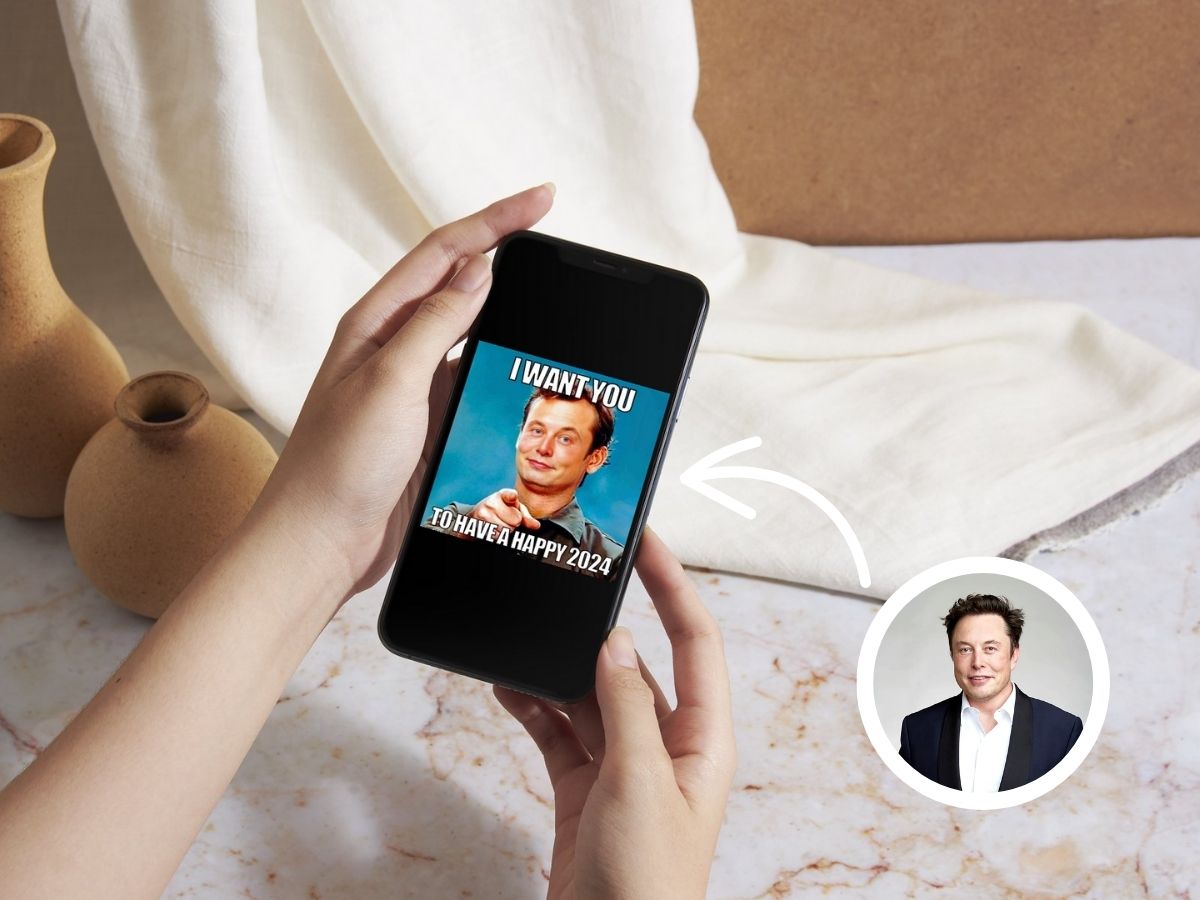
Upload a clear face photo and a separate target photo to Pixlr AI face swap. Generate a new image that keeps the target pose, clothing, composition, and scene while changing the face for headshots, cards, artwork, or original meme concepts.
Open Pixlr Face Swap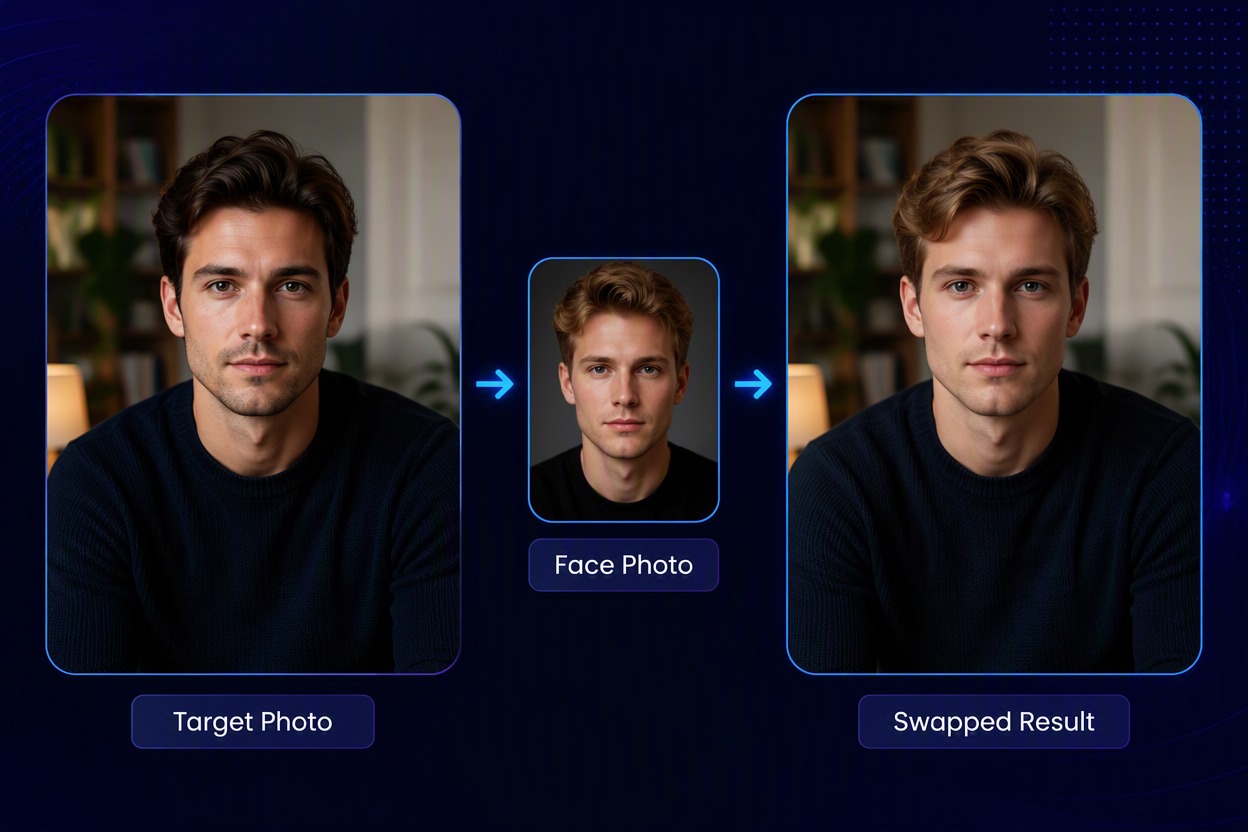
How to Use Pixlr Face Swap
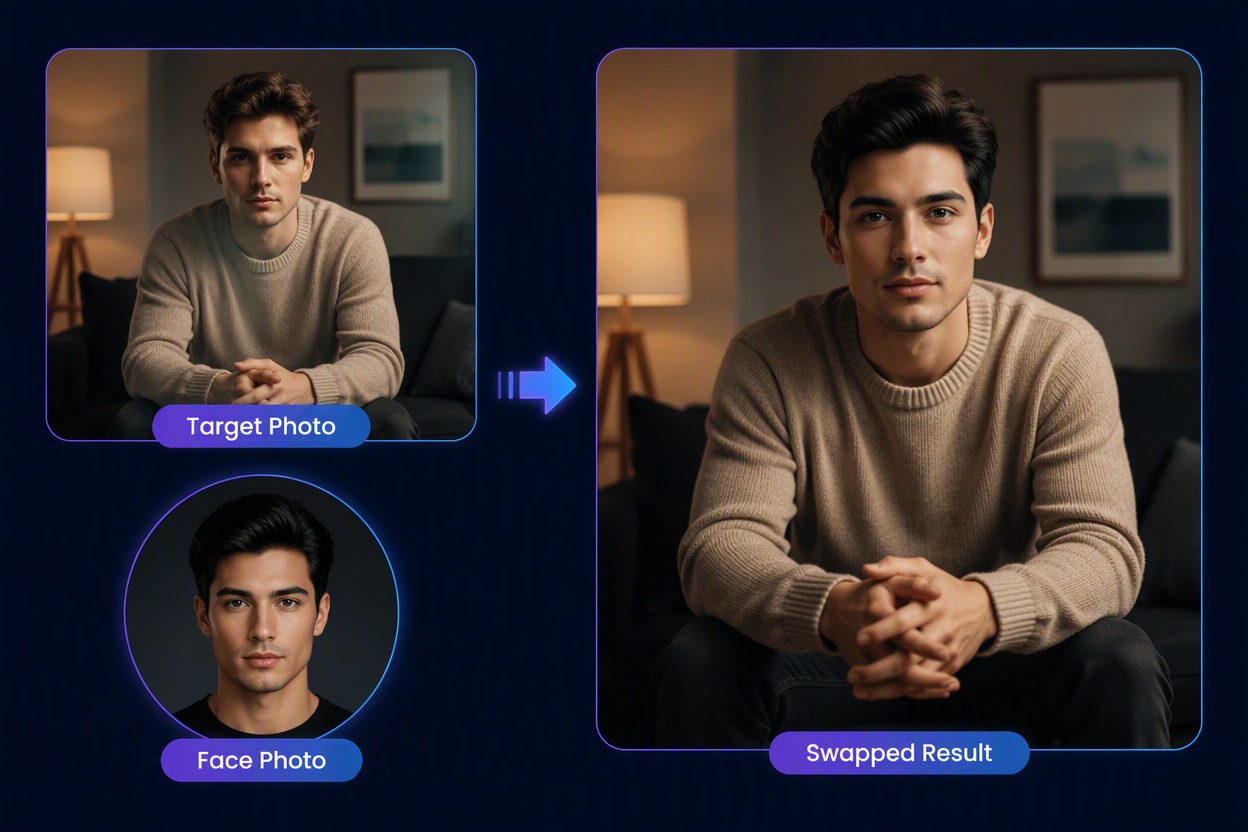
Step 1
Upload the Face Photo
Choose a clear, front-facing adult face photo with visible features and even lighting. Use only a face you are allowed to edit.
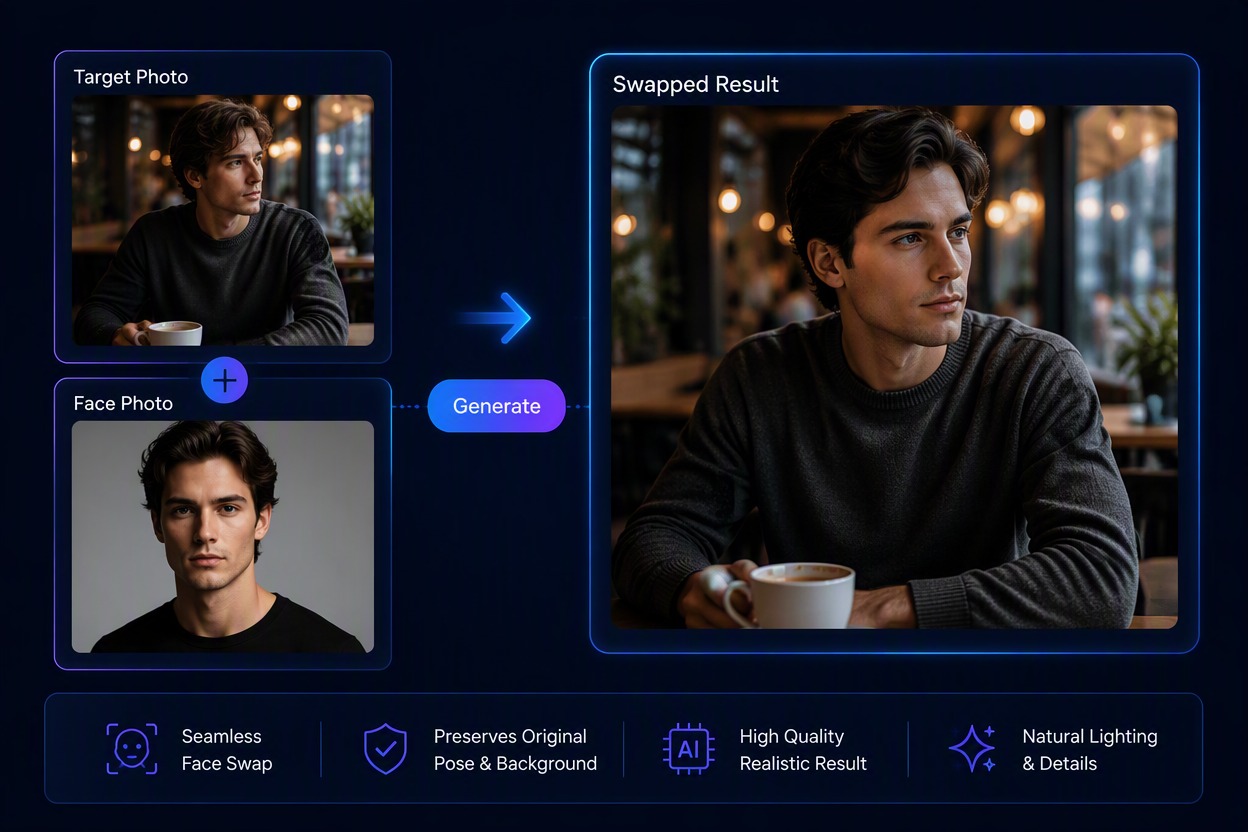
Step 2
Add the Target Photo and Generate
Upload the photo whose pose, clothing, composition, and background should remain, then generate the face-swapped result.
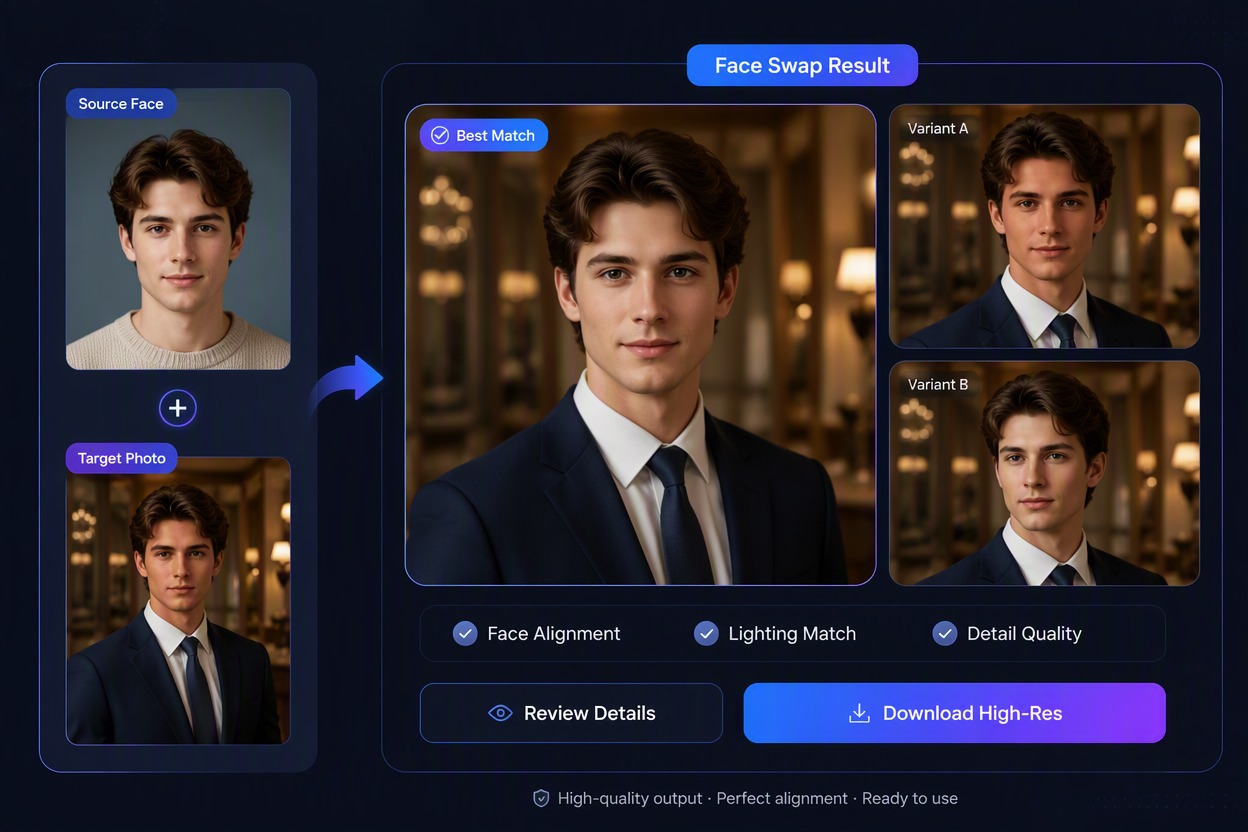
Step 3
Review and Download the Photo
Inspect facial placement, skin tone, expression, hairline, jaw, lighting, and background continuity, then download the result you want to keep.
Create New Photo Looks With Pixlr Face Swap
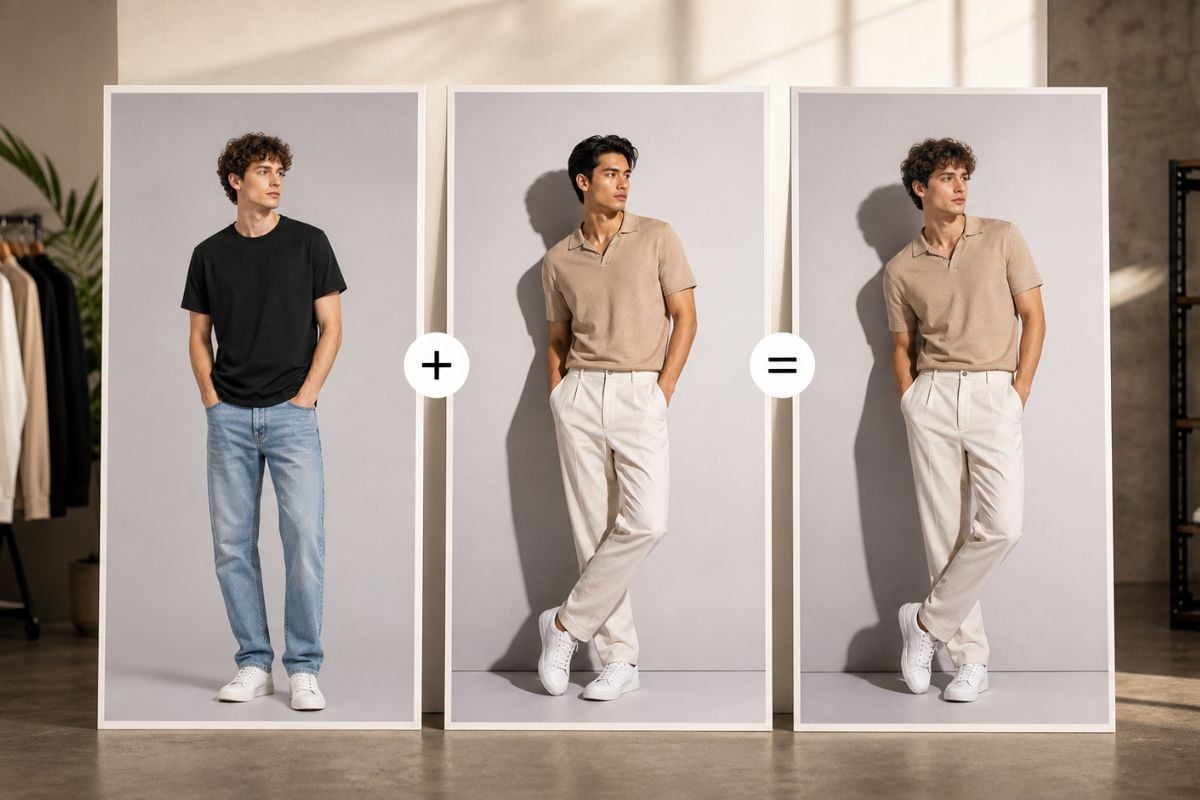
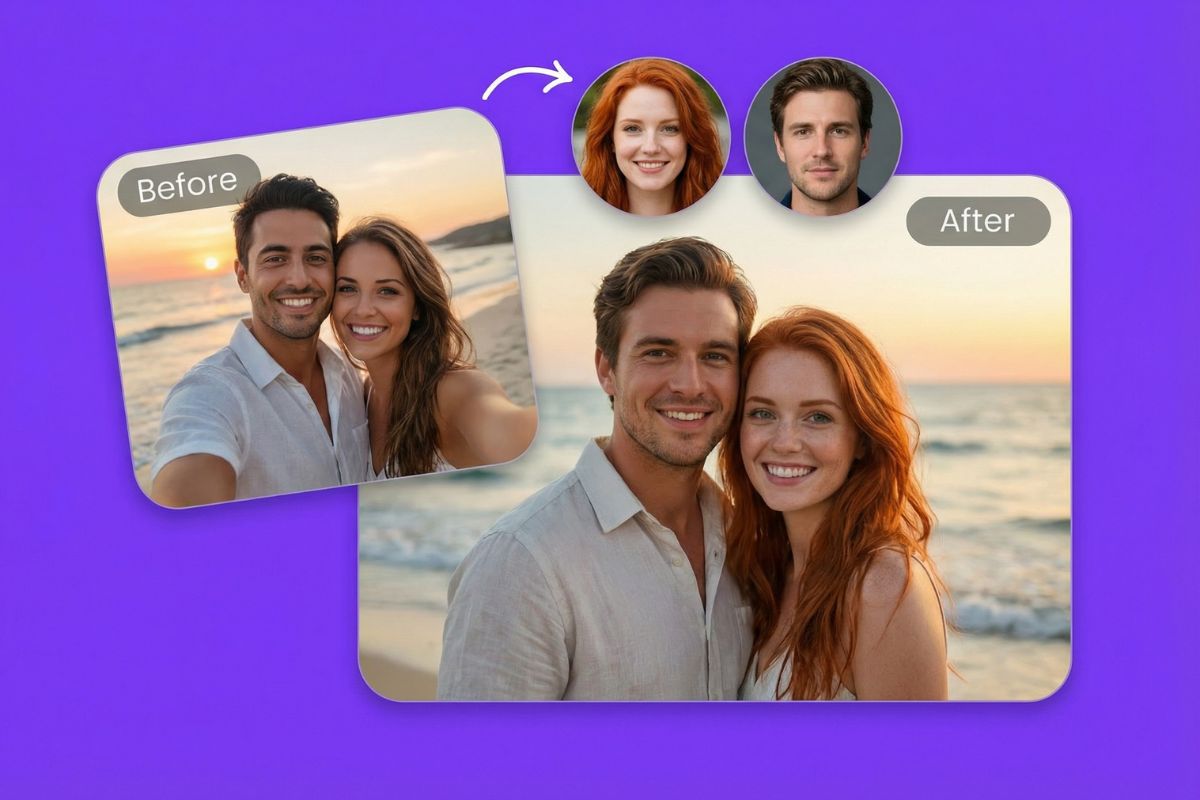
Swap Faces Between Two Photos
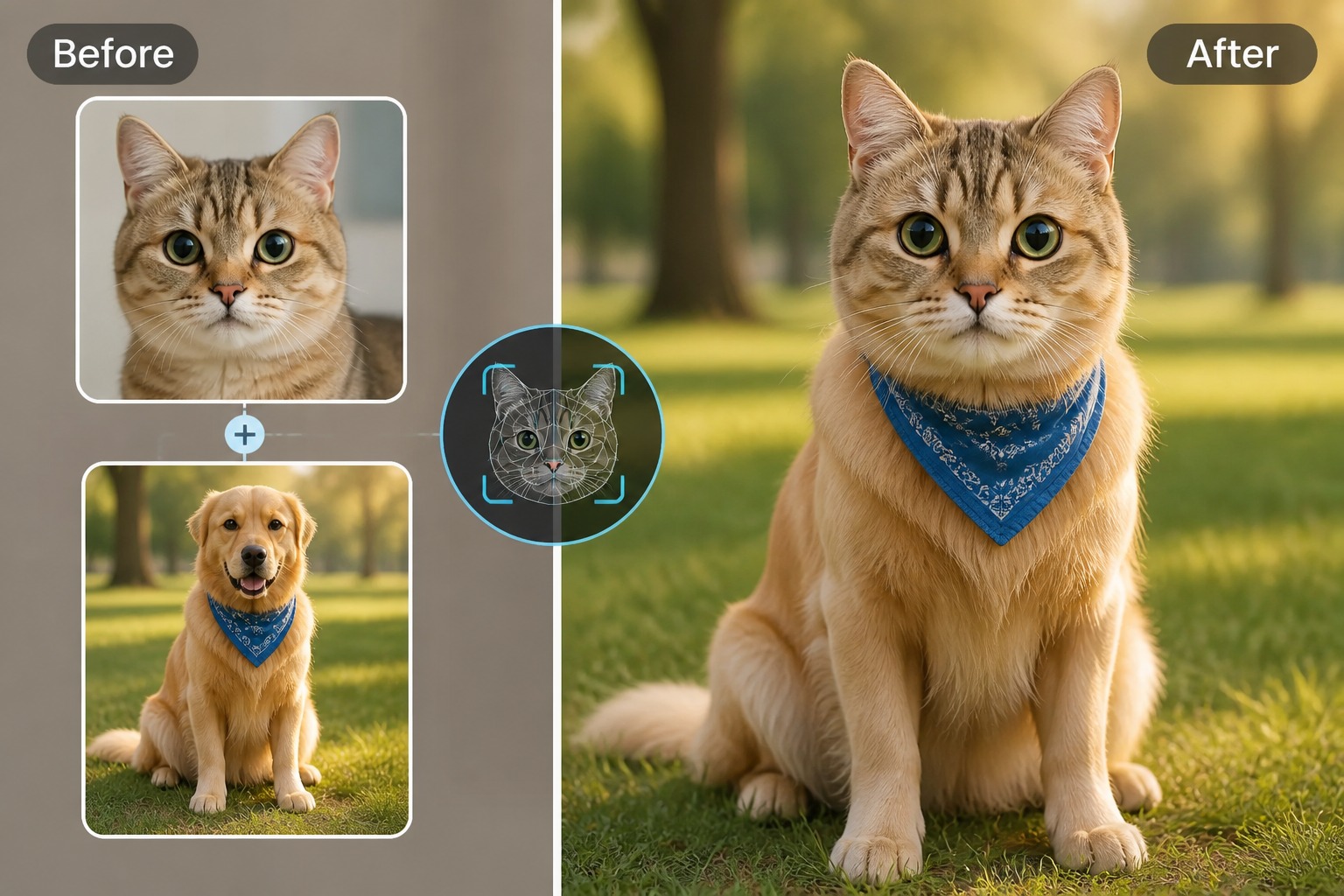
Combine a clear face photo with a separate target photo to create a new portrait result with our face swap tool. Keep the target pose, clothing, camera angle, and background while changing the facial identity.
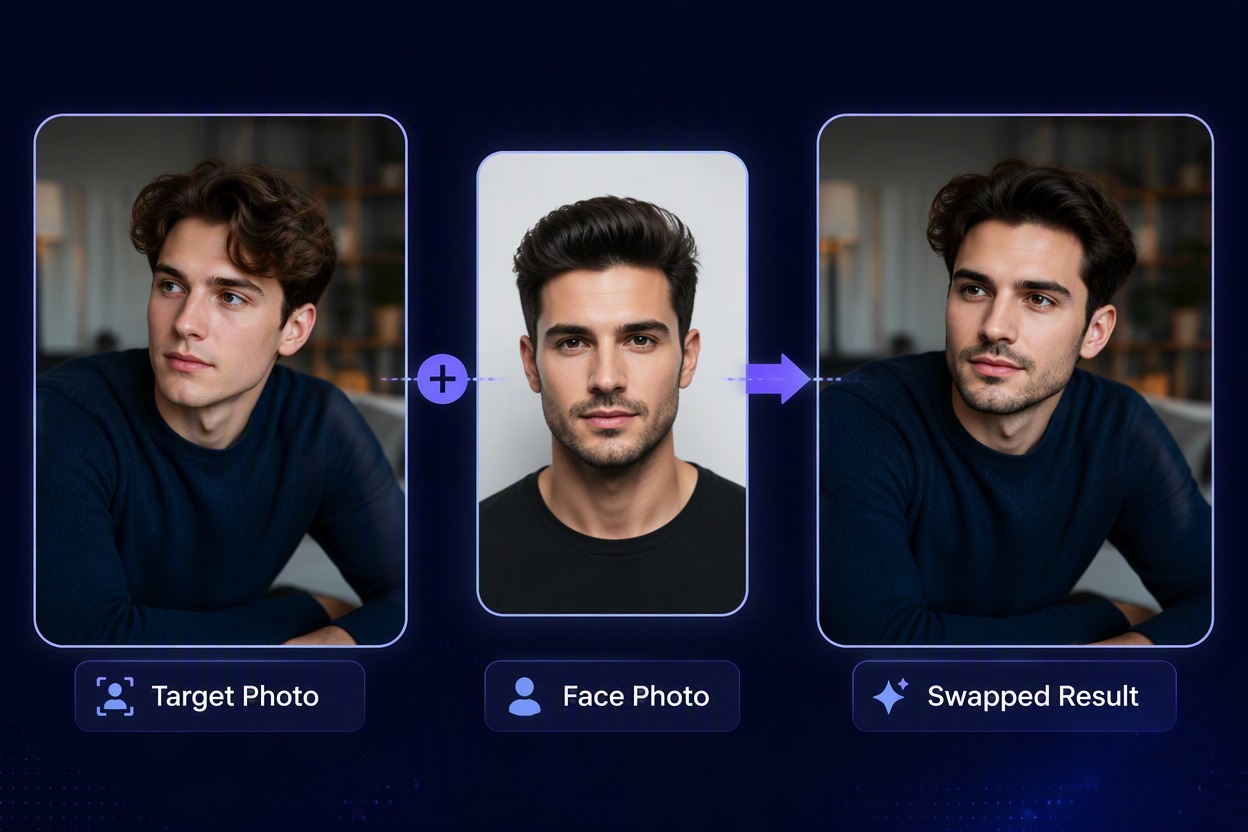
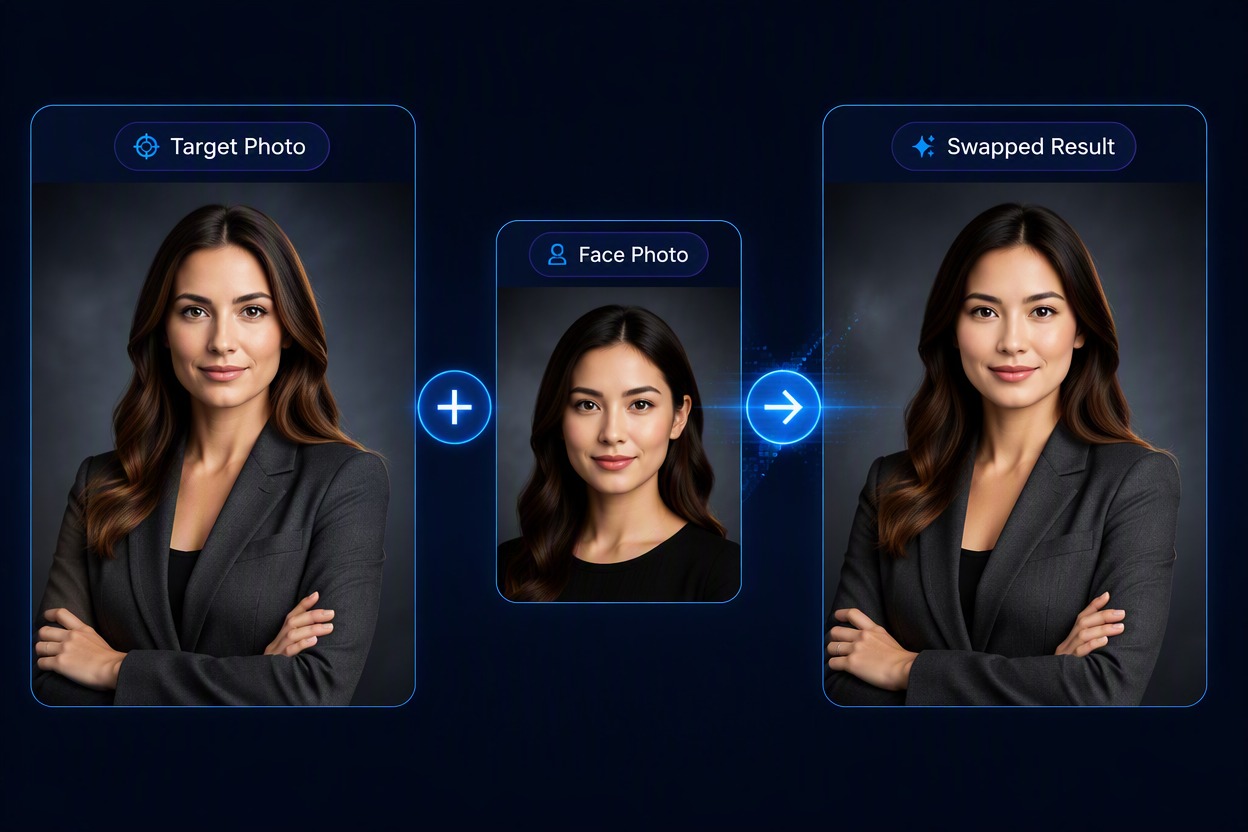
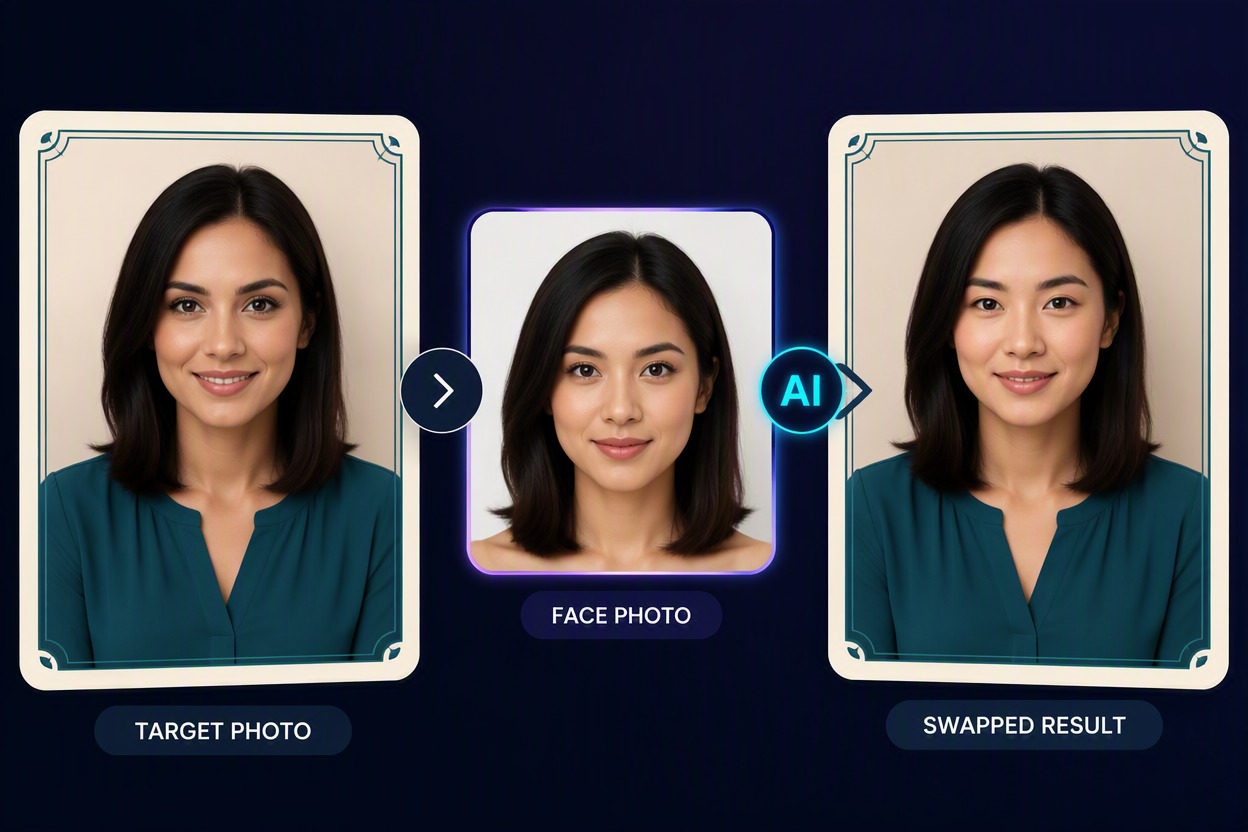
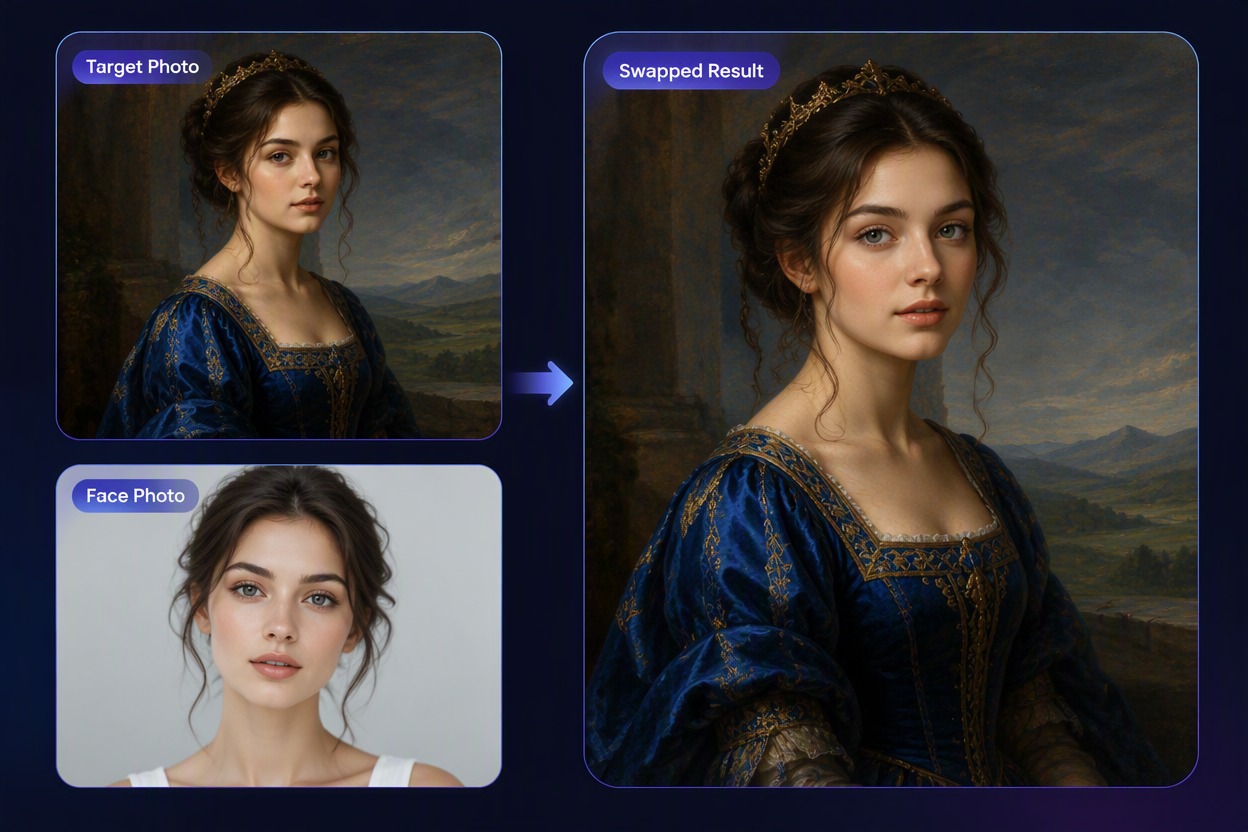
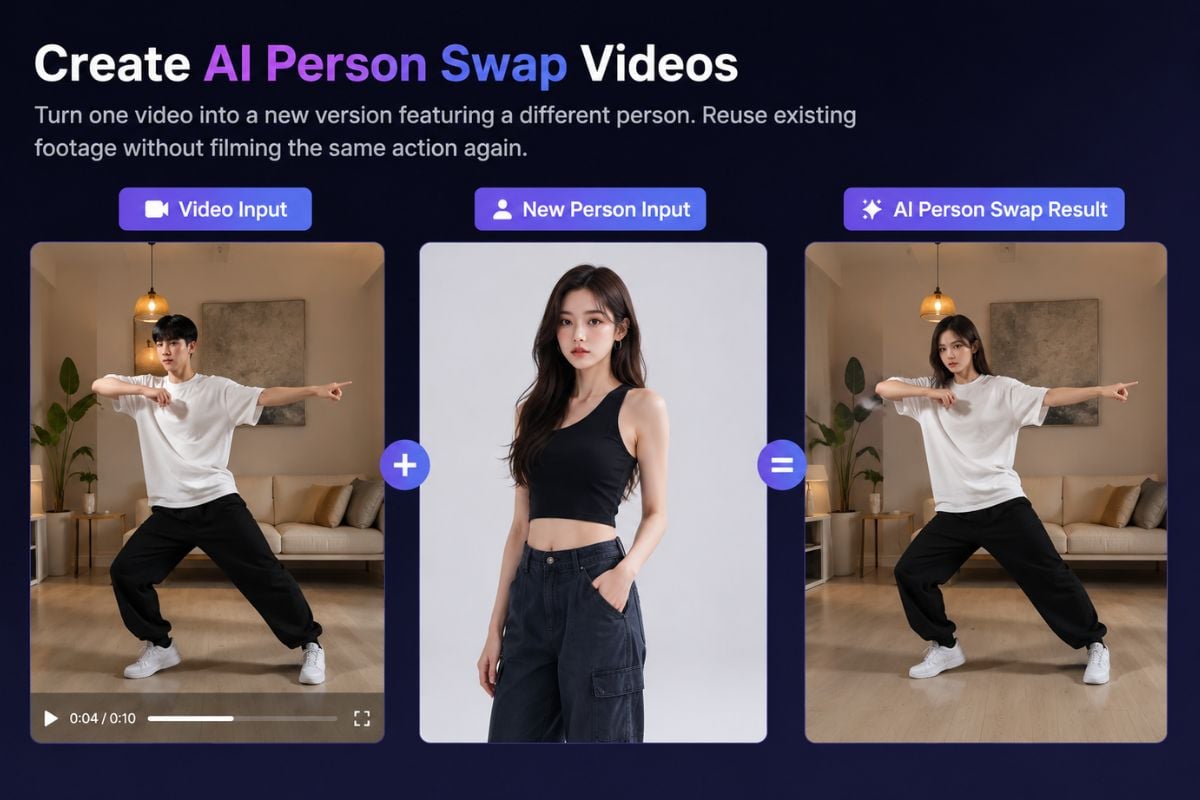
Explore More Face and Body Swap Tools

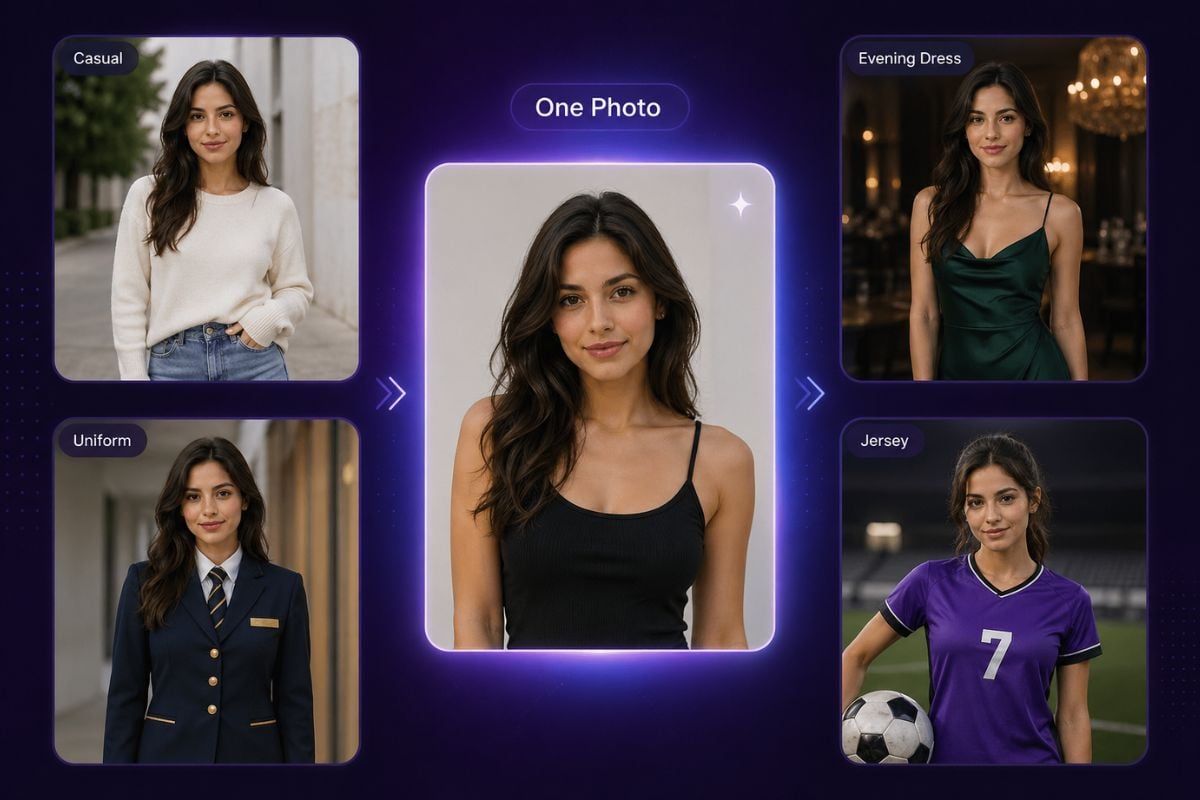
Why Use Pixlr Face Swap
Two-Photo Face Swap Workflow
Start from one clear face photo and one target photo instead of rebuilding the entire portrait.
Keep the Target Scene Intact
Preserve the target pose, clothing, camera angle, lighting, and background while changing the face.
Flexible Creative Photo Uses
Explore portraits, headshots, cards, original artwork, and lighthearted meme concepts within the same workflow.
Faster Visual Experimentation
Preview a new identity inside an existing composition before committing to a manual edit or new photo setup.
More Reusable Source Photos
Adapt existing authorized portraits and creative layouts into new visual concepts without replacing every element.
Ready for Further Creative Editing
Use the selected result as a starting point for layout adjustments, captions, color work, or other authorized design steps.
Pixlr Face Swap FAQ
What is Pixlr AI face swap?
Is Pixlr Face Swap free?
What photos should I upload?
Can I use it for headshots?
Can I swap faces into cards, artwork, or memes?
Can I swap a real person without permission?
What should I check before sharing?
Create Your Next Face Swap With GoEnhance AI
Combine an authorized source face and target photo, generate a new portrait result, and continue refining your creative photo workflow.
Start a Face Swap