goenhance logo

AI Head Swap for Video & Photos

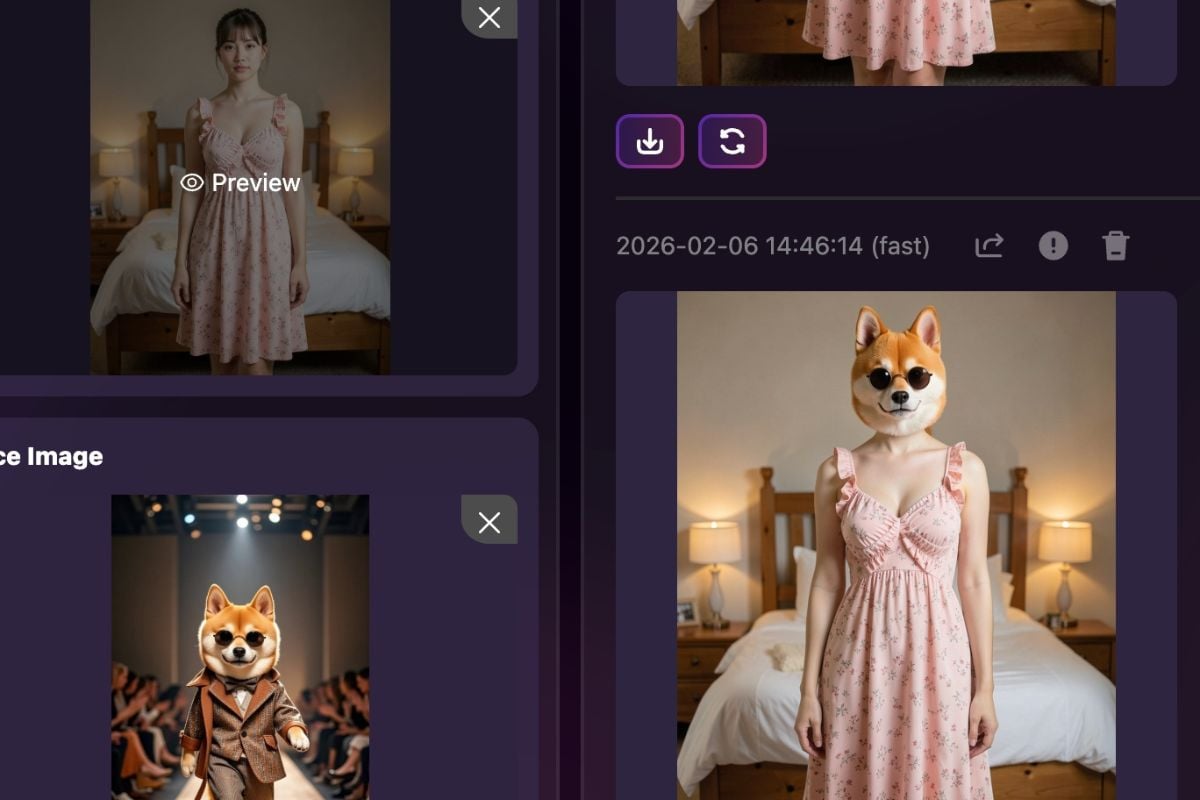
Want a clean head replacement without fiddly cutouts? This tool helps you swap an entire head (not just the face), so hairlines, jaw edges, and neck transitions look more convincing. Use it for quick edits, content experiments, or character-style transformations—then export in high quality. Start your head swap free now.

How to Use GoEnhance AI Head Swap

1. Upload Source Head
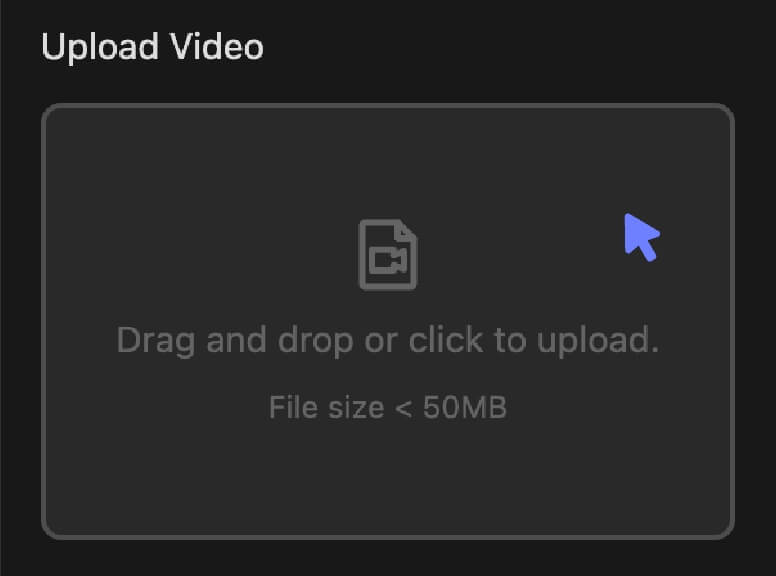
Upload a clear source image showing the full head (hair + face) in good lighting. Clean angles and sharp edges usually produce the smoothest blend.

2. Upload Target Photo or Video

Upload your target photo or clip. If your clip has movement, choose a segment with stable framing for a steadier result.

3. Generate Full Head Swap

Click “Generate” and let the model align angles, match tones, and blend edges. For a full head swap, results typically look best when the neck and shoulders are visible and not heavily covered.

Top Features of GoEnhance AI Head Swap
Swap the Whole Head, Not Just the Face

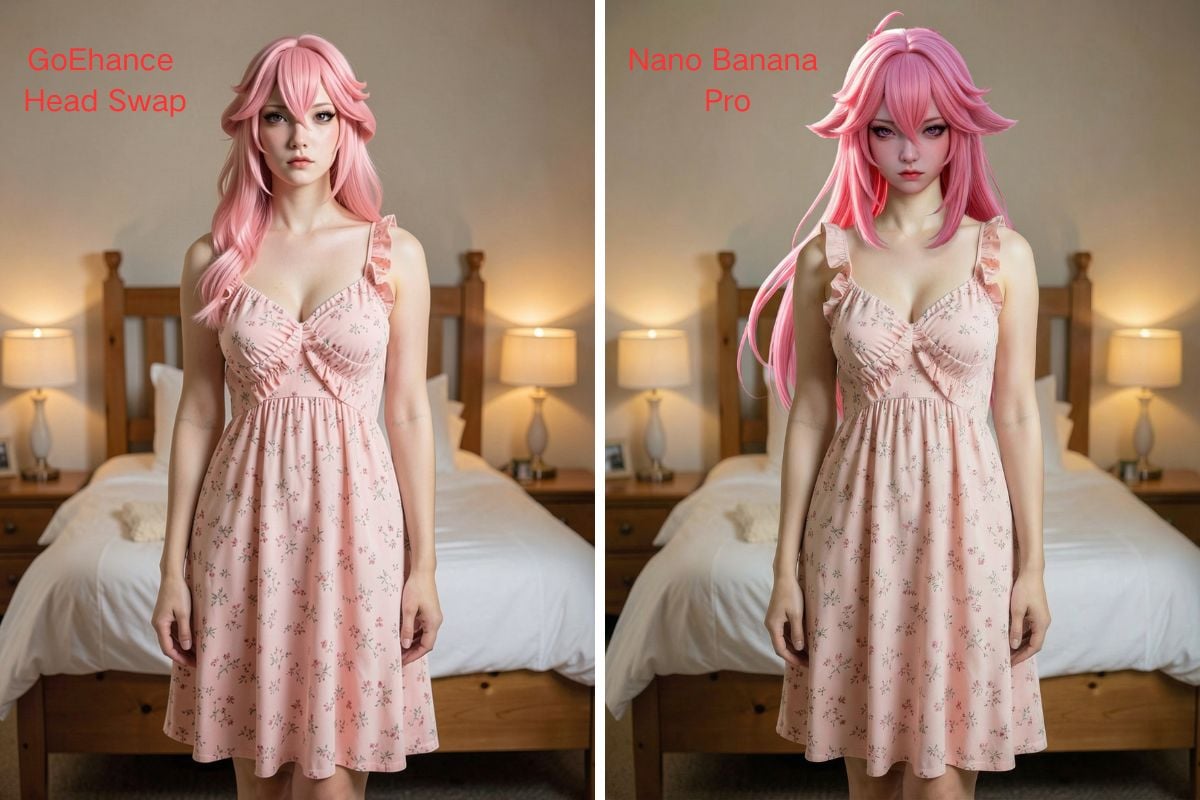
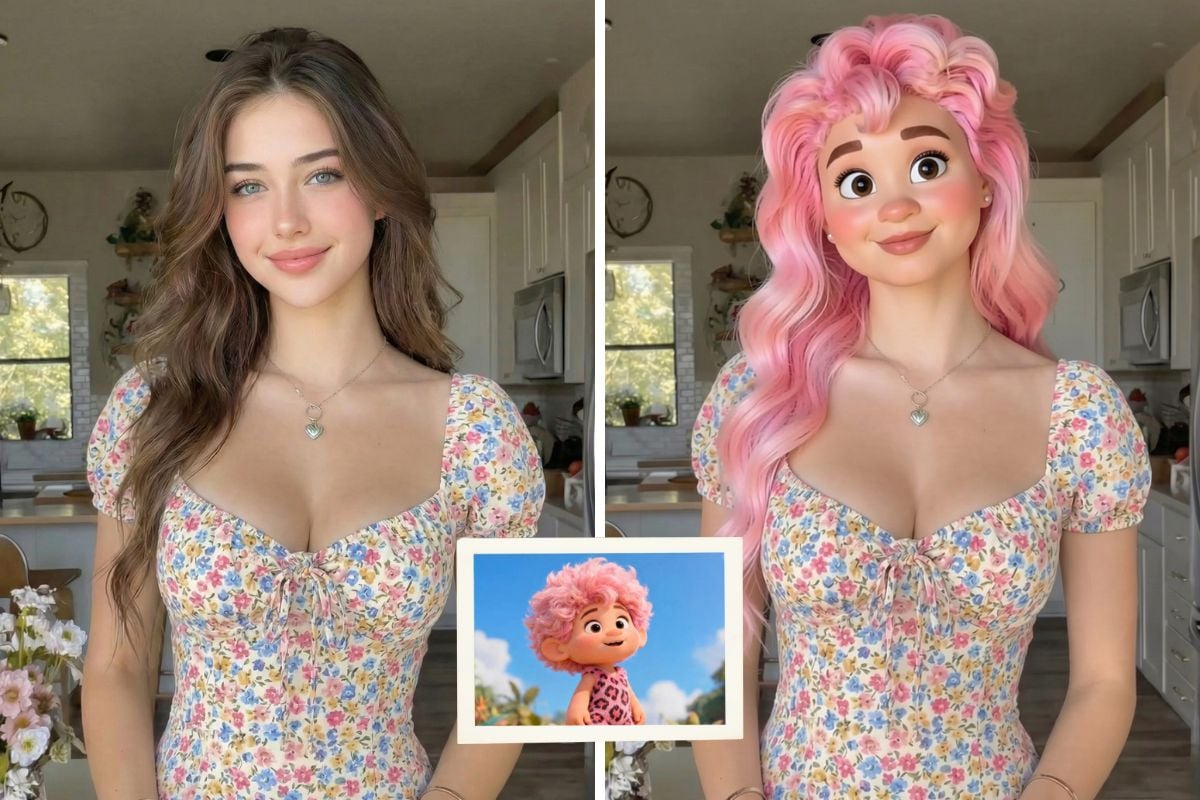
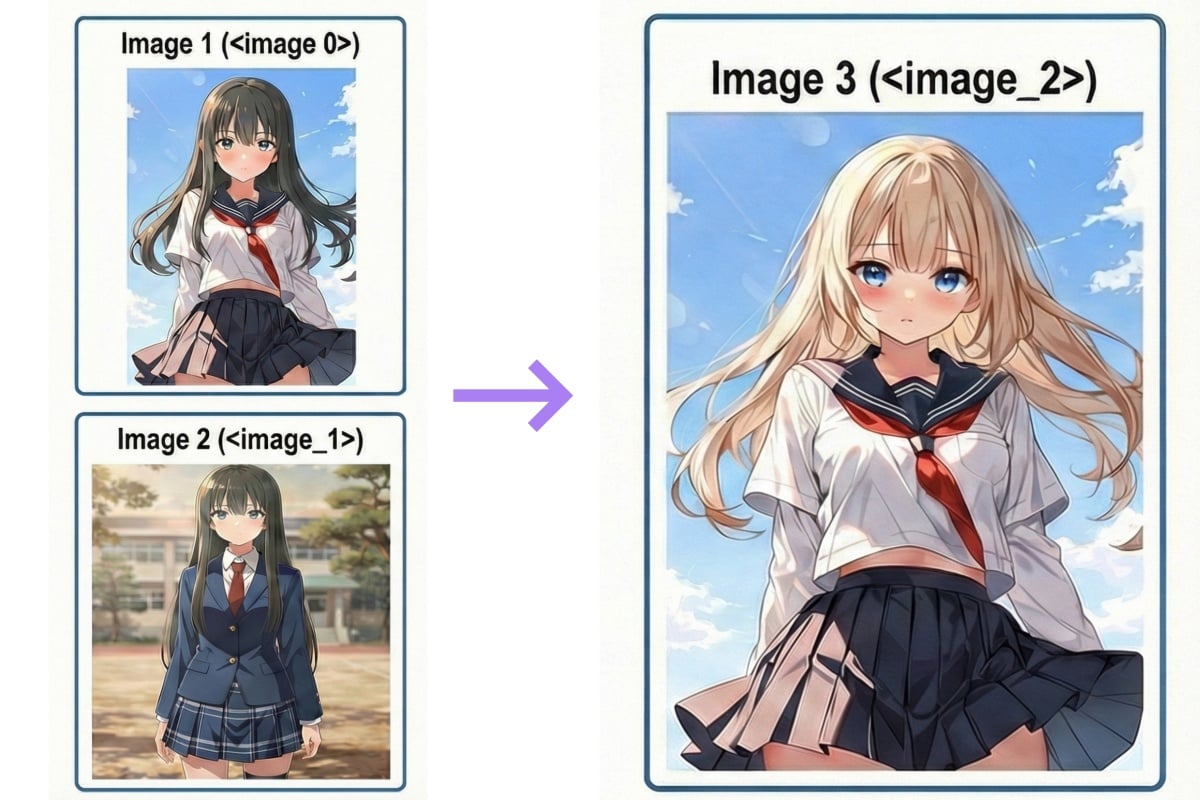
Get a more complete transformation by swapping hairlines, head shape, and facial area together—useful for cosplay-style edits, character concepts, and “new look” portraits with cleaner borders.

AI Head Swap Video with Better Consistency

Create an AI head swap video that holds up across frames, with smarter alignment and edge blending that reduces flicker. If you only need a face change, you can also use face swap; and if you want to turn images into motion quickly, try our AI video generator.
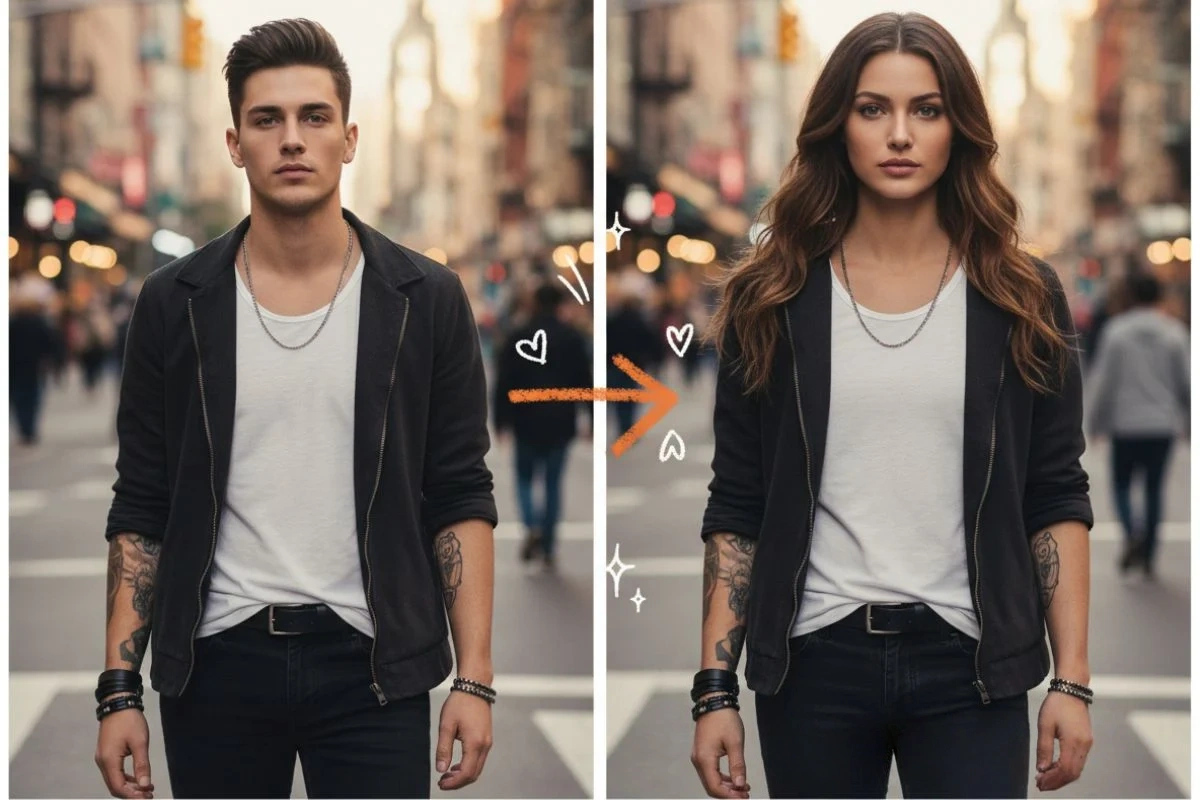
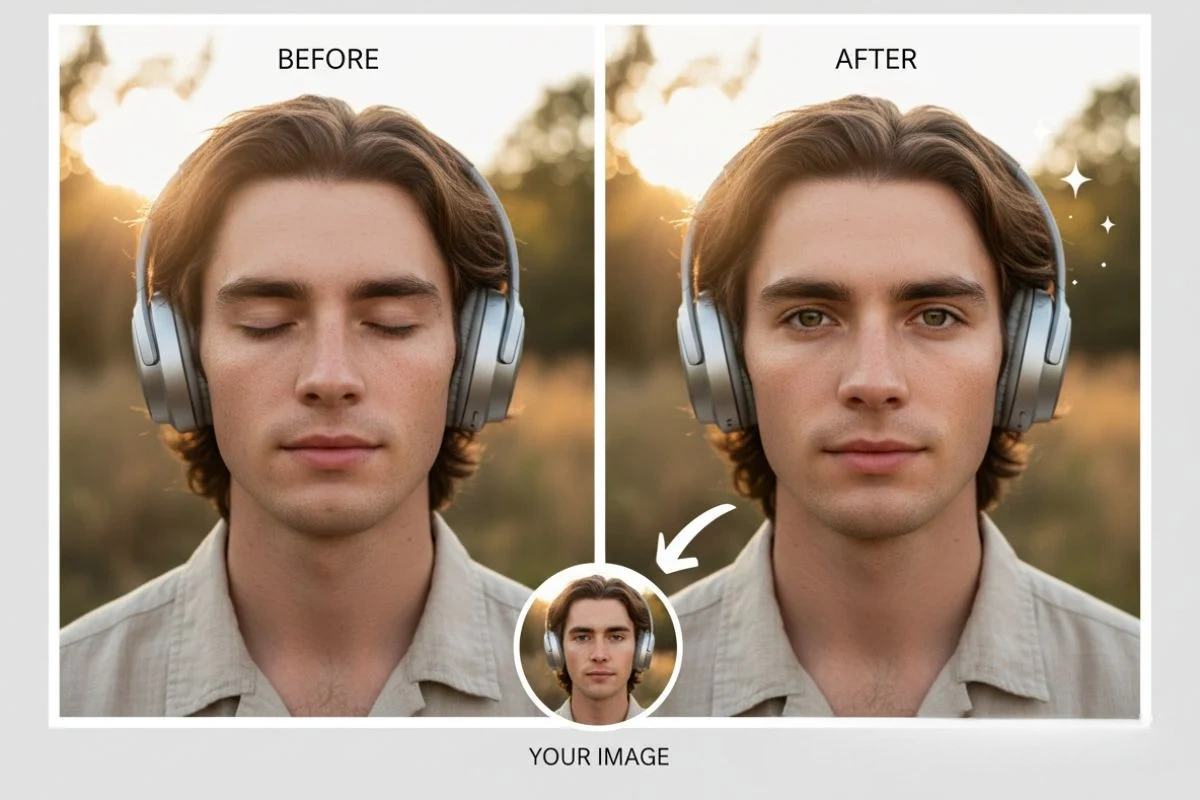
Simple Controls for Faster Iteration

Run quick variations without re-editing everything. Swap different sources, compare blends, and keep the version that feels the most natural for your scene.

More Natural Lighting and Edge Blending

A good head replacement is mostly about tiny details: tone matching, shadow direction, hair edge cleanup, and a believable neck transition. This workflow is designed to make those details easier to land.

You may want to know about AI head swap

Frequently Asked Questions

What is head swap?

Head swap is a type of visual replacement that swaps the entire head area (hair, face, and outline) from a source onto a target photo or clip. Compared with face-only swaps, it often looks more complete because the hairline and head shape are part of the blend. If you’re searching for AI head swap online free options, focus on tools that handle edge blending and lighting match well.

Is AI head swap safe to use?

Yes—when used responsibly. GoEnhance AI is built for creative edits and production workflows, and files are processed securely. Always get consent when using real people, avoid impersonation or deceptive edits, and stick to content you own or have permission to modify.

How does an AI head swap work?

A practical way to think about it: the system estimates the head’s position, angle, and boundaries, then fits the source head onto the target with matching scale and rotation. Typical steps include:
  • Detection: locate the head/face region and key landmarks;
  • Alignment: match angle, size, and placement;
  • Blending: smooth edges, hair borders, and neck transition;
  • Color & lighting match: reduce tone mismatch and odd shadows;
  • Refinement: sharpen details while keeping the result coherent.
  • For video: maintain frame-to-frame stability to reduce jitter.

How to do a head swap online?

Step 1: Upload your source head
Choose a clear image with visible hair and a clean outline.

Step 2: Upload the target
Pick a photo or clip where the head is not heavily blocked by hands, hats, or motion blur.

Step 3: Generate
Click "Generate" to run the swap and preview the blend.

Step 4: Download
Export your head swap result and keep the version that looks most natural.

How can I improve realism for a full head swap?

(1) Match angles and lighting
Try to use a source and target with similar camera height and shadow direction—this improves believability more than any single setting.

(2) Use higher-quality inputs
Sharp images and HD clips help the model keep clean borders and hair detail.

(3) Keep the neck area visible
A visible neckline makes transitions easier to blend, especially for full head swap results.

When should I use head swap vs face swap?

Use head swap when you want hair + outline included (avatars, cosplay-style edits, character changes). Use face swap when you only need facial features replaced while keeping the original hair and head outline. Both approaches can be useful depending on your goal.

Is head swap free to use?

Yes. You can start with free tokens to test the tool and generate results. If you need more output or higher-volume creation, you can upgrade to a plan.

Can I upload my own video for head swap?

Yes, you can upload your own clips. Short, stable shots with good lighting usually produce the cleanest results.

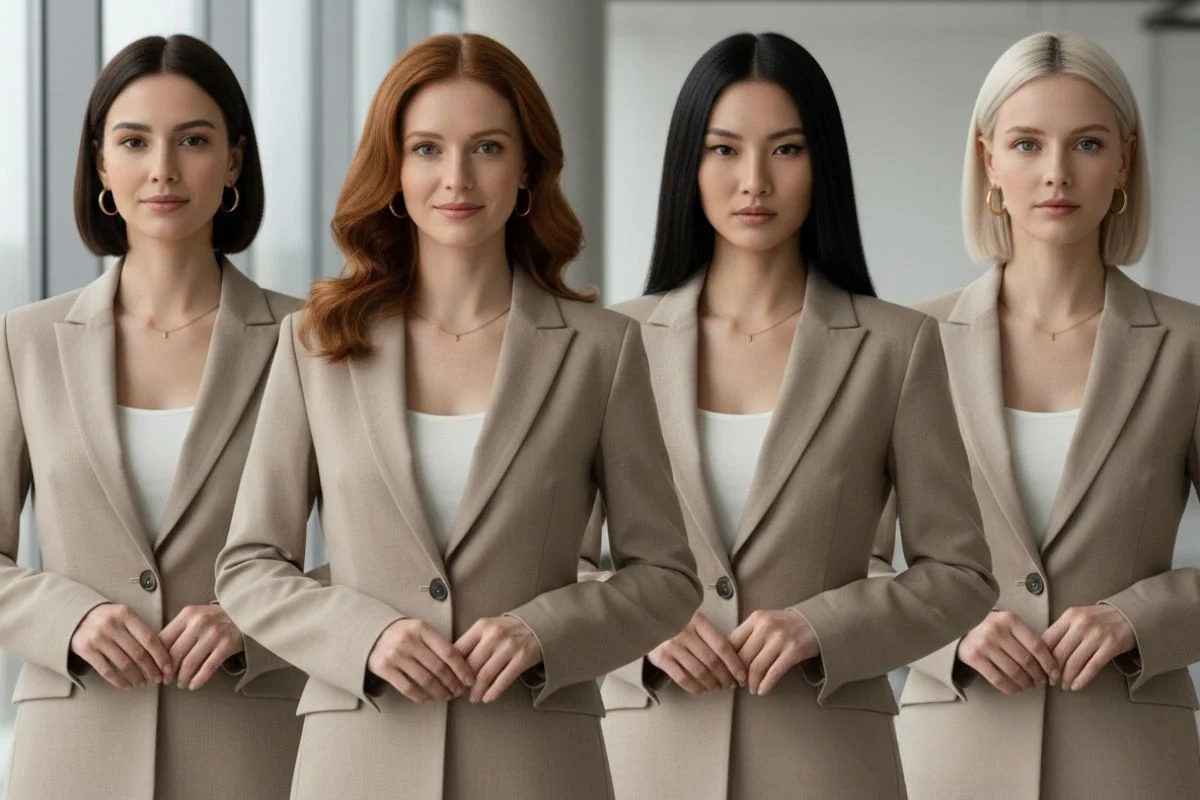
Does it support multiple heads at once?

Right now, the workflow is optimized for one primary head swap target per generation. Multi-subject support may vary depending on the scene complexity and will improve over time.

What kind of source image works best?

Pick a high-resolution image with the full head in frame (including hair), minimal occlusion, and even lighting. Avoid heavy blur, extreme angles, or cropped hairlines for smoother edges.

More Than Just Head Swaps

GoEnhance AI goes beyond head swap and face replacement. Build short-form videos, stylize images, and explore creative edits with tools designed for quick iteration and clean outputs. If you want a simple workflow that still looks polished, this is a solid place to start.

Try GoEnhance AI For Free