goenhance logo

Free AI Body Swap

Use GoEnhance AI to create body swap images or video-style concepts from clear references, outfit ideas, and scene prompts. Works best with visible poses, compatible angles, and assets you have permission to use.

Start Body Swap

AI Body Swap Generator for Creative Visual Edits

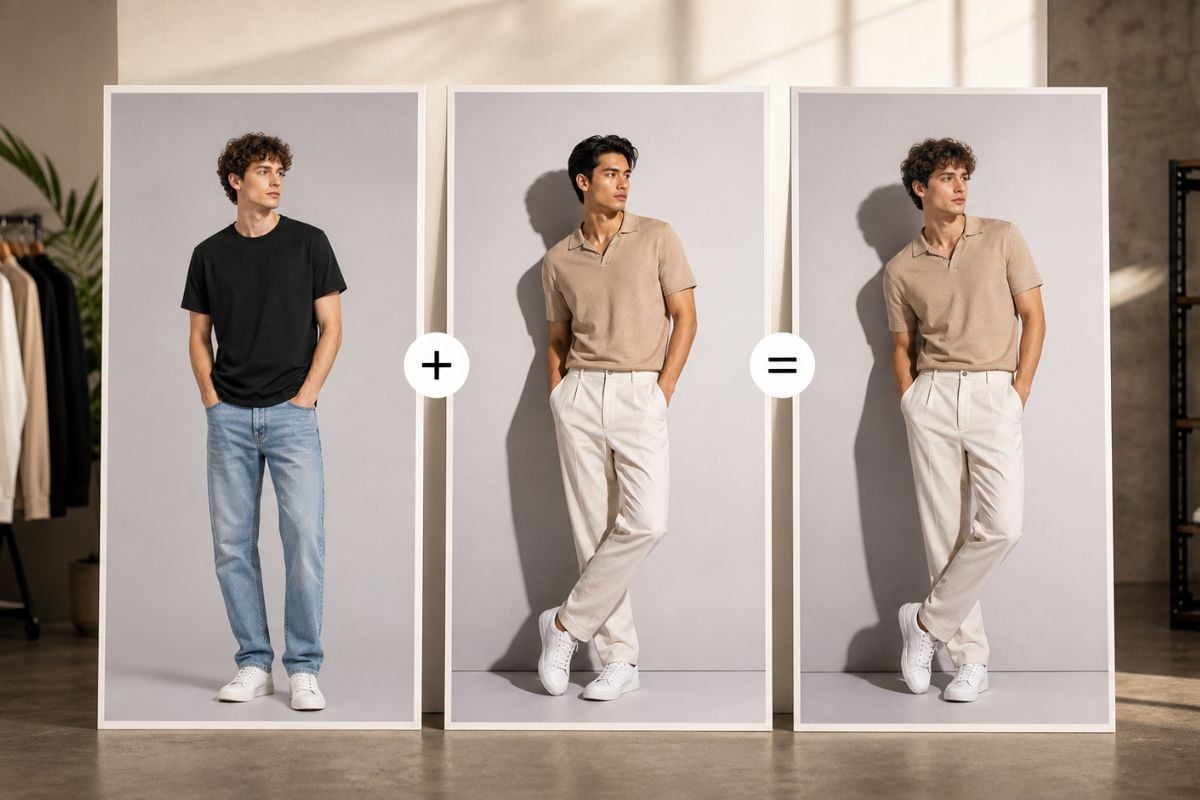
Preview New Looks

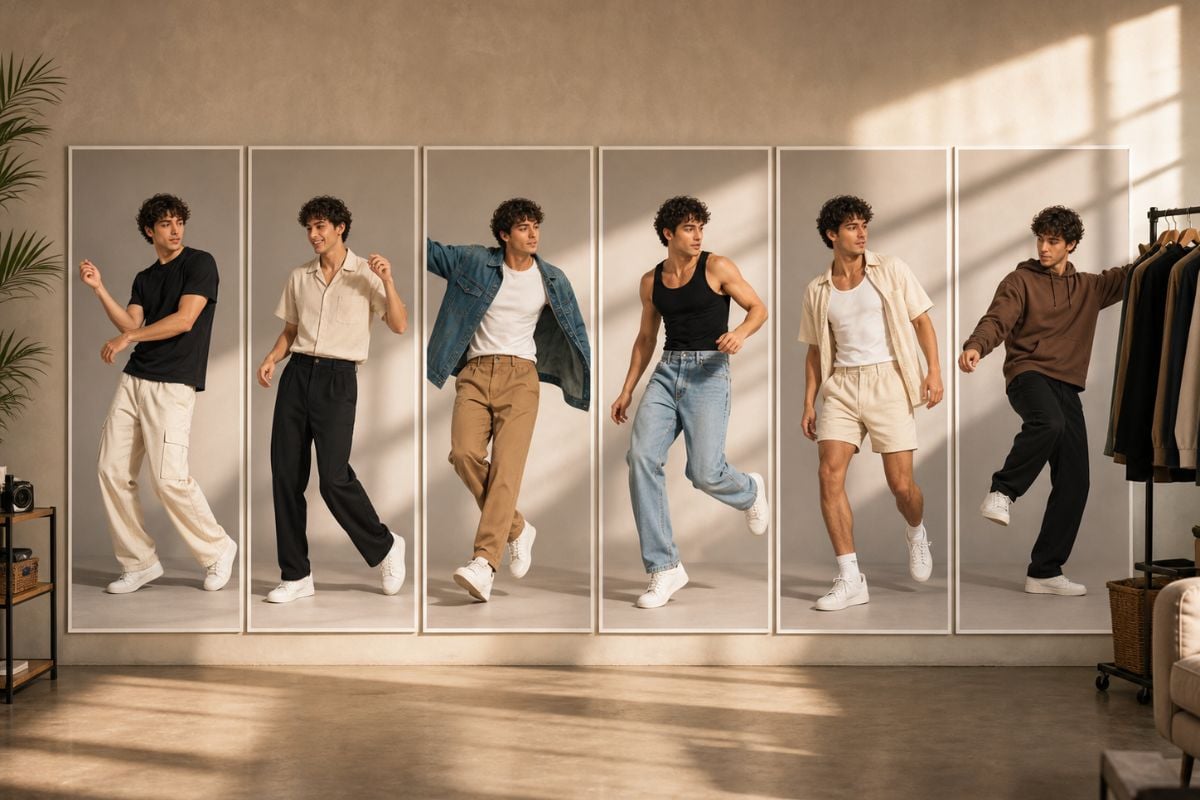
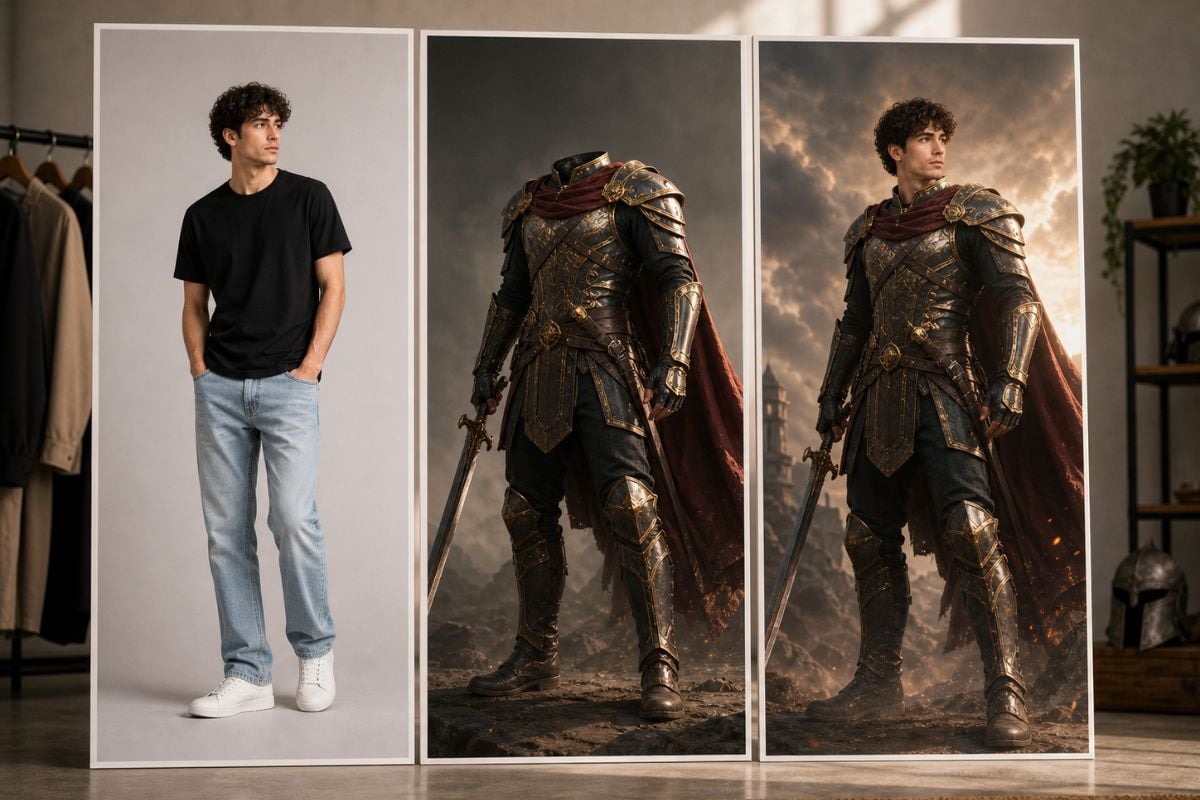
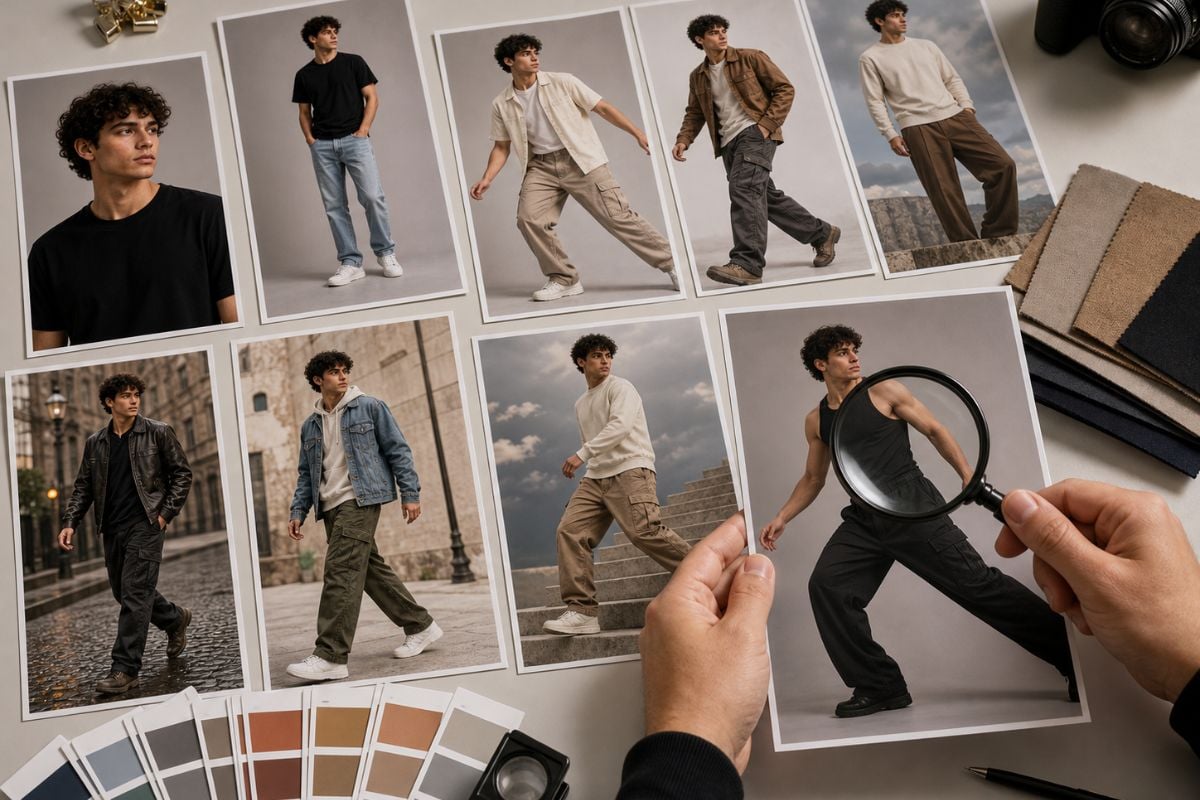
Explore outfit ideas, cosplay concepts, fashion references, or full-body profile visuals without staging a new shoot. AI body swap works best when the reference has clear body structure, visible clothing edges, and a target pose that feels believable.

AI body swap outfit and look preview

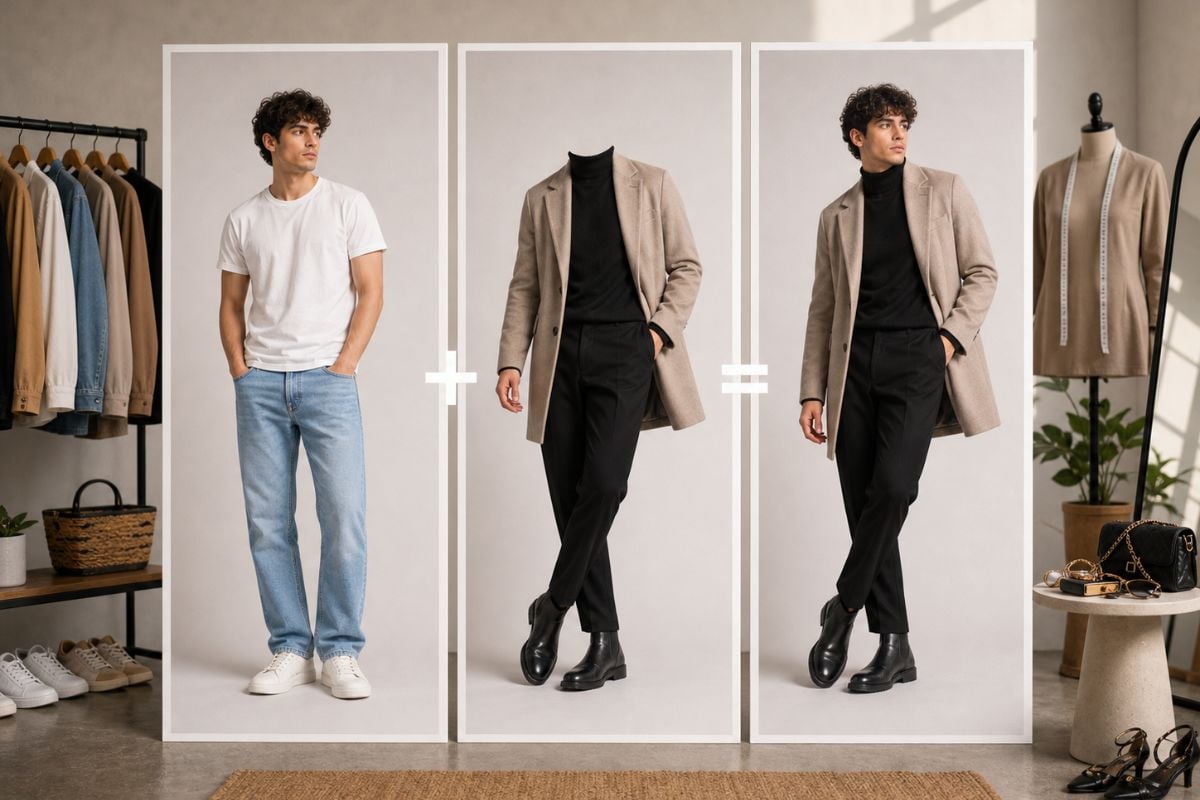
Build Character Scenes Easily

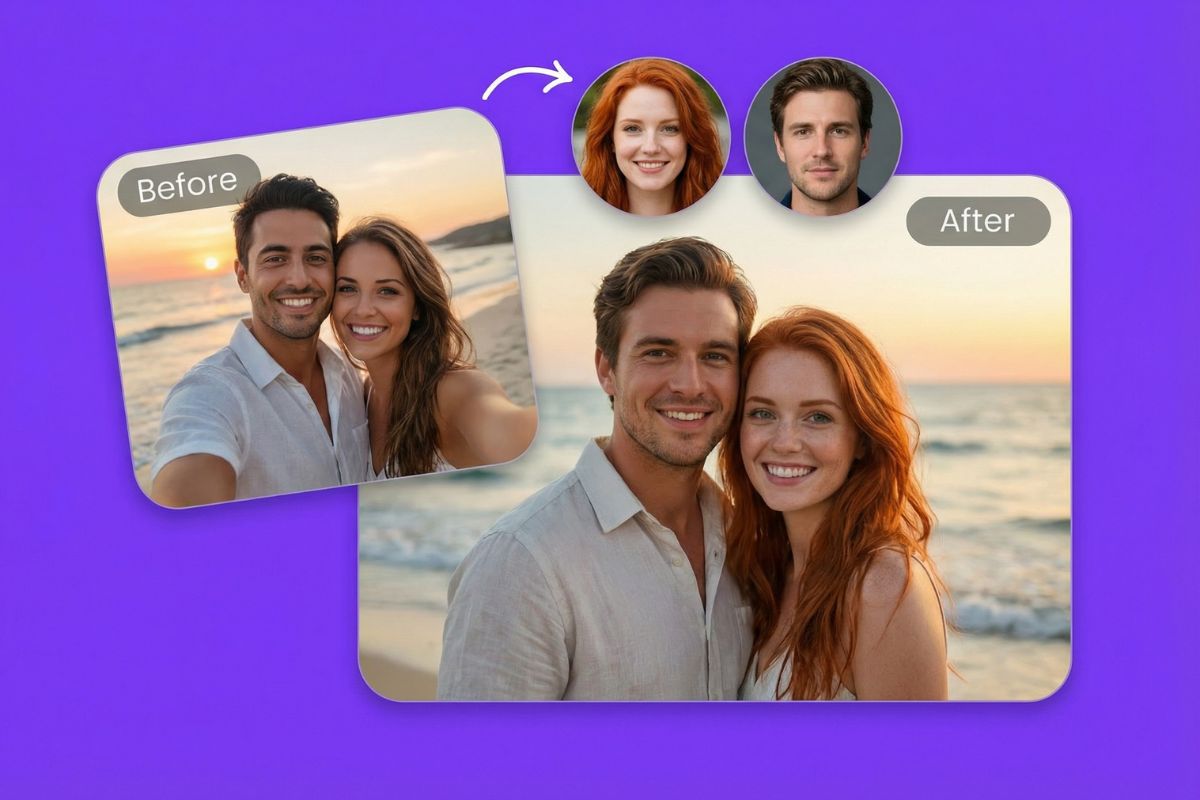
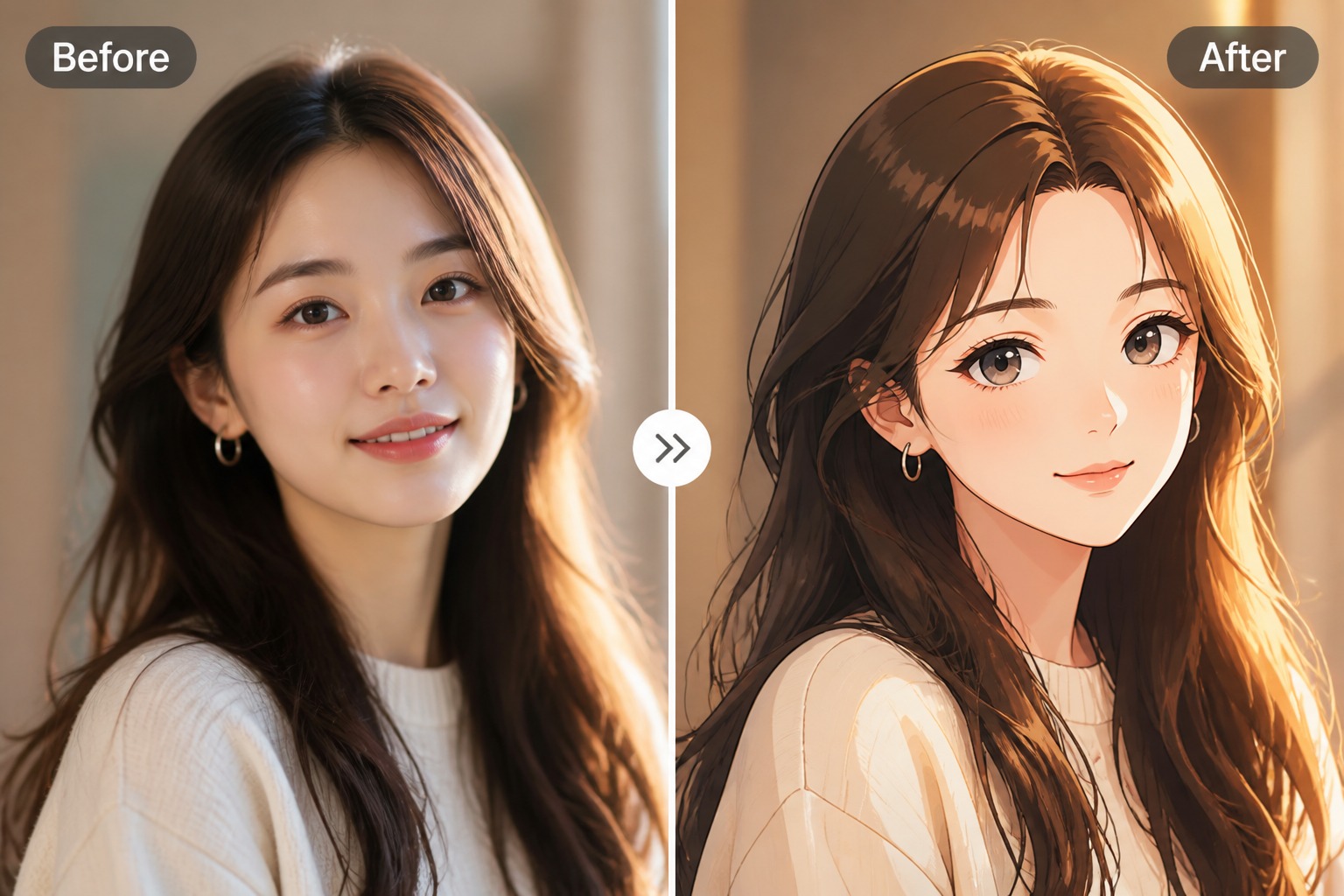
Place original characters, creator personas, or role-based looks into new visual scenes for thumbnails, story concepts, and social posts. This is a strong fit for creative exploration when the references are yours or cleared for use.

AI body swap character scene concept

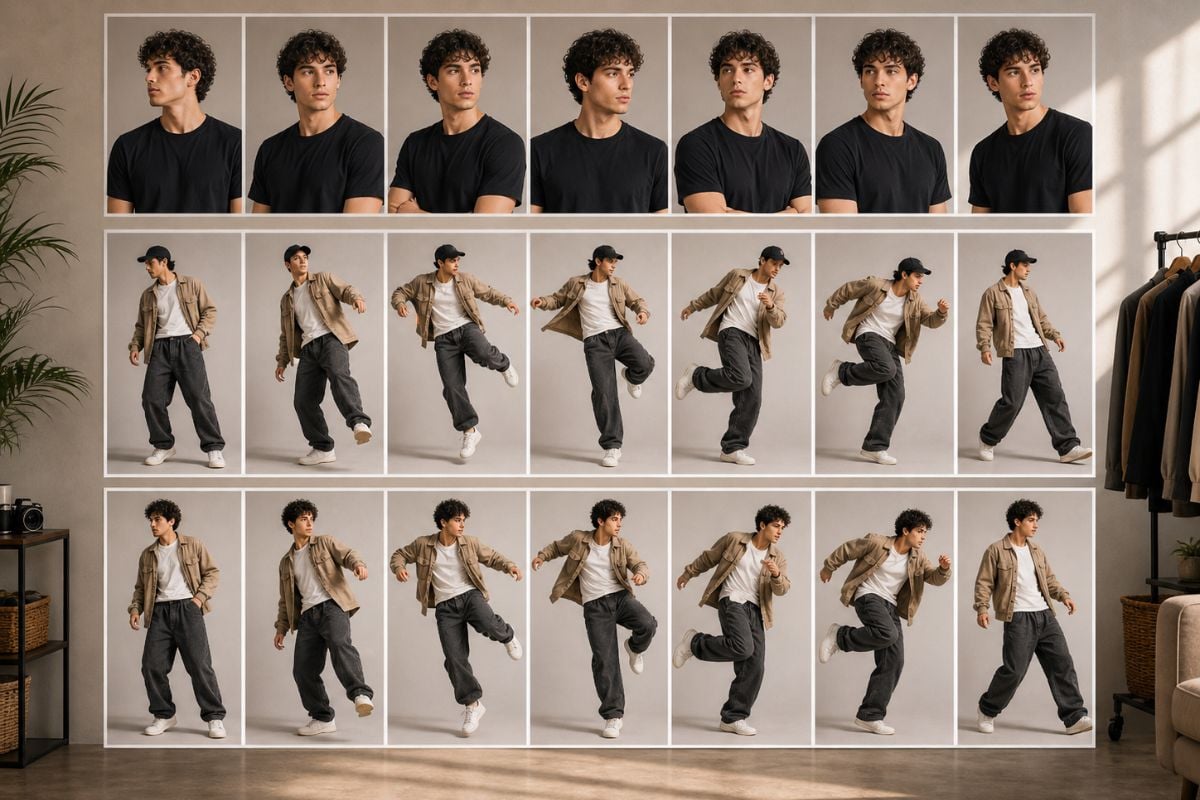
Compare Pose Results

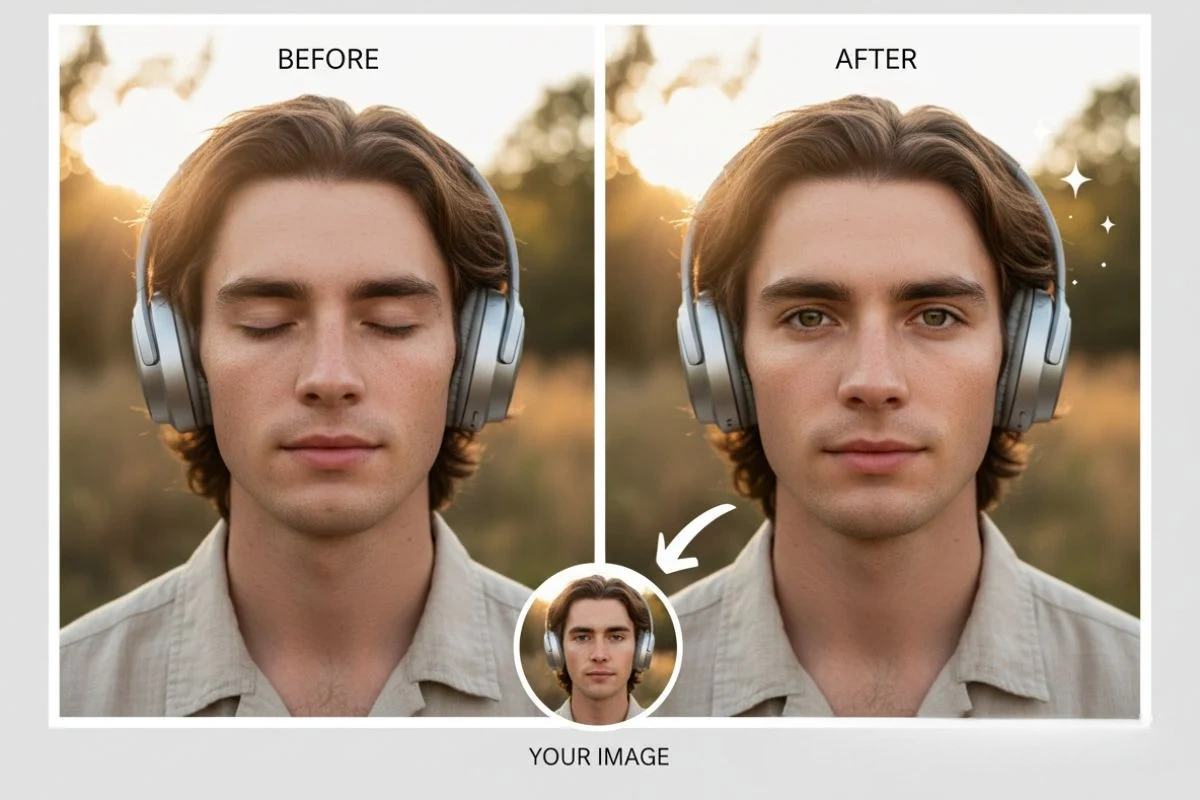
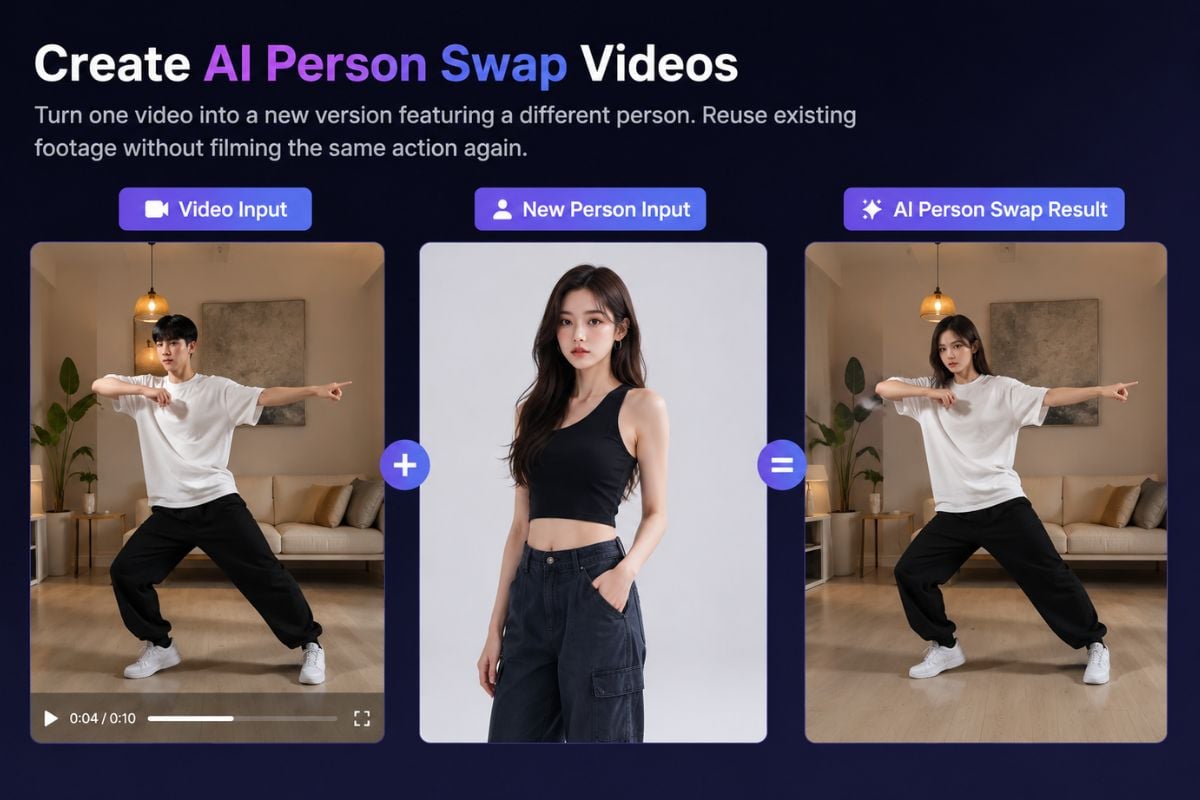
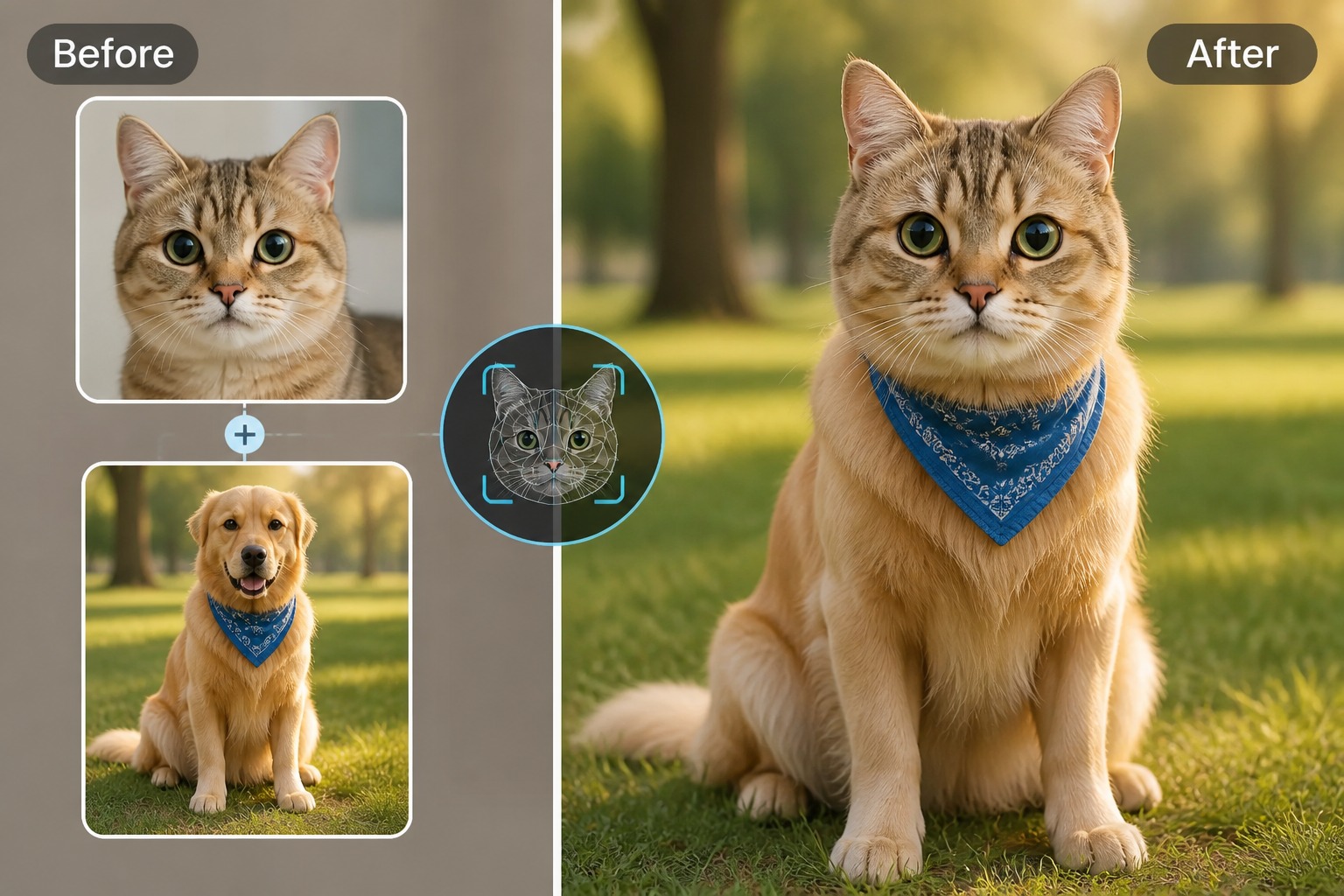
Evaluate body alignment, pose plausibility, clothing seams, lighting, and face-body fit across the result. Treat the first output as a draft when hands, limbs, shadows, or extreme camera angles make the edit feel unnatural.

AI body swap pose comparison review

AI Body Swap Use Cases to Explore

Choose whether you need an outfit preview, video-style concept, or character scene so the body swap path matches your final goal.
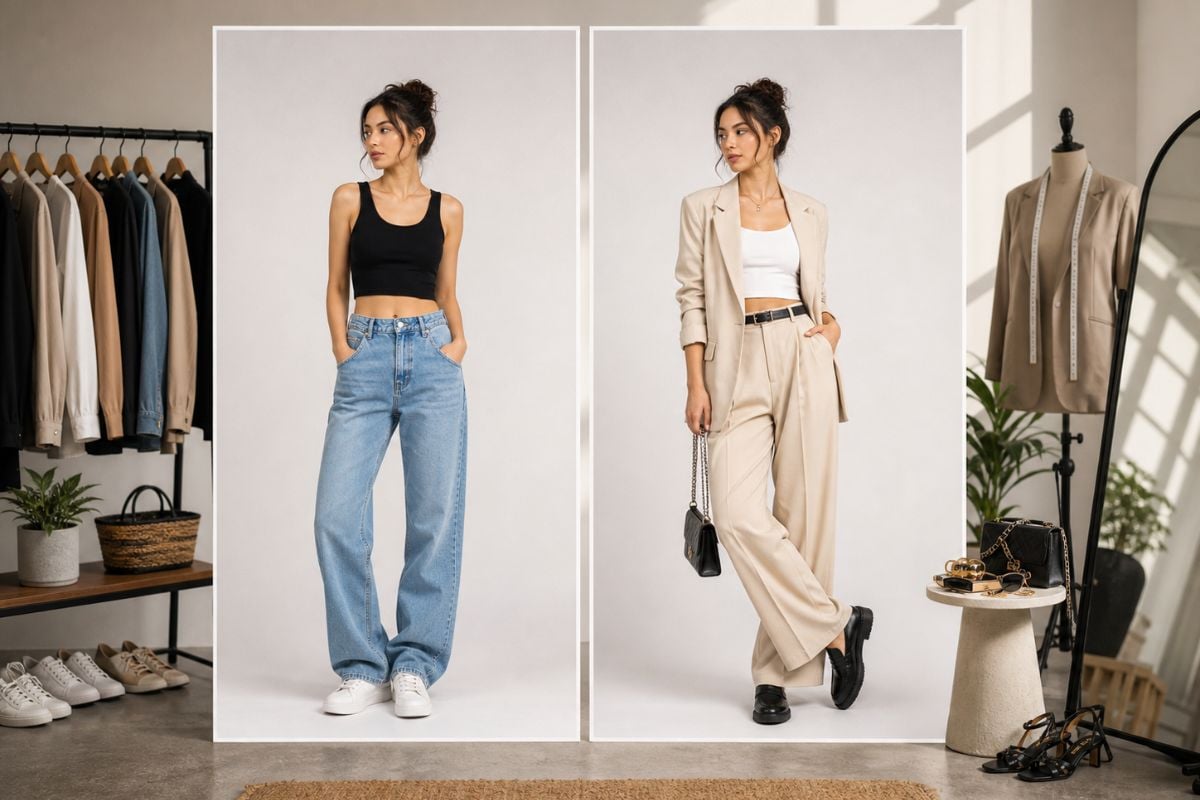
Outfit Preview

Outfit Preview

Try clothing, cosplay, or full-body styling ideas on a new figure or scene. This use case works best with clear body framing and visible garment edges.

Try Body Swap
Why Use It

Why Use GoEnhance AI for AI Body Swap?

Faster Visual Drafts

Test body swap images and video-style ideas without rebuilding each pose or outfit manually.

Flexible Creative Scenes

Explore fashion previews, creator looks, character concepts, thumbnails, and social visuals.

Better Pose Testing

Compare how a body, outfit, or character look fits different scenes before refining the best result.

Lower Editing Barrier

Create full-body visual edits without advanced compositing, masking, or complex design software.

Image and Video Ideas

Use the workflow for still concepts, motion-style previews, short-form posts, and campaign drafts.

Consent-Aware Creation

Keep body, face, and likeness permission visible before using recognizable people in public edits.
FAQ

Common Questions About AI Body Swap

What is AI body swap?

AI body swap is a creative editing workflow that places a person, character, outfit, or full-body look into another visual scene. It can help with fashion previews, cosplay concepts, creator thumbnails, social edits, and video-style ideas. The strongest fit is fast visual drafting; the weaker fit is identity-sensitive, official, or regulated use without manual review.

Can I create an AI body swap video?

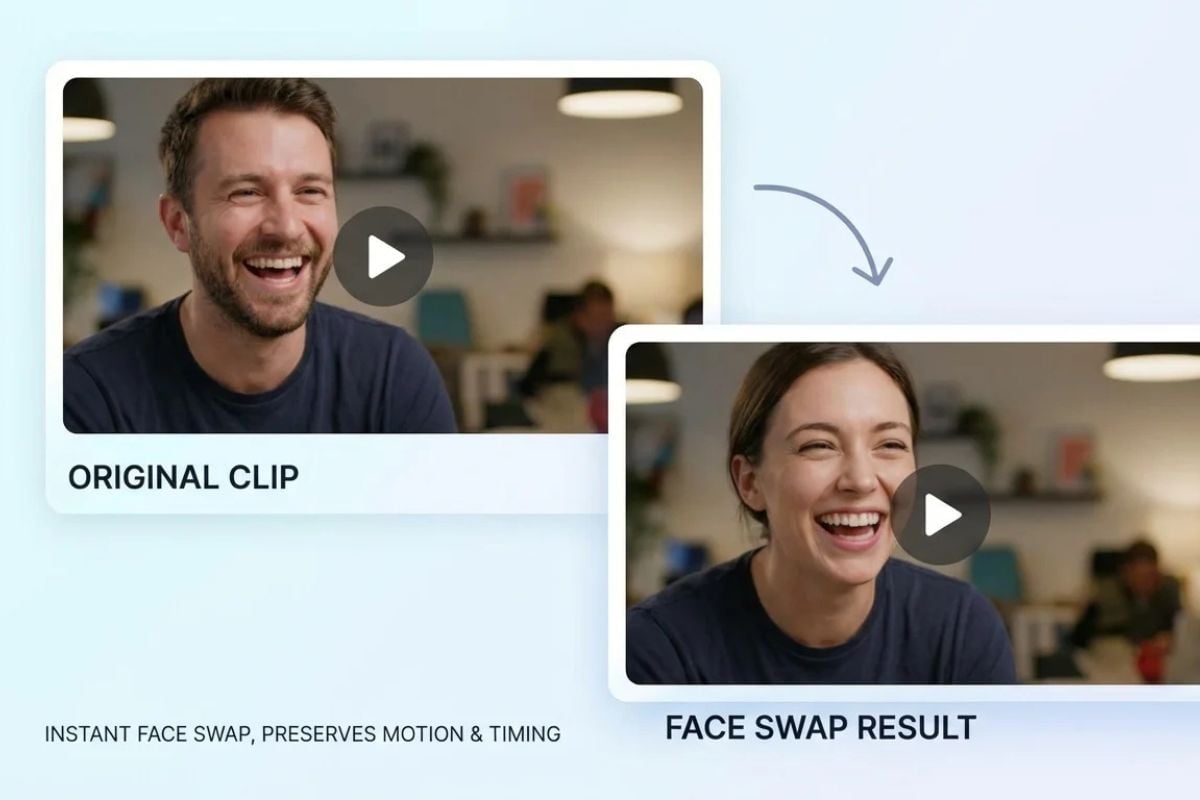
You can use AI body swap workflows to draft video-style concepts, short-form ideas, avatar clips, dance-inspired edits, or motion previews. Treat these as creative drafts rather than frame-perfect production assets. If body motion, hands, limbs, or clothing edges look inconsistent, revise the reference or simplify the scene before publishing.

What inputs work best for an AI body swap generator?

Use a clear reference with visible body shape, face direction, outfit details, and enough resolution. Target images work better when the pose, camera angle, and lighting are compatible with the reference. Extreme side angles, hidden hands, heavy shadows, or busy backgrounds can make the result harder to evaluate and may require cleanup.

Can I use someone else’s body or likeness?

Only use a person’s body, face, or likeness when you have permission and a responsible reason to do so. Avoid impersonation, harassment, misleading adult or political content, and edits that could harm someone’s reputation. Consent matters even more when the output looks realistic or will be shared publicly.

Is AI body swap useful for fashion or cosplay ideas?

Yes. It can help preview outfits, cosplay concepts, character costumes, creator looks, and full-body styling directions before a shoot or design pass. For best results, choose references where clothing edges, body pose, and lighting are easy to read. Treat the output as a visual concept, not a guaranteed product fit or tailoring proof.

Can I use AI body swap outputs commercially?

Commercial use depends on your rights to the source images, target images, recognizable people, outfits, logos, and any brand assets in the result. Use extra review for ads, product pages, sponsored posts, or public campaigns. GoEnhance AI can help create drafts, but it does not replace rights clearance or brand approval.

How do I improve body swap realism?

Start with a clean reference, avoid extreme pose changes, and choose target scenes with similar camera height and lighting. After generation, compare face-body alignment, limb shape, garment seams, shadows, and whether the body proportions feel plausible. If one area looks wrong, regenerate with a simpler pose or use manual cleanup for final work.

Is AI Body Swap free to use?

GoEnhance AI offers free credits for trying AI body swap and other creative tools. After the free credits are used, you may need to upgrade or buy more credits to continue generating results.

Create AI Body Swap Visuals Now

Use GoEnhance AI to create body swap images, video-style concepts, outfit previews, character scenes, and creator edits from clear references.

Start Body Swap