goenhance logo

Multiple Face Swap Free Online

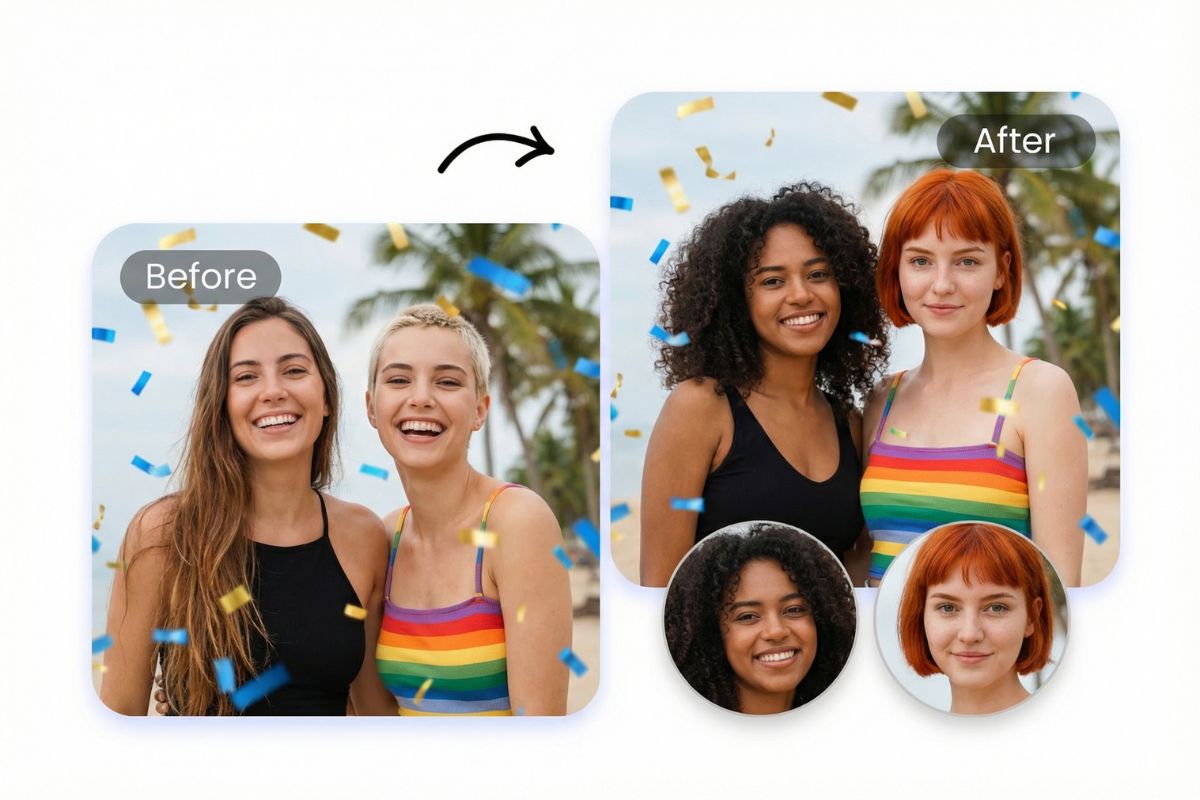
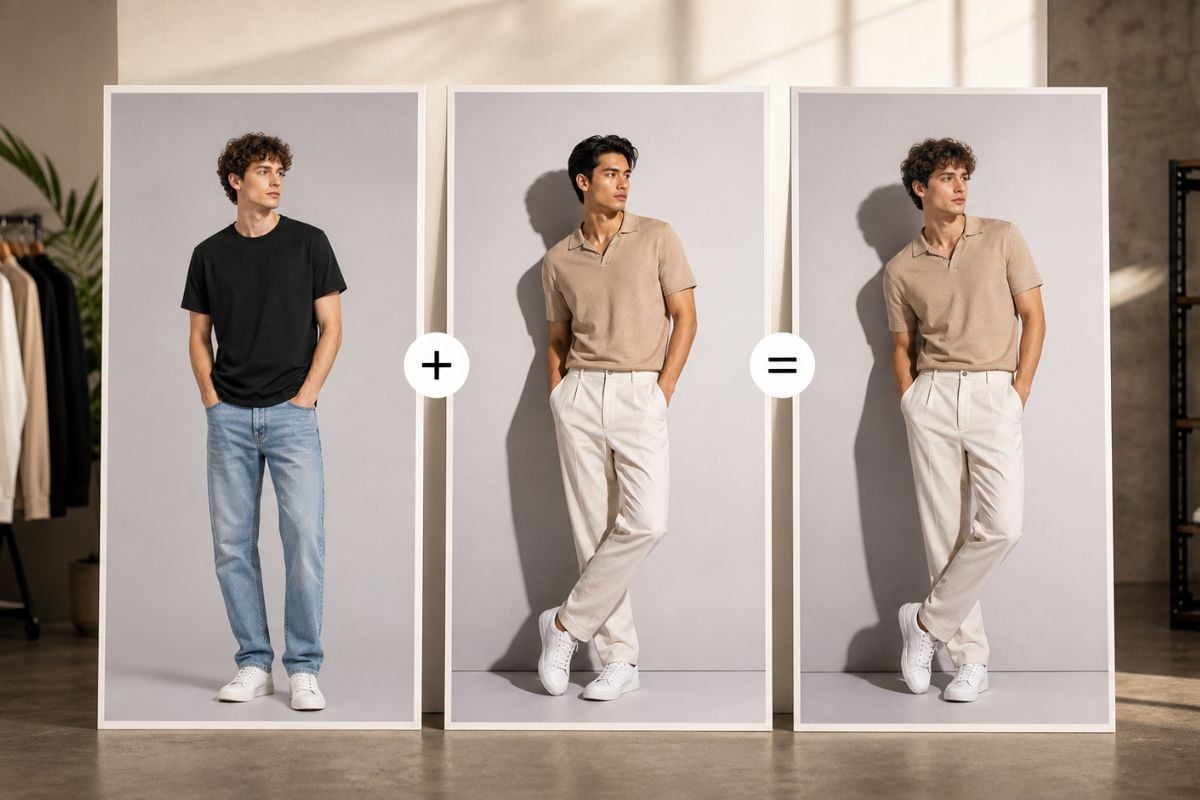
Multi-face swap in one scene, with a clean, natural look. This multiple face swap tool works for both videos and photos, so you can fix a group shot, make a funny edit, or create a multi faceswap clip that still feels like the original moment.
Try Multiple Face Swap

Explore Multiple Face Swap Features
Swap Multiple Faces at Once (Photo or Video)

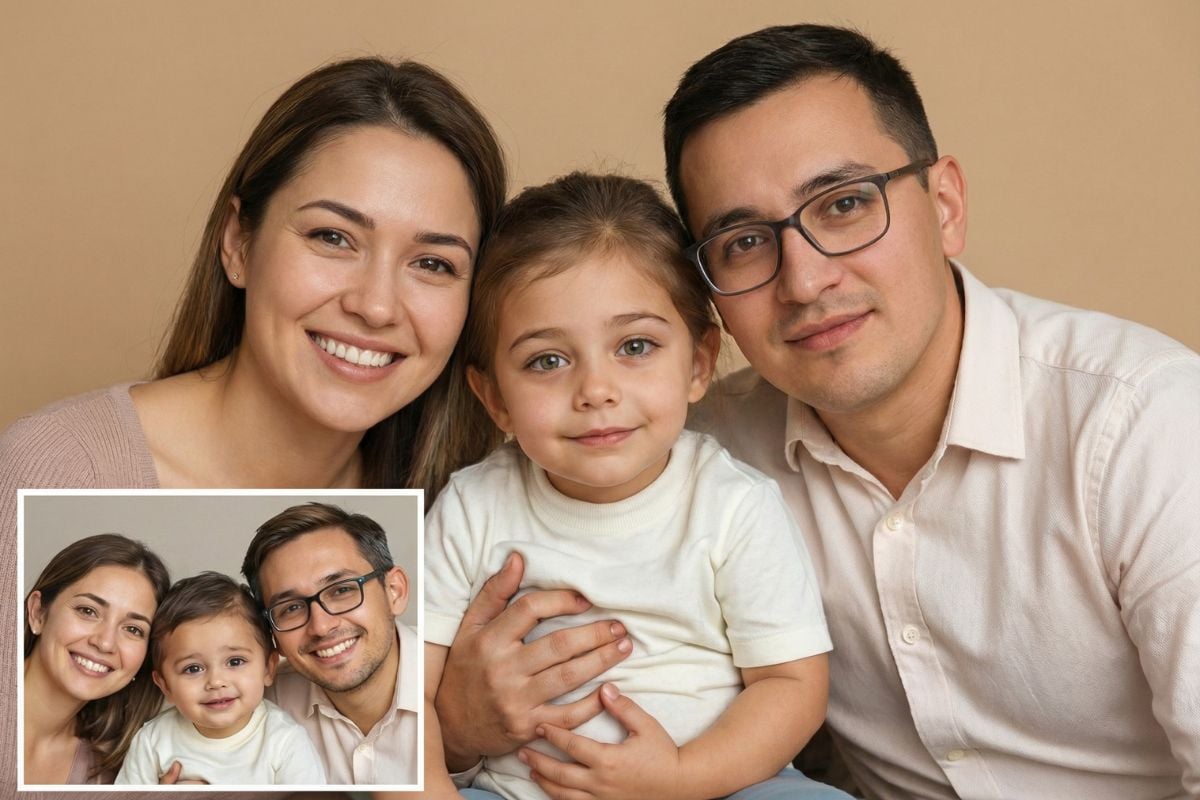
Upload a group photo or a short clip, select the faces you want to replace, and generate a clean result. It’s built for everyday use: group selfies, team photos, party clips, and quick edits where one-face tools feel too limited.

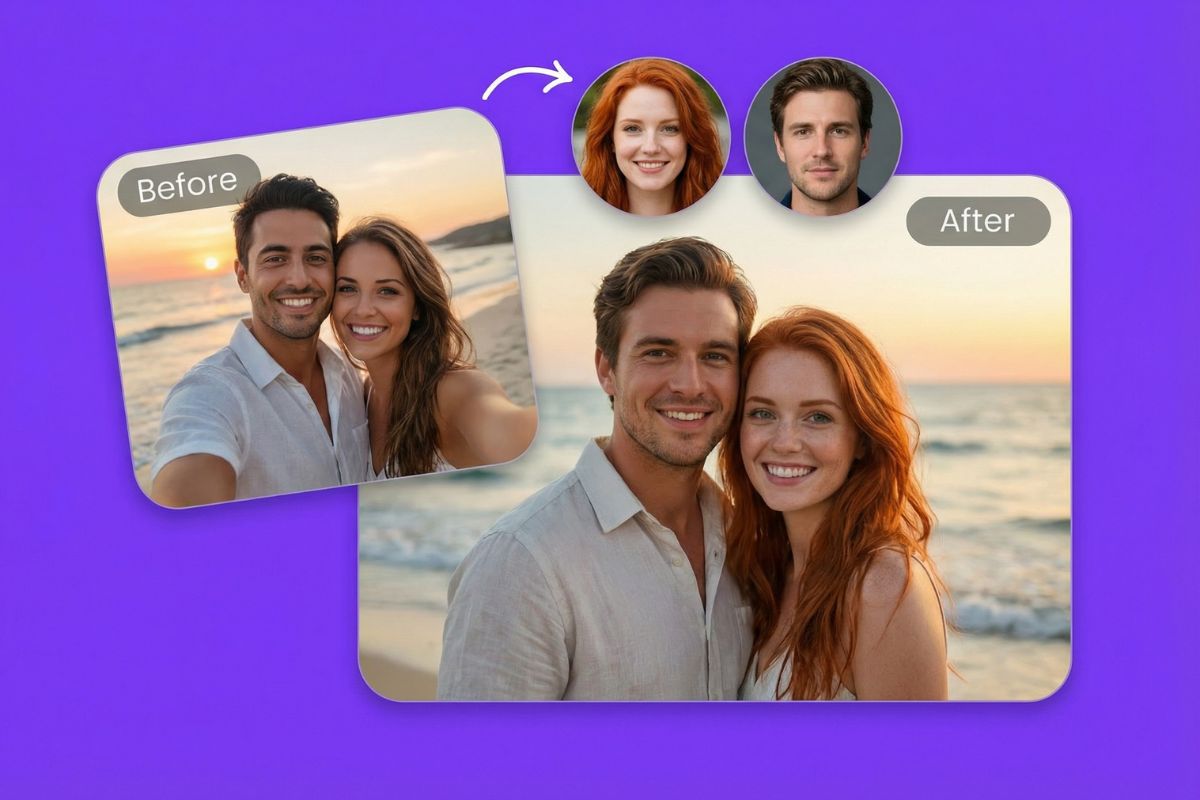
Quick Preview: Multiple Face Swaps in One Scene (Photo or Video)

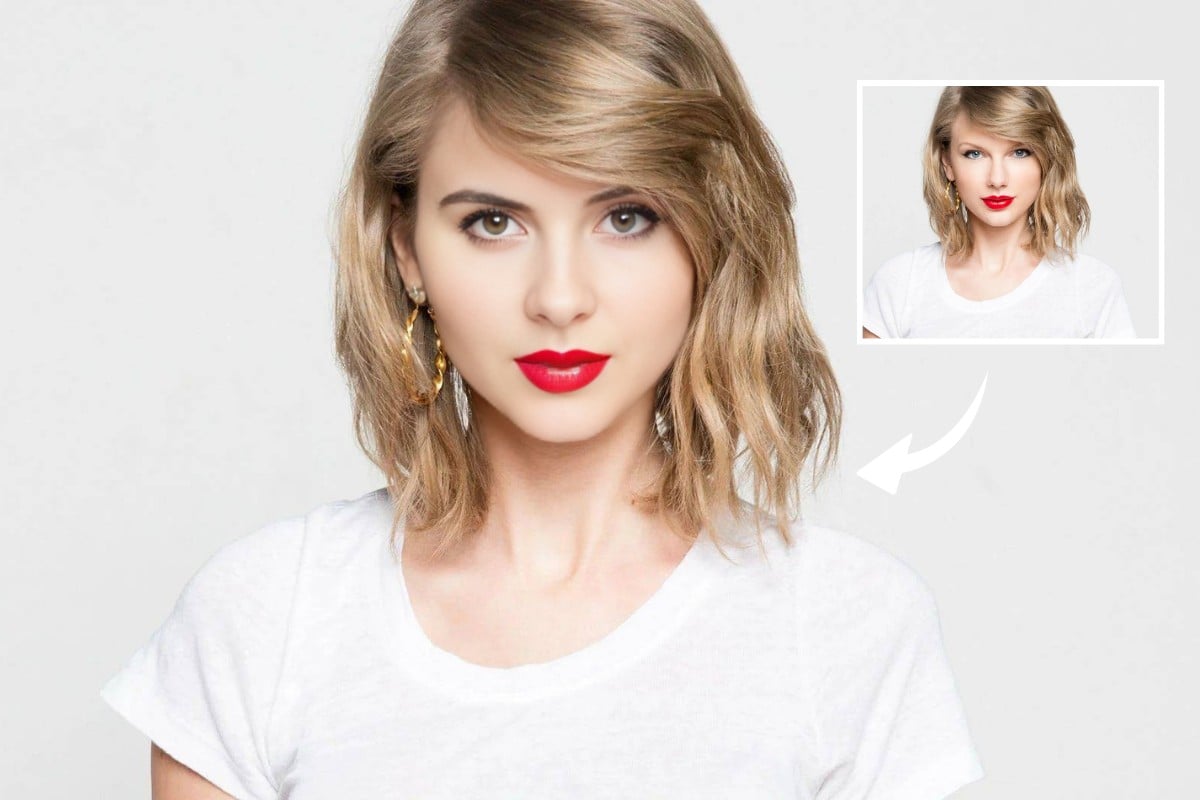
Matches Skin Tone, Lighting, and Angles for a Seamless Look

A great multi-face swap should feel native to the scene—not pasted on. This workflow prioritizes natural edges, consistent lighting, and face placement that respects the original head angle—so the swap doesn’t jump out as “pasted on.”

multiface swap with natural blending and lighting match

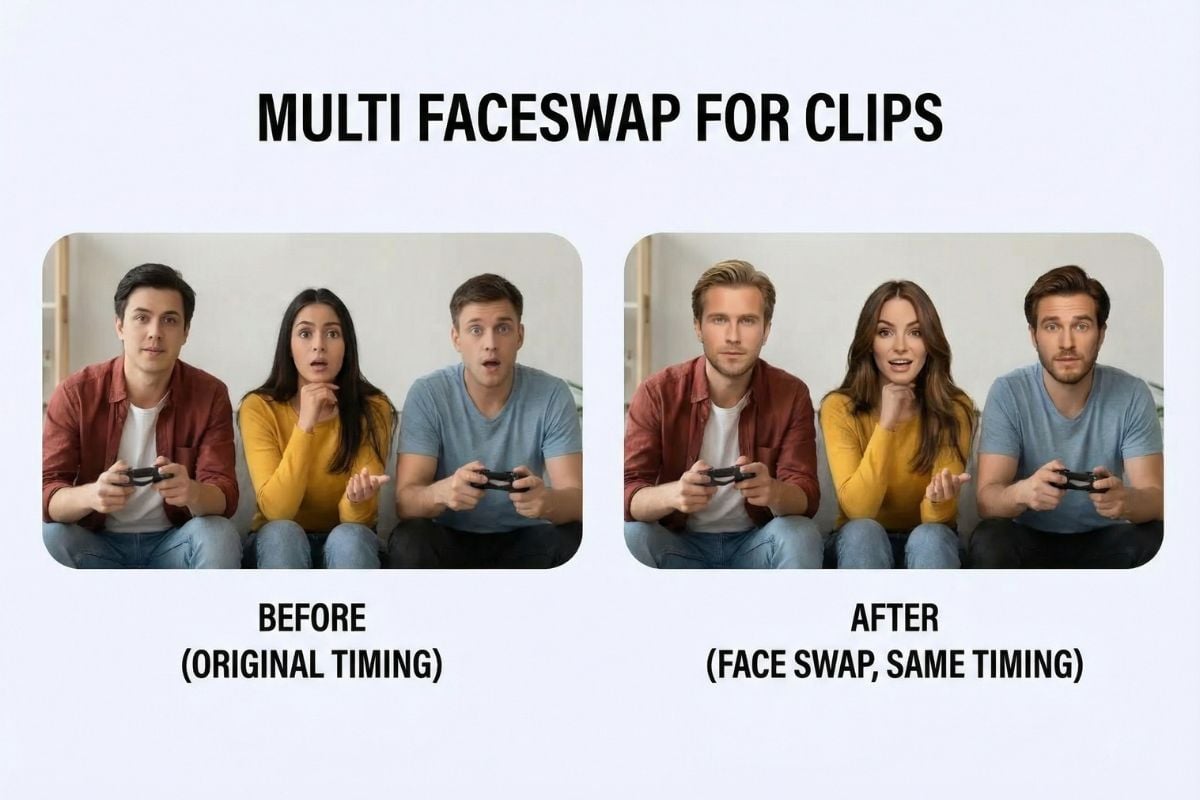
Multi Faceswap for Clips That Keep the Same Timing

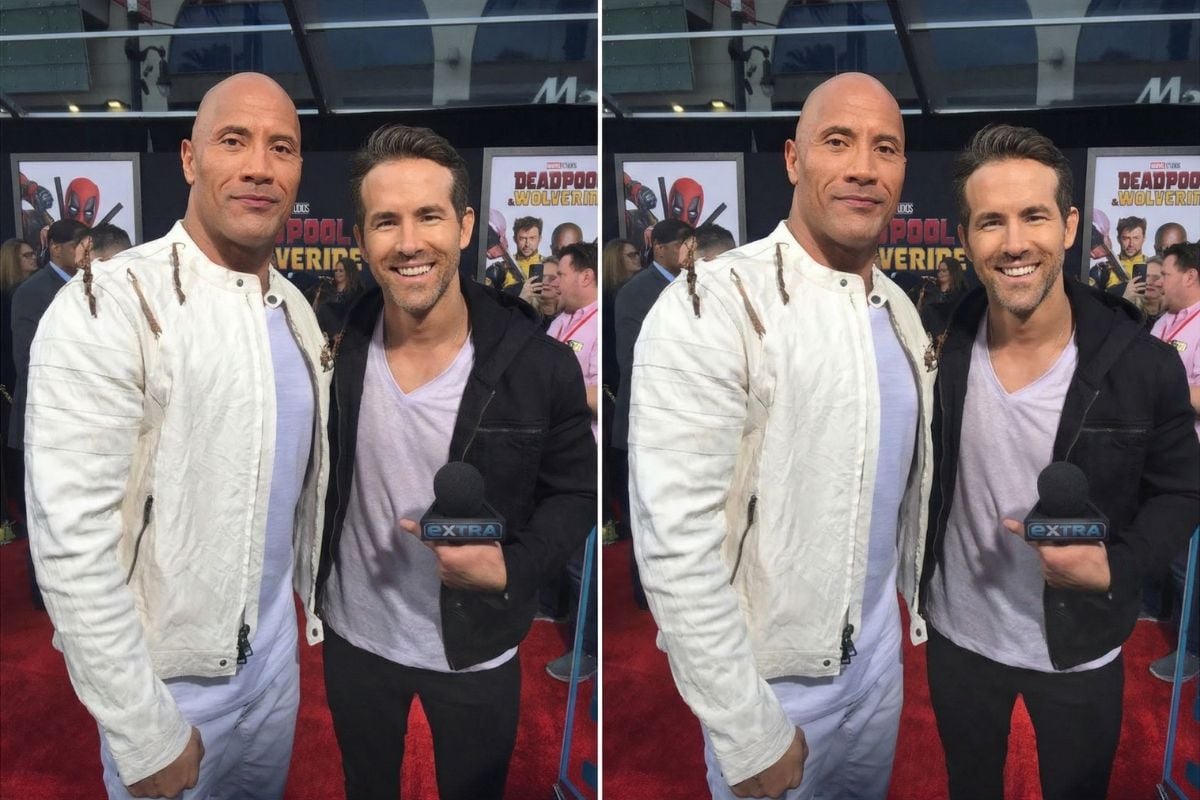
For video edits, timing matters more than people think. This multi faceswap flow keeps the original scene rhythm, expressions, and camera movement, while updating the selected faces—ideal for reaction clips, short skits, and playful remixes.

multi faceswap video that preserves scene timing

Fast Workflow That Feels Like “Multiple Face Swap Video Online Free”

Quick mode is easy: upload, pick the faces, and generate. It’s designed to be fast enough for everyday edits—when you want the vibe of multiple face swap video online free, but still care about a clean finish.

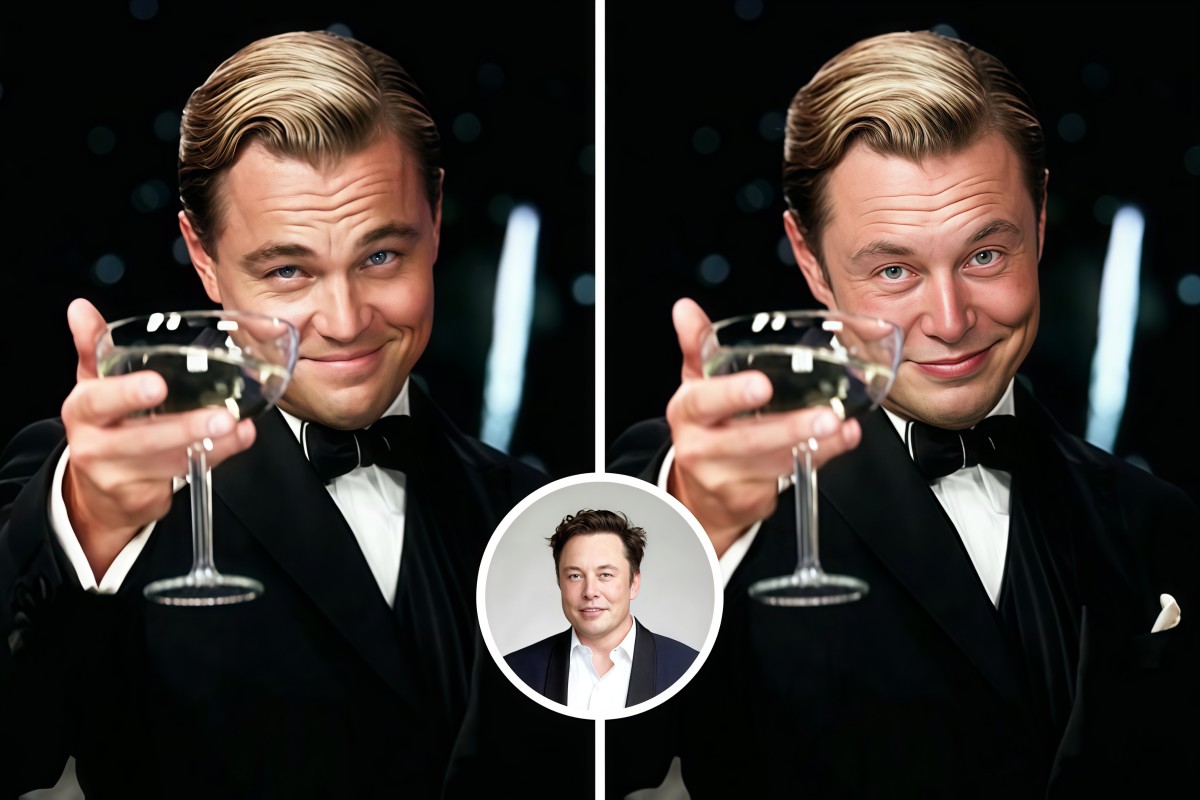
Style-Consistent Multi-Face Swap — Preview in One Flow

Build a Full Face-Swap Toolkit (Memes, GIFs, and More)

Need different formats? Pair multiple face swap with our face swap, turn short loops into a gif face swap, or make a share-ready punchline using the face swap meme generator—so you can match the output to where you’re posting.
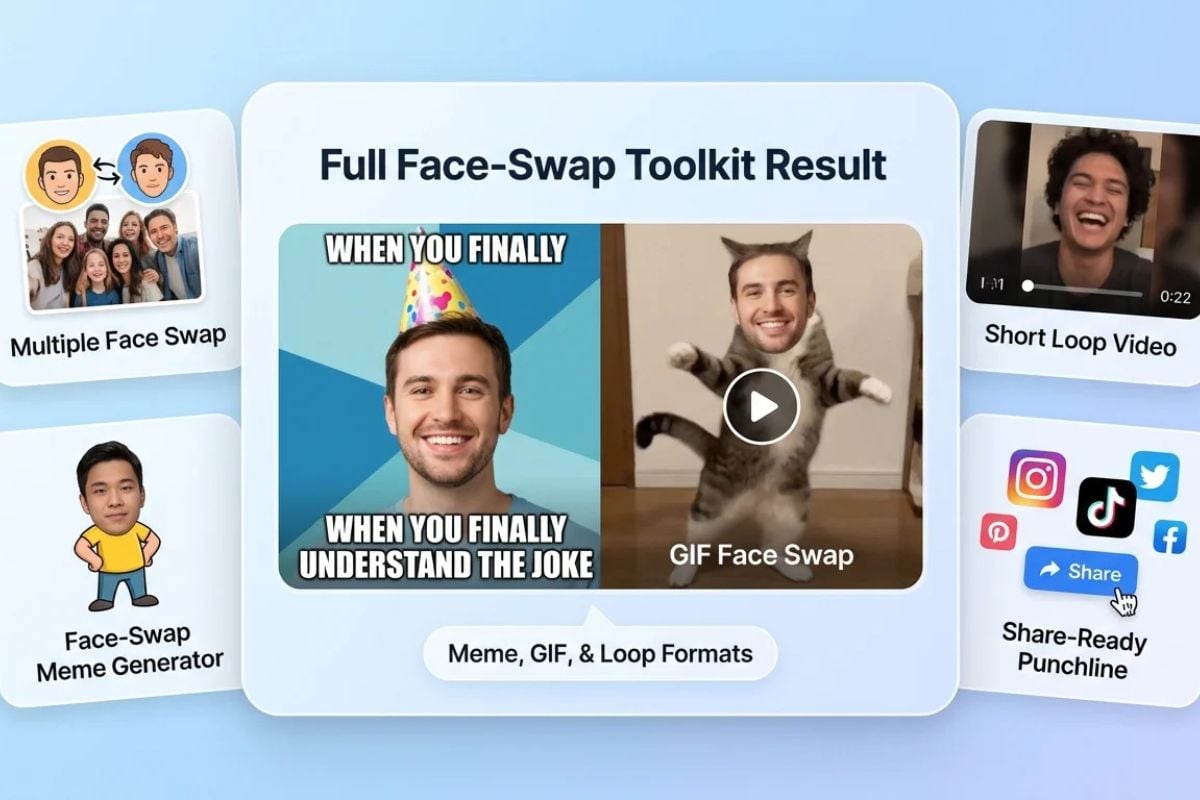
multiple face swap with gif and meme formats
Made for real scenes, not just single portraits

Why Choose GoEnhance Multiple Face Swap?

Works for Photos and Videos

This feature isn’t limited to still images—use it for a group photo, or generate a short multi faceswap clip with the same original vibe.

Designed for Group Shots

Made for group shots, multi face swap stays more consistent than doing individual swaps.

Cleaner Edges and More Natural Placement

Faces blend better into the scene with fewer obvious seams, so the edit looks smoother in both close-ups and wider shots.

Quick Enough for Daily Use

When you’re making playful edits often, speed matters. This is a practical AI multiple face swap workflow you can repeat without a long setup.

Helpful Controls for Better Results

Use clear, well-lit face sources and keep angles similar for the best match—small choices that noticeably improve the final output.

Free Multi Faceswap

Whether you call it multiface swap, multi faceswap, or multi faceswap, the goal is the same: swap several faces while keeping the scene believable.

How To Use Multiple Face Swap

01

Upload a Photo or Video

Add a group photo or a short clip. Choose content you have permission to use and that you’re comfortable processing online.

02

Select Faces and Add Sources

Pick the faces you want to replace, then upload the face photos you want to swap in. Clear, front-facing images usually blend best.

03

Generate and Download

Preview the result, regenerate if needed, then export your final photo or video.

Find More Creative Tools on GoEnhance AI
Frequently Asked Questions

You may want to know

What is multiple face swap?

It’s the ability to replace multiple faces in the same frame—photo or video. Instead of swapping one person at a time, you can edit several faces in a single pass—useful for group shots, team photos, and short clips with multiple people in-frame.

Is this an AI multiple face swap tool, or a manual editor?

A multi-face swap workflow that automatically handles face matching and natural blending. You still control the inputs (which faces to replace and which face photos to use), but the tool handles placement, blending, and consistency work that would otherwise take manual masking.

Can I do a multiple face swap video online free?

You can generate results online without installing software. Whether it’s “free” depends on your plan and available credits, but the workflow is built to feel lightweight: upload, select faces, generate, and export.

Does it work for both video and photos?

Yes—this feature can be used for video and photos. For video, it aims to keep the original timing and scene feel while swapping the selected faces. For photos, it focuses on natural blending so the final image still looks coherent.

How many faces can I swap in one scene?

It depends on the content and complexity of the scene. Clean group shots with clear faces are the easiest. If you’re swapping many faces at once, results improve when faces are well-lit, not heavily occluded, and have similar angles to the source faces you’re using.

What makes a good result for multiface swap?

Use high-quality face images: sharp focus, even lighting, and minimal shadows. Try to match angle and expression to the target face. For video, use clips with stable lighting and fewer fast cuts. These choices reduce artifacts and help the swap look more believable.

Can I use results in ads, client work, or commercial projects?

You can use outputs for commercial work based on your plan’s usage rights, but you’re responsible for permissions. Get consent from real people whose faces you use, and avoid using protected likenesses, trademarks, or copyrighted footage without authorization.

How should I handle private or sensitive footage?

Treat uKeep uploads private: don’t submit confidential or sensitive material, and only upload content you own or have permission to use, and are comfortable handling via an online service. If the footage includes other people, get consent before generating or sharing results.

Why does a face look off (warped, mismatched color, or unnatural)?

Common causes include low-resolution face sources, strong shadows, extreme head angles, or faces partially covered by hair/hands. Try a clearer face photo, pick a target frame with better lighting, and regenerate. For video, shorter clips with steadier lighting usually improve consistency.
Swap Multiple Faces, Keep the Moment

Multi-face swap made easy: quick for laughs, polished for socials.

Start Multiple Face Swap