goenhance logo

AI Animal Face Swap

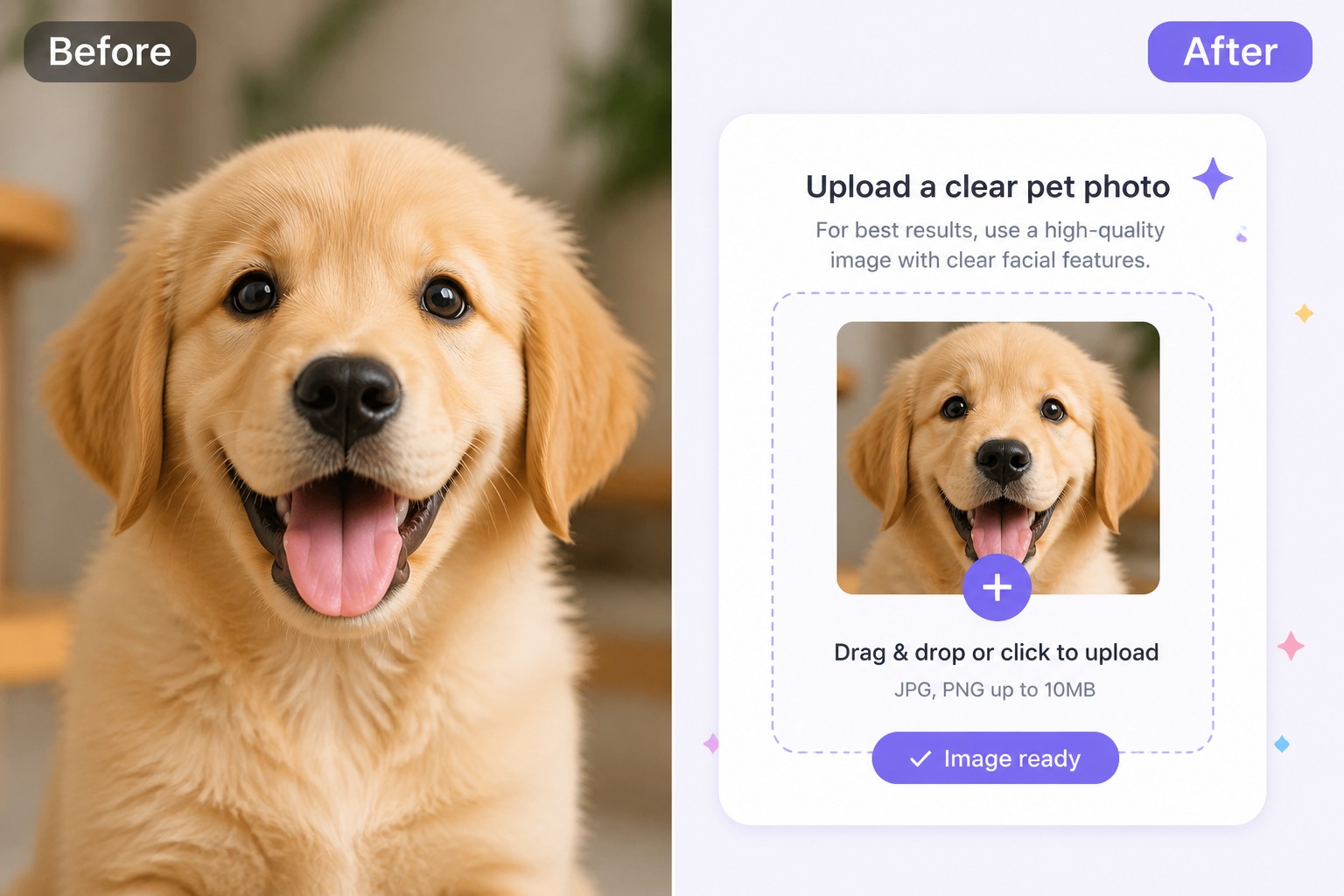
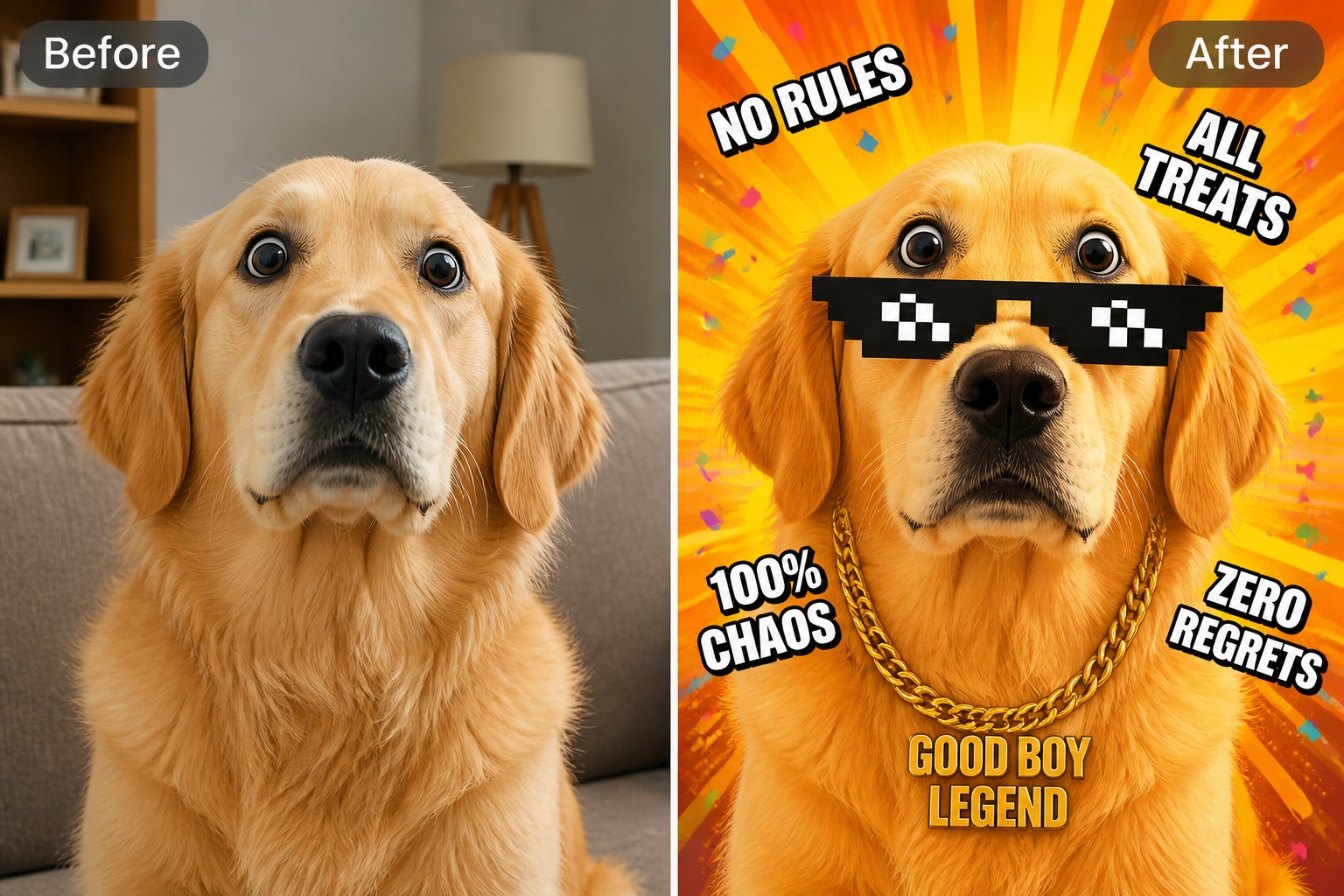
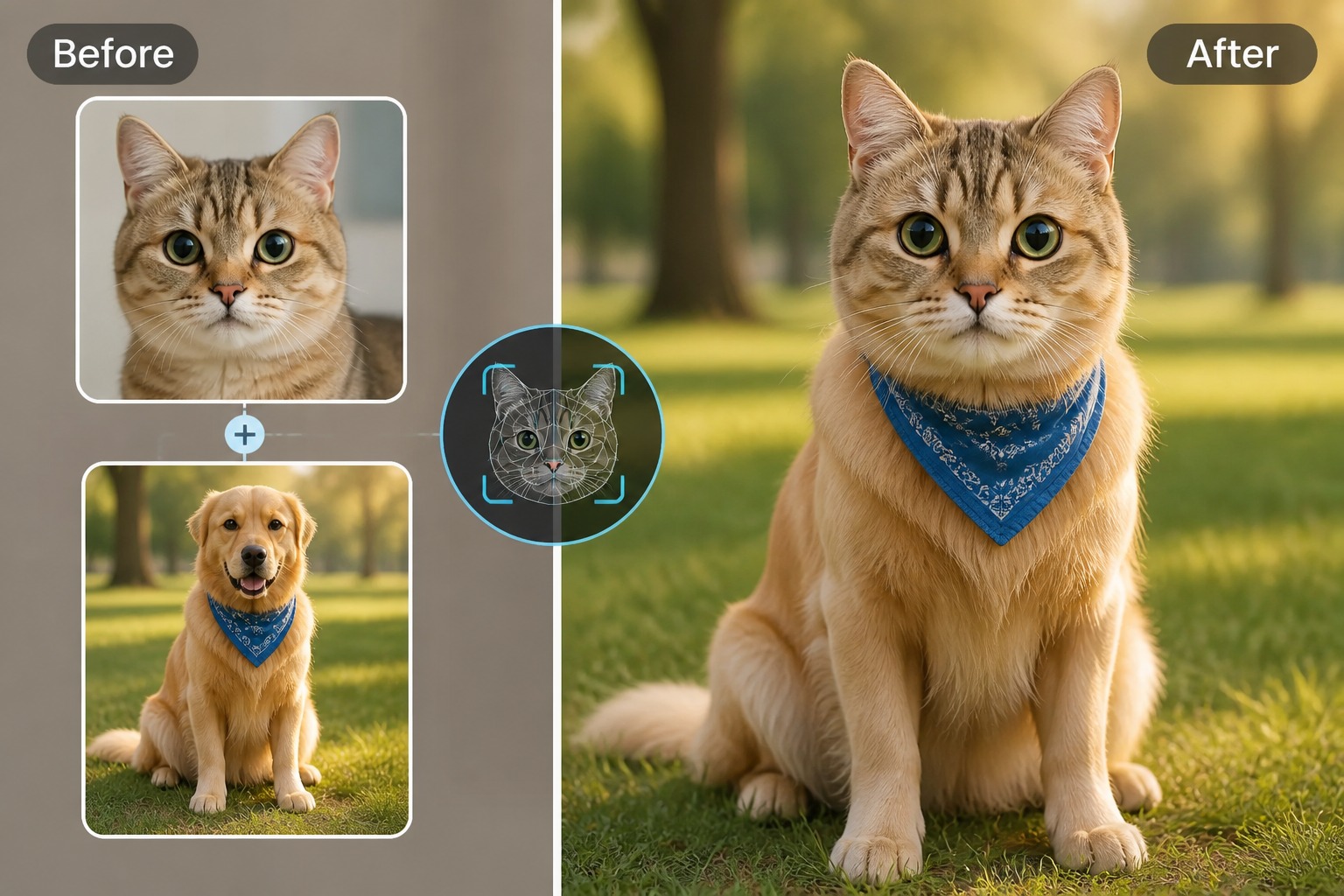
Upload a clear animal photo and a target image, then create a playful face swap that keeps the pet’s expression, fur direction, and scene lighting in mind. Best for memes, pet avatars, social posts, and light creative edits.
Swap Animal Face
AI animal face swap hero visual with a playful pet face edit

How to Use AI Animal Face Swap

Step 1

Upload Animal Photo

Start with a clear pet or animal image where the face, eyes, snout, and ears are visible. Similar angles usually produce cleaner swaps.
Step 2

Choose Target Image

Add the photo you want to transform and keep the creative goal focused, such as meme, avatar, sticker, or social post.
Step 3

Review the Swap

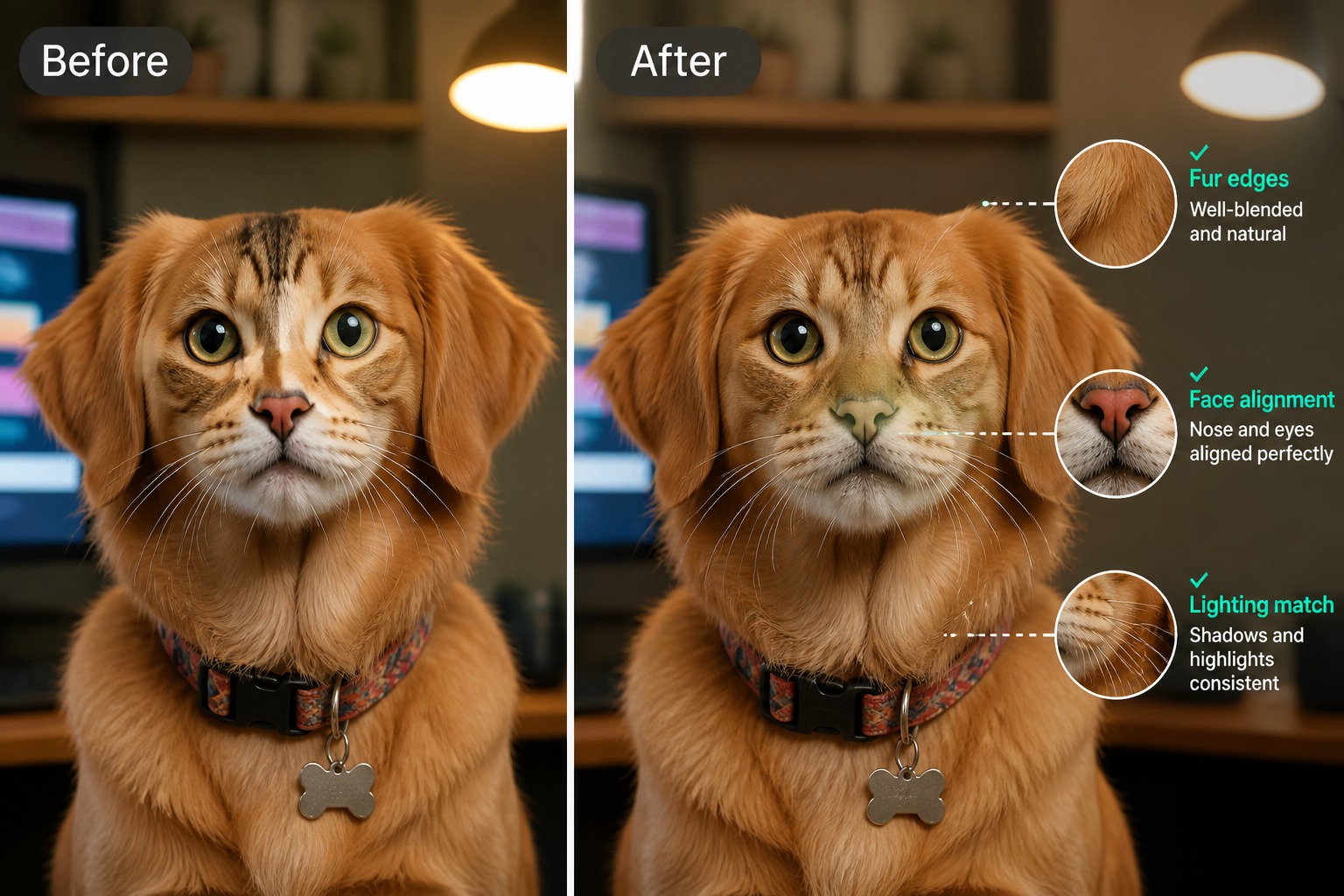
Check expression, fur edges, lighting, and face placement. Regenerate when the animal looks pasted on or the pose feels mismatched.
Start Animal Swap

Animal Face Swaps for Pets, Memes, and Avatars
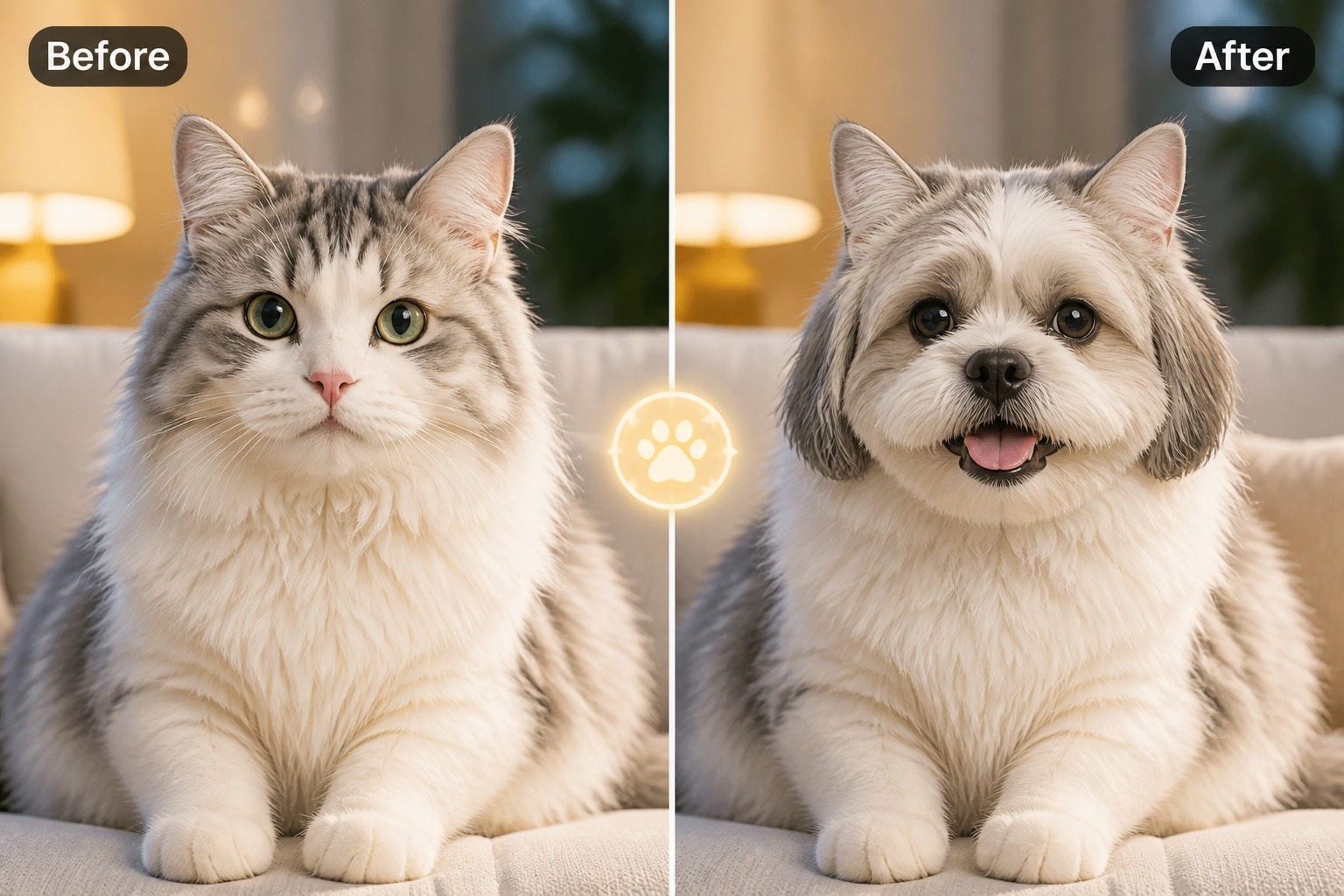
Blend Pet Expressions

Create animal face swap edits that keep the charm of the original pet instead of flattening every result into the same cartoon look. Clear eyes, visible snout shape, and similar head angles help the swapped face feel more natural in the final image.

pet expression blending example for AI animal face swap

Make Meme-Ready Edits

Turn a dog, cat, rabbit, or wildlife photo into a funny shareable visual without rebuilding the whole scene from scratch. The strongest fit is playful social content where the face swap should look readable, expressive, and instantly understandable.

meme-ready animal face swap example

Build Pet Avatars

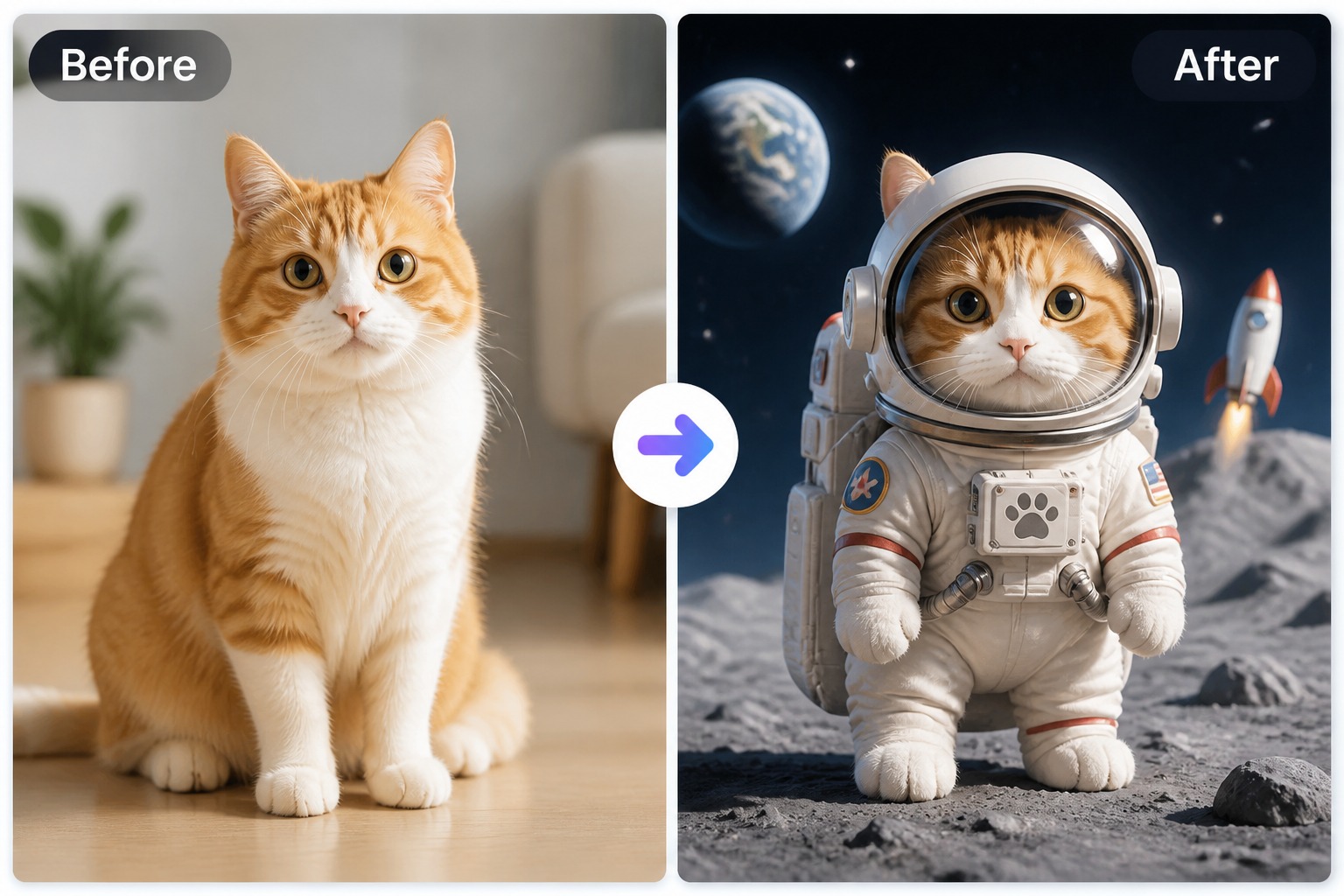
Refresh profile pictures, pet accounts, sticker concepts, and creator visuals with animal swaps that preserve the subject’s personality. For human likeness workflows, use the related face swap tool instead of mixing people and pets in one edit.
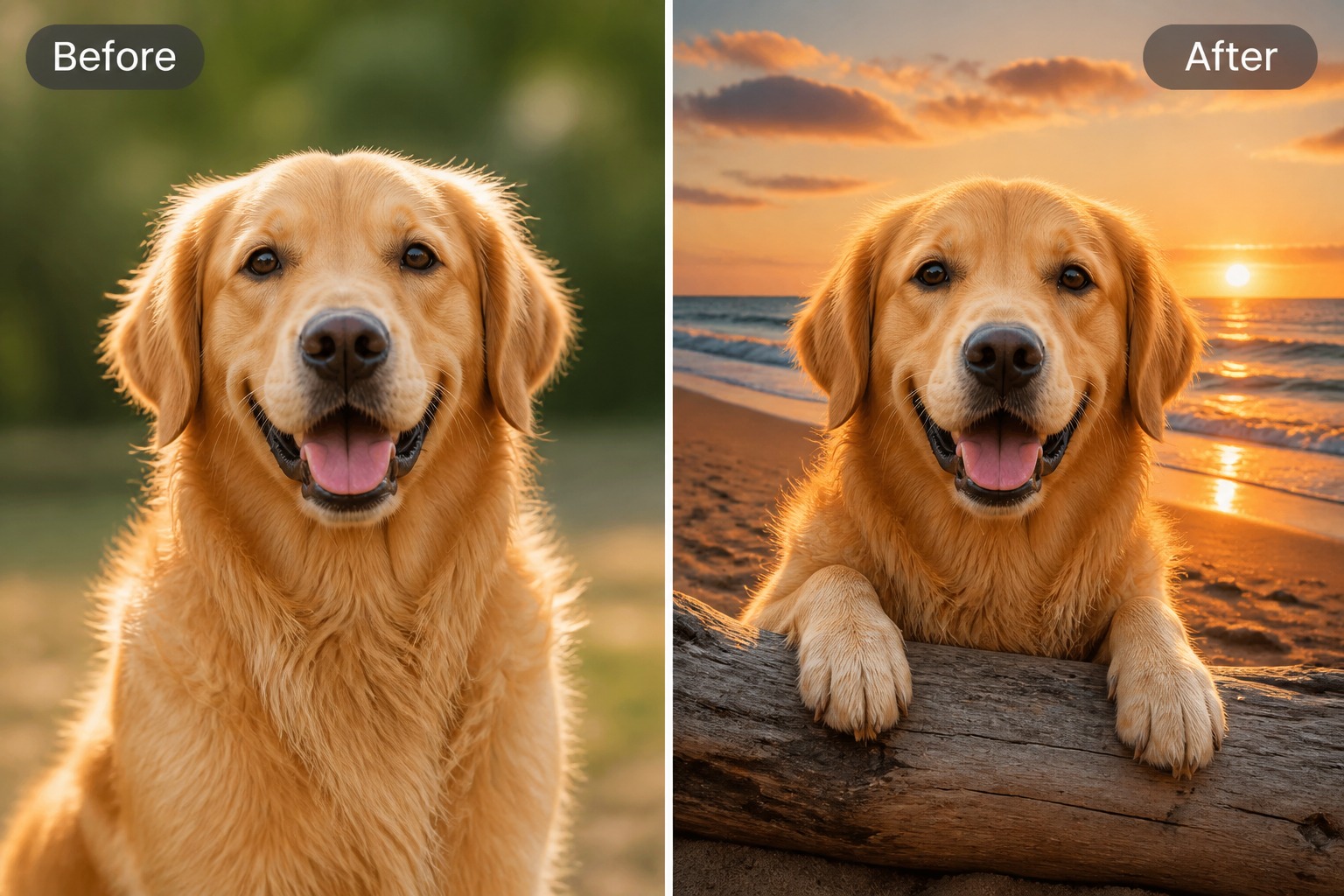
pet avatar example made with AI animal face swap

Control Visual Fit

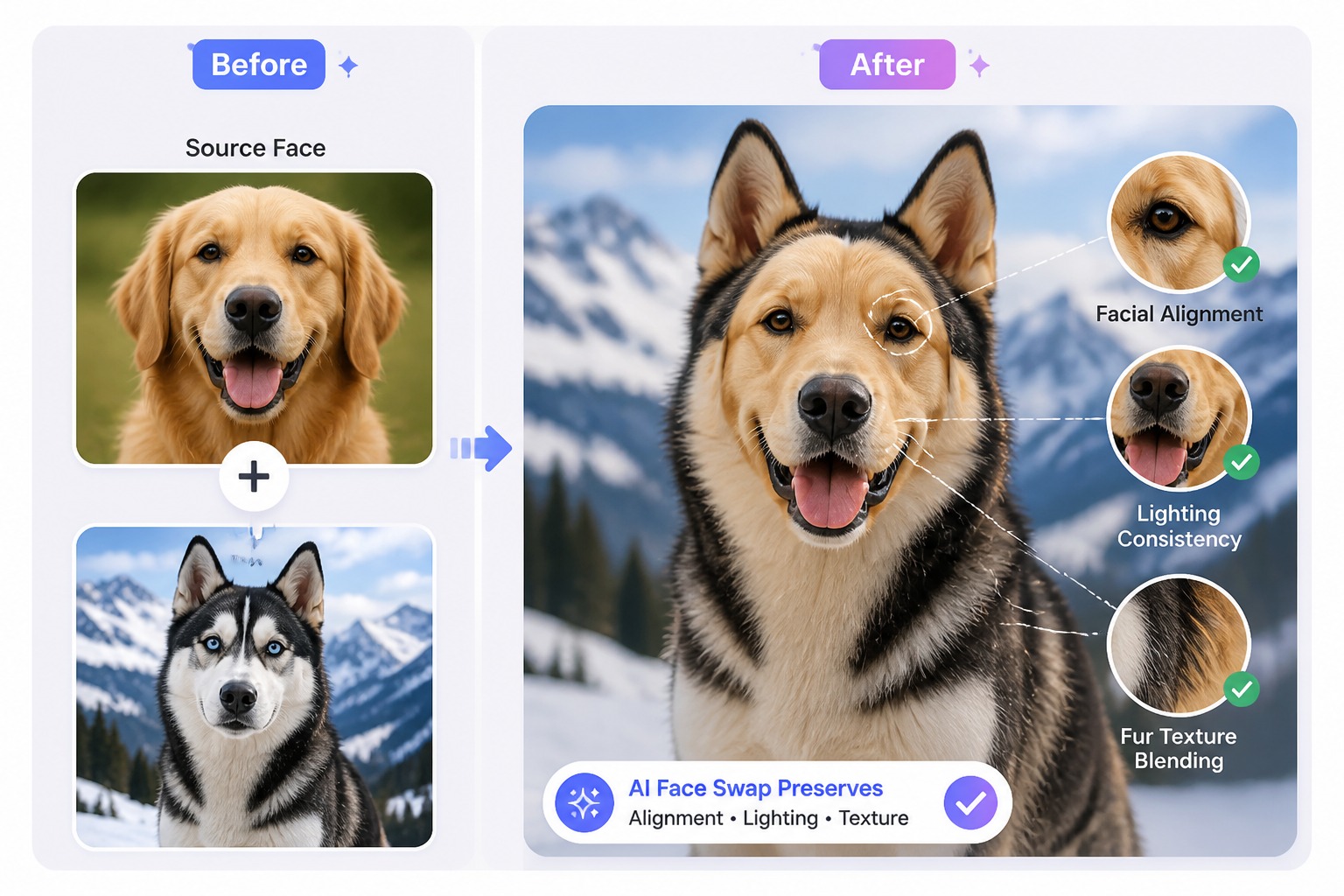
Animal swaps work best when the target pose, lighting, and fur direction leave enough structure for the AI to follow. Treat this as a creative image edit, not a precise breed identifier or realistic veterinary reference.

visual fit review example for AI animal face swap
Pet-first creative edits

Why Use GoEnhance AI for Animal Face Swap?

Natural Pet Personality

Keep the animal’s expression, head angle, and recognizable charm visible instead of producing a generic swap.

Fast Social Variations

Draft meme images, profile visuals, and pet-account posts faster than manual masking and compositing.

No Design Skills

Use clear image inputs and simple creative direction without needing complex layer editing or retouching tools.

Better Scene Fit

Match lighting, pose, and fur direction so the swapped face feels connected to the target image.

Creative Animal Ideas

Explore funny pet swaps, fantasy animal portraits, sticker concepts, and avatar looks from one workflow.

Practical Review Loop

Compare results for readable eyes, snout placement, ears, fur edges, and overall scene believability before sharing.
FAQ

AI Animal Face Swap FAQ

What is AI animal face swap?

AI animal face swap is an image editing workflow that places one animal face into another photo while trying to preserve expression, pose, and scene fit. It is strongest for playful pet edits, memes, avatars, and social visuals.

What animal photos work best?

Use clear photos where the animal’s eyes, snout, ears, and face outline are visible. Front-facing or three-quarter angles are easier to align than blurry side profiles, heavy shadows, or cropped faces.

Can I use it for cats, dogs, and other animals?

Yes. Cats and dogs are usually the easiest because their facial structure is familiar and commonly photographed. Other animals can work too, but unusual snout shapes, feathers, horns, or dense fur may need extra review.

Can I make animal memes with it?

Yes. Animal face swaps are especially useful for meme images, pet-account posts, reaction visuals, sticker concepts, and funny profile pictures where the result should be expressive and easy to read.

Can I use AI animal face swap with free credits?

GoEnhance AI provides free credits that can be used for image generation workflows, so you can test animal face swap before making more variations. After credits are used, more generations require additional credits or an upgraded plan.

How do I make the result look more natural?

Choose source and target images with similar head direction and lighting. After generation, check the eyes, snout, ears, fur edges, and shadows because those details decide whether the swap feels connected to the scene.

Can I use the results commercially?

Commercial use depends on GoEnhance AI terms and the rights attached to your source photos, target images, brands, props, and any recognizable animals or owned pets. Review permissions before using outputs in ads, products, or client work.

Create an AI Animal Face Swap Today

Upload a clear pet or animal photo, choose a target image, and generate a playful face swap for avatars, memes, stickers, or social posts.

Start Animal Swap