AI Twitter Header Maker
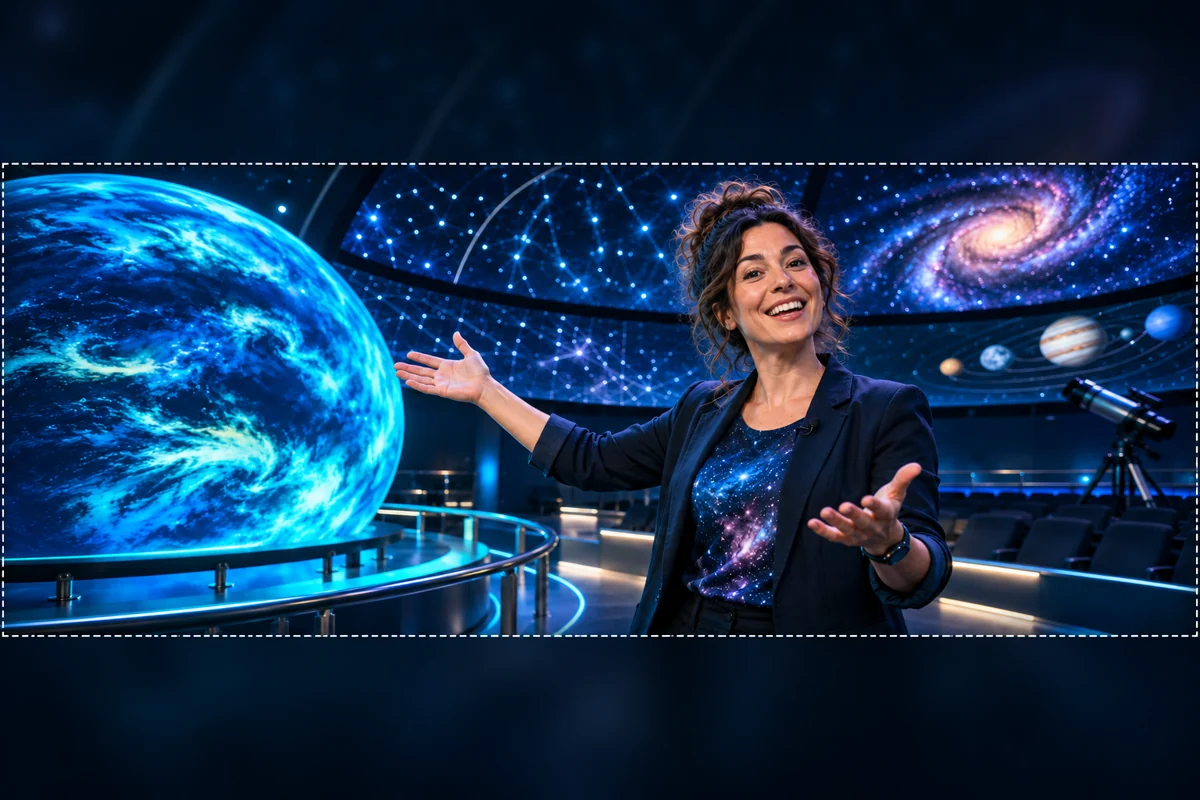
Design a Wide Profile Header Concept
Start with the Account's Visual Identity
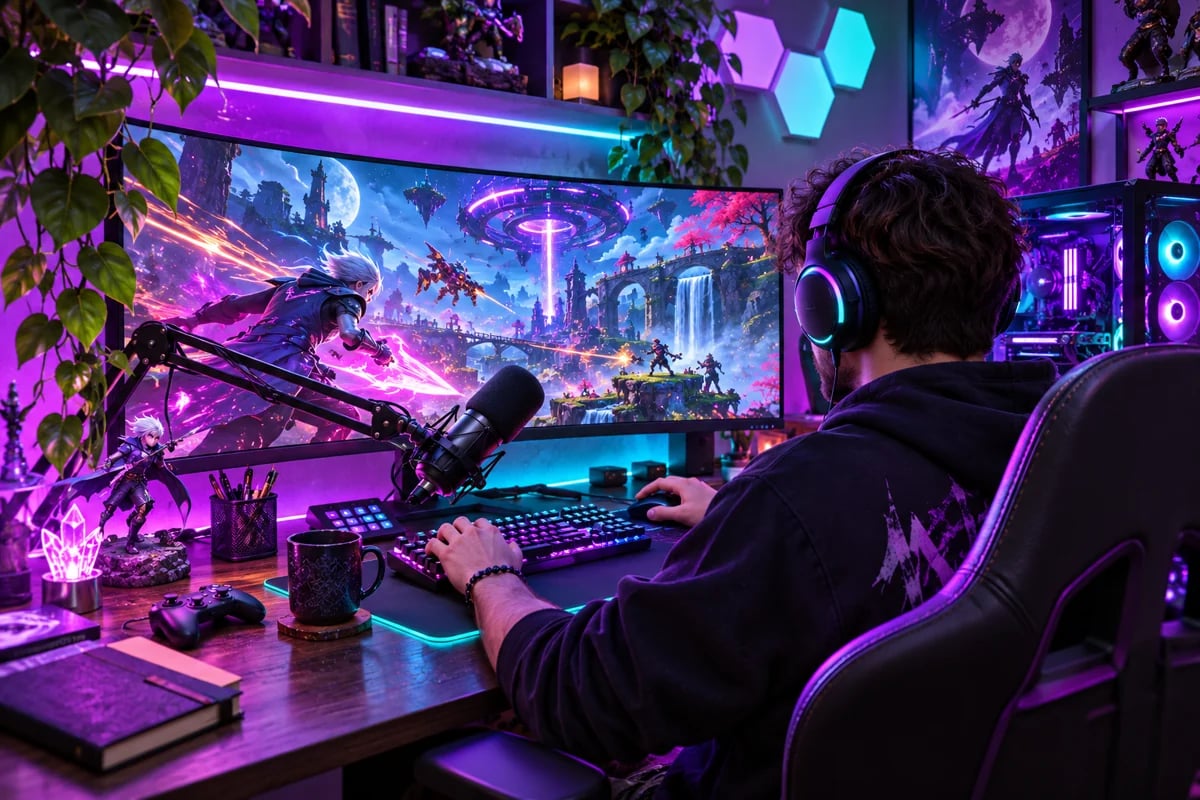
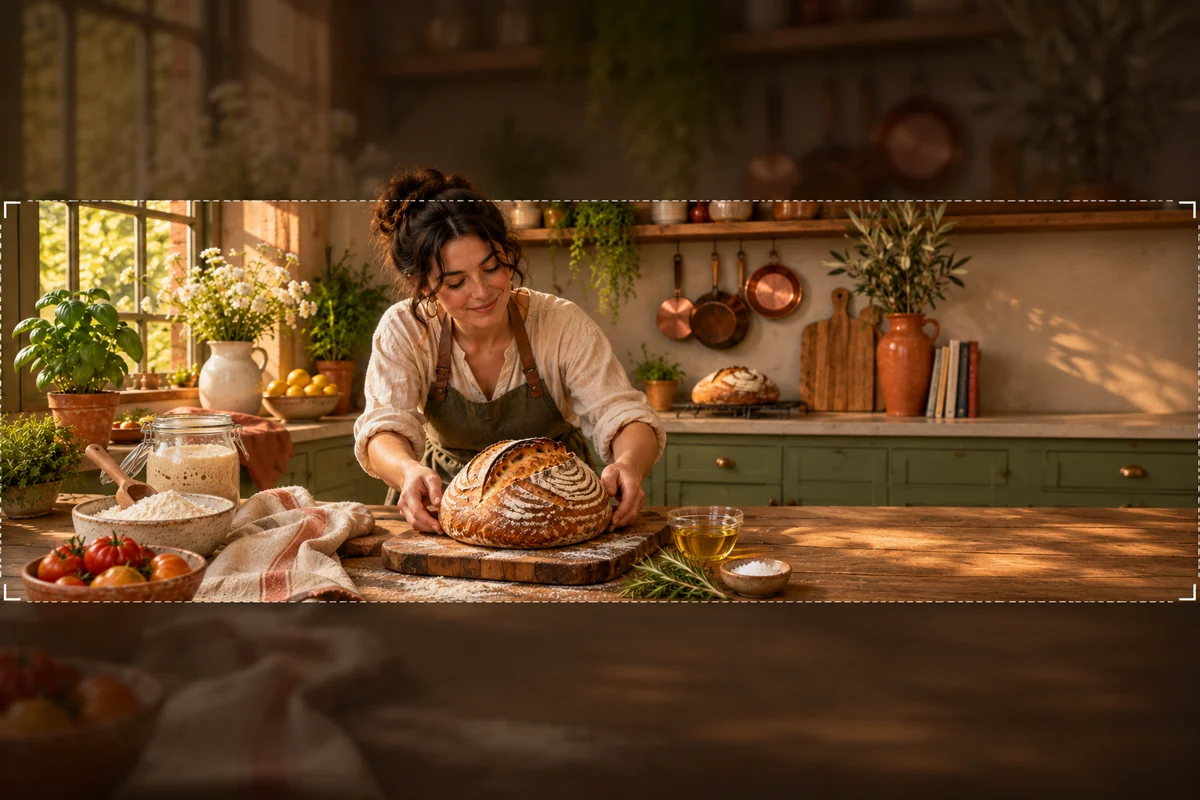
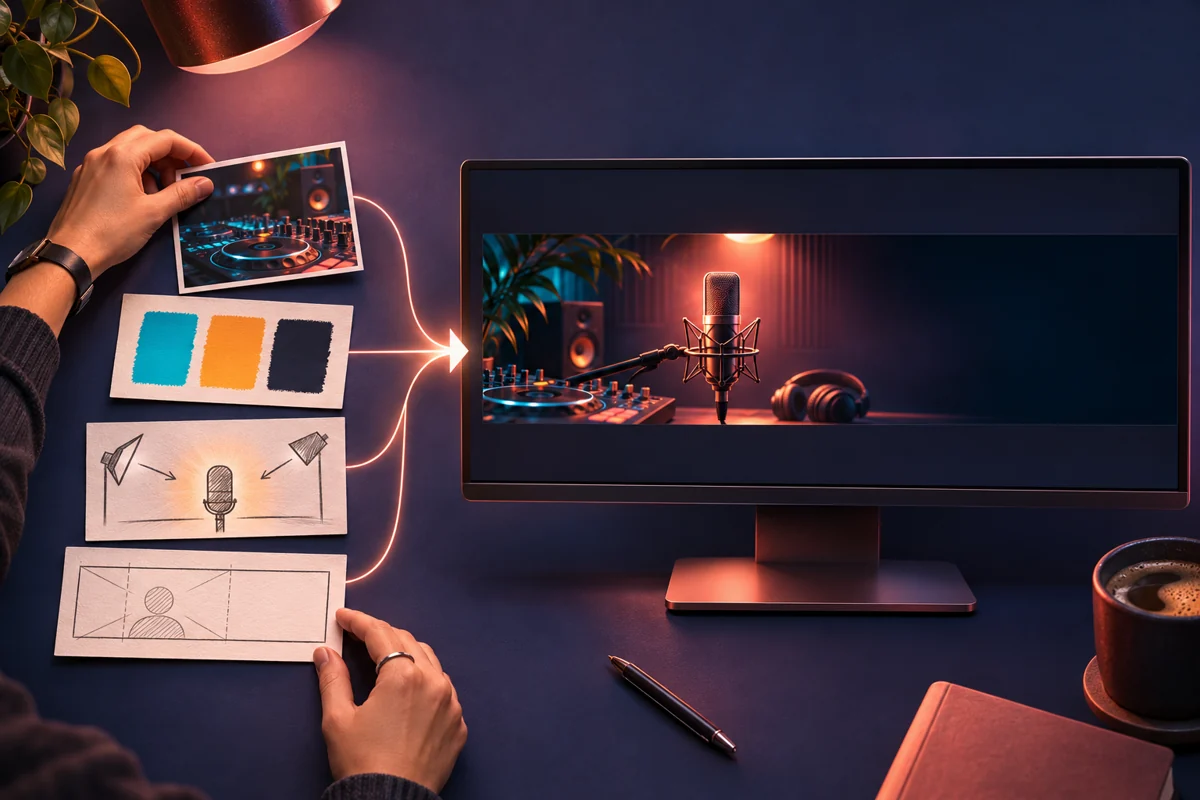
Start with the subject your audience follows, then decide on the mood and colors that should frame it. A gaming channel might use a dramatic monitor glow; a cooking creator could build around a signature dish; a teacher may prefer calm, clear science imagery. GoEnhance turns that written direction into an image concept you can compare and refine with another prompt. For more visual styles, explore the AI Image Generator.
Keep the Main Idea Clear After Cropping
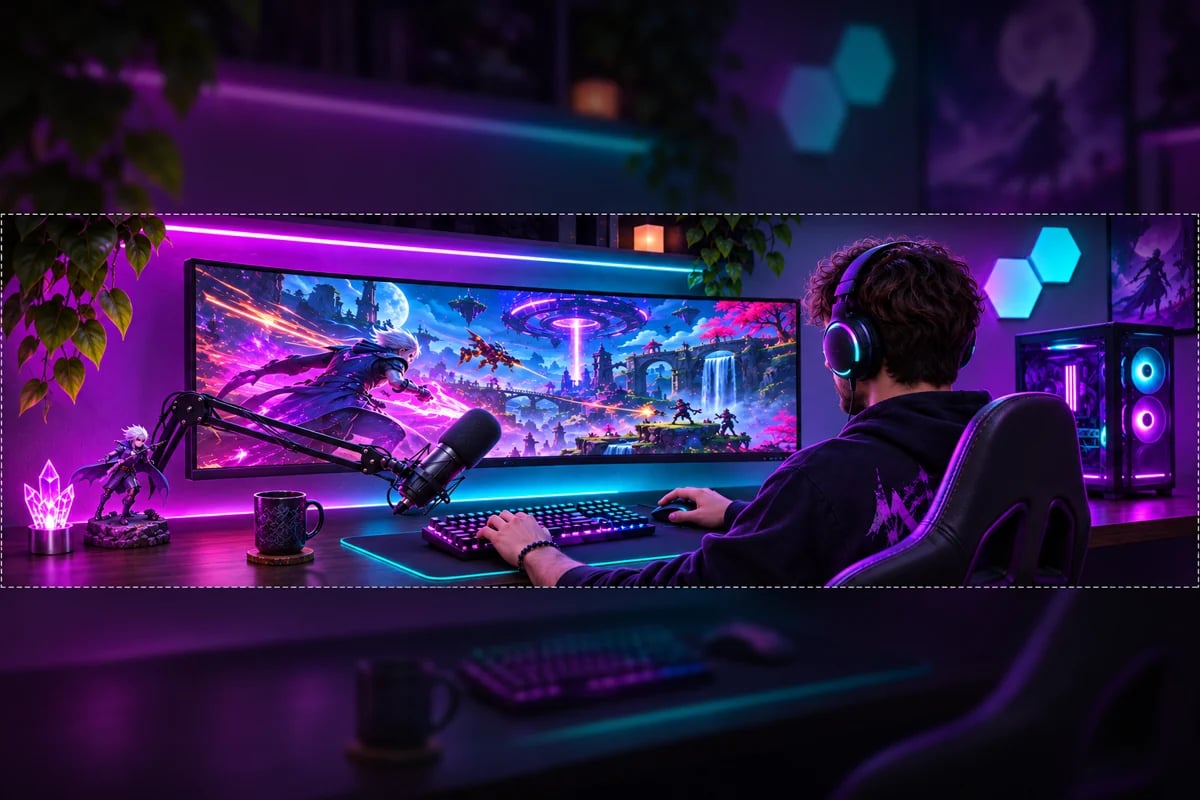
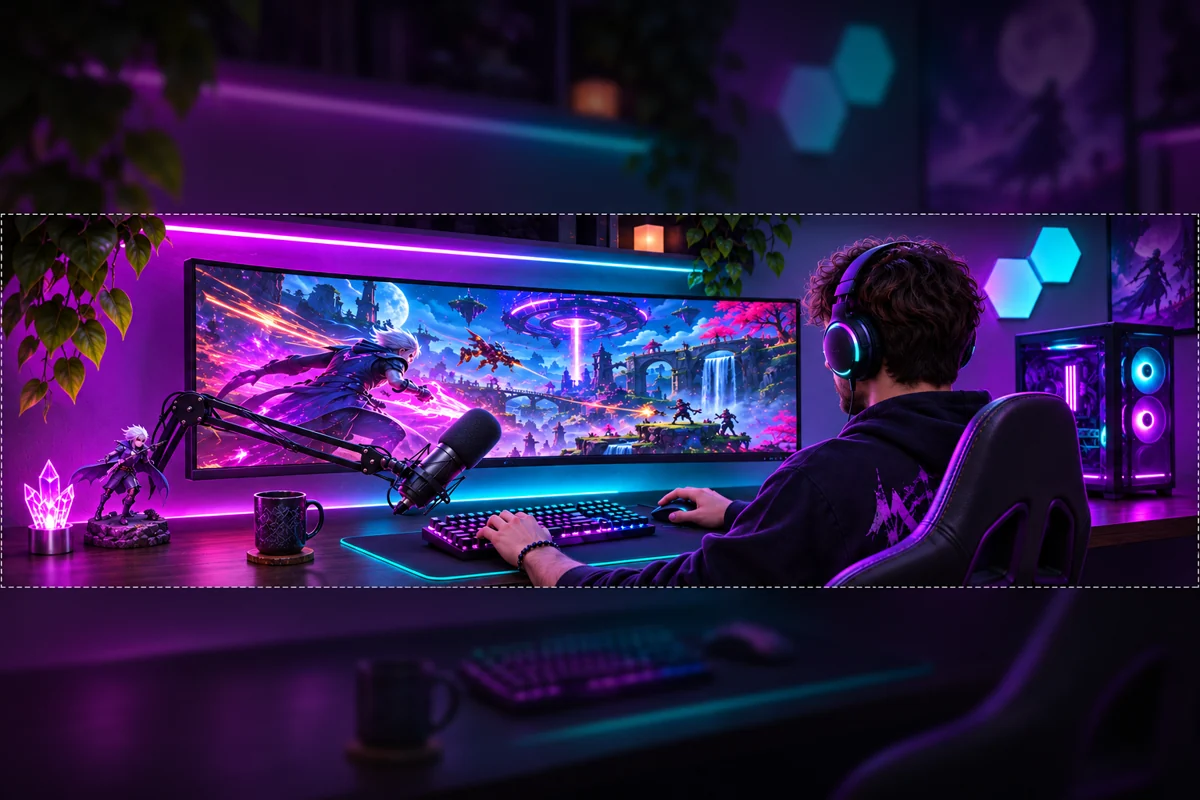
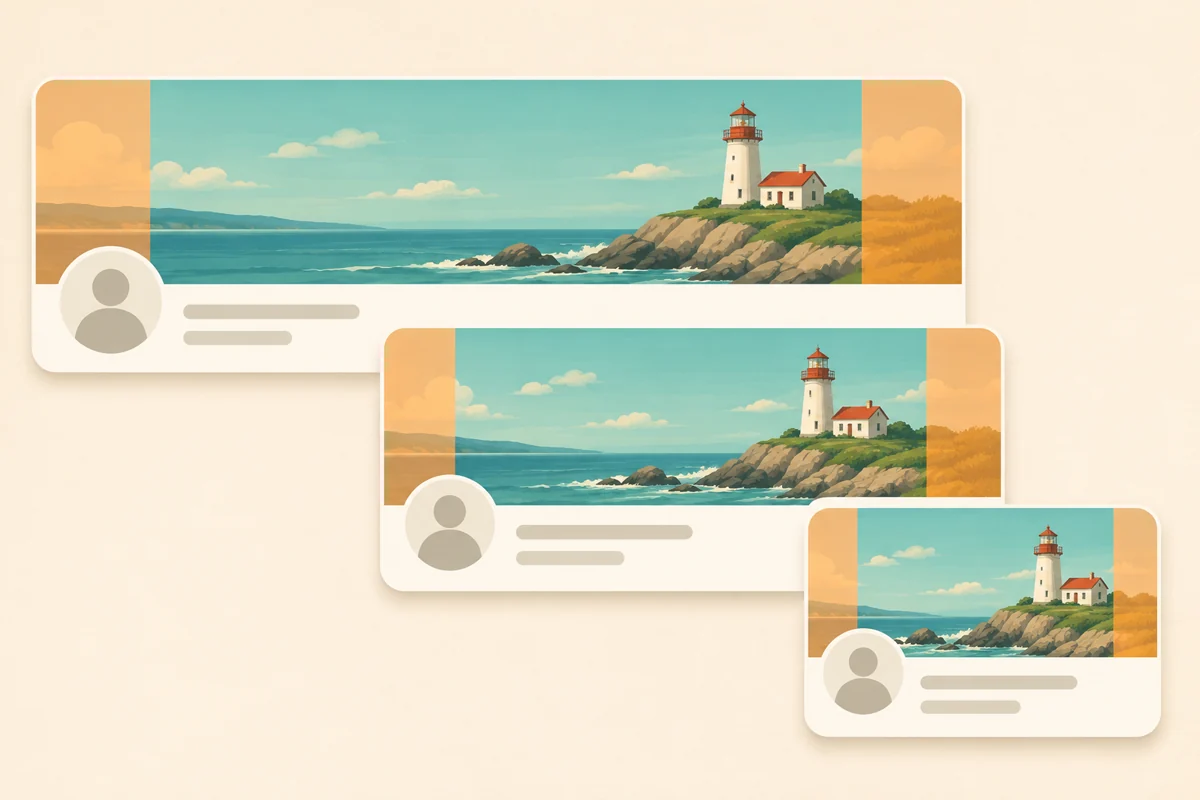
Thoughtful spacing helps a wide concept survive a narrower profile-banner crop without losing its main subject. X recommends a 1500 × 500 header, while GoEnhance's current ratio menu tops out at 16:9; the generated image is therefore a concept to crop separately, not an exact 3:1 export. The illustration shows how top and bottom edges or a lower-left avatar can cover important details. Keeping the focal point central and outer edges quiet makes the final crop easier to review. This guide is an illustration, not a built-in app preview.
From Prompt to Profile Banner
Describe the Profile
Name the account topic, audience, and one focal subject. Add a visual mood, a short color palette, and the kind of background that will make the profile feel recognizable. Keep exact names or taglines short; add precise lettering in a separate design editor if spelling matters.
Generate a Wide Concept
Open Text to Image, enter your brief, and choose 16:9 in the current ratio menu for the widest available landscape composition. Generate one or a few variations, then keep the image with the clearest focal area and the most useful open space.
Crop and Check the Header
Crop the selected artwork separately to X's recommended 1500 × 500. Check that the profile avatar will not cover the main subject and that the top and bottom still look balanced, then upload the image from X's Edit profile controls.
What You Can Shape in the Header Artwork
Prompt-Led Visual Concepts
Directions for Different Profiles
A Crop-Ready Starting Point
Pair the Header with a Profile Identity
Social Media Logo Generator
Explore a compact profile mark to pair with your new header.
Text Logo Generator
Create a wordmark direction that complements the header's visual style.
Sticker Banner Logo Maker
Try outlined badge and banner shapes for a creator or community identity.
Neon Logo Generator
Explore a glowing visual direction for a gaming, music, or nightlife profile.
Frequently Asked Questions
What does an AI Twitter header maker create?
How do I make a Twitter banner with GoEnhance?
Is this online Twitter banner maker free?
Can I use a GoEnhance header image commercially?
Does GoEnhance export an exact 1500 × 500 banner?
What size should a Twitter or X header be?
Will AI spell my account name or tagline correctly?
Can I use my own image as a reference?
Does GoEnhance show an X avatar or safe-area preview?
What should I include in a Twitter header prompt?
Create a Wide Header Concept for Your Profile
Describe your profile's topic, mood, colors, and visual focus to start a new direction. GoEnhance creates the wide image concept; prepare the final 1500 × 500 crop separately before uploading to X.
Create a Header Concept