Neon Logo Generator
Neon Logo Concepts for Brands, Events, and Nightlife
Moonbeam Coffee
Starway Motel
Volt Arcade
Night Shift Live
Luna Tacos
Monogram Studio
Shape a Neon Logo Idea from Your Brief
Name the Brand and Use
Describe your project name, audience, and where the mark may appear, such as a bar menu, gaming channel, or event graphic.
Set the Neon Mood
Mention the lettering feel, symbol, color palette, glow, and whether you picture a standalone logo or a sign in a setting.
Review the Image Direction
Compare letter shapes, icon balance, glow, and background. Adjust one cue in the prompt at a time to explore another direction.
Explore Neon Logo Directions
Prompt-Led Art Direction
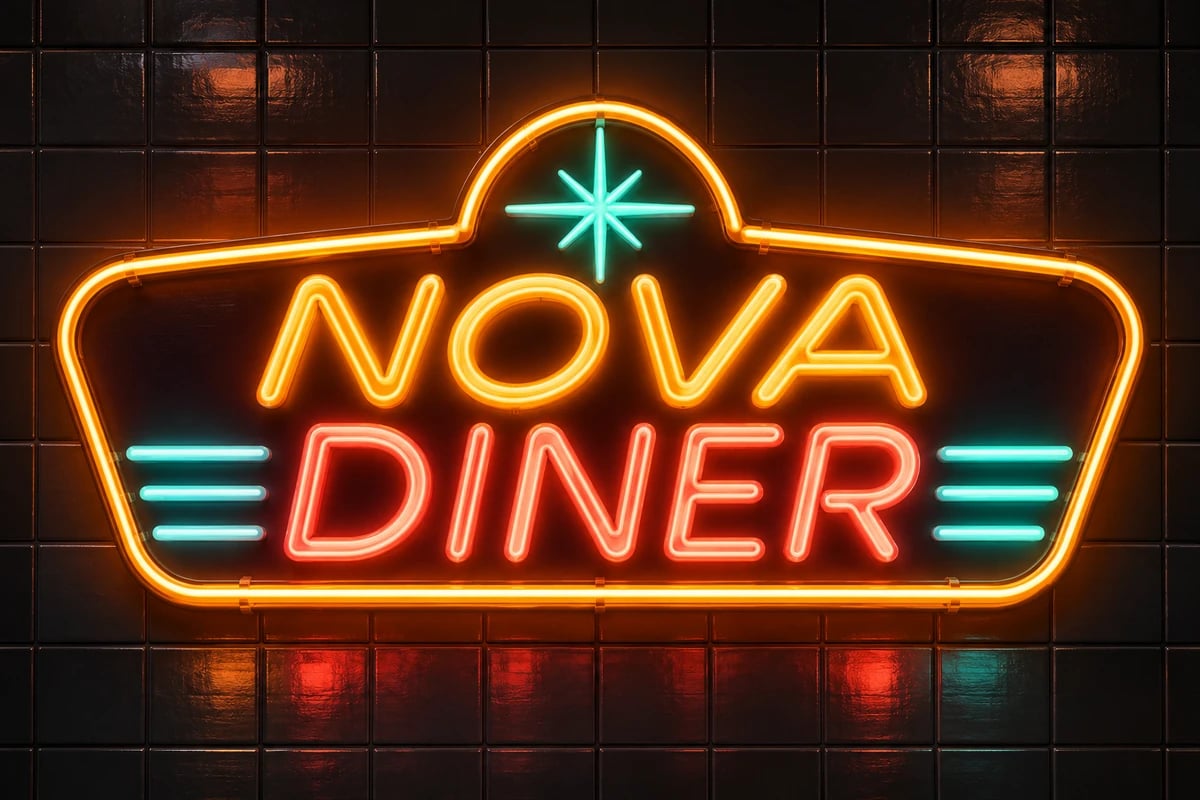
Shape a neon logo concept by deciding how the name, icon, and lettering should feel together. A short creative brief can describe a retro diner mood, an arcade edge, or a polished studio identity, then pair that direction with colors and a glow style. GoEnhance text-to-image turns those written cues into an image, giving you a visual direction to review before building a broader identity. This is useful when you want to compare the personality of a wordmark with a simple symbol in one cohesive concept.
From Standalone Mark to Sign Scene
A neon logo can be pictured as a clean standalone mark or as a sign within a venue scene. Describing the intended setting helps shape that context: a plain dark backdrop keeps attention on the letterforms and icon, while a lounge or storefront wall gives the image a more atmospheric presentation. GoEnhance prompt-based image generation brings those visual cues into one concept, which can help you judge whether you need a compact identity graphic or a promotional sign image for an event, channel, or physical space.
Color and Lettering Moods
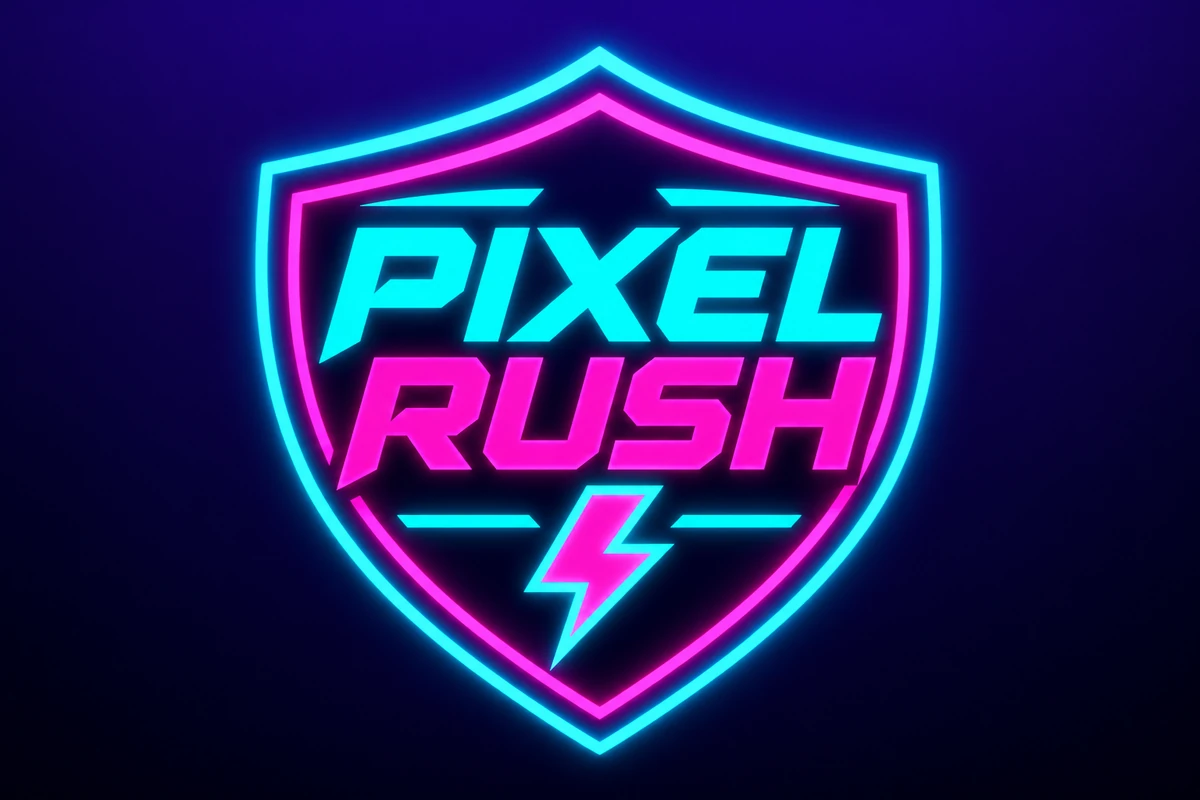
Color and letter style can change the character of a neon identity. A bold geometric wordmark can feel energetic in cyan and magenta, while a rounded script may read as more welcoming in amber or pink. With the GoEnhance text-to-image workflow, you can revise those descriptive cues and create separate images to compare their overall mood. This makes it easier to narrow a direction for a profile image, poster, venue promotion, or brand mood board while keeping the core name and symbol idea in view.
Why Explore Neon Logo Concepts with GoEnhance AI
Prompt-Led Visual Direction
Concepts for Different Settings
Room to Compare Styles
Explore Related Logo Styles
3D Logo Generator
Explore dimensional finishes and sculpted depth for another neon-inspired identity direction.
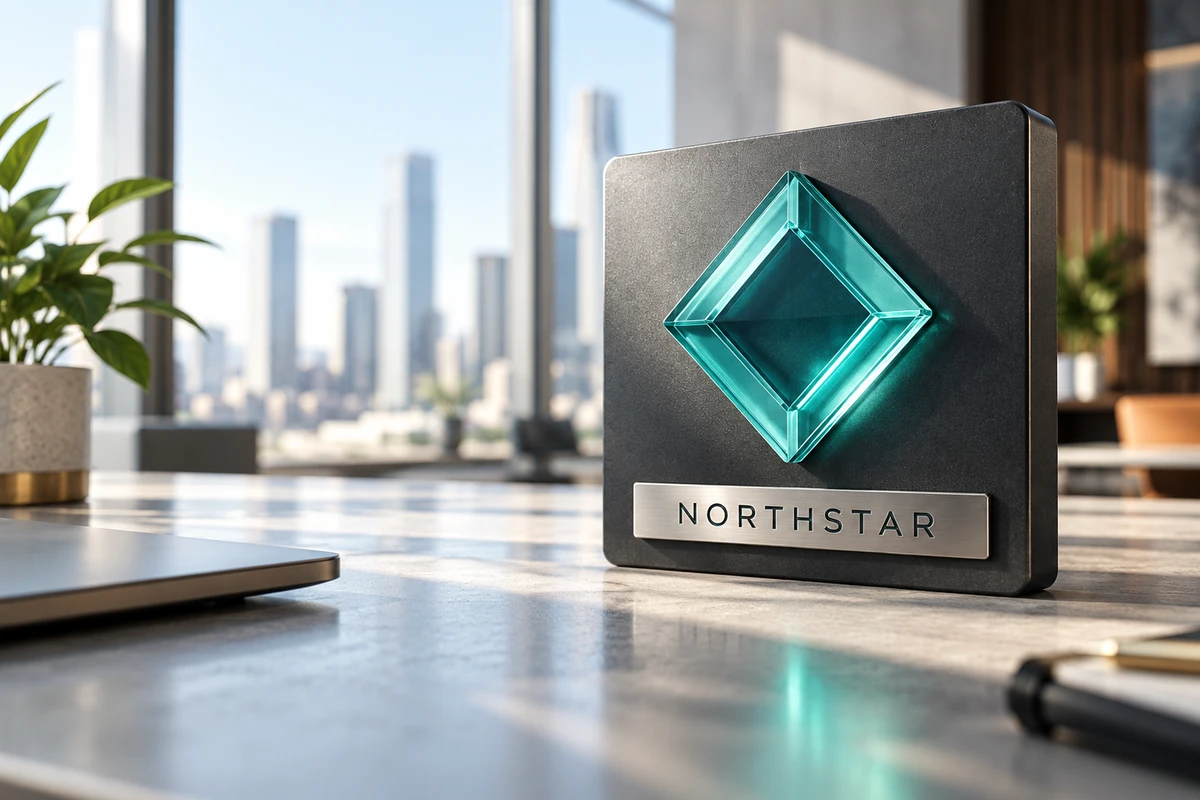
Business Company Logo Generator
Compare a cleaner company mark when a neon idea needs a more formal brand companion.
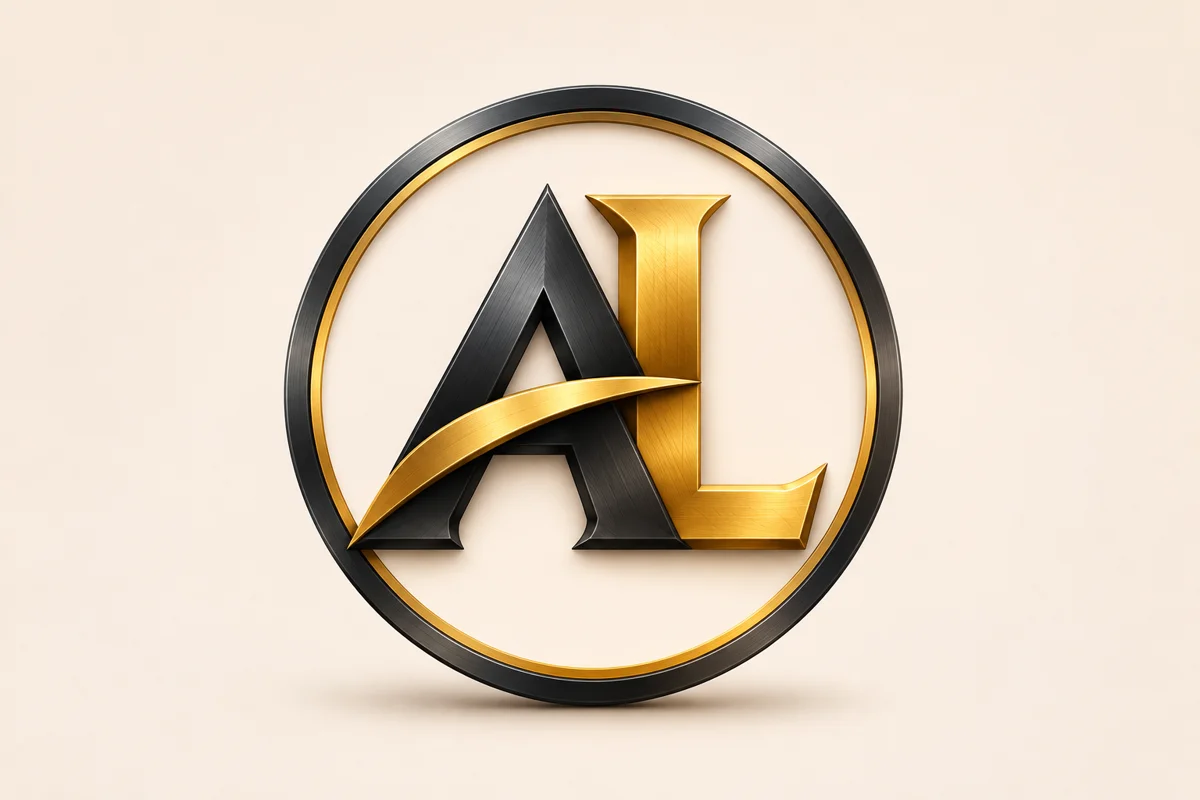
Letter Logo Generator
Try initials or monograms when a compact neon mark matters more than a full wordmark.
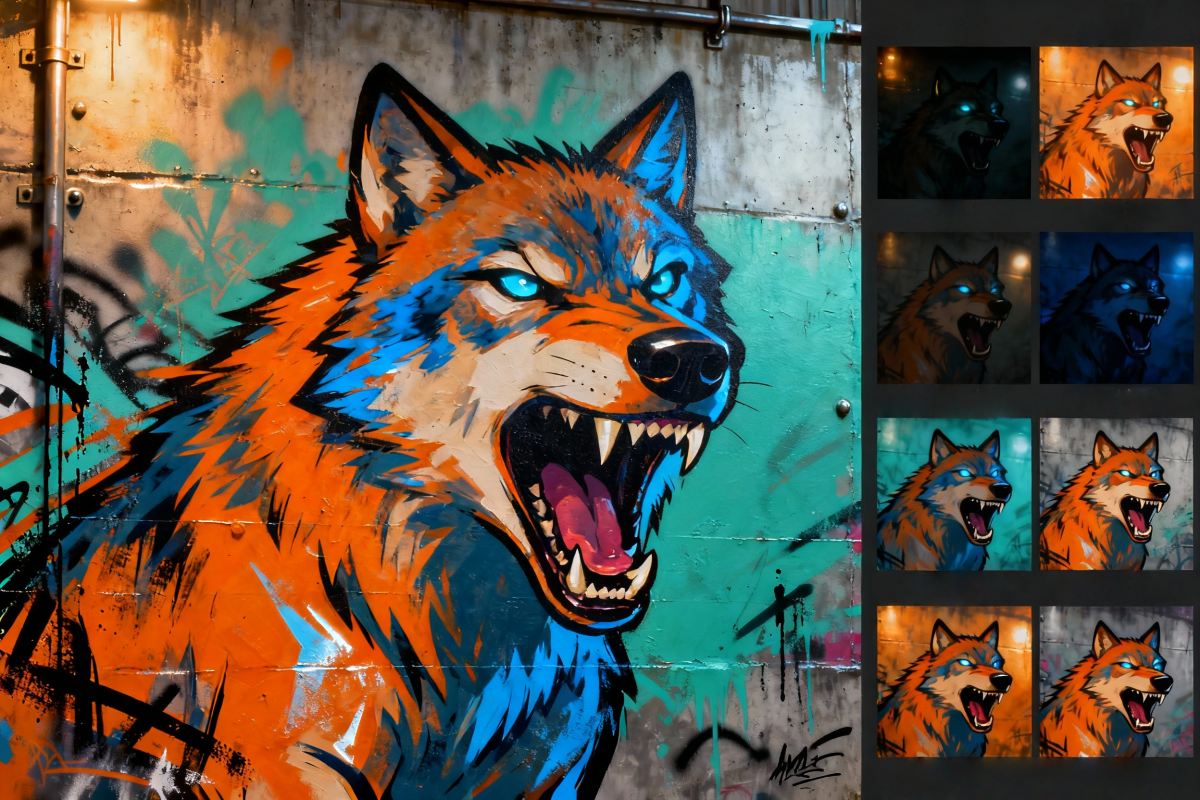
Online Graffiti Generator
Explore expressive lettering when a project needs a more hand-drawn, urban visual mood.
Frequently Asked Questions
What does a neon logo generator create?
How do I create a neon logo with GoEnhance?
Can I make an 80s neon logo?
What should I include in a neon logo prompt?
Will the generated image spell my brand name exactly?
Can I get a transparent PNG or editable vector file?
Is the GoEnhance neon logo generator free?
Can I use a generated neon logo commercially?
Will every generated neon logo be unique?
Start Your Neon Logo Concept
Begin with your name, one clear motif, and a neon palette. Generate an image direction you can refine for a channel, venue, or campaign.
Create a Neon Logo